 Skava
Skava
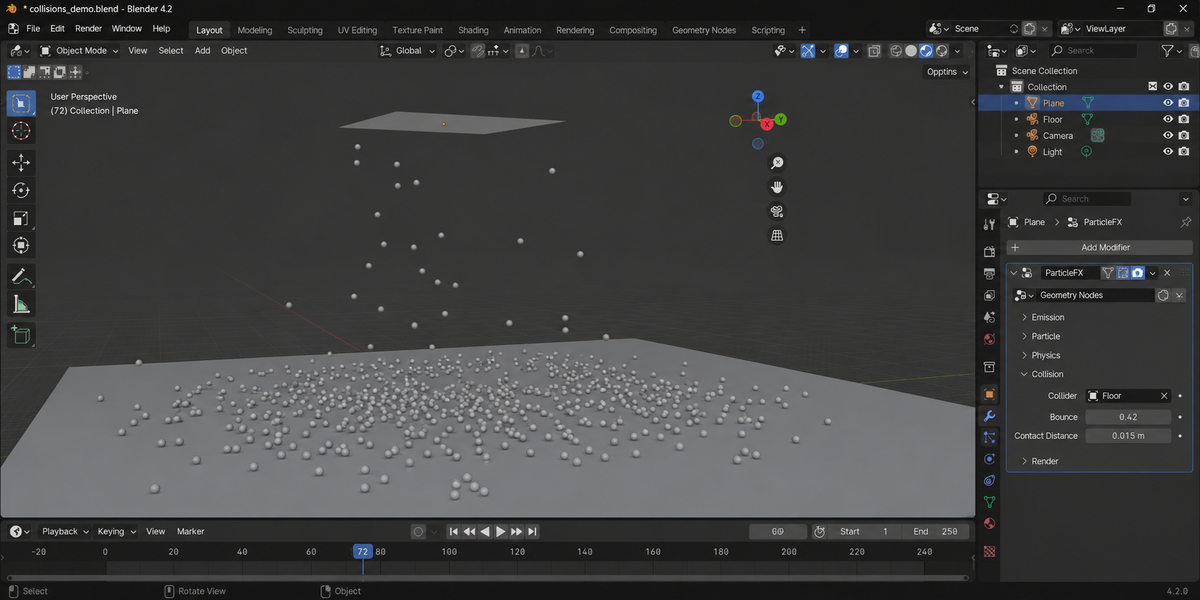
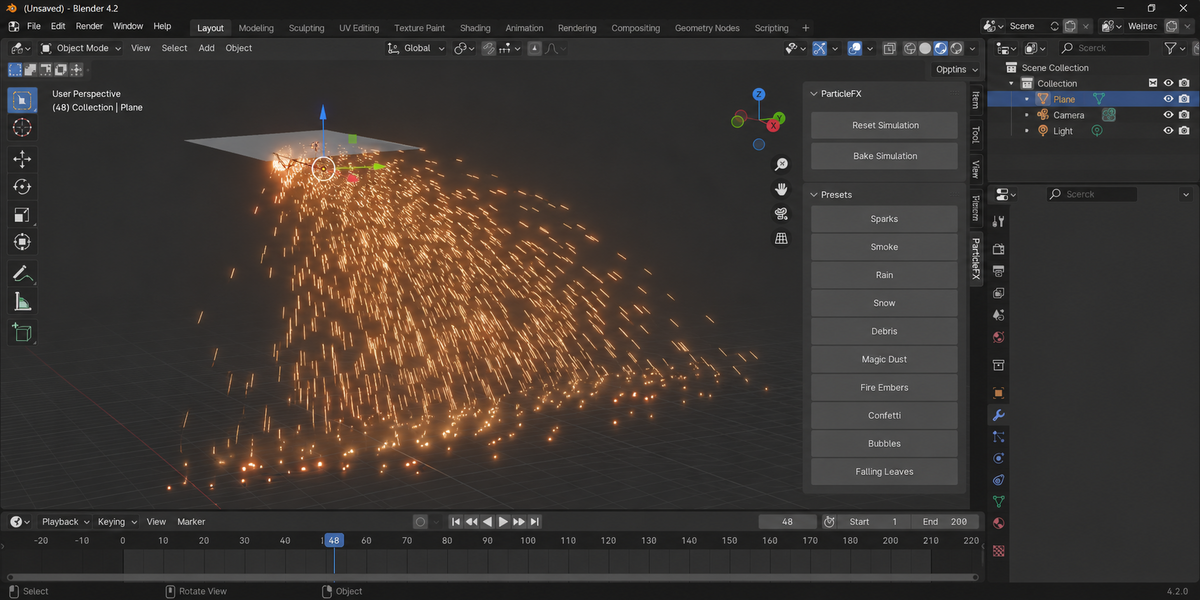
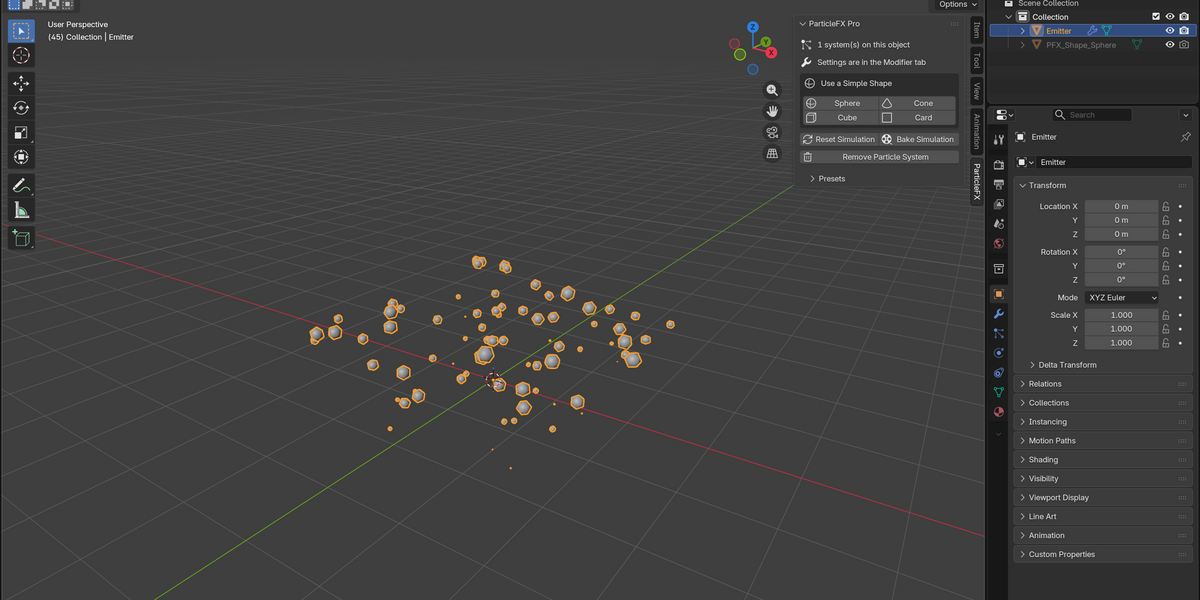
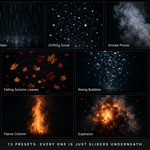
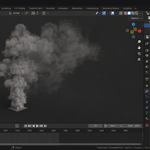
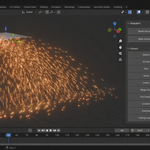
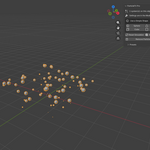
Download the zip and do not unpack it. In Blender open Edit > Preferences > Add-ons, click the drop-down arrow in the top-right corner and choose Install from Disk, then pick the zip. Tick the checkbox next to ParticleFX Pro. Press N in the 3D Viewport and open the ParticleFX tab.
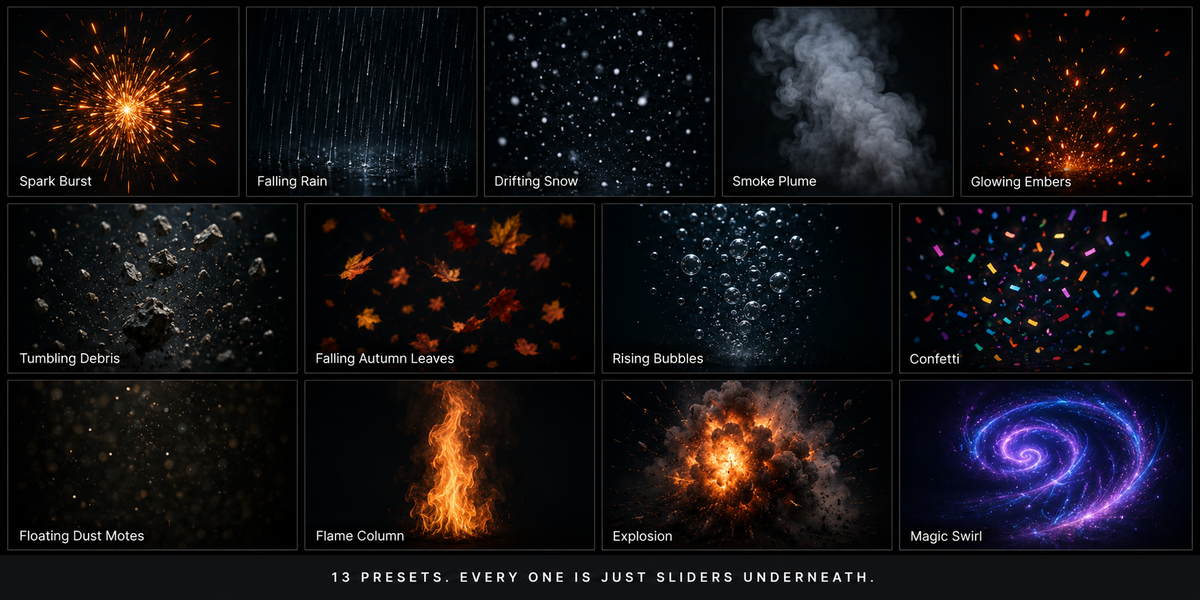
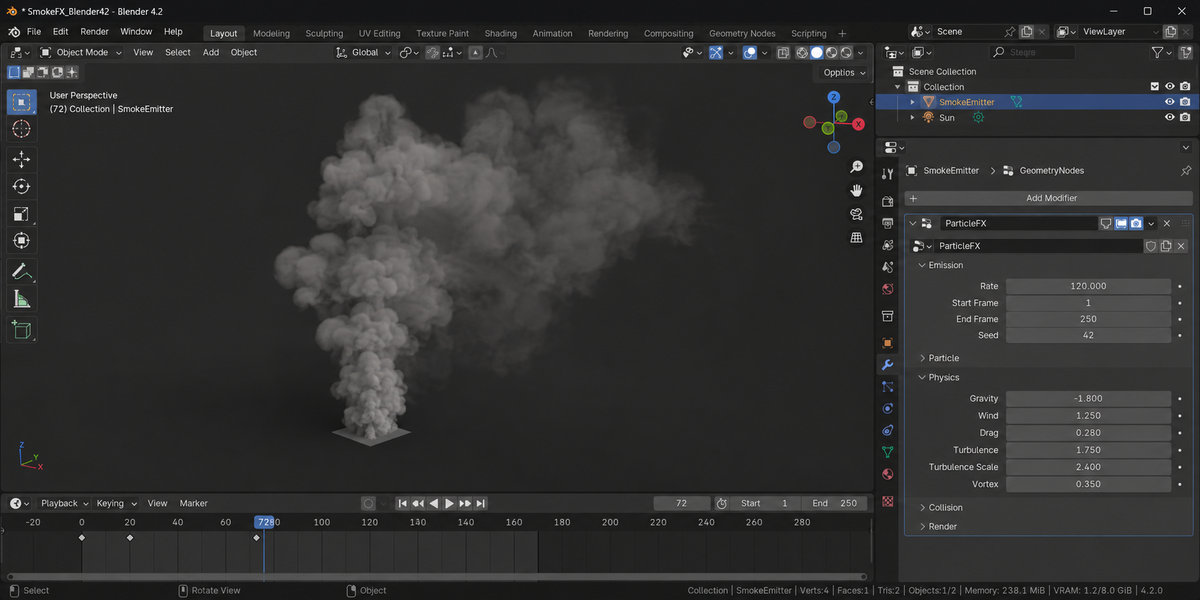
Select a mesh or a curve; it becomes the emitter. In the ParticleFX tab pick a preset (Sparks, Smoke, Rain, Snow, Debris, Magic Dust, Fire Embers, Confetti, Bubbles, Falling Leaves, Explosion, Impact Sparks, Waterfall) and press Add Particle System, then play the timeline from the start frame. All settings live on the modifier in the Modifier Properties tab, grouped into Emission, Particle, Physics, Collision and Render.
It is a particle system (points with forces, collision and instances), not a replacement for Blender's volumetric fluid or smoke solver.
No. The system is built on Geometry Nodes simulation, but you work with it as a modifier with named inputs. Because they are modifier inputs, you can keyframe and drive them like any other property.
Play from the start frame. A simulation is calculated one frame after another and cannot show a frame it has not reached yet. If something looks stale after changing a setting, press Reset Simulation. Bake Simulation calculates and stores every frame, so playback and rendering are immediate.
Turn on Use Instance Object in the Render group and set an object, or press Use a Simple Shape (Sphere, Cube, Cone or Card) to create a small hidden shape and use it for every particle. Each particle carries an attribute named pfx_life, 0 at birth and 1 at death, that a material can read with an Attribute node.
Blender 4.2 LTS and later. The documentation lists tests on Blender 5.2.
No. The add-on contains no network code; everything runs locally. It is pure Python with no compiled binaries.
Yes. The add-on is licensed under the GNU GPL v3; the full text is in LICENSE.txt inside the zip. The license covers the add-on code; what you create with it is yours.
Have questions about this product?
Login to message
| Published | about 2 months ago |
| Blender Version | 4.2 - 5.2 |
| Extension Type | N/A |
| Render Engine Used | Cycles, Eevee |
| License | GPL |
Discover more products like this
VFX rain snow geometry nodes explosion smoke particles sparks simulation game vfx debris motion graphics