 Skava
Skava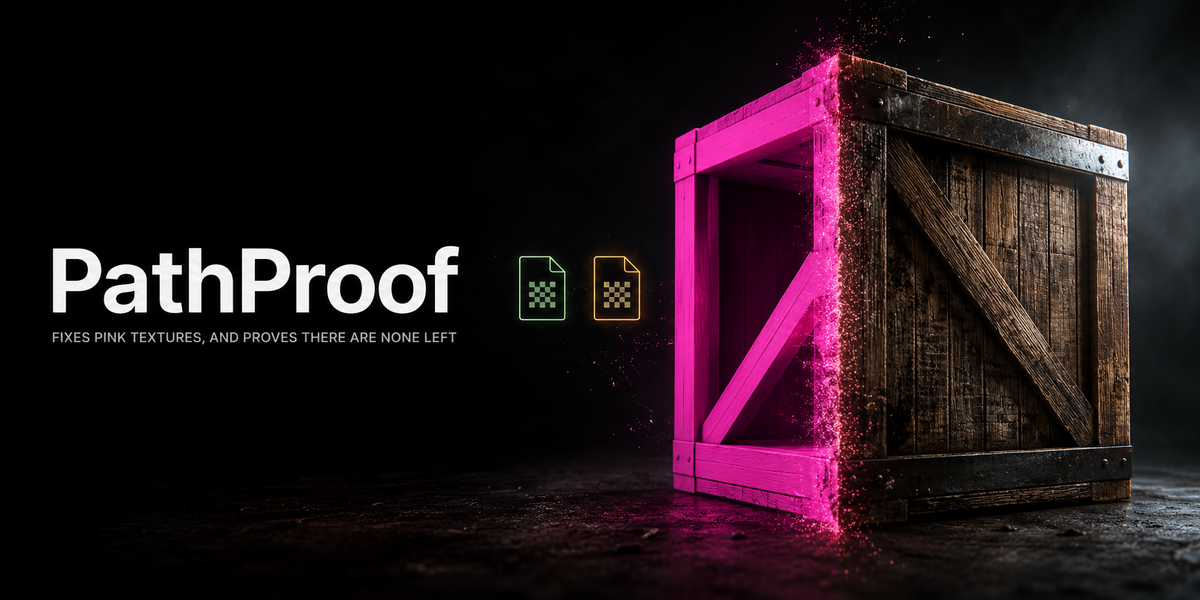

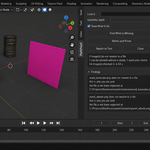
Pink is not a mystery, it is a missing file
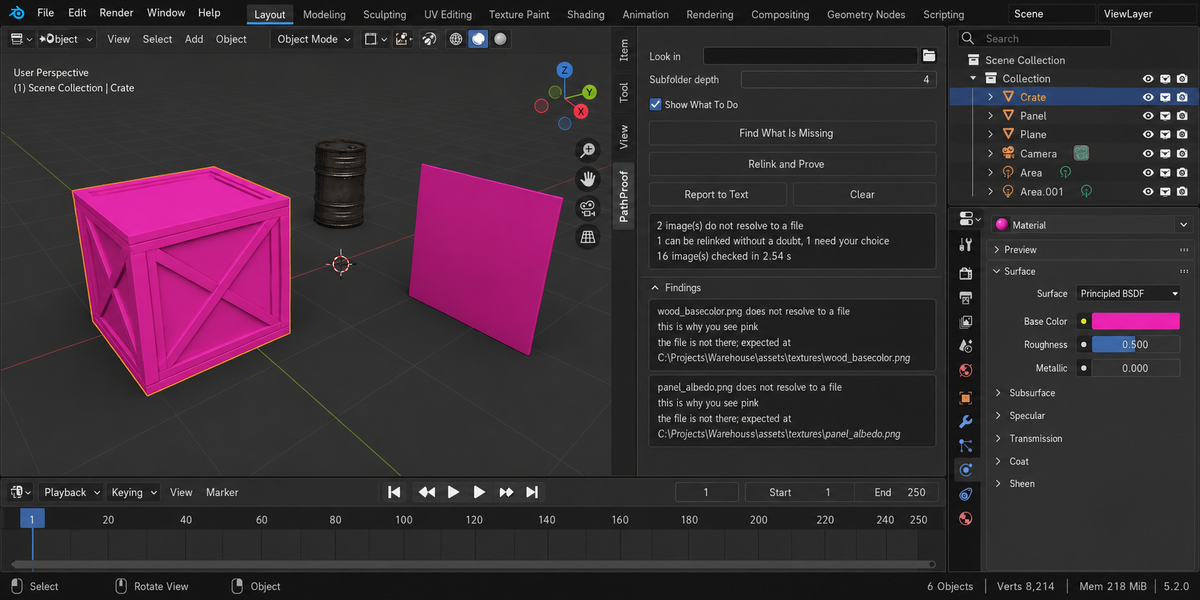
You open the project and half of it is magenta. Somewhere a texture moved, a drive letter changed, a folder was renamed, a colleague sent you a .blend without its textures. Blender will not tell you which files, where it looked, or what it is about to do. It offers one button, Find Missing Files, which walks a folder and takes whatever it finds first.
PathProof shows you the report before it touches anything, relinks only what is beyond doubt, and then proves it by rendering a probe frame before and after and counting the magenta pixels that stopped being magenta.
The half nobody covers
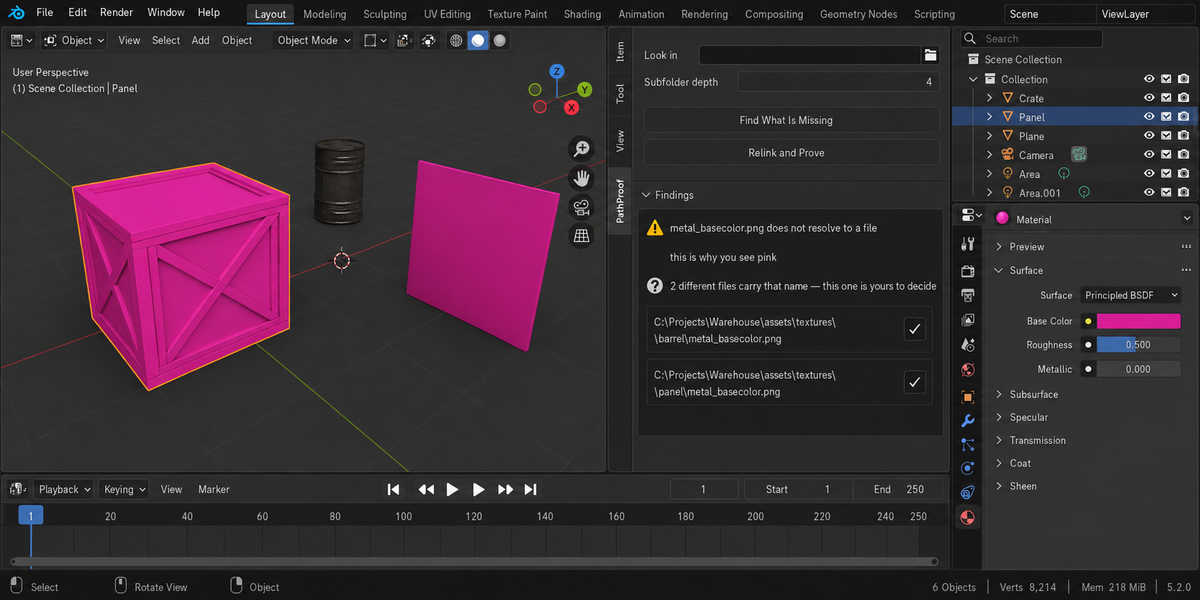
Searching a folder for a file with the right name is the easy part, and six add-ons on this marketplace do it. The hard part is what happens when two different files carry that name — and in a real project they do, constantly: a base colour from an old kit and one from the new one, the same filename in two asset folders, a texture and its half-resolution copy. Every one of those tools quietly takes the first one it meets. You find out a week later, when the wrong wood is on the wrong crate, and you have no idea when it happened.
PathProof compares the candidates by their whole content — every byte of the file, not its first kilobytes. That distinction is not academic: two uncompressed images of the same size can share their first sixty-four kilobytes and still be different pictures, and a tool that only reads the header calls them identical and picks one. If the candidates really are the same file in two places, it relinks without asking. If they differ, it says so, shows both paths, and waits for you. That single refusal is what you are paying for.
The proof
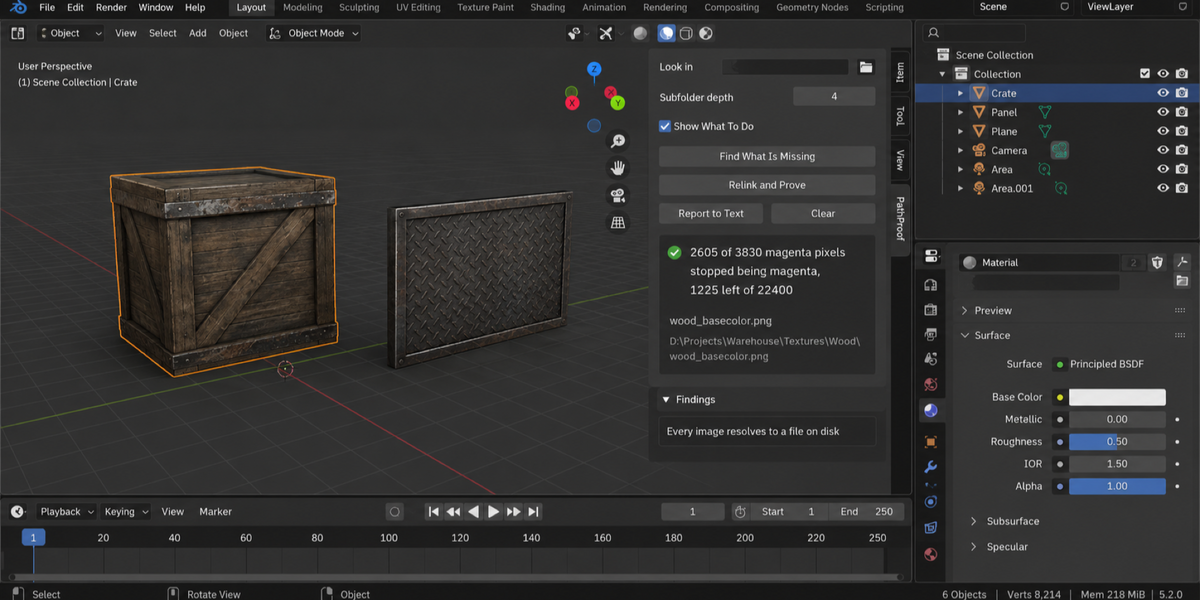
Magenta is exactly what Blender paints where a texture is missing, which makes it the one thing that can be counted. A small probe frame is rendered in the shape of your camera frame, before and after the relink, and the two frames are compared pixel by pixel.
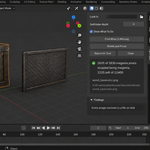
What is reported is the change, not a bare total. On the test project — five production models, five textures, three files moved to another folder and one left in two different versions — the probe reads: two thousand six hundred and five of three thousand eight hundred and thirty magenta pixels stopped being magenta, one thousand two hundred and twenty-five stayed. The ones that stayed are the ambiguous texture the add-on refused to guess at, and the report says so on the same line. The same three numbers came out of three separate runs.
Counting the change rather than the total is what makes the number mean something. A magenta neon sign in your scene is magenta before and after, contributes nothing to the count, and no longer turns a successful repair into a reported failure.
The probe is rendered with the view transform set aside, and a pixel is judged magenta by the balance of its channels rather than by fixed brightness thresholds. Without that, the measurement follows your lighting instead of your textures: the same broken scene under the default view transform gave zero magenta pixels at one light level and thousands at another. It now reads 3 892, 3 960, 3 979 and 3 989 across a thirty-threefold change in light, and identically under every view transform.
And when the count cannot mean anything, the add-on says so instead of printing a zero. No camera in the scene, nothing in frame, no magenta there to begin with, the probe could not be rendered — each of those gets a sentence, not a reassuring number. Zero magenta pixels on a frame that shows nothing is the easiest lie in a tool like this, and it is not told here.
What the report says before anything changes
- which images do not resolve, and where the file was expected — the full path, not just the name
- which of them are actually used, and by what: a material, the world, a node group, the compositor, a texture or a brush — because repairing an unused one changes nothing you can see
- a UDIM set with some tiles missing, listed tile by tile, checked file by file on disk — half a set looks like it works until the camera moves onto the gap
- files that live outside the project folder, which open on your machine and nowhere else
- absolute paths sitting next to relative ones, so moving the project breaks some and not others
- an image that is packed into the .blend and also has a path, when the two have drifted apart
- where it searched, how deep, and what it had to drop — a folder you named that is not mounted is reported, not silently ignored
- when the search stopped at the depth limit, so that "not found" is never confused with "not looked for"
It does not touch your images by looking
The scan never reloads your images. It checks whether a file can be read by opening a separate, temporary copy and throwing it away, so unsaved texture paint stays unsaved, a UDIM set keeps its tiles, and nothing in your session is disturbed. It takes a fingerprint of every image — path, source, packed state, size, colour space, tiles and whether it has unsaved changes — before and after, compares them, and tells you in plain words if they differ. That would be a bug.
The repair is just as careful. A candidate is opened and read before a single path is written, so a corrupt file that happens to carry the right name can never overwrite the path where your texture was expected. If the file cannot be read, the path is left exactly as it was and you are told why. Images that come from a linked library are read and reported, never repaired — the path belongs to another file.
Tested
Fifty-three checks on Blender 4.2, 5.1 and 5.2, all three green, and every one of them on real files: real textures written to disk, a real .blend saved next to them, reopened the way an artist reopens a project, and a real render for the proof. A healthy scene reports nothing. A moved texture is found and relinked. Two different files with one name are refused, and the relink button goes dark because there is nothing left that is beyond doubt. Two identical files with one name are not a dilemma and are relinked without a word. A whole UDIM set and a live image sequence are recognised as healthy; a set with one tile gone is reported tile by tile.
Every one of those checks was then run against a deliberately broken copy of the add-on, and fifteen of them went red — including the exact failures they were written for. A test that cannot fail proves nothing, so each of them was made to.
Whole deliveries, not one file at a time
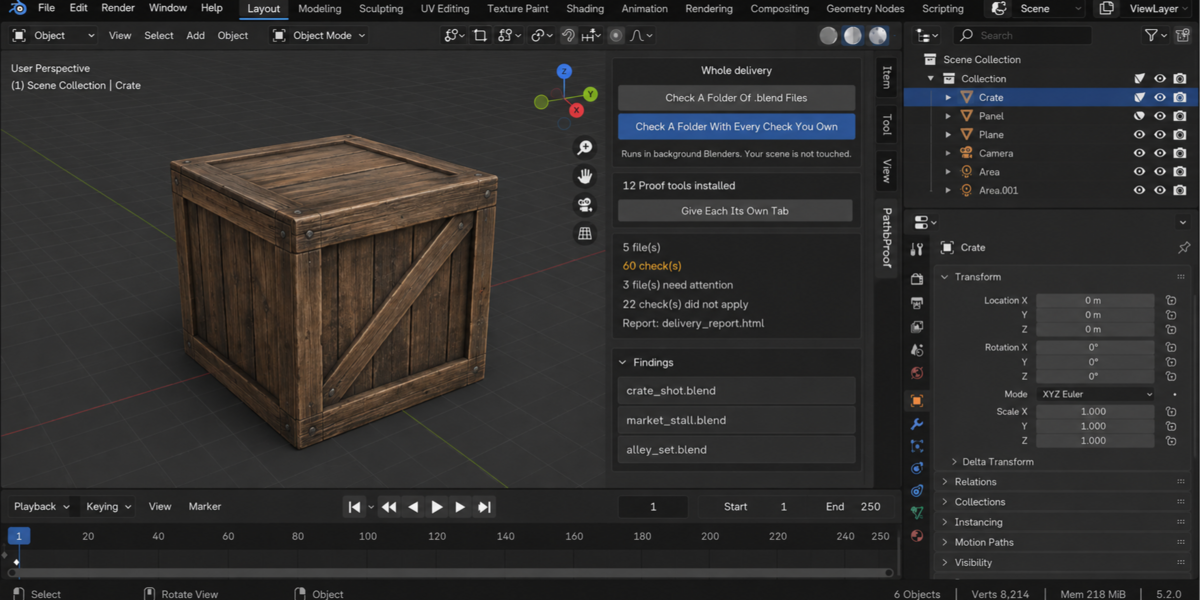
- Check a folder. Point it at a delivery and every .blend inside is checked, each in its own background Blender. The scene you have open is not touched — not opened over, not saved, not changed. A file that hangs or crashes takes only its own process down; the other thirty-nine still get checked.
- A report you can send. One self-contained page: verdict first, one sentence a lead can read, then the numbers, then every finding with its address. No internet, no fonts to load, no dependencies — it opens in six months on a machine with no network, which is exactly when someone asks what you delivered.
- Runs without a person. A single command from your pipeline writes the report and returns a code: clean, something blocking, or could not be checked. Those are three different codes on purpose — a check that did not run has not passed, and a gate that treats them the same is worse than no gate at all.
- Remembers last time. Save today's numbers as a baseline and a later run tells you what moved, in which direction, and which findings are new. A measurement that went up is not automatically bad: each product says which way is worse for its own numbers.
- One verdict for the whole delivery. If you own more than one of these tools, one run puts every check you have over every file and answers the only question that matters before you send it: can this go out? Each file is opened once and all the checks see the same state of it.