PathProof — Fixes Pink Textures, and Proves There Are None Left
 Skava
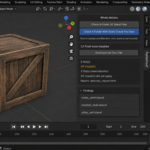
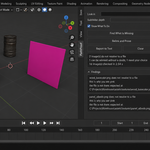
Download the zip and do not unpack it. In Blender open Edit > Preferences > Add-ons, click the drop-down arrow in the top-right corner and choose Install from Disk, then pick the zip. Tick the checkbox next to PathProof. Press N in the 3D Viewport and open the PathProof tab in the sidebar.
Blender 4.2 LTS or newer. The README inside the zip lists the builds it was tested live on: 4.2.9 and 5.2.0.
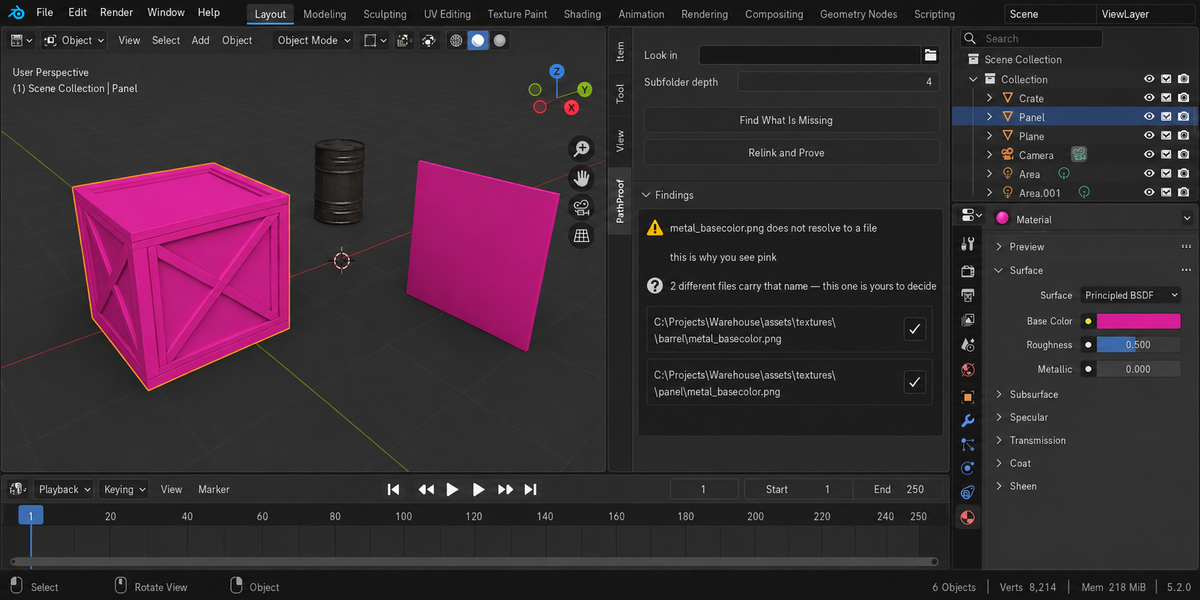
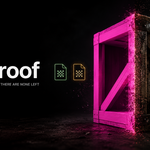
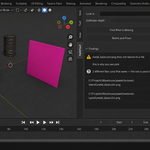
Find Missing Files walks a folder and takes the first file with a matching name, without telling you what it looked at. PathProof first reports every image that does not resolve and where it searched (the folder your .blend is saved in, plus the Look in folder if you set one, down to the Subfolder depth you choose). Relink and Prove then relinks only images with one unambiguous candidate. When two different files carry the same name, both paths are listed with a button next to each, and the choice stays yours.
No. Your images are not reloaded, because reloading throws away unsaved texture paint and can drop UDIM tiles. To test whether a file can be read, the add-on loads a separate temporary copy and removes it straight away. It also fingerprints every image (path, source, packed state, size, colour space, tiles, unsaved changes) before and after and tells you if anything moved.
Yes. UDIM sets are checked tile by tile as files on disk: a complete set is reported as healthy, a set with missing tiles is reported with their numbers. Image sequences are recognised as healthy even though Blender reports no size for them outside a frame. Images that belong to a linked library are reported but never repaired; fix them in the library file.
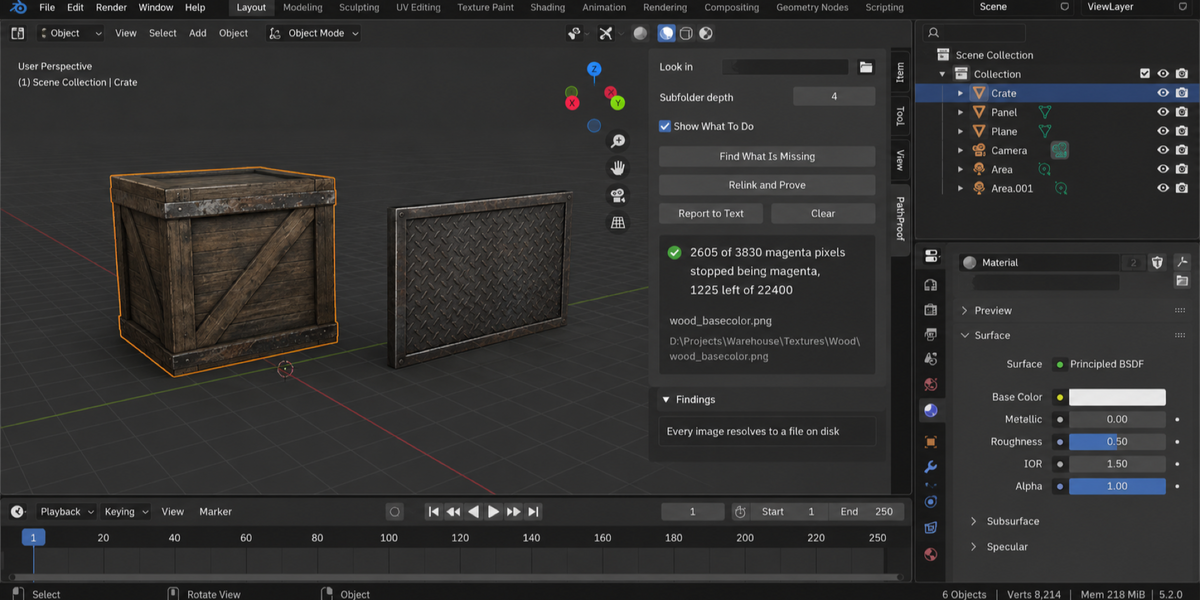
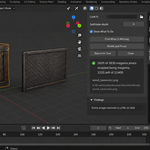
The proof renders a probe frame before and after the relink and counts the pixels that stopped being magenta. It needs a camera and something magenta in view. With no camera, a failed render, or nothing magenta in the frame to begin with, you get a sentence saying so instead of a zero. Because it counts the change, a magenta object that was meant to be magenta counts for nothing either way.
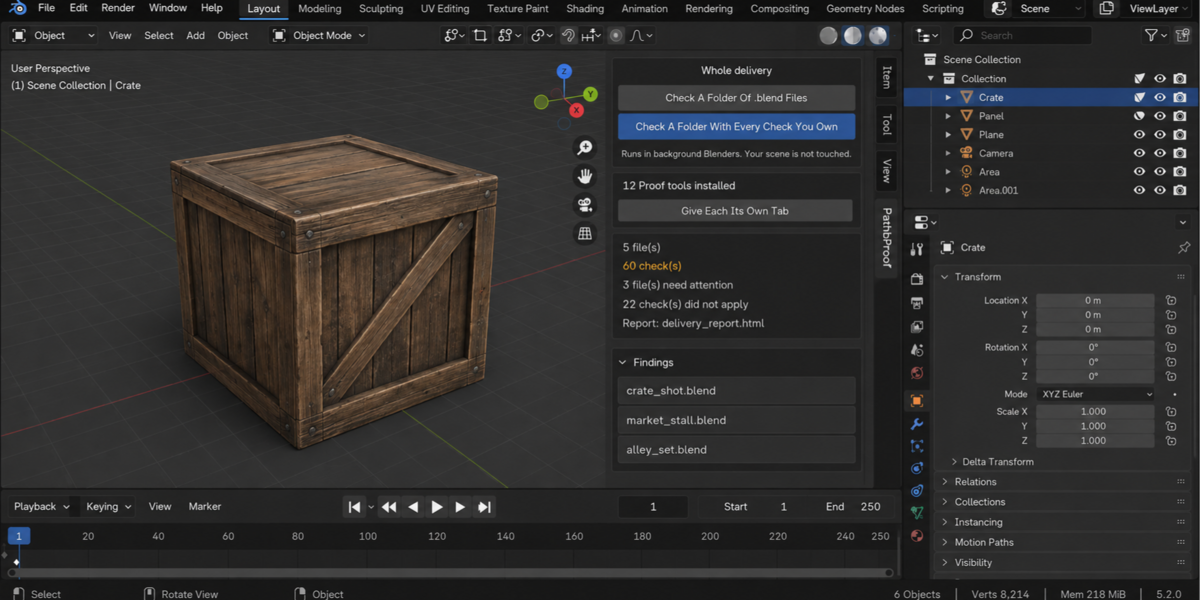
No. The add-on makes no network connections; everything runs on your computer. The probe frames are rendered into a temporary folder that is deleted afterwards. Report to Text writes into a text block called PathProof Report inside your .blend. The optional Check A Folder Of .blend Files button in the Whole Delivery panel opens each file in a separate background Blender on your machine and writes an HTML report into the folder you picked.
Yes. PathProof is licensed GPL-3.0-or-later; the full text is in LICENSE.txt inside the zip. The license covers the add-on code; what you create with it is yours. Full documentation is on the Documentation & FAQ tab of this product page, and README.txt inside the zip covers install, first run and uninstall.
Have questions about this product?
Login to message
| Published | 2 months ago |
| Blender Version | 4.2 - 5.2 |
| Extension Type | N/A |
| Render Engine Used | Cycles, Eevee |
| License | GPL |