Pathproof — Fixes Pink Textures, And Proves There Are None Left
 Skava
Skava
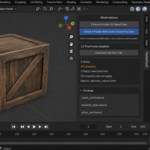
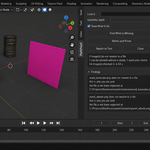
PathProof — Documentation (v1.2.0)
Installing
Download the zip and leave it zipped. In Blender open Edit, then Preferences, then Add-ons, use Install from Disk and pick the zip. Tick the checkbox next to the add-on name. Press N in the 3D Viewport; the PathProof tab appears in the sidebar.
Find What Is Missing
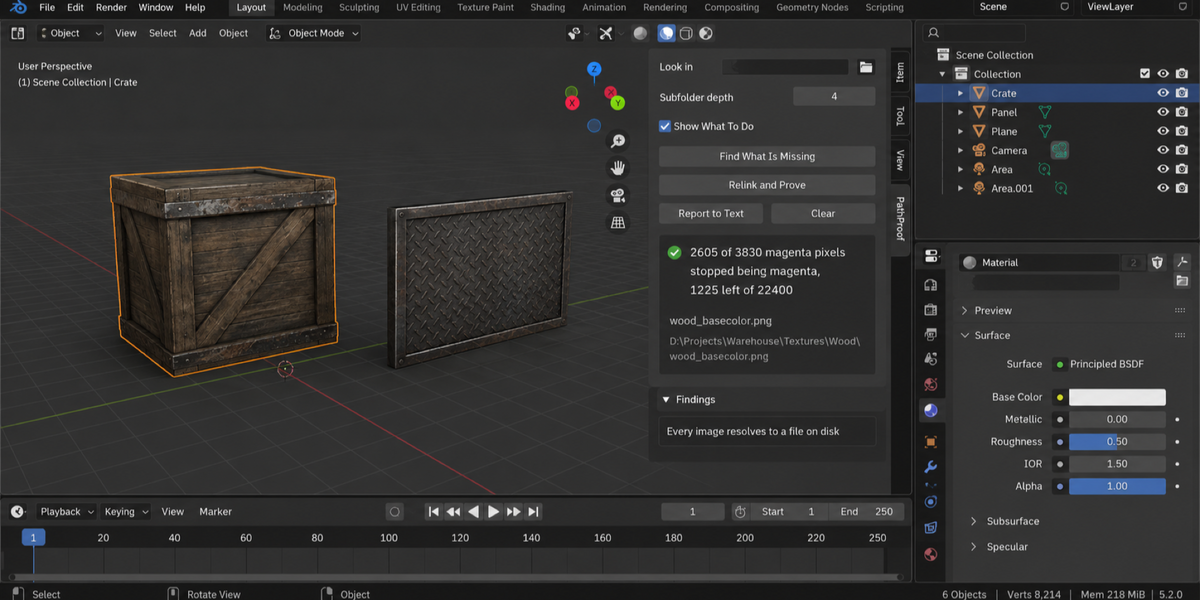
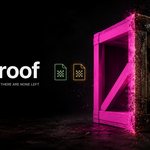
Press it when the materials come up pink. Every image in the file is checked: does it resolve to a file that exists and that Blender can actually read. Nothing is changed, and the add-on verifies that itself by fingerprinting every image — path, source, packed state, size, colour space, tiles and whether it has unsaved changes — before and after.
Two things are worth knowing about how this is checked. Blender has a property that sounds like the answer — whether an image has data — and it is not the answer: a perfectly good image reports no data until its pixels are loaded, which in a freshly opened file is almost all of them. An add-on built on that property would call your whole project broken.
The second is why your images are never reloaded. Reloading is the obvious way to find out whether a file can still be read, and it is destructive: it throws away unsaved texture paint and drops the tiles of a UDIM set. PathProof opens a separate, temporary copy of the file instead and discards it immediately. Your image is not touched, not even to read it.
The report also says where it searched and how deep, and it names anything it had to drop — a folder you pointed it at that is not mounted, or a .blend that has not been saved and therefore has no project folder to search. If the search stopped at the depth limit, the finding says so, because "not found" and "not looked for" are different answers.
Look in, and Subfolder depth
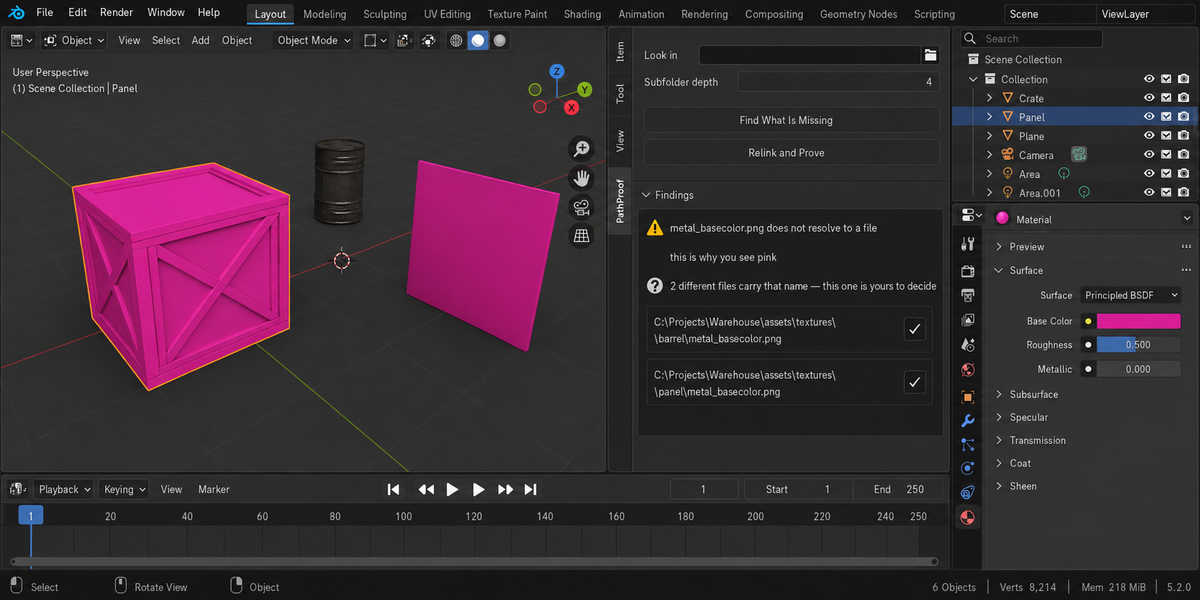
By default the search covers the folder your .blend is saved in. Point Look in at another folder — an asset library, a delivery from a colleague — to search there as well. Depth limits how far into subfolders the search goes; without a limit a search on a network drive can hang Blender for a long time.
Relink and Prove
Only images with an unambiguous candidate are relinked. Ambiguous ones are left exactly as they were, and the report says how many.
Before a single path is written, the candidate is opened and read. A corrupt file that happens to carry the right name is refused, the path where your texture was expected is left untouched, and you are told why. That path is often the most useful thing you still have, and no repair is worth destroying it.
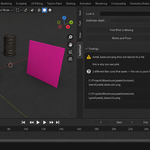
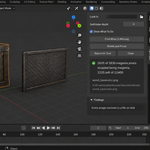
The probe frame is rendered before and after, and the two are compared pixel by pixel. What is reported is the change — how many pixels stopped being magenta — rather than a bare total, so a magenta sign or a purple material that was always meant to be there counts for nothing in either direction. If nothing in the frame was magenta to begin with, you are told exactly that, because a zero on a frame with nothing to fix is not evidence of anything.
The probe is rendered with the view transform set aside and judges a pixel by the balance of its colour channels rather than by fixed brightness. Otherwise the measurement follows your lighting: the same broken scene once read zero at one light level and thousands at another. It now reads within one per cent of itself across a thirty-threefold change in light, and identically under every view transform.
Two files, one name
Candidates are compared by their whole content — every byte, not the head of the file. That matters more than it sounds: two uncompressed images of the same size can share their first sixty-four kilobytes and still be different pictures, and a tool that stops at the header calls them identical and picks one. Reading the whole file costs nothing here, because it only happens when two candidates carry the same name and the same size.
Two copies of the same texture in different folders are not a dilemma — the add-on takes either and says nothing. Two different images that happen to share a name are a dilemma, and the add-on refuses to solve it for you. Both paths are listed with a button next to each; pressing one points the image at that file, after checking that the file can be read. This is the only place where the add-on asks instead of acting.
A file with the right name that turns out not to be an image at all is not a candidate. It is counted separately and named, rather than quietly presented as the answer.
UDIM
Tiled images are checked tile by tile, as files on disk. A complete set is healthy and is reported as healthy; a set with tiles gone is reported with their numbers. A set with half its tiles present renders correctly until the camera moves onto the gap, which is why the count matters more than the yes or no. Image sequences are recognised the same way: a live sequence is not a missing file, however little Blender is willing to say about its size outside a frame.
Linked libraries
An image that belongs to another file is reported and never repaired. Open the library file to fix it there.
Report to Text
Writes the whole report, including every candidate path for the ambiguous cases, into a text block called PathProof Report inside your file. Nothing is written to disk.
If the proof says it cannot prove
The probe frame needs a camera, and it needs something magenta in view to have anything to measure. If the scene has no camera, if the render fails, or if nothing in the frame was magenta before the repair, you get a sentence saying so rather than a zero. The relink still happened; what is missing is the evidence, and the add-on will not pretend otherwise.
Changelog
v1.0.0 — first release.
Checking a whole folder
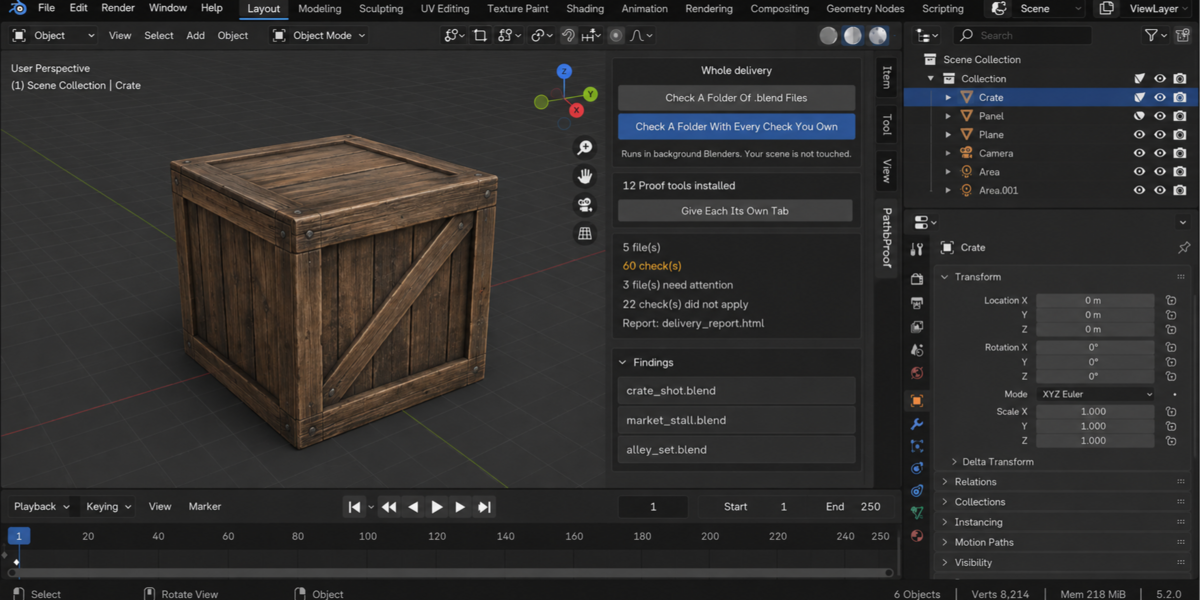
The sidebar has a Whole Delivery panel. It has two buttons.
Check A Folder Of .blend Files runs this product over every.blend in the folder you pick. Check A Folder With Every Check YouOwn runs every tool from this line that you have installed, over thesame files, in one pass — one report, one verdict.
Each file is opened in its own background Blender. Your open scene is nevertouched: not opened over, not saved, not modified in any way. This is also why afile that will not open costs you only that file — the rest of the delivery isstill checked. Press Escape to stop; nothing partial is written, because areport covering half a delivery is a report nobody should trust.
When it finishes you get an HTML report next to the folder. It is one filewith nothing loaded from the internet, so it can be attached to an email, put inthe delivery folder, or opened years later on a machine that has never seen thisadd-on.
Running it from a pipeline
The same check runs headless, with no interface and no person, and finisheswith a code your build system can read: one code for clean, another whensomething blocking was found, and a third when a file could not be checked atall. Those last two are deliberately different. A check that did not run has notpassed, and a gate that treats silence as success will one day wave through thedelivery it existed to stop. The exact command line is in the add-onpreferences.
Comparing against last week
Any run can be saved as a baseline. A later run then reports what changed:which numbers moved and in which direction, which findings are new, and whichones you have fixed since. Direction matters and is not guessed — eachmeasurement carries its own sense of which way is worse, so rising coveragereads as better and rising drift reads as worse.
Signing a file off
When a file is clean you can sign it off. The record lives inside the .blenditself, not in a folder next to it, so it travels with the file: open it nextmonth and it tells you when it was checked, by which version, and how it cameout. If the file is saved after that, the record says plainly that it is out ofdate — a sign-off that survives an edit it never saw would be worse than nosign-off at all.
One tab instead of twelve
Every tool in this line can put its panel under a single shared sidebar tabinstead of its own. One button does it for all of them at once, and each panelarrives collapsed, so twelve tools cost you one tab and no scrolling. Yourchoice is remembered, and a tool that you later use on its own can be given itsown tab back the same way.
What is deliberately not claimed
A check that could not run is reported as exactly that, never as a pass. If atool from this line is not installed, or is an older version that predates thecombined run, the report names it in a list of checks that did not take part,so the gap is visible rather than quietly absent.
Have questions about this product?
Login to message
| Published | 17 days ago |
| Blender Version | 4.2 - 5.2 |
| Extension Type | N/A |
| Render Engine Used | Cycles, Eevee |
| License | GPL |