Pause Viewport
 MNC Development
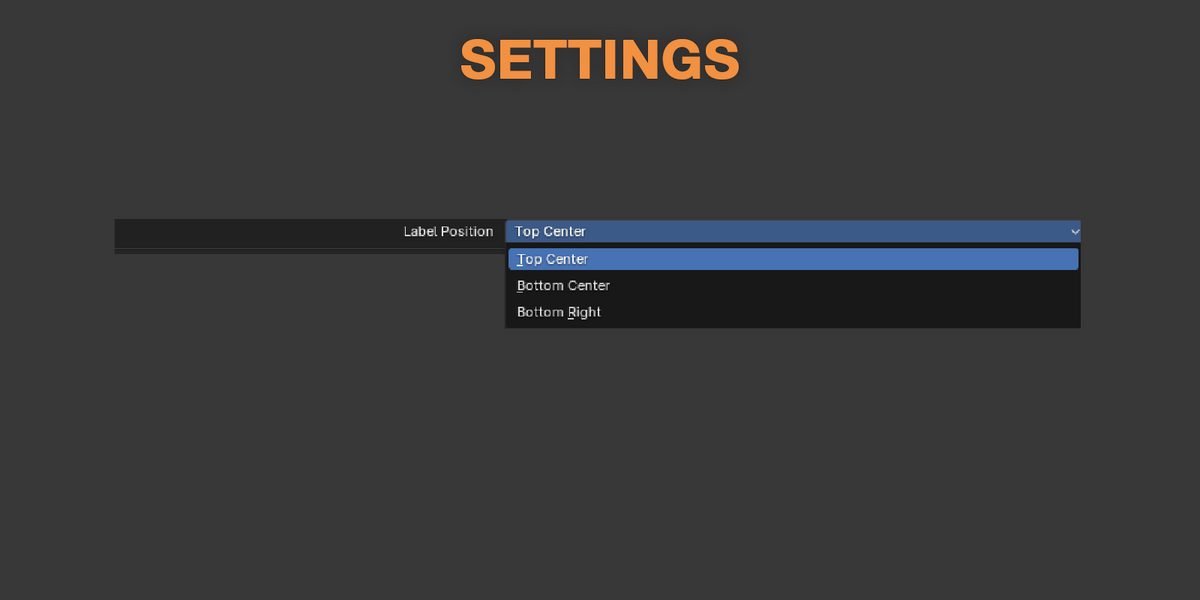

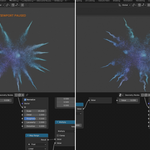
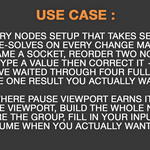

Where is the button?
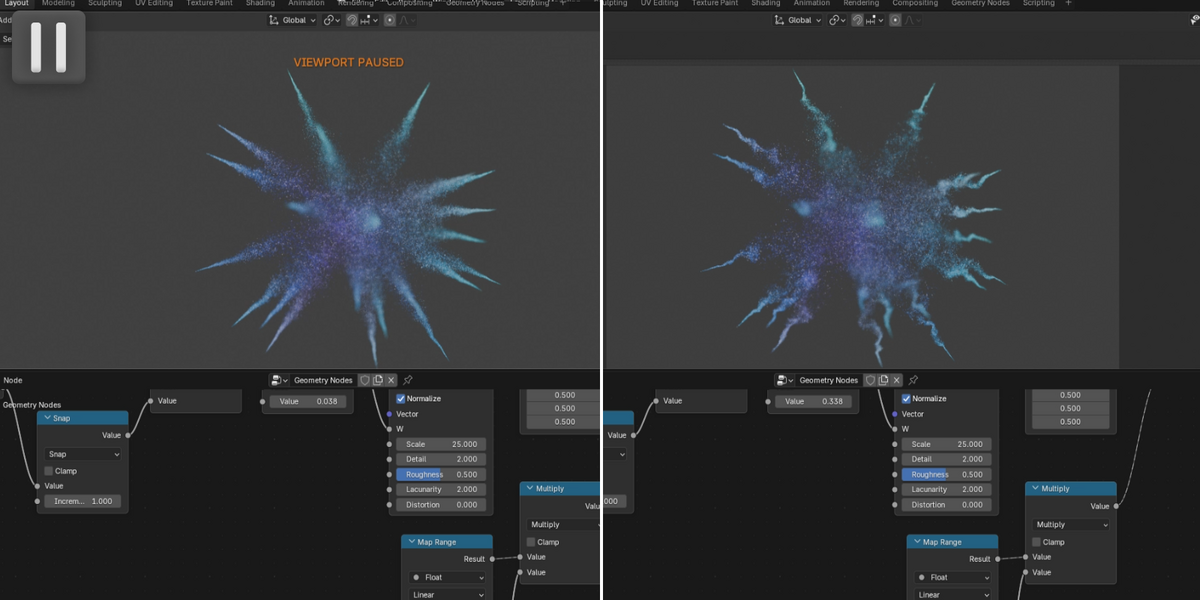
In the 3D viewport header, immediately after the four viewport shading buttons. It shows a pause icon while the viewport is live, and a pressed play icon while it is paused.
Can I give it a keyboard shortcut?
Yes. Right-click the button and choose Assign Shortcut.
What exactly stops being computed?
Geometry nodes, the whole modifier stack, physics and particle systems, materials and shading, animation and drivers. The number of objects Blender evaluates in the scene drops to zero.
Can I keep working?
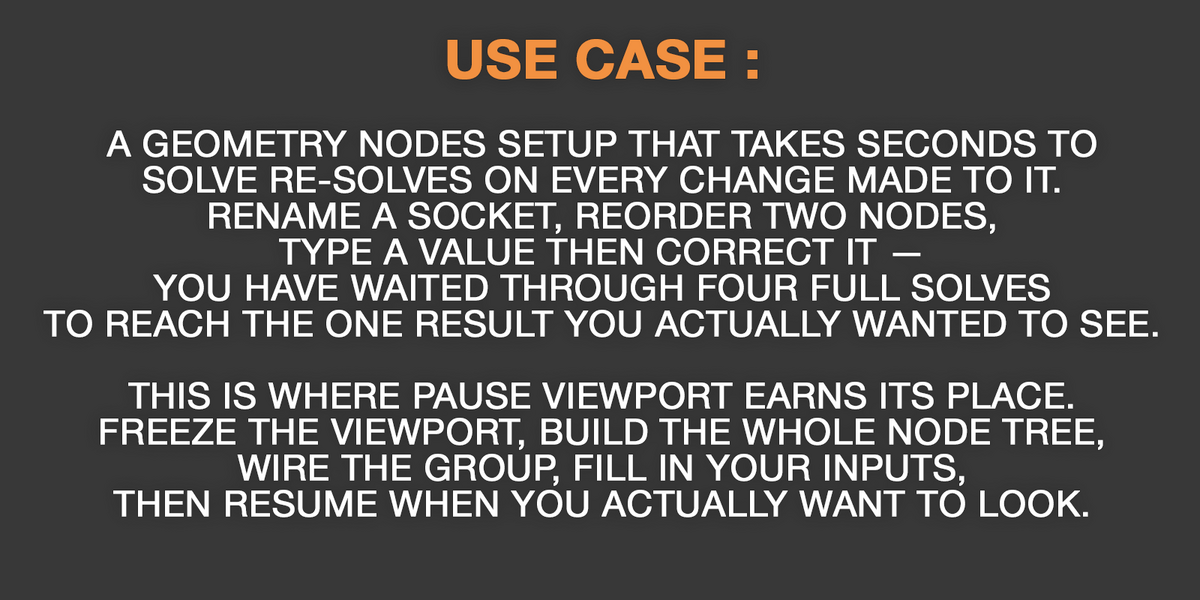
Everywhere except the 3D view. The Properties editor, node editors, Outliner, timeline and spreadsheet all behave normally, and every change you make is recorded as usual — only the viewport result waits.
Does it make my scene faster?
It does not make evaluation quicker — it stops it happening at all while you do not need to see the result. The gain is the waiting you skip, not a faster solve.
-
$5
1 User - Non-commercial use
-
$15
5 Users - Commercial use
-
$45
10 Users - Commercial use
-
$95
10+ Users - Commercial use
Have questions about this product?
Login to message
| Blender Extension Compatible | Yes |
| Published | 3 days ago |
| Blender Version | 5.1 - 5.2 |
| Extension Type | Add-on |
| License | GPL |
Discover more products like this
3DWorkflow pause viewport viewport addon blender pause UserFriendly realtime 3D Artist Tools 3d-user-interface 3dviewport Workflow