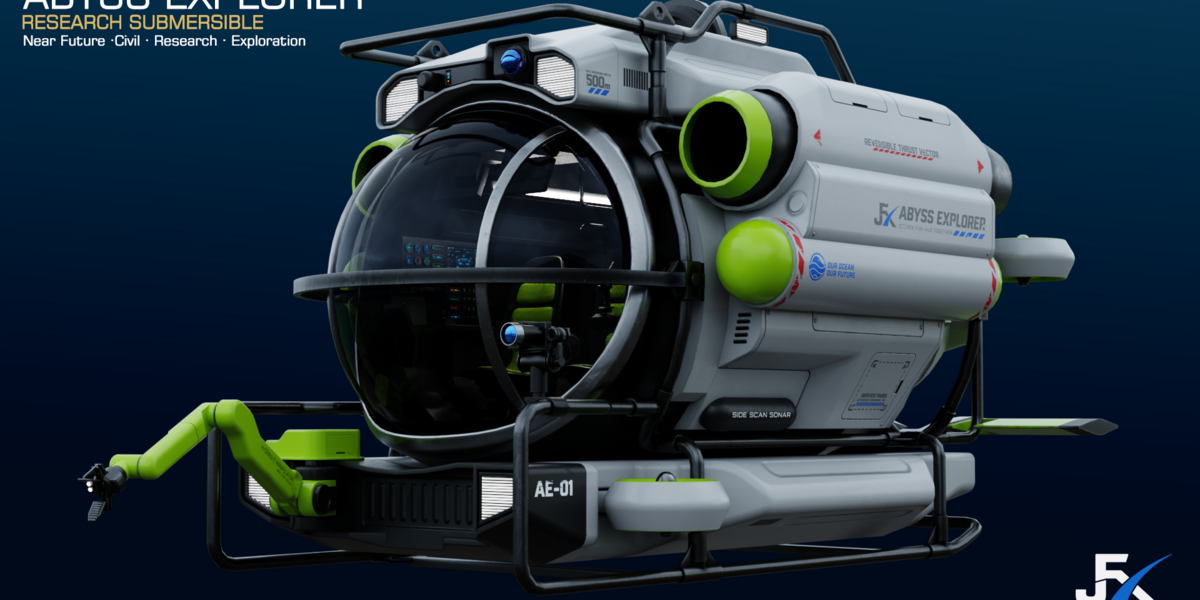
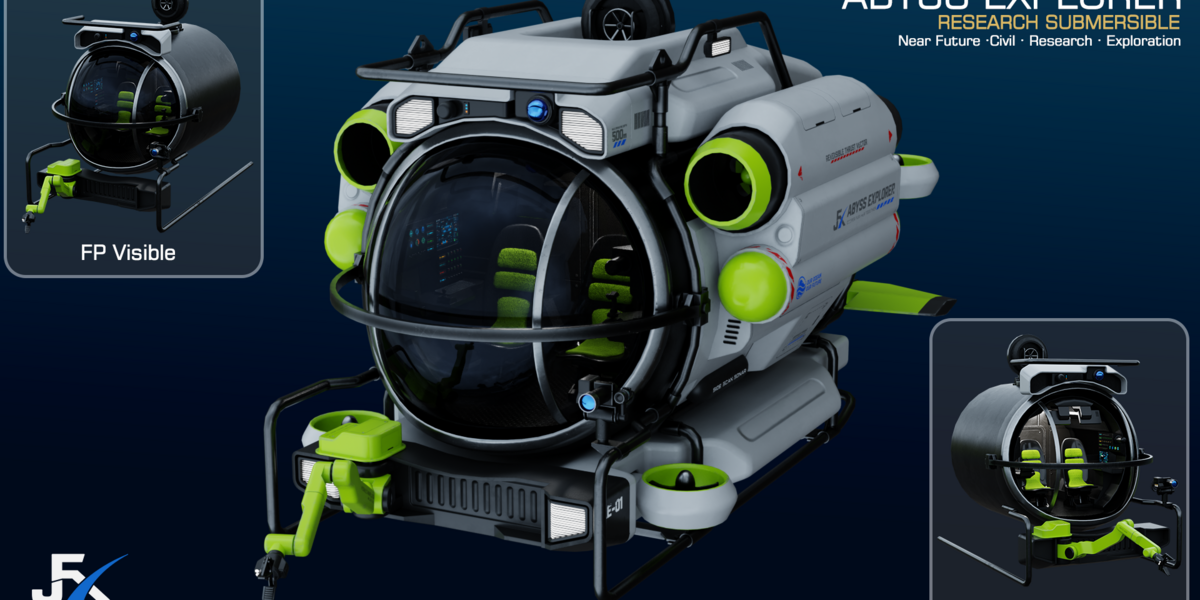
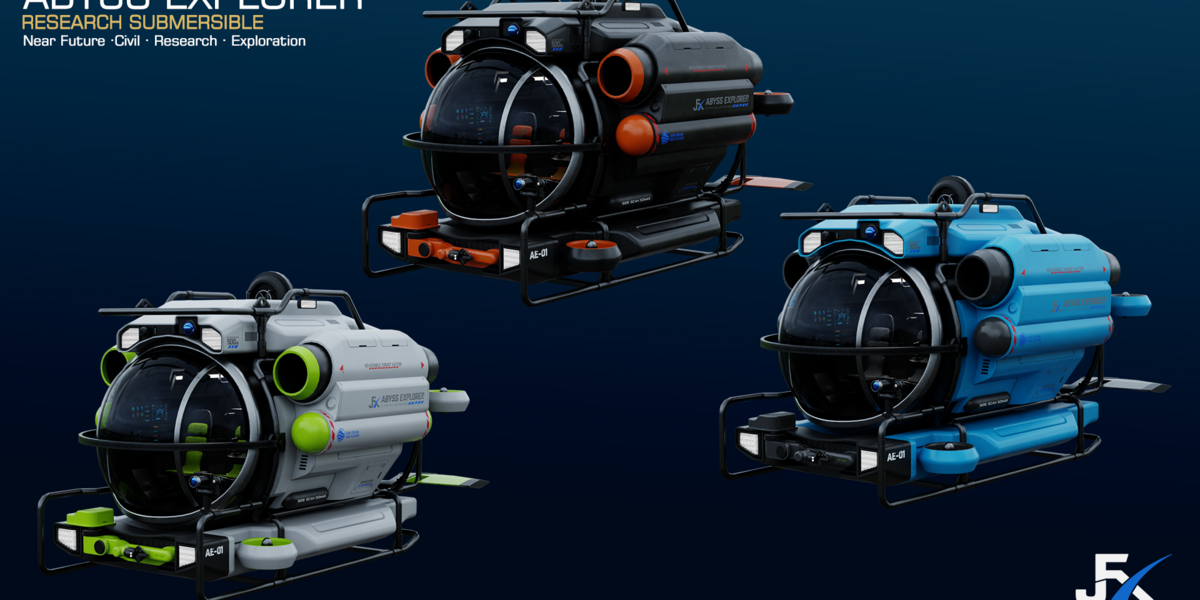
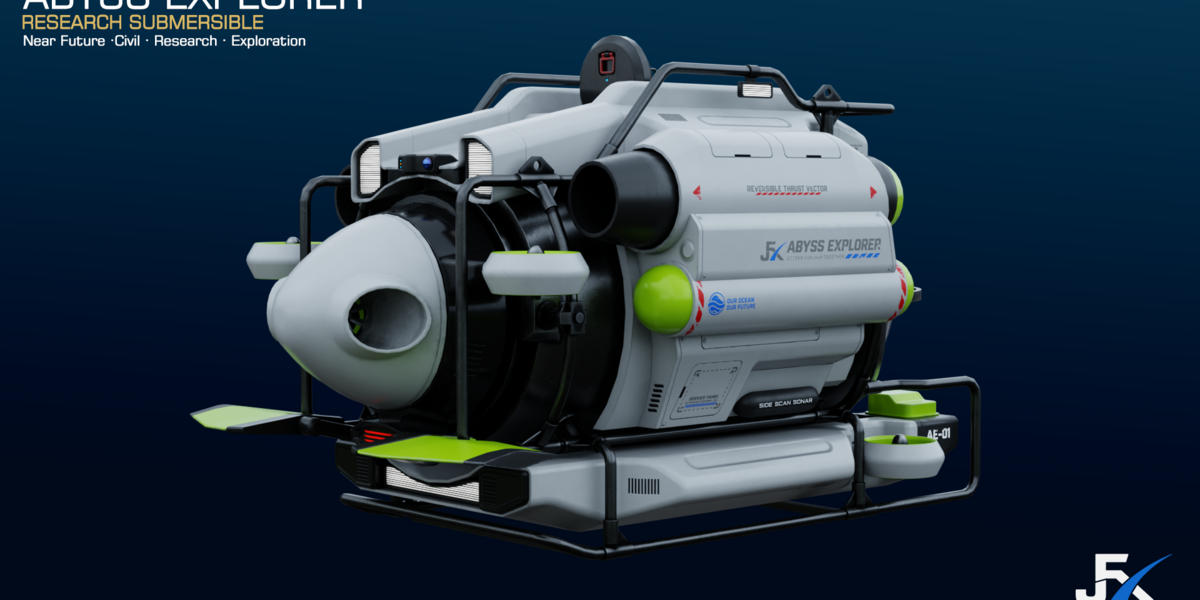
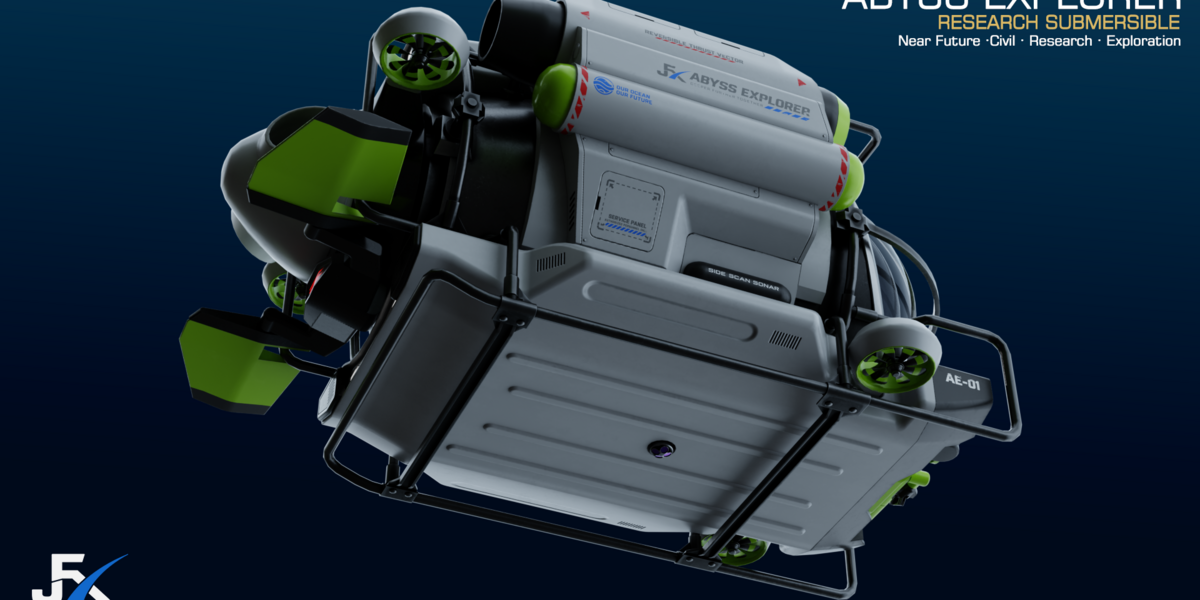
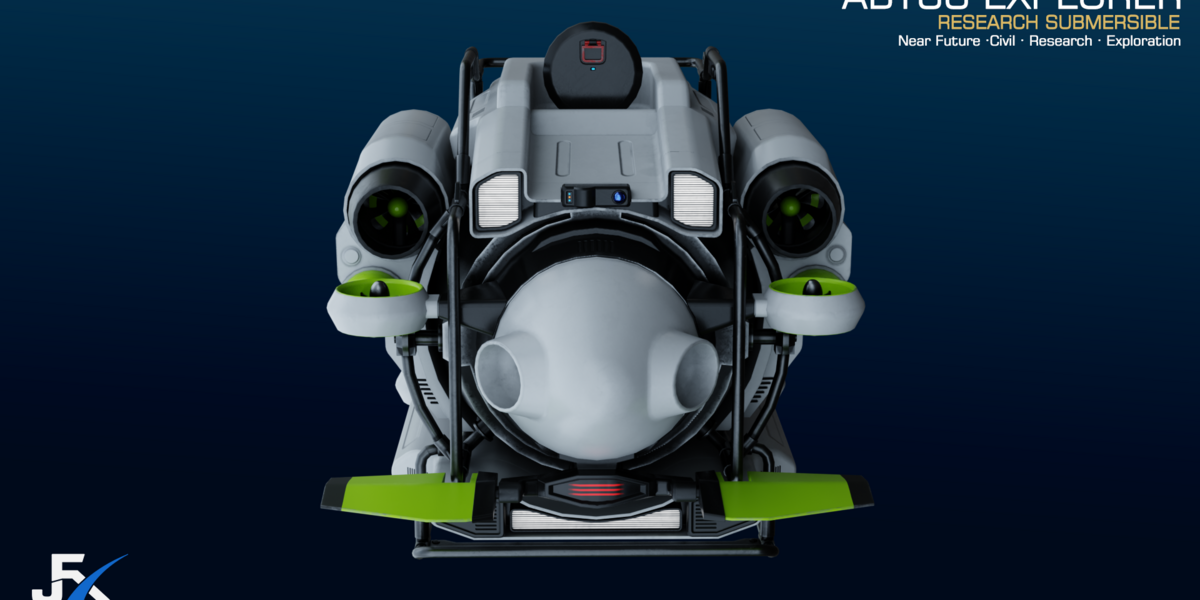
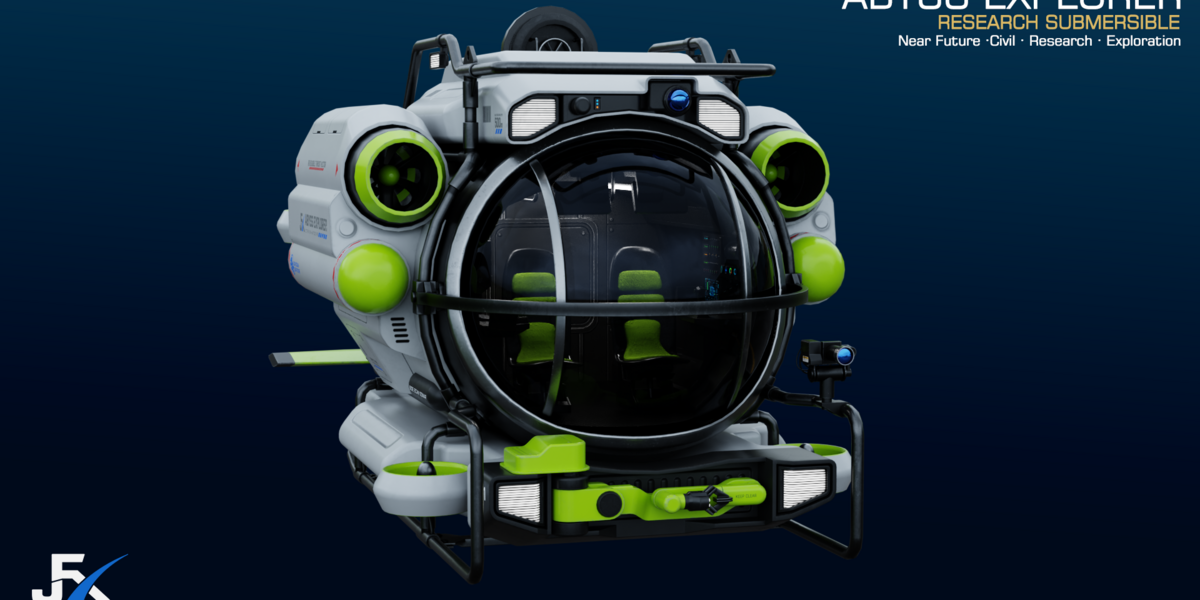
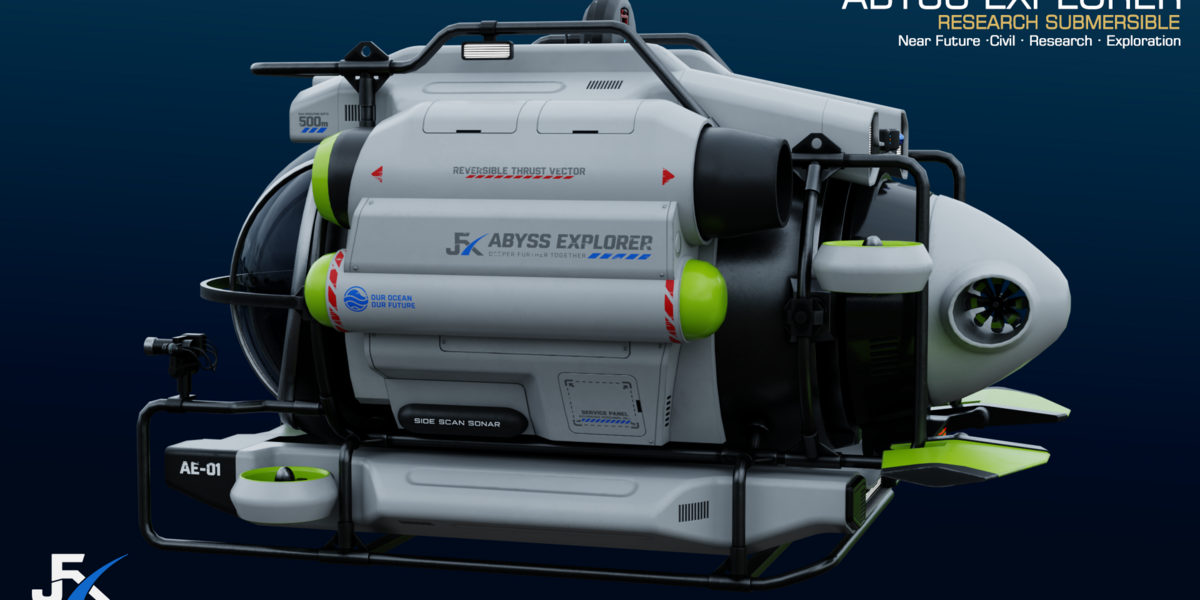
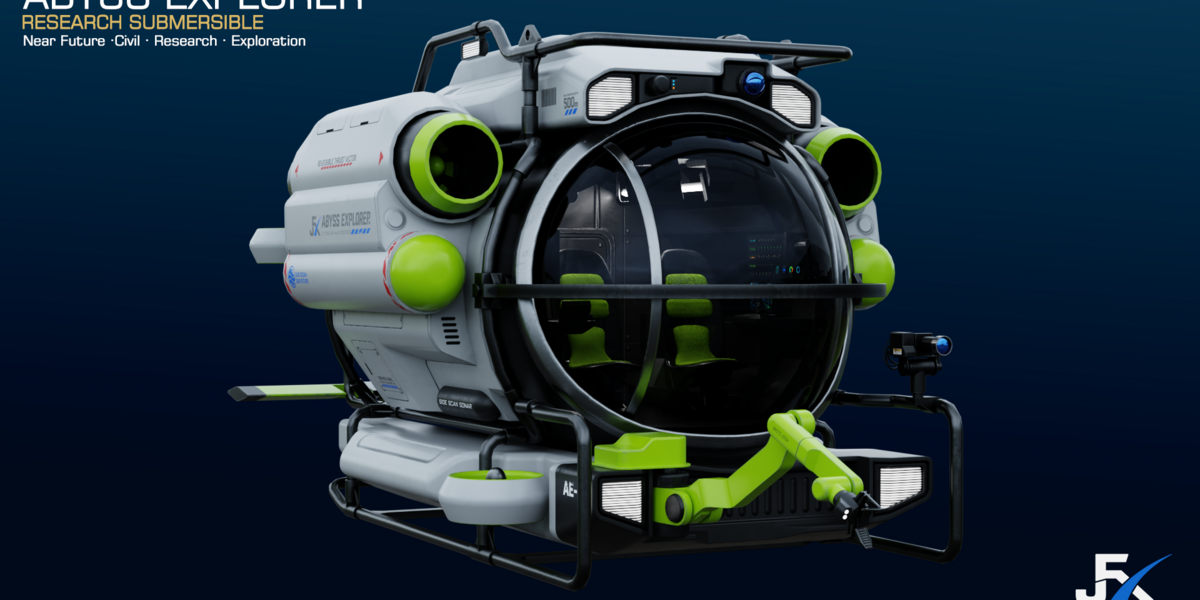
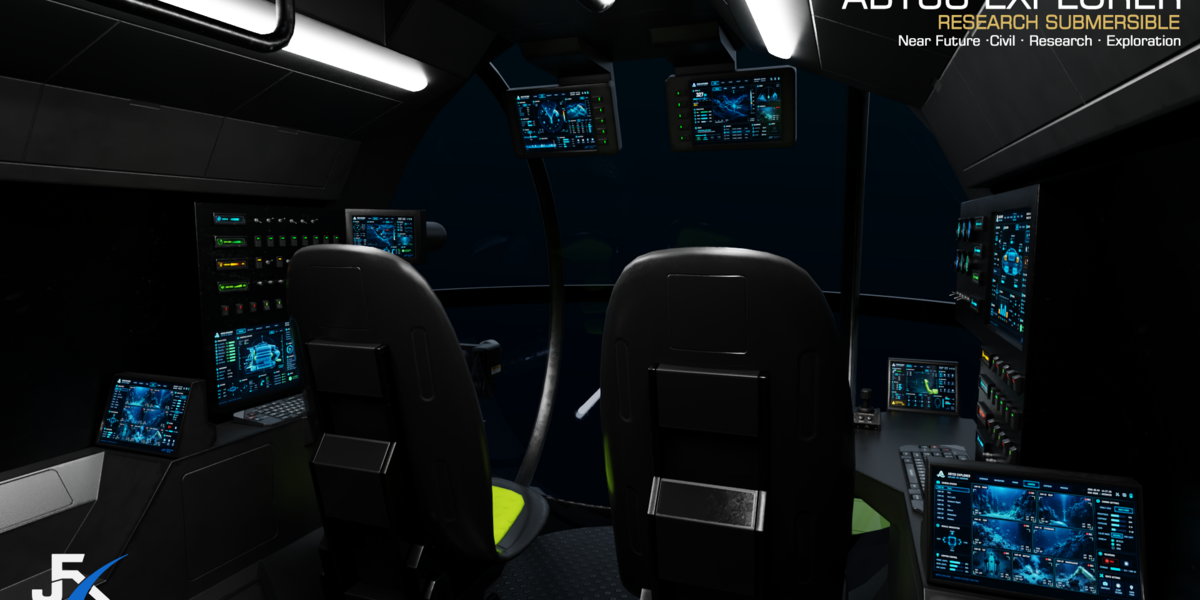
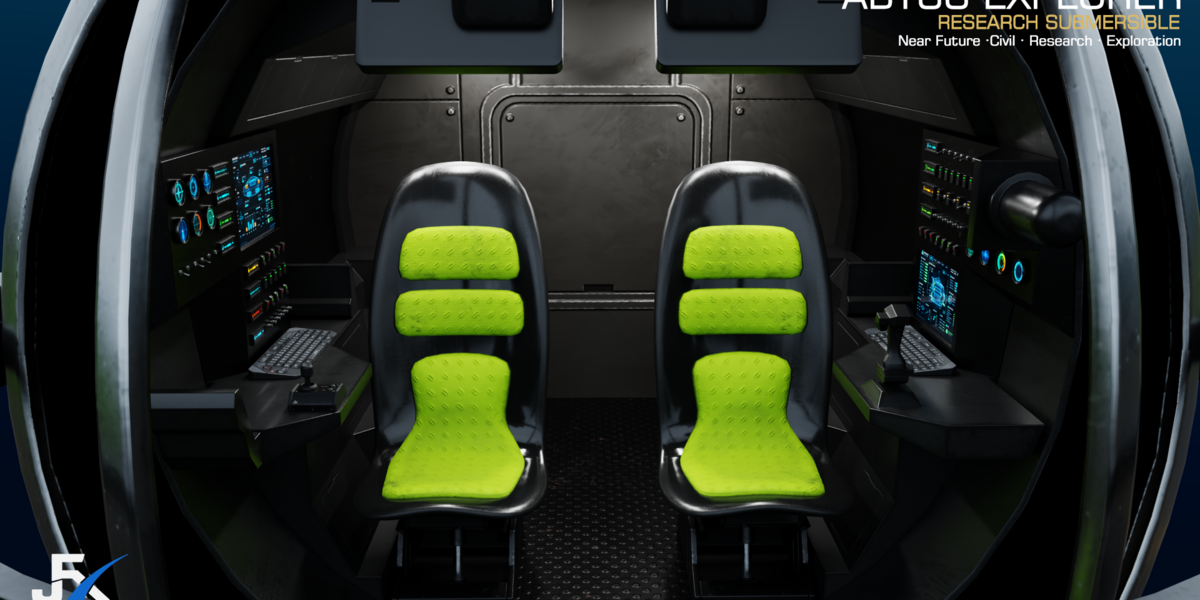
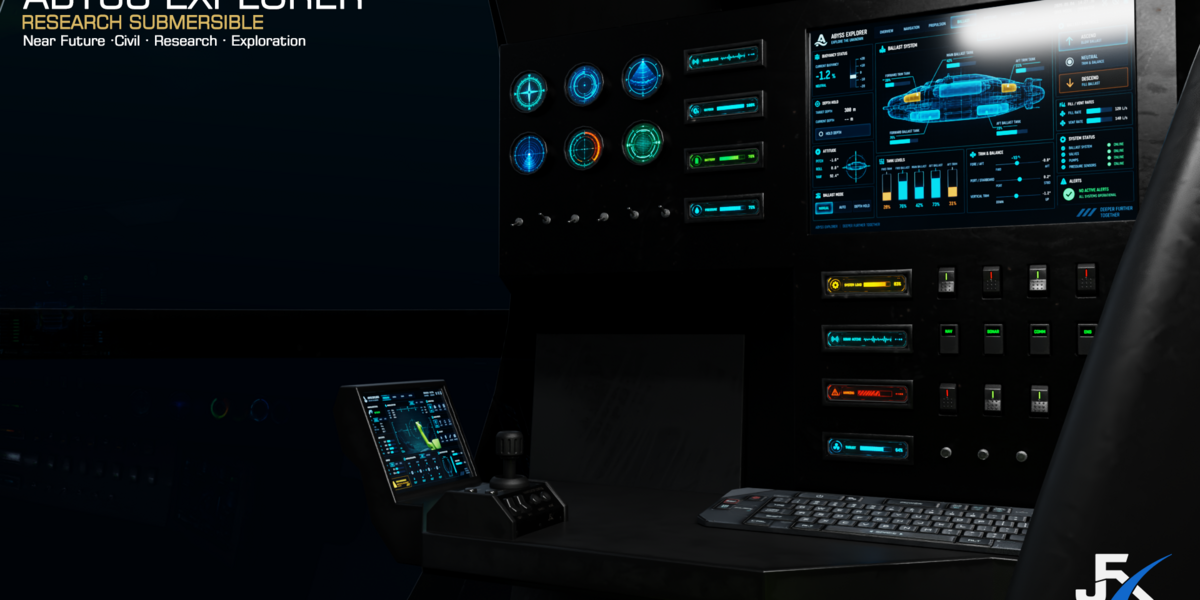
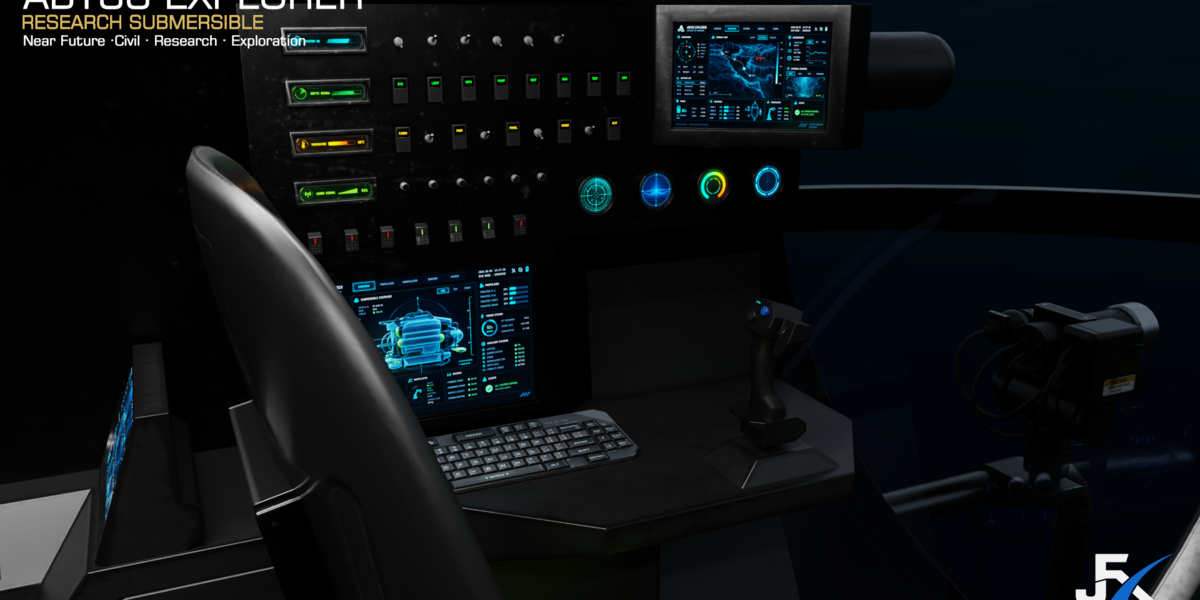
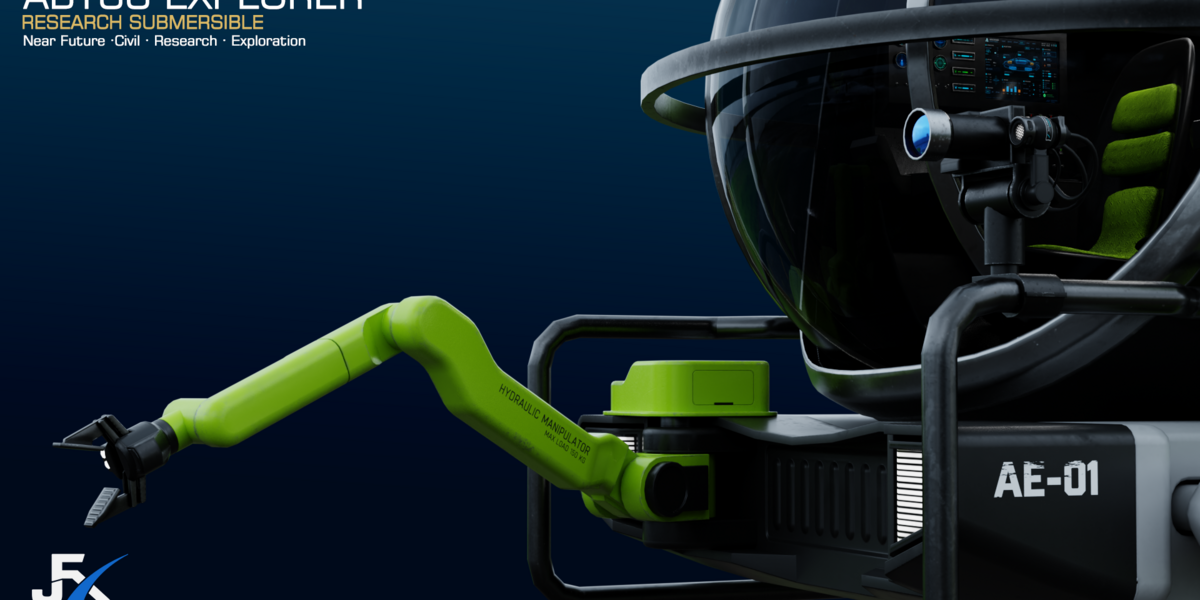
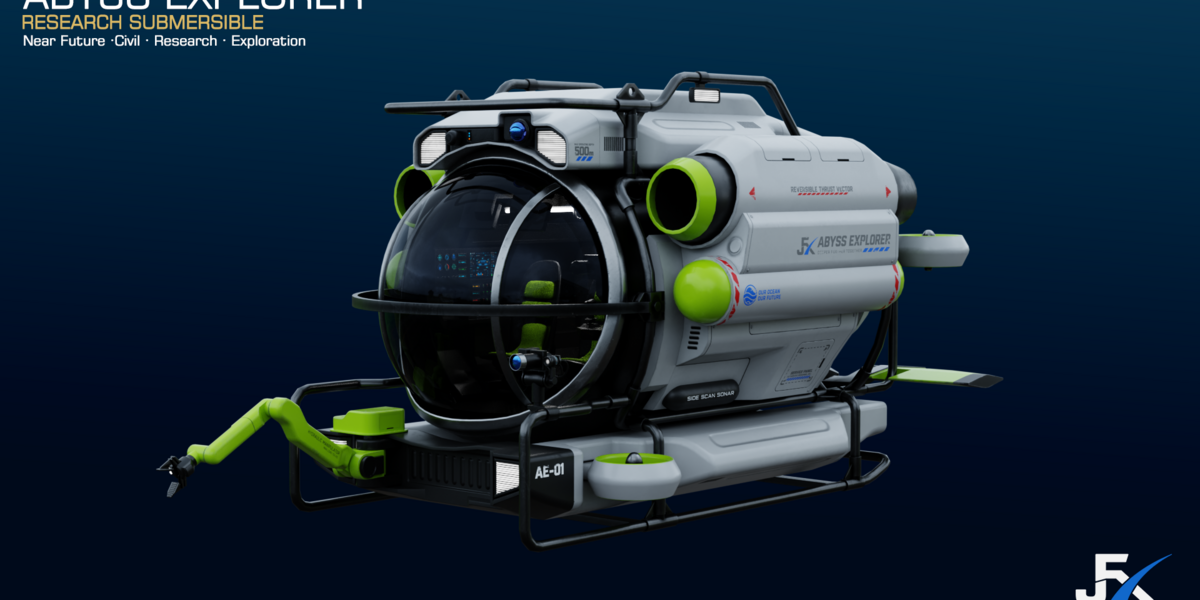
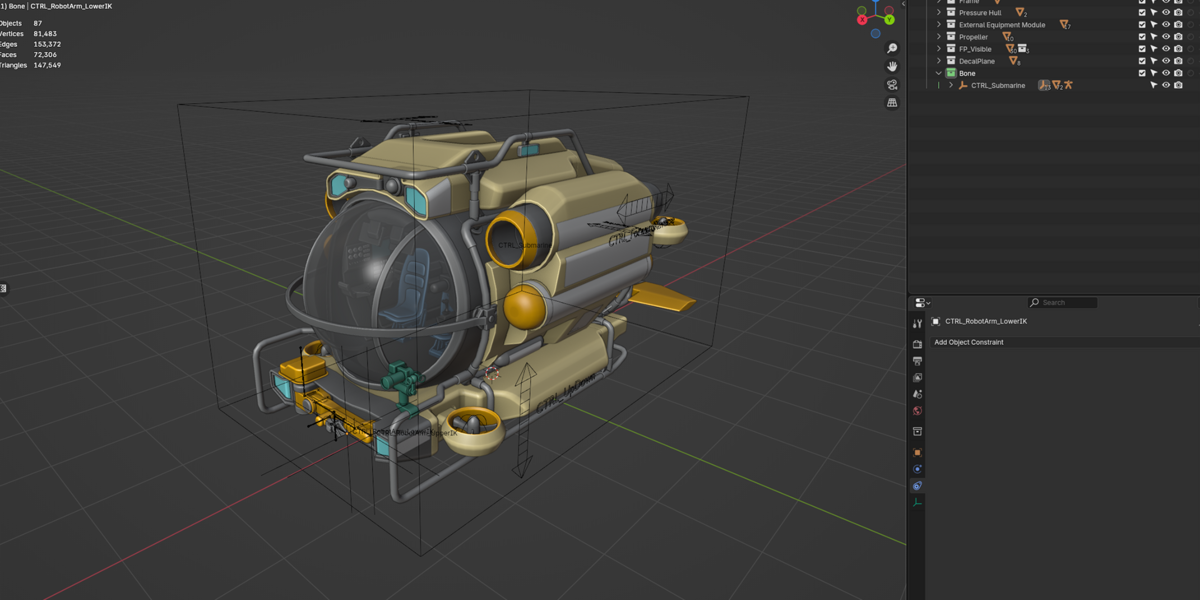
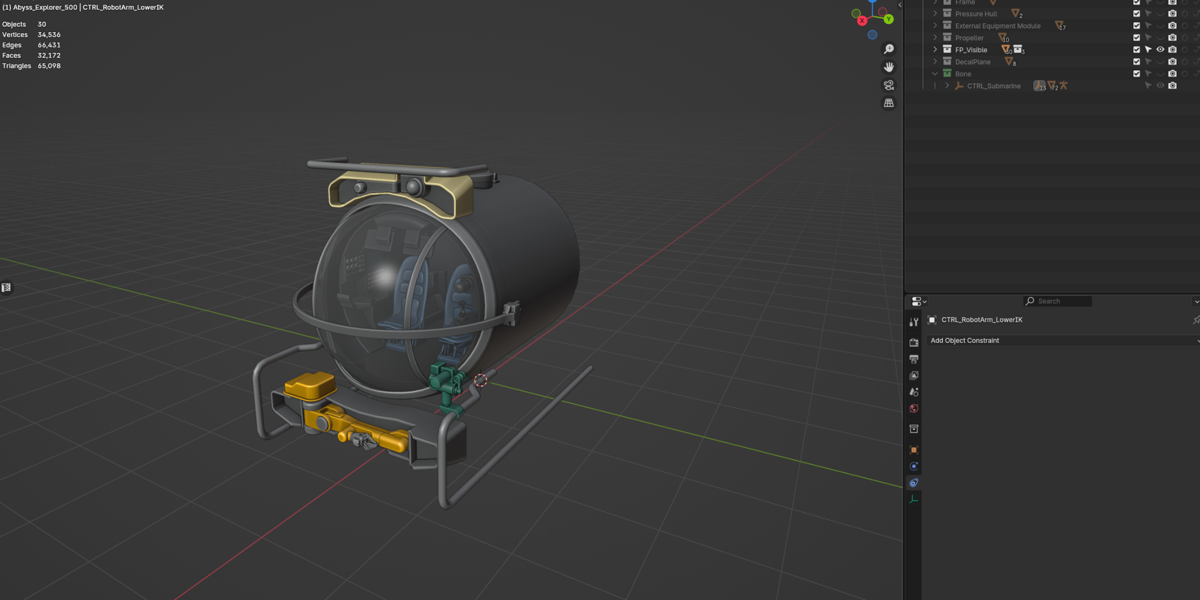
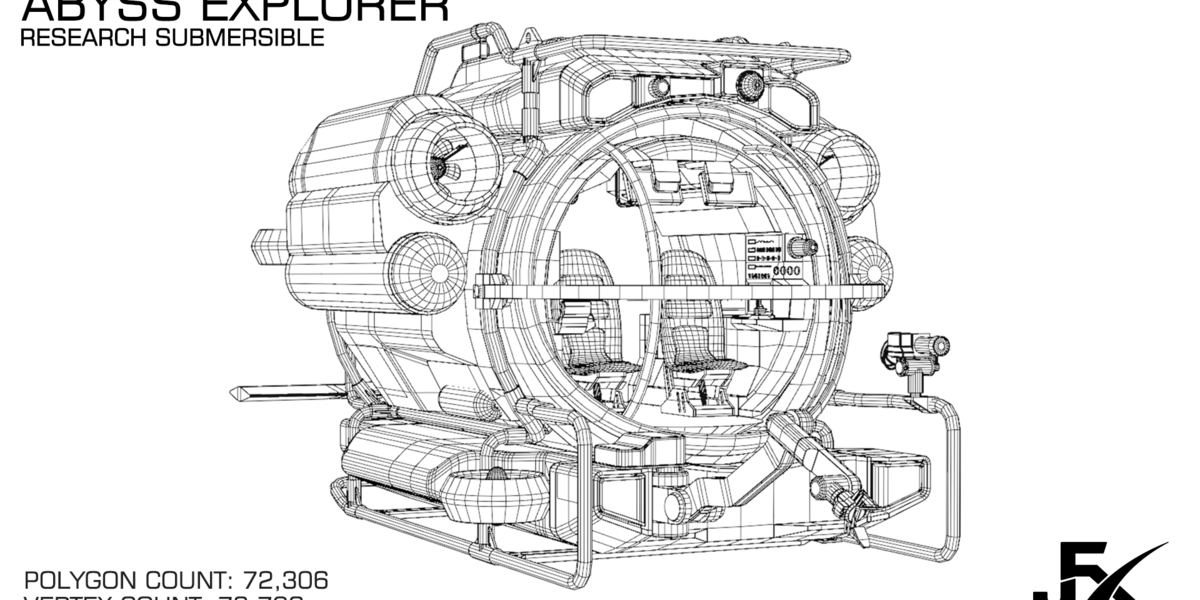
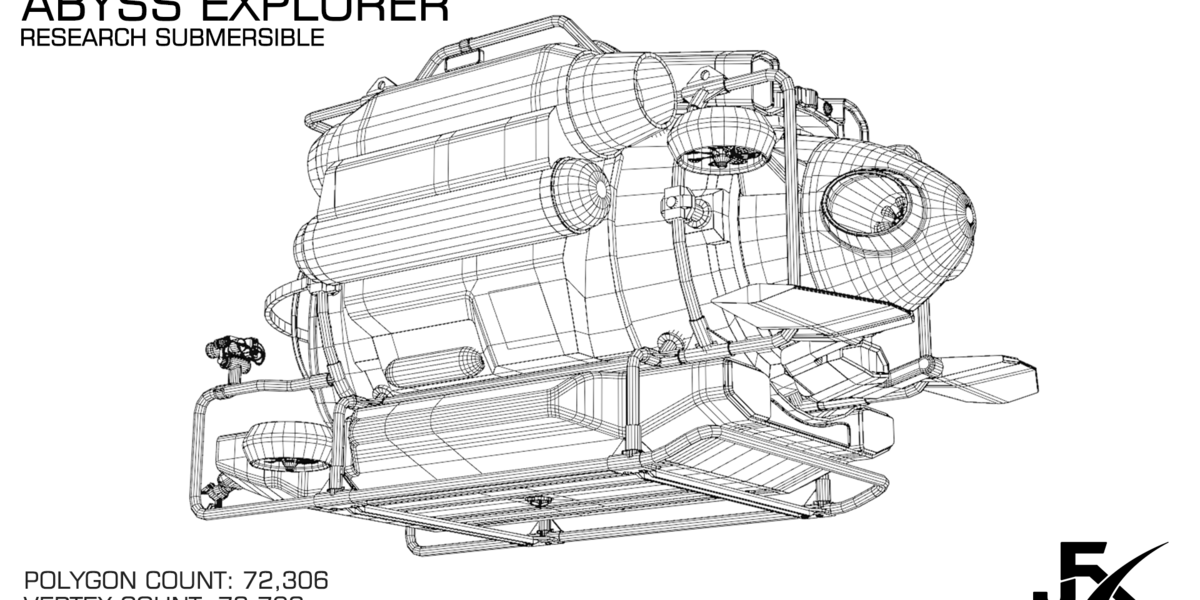
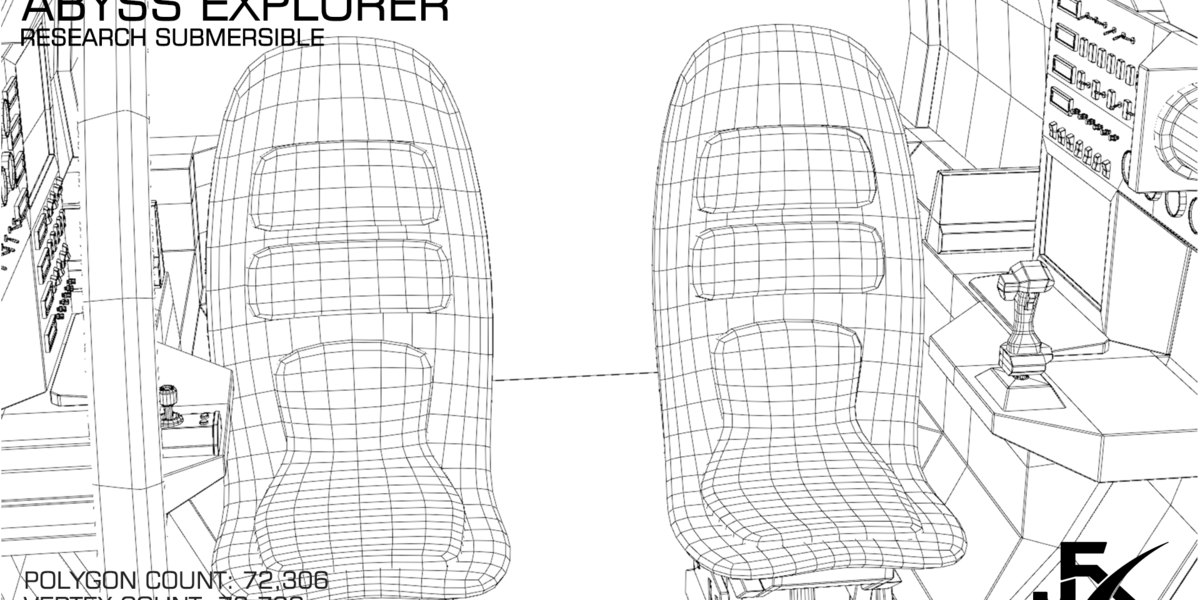
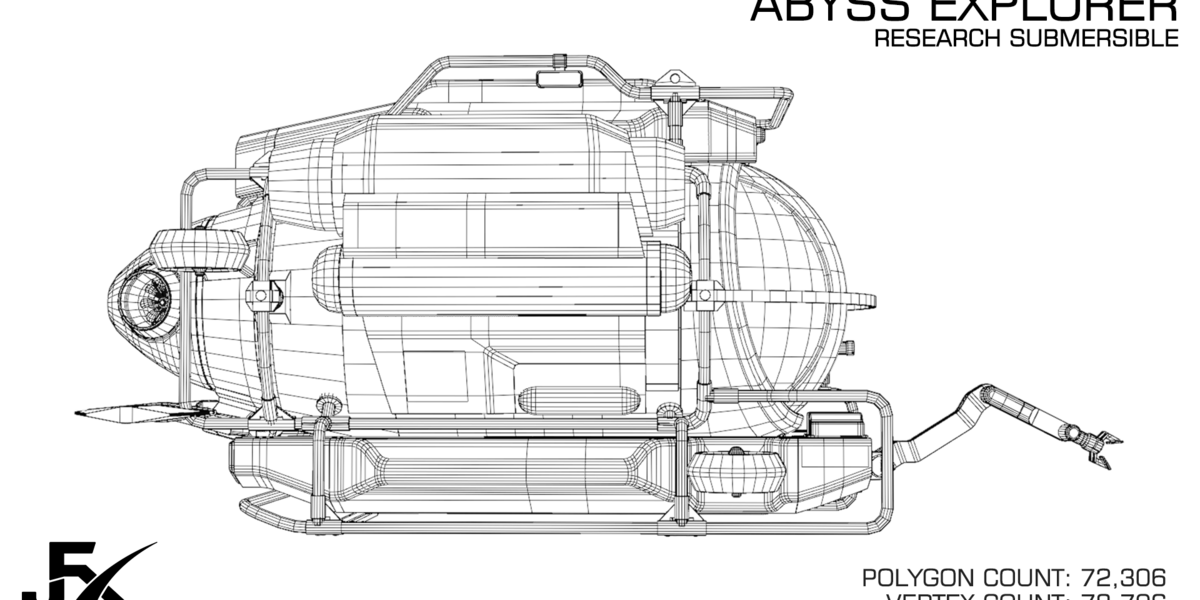
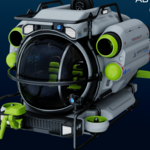
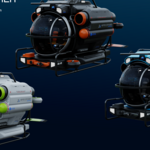
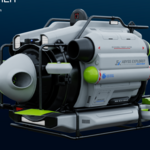
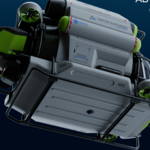
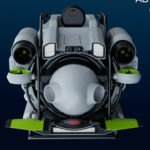
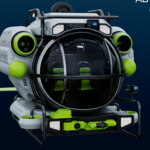
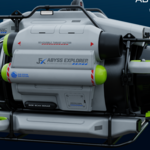
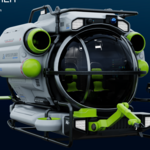
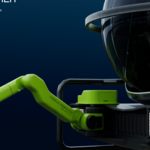
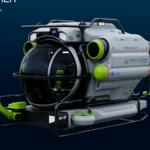
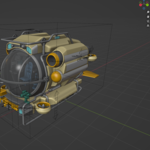
PBR - Abyss Explorer 500 - Rigged Deep Sea Submersible - Blender - FBX
 fengjunxuan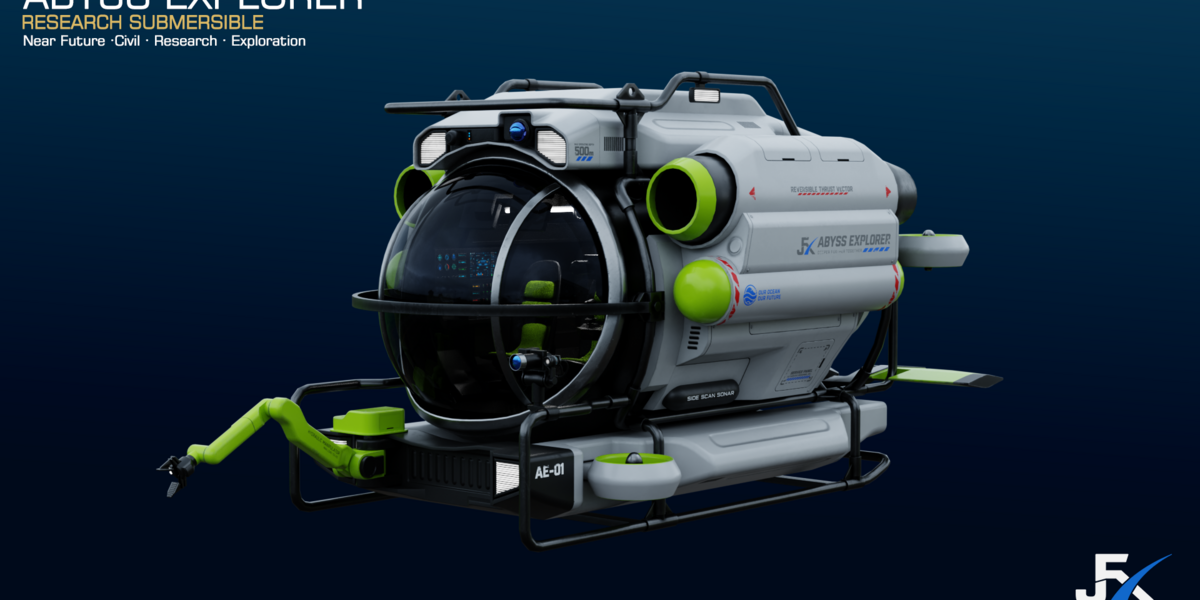
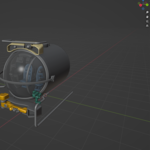
What should I do if the textures are missing after opening the file?
In Blender, click File in the top-left corner, then select External Data and click Find Missing Files. Select the Texture folder from the extracted product files to relink the missing textures.
$19.88
Have questions about this product?
Login to message
| Published | about 1 month ago |
| Blender Version | 4.5 - 5.2 |
| Render Engine Used | Blender-Internal, Cycles, Eevee |
| Misc Data | Uvs-Unwrapped, Rigged, Normal-Mapped, Textured |
| License | Royalty Free |
Discover more products like this
Rigged submersible research submarine blender PBR 3d model exploration submarine game ready sci fi submarine submarine underwater vehicle deep sea