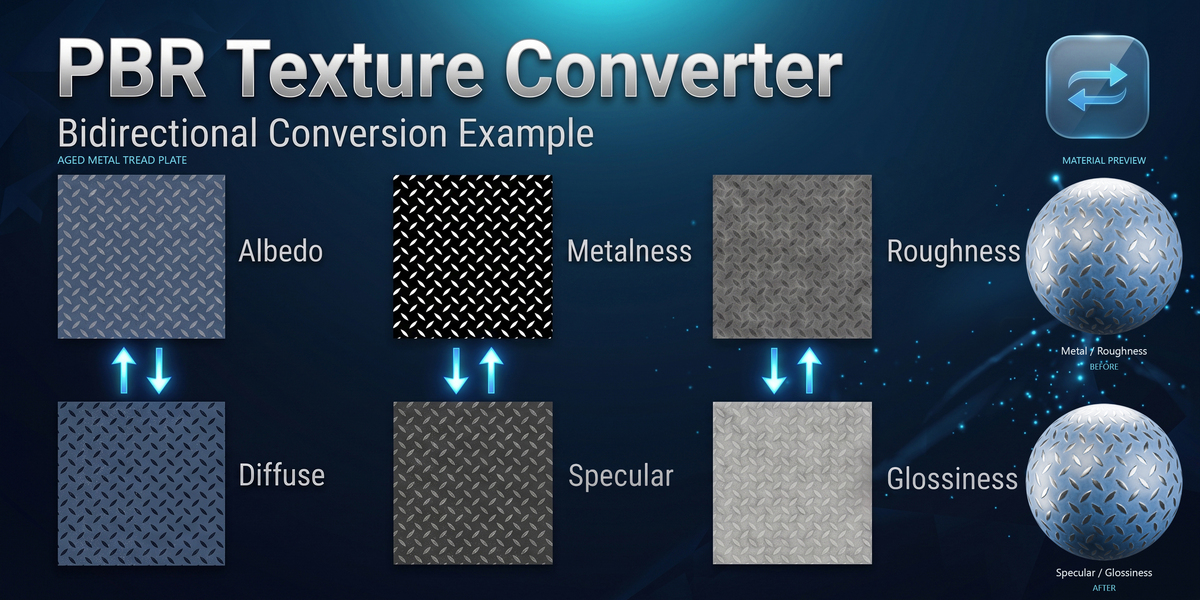
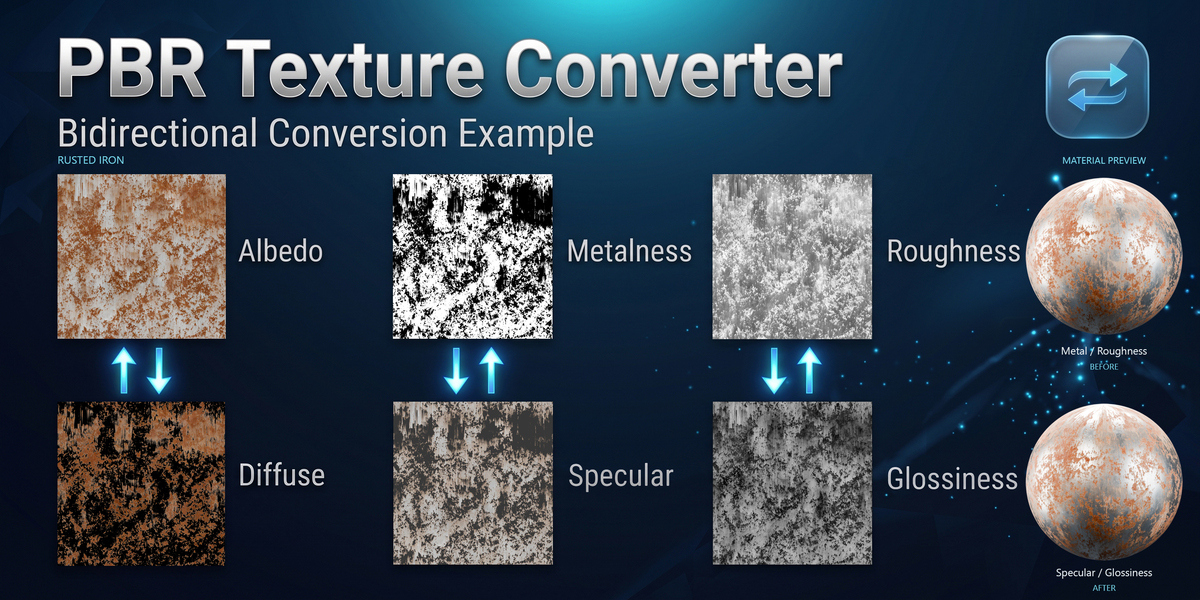
Pbr Texture Converter: Spec/Gloss ⇄ Metal/Rough
 vladislavsh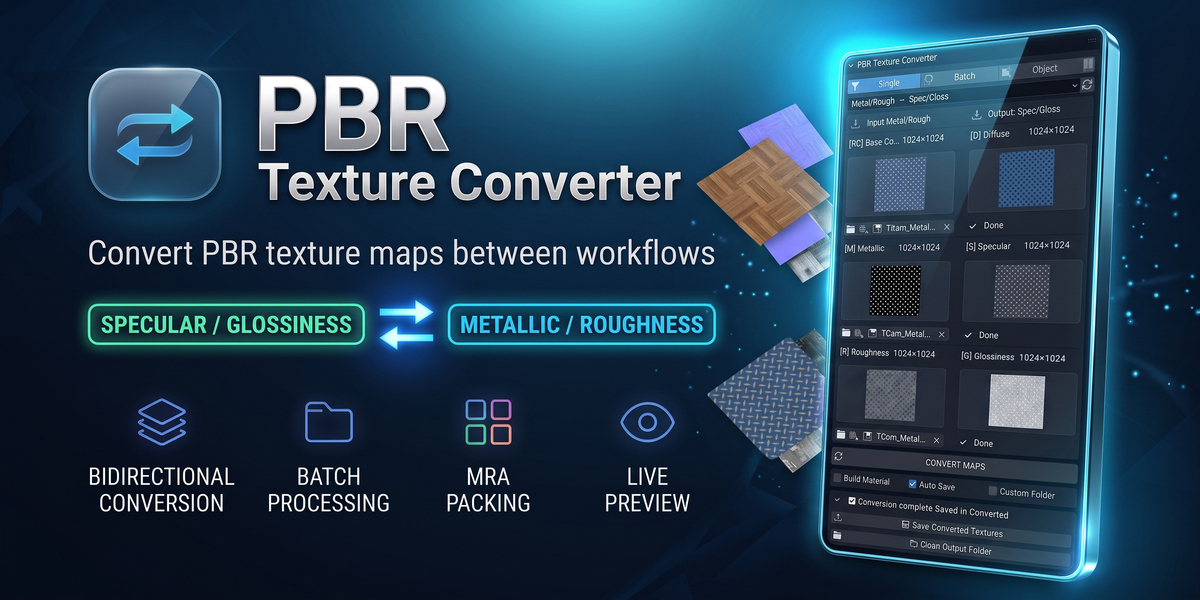
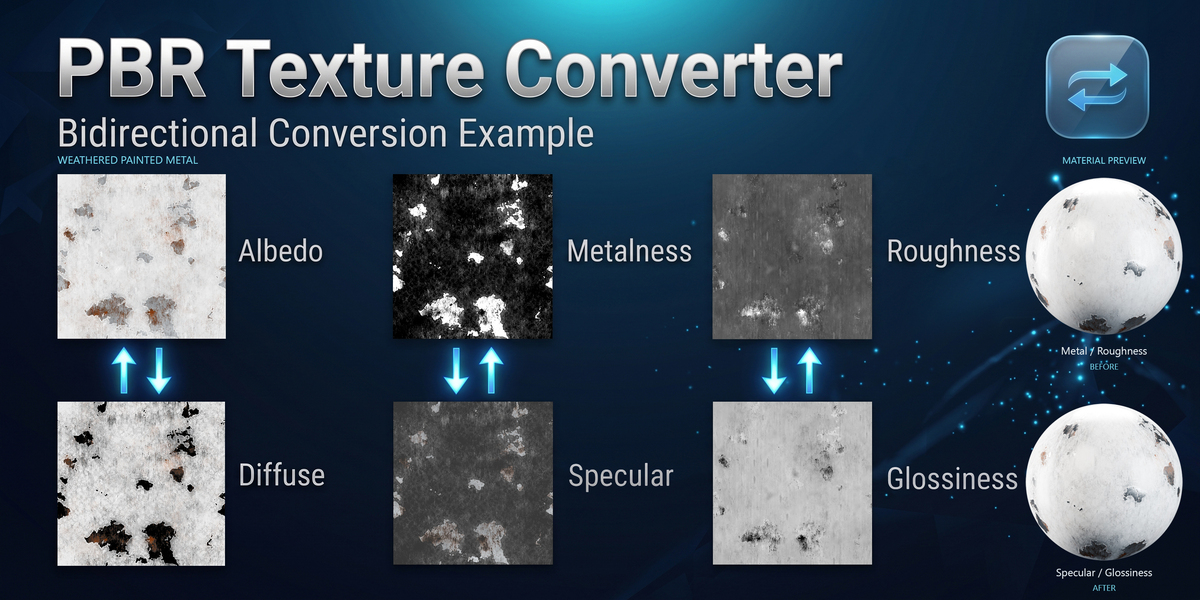
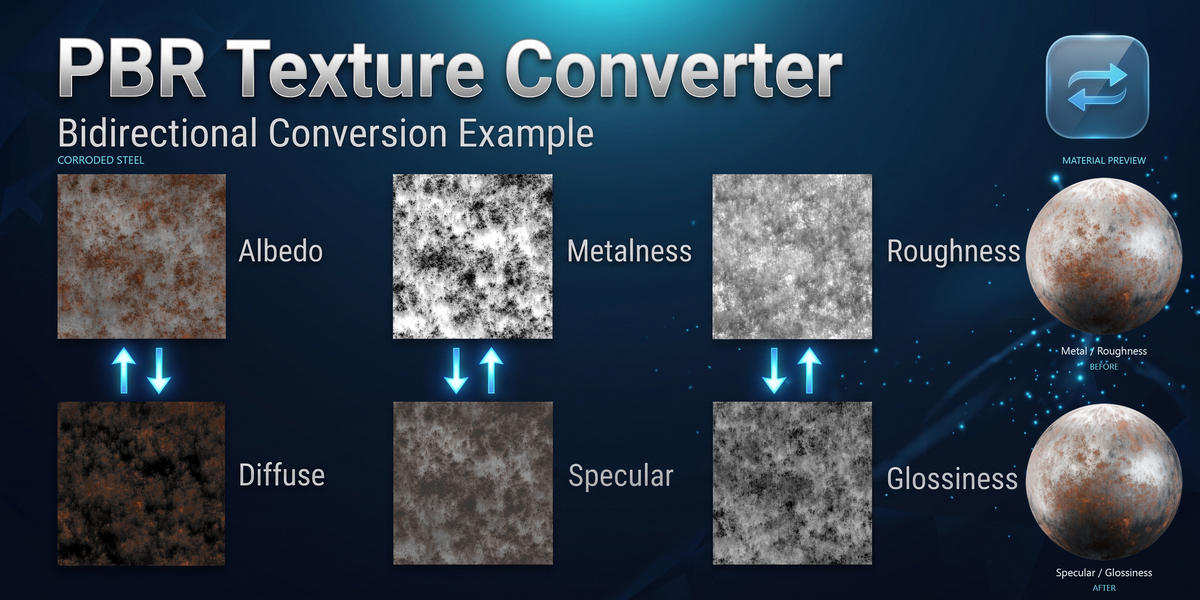
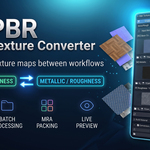
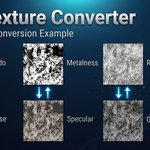
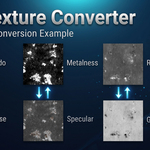
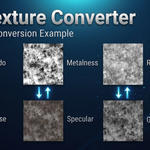
PBR TEXTURE CONVERTER / GUIDE
Get up and running.
Install the add-on, open the sidebar, and choose a conversion mode.
01 / SETUP
Installation
01 Open Blender and navigate to Edit → Preferences → Add-ons (or Get Extensions in Blender 4.2+).
02 Click the drop-down / gear icon at the top right and choose Install from Disk....
03 Select the downloaded PBR_Texture_Converter.zip file and click Install Add-on.
04 Enable the add-on by checking the checkbox.
02 / FIRST CONVERSION
Usage
01 Open the 3D Viewport, Shader Editor, or Image Editor.
02 Press N to open the Sidebar panel.
03 Click on the PBR Converter tab.
04 Select your workflow mode (Single, Batch, or Object Mode) and click Convert!
03 / REFERENCE
Compatibility & technical specs
Blender versions
4.2 LTS, 4.3, 4.4, 4.5, 5.0, 5.1, 5.2 LTS+
Supported formats
PNG, JPG, JPEG, TIFF, TGA, BMP, EXR, WebP
Platforms
Windows, macOS, Linux
License
GPL
 Included
Includes 12 months of
- Support from vladislavsh
- Product updates
Extend this product’s Support Period +12 months: 50% of product price
Have questions before purchasing?
Login to message
Discover more products like this
glossiness metallic materials specular substance roughness Shader texture converter baking gamedev Channel Packing PBR