Pbr Texture Converter: Spec/Gloss ⇄ Metal/Rough
 vladislavsh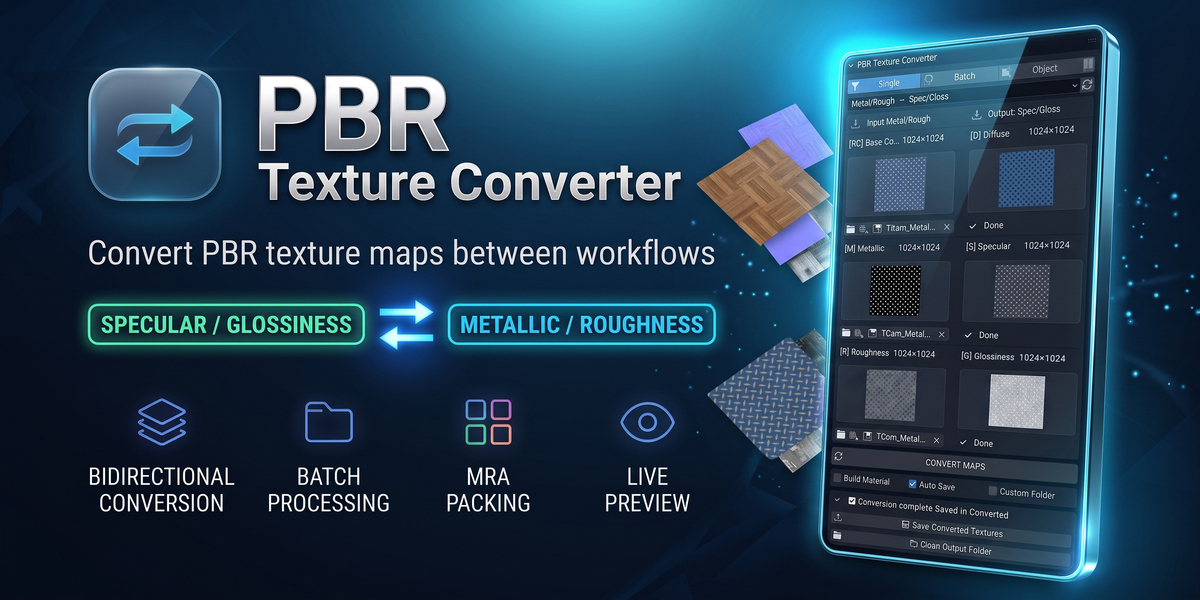
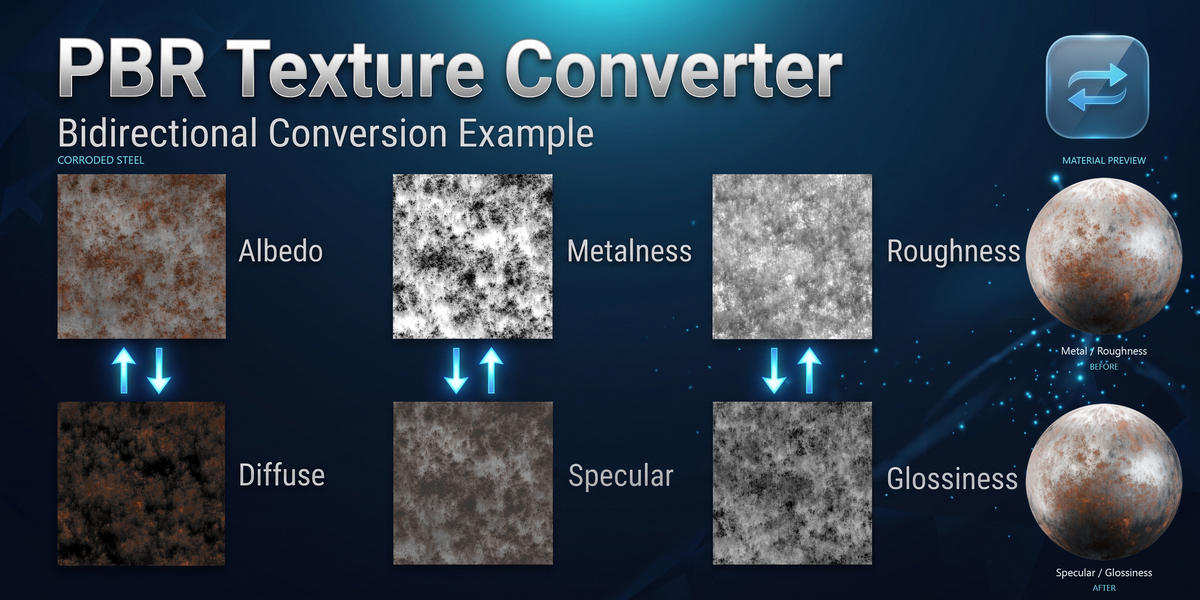
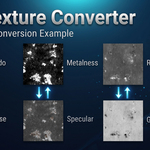
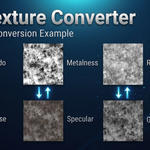
YES · BOTH DIRECTIONS
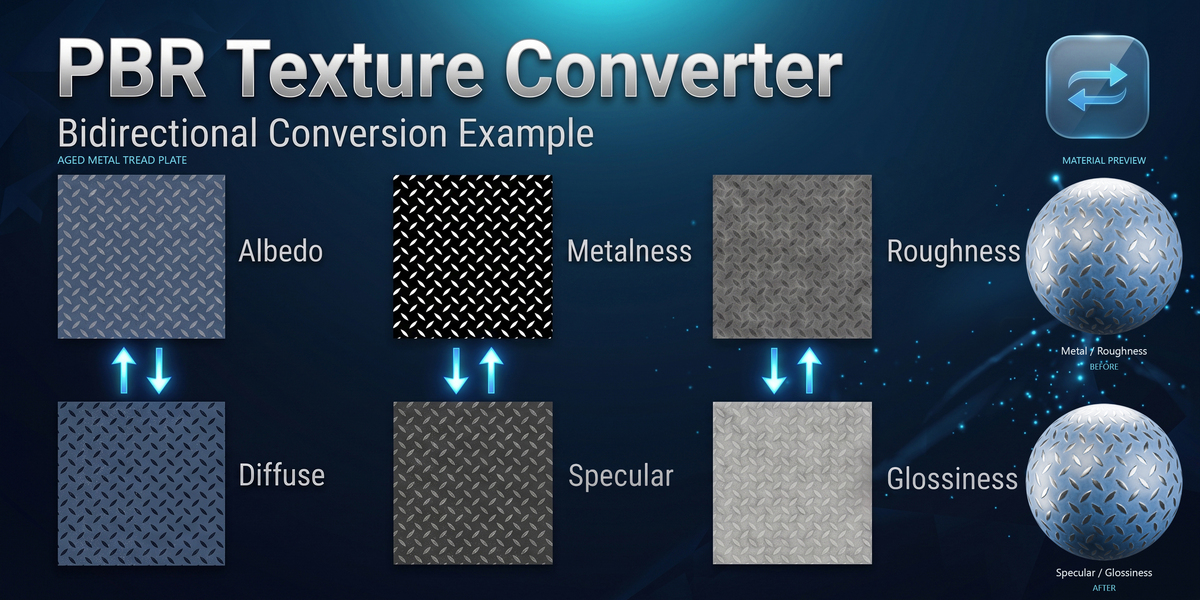
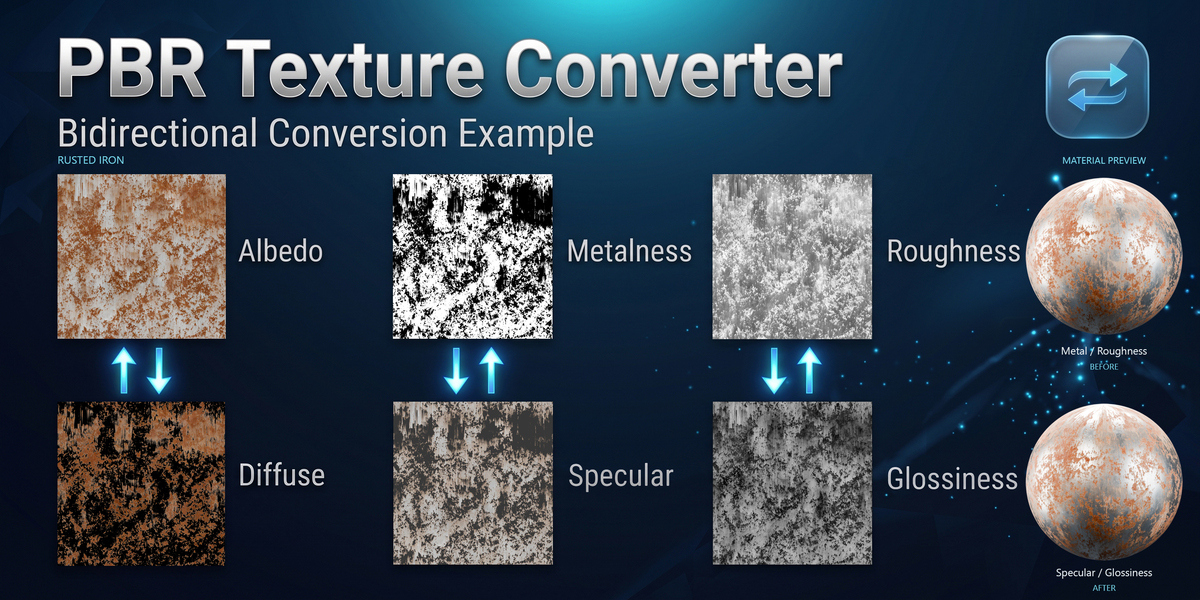
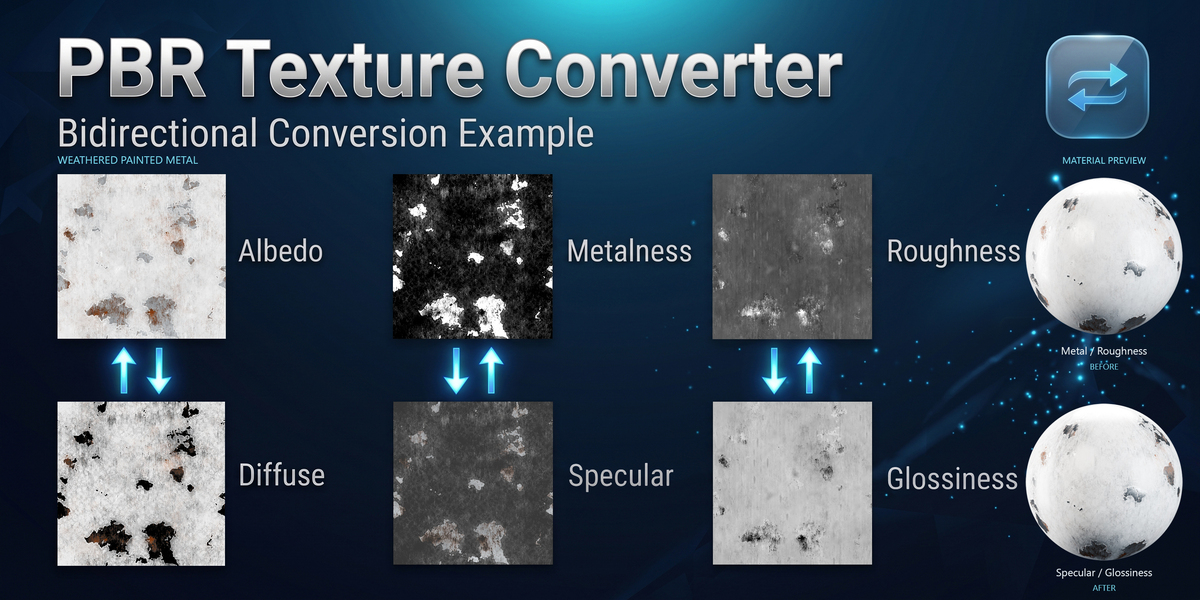
Yes, the add-on is 100% bi-directional:
Specular / Glossiness → Metallic / Roughness
Translates Diffuse, Specular (RGB), and Glossiness maps into Base Color (Albedo), Metallic, and Roughness (with optional MRA packing).
Metallic / Roughness → Specular / Glossiness
Translates Base Color, Metallic, and Roughness maps back into Diffuse, Specular (RGB), and Glossiness.
You can switch the conversion direction with a single click in the interface at any time.
YES · TWO BULK OPTIONS
Yes! The add-on features two powerful bulk conversion tools:
Batch Mode
Select a folder with texture files, and the add-on will automatically group them by material name and convert all sets in one go.
Object Mode
Select one or multiple 3D models directly in your viewport and click “Convert Selected Materials” to convert and reassign materials non-destructively.
COMPATIBILITY
PBR Texture Converter fully supports Blender 4.2 LTS, 4.3, 4.4, 4.5, 5.0, 5.1, and 5.2+.
Platforms Windows · macOS · Linux
 Included
Includes 12 months of
- Support from vladislavsh
- Product updates
Extend this product’s Support Period +12 months: 50% of product price
Have questions before purchasing?
Login to message
Discover more products like this
roughness specular PBR glossiness Shader substance metallic gamedev materials baking texture converter Channel Packing