 Skava
Skava

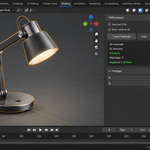
PBR Validator — the material mistakes that only show up in the render
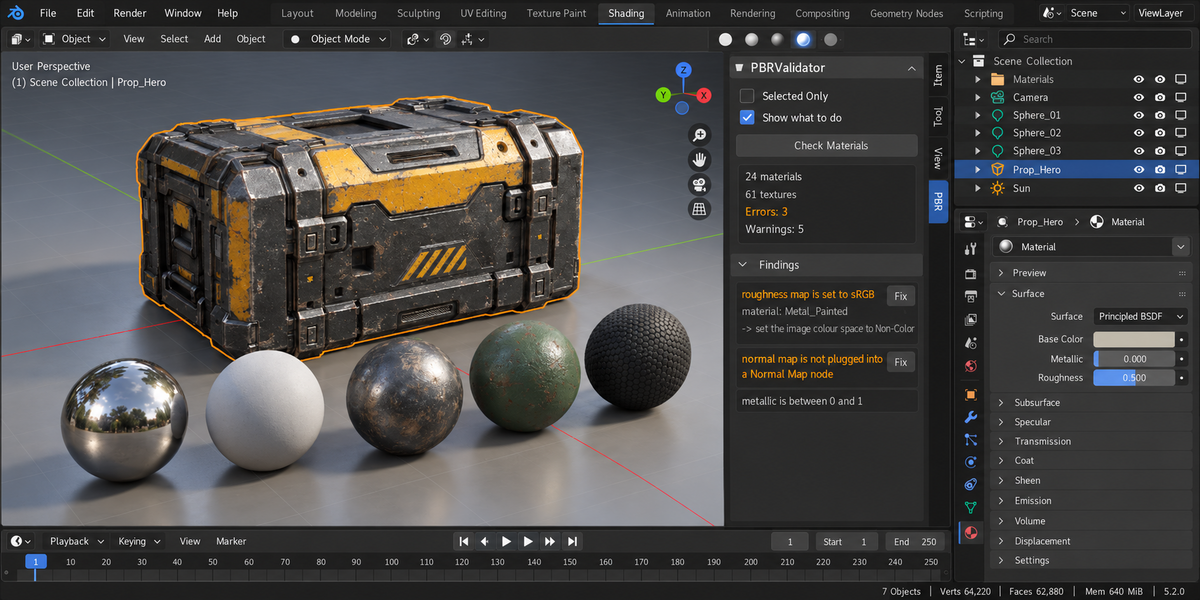
A roughness map read as colour instead of data. A normal map wired straight into the Normal input with no Normal Map node. Roughness pinned to exactly zero. A flat metallic value halfway between metal and dielectric. In the material list every one of these looks perfectly fine. They show up later — in the render, on someone else's screen, after the file has been handed over.
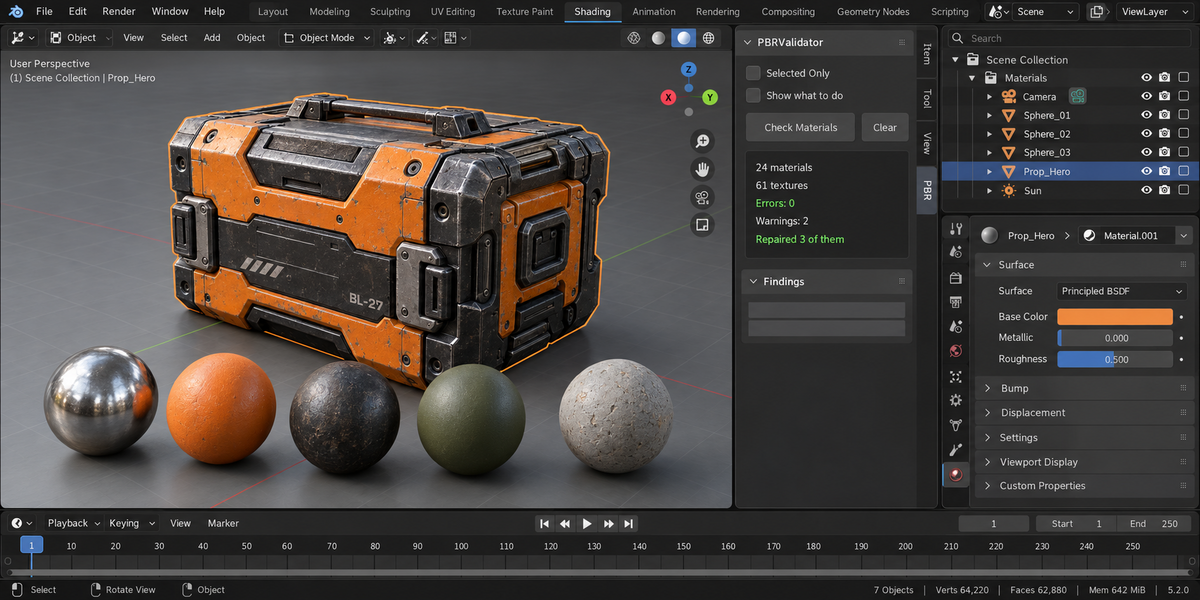
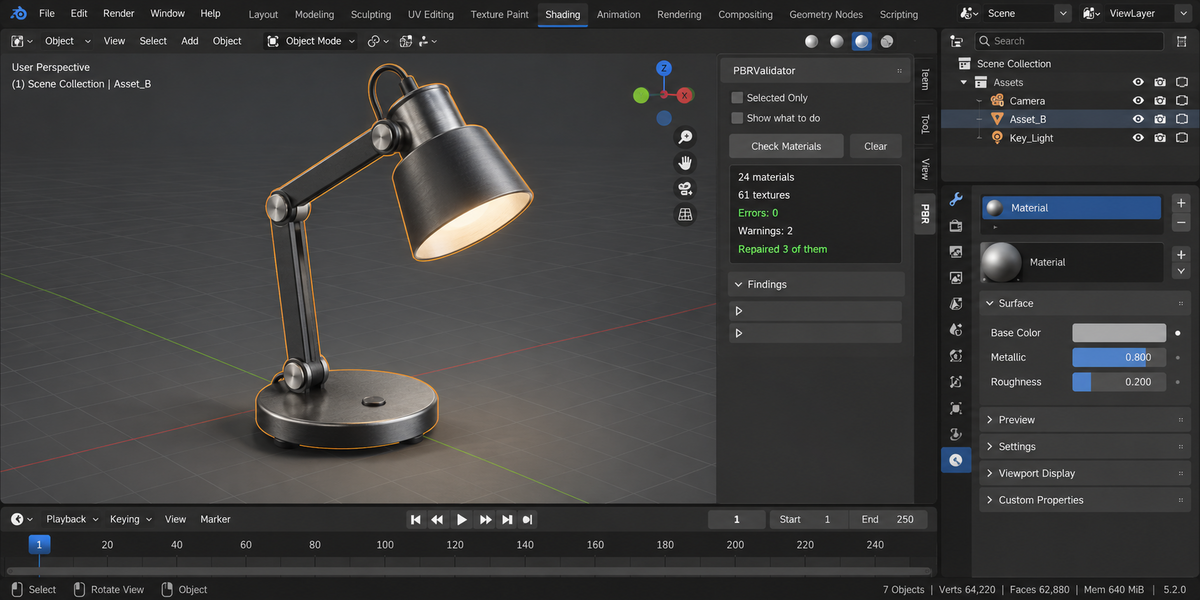
PBR Validator reads the node trees of your materials and reports what is technically wrong, in plain words, with one line of what to do about it — and repairs with a single click what needs no decision from you.
What it looks for
Data maps — roughness, metallic, normal, displacement — read as sRGB when they must be Non-Color, and colour maps read as Non-Color when they must not be. Normal maps that reach the Normal input of any shader without a Normal Map node, including shaders inside node groups and chains that run through reroutes, Mix nodes and groups. Roughness nailed to exactly 0 or 1. Metallic values in the middle. Image textures used where the mesh has two UV channels and nothing says which one to read. Missing image files. And a single image used both as colour and as data: colour space belongs to the image datablock, not to the node, so the data input needs its own copy of the image set to Non-Color.
It stays quiet when there is nothing to say
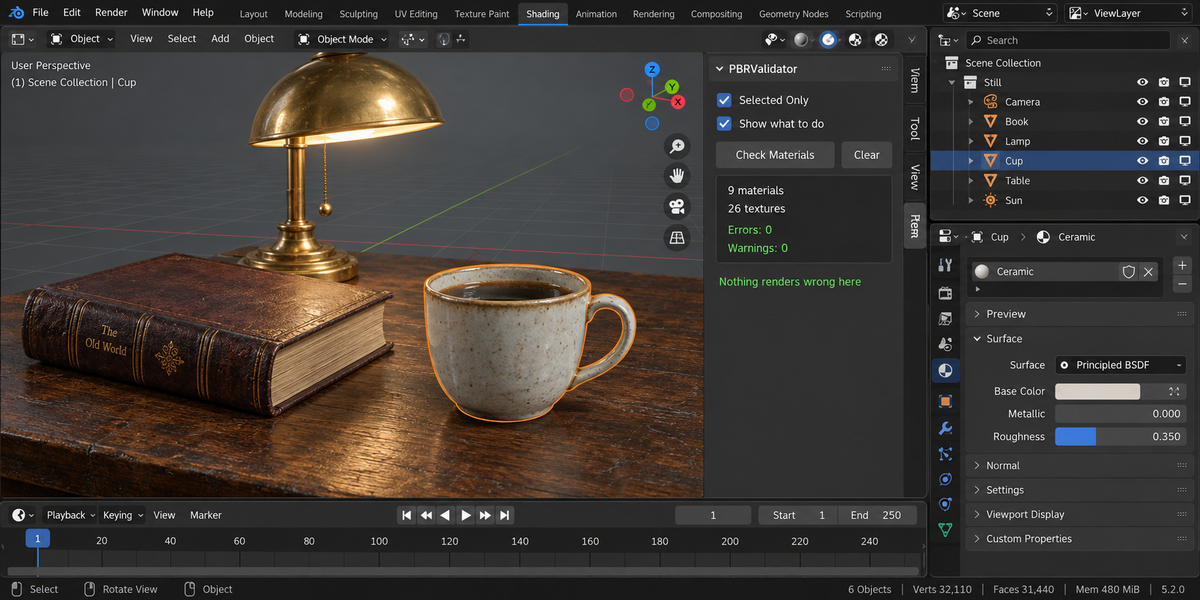
Half of a checker's worth is what it does not report, and that half is usually untested. Here it is: on a correctly built PBR material the add-on reports zero findings. A colour texture that also supplies alpha from the same image is not a finding — that is how alpha works. An image packed into the scene file is not missing, even when the original file is long gone.
Fix All, and then it stops
Colour spaces are corrected. A missing Normal Map node is inserted into the very link that reaches the Normal input of the shader the finding is about: reroutes, Mix nodes and node groups on the way stay exactly where they were, and a shader inside a node group gets its Normal Map inside that group. Where the right place is not unambiguous — part of the chain already decoded, a normal built by hand with vector nodes, a node group shared by several materials — it does not guess, and the finding says why.
Left alone on purpose: a metallic value in between (worn paint over steel or dust can be intentional), roughness nailed to 0 or 1, which UV channel a texture should read, and an image used in two roles. These are decisions about your material, and the finding says so instead of guessing.
The scan-and-fix cycle was run four times in a row on the same scene during testing. After the first pass the list stopped changing — no findings that reappear, no ping-pong between two states.
Measured, not asserted
Four mistakes of four different kinds were planted in a material. All four were found, and nothing else was. On production assets — CC0 props and 4K material sets — the Normal Map node was removed from every real normal chain, and one click put it back: the render matched the original in each case. The same suite runs on Blender 4.2, 5.1 and 5.2 — 99 checks, all green.
What it does not do
It does not paint textures, it does not judge whether a material looks good, and it does not rebuild node trees. It finds what is technically wrong and repairs exactly that.
Compatibility
Blender 4.2 and later on Windows, macOS and Linux. Measured live on 4.2, 5.1 and 5.2.
License
GPL-3.0.