PBR Validator — Find the Material Mistakes That Only Show Up in the Render
 Skava
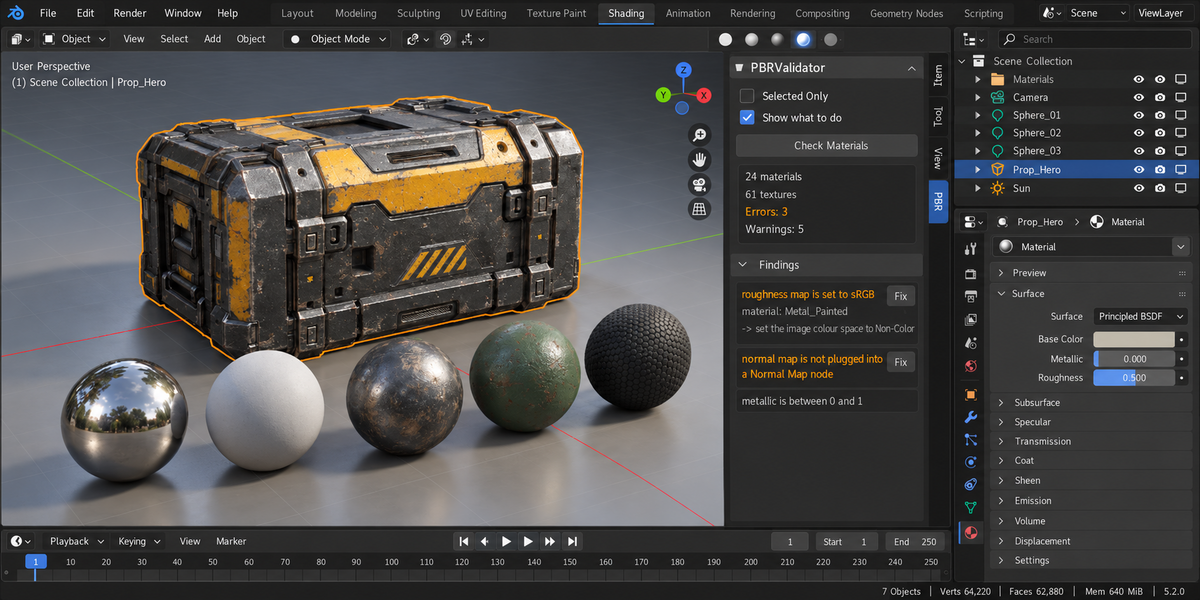
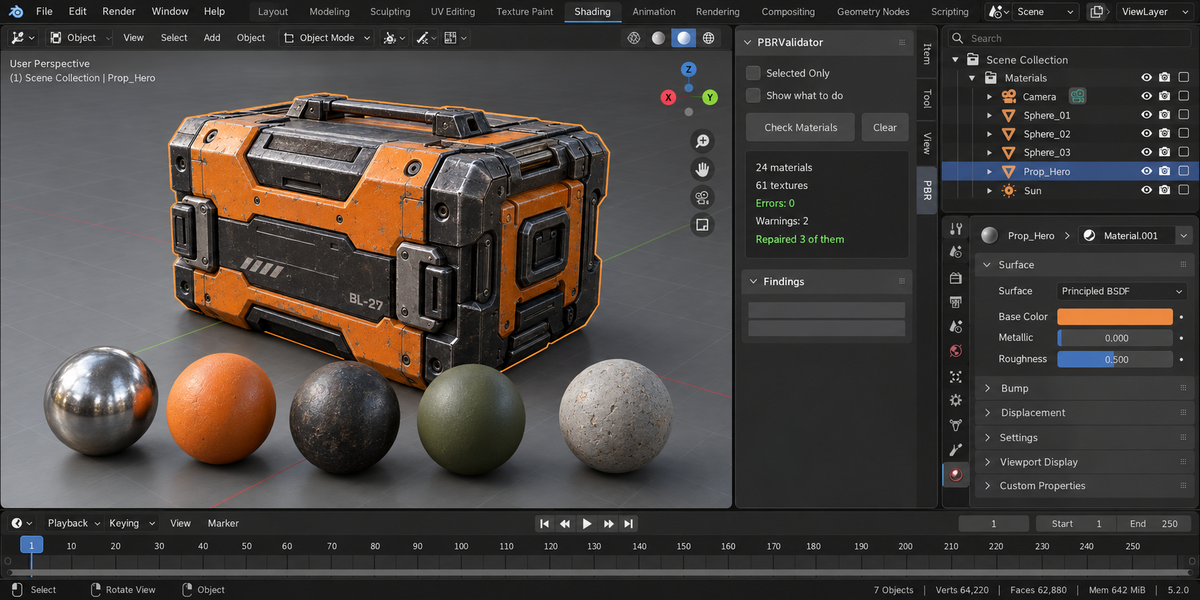
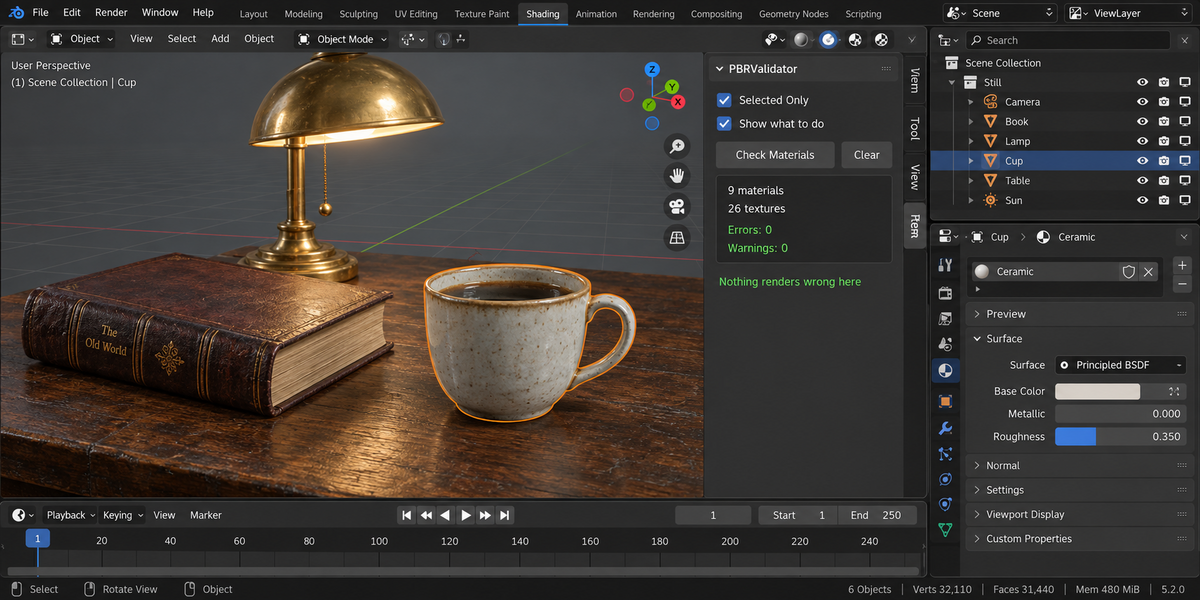
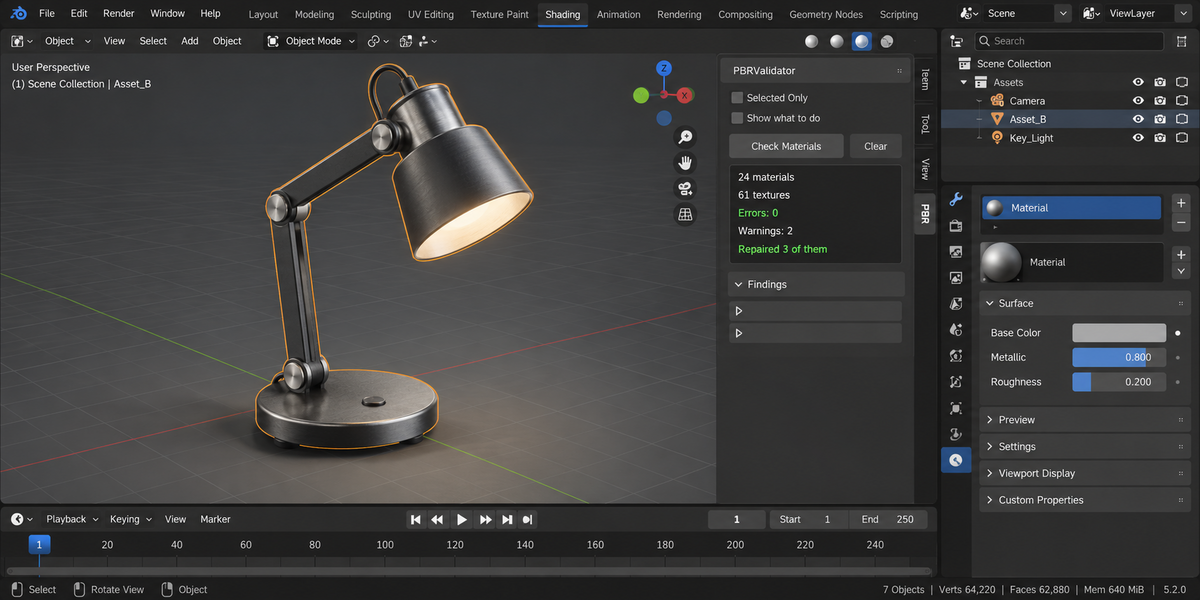
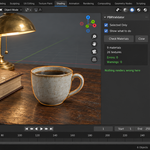
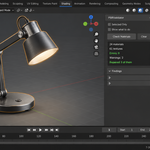
Download the zip and do not unpack it. In Blender open Edit > Preferences > Add-ons, click the drop-down arrow in the top-right corner and choose Install from Disk, then pick the zip. Tick the checkbox next to PBR Validator. Press N in the 3D Viewport and open the PBR tab in the sidebar.
The same steps are in README.txt inside the zip; the full documentation is on the Documentation & FAQ tab of this page.
Blender 4.2 and newer. Tested live on 4.2, 5.1 and 5.2.
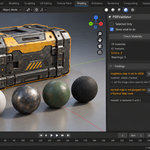
A data map (roughness, metallic, normal, displacement and similar) read as sRGB; a colour texture read as Non-Color; a normal map reaching the Normal input of a shader without a Normal Map node, including shaders inside node groups; a Normal Map node with strength 0; roughness at exactly 0 or 1; a metallic value in the middle; an image texture with no UV Map node on a mesh with more than one UV channel; a missing image file; one image used both as colour and as data.
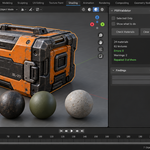
Check Materials only reads. Changes happen when you press Fix All or the fix button on a single finding, and only for findings that need no decision from you: colour space, a missing Normal Map node (inserted into the link that reaches the Normal input of the shader the finding names, so reroutes, Mix nodes and groups stay in the chain), and a Normal Map strength of zero. Roughness at 0 or 1, metallic in the middle and textures with no UV Map node are reported and left to you.
Some findings need a decision. One image used as both colour and data is the typical case: colour space belongs to the image datablock, not to the Image Texture node, so the data input needs its own copy of the image set to Non-Color. The finding stays in the list with that explanation. A metallic value in the middle can be intentional, so it stays a warning.
No. A packed image is treated as present; only an image with no file on disk and no packed data is reported as missing.
No. The add-on contains no network code and writes no files: it reads node trees inside Blender and reports. It is pure Python with no compiled binaries.
Yes. The add-on is licensed under GPL-3.0; the full licence text ships inside the zip. The licence covers the add-on code; what you create with it is yours.
Have questions about this product?
Login to message
| Published | about 2 months ago |
| Blender Version | 4.2 - 5.2 |
| Extension Type | N/A |
| License | GPL |