 CStudio.ao

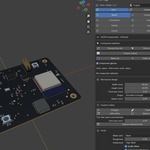
Electronic detail, built for your models.
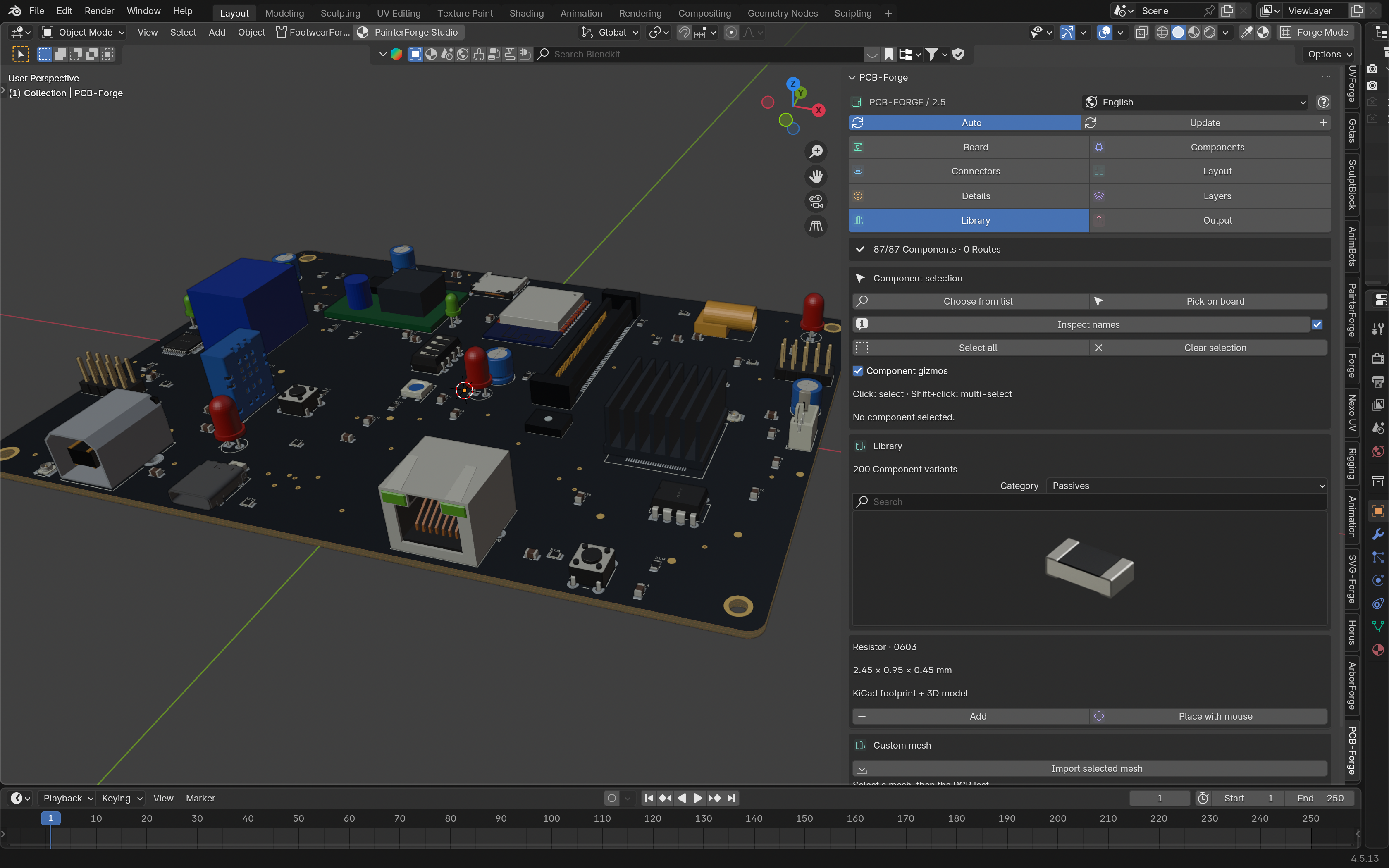
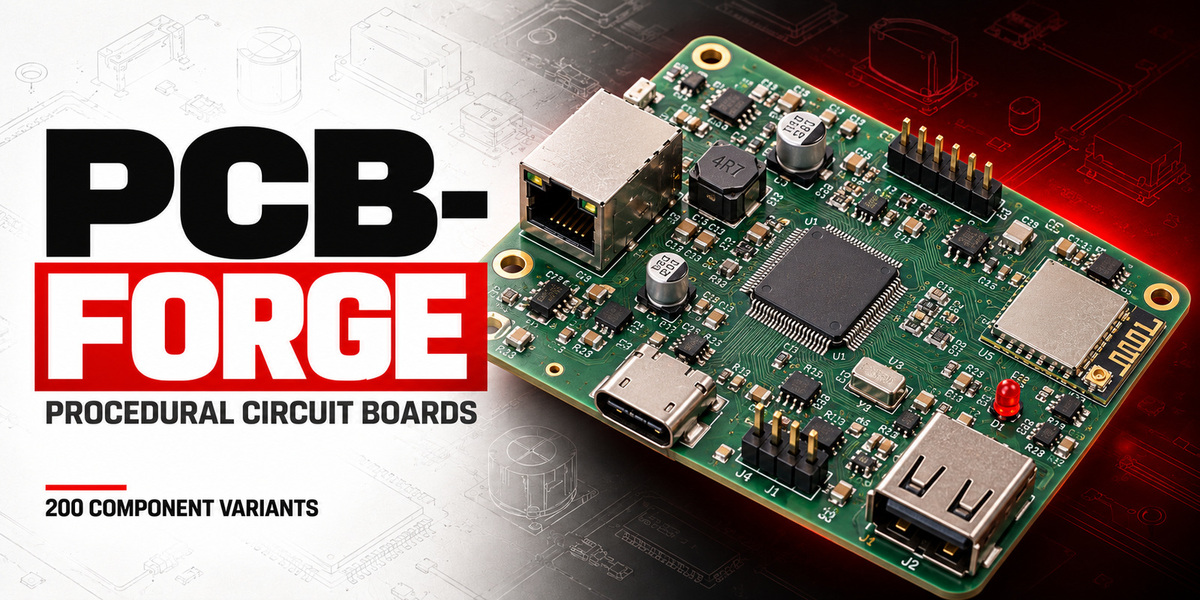
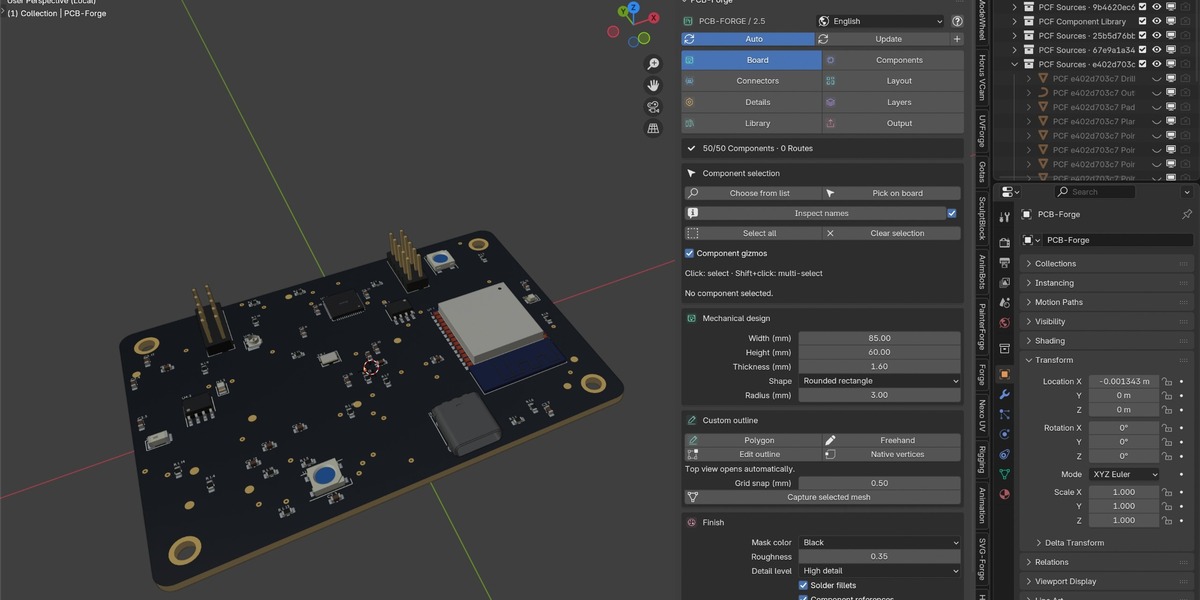
PCB-Forge is a parametric circuit-board generator for Blender artists. Create boards for robots, electronic devices, sci-fi props and product visualizations without modeling every resistor, capacitor or connector from scratch.
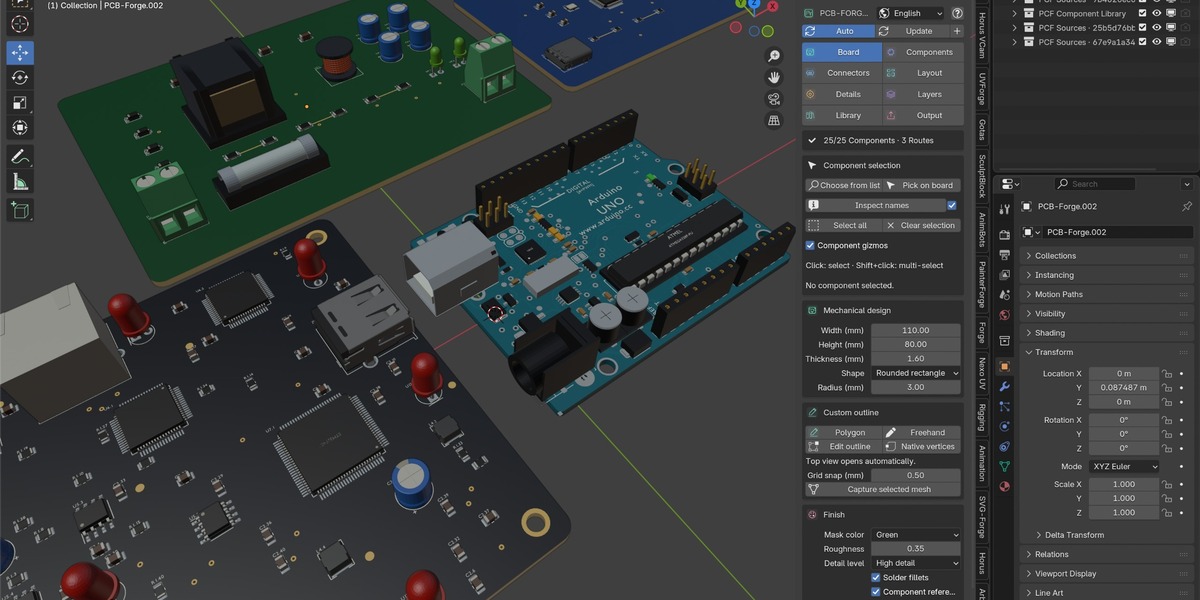
Built around Geometry Nodes, with Python-powered layout and editing tools, PCB-Forge lets you shape the board, choose its component mix and refine individual parts directly in the viewport.
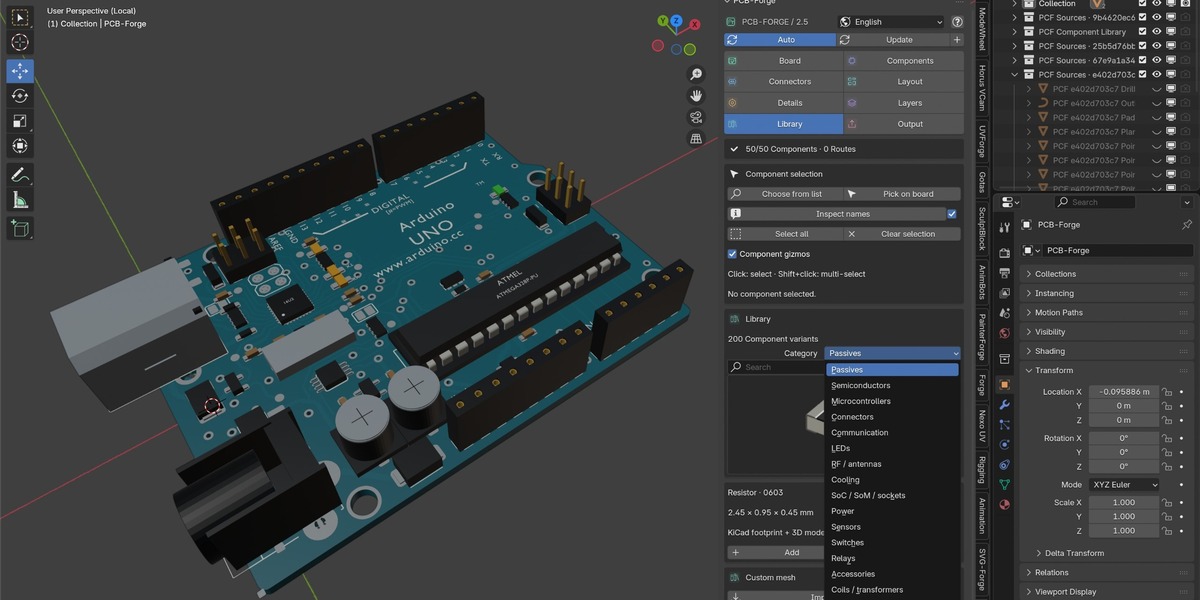
200 component variants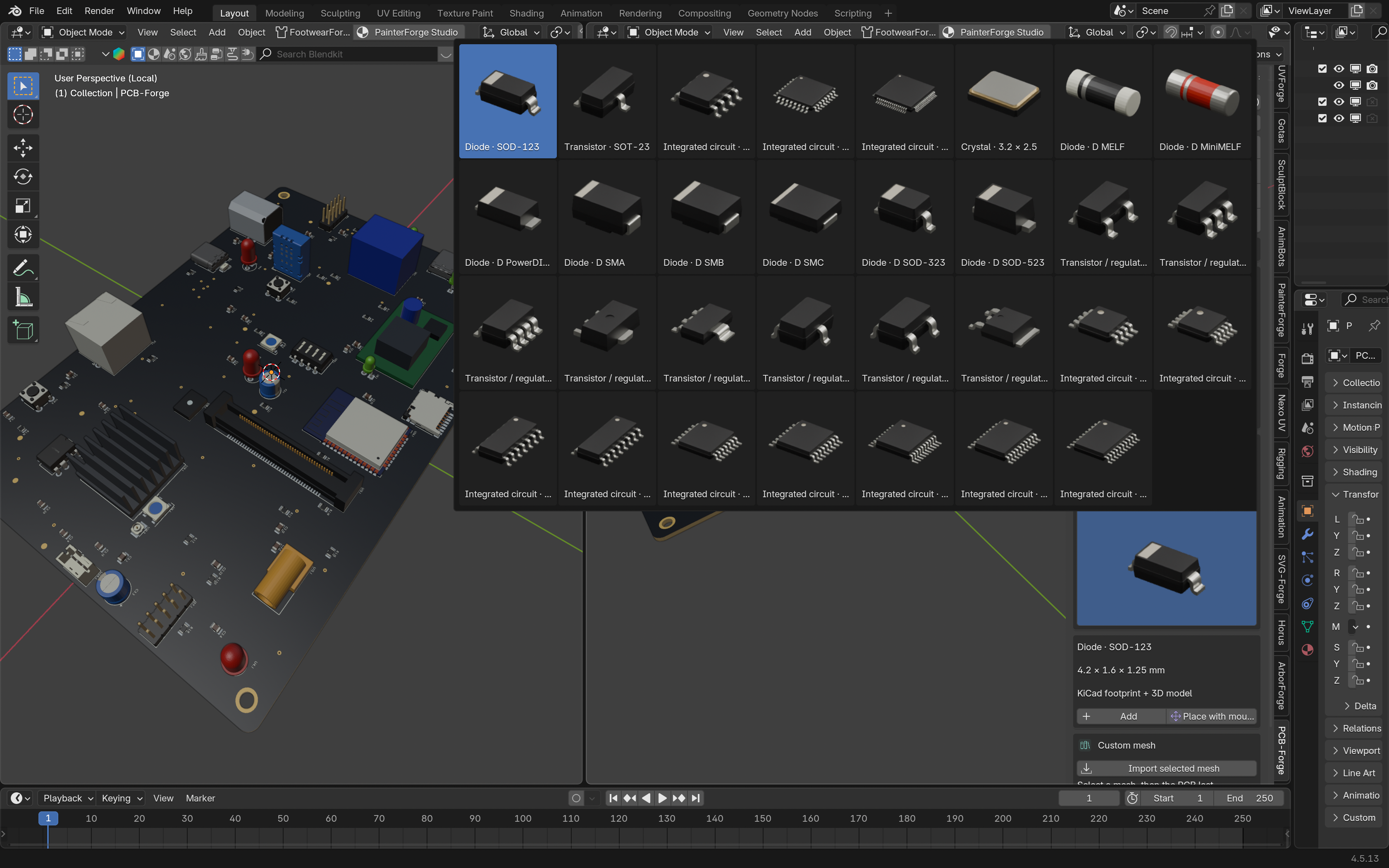
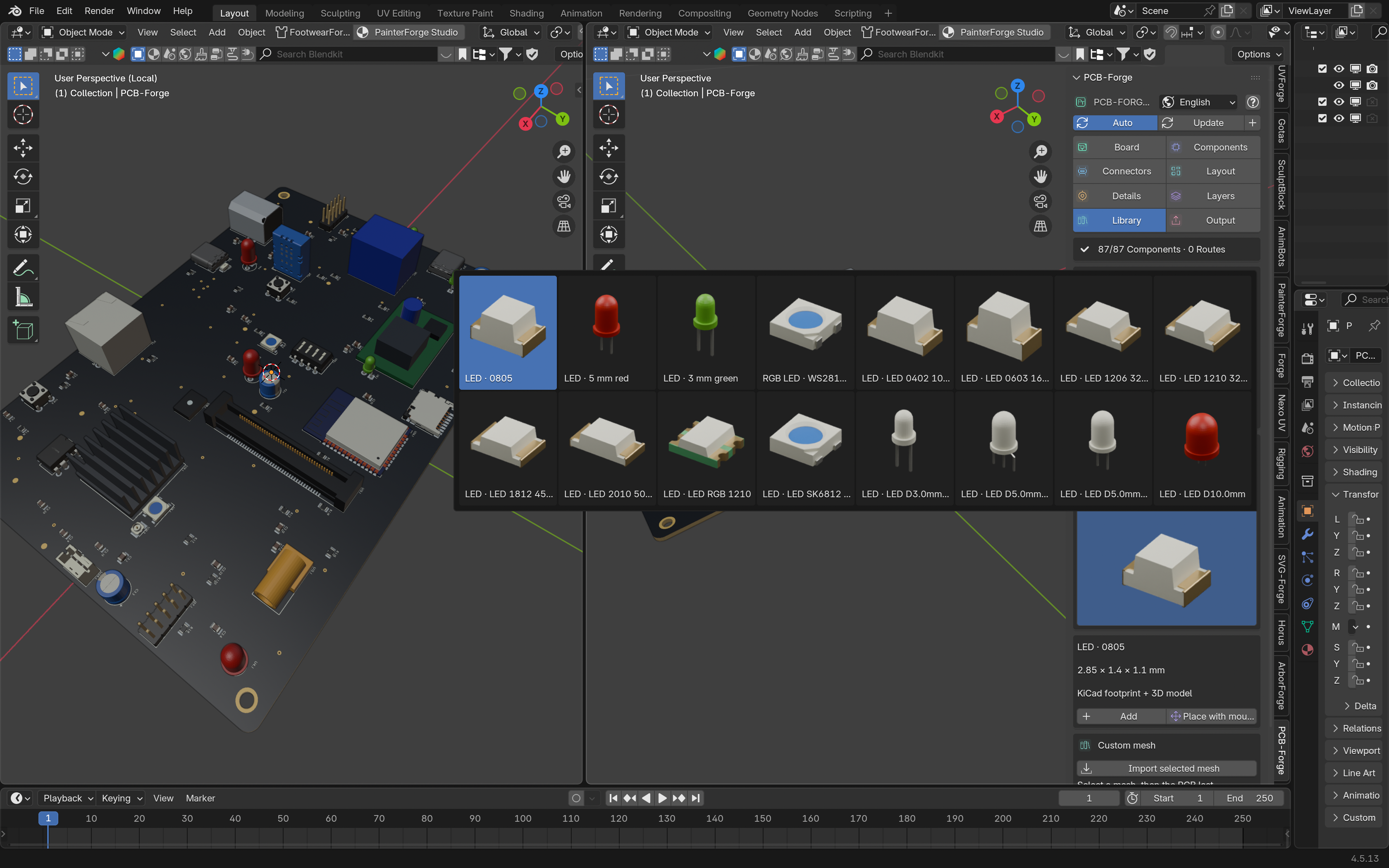
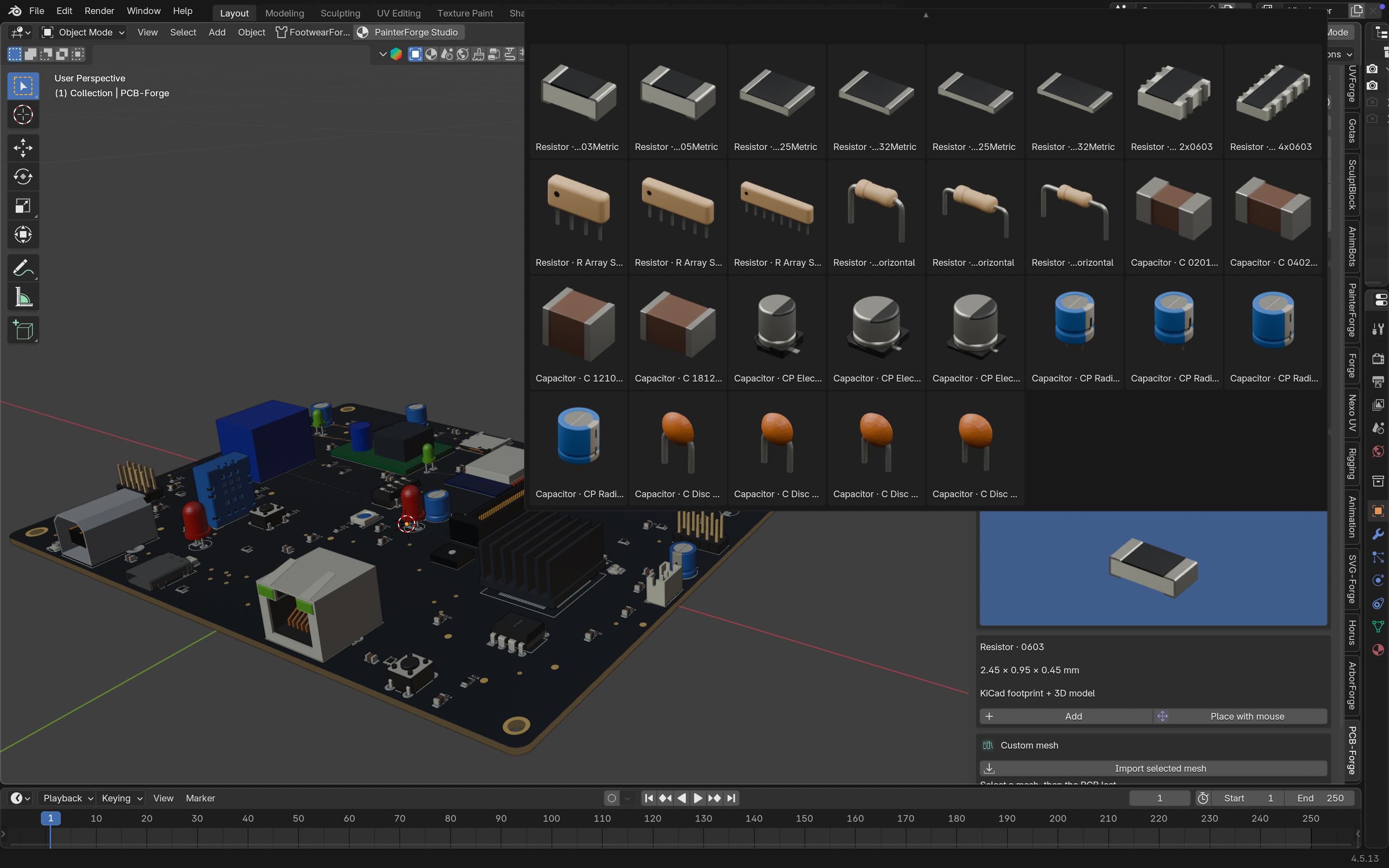
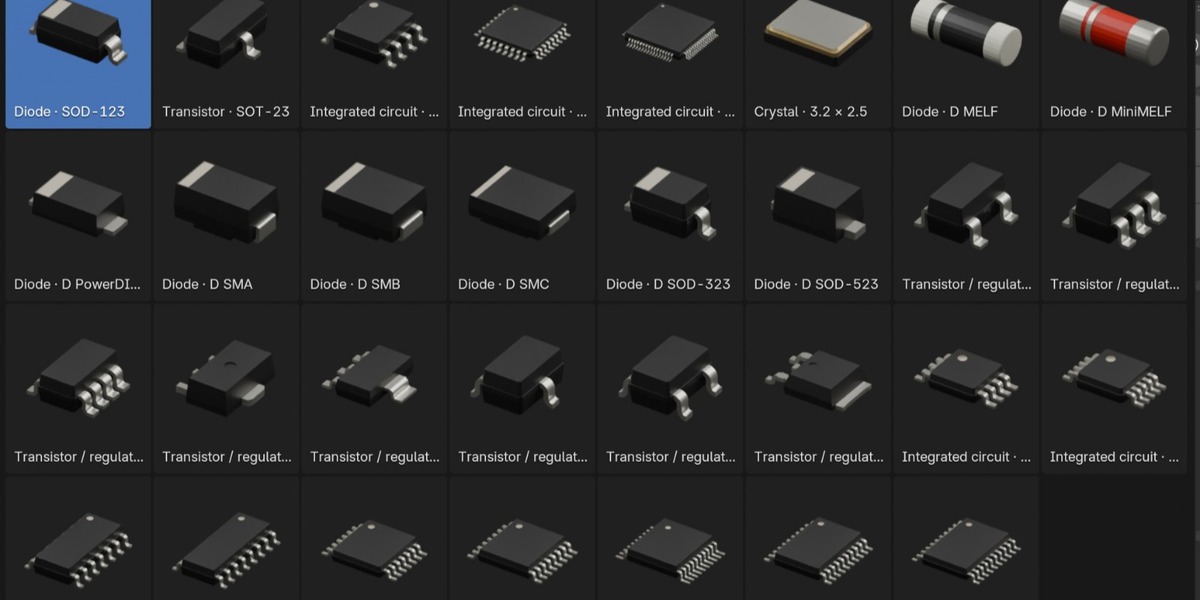
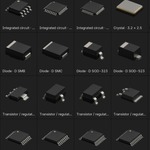
Explore a local library of 200 variants across 16 categories, with rendered thumbnails.
The collection includes resistors, capacitors, LEDs, microcontroller packages, USB connectors, Ethernet connectors, Wi-Fi modules, headers, sockets, heat sinks, inductors, transformers, relays and power components.
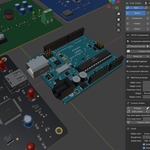
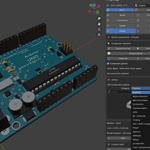
Choose component quantities, add parts after generating the board or import your own mesh.
Shape the board around your design
Adjust width, height, thickness, color, corner radius and mounting holes. Start with a rounded rectangle, ellipse or L-shaped board, or create a custom outline.
Draw a polygon, sketch freehand or edit the boundary using native vertices and edge extrusion. Free components adapt to the available space, while placement constraints help manage collisions and clearances.
Control individual components
Select a specific component to move, rotate, scale, duplicate or delete it.
Press S to scale the selection, enter a numeric factor or constrain the transformation to local X, Y or Z. Pads, terminals and silkscreen follow the component transform.
Viewport gizmos, numeric controls, multi-selection, alignment tools and undo/redo help refine the composition.
Add circuit-board detail
Create named pad connections, 45-degree-style copper paths, vias between the external faces, copper planes, test pads and silkscreen.
Represent 2–16 copper layers and adjust their separation for exploded presentations. Unresolved connections remain visibly marked for inspection.
Keep the result useful
Switch between fast preview and high detail. Keep the parametric project, create an evaluated mesh or generate an organized assembly with separate component objects.
Export GLB or OBJ, or save a collection asset for the Asset Browser.
The included library works locally. Board generation requires no external API, account or live asset downloads.
Included
PCB-Forge 2.5 with 200 component variants and thumbnails.
Parametric board and custom-outline tools.
Individual and group component-editing tools.
Visual copper, pad, via and layer details.
Demonstration scene with camera and lighting.
Written documentation and source/license notices.
English, Portuguese, French, Spanish, German and Italian interface languages.
Compatibility
Target: Blender 4.5 and later.
Developer-tested on Linux with Blender 4.5.3 LTS and 5.0.1. Native Windows/macOS validation is pending.
Scope
PCB-Forge is designed for modeling and visualization. It does not validate electrical correctness or manufacturing rules, and it does not export Gerber fabrication files. Dense layouts may leave components unplaced or connections unresolved.
The library includes generic packages and visual approximations rather than exclusively certified manufacturer CAD.
Licensing
Add-on code: GPL-3.0-or-later. Bundled models and footprints retain their individual licenses and credits, documented in the package.
