 PeachForge
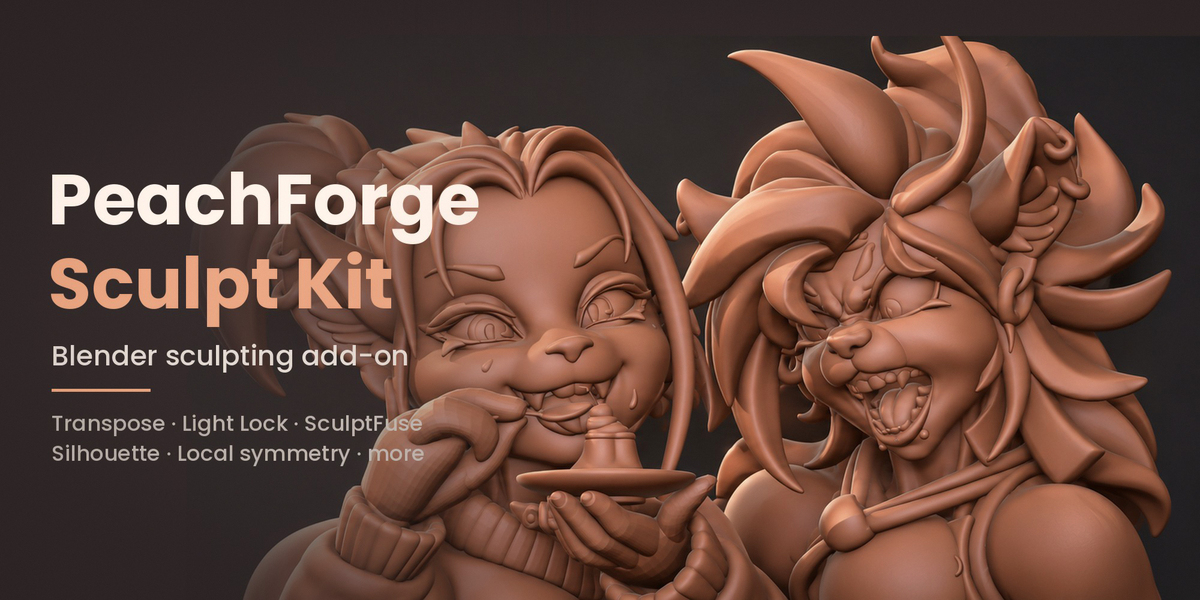
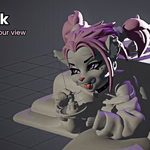
Sculpting tools I built for my own daily work in Blender, now available for yours.
PeachForge Sculpt Kit is a set of tools that came from real sculpting sessions. Each one fixed something that kept slowing me down. Everything lives in one PeachForge tab in the 3D Viewport sidebar, and the tools are shown in video walkthroughs on the PeachForge YouTube channel.
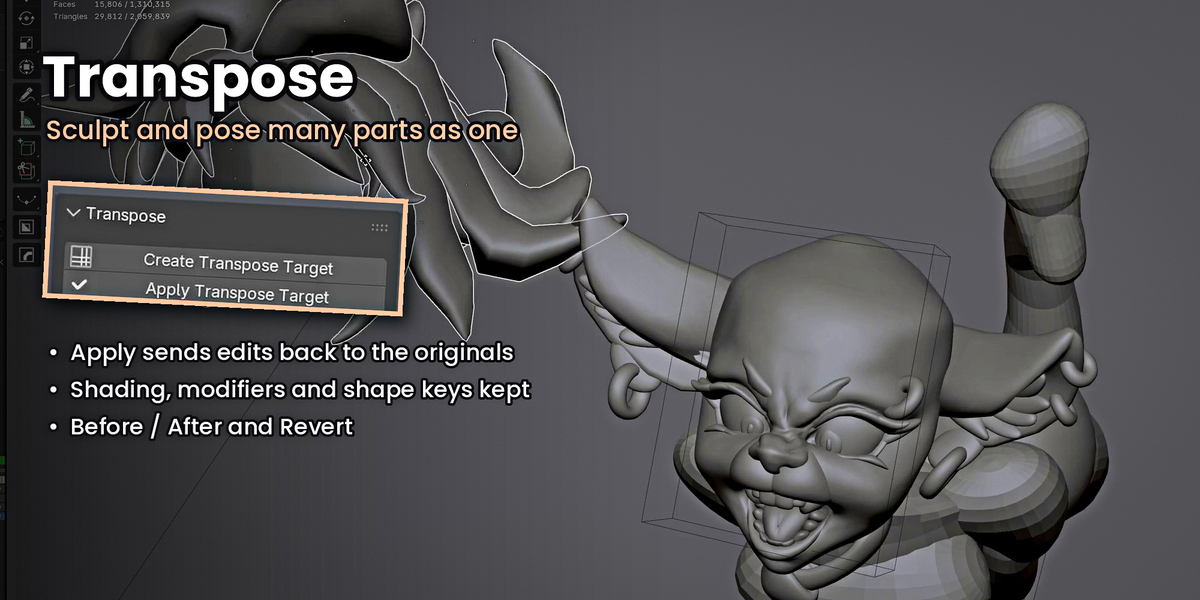
Transpose: sculpt many parts as one
Select several separate objects and sculpt or pose them together as one temporary mesh, then apply the changes back to the originals. Shading, sharp edges, custom normals, modifiers and shape keys are kept. Before / After flips between where you started and your current sculpt, and Revert lets you start the session over.
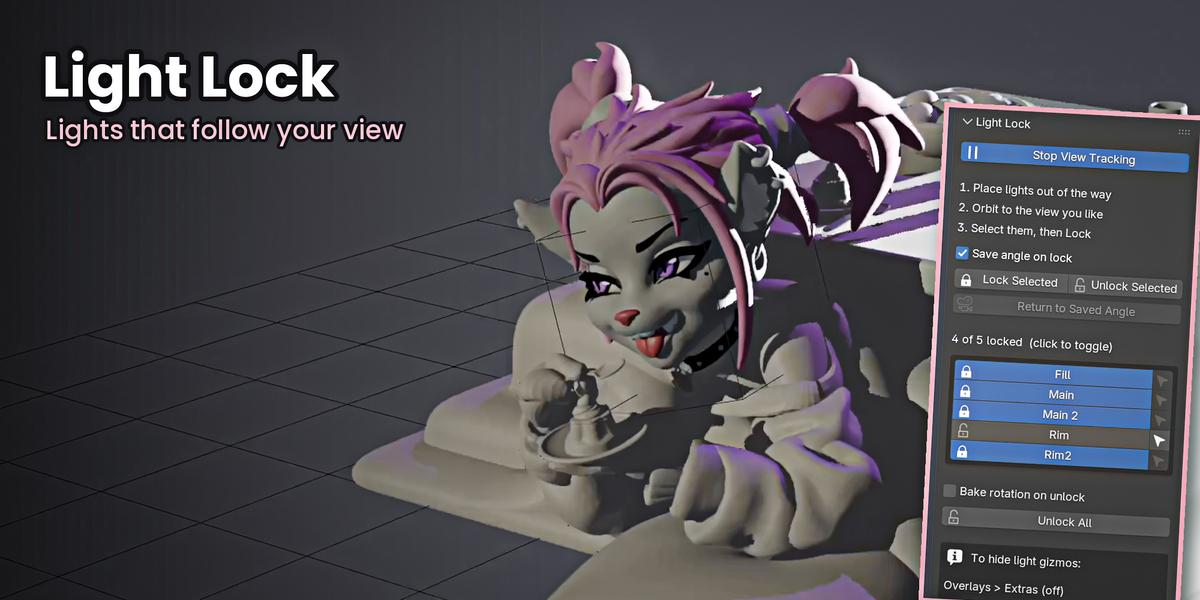
Light Lock: lights that follow your view
Lock your hand-placed lights to the camera so your lighting stays the same while you orbit. Lights never move from where you put them, and you can unlock them anytime.
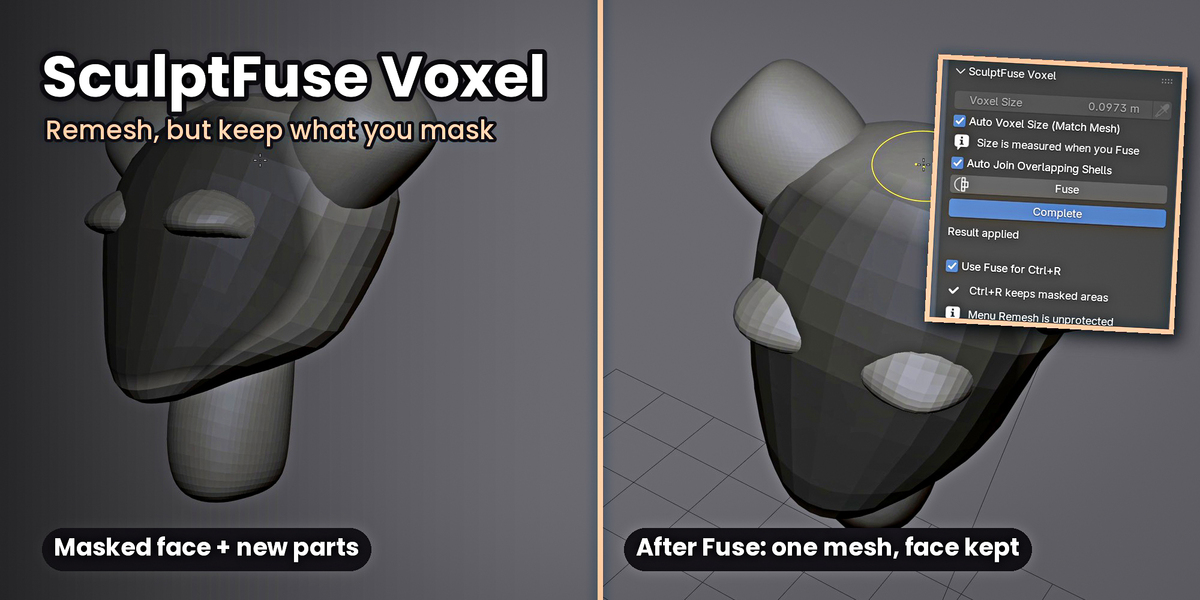
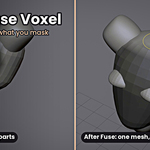
SculptFuse Voxel: remesh without losing what you protect
Mask the areas you want to keep, add new shapes, and fuse everything into one mesh. Masked detail, like a finished face, comes through exactly as you sculpted it, and soft mask edges blend into the new geometry.
Compare: see your progress at a glance
Save Before snapshots the parts you're about to change, keeping your collection folders. Before / After flips between the snapshot and your current work, even in Sculpt Mode. Parts you add later hide with Before, so you see the true old version. Show Both overlays a wireframe ghost, Bring Back Part restores an old part, and Show Current Only clears every snapshot at once.
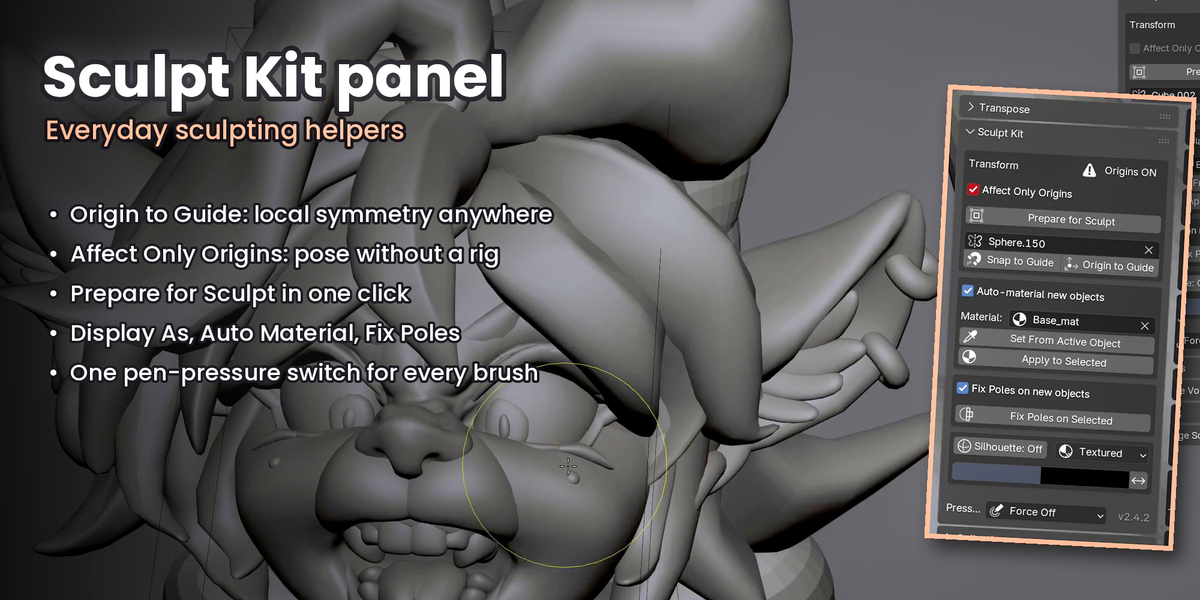
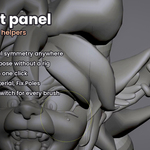
Sculpt Kit panel
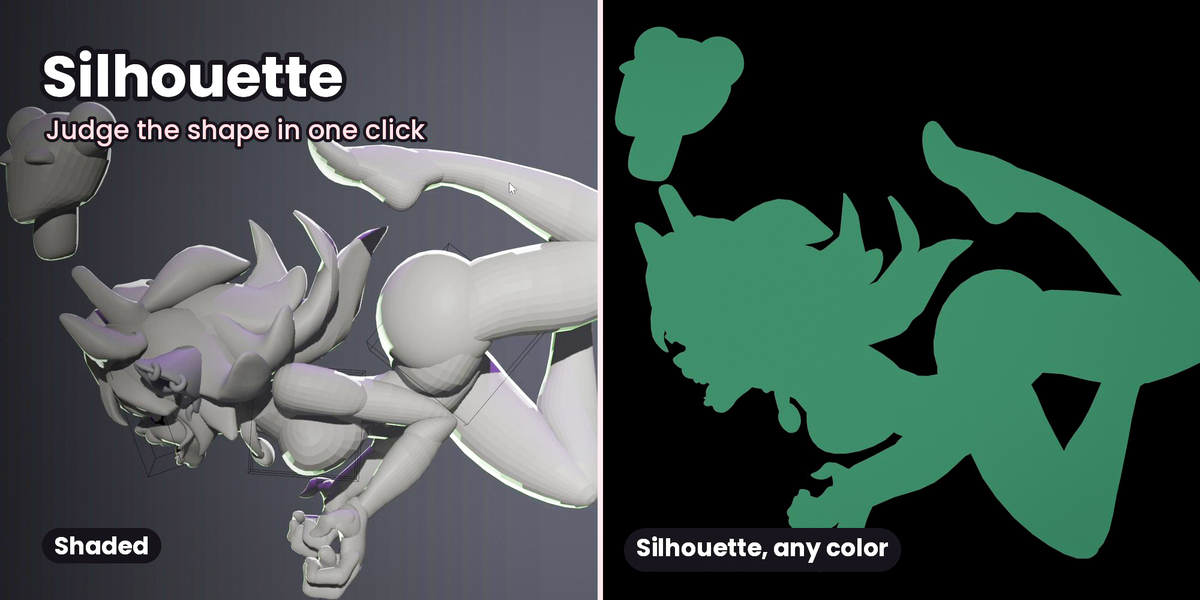
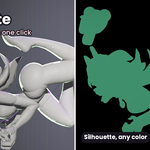
- Silhouette: a flat, one-color view to judge your shapes, with adjustable colors
- Display As: switch objects between Bounds, Wire, Solid and Textured in one click, handy for guides you want to sculpt through
- Origin to Guide & Snap to Guide: local symmetry for posed and tilted parts
- Affect Only Origins: pose a blockout without a rig
- Prepare for Sculpt: apply transforms, center the origin and shade smooth in one click
- Auto Material: new objects get the material you used last
- Fix Poles: cleaner voxel remeshing, on by default
- Pen Pressure: one switch for pressure on every brush
Collections: a collection list built for sculpting
Visibility, one-click selection, favorites, ordering and isolation, plus fold / unfold like a tree, click-and-drag across eyes to hide or show many at once, double-click rename, new collection, delete while keeping objects, and Move Into to nest collections.
What you get
- Two add-ons: PeachForge Sculpt Kit 2.6.7 and SculptFuse Voxel 0.2.12 (install one or both)
- A README with install steps
- 12 months of updates included through Superhive
Requirements
Blender 5.2 or newer, built and tested on Blender 5.2 LTS and 5.3. The code is GPL-licensed, like Blender.
Videos
Watch the 2-minute overview, or the full walkthrough on the PeachForge YouTube channel.
