PeachForge Sculpt Kit
 PeachForge
Why didn’t SculptFuse keep part of my mask?
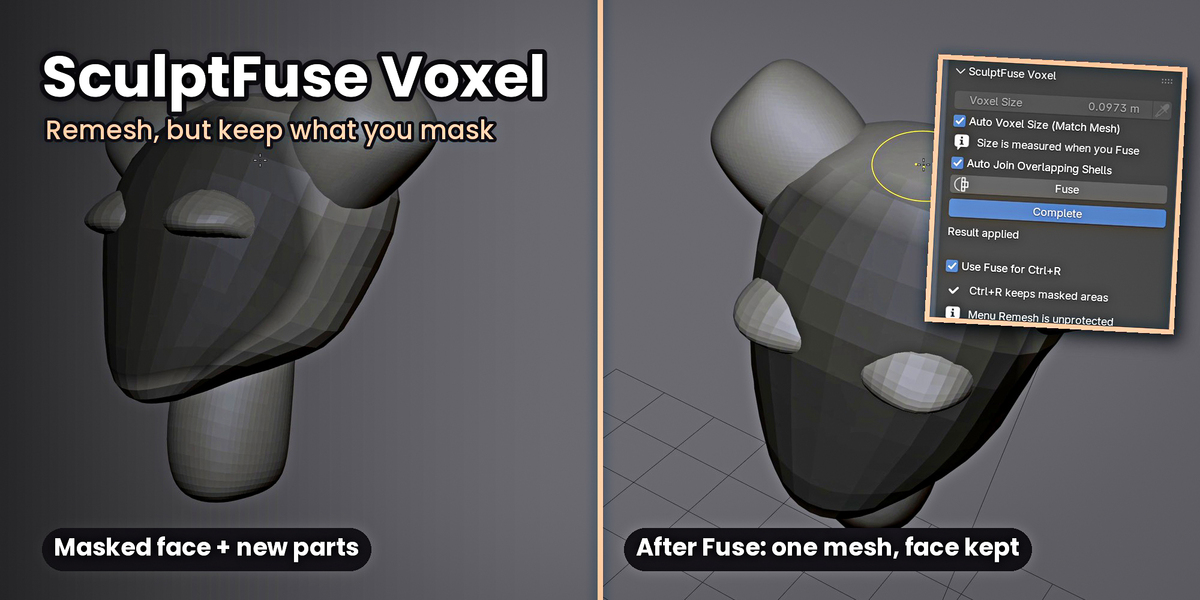
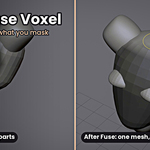
Areas masked at 50% strength or more are kept exactly; softer mask edges are remeshed so they blend in. Turn off Dyntopo before fusing, and save first on very dense meshes.
Does Transpose change my original objects?
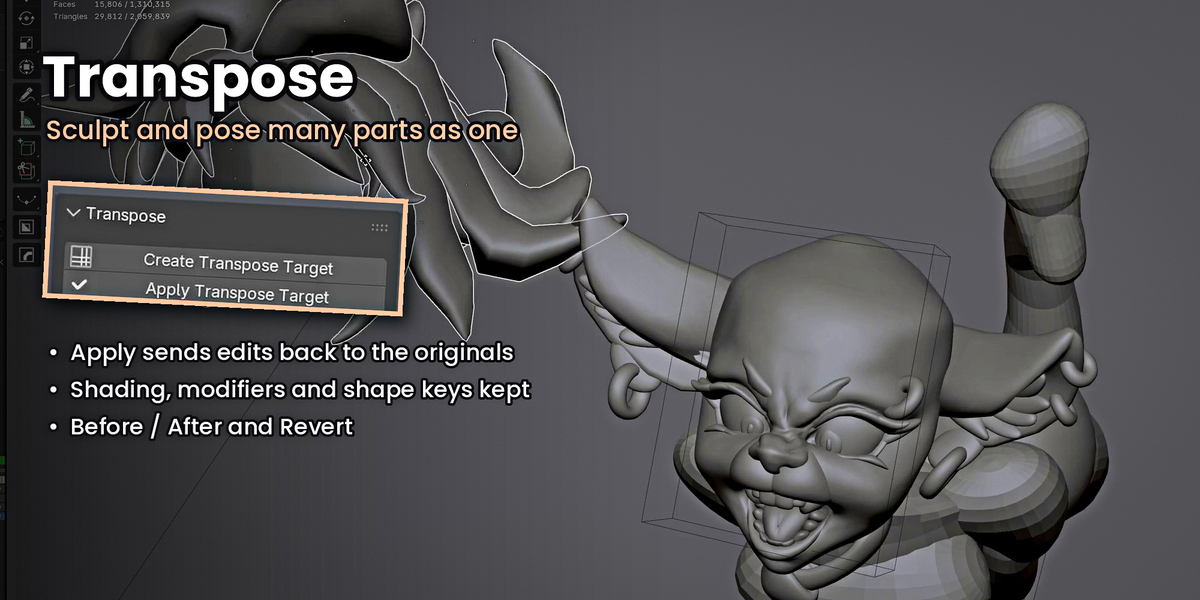
Only when you press Apply Transpose Target. Until then you’re sculpting a temporary copy. Before / After lets you compare, Revert throws the session away, and Ctrl+Z works throughout.
Which Blender versions are supported?
Blender 5.2 and 5.3. If you run into a problem, message me with your Blender version and the add-on version shown at the bottom of the Sculpt Kit panel.
Do I need both add-ons?
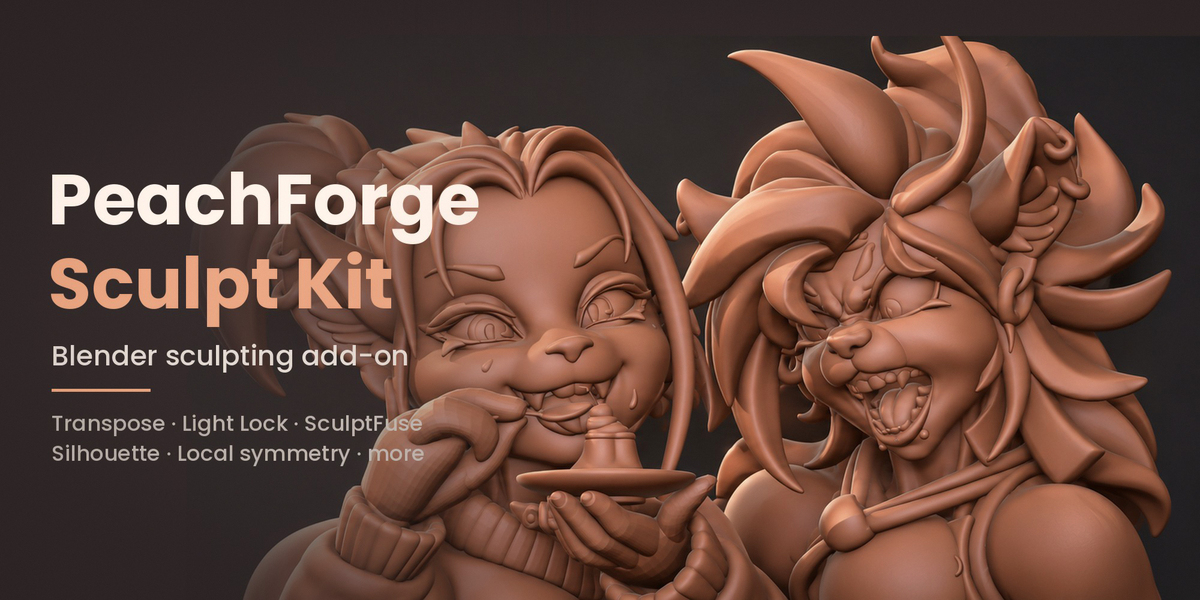
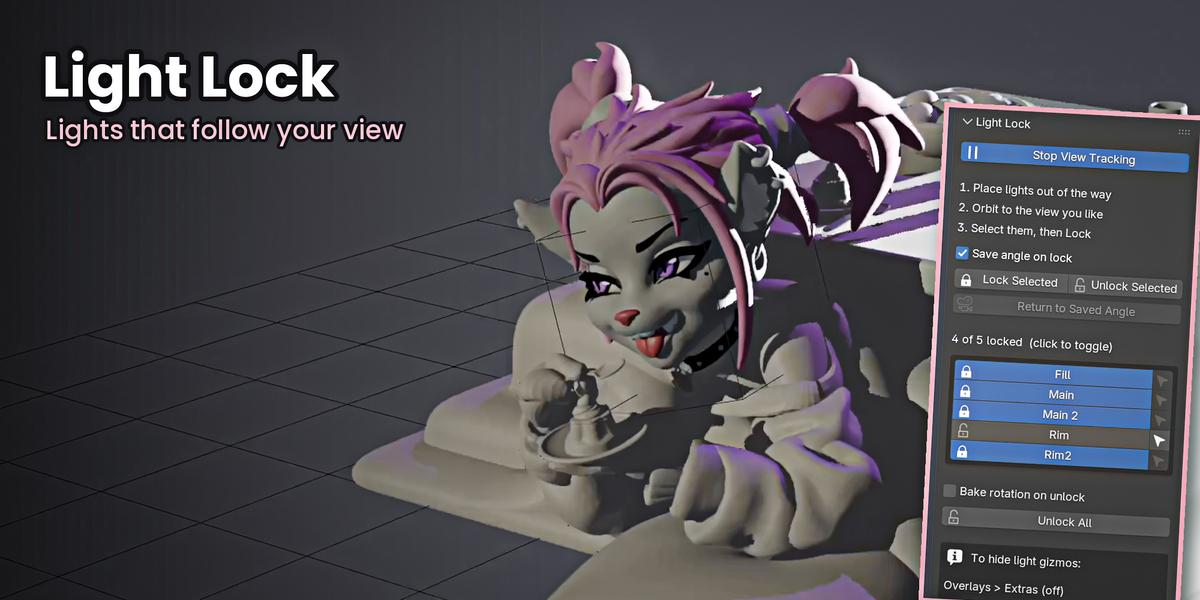
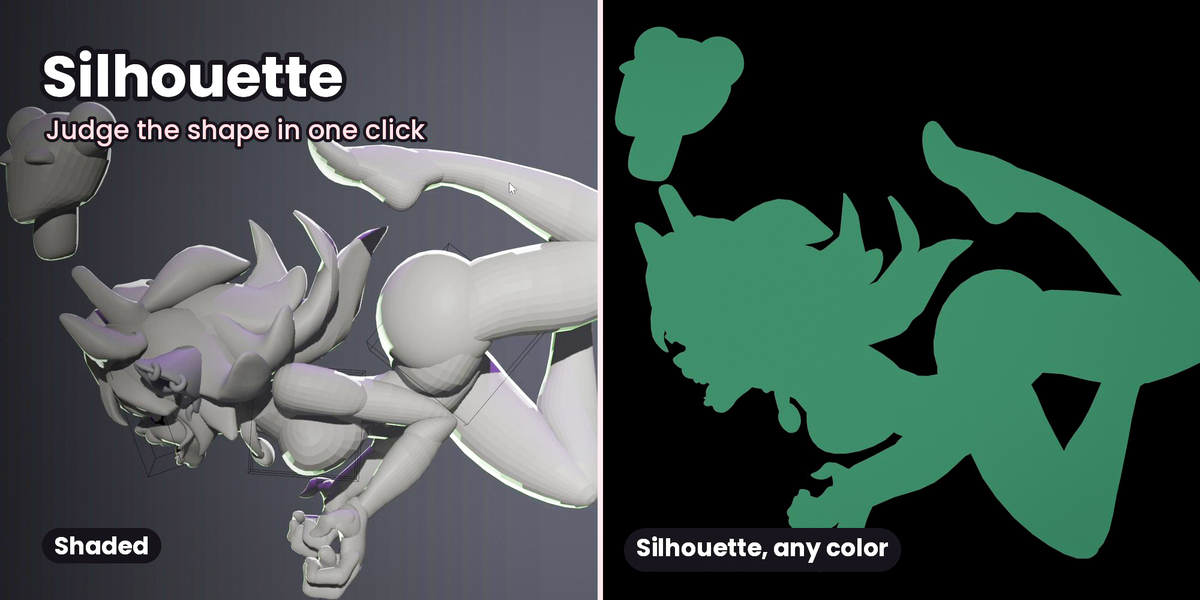
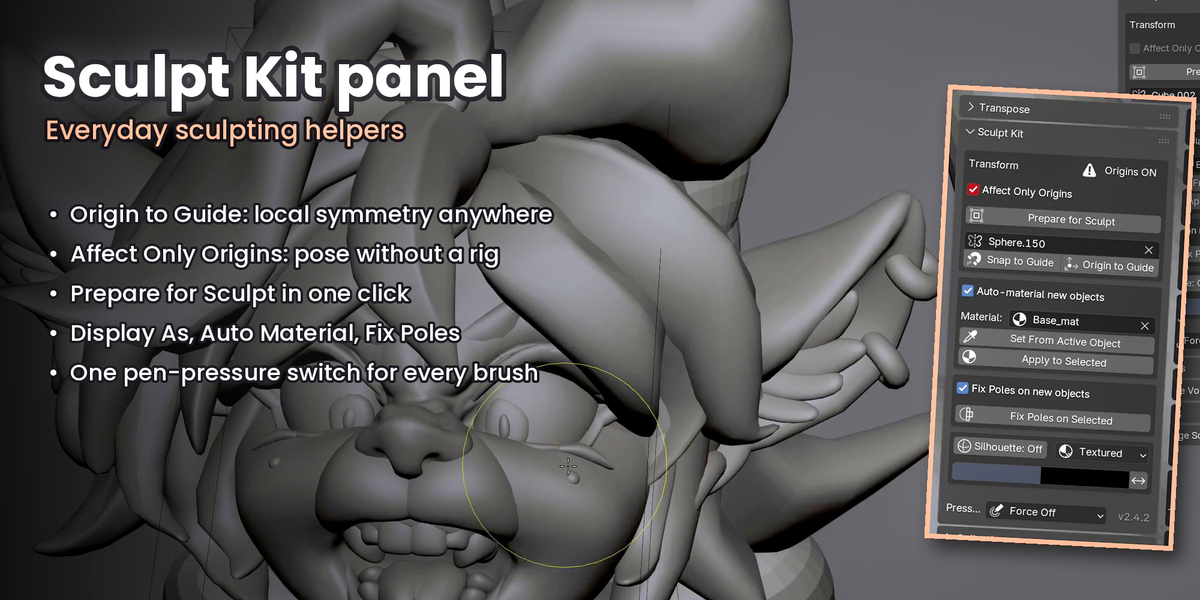
No. Sculpt Kit (Transpose, Light Lock, Silhouette, Collections and more) and SculptFuse Voxel work independently, so install one or both.
How do I install it?
Unzip the download once. Inside are two add-on zips. In Blender go to Edit > Preferences > Add-ons > Install from Disk and choose each zip without unzipping it, then tick them on. Press N in the 3D Viewport and open the PeachForge tab.
Have questions about this product?
Login to message
| Published | 2 days ago |
| Blender Version | 5.2 - 5.3 |
| Extension Type | N/A |
| Render Engine Used | Cycles, Eevee |
| License | GPL |
