Peel Effect
 Animation Store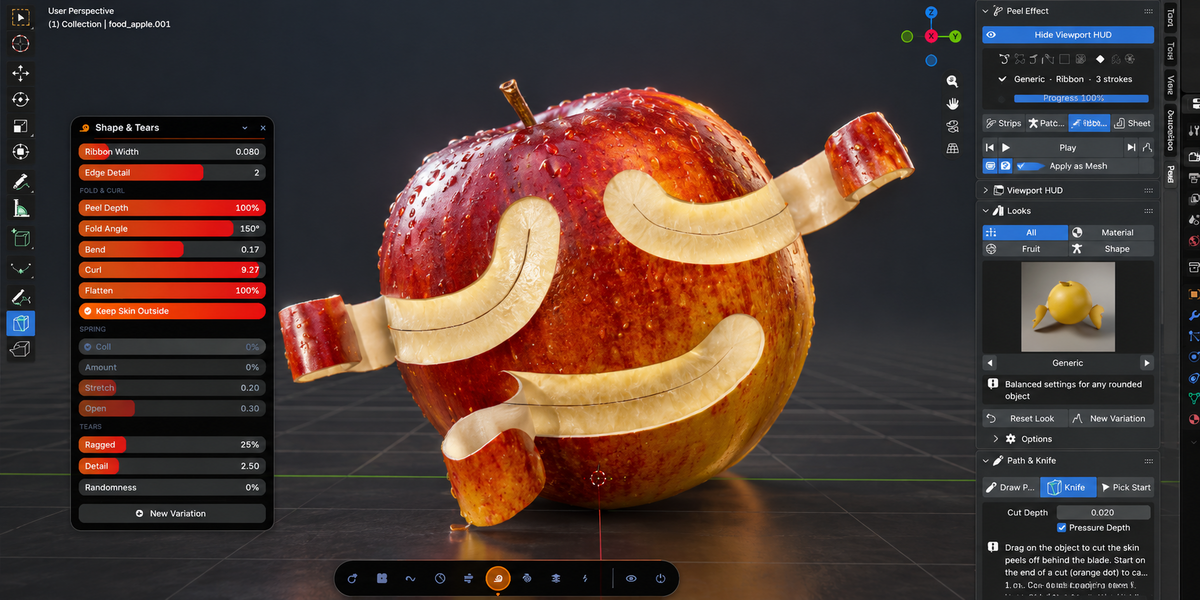




Inner skin or flesh is showing before the peel starts. Why?
This is almost always caused by flipped normals. Peeling recalculates them, so if you changed the normals afterwards, remove the peel and peel again.
Is it destructive?
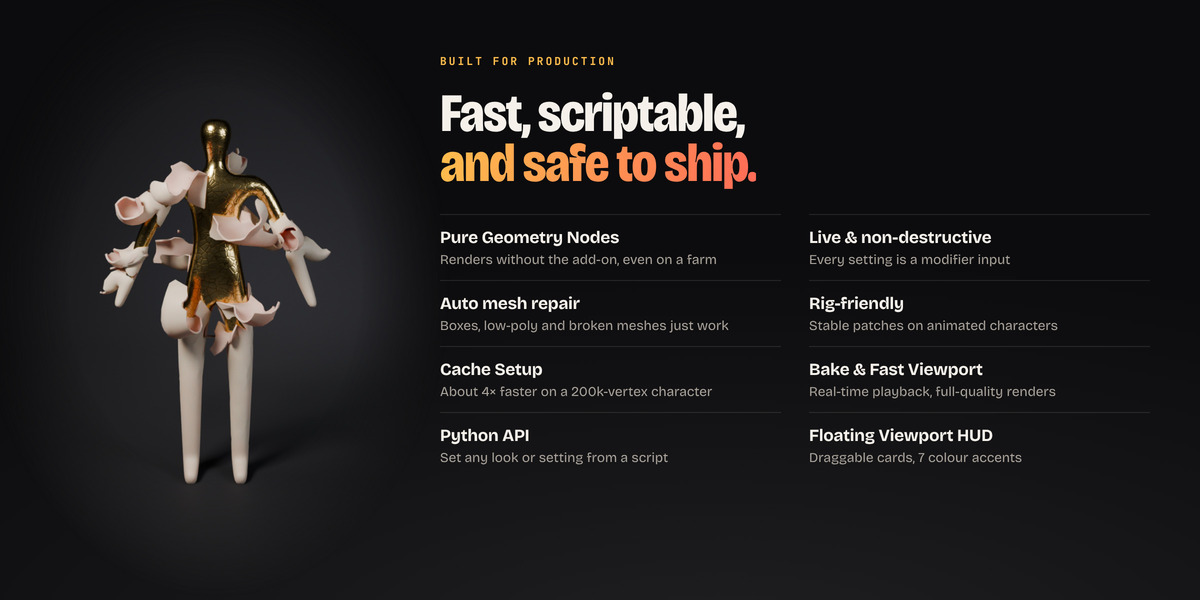
No. The peel is a modifier, the path is an ordinary curve, and every setting stays editable. When a mesh needs repairs, the original is kept as a separate mesh. The trash-can button removes the peel, its path and its layers.
Can I turn the result into a normal mesh?
Yes. Apply as Mesh freezes the current frame as a regular mesh, debris and particles included.
Playback is slow on my heavy character. What can I do?
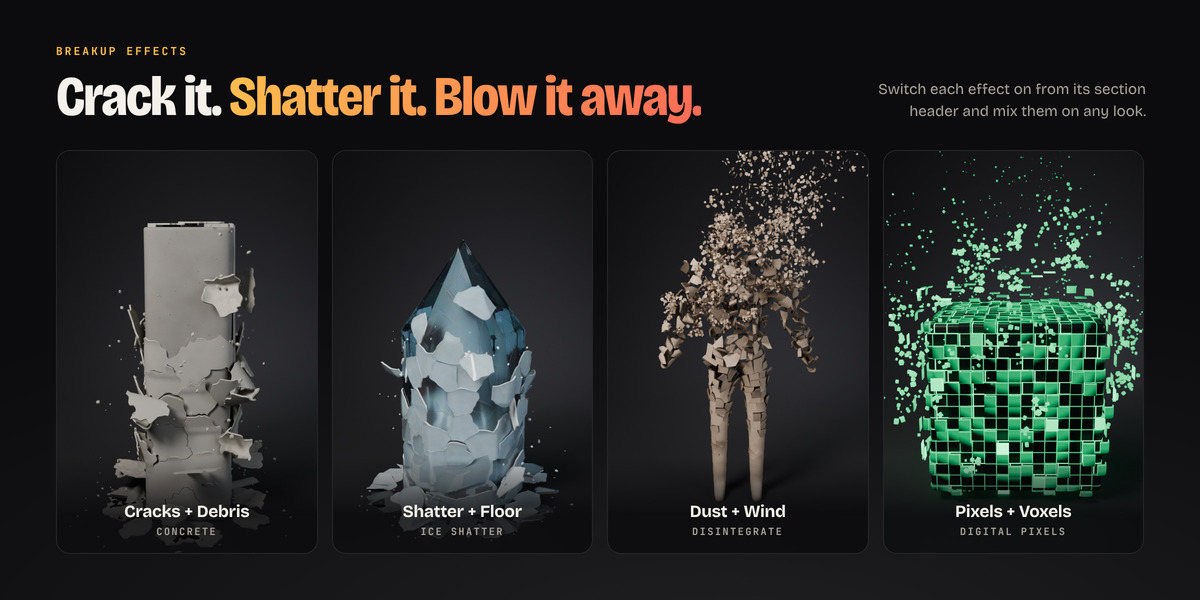
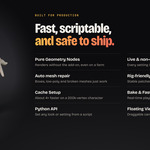
Open the Speed panel. Cache Setup gives about 4× faster playback on a 200k-vertex character. Fast Viewport lightens the viewport only, and Bake Animation gives real-time playback. Renders always use full quality.
Does it support a pen tablet?
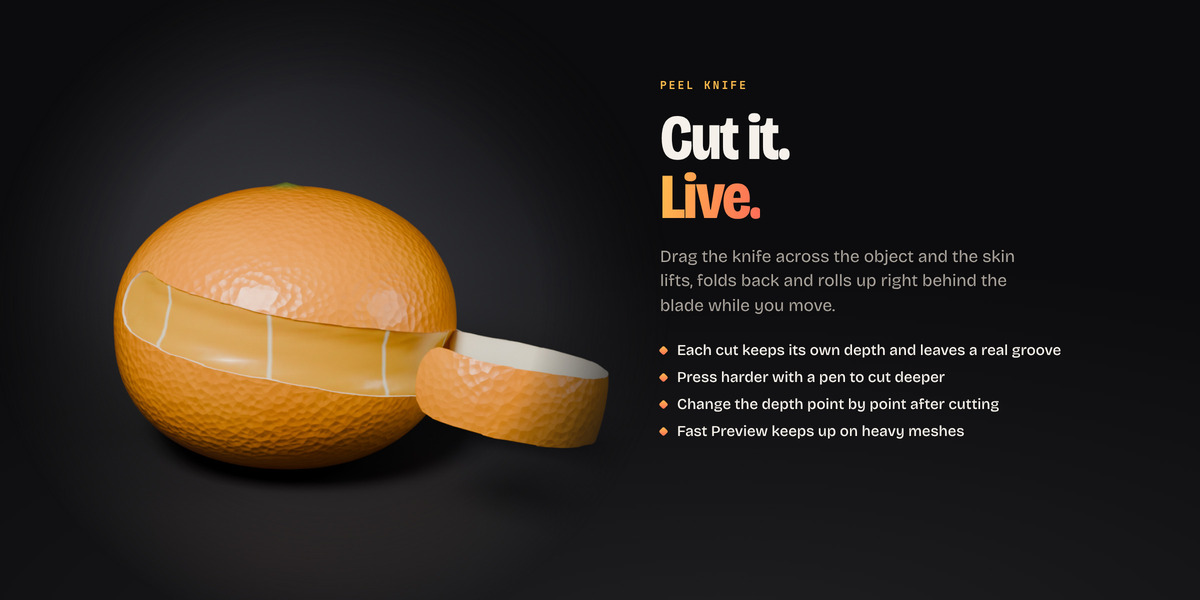
Yes. Pen pressure can control the width of the ribbon and the depth of the cut, for both Draw Path and the Peel Knife.
Can I control exactly where it peels?
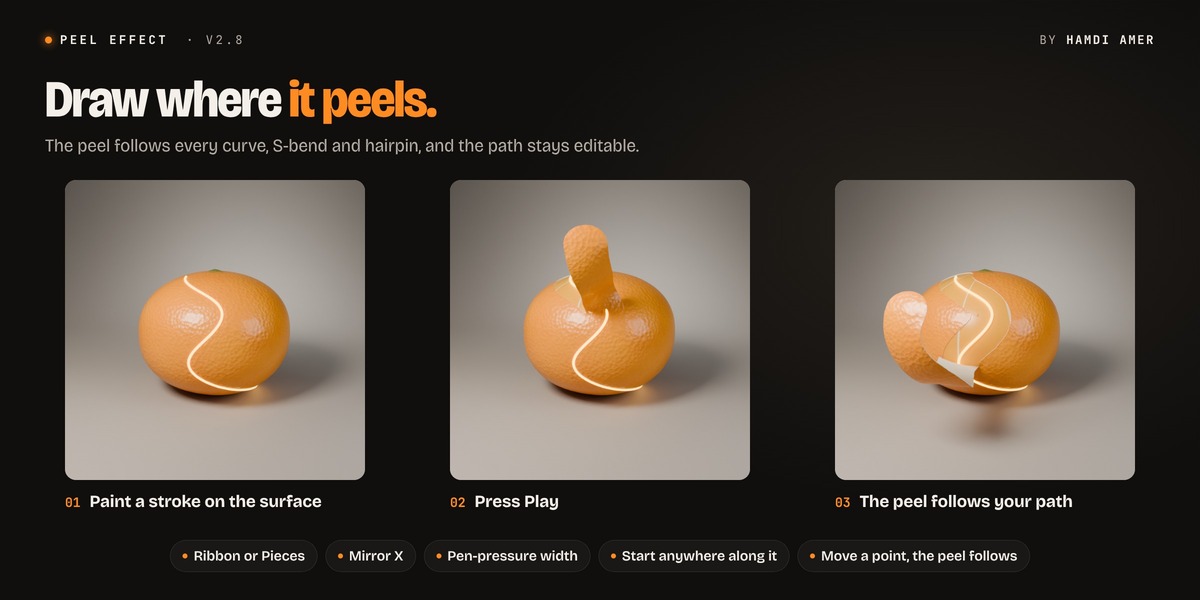
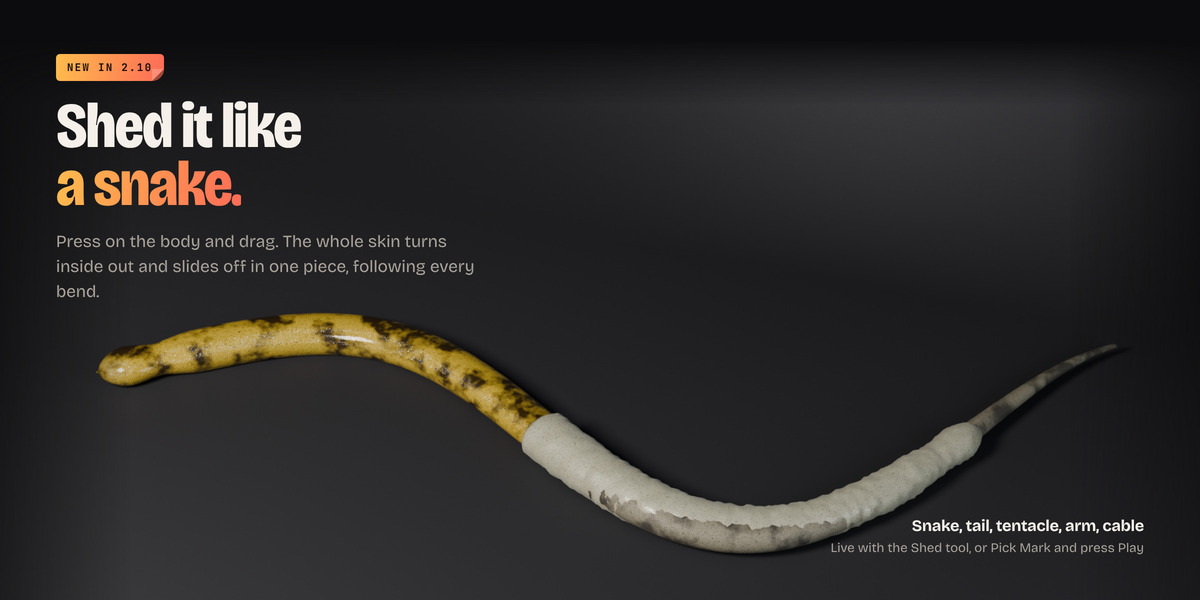
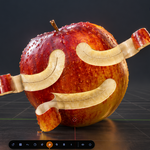
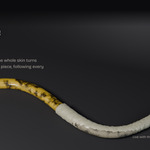
Yes. You have three tools: Draw Peel Path (paint strokes on the surface), the Peel Knife (cut it live, with depth) and Shed (pull the whole skin off like a snake). There's also Pick Start to choose where a peel begins with one click.
Can I peel a flat plane, a screen or a sticker?
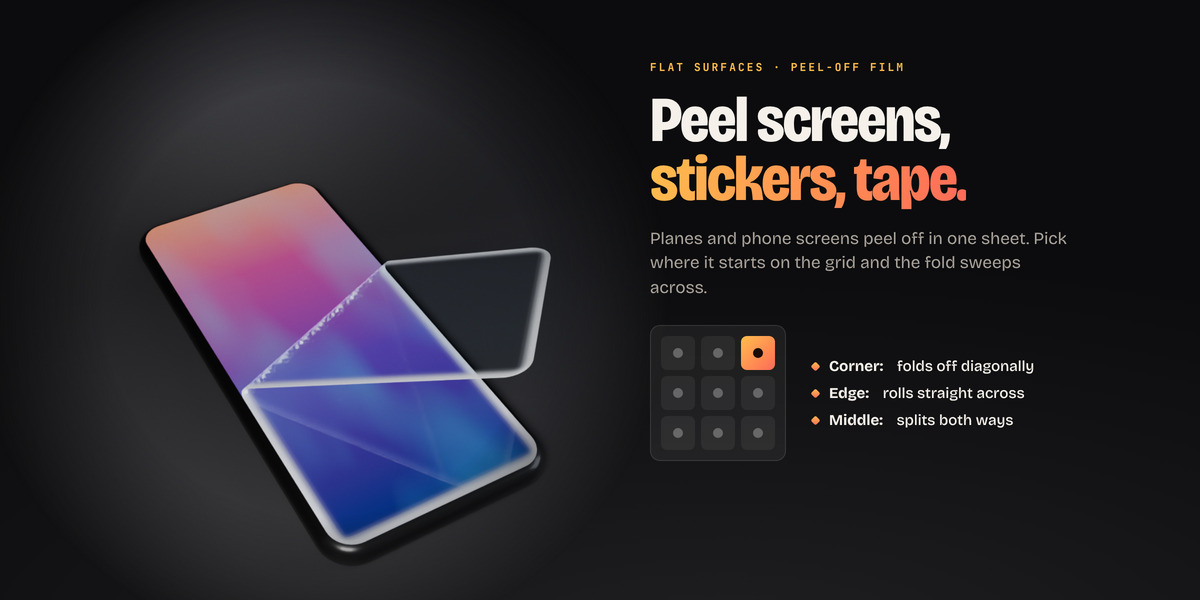
Yes (since 2.9). Pick a corner, an edge or the middle on the Start At grid, and the surface peels off in one sheet or in a wave of patches. Try the Peel-Off Film look for screen protectors and stickers.
My model is low-poly, a box, or has holes. Will it work?
Yes. When you peel, the mesh is checked and fixed automatically. Flipped normals are recalculated, holes are closed, and boxy or low-poly shapes are rebuilt inside the modifier. Your original mesh is always kept. If a result still looks off, raise Detail under Modifiers > Peel > Mesh Repair.
Can I use it on my own models and characters?
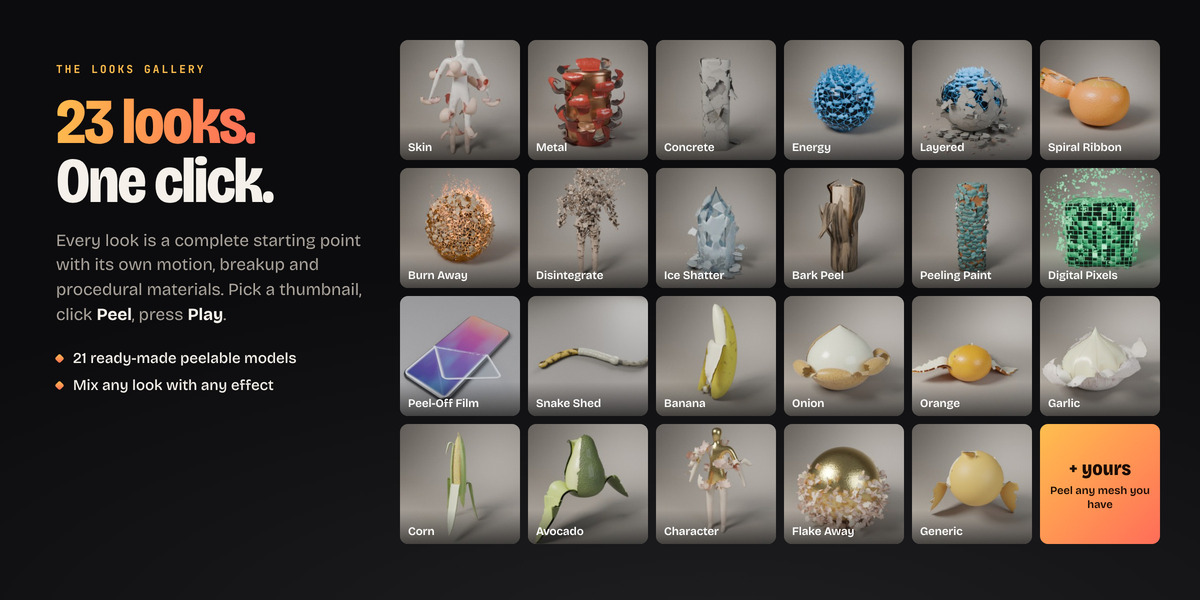
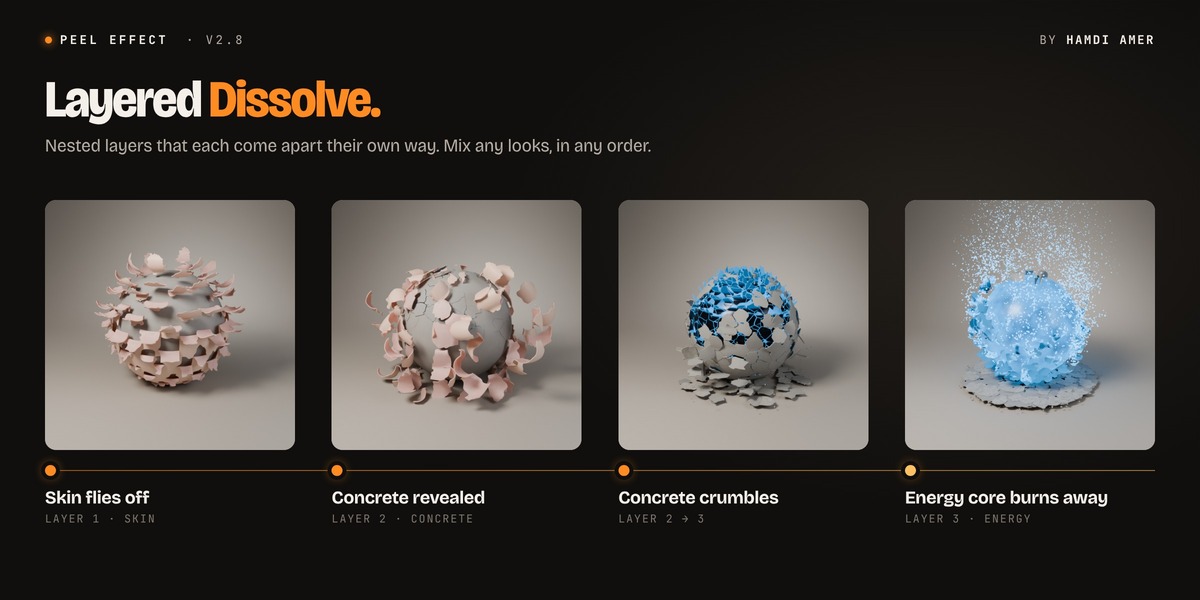
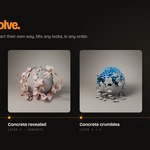
Yes. Select any mesh and click Peel. Imported, tilted and curved models are fitted automatically. For rigged characters, keep the Peel modifier after the Armature modifier: the patch layout comes from the rest pose and stays stable while the character moves. With Materials on Auto, your own textures stay on the skin.
Do I need keyframes to animate the peel?
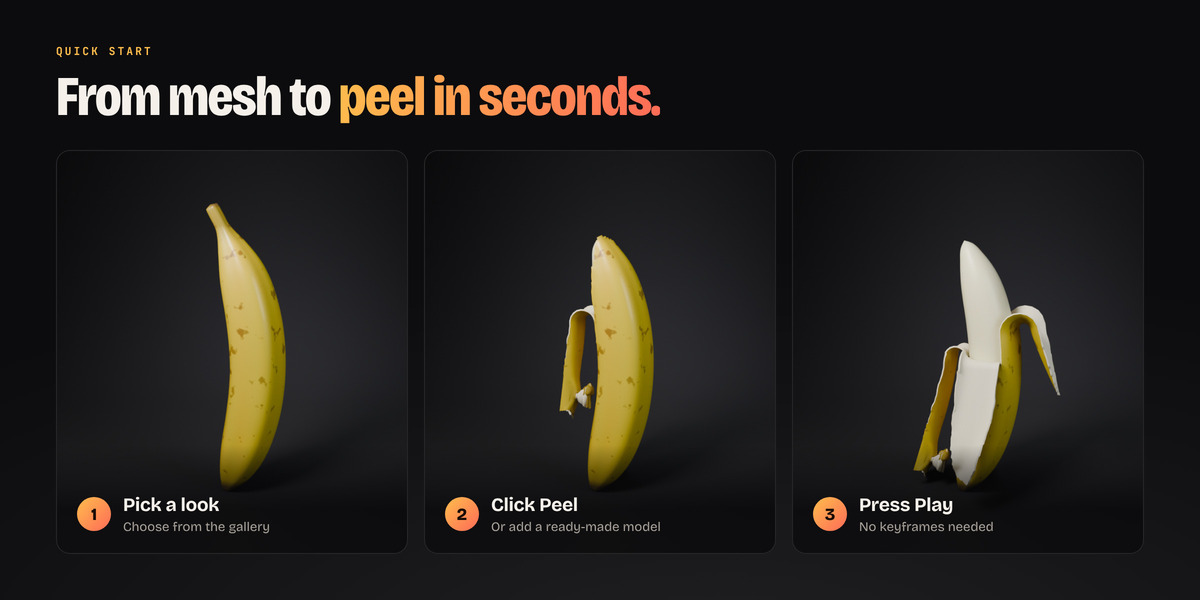
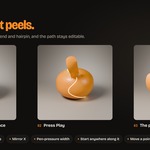
No. The peel runs between the Start and End frames in the Timing panel, so you just press Play. To control it by hand, switch Timing to Progress and keyframe that value from 0 to 1.
 Included
Includes 12 months of
- Support from Animation Store
- Product updates
Extend this product’s Support Period +12 months: 50% of product price
Have questions before purchasing?
Login to message
| Blender Extension Compatible | Yes |
| Dev Fund Contributor | |
| Published | about 9 hours ago |
| Blender Version | 4.2 - 5.2 |
| Extension Type | Add-on |
| Render Engine Used | Cycles, Eevee |
| License | GPL |
Discover more products like this
VFX geometry nodes motion graphics snake shed transition animation peel peeling layers Skin particles Procedural Animation