 Coby Randal Media


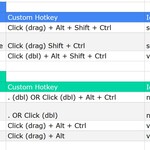
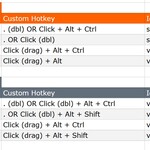
This keymap was designed for pen / stylus input displays as the primary mouse input... especially where no middle mouse button is available or programmable (HP, you're killing me 🤣). It also adds some fast focus / framing / viewing shortcuts that feel far more responsive to me so far, and I really appreciate any feedback to help this go in the right direction. It also works well with trackpads or mice; get better navigation fast across nearly all workspaces and modes in Blender.
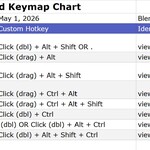
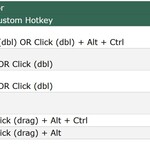
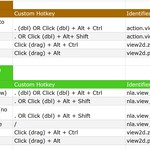
Because some pens’ secondary buttons can be hard to handle, this keymap focuses on only the pen main click itself, while leaving the default Blender inputs active (including right click), so you can focus on using your pen, but easily switch between your usb mouse or NDOF device or even your trackpad. It relies heavily on the Alt key, followed by Ctrl, and Shift for navigating. See Documentation tab for a complete hotkey chart that includes identifier / operator references for fast finding in Blender and tweaking if you want.
A couple of “frame selected to view” shortcuts previously relied on double tapping the pen on selection, or double tapping or single pressing period with a subject selected that you want framed to view. While this worked well for many areas of Blender, it was distracting for Storyboarding / 2D Grease Pencil sketching, interrupting the sketching strokes and changing the view. This has now been changed to double tap + Alt + Shift.
