Penabled Keymap
 Coby Randal Media


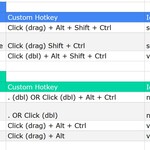
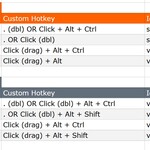
Why does this exist?
To help penabled devices interact more effectively with Blender, especially if barrel buttons cannot be programmed as a middle mouse button (HP, you're killing me! 🤣). Blender's "Emulate 3 Button Mouse" input feature almost worked for me, but it failed to work with alt button functions of my n-panel addon, plus I wanted more customization for framing selections and also framing the entire work area quickly. Feedback appreciated because this is an early work in progress.
Does it change any of the default hotkeys in Blender?
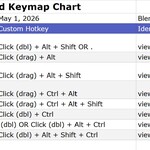
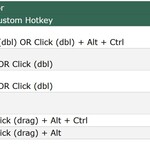
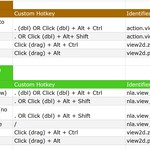
Only 1 Blender default hotkey has been overwritten (. for Pivot Point menu in Graph Editor has been moved to ,). ALL other defaults (as far as I know) are the same, with this keymap adding new hotkeys. You can always switch your keymap back to the Blender default if you have any issues.
Will it work with my pen device?
Almost certainly, if your device inputs a left mouse click (which most of this keymap is based on) then yes. The main modifier keys used are ALT, CTRL, and SHIFT. A barrel side button assigned to right click is recommended but not essential for most Blender functions. If you have more than 1 barrel side button, you may want to assign it to Alt.
Do you recommend any other preferences tweaks for easier navigation / usability?
It depends on your needs and personal comfort but for the 3D Viewport, I recommend to also enable Edit>Preferences>Navigation>✅Auto Perspective, ✅Auto Depth, ✅Zoom to Mouse Position.
I have some ideas and suggestions. Where can I submit those?
Right here at my superhive page 'Contact Creator" button: https://superhivemarket.com/creators/coby-randal-media
$0
Have questions about this product?
Login to message
| Downloads | 40+ |
| Published | 5 months ago |
| Blender Version | 4.5 - 5.1 |
| Extension Type | N/A |
| Render Engine Used | Arnold, Blender-Internal, Blender-Game-Engine, Cycles, Eevee, Freestyle, Luxrender, Mental-Ray, Octane, Vray, Yafaray |
| License | GPL |

Discover more products like this
keymap Custom keymaps efficient 3D workflow no-numpad efficient Laptop trackpad Keymap customization Blender shortcuts stylus free keymap Pen