 netkingZ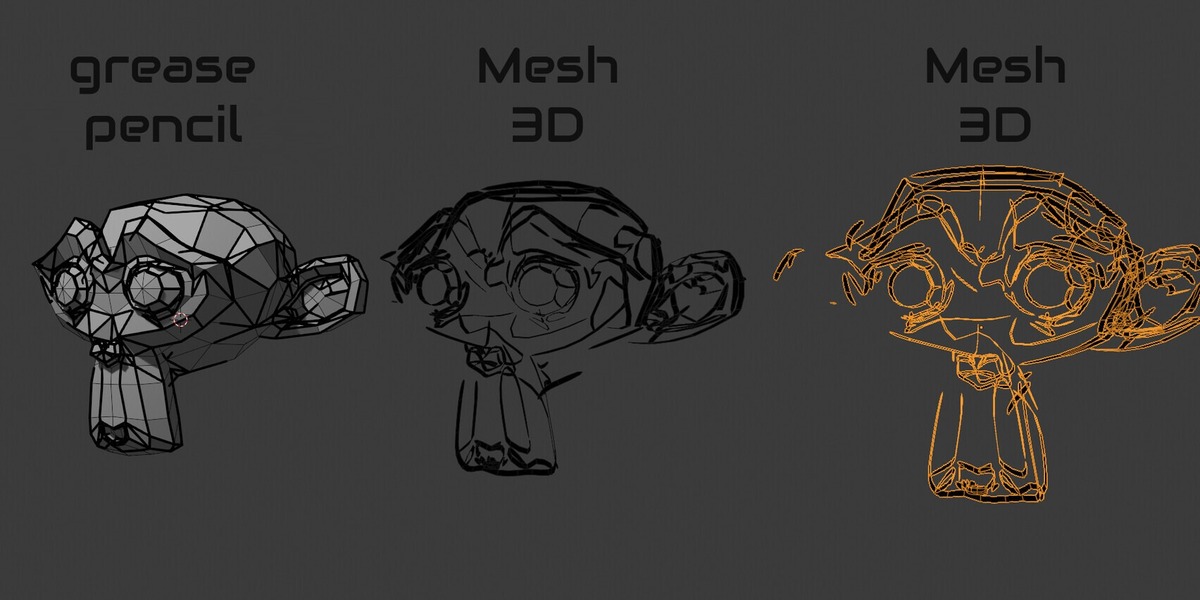



GREASE PENCIL TO MESH · BLENDER 4.3+
Draw it with Grease Pencil.
Keep every stroke as a mesh.
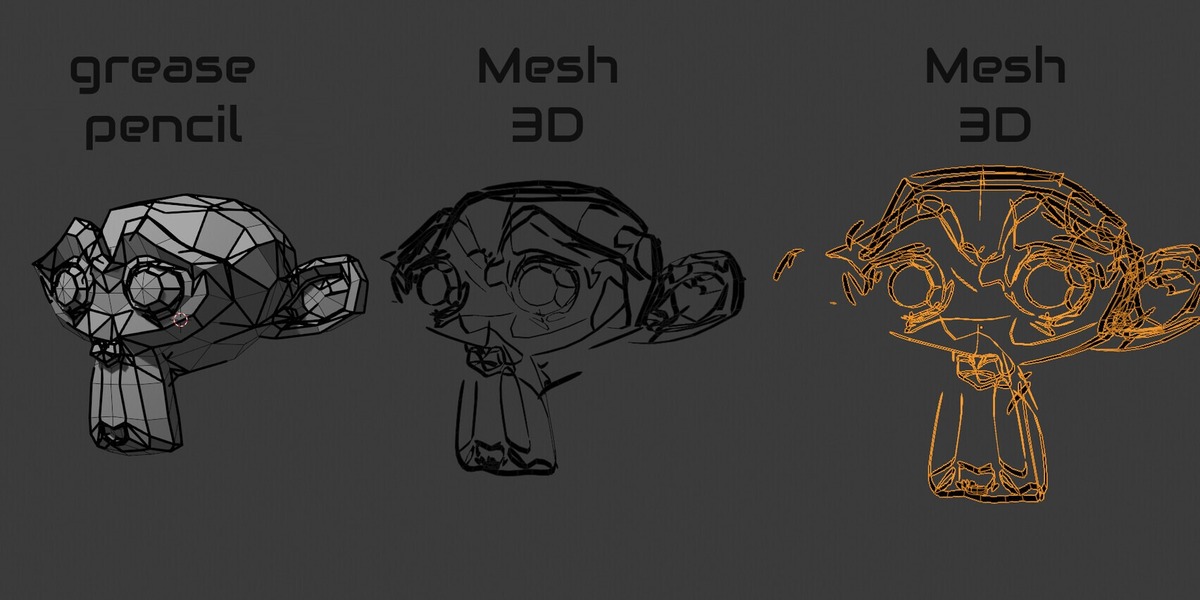
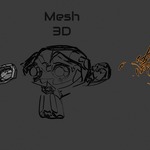
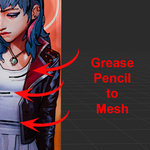
NKZ PencilMesh turns your Grease Pencil drawings into real mesh geometry — and it rebuilds the stroke you actually see: the pressure, the taper, the rough edge of the brush, exactly where you drew it.
VARIABLE THICKNESS INK TRACE EXACT PLACEMENT UNLIT MATERIALS
◆ THE STROKE, NOT THE ENVELOPE.
Most converters give you a tube of constant width. PencilMesh gives you the line your brush painted.
STROKE
Pressure Thickness
Every point keeps its own width, straight from your pen pressure. The mesh is a flat ribbon that follows the stroke point by point — swells, tapers and round caps included.
STROKE
Ink Trace
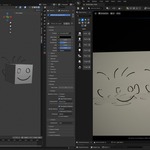
Dots, rough, textured and soft brushes don't fill their whole width. Ink Trace draws each stroke on its own plane, reads the visible ink and turns its exact outline into a mesh — gaps and ragged edges included.
◆ EVERY STROKE IN ITS PLACE.
Draw from any angle, rotate the view as much as you like — the mesh lands right on your drawing.
PLACE
As-Drawn Planes
Strokes drawn from different views sit on different planes. PencilMesh detects the plane of every stroke and builds the mesh on it, so nothing is laid sideways or squashed.
PLACE
Exact Placement
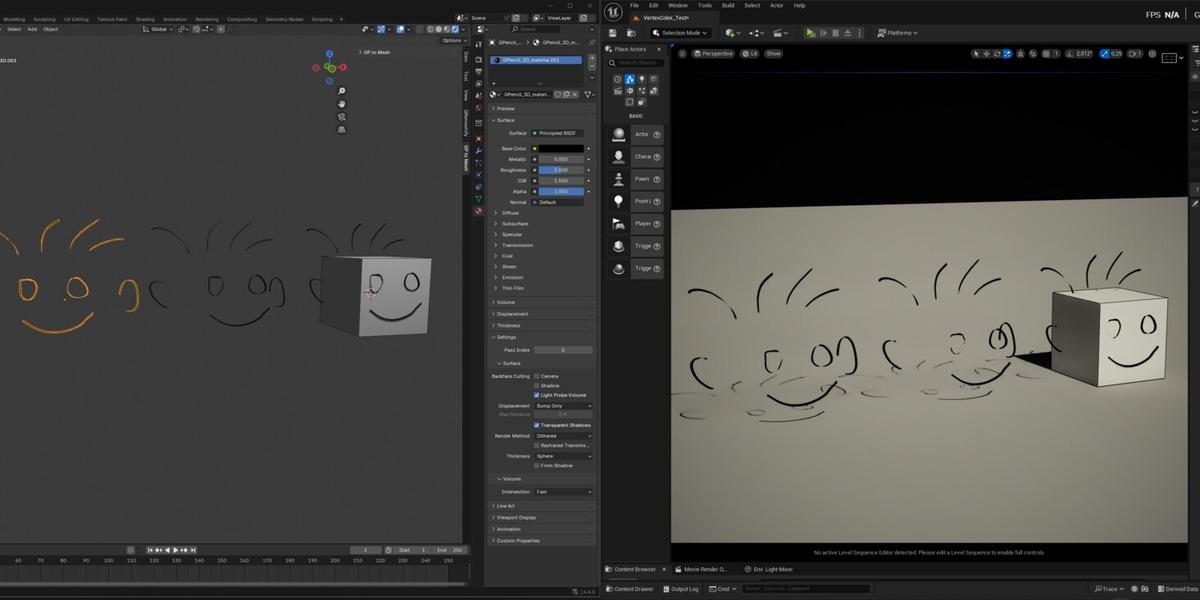
The mesh keeps the object and layer transforms of your Grease Pencil. Get one object, one per layer or one per stroke — each exactly on top of the original.
◆ LOOKS LIKE YOUR DRAWING.
Flat colours that ignore lights, just like Grease Pencil — or PBR when you need it.
LOOK
Unlit Materials
One material for every Grease Pencil material, with its line and fill colours, built as a flat Emission shader. Switch to PBR (Principled) with one click.
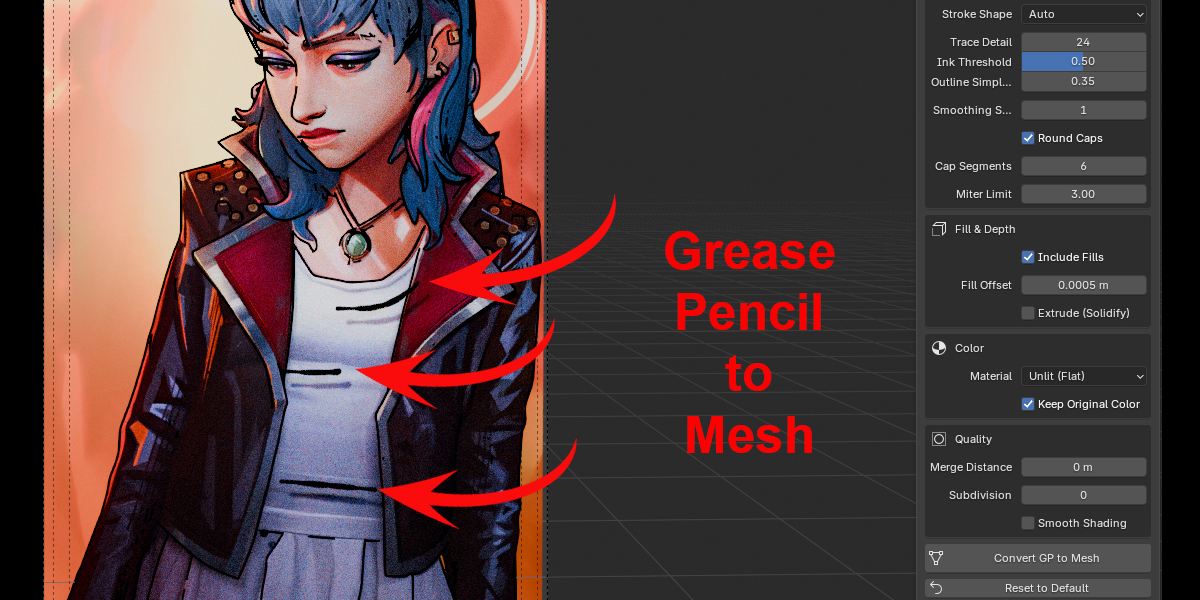
Fills — closed shapes become faces, holes included, slightly behind the lines to avoid flickering.
Round caps — every stroke keeps its own start and end cap type.
Transparency — semi-transparent colours stay semi-transparent.
◆ ALSO IN THE PANEL
Ribbon plane — Auto (as drawn), Per Stroke, Current View, Front, Top or Side.
Extrude (Solidify) — give the flat strokes real depth, non-destructively.
Smoothing & miter limit — smoother curves and clean sharp corners.
Trace Detail & Ink Threshold — decide how fine and how full the traced ink is.
UVs along the stroke — ready for textures and animated reveals.
Merge, Subdivision, Smooth Shading — finishing options in one place.
Reset to Default — back to the starting settings in one click.
◆ FROM SKETCH TO MESH IN 3 STEPS
1Select one or more Grease Pencil objects.
2Press N and open the PencilMesh tab.
3Click Convert GP to Mesh. Done.
◆ YOUR DRAWING STAYS SAFE.
✓ Original kept — your Grease Pencil object is left untouched by default.
✓ Standard geometry — the result is a normal Blender mesh, ready for modifiers, sculpting, export and rendering.
✓ Any viewport mode — Ink Trace works in Solid, Material Preview and Rendered.
✓ Runs locally — no cloud, no account, no extra libraries. One Ctrl+Z undoes the conversion.
What you get
▸ NKZ PencilMesh 1.2.3 as a Blender extension (.zip)
▸ Updates included
▸ Use what you make in commercial work
Compatibility
Blender 4.3 or newer (Grease Pencil v3) — tested on Blender 4.4 and 5.2. Converts the strokes of the current frame. Licensed under GPL-3.0-or-later.
FROM PENCIL TO POLYGONS
Your line, exactly as you drew it.
NKZ PencilMesh · by Eduardo Bartali · NETKINGZ — netkingz.com