 netkingZ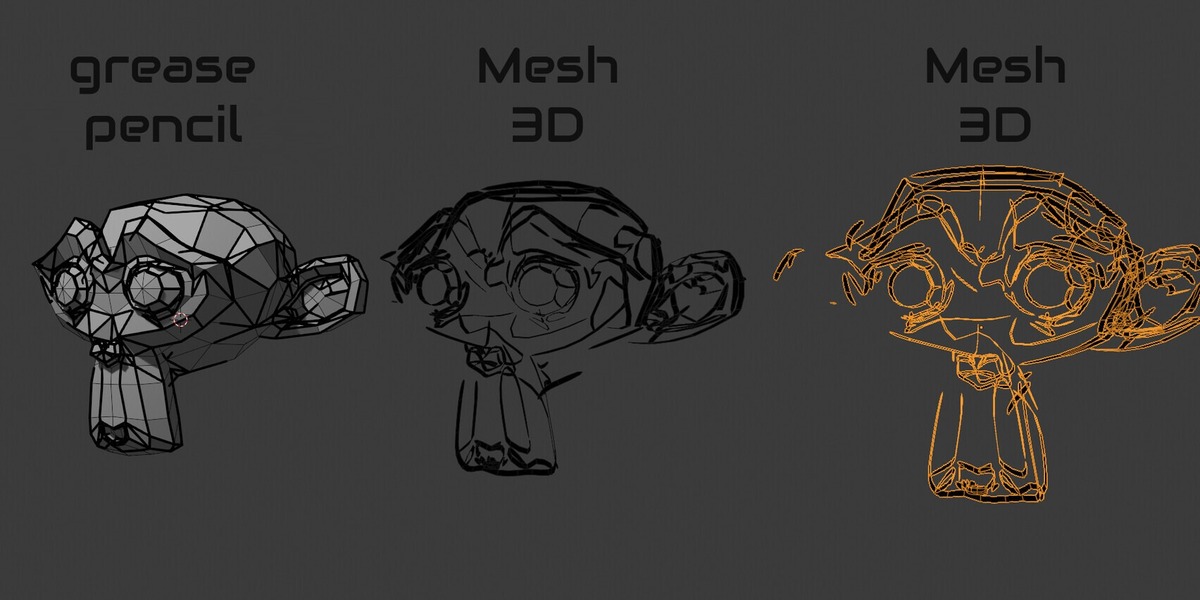



Does it keep the pressure thickness of my strokes?
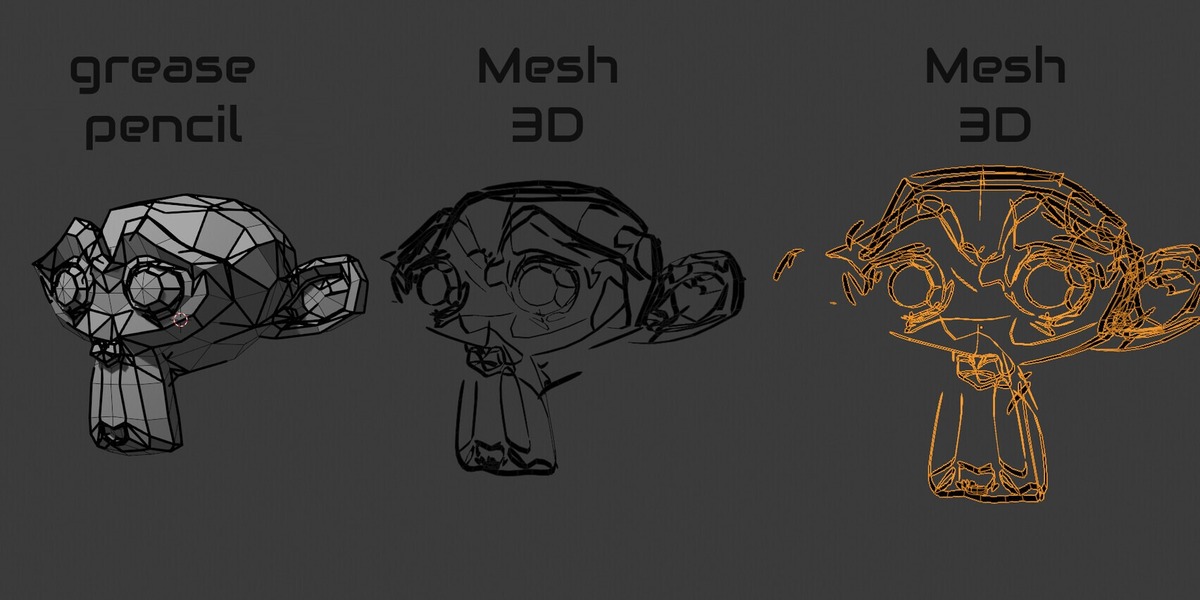
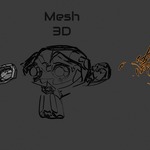
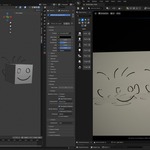
Yes. Every point keeps its own width, so swells, tapers and pressure changes end up in the mesh.
The mesh is thinner than the orange selection outline. Is that right?
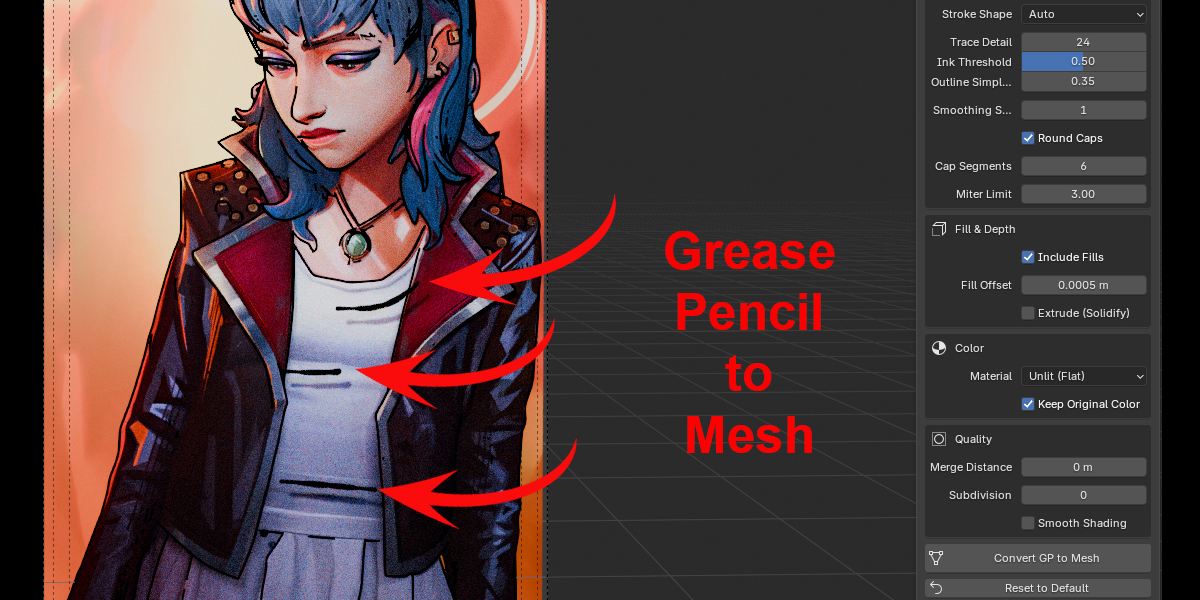
Yes. The orange outline shows the full stroke radius, but brushes like Ink Pen Rough (Dots mode) or soft and textured brushes paint less than that. With Stroke Shape: Auto PencilMesh traces the ink you actually see, not the outline.
When should I use Trace Ink (All) or Radius Ribbon?
Auto is right most of the time: it traces Dots, textured and soft brushes and uses the exact radius ribbon for solid lines. Trace Ink (All) traces every stroke; Radius Ribbon never traces, for the lightest meshes.
I drew from different views. Will the strokes come out flat or sideways?
No. With Ribbon Plane: Auto each stroke is built on the plane it was drawn on.
From some angles my mesh looks thinner than the Grease Pencil. Why?
Grease Pencil always turns its strokes towards the camera; a mesh is real geometry, like a sheet of paper seen from the edge. To match one specific view exactly, frame it and use Ribbon Plane: Current View.
Which Blender versions are supported?
Blender 4.3 or newer (the new Grease Pencil, v3) — tested on Blender 4.4 and 5.2. Older Blender versions with legacy Grease Pencil are not supported.
Does Ink Trace need anything special?
Only an open 3D View, which you always have when you click the button in the panel. It works in Solid, Material Preview and Rendered mode.
Why don't my meshes react to lights?
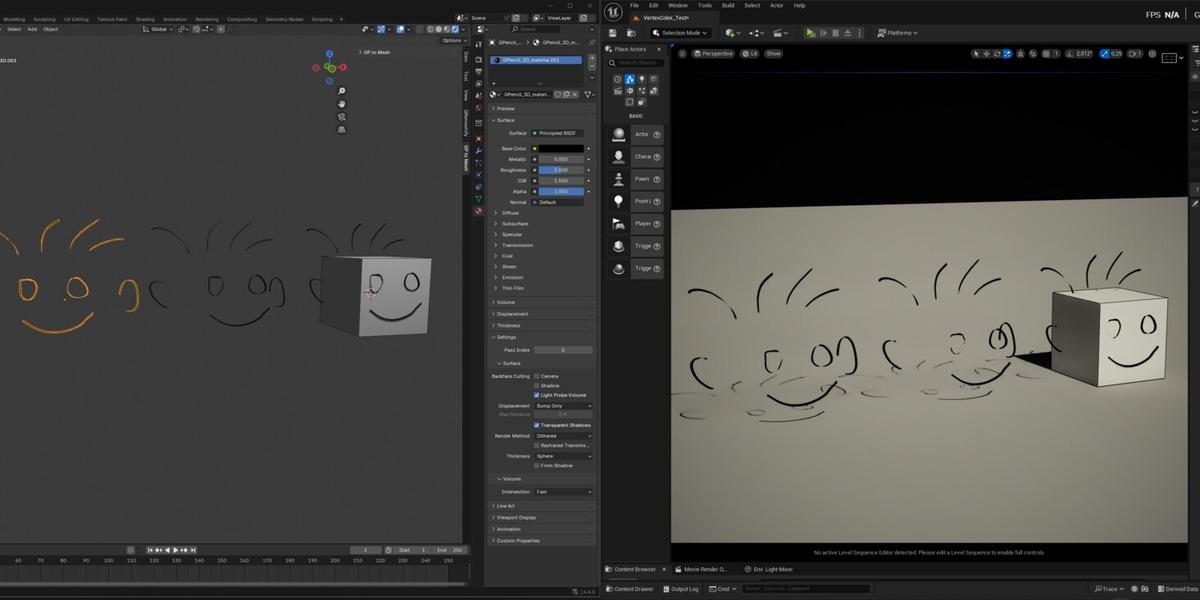
The default material is Unlit, a flat colour like Grease Pencil. Switch Material to PBR (Principled) before converting. In Solid view Blender always adds some shading: that's normal.
Traced strokes have many polygons. Can I reduce them?
Yes. Lower Trace Detail or raise Outline Simplify.
Does it convert animations?
It converts the strokes of the current frame. Move to another frame and convert again to get that drawing.
Is my Grease Pencil deleted?
No. Keep Original GP is on by default, and one Ctrl+Z undoes the whole conversion.
I found a bug. What should I do?
Please report it to me privately through the store's message button, ideally with a screenshot, your Blender version and, if you can, the .blend file. I'll do my best to fix it as quickly as possible and ship the fix in an update.
$6
Have questions about this product?
Login to message
| Blender Extension Compatible | Yes |
| Published | about 12 hours ago |
| Blender Version | 4.3 - 5.2 |
| Extension Type | Add-on |
| License | GPL |
Discover more products like this
3d to greasepencil greasepencil pencil Grease Pencil 3d-pencil