 BlenderGem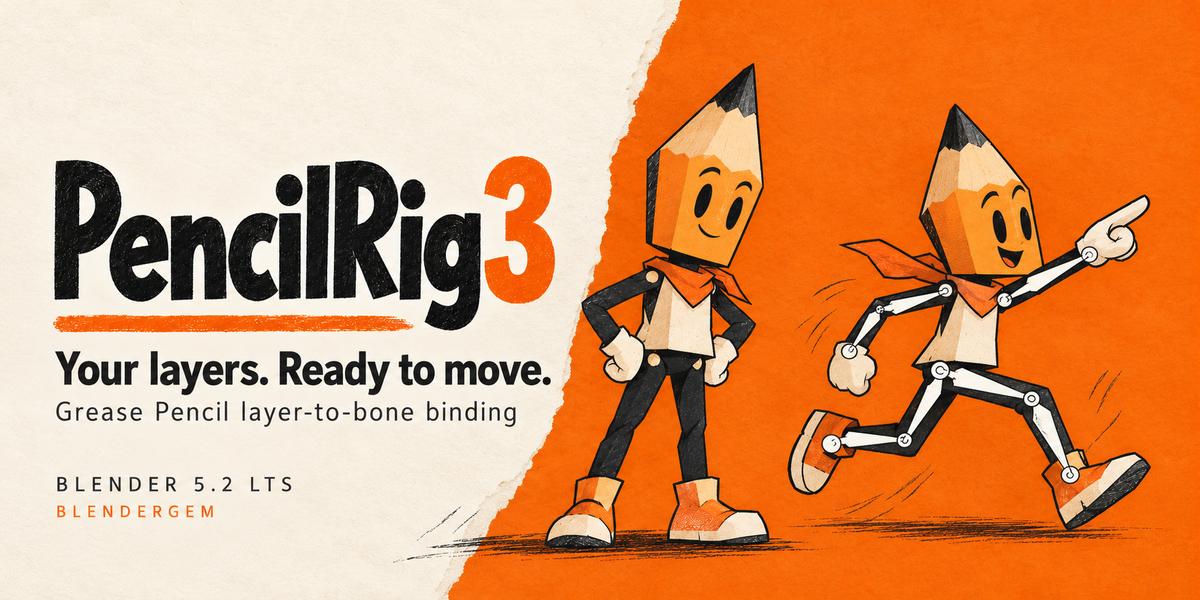
BLENDERGEM / PENCILRIG 3
BUILT FOR BLENDER 5.2 LTSYour layers.
Ready to move.
Connect your Grease Pencil layers to the bones in your armature. Review the matches, bind the layers you choose, and get back to posing your character.
Explore the workflow ↓ Open the guide ↗Tested on macOS · Blender 5.2.2 LTS / 5.2.0 LTS / 5.1.1
01 PREVIEW
See the matches.
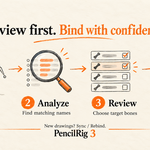
Analyze first. Choose the bone for each layer before binding.
02 ORGANIZE
Keep your names.
Separate fills, ink and details. Let them follow the same bone.
03 CONTINUE
Keep drawing.
Use Sync / Rebind to apply stored bindings to new drawing frames.
A CLEAR PATH FROM DRAWING TO RIG
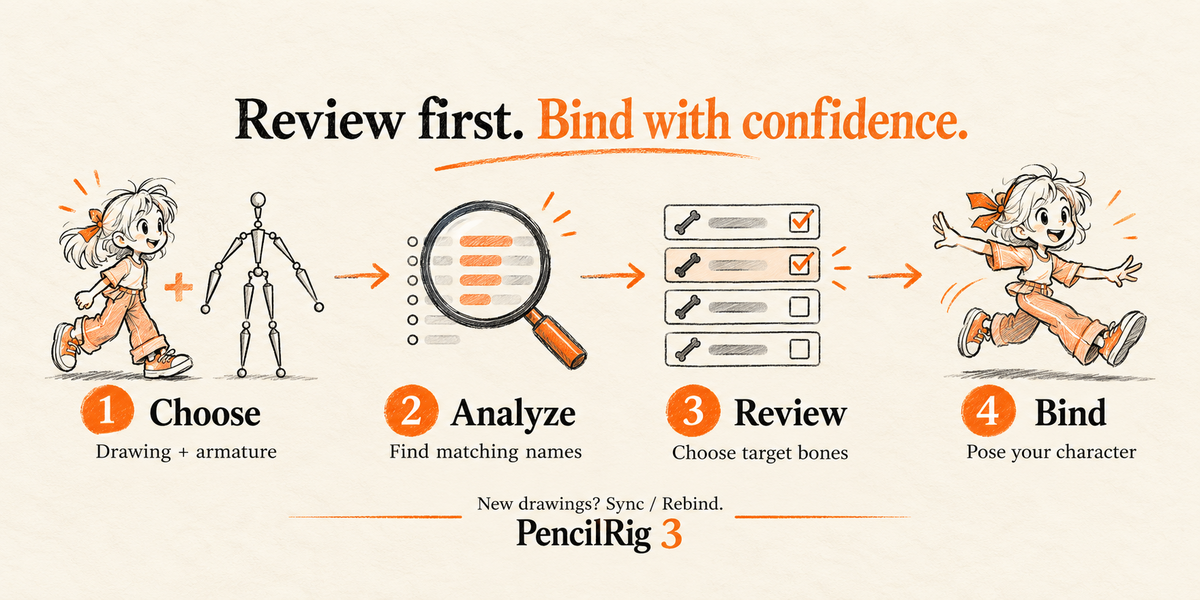
Review first. Bind with confidence.
Made for rigid 2D cut-out animation with an existing armature. Batch the repetitive assignments while keeping the final choice in your hands.
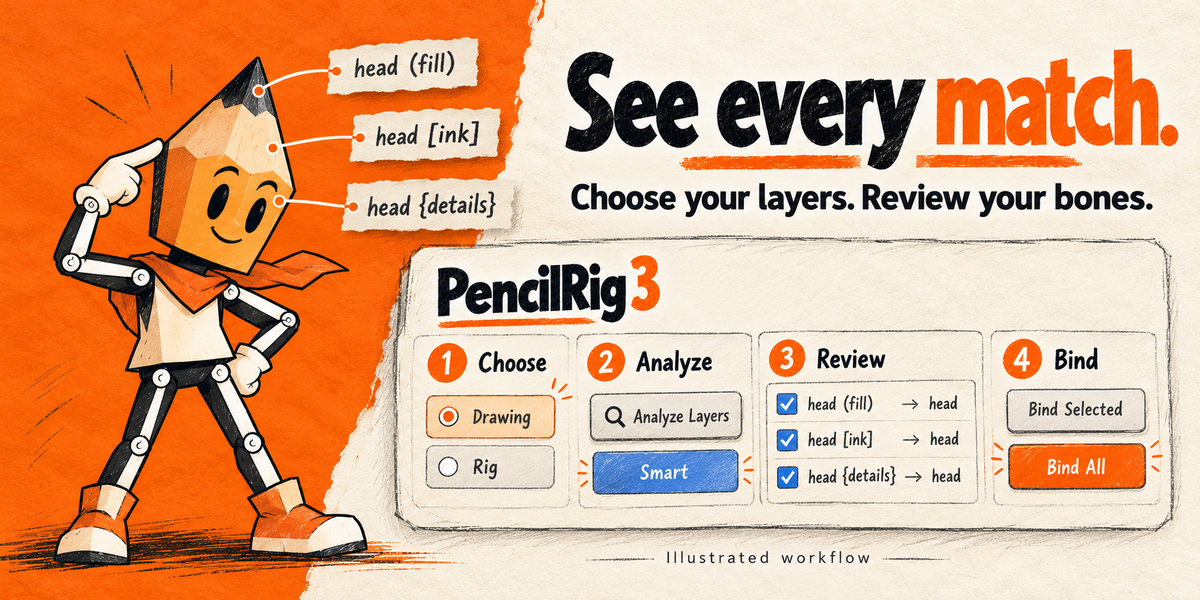
Your drawing and armature.
Preview suggested matches.
Select layers and target bones.
Pose your existing rig.
LESS REPETITIVE SETUP
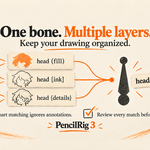
One bone. Multiple layers.
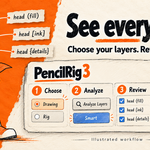
Keep meaningful layer names. Smart matching ignores annotations, so fills, ink and details can all follow the same bone.
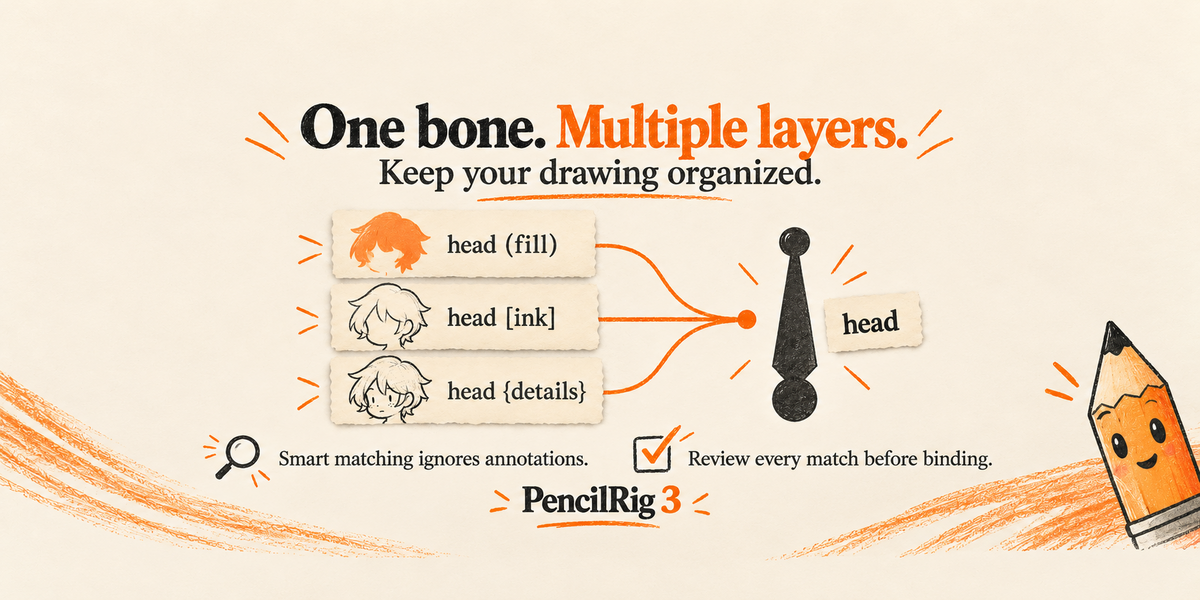
Ambiguous matches stay unmatched. Use the Bone field to choose a target manually.
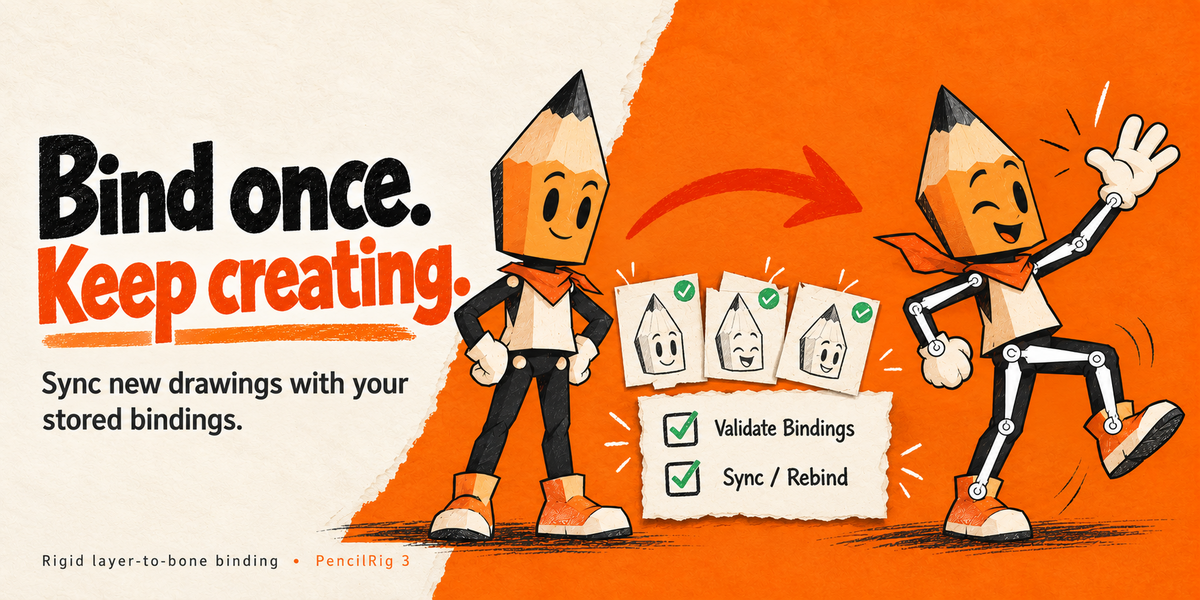
Sync / Rebind
Apply your stored layer bindings after drawing new frames or adding points.
Validate Bindings
Check stored mappings, missing bones or groups, and modifier settings.
Unbind Selected
Clear PencilRig's assigned weights from the layers you choose.
IN THE BOX
A complete extension.
01 PencilRig 3.0.1 installable ZIP
02 Quick-start guide and changelog
03 Animated example file for Blender 5.2
04 Editable Python source
No external Python packages or account connection required. The example is a practice file; the illustrations on this page explain the workflow.
COMPATIBILITY
Blender 5.2 LTS.
Verified on macOS:
5.2.2 LTS · 5.2.0 LTS · 5.1.1
The extension requires 4.5+. Versions 4.5 and 5.0 are not verified as supported release targets. Blender 4.4 and older require a legacy version.
Existing customers can download version 3 from their purchase. Earlier downloads remain available for older projects.
INSTALL & START
One ZIP. Four clear steps.
Keep pencilrig-3.0.1.zip zipped. Open Edit → Preferences → Get Extensions, choose Install from Disk from the menu at the top right, and enable PencilRig.
N → PencilRig / Choose → Analyze → Review → Bind
Made for rigid cut-out characters.
PencilRig binds existing artwork to an existing armature. Each chosen layer follows one deform bone across its existing drawing frames. It does not generate the skeleton, IK controls or soft deformation. Weights for other bones in that armature are replaced on the layers you bind; unselected layers and unrelated groups are preserved. Unbind clears PencilRig's weights, rather than restoring earlier weights.
Save a copy before migrating an older character. Legacy parenting migration is opt-in and does not bake old transform offsets or parent-space animation. Shared or linked drawing data must be made local and unique. The guide explains these details.
DRAW IT. MATCH IT. MOVE IT.
Give your layers a rig to follow.
Start with the included practice file. Then bring the same review-and-bind workflow to your own Grease Pencil character.
Read the getting-started guide ↗