 JuanBautista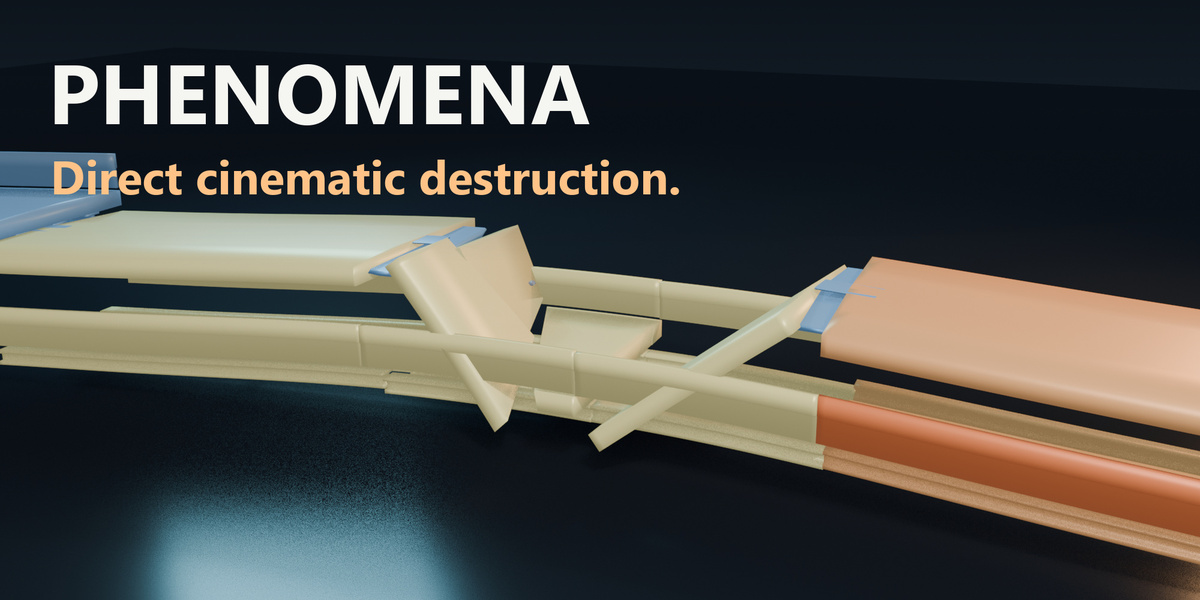
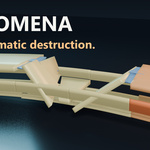

Stage cinematic destruction in Blender.
Prepare rigid-body structures, add fracture and stressors, visualize the simulation, and bake animation for GLB export. PHENOMENA brings these stages into one workflow for VFX and conceptual scene design.
Its load, thermal and risk indicators are simulation controls and visual heuristics. PHENOMENA is an artistic destruction tool, not certified structural analysis. Setup and simulation time depend on the scene.
From setup controls to cinematic collapse.

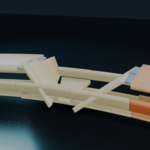
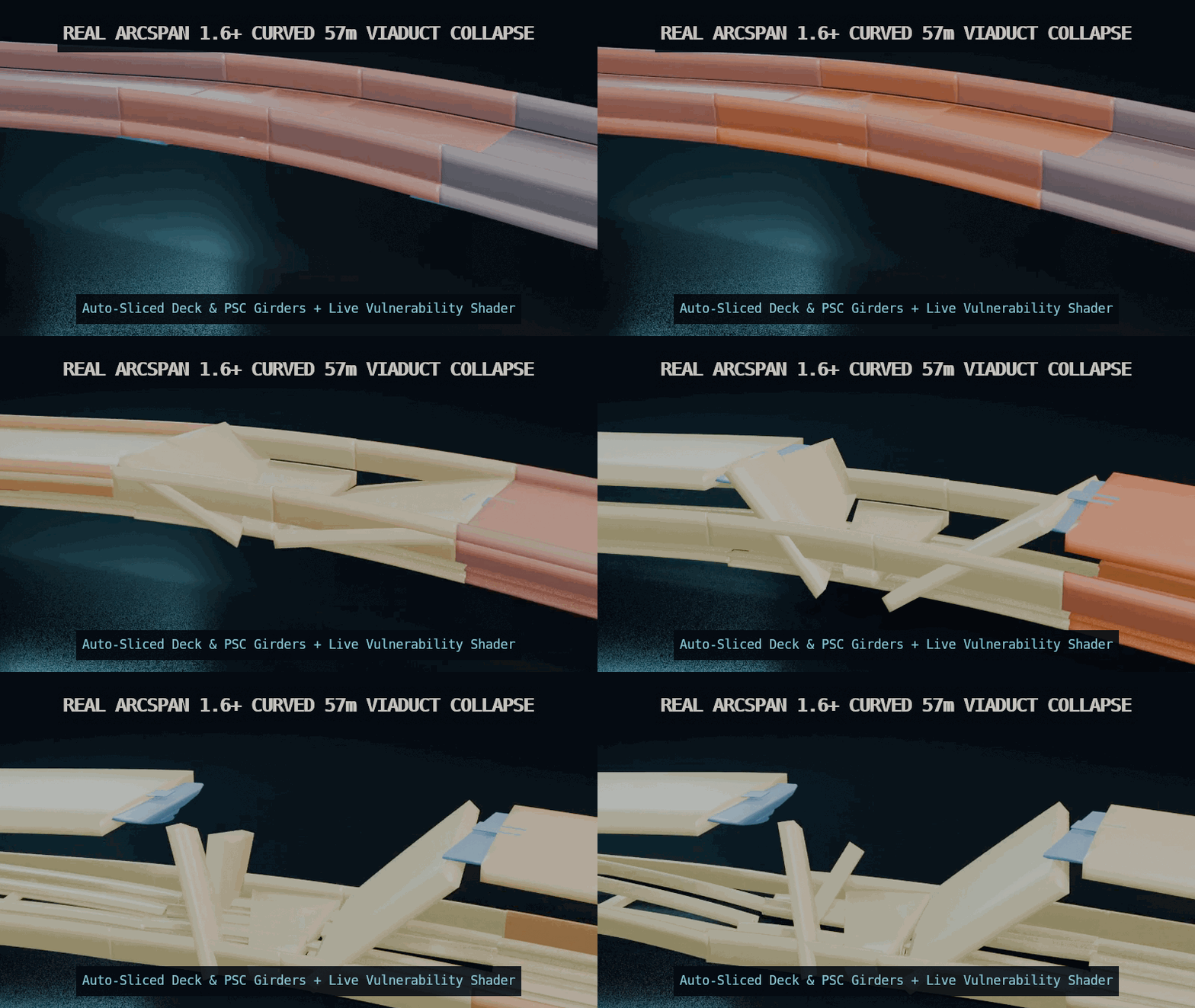
18-second edited overview with the actual Setup, Behavior and Connections panels, followed by rendered simulation examples. Simulation clips play at 0.5× speed, as labeled. Artistic simulation for visual production.
Workflow highlights
-
True Surface Contact Graph & 3 Joint Mechanics (FIXED, SPRING, PINNED)
- Uses real
BVHTreesurface proximity and contact-area scaling to refine potential contacts beyond bounding-box overlap checks. - Switch instantly between rigid welds (
FIXED), elastic suspension (SPRING), and articulated hinges (PINNED).
- Uses real
-
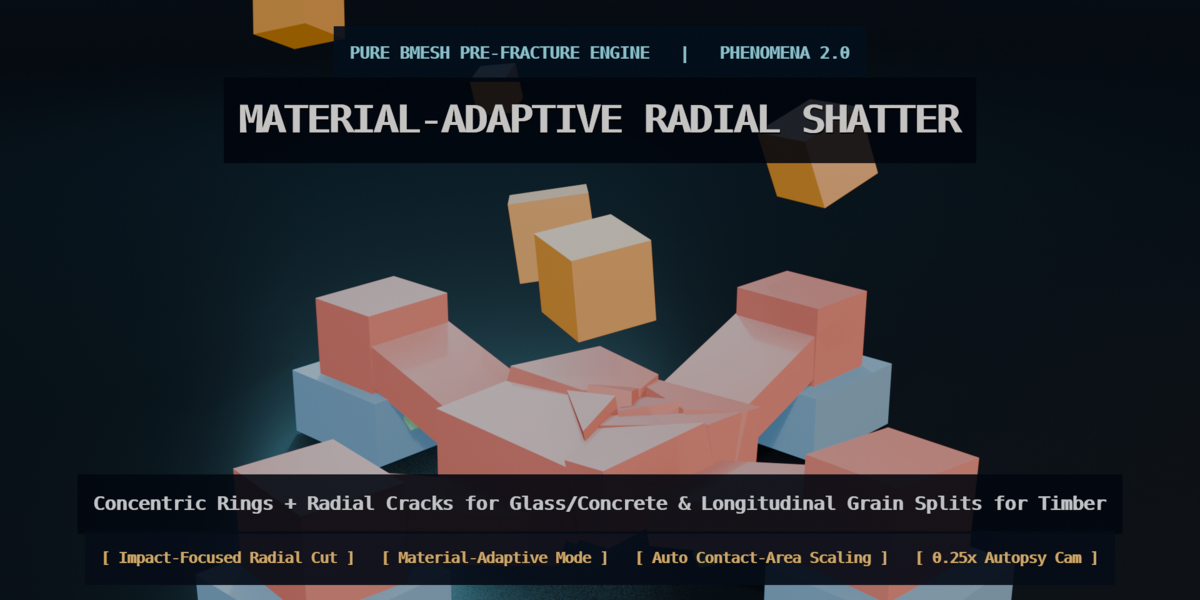
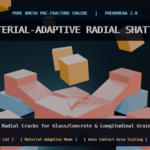
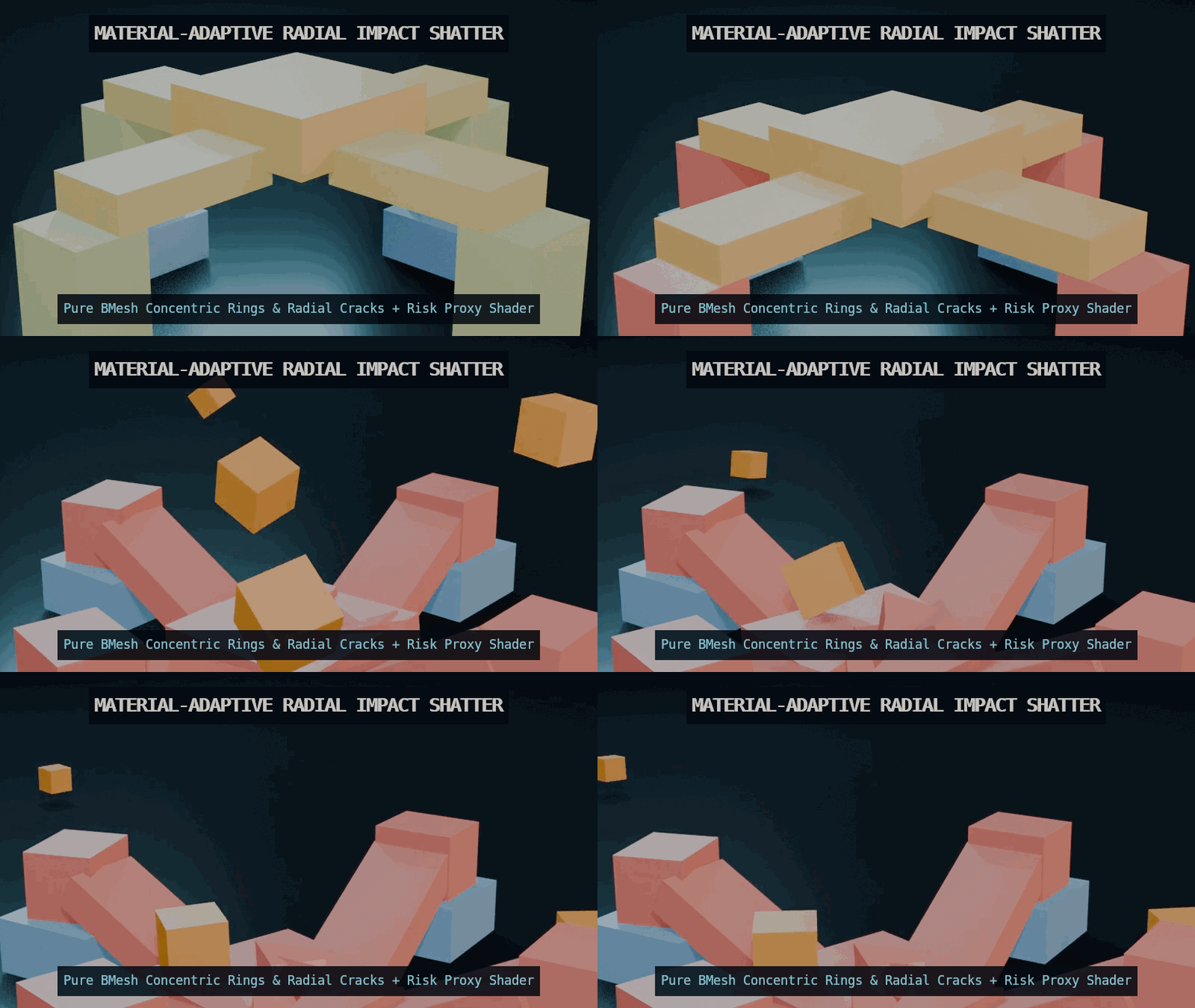
Material-Adaptive & Impact-Focused Radial Shatter (Shatter Block)
- Pure
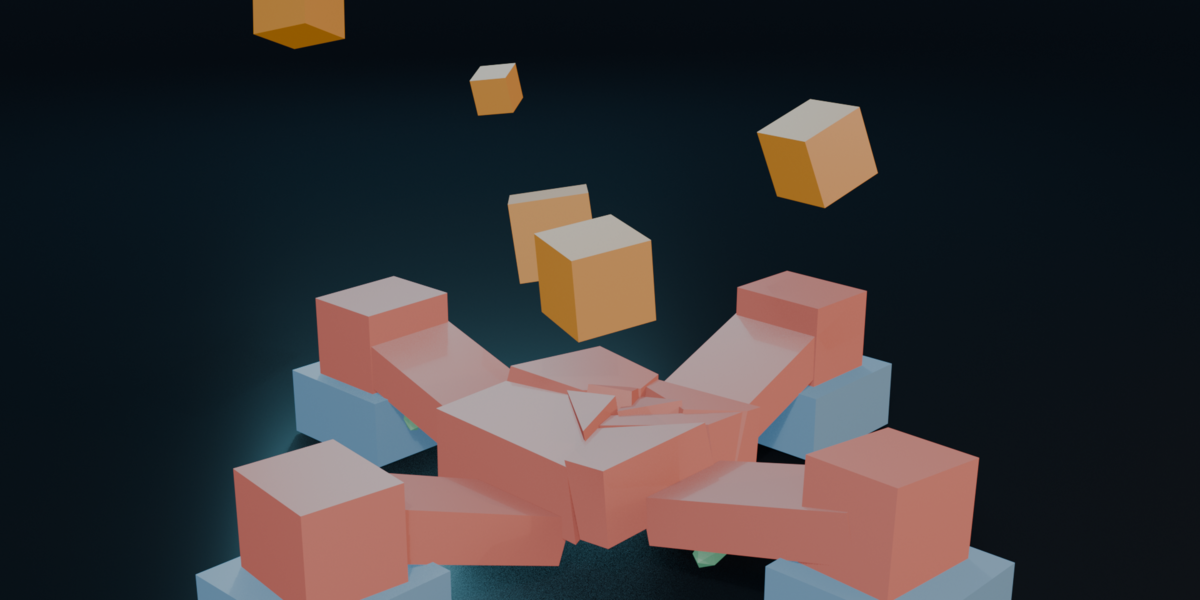
bmesh3D pre-fracture that adapts to your material preset:- Glass & Concrete (RADIAL_IMPACT): Concentric rings + radial spiderweb cracks centered right on the impact or blast point.
- Timber (GRAIN_SPLIT): Longitudinal wood-grain splits along the beam's main axis.
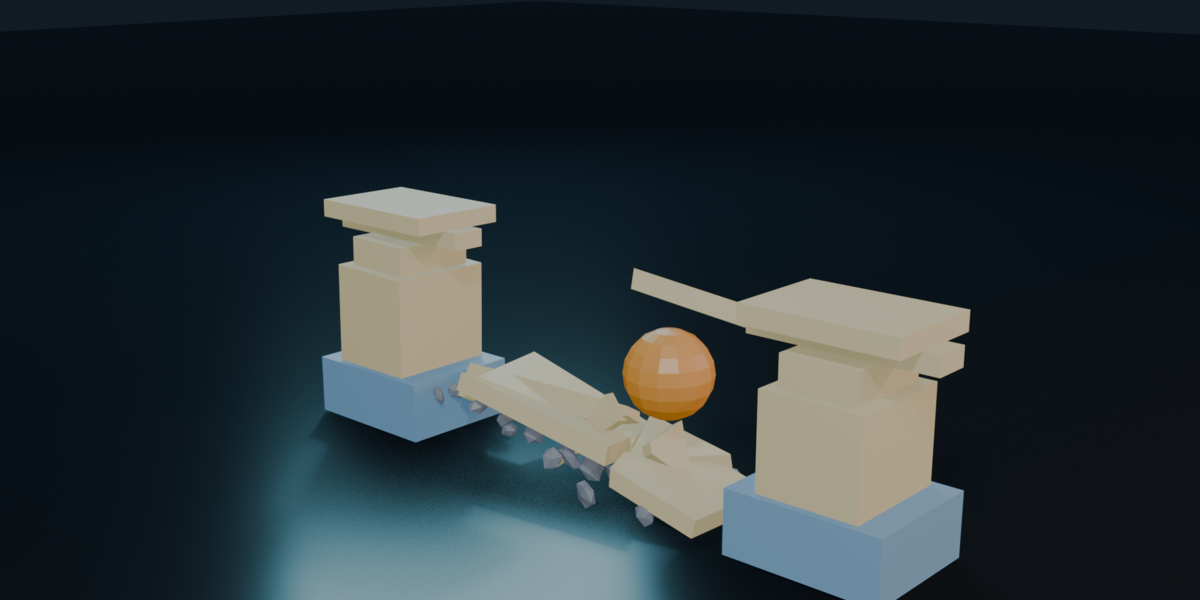
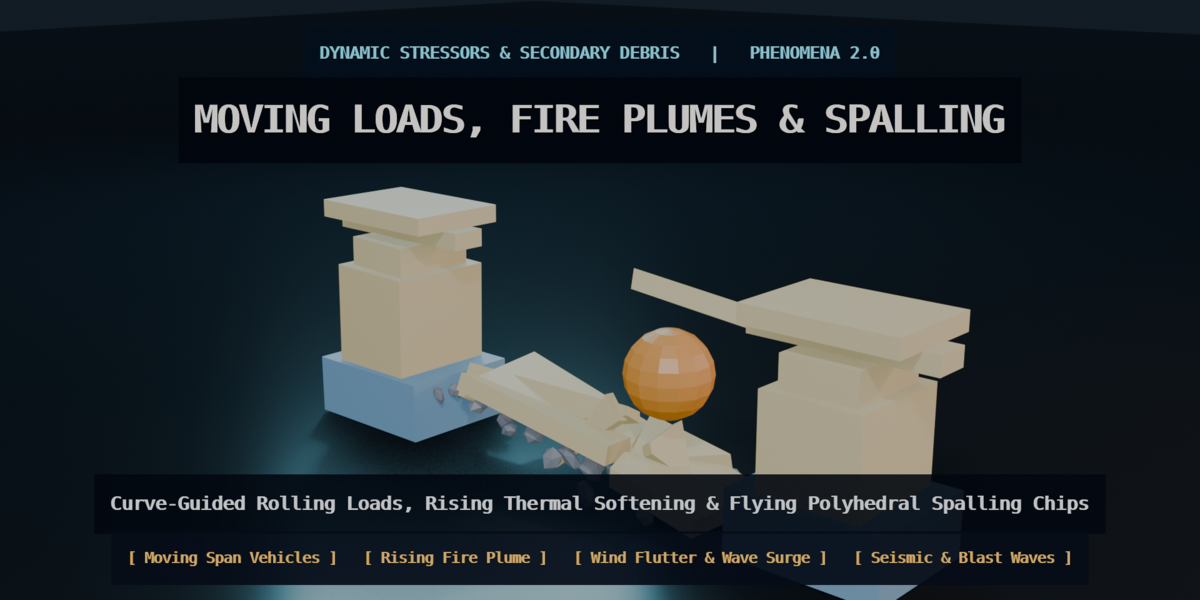
- Secondary Spalling Debris (Spawn Fracture Spalling): Automatically spawns flying polyhedral concrete/stone chips at broken joints during collapse.
- Pure
-
Environmental, Seismic, Thermal & Moving Loads
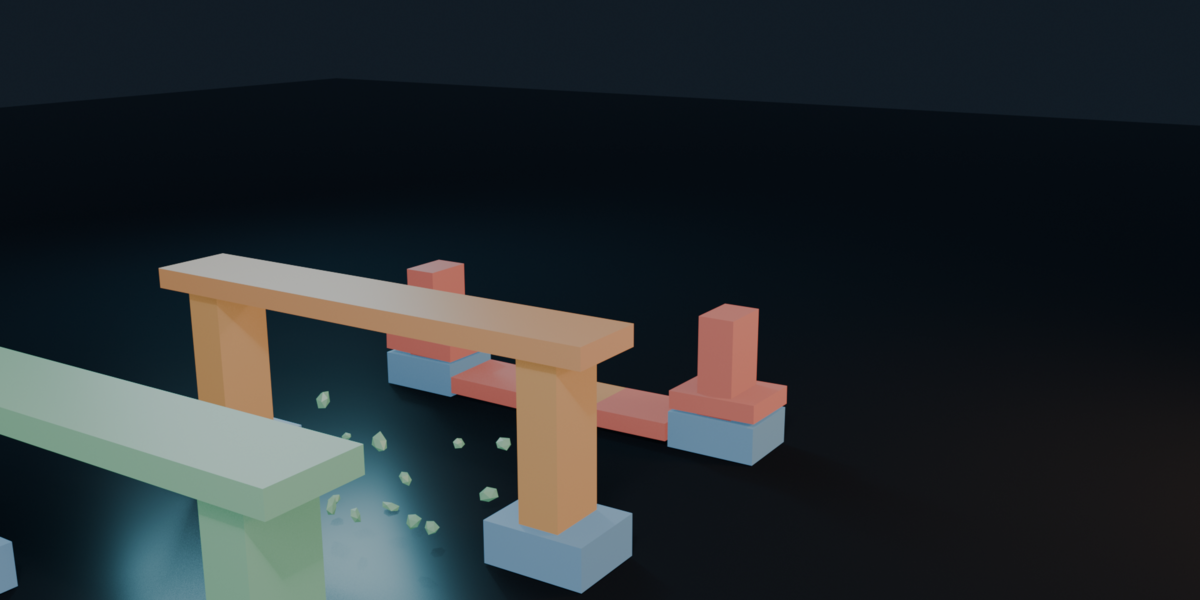
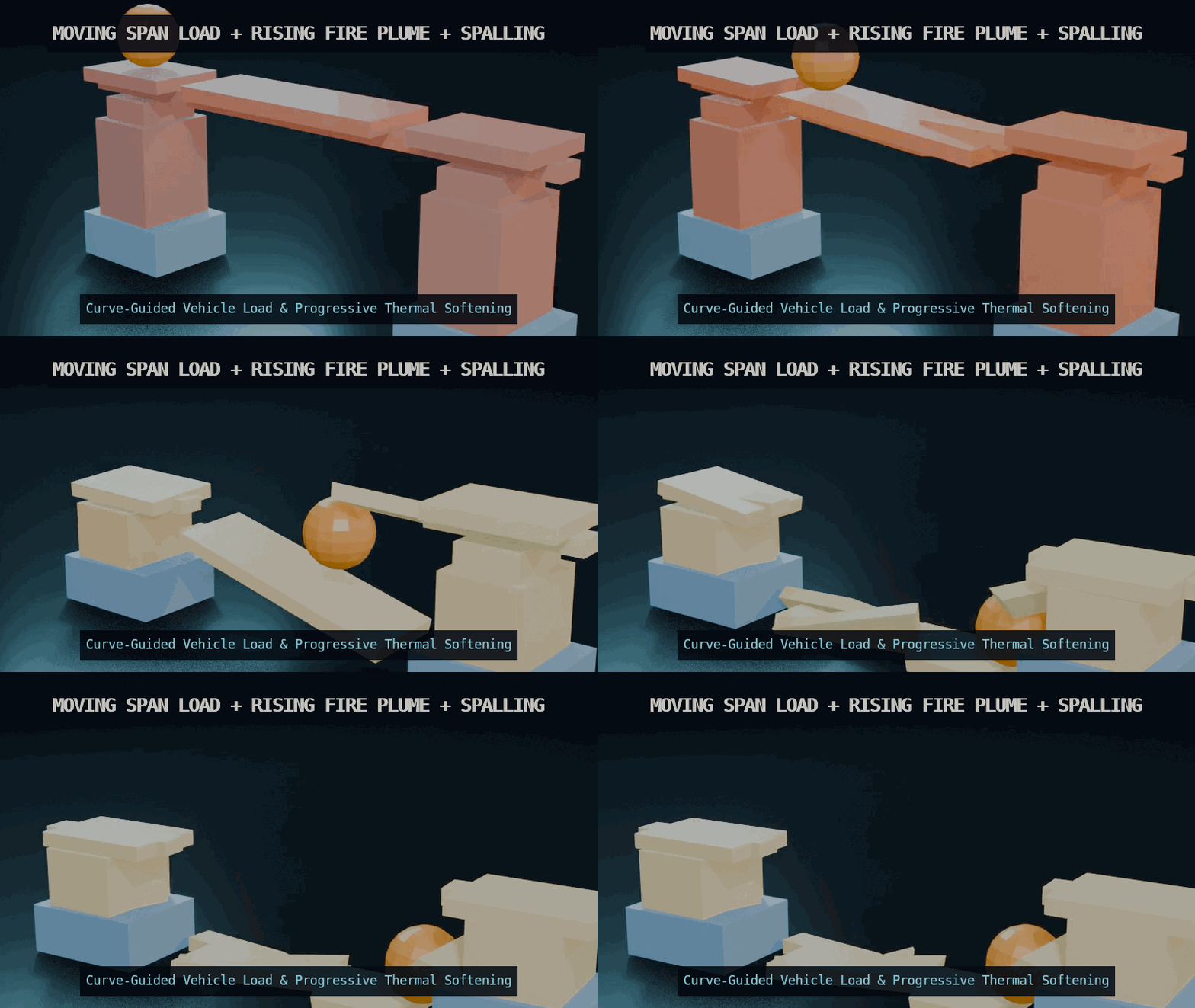
- Moving Span Loads: Roll a heavy vehicle across a bridge deck (or along an ArcSpan guide curve) and watch mid-span progressive failure.
- Rising Fire Plumes (Ignite Thermal): Heat rises frame-by-frame, progressively weakening structural joints above the fire source.
- Aerodynamic & Hydrodynamic Fields (WIND_FLUTTER & WAVE_SURGE): High-altitude vortex shedding on towers and lower-pier wave scouring.
- Foundation Failures: Trigger vertical settlement, foundation tilt, seismic ground shake, or radial blast shockwaves.
-
Live EEVEE / Cycles Telemetry Shader & On-Screen 2D HUD
-
6 Live Heatmap Modes:
ROLES,VULNERABILITY,RISK_PROXY,CONNECTION_STRENGTH,LOAD_PATH, andTHERMAL. -
1-Click Sync Render Shader: Automatically builds and assigns a procedural
Object Info -> Principled BSDF + Emissionshader so your live stress and thermal heatmaps render directly in EEVEE and Cycles (F12). -
Viewport 2D Telemetry HUD: Real-time engineering overlay showing Structural Integrity (
0–100%), Primary/Secondary failure cascade, Peak Thermal index, and Critical Member detection.
-
6 Live Heatmap Modes:
-
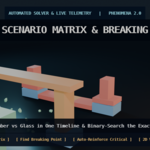
Automated Solver Tools (Find Breaking Point & Auto-Reinforce Critical)
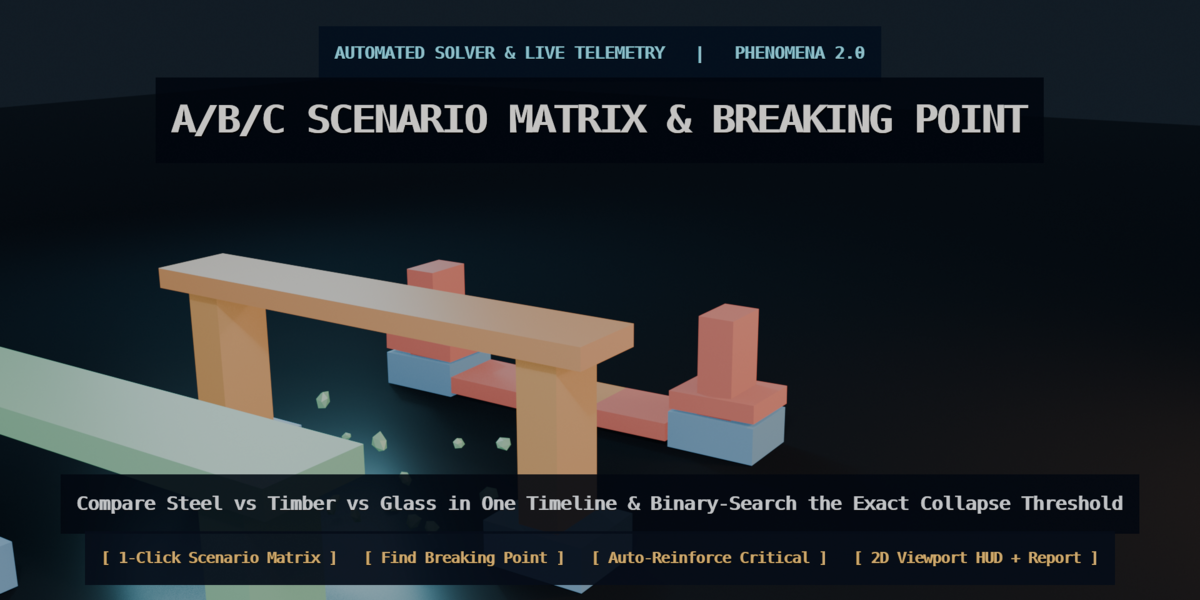
- Click Find Breaking Point to run an automated binary search that estimates a failure threshold for the configured Blender scene and solver settings.
- Click Find Critical Member and Auto-Reinforce Critical to automatically brace the weakest topological link with steel struts or tension cables.
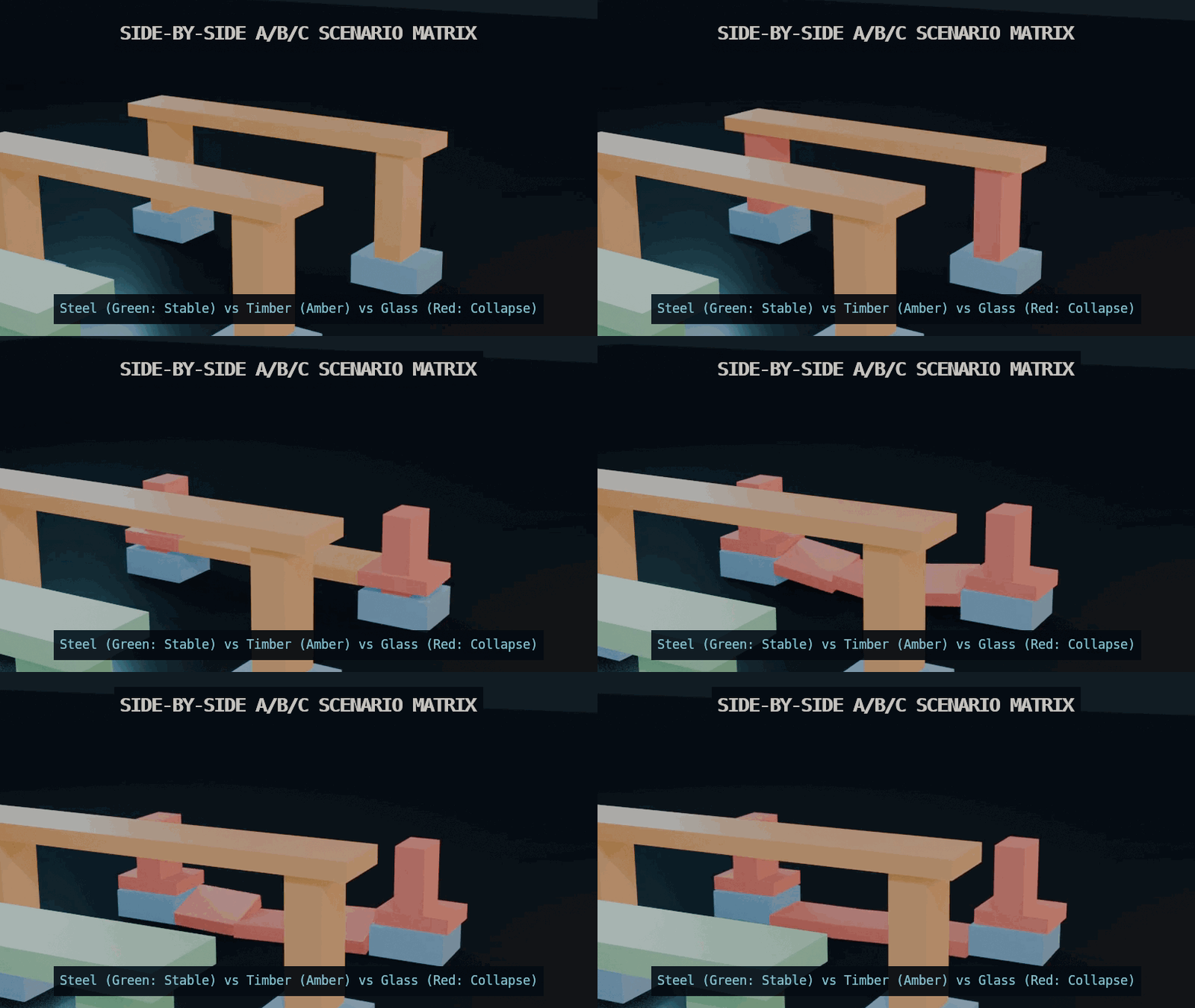
- Run A/B/C Scenario Matrices side-by-side (
SteelvsTimbervsGlass) in a single timeline.
-
Native ArcSpan 1.6+ Bridge Integration (Import ArcSpan to Lab)
- Automatically detects ArcSpan bridges (
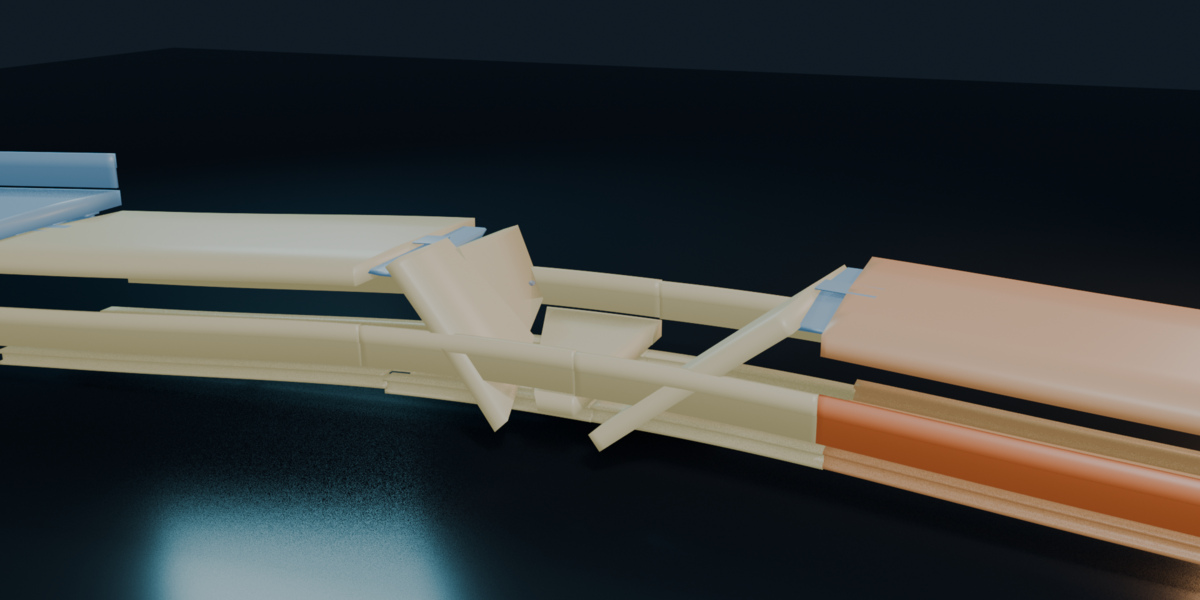
ArcSpan_Bridgecollection /AS_*meshes), slices continuous extruded highway spans at pier stations and mid-span, anchors piers (SUPPORT), sets Elastomeric Bearing Saddles (AS_SupportSaddle_*) toSPRINGjoints, and links deck/girder segments with breakableFIXEDjoints.
- Automatically detects ArcSpan bridges (
-
Animation & GLB Export (Bake Game Armature + Export Scene GLB)
- Convert chaotic rigid body simulations into a clean, single-root Skeletal Armature (PHN_Game_Rig) where every fragment is vertex-weighted to a bone with baked
PoseBonekeyframes, or freeze static post-apocalyptic ruins (Freeze Ruin Copy). - Click Export Scene GLB to save a binary
.glb(glTF 2.0) for workflows using glTF-compatible importers. Importer support, materials and animation settings vary. Unreal Engine, Unity, Godot and Three.js were not validated as destination applications in the release test report.
- Convert chaotic rigid body simulations into a clean, single-root Skeletal Armature (PHN_Game_Rig) where every fragment is vertex-weighted to a bone with baked
Compatibility and scope
Supported and tested configuration: Windows with Blender 5.2.1 LTS. PHENOMENA 2.0 was tested in that configuration; earlier Blender releases, macOS and Linux have not been validated for this release. The package metadata declares Blender 4.2 as its minimum, which is not a claim of tested compatibility with 4.2.
PHENOMENA is an artistic and conceptual destruction tool. Its load, thermal and risk indicators are simulation controls and visual heuristics, not certified structural analysis or real-world safety assessments.
Included in Your Download
-
phenomena_2.0.0.zip: Blender add-on for the supported Blender 5.2 configuration (native Python, no external Python dependencies). -
PHENOMENA_2_0_Demo_Scenes.zip: 4 ready-to-play.blenddestruction scenes (including the 57m Curved ArcSpan Viaduct Collapse, Thermal Bridge Collapse, Geodesic Dome Radial Shatter, and A/B/C Scenario Matrix) +.glbshowcase + Quickstart Guide.
FAQ
-
Is PHENOMENA a certified Finite Element Analysis (FEA/FEM) engineering tool?
No. PHENOMENA is a conceptual physics and destruction lab built on Blender's deterministic Rigid Body solver, enhanced with topological load-path analysis and surface-contact heuristics for 3D artists, game developers, previz studios, and technical storytellers. -
Does it require any external Python libraries or C++ binaries?
Zero external dependencies! It runs 100% natively inside Blender usingbpy,bmesh,mathutils.bvhtree,gpu, andblf.
Create infrastructure concepts
Explore ArcSpan for editable bridge and viaduct geometry. The demonstration scenes above illustrate the PHENOMENA workflow and its scope.
Each product is sold separately. These links suggest complementary uses; check each product’s requirements and documented workflow.