Phenomena 2.0 — Cinematic Destruction for Blender
 JuanBautista


PHENOMENA 2.0 — Quickstart & Documentation
1. Installation — Blender 5.2.1 LTS on Windows
This is the supported and tested configuration for PHENOMENA 2.0. The manifest declares a minimum of Blender 4.2, but earlier releases, macOS and Linux have not been verified. Install the ZIP directly without unpacking it. The current package passes native-extension validation and isolated installation in Blender 5.2.1 LTS.
- Open Blender and go to Edit → Preferences → Add-ons (or Get Extensions).
- Click the top-right dropdown arrow and select Install from Disk...
- Select
phenomena_2.0.0.zipand enable PHENOMENA — Structural Collapse, Radial Destruction & Telemetry Lab. - Press
Nin the 3D Viewport and open the PHENOMENA sidebar tab.
2. Basic Structural Collapse Workflow
-
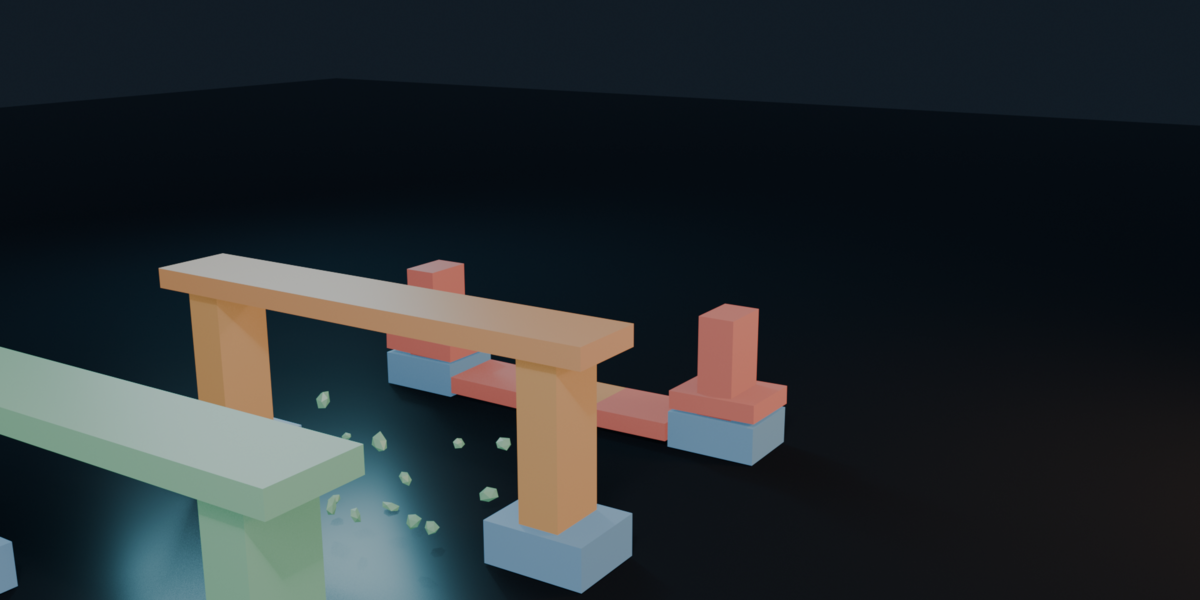
Prepare Structure: Select your mesh blocks (or click Spawn Archetype / Import ArcSpan to Lab) and click Prepare Structure. PHENOMENA builds a true
BVHTreesurface-contact graph, detects Ground Supports, and wires breakable Rigid Body Constraints (FIXED,SPRING, orPINNED). -
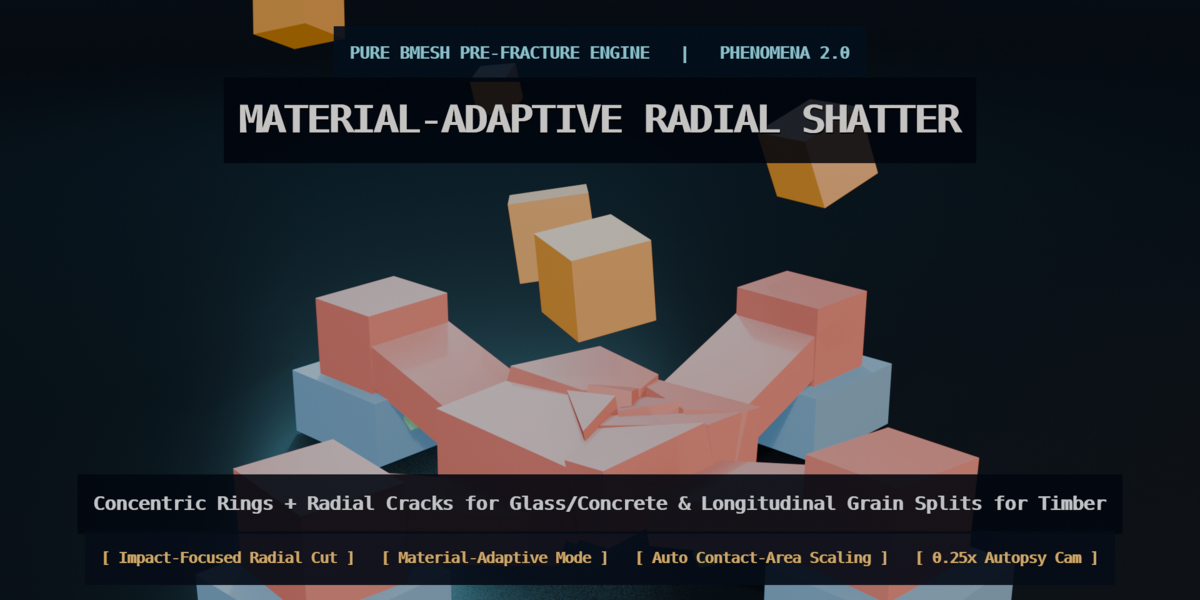
Pre-Fracture & Spalling: Select high-impact members and click Shatter Block (
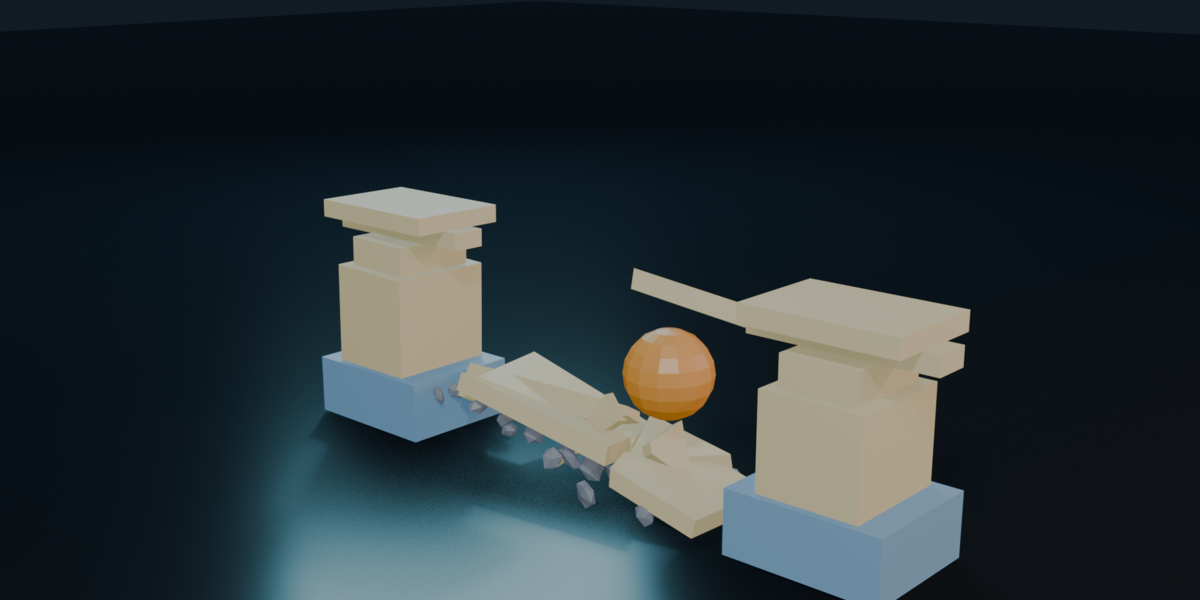
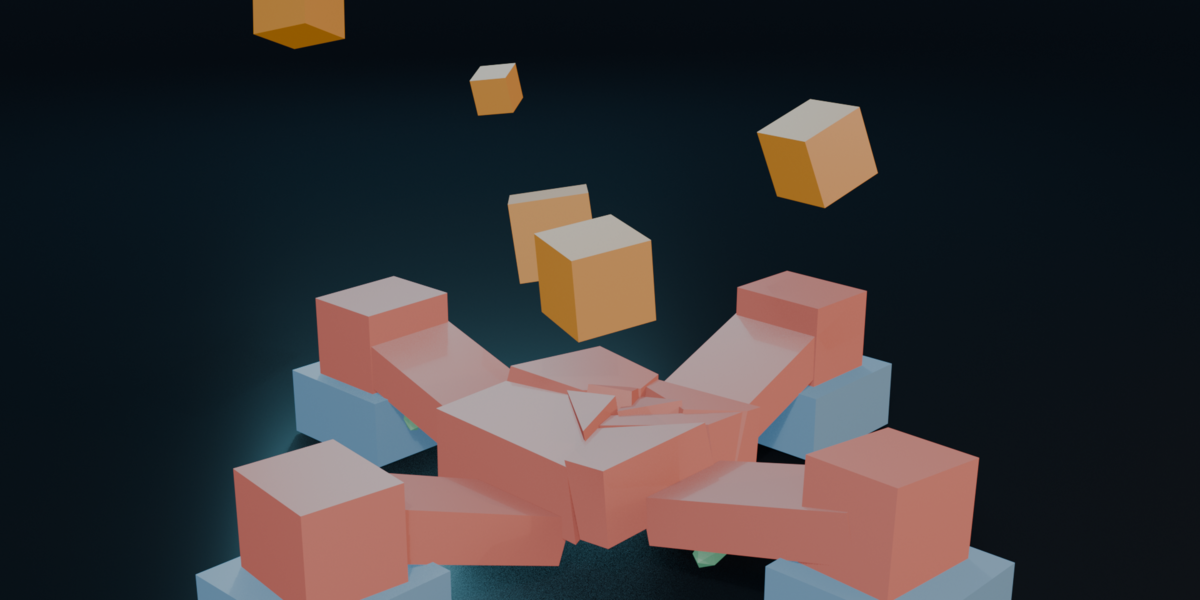
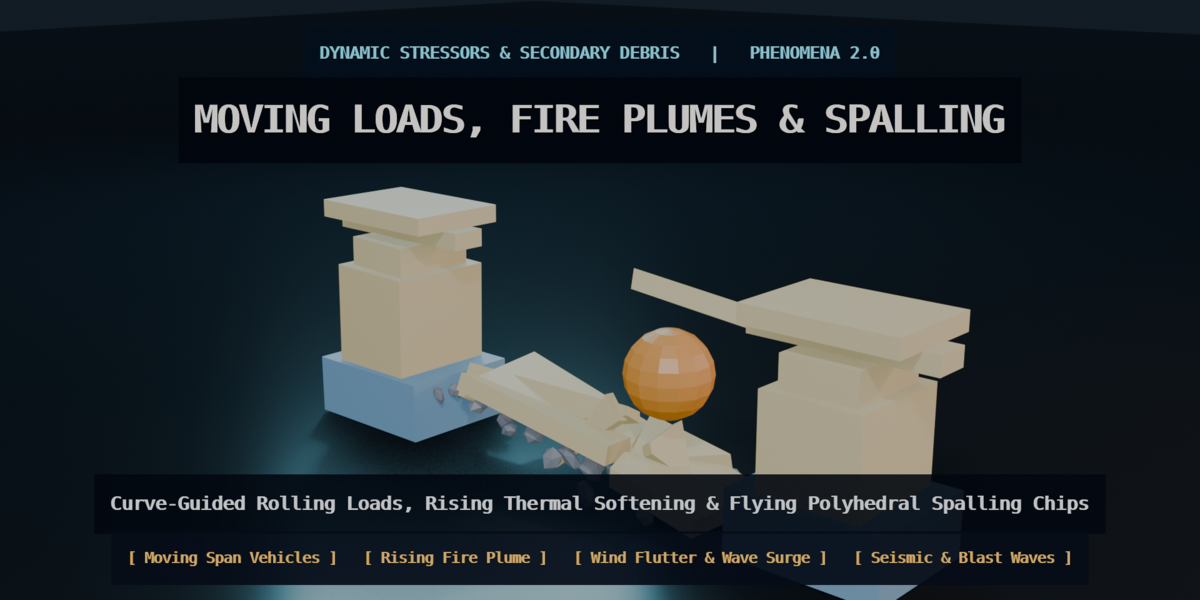
RADIAL_IMPACTspiderweb rings for Glass/Concrete,GRAIN_SPLITfor Timber). Enable Spawn Fracture Spalling to emit secondary concrete/stone chips when joints snap. - Apply Stressors: Trigger Moving Span Loads, Ignite Thermal rising fire plumes, WIND_FLUTTER / WAVE_SURGE aerodynamic/hydrodynamic forces, foundation settlement/tilt, seismic shake, or radial blast shockwaves.
- Live Telemetry & Render Shader: Toggle the 2D Viewport HUD and click Sync Render Shader to render live stress/thermal heatmaps directly in EEVEE and Cycles (F12).
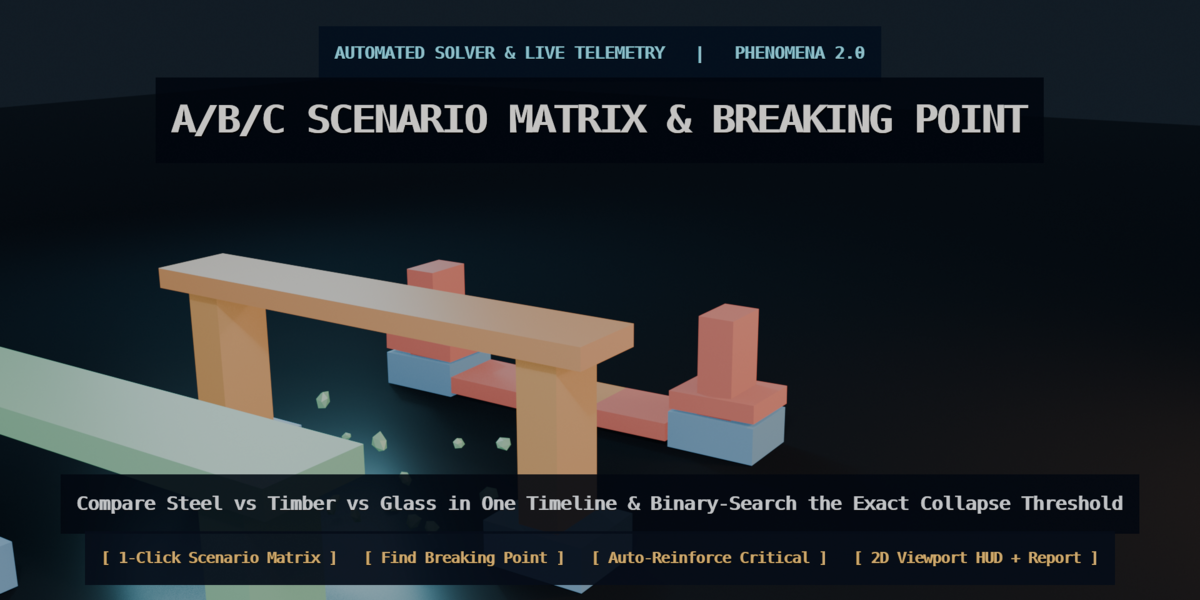
- Automated Calibration: Use Find Breaking Point to search for a failure threshold within the configured conceptual rigid-body setup, and Auto-Reinforce Critical to brace the weakest structural link.
-
GLB Export: Click Bake Game Armature to convert the rigid body simulation into a single-root Skeletal Armature (
PHN_Game_Rig) with bakedPoseBonekeyframes, then click Export Scene GLB to write a glTF 2.0 file. Destination-engine import, materials and animation settings require project-specific verification; Unreal Engine 5, Unity, Godot and Three.js were not tested as import destinations in the release report.
Have questions about this product?
Login to message
| Blender Extension Compatible | Yes |
| Published | 1 day ago |
| Blender Version | 5.2 |
| Extension Type | Add-on |
| Render Engine Used | Cycles, Eevee |
| License | GPL |
Discover more products like this
physics simulation destruction fracture bridge gamedev rigid body VFX collapse arcspan glb