Primitive Generation
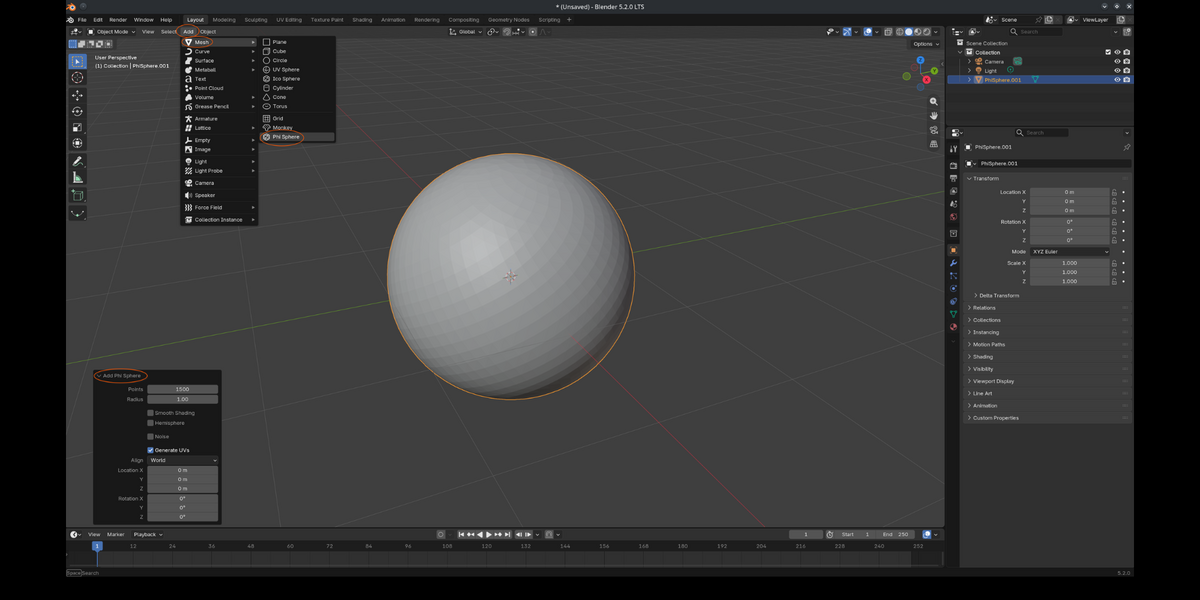
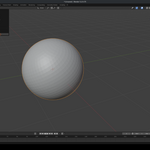
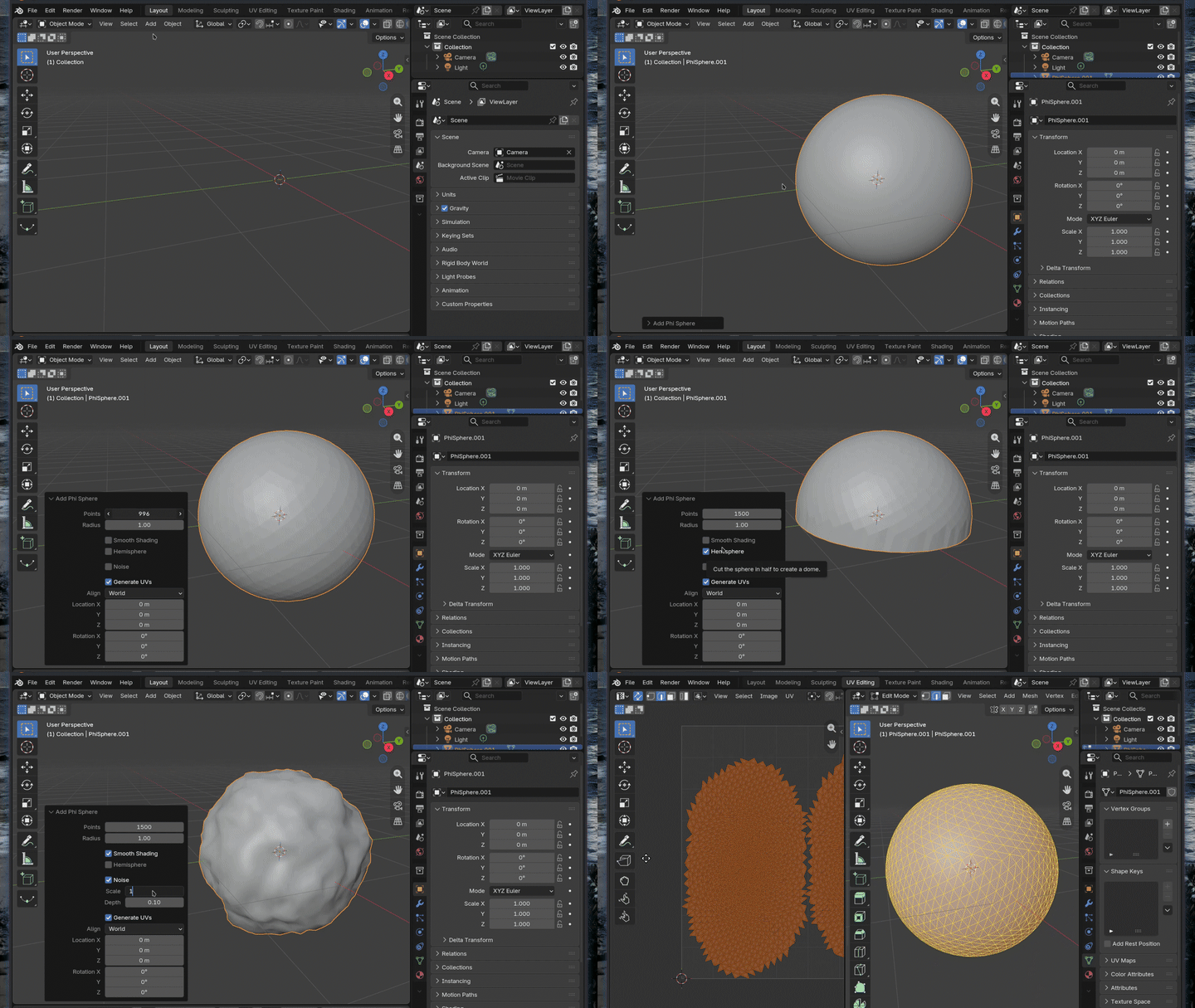
After the add-on has been installed, it will appear as an operator within the Add > Mesh menu, acting just like any other primitive mesh. Once selected, the Phi Sphere will appear at the world origin and can be edited with the Adjust Last Operation popup menu (titled "Add Phi Sphere") in the lower-left corner of the viewport. The actions are as follows:
------------------------------------------------------------------------------------
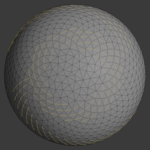
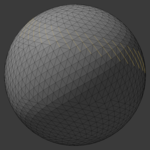
POINTS: The number of vertices to generate as a point cloud. This is converted into a realised form immediately, allowing for live viewport scaling of the vertex count.
RADIUS: The overall scale/size of the mesh.
SMOOTH SHADING: Renders and displays faces smoothly, using interpolated vertex normals.
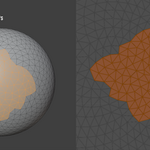
HEMISPHERE: Splits the mesh in half to create a dome shape.
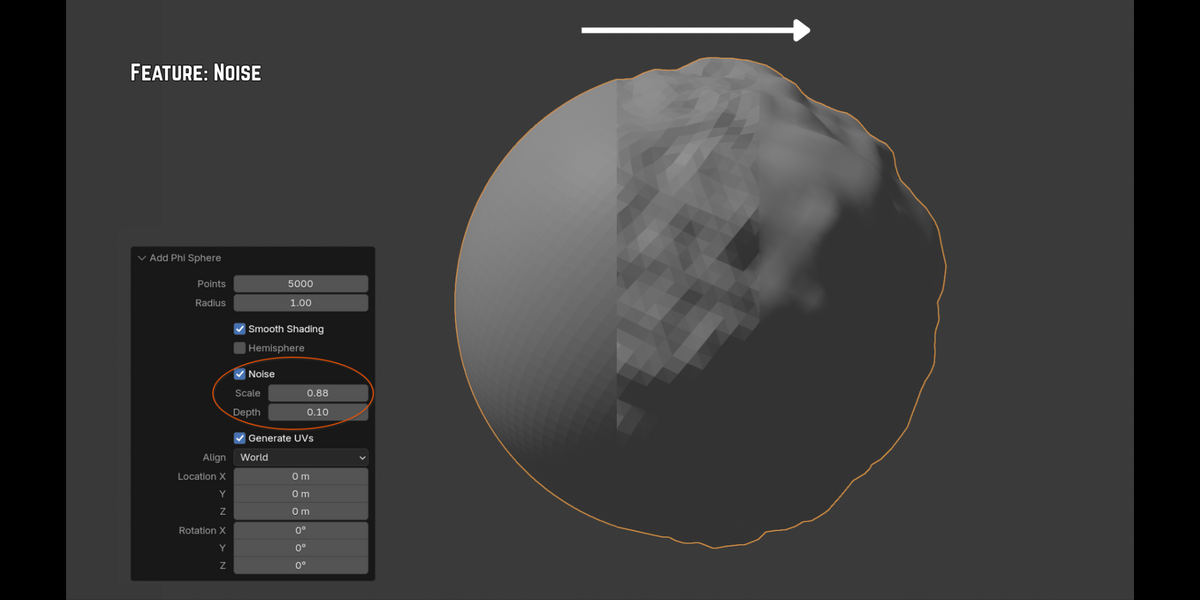
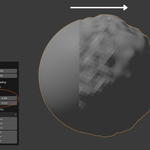
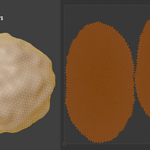
NOISE: Generates baked-in displacement for organic asymmetry.
> SCALE: The overall size of the noise pattern.
> DEPTH: The intensity of the noise pattern.
Examples: Organic asymmetry can be created using values like (0.24, 0.08) or (1.5, 0.05).
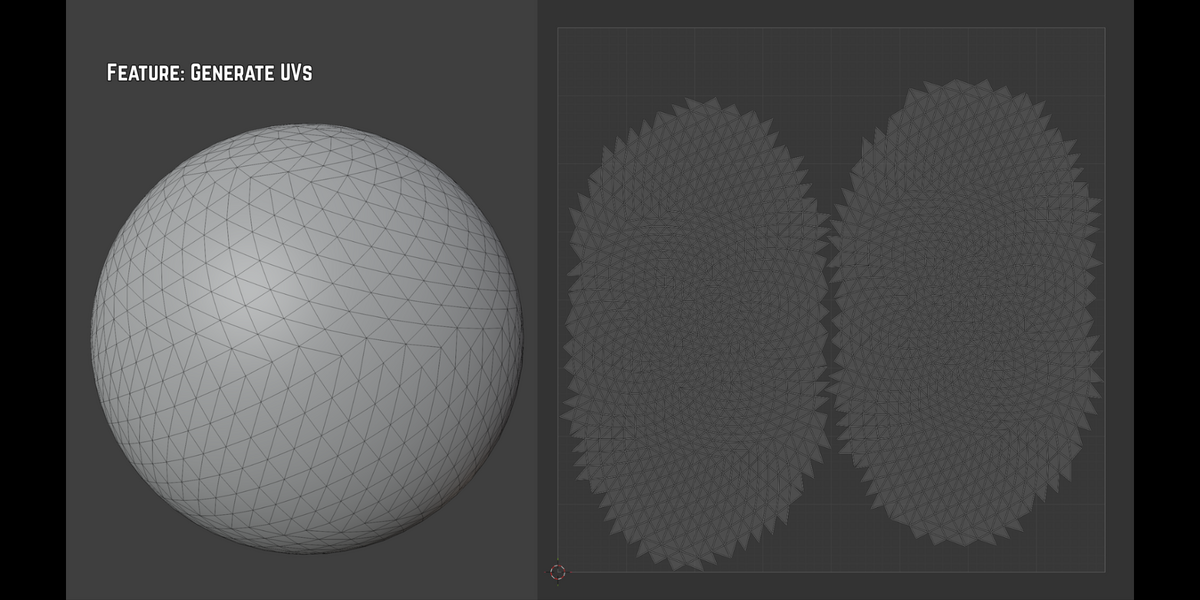
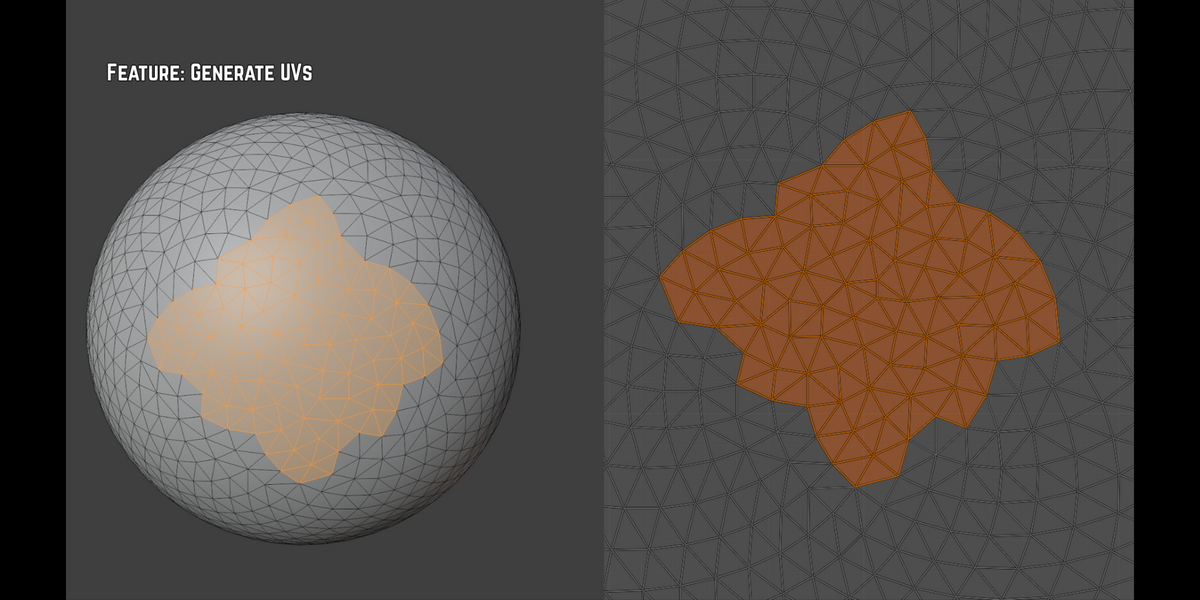
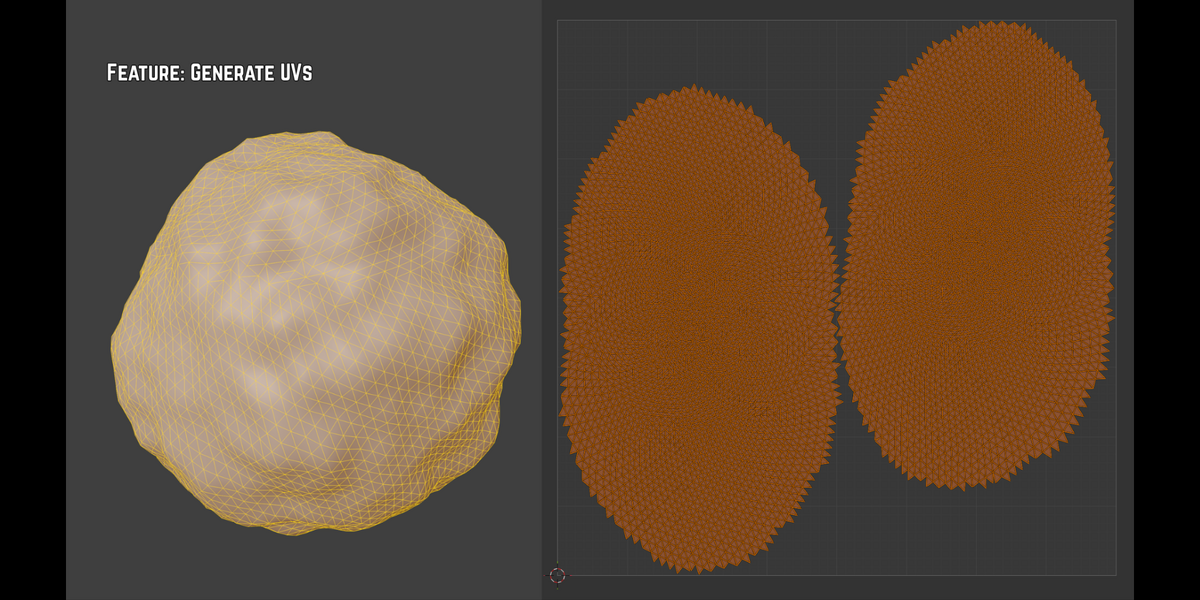
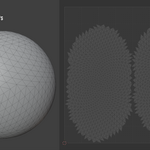
GENERATE UVs: Generates a default UV map, with maximised space usage and a two-island layout.
ALIGN, LOCATION X/Y/Z, ROTATION X/Y/Z: Basic controls to adjust the object's position within the scene.
------------------------------------------------------------------------------------
TROUBLESHOOTING
Hemisphere creates unusual deformation: The Hemisphere feature requires a slightly higher Points value to produce a smooth, rounded shape. While the absolute minimum value for Points is 20, a value closer to 100-300 is highly recommended when Hemisphere is active. The default value is 1500, which minimises steep slopes at the sides of the dome.
Noise doesn't seem to be adding much: The Points and/or Depth values might be too low for meaningful, visible displacement.