 Skava
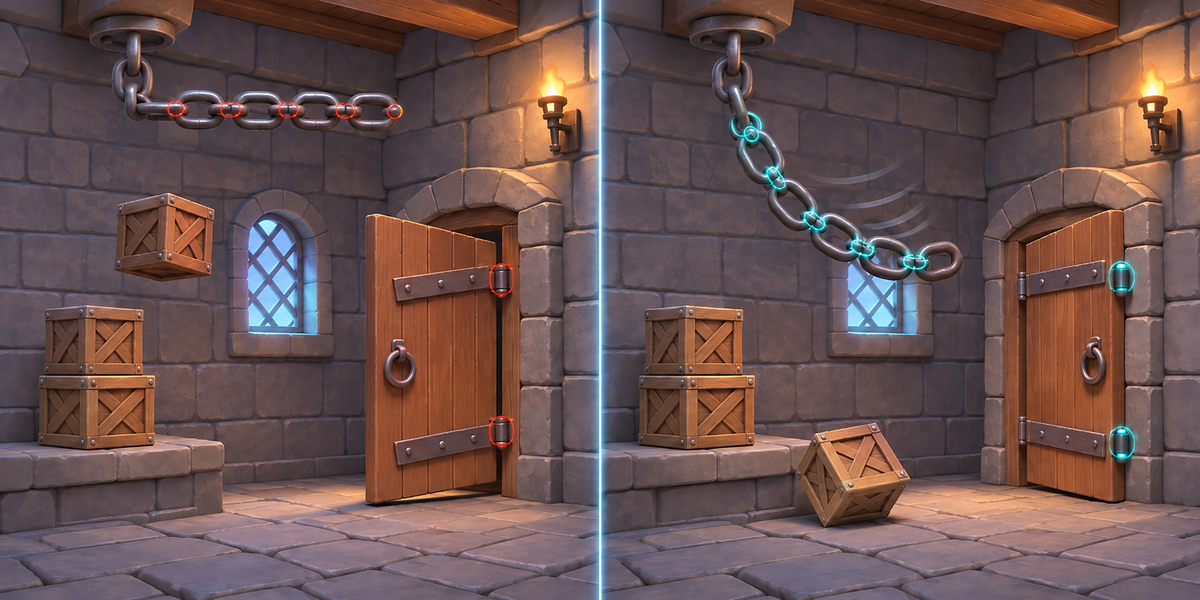
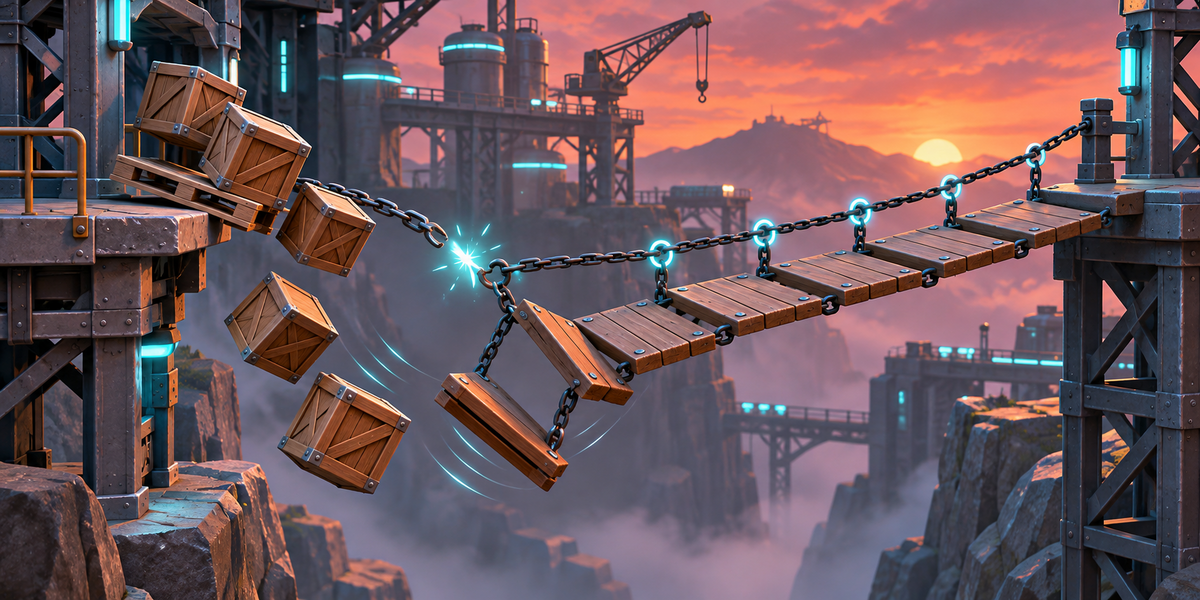
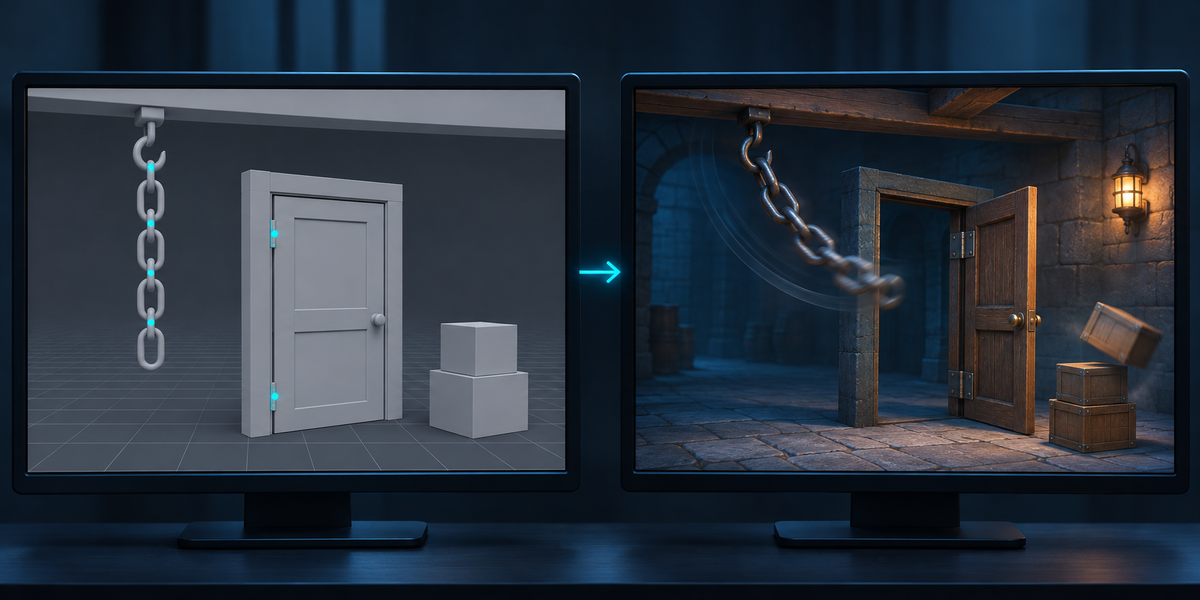

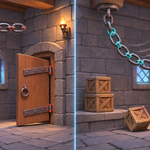
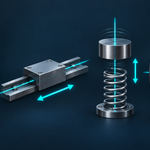

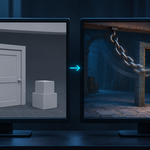
Set up rigid bodies in Blender (a swinging door, a chain, a spring, a motor, a crate stack, a breakable link) and export to Unity: FBX carries no physics. Nothing falls, nothing swings, every constraint is gone, and rebuilding it by hand means guessing how Blender's numbers translate into PhysX: masses, friction, bounce, damping, joint axes, limits, springs. PhysForge takes your Rigid Body World across, translated by rules measured in both engines, and proves it: Check simulates the setup in Unity and measures every body against Blender's own simulation, in millimetres.
What you get
- Bodies: Box, Sphere, Capsule, Cylinder, Cone, Convex Hull (built as Blender builds it for Bullet, edges and corners rounded) and Mesh shapes, mass, friction, bounciness, linear and angular damping, Active, Passive and Animated bodies, the centre of mass where Blender has it (the object's origin), and Bullet's own inertia.
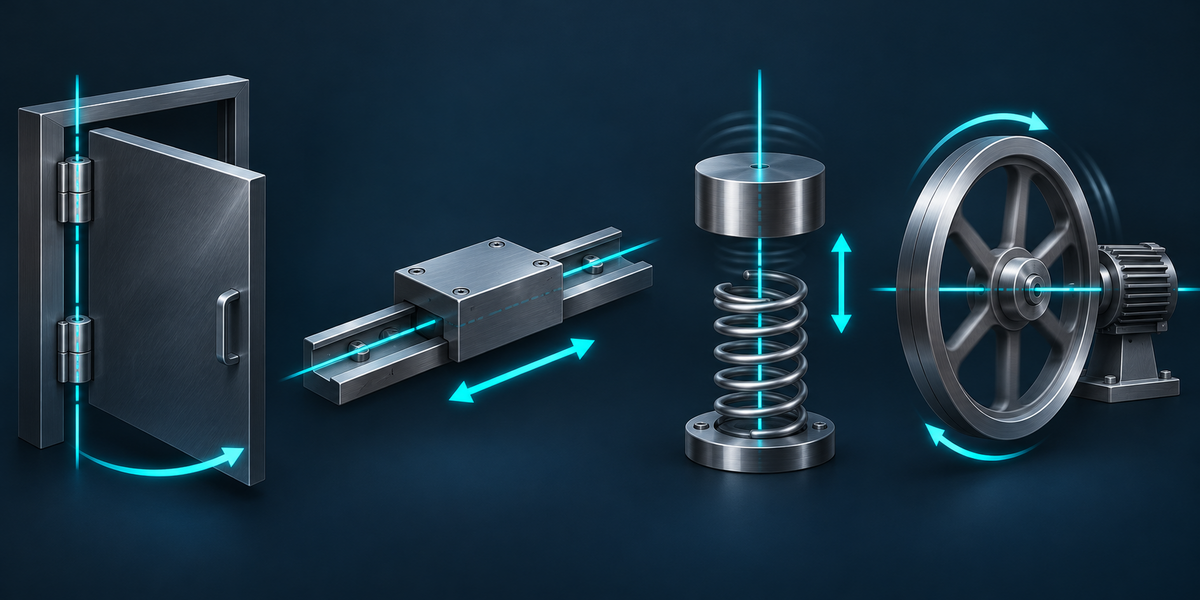
- Constraints: Fixed, Point, Hinge, Slider, Piston, Generic, Generic Spring and Motor, with their limits (also uneven ones), springs, motors and breaking thresholds, as Unity joints on the right axes, with the turn directions and limit signs kept through the change from Blender's right-handed axes to Unity's left-handed ones.
- Translations measured, not guessed: PhysX acts on friction at twice Bullet's product; Bullet's bounce follows the product of the two restitutions to the power 0.82 (so a ball on a floor at Blender's default restitution 0 does not bounce, in Unity either); a PhysX spring damps differently from Bullet's; Unity's default contact offset starts a bounce a centimetre before the bodies touch; a joint limit left on auto makes PhysX's newer solver throw a body back off its stop. Each one has a rule found by measuring the same scene in both engines. Five of them (the step, solver iterations, contact offset, bounce threshold and sleep threshold) are project settings in Unity: Check uses Blender's values and says when your project differs, and one menu sets them.
- Honest refusals and notes: what Unity cannot hold as Blender does (a slide limited along two axes at once, a Compound shape, a hinge limit past 177 degrees) is named in the panel with the reason before you export; where the engines part (a bounce after the first, a soft spring turned far), a note says so and Check shows how far.
- Check in Unity: the setup runs in Unity at Blender's step and each body's corners are measured against Blender's recording at 0.5, 1, 2 and 4 seconds, next to Blender against itself with gravity tilted by 0.006 degrees, so chaotic motion is told apart from a wrong translation. The report also runs PhysX's other solver and says which one follows your setup closer.
Measured
- 59 scenes in Unity 6000.0, 6000.4 and 6000.6, in projects with Unity's default settings, against Blender 5.2: pendulums, a damped pendulum, a door with limits, a 5-link chain, a motor, a slider on a slope, a piston with turn limits, breakable links (fixed and sliding), a stack of five crates, friction on a slope, bounces, springs, every Generic limit and turn on its own and tilted, an animated pusher and a lift, and each collision shape. Without PhysForge the bodies stay where they are: up to 72 m from where Blender has them.
- With PhysForge, a pendulum is 2.0 mm off Blender after one second, a damped one 1.8 mm, a motor 0.0 mm, a piston 1.3 mm and on its turn stop 1.6 mm, a spring 0.7 mm, a door against its limits 8 mm, the 5-link chain 12.9 mm, five stacked crates 1.6 mm, a bouncing ball 13.8 mm, a ball carried by an animated lift 4.6 mm; breakable links break in the same frame as in Blender.
- 39 of the 59 pass Check with Unity's default solver, the same 39 in all three Unity versions; the documentation lists each of the other 20 and why (among them a crate shoved by an animated block: it starts moving one physics step apart from Blender's, 5.8 mm, over the strict 2.3 mm limit at that moment, and stays 5.85 mm off along its 0.9 m slide). A pendulum swinging through half a turn loses height with Unity's default solver (20.6 mm off after a second) and matches with PhysX's other one (1.6 mm): the report says so and recommends it.
- The add-on's own checks (export, your scene left as it was, other files never overwritten, refusals, notes, a baked cache, a cache that starts later): 79 of 79 in Blender 4.2.9 and 5.2.2.
Blender 4.2 to 5.2, Unity 6 (tested on 6000.0, 6000.4 and 6000.6). Built-in, URP and HDRP alike: no render pipeline involved. The prefab holds only Unity's own components. No AI, no cloud, no account.