Pickup Tools
 Wolfram Kampffmeyer


How To
Installation:
In Blender go to Edit > Preferences > Add-ons
Click Install, then choose the wk_tools.zip file
Enable WK Tools in the list
Access it from the Sidebar (N) > WK Tools
Overview
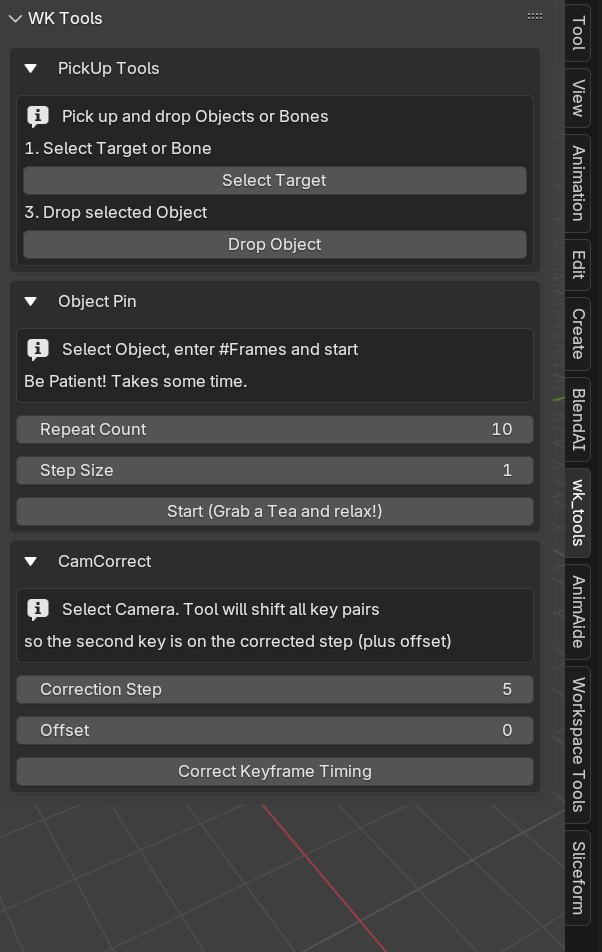
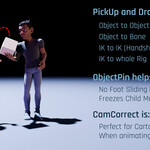
WK Tools is a compact animation toolkit made to speed up your workflow. It includes three modules:
-
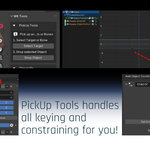
PickUp Tools – animate object or bone constraining with 1 click
-
ObjectPin – freeze global position for a frame range
-
CamCorrect – align camera cut keyframes to stepped timing (on 2’s, 5’s, etc.)
PickUp Tools
🔹 What it does
PickUp Tools automates the tedious process of constraining objects during pick-up animation. It uses child-of constraints with all the proper keyframing and offsets built-in.
🔹 How to use it
Pick up an object:
-
Select the target (e.g. hand bone, character object or any other object)
-
Click “Select Target”
-
Select the object to be picked up
-
Click “Select Picked Up”
To drop it again:
-
Select the object and click “Drop Object”
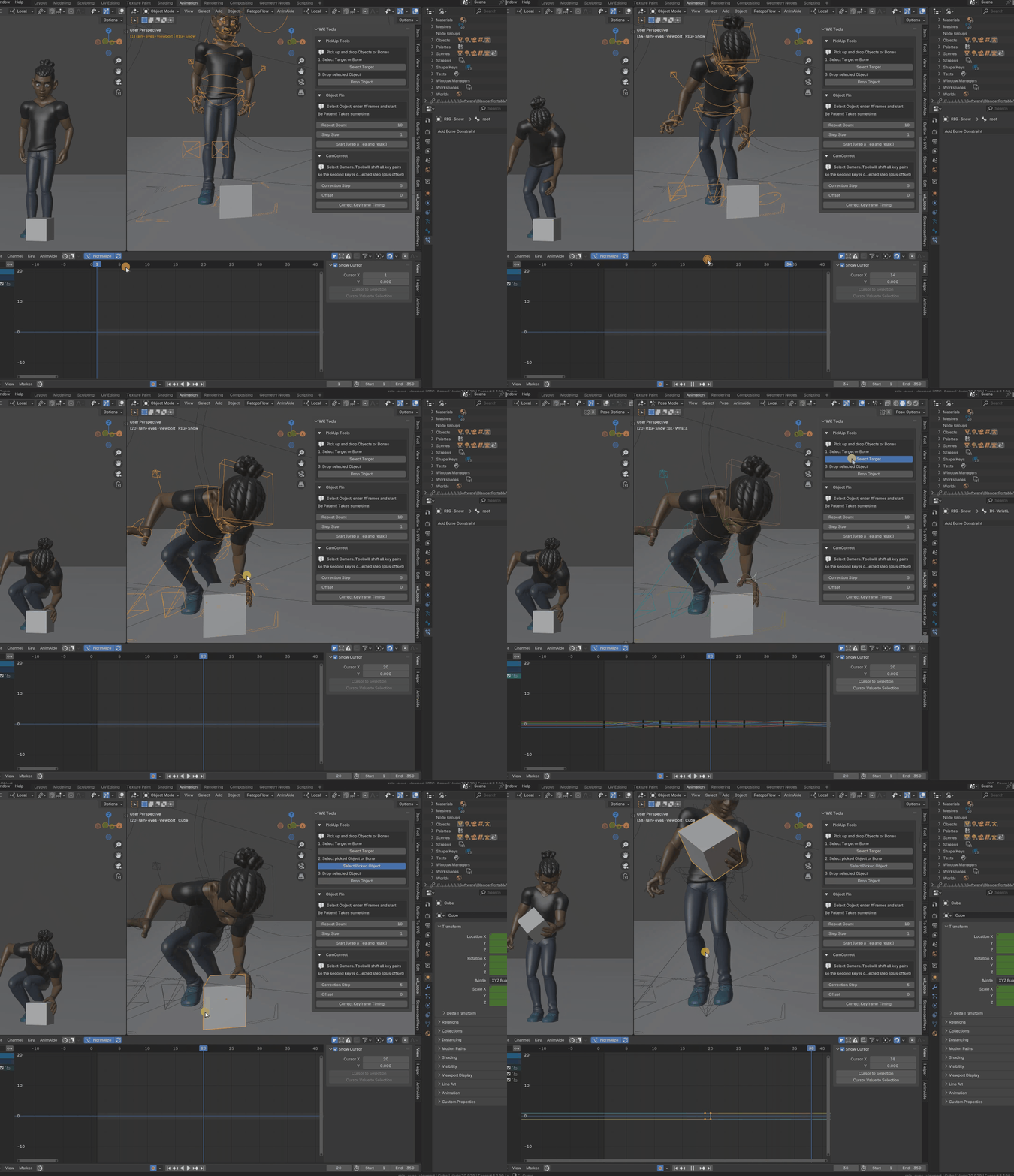
🔹 Notes
-
Works with bones and objects. Also works with 2 IK chains for, e.g. animating a handshake.
-
Multiple pickups per object possible. Tool will add more child-of constraints on the way.
-
Cyclical constraints (e.g. A picks up B, then B picks up A) are not supported due to Blender constraint limitation.
ObjectPin
🔹 What it does
ObjectPin keeps an object’s world position locked across a frame range, even if it’s parented or influenced by other animation.
🔹 Use Cases
-
Pinning feet during contact in a walkcycle
-
Preventing lids or child-objects from drifting when their parent moves
-
Temporarily freezing hands, props, or other objects
🔹 How to use it
-
Select the object (or bone)
-
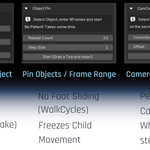
Set Repeat Count (how many frames to pin)
-
Set Step Size (usually 1)
-
Click Start
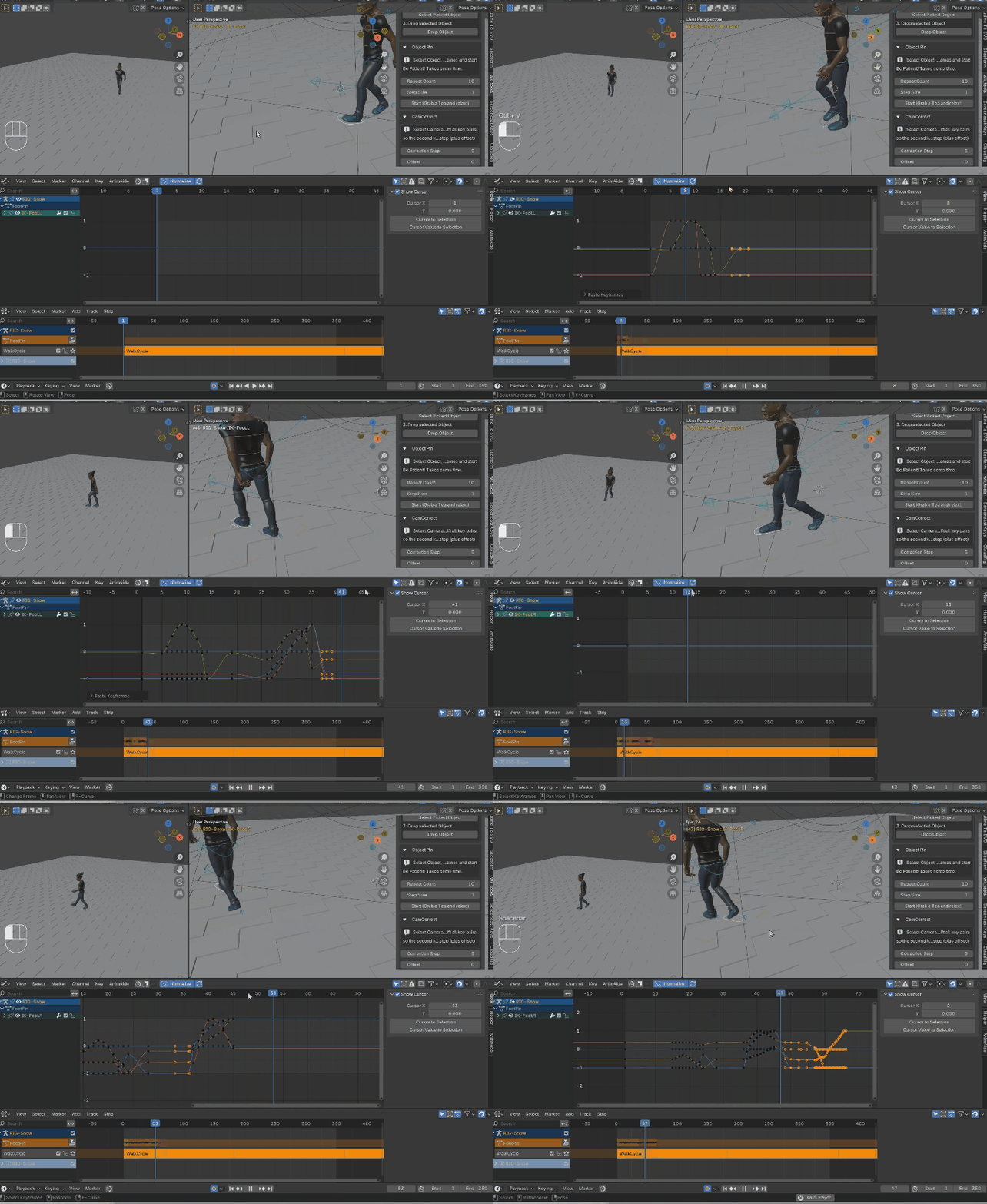
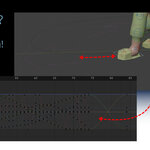
Here, the walkcycle was animated along a curved path. To compensate foot sliding, the contact foot is pinned for 10 frames.
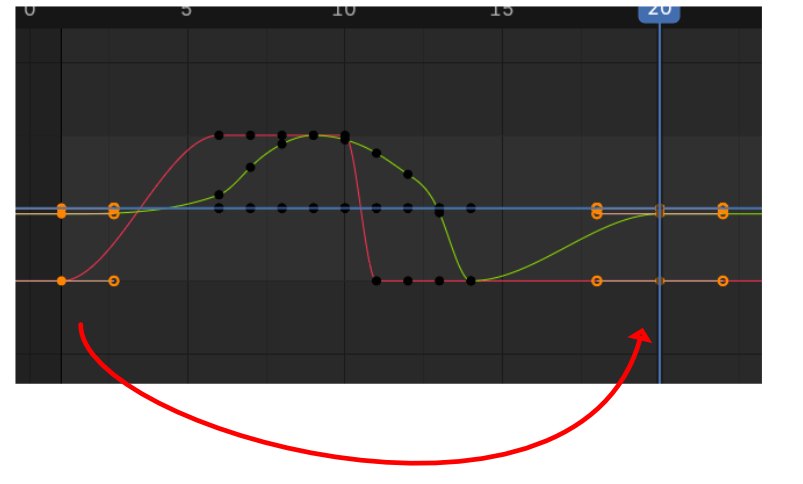
Important: copy-paste the start keyframe of the pinned foot a few frames after the pinning so the walk cycle continues normally:
Pinning other objects:
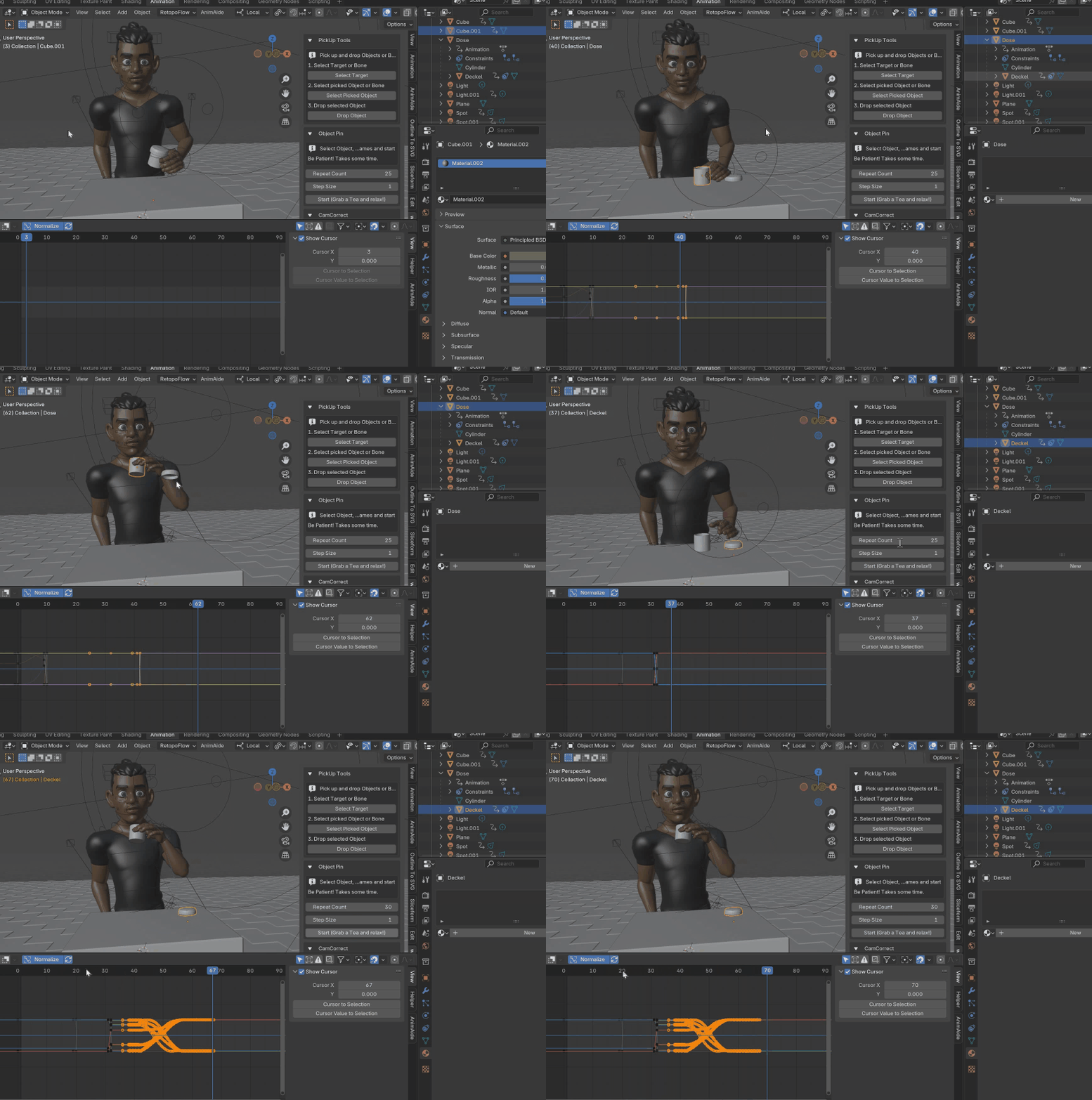
Here, the lid is child object of the can. When the guy lifts the can, the child wants to followed and is pinned down.
🔹 Notes
-
Pins the current global transform over the range
-
Works with bones, IK chains, and parented objects
-
Heavy rigs or slow scenes may take a few seconds to calculate. Grab a tea.
CamCorrect
🔹 What it does
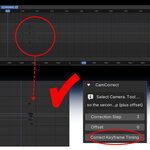
CamCorrect aligns camera cut keyframes to the nearest step in stepped animation (like on 2’s, on 5’s), so character pose changes happen on the cut, not after it.
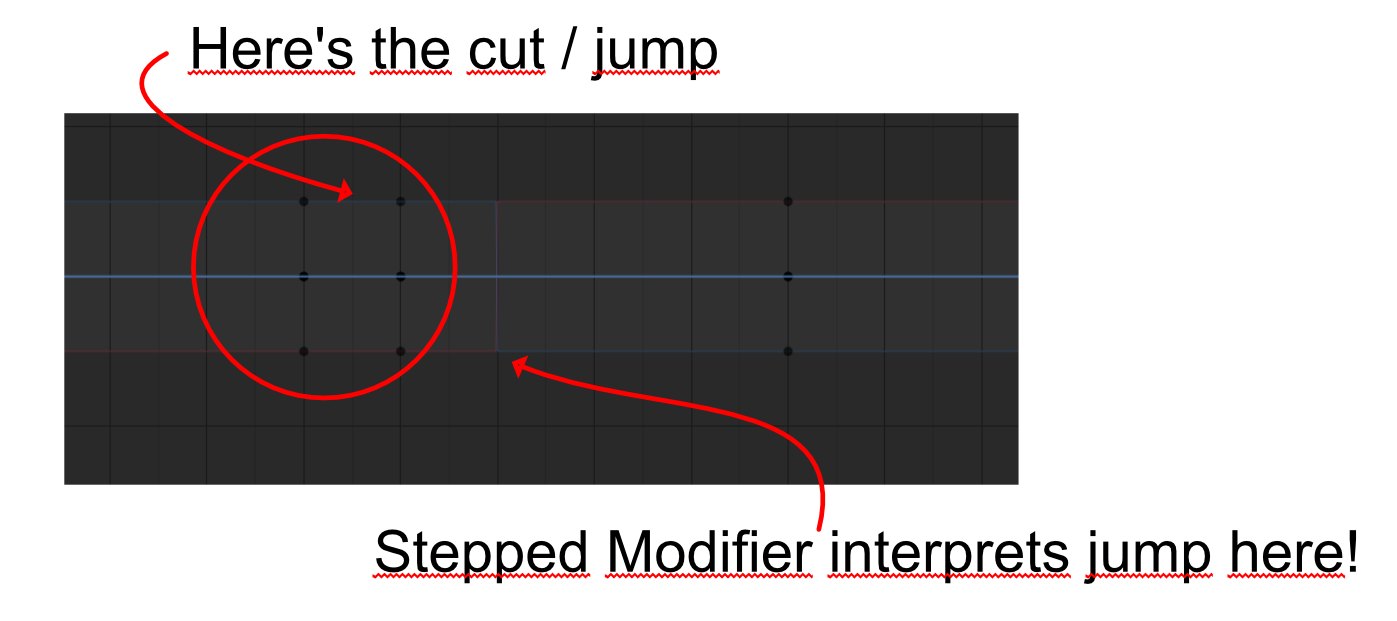
And this is how to deal with it:
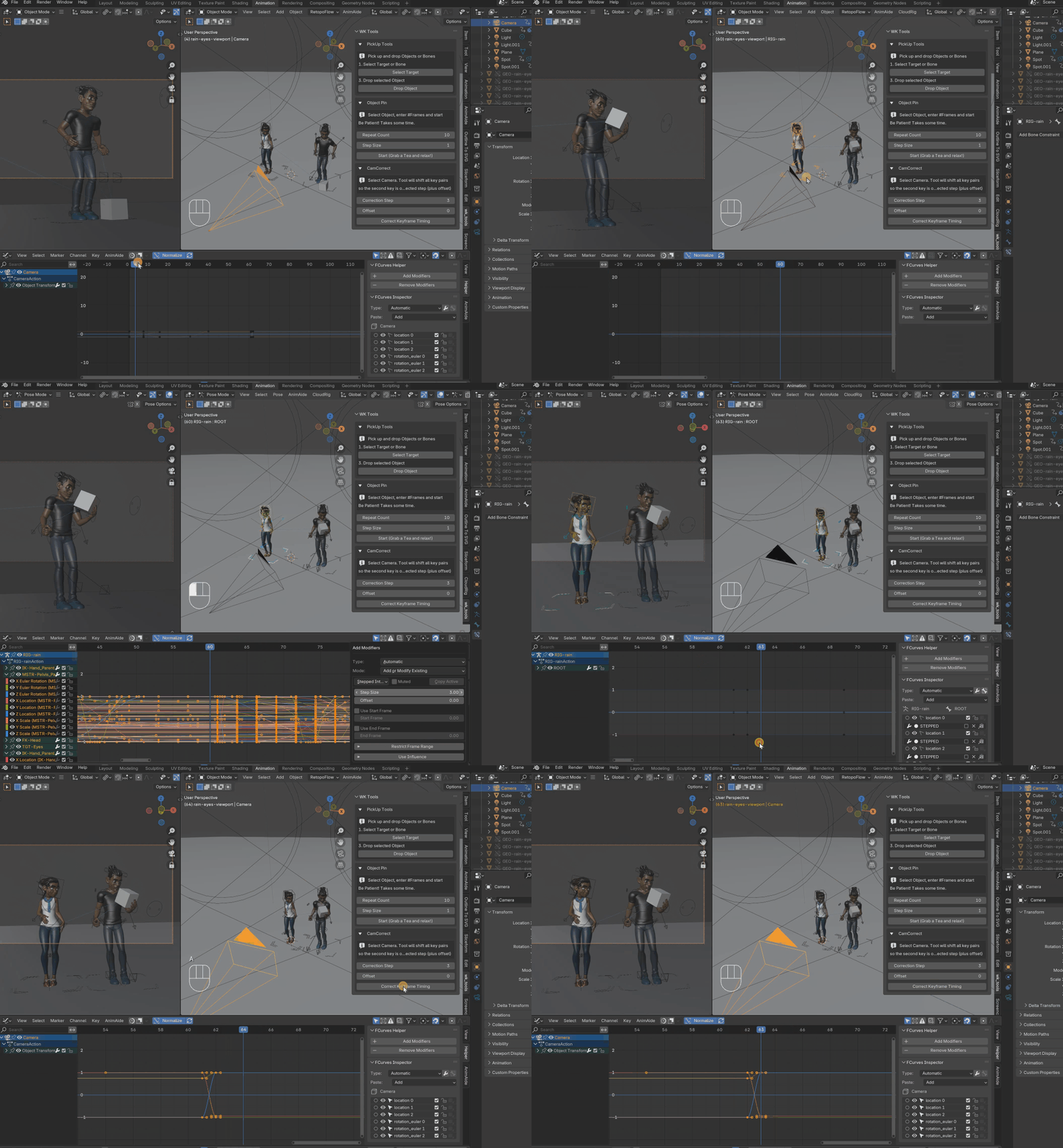
🔹 How to use it
-
Select your camera, select all keys
-
Choose a Correction Step (e.g. 5 for stepped on 5’s)
-
Optional: add an Offset
-
Click “Correct Keyframe Timing”
🔹 Notes
-
Only affects keyframe pairs with 1-frame difference
-
Designed for stylized, stepped animation
-
Best used before animation start, when camera animation is done.
-
Camera keyframes will either jump forwards or backwards, which ever correct frame is closer. That's why it's recommended to use it before beginning with character animation. Especially when step size is 2, it might just jump in the wrong direction than the character's stepped jump.
Quick Foot Reset

When animating walks, you have to set the foot to the floor on every step. You want to keep the orientation (e.g. Euler Z) but want to set X and Y to 0, so the foot isn't tilted. You also want the foot to Location Z=0 so it's flat on the floor.
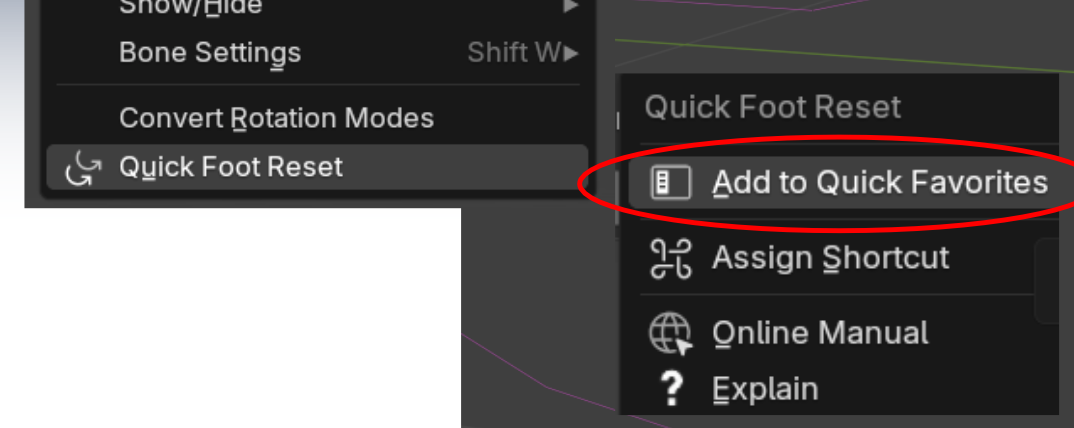
Wouldn't it be great to have a Quick Favorite Button to do all this?
Done.
How to use it
-
Select the IK foot
-
Chose "Quick Foot Reset" either from Pose menu, side panel or Quick Favorites
-
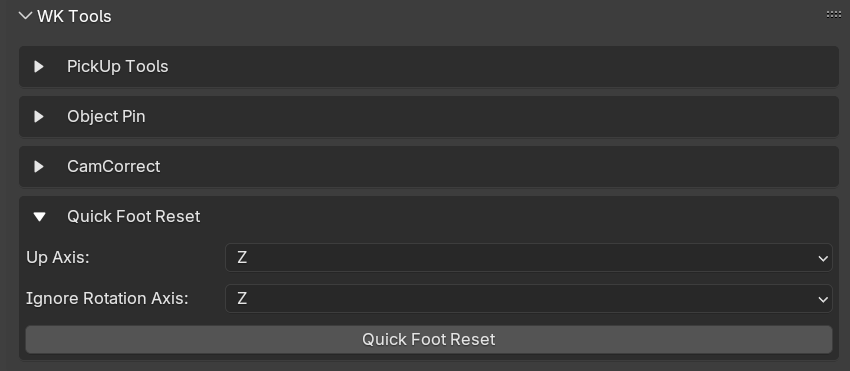
If Z isn't your up-axis, chose another from the side panel drop down.
-
If Euler Z isn't your correct rotation axis to keep, chose another in the drop down.
It's part of the wk_tool addon. And if you really need to tweak the axis, because your rig doesn't use the Z-Axis as up-axis, no problem, I have you covered.
Email support provided by the creator.
 Included
Includes 12 months of
- Support from Wolfram Kampffmeyer
- Product updates
Extend this product’s Support Period +12 months: 25% of product price
Have questions before purchasing?
Login to message
Discover more products like this
stepped interpolation transform baking pick up objects Animator Tools pickup animation pick-up object pin foot sliding keyframe tools walkcycle pin tool