 SkyVFX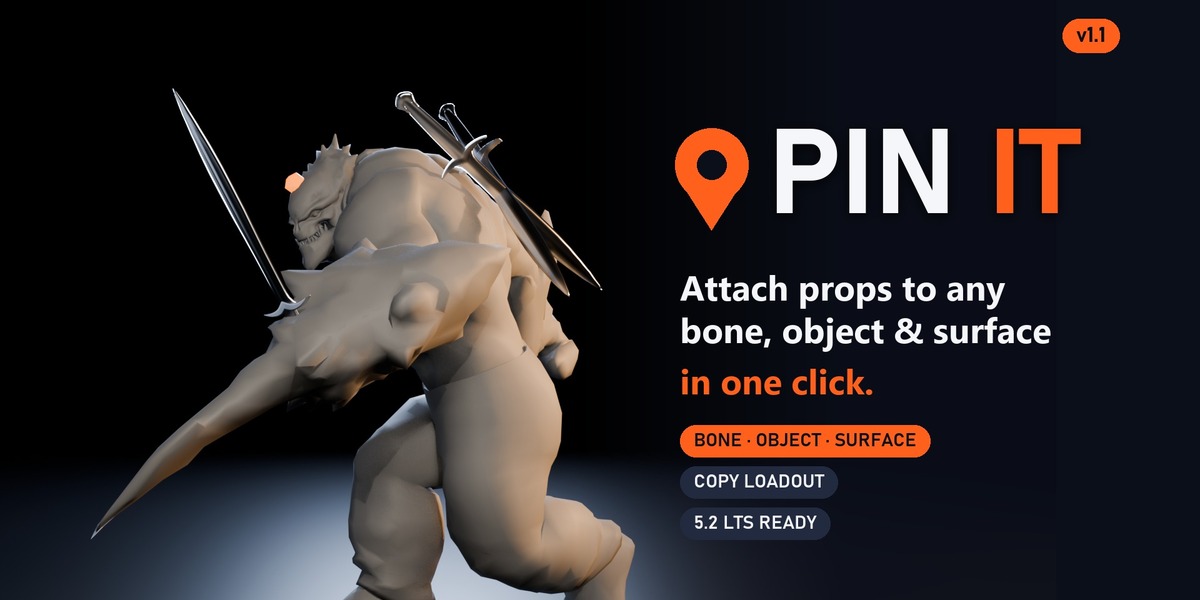
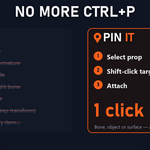
Stop fighting Ctrl+P.
Pin gear on in one click.
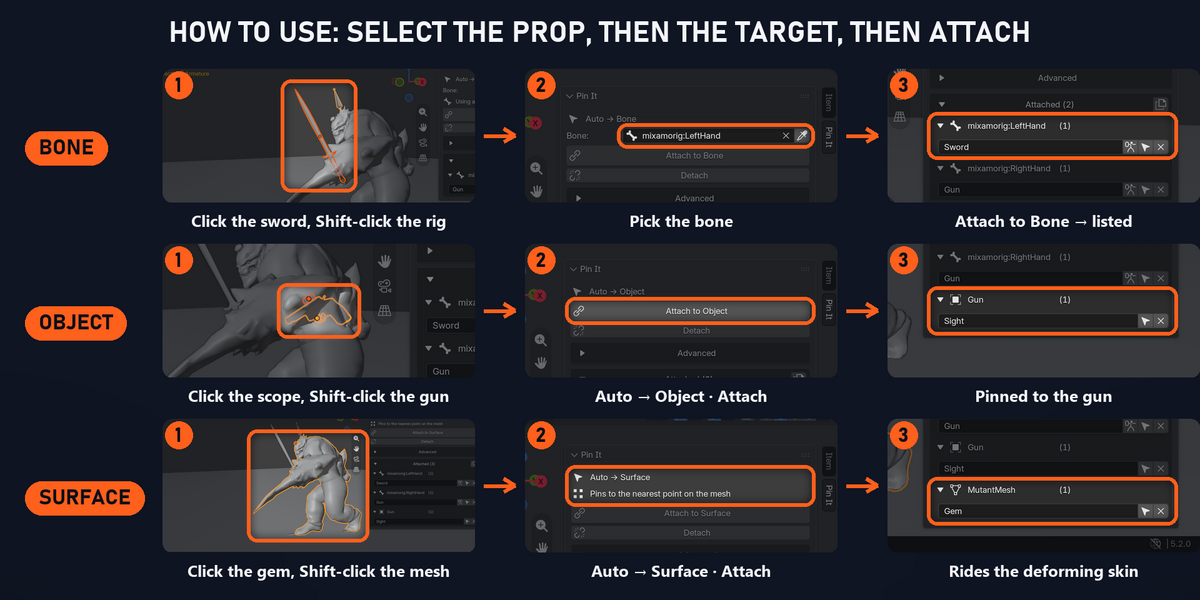
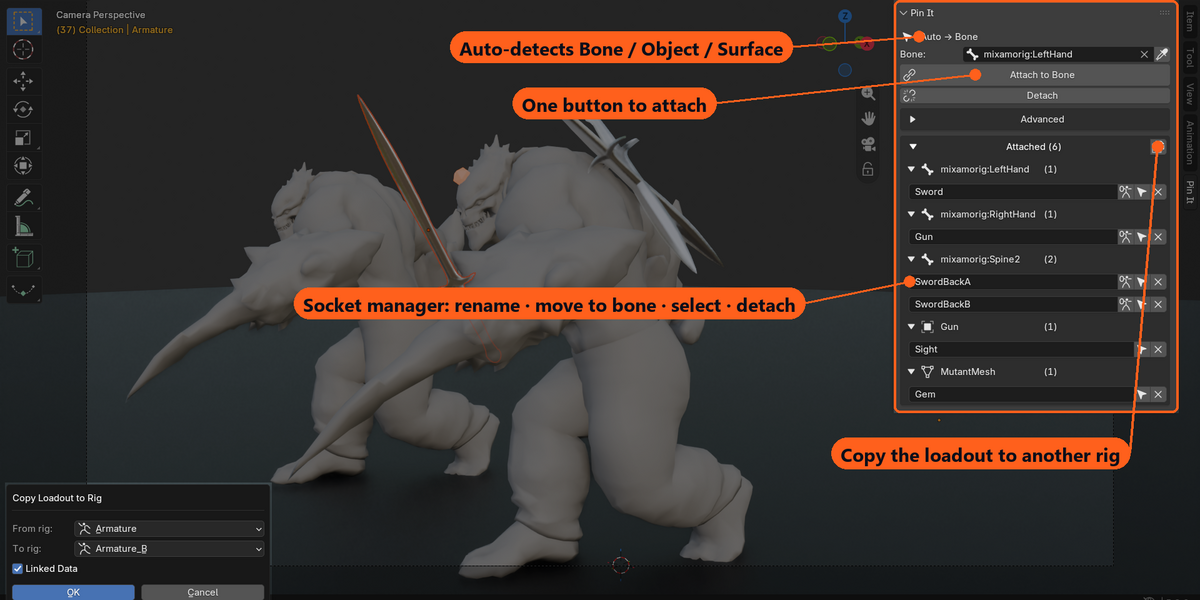
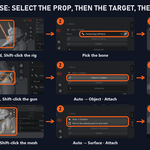
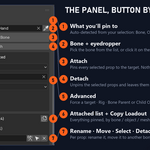
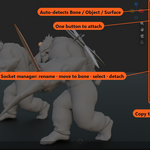
Select the prop, shift-click the target, hit Attach. Pin It works out whether you clicked a bone, an object or a character mesh — and keeps a tidy list of everything you've attached.
| Bone | Object | Surface | Copy Loadout |
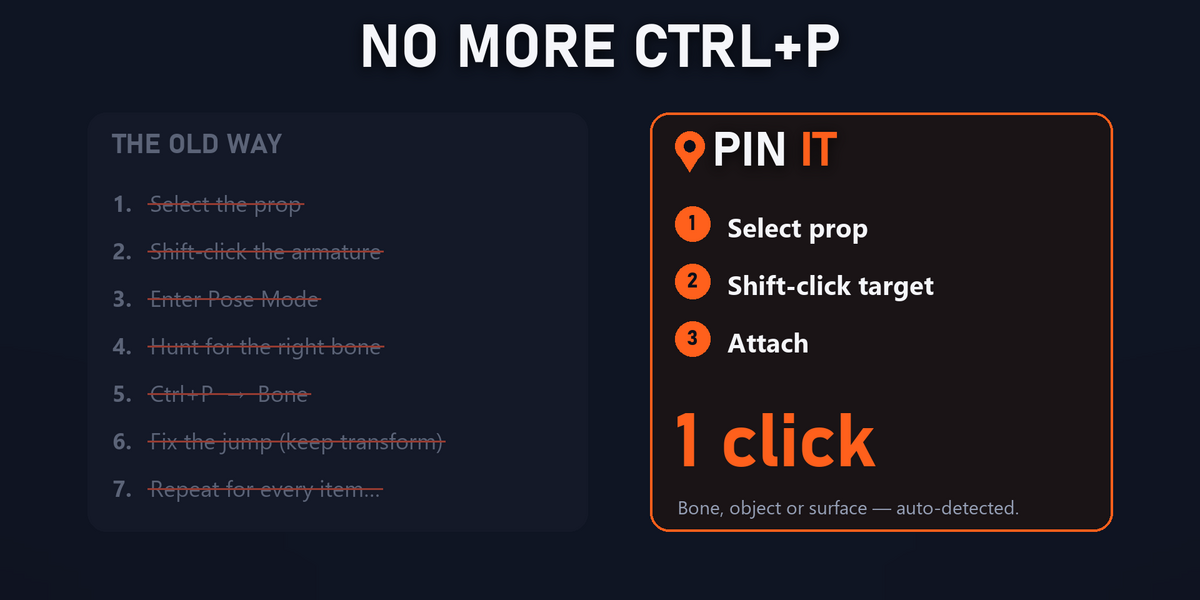
Nine steps → one click
| THE OLD WAY Select prop › shift-select armature › Pose Mode › hunt for the bone › Ctrl+P › Bone › prop jumps › fix it › repeat for every item. | WITH PIN IT Select prop › click target › Attach. Done — and it never jumps: Keep Transform holds the prop exactly where you placed it, on attach and on detach. |
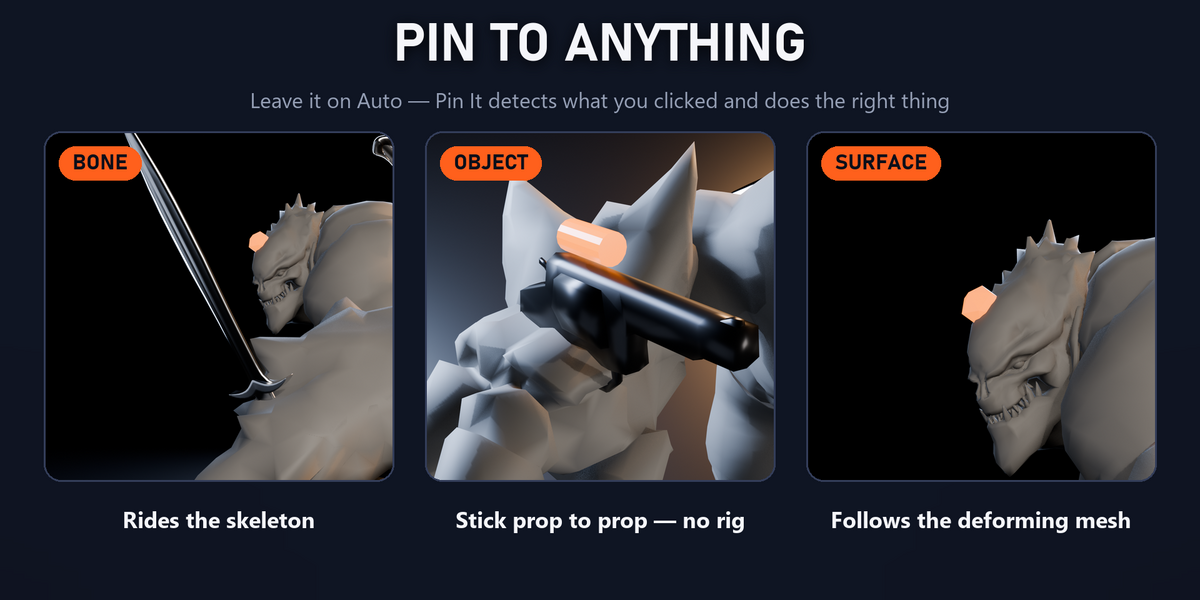
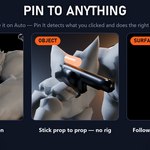
Pin to anything — three ways
Leave it on Auto and Pin It picks the right one for you.


| Bone Gear that rides the skeleton: a sword in hand, swords crossed on the back. Rigid Bone Parent or non-destructive Child Of. | Object Prop to prop, no rig needed: a sight on a gun, blades chained into one weapon. | Surface No bone there? Pin to the mesh itself — a gem on the brow, a patch on the chest. Follows the deforming mesh. |
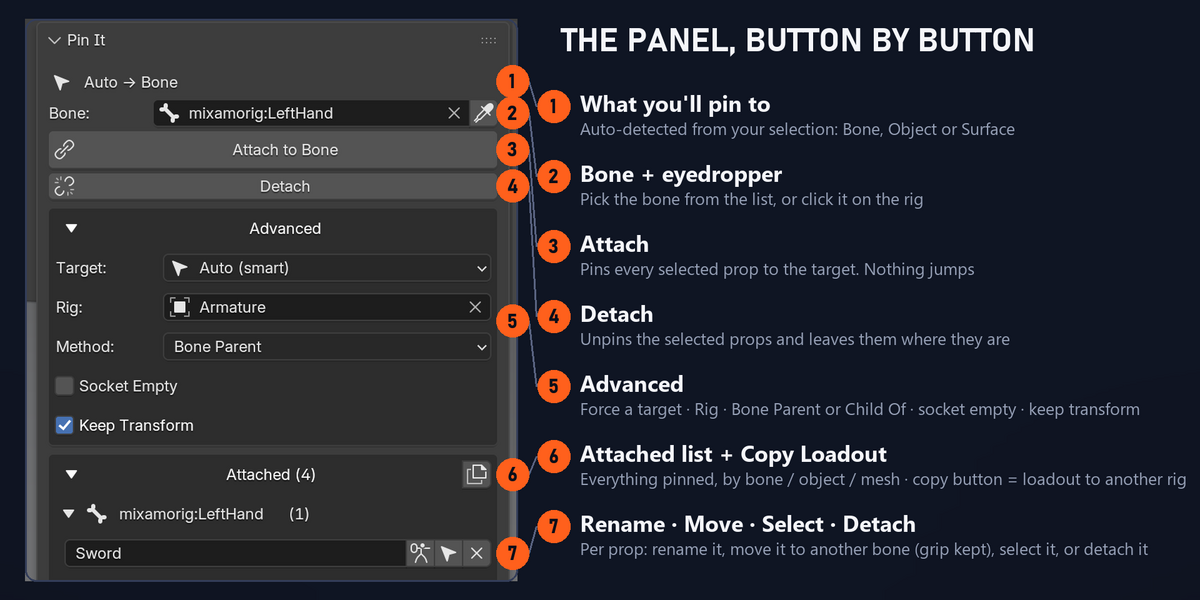
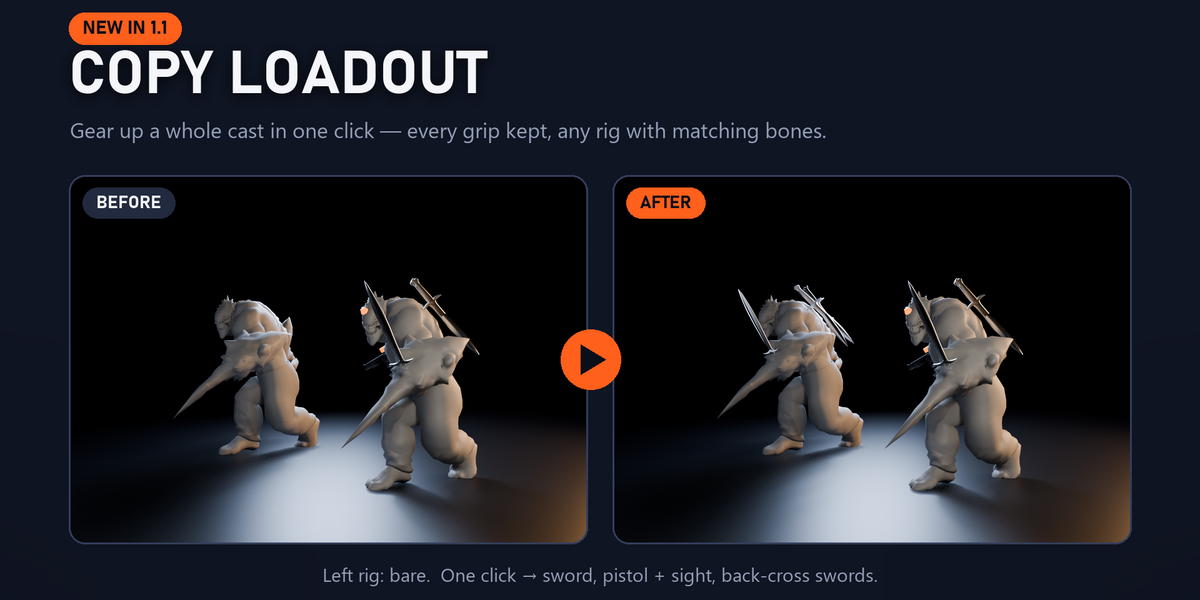
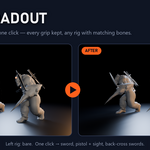
| A socket manager, not just a button Every attachment listed, grouped by bone / object / mesh. Rename inline, move a prop to another bone with its grip kept (left hand → right hand), select or detach — all from the panel. | NEW IN 1.1 Copy Loadout Kitted out one character? Copy the whole loadout onto another rig with matching bone names in one click — every grip kept, sights included. Perfect for a cast of Mixamo or game-skeleton characters. |
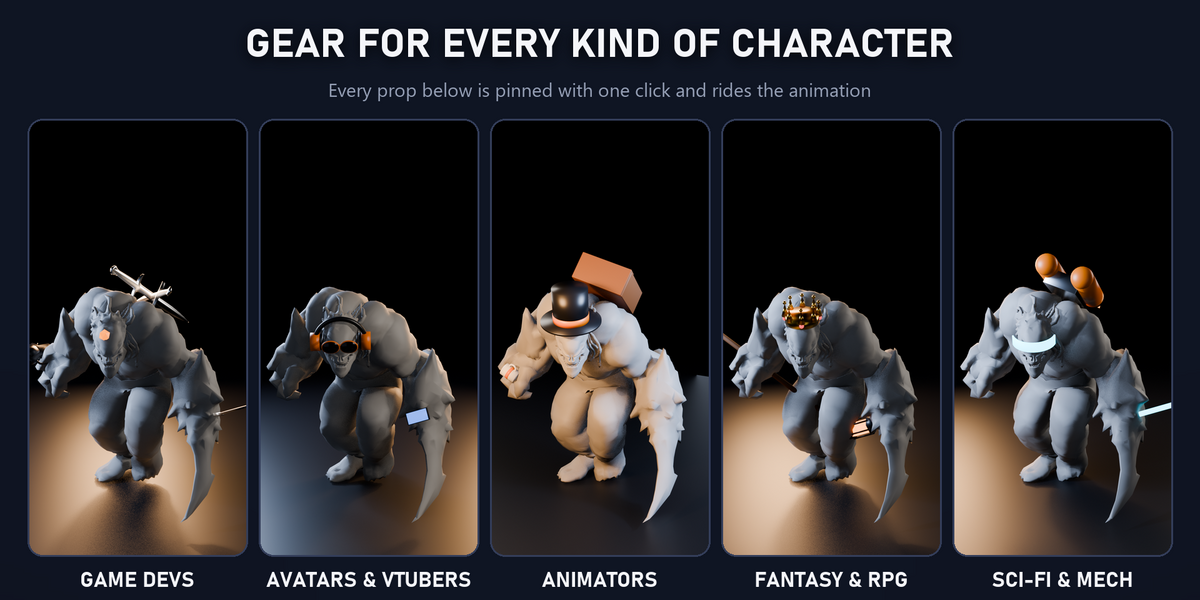
Who it's for
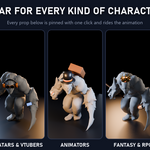
Game devs Avatar & VTuber creators Animators Fantasy & sci-fi artists

Built for animation, and tested like it

47 automated checks on every version · verified on a real Mixamo character mid-run with sub-micron drift
| 4.4 | 4.5 LTS | 5.0 | 5.1 | 5.2 LTS |
| WHAT'S INCLUDED ✓ | REQUIREMENTS Blender 4.2 or newer (tested 4.4 → 5.2 LTS) |