 SkyVFX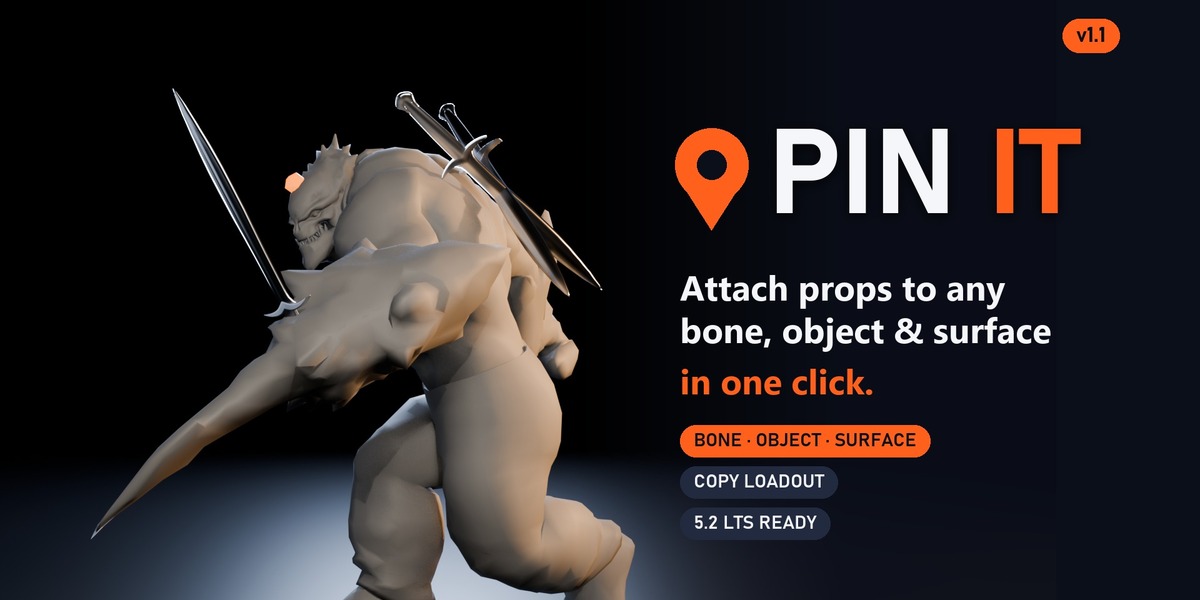
Does it change my rig?
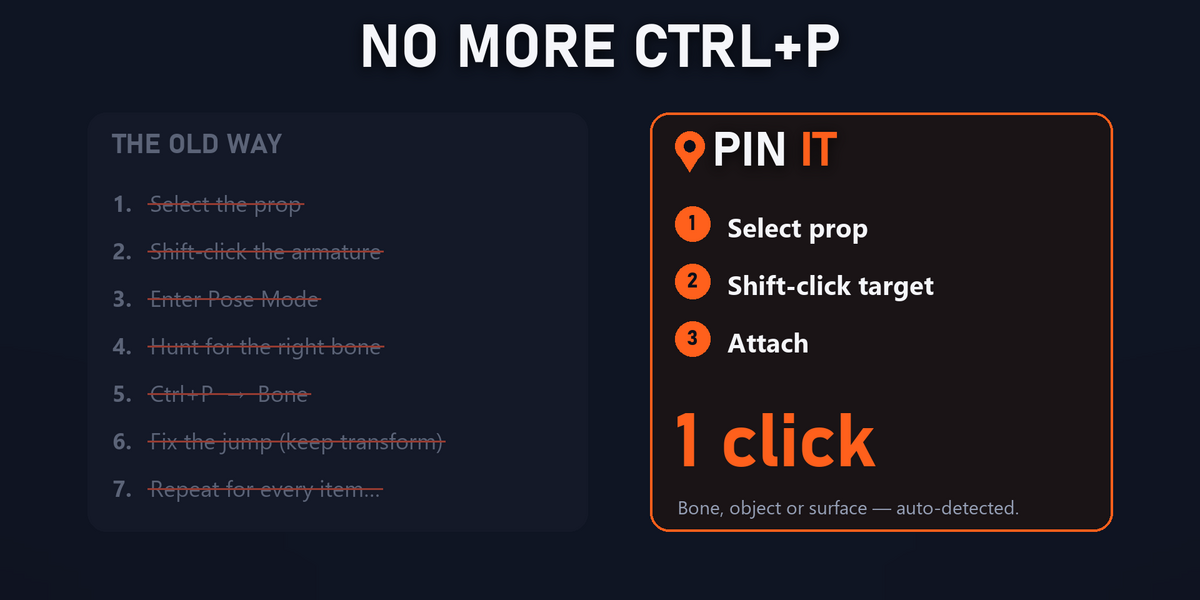
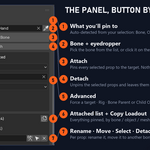
No. It only parents / constrains your props. Detaching restores the prop's world position.
Export / bake?
It uses Blender's native parenting and constraints, so it exports and bakes like any normal parent.
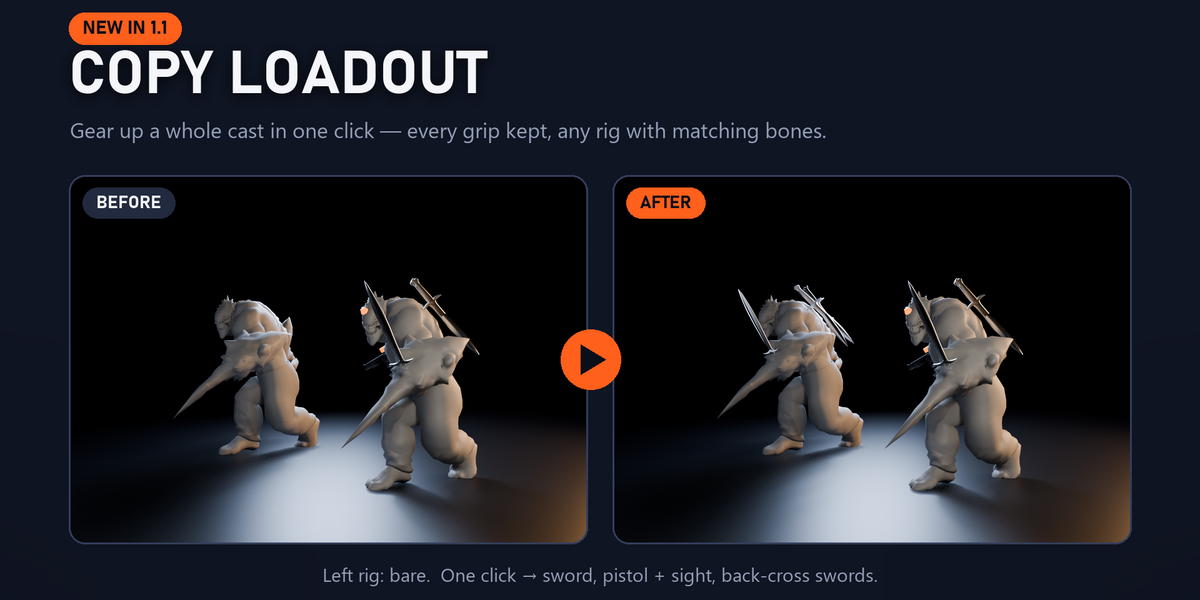
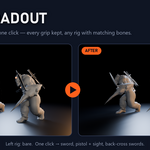
How does Copy Loadout match bones?
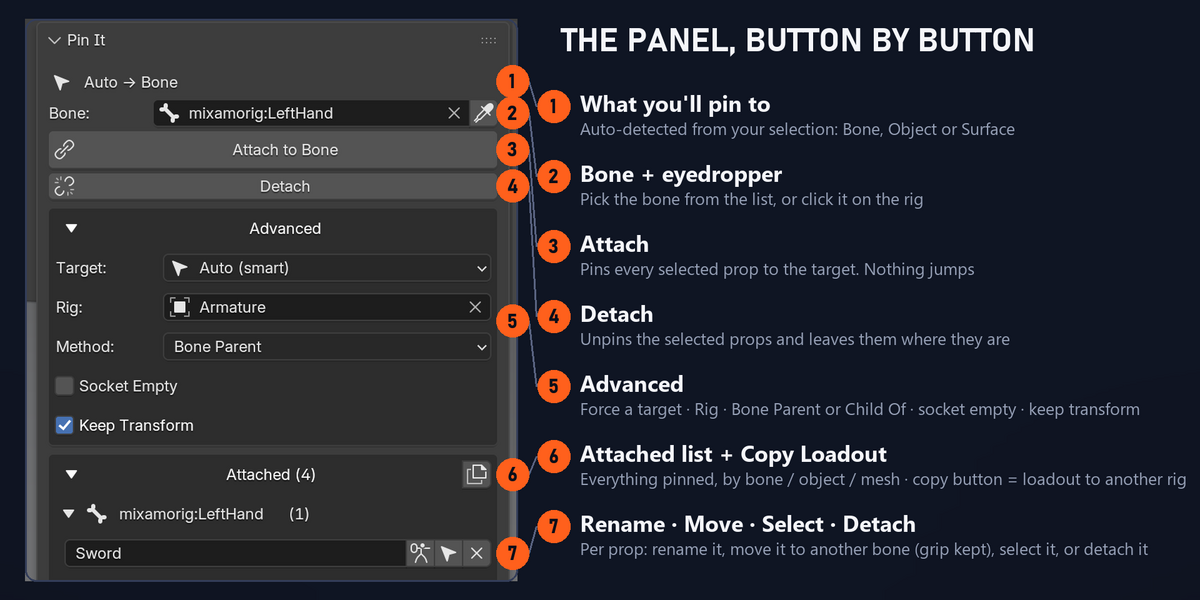
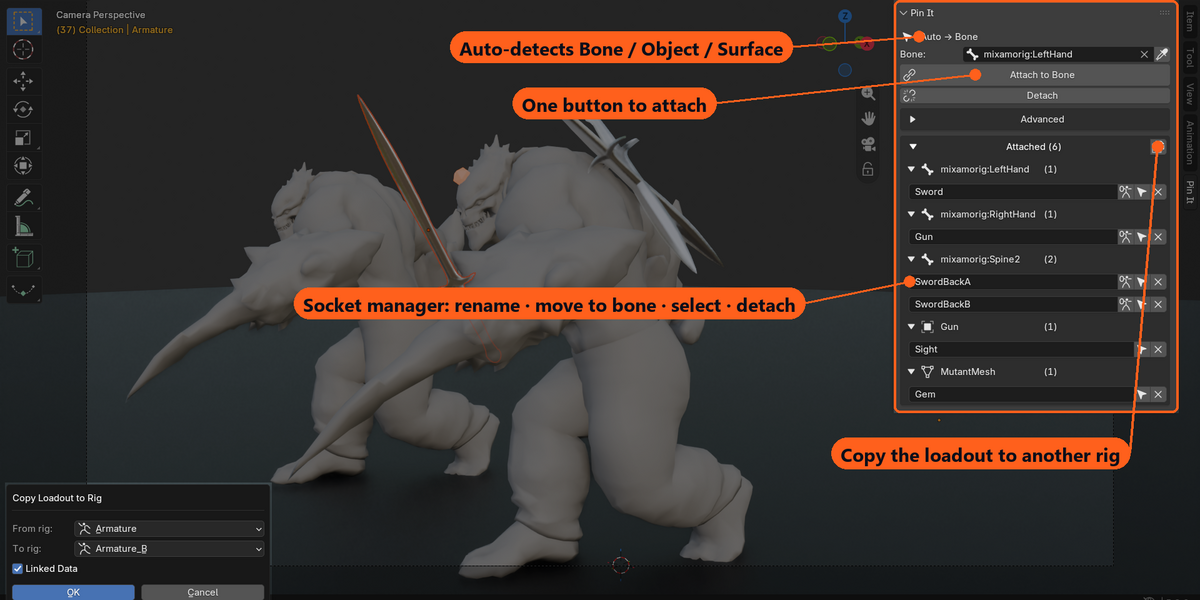
By name. Every prop attached to a bone on the source rig goes to the bone with the same name on the target rig, keeping its grip. Missing bones are listed in a warning.
Bone Parent or Child Of?
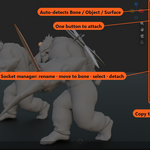
Bone Parent is rigid and fast (most gear). Child Of is a non-destructive constraint with an animatable influence (hand a prop off, drop a weapon).
Can I stick props to each other without a rig?
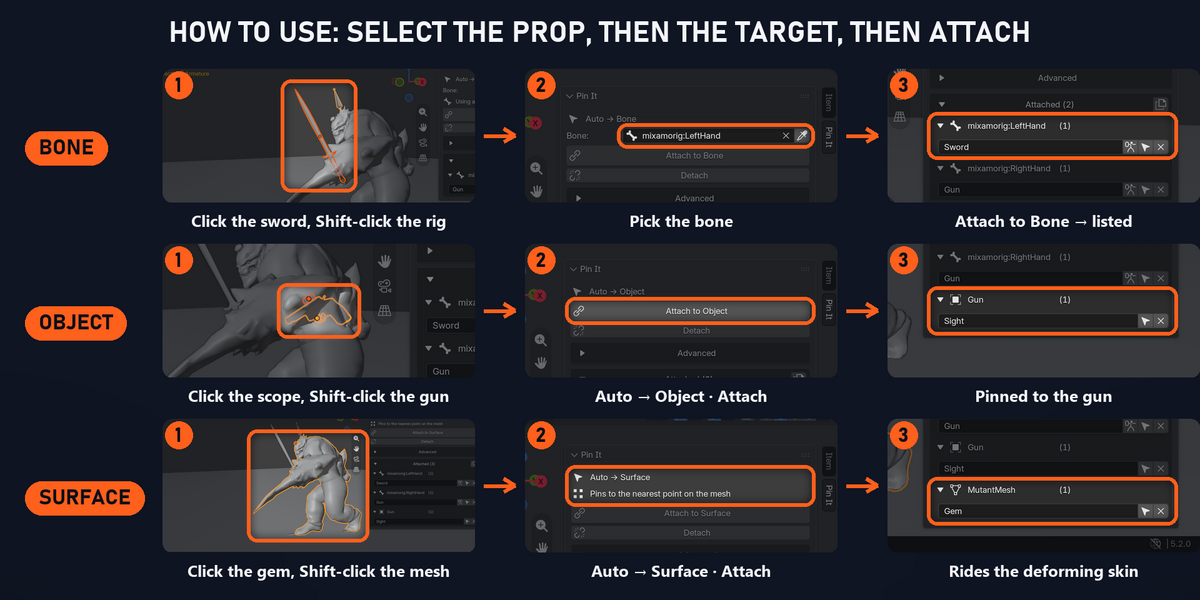
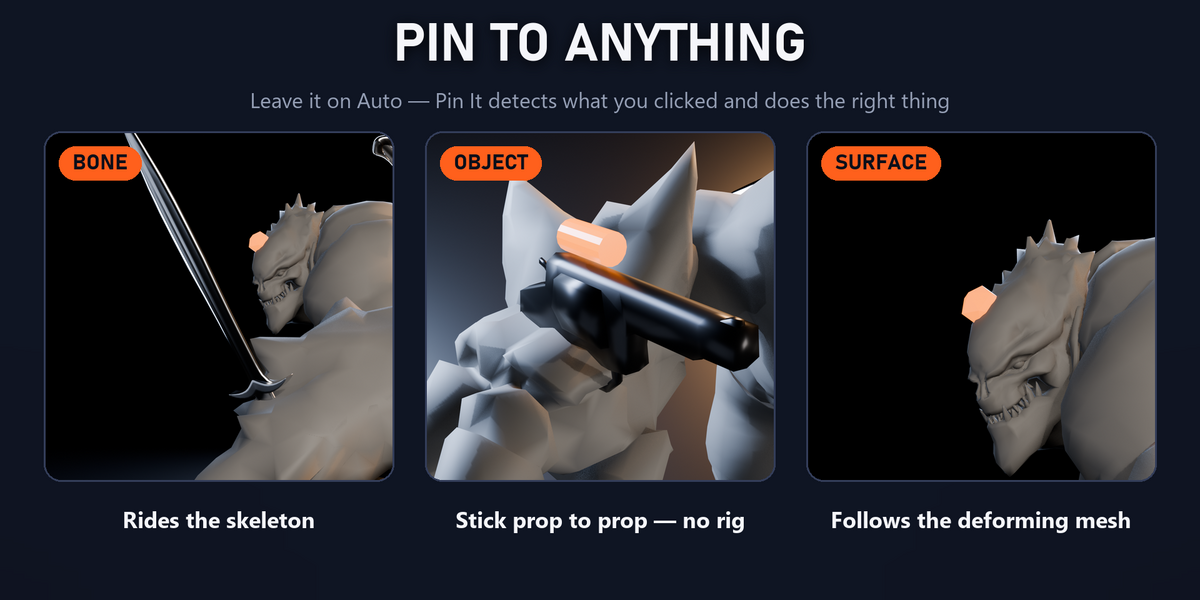
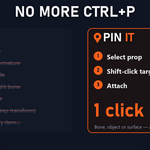
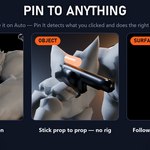
Yes — Object: select prop(s), then the target object last, Attach.
No bone where I want to attach (brow, cloth, shoe)?
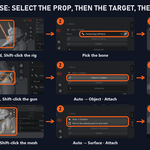
Use Surface: select your prop, shift-click the mesh, Attach. It pins to the nearest point on the posed mesh. For an exact spot, select 1 or 3 vertices in Edit Mode first.
Will attached gear follow my animation?


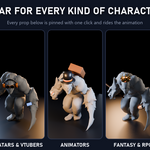
Yes. Bone Parent and Child Of ride the skeleton; Surface pins follow the deforming mesh.
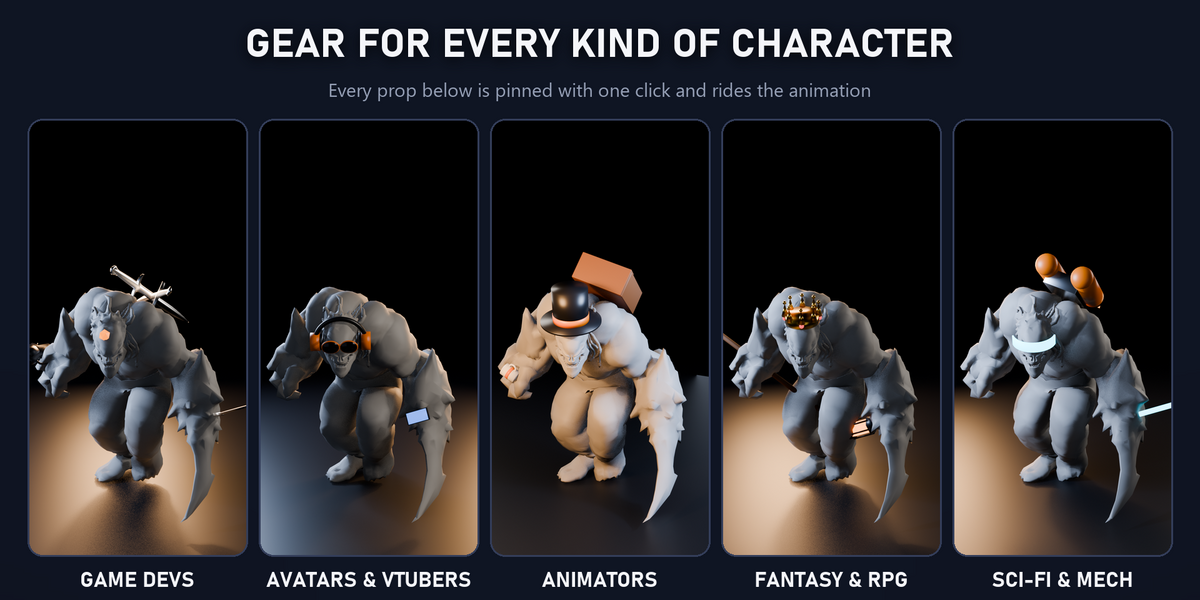
Does it work with my rig (Rigify / Auto-Rig Pro / Mixamo / game skeleton)?
Yes — any armature. Pick the rig, pick the bone (or just click it), attach.
$19$13.30
Have questions about this product?
Login to message
| Blender Extension Compatible | Yes |
| Dev Fund Contributor | |
| Published | 2 days ago |
| Blender Version | 4.2 - 5.2 |
| Extension Type | Add-on |
| Render Engine Used | Cycles, Eevee |
| License | GPL |