 blenderustad


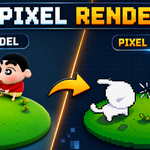
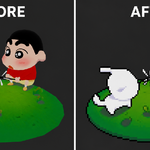
Turn your 3D renders into real pixel art, not a blurry downscale
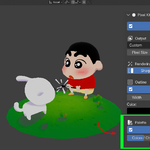
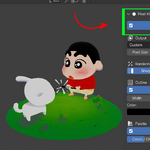
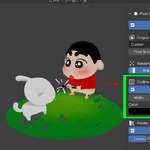
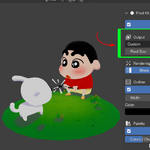
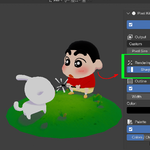
Pixel Kit is a Blender addon that converts any render into clean, grid-accurate pixel art directly inside Blender's compositor. No external editor, no manual node building, no re-rendering to test a look. You enable it from a panel in the 3D viewport sidebar and adjust sliders while your compositor updates live.
Most "pixel art" renders people make in Blender are just a blurry image scaled down and back up in Photoshop. The edges soften, the outline gets fuzzy, and the color palette turns muddy because posterize effects are applied in the wrong color space. Pixel Kit avoids all of that by working at the pixel grid itself.
How it works
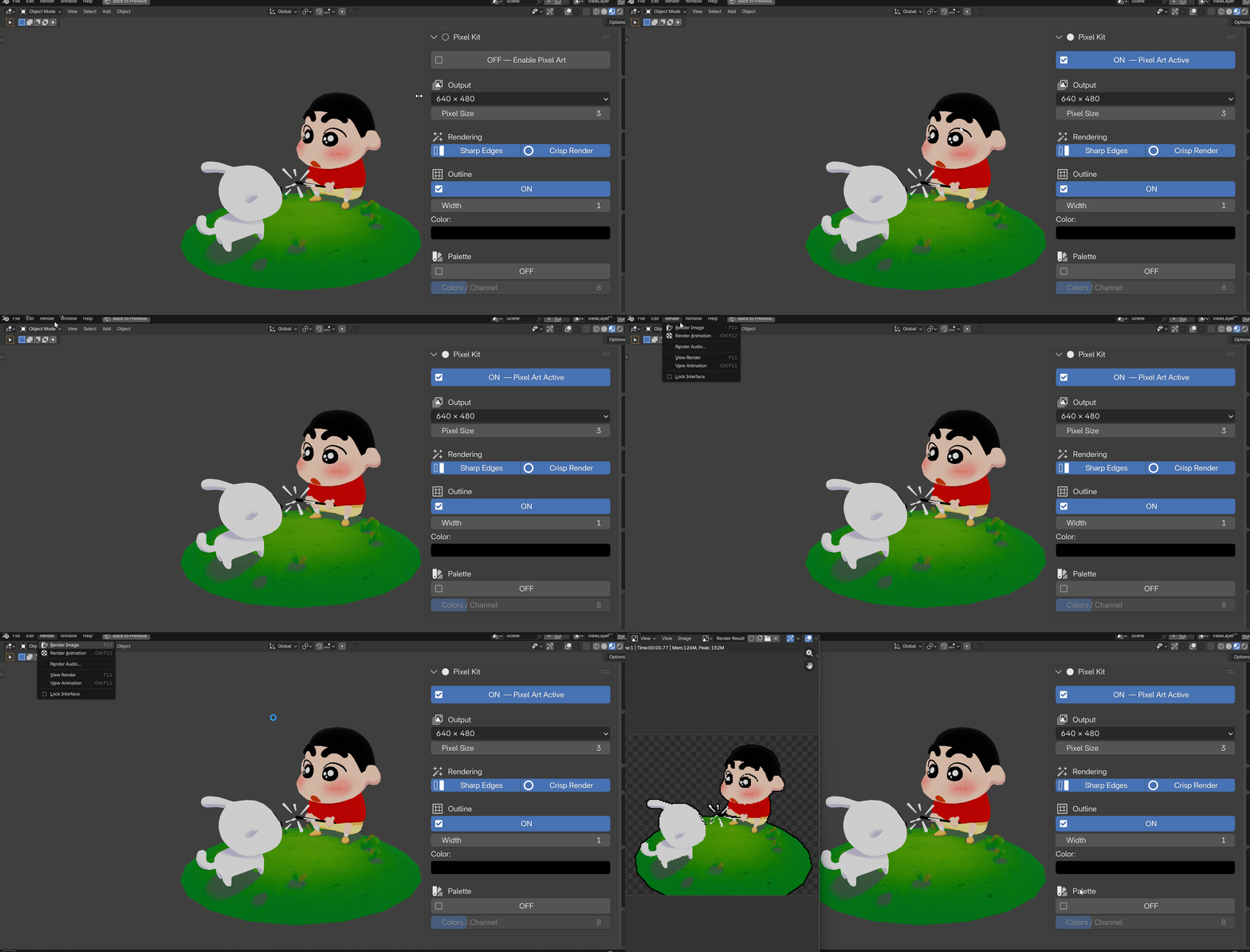
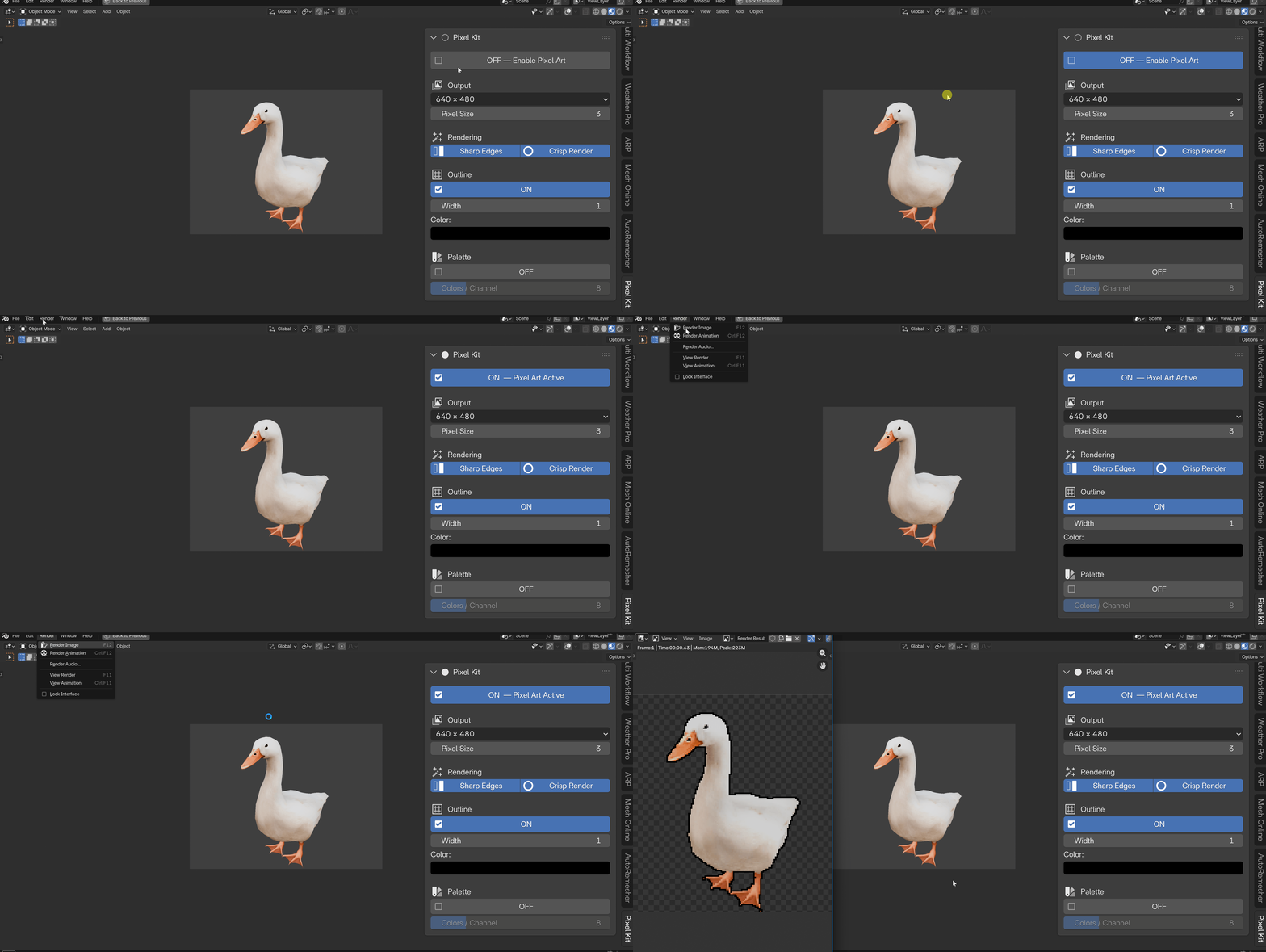
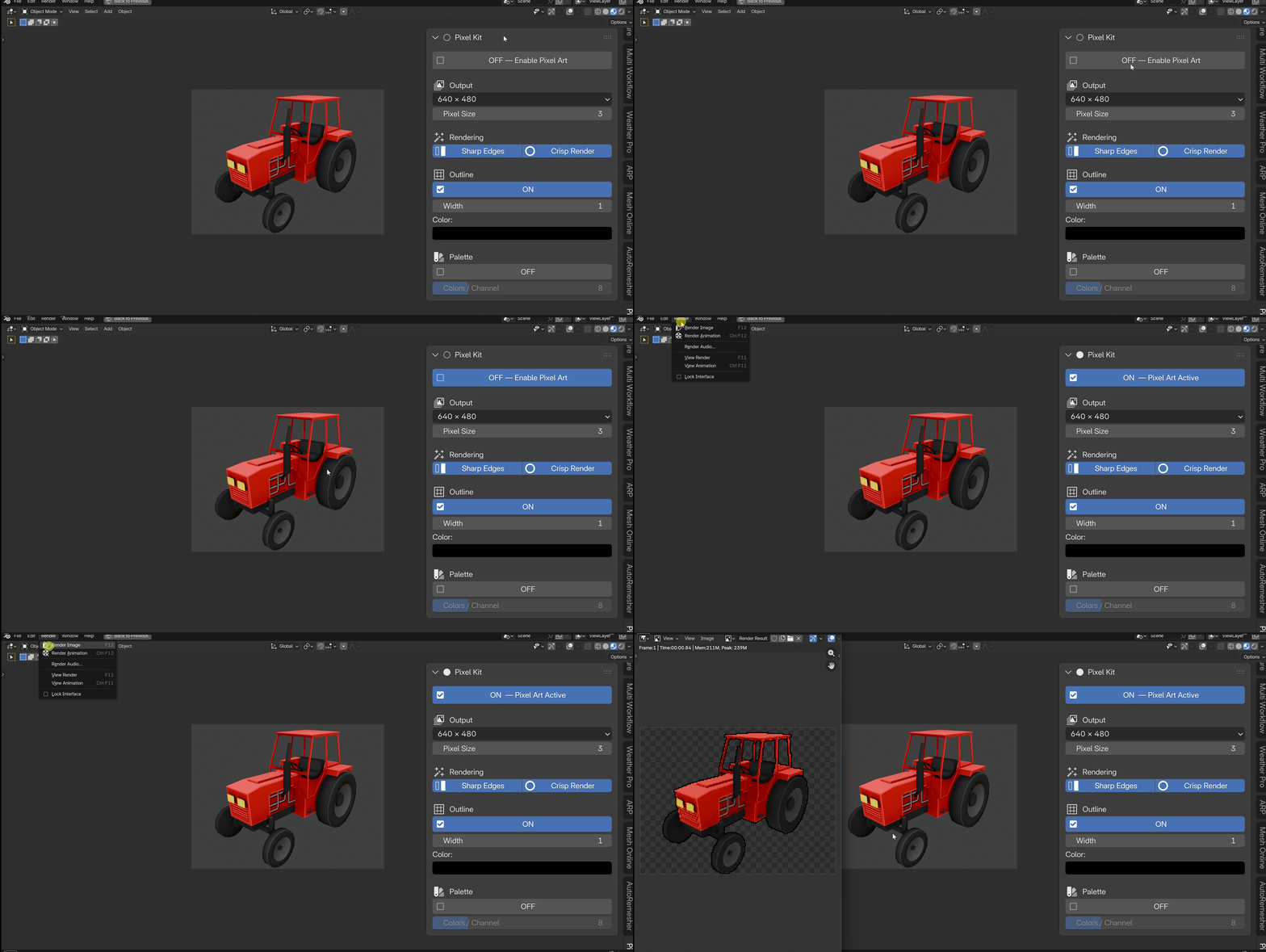
When you click Enable Pixel Art, Pixel Kit builds a dedicated compositor node group and wires it between your Render Layers and the final output. The image is downscaled to the actual pixel grid (based on your Pixel Size), processed at that grid resolution, then scaled back up with nearest-neighbor filtering so every block stays a hard, crisp square. This "grid-native" approach is why the outline and the pixel edges line up exactly, instead of the soft, uneven blocks you get from scaling a full-resolution image after the fact.
Everything happens automatically:
- Pixel Size controls how chunky each pixel block is, from near-full detail to heavy 8-bit chunks.
- Resolution presets jump straight to common sprite and retro sizes, from 64×64 icons up to Full HD.
- Outline adds a pixel-perfect silhouette border, drawn only outside your subject, with adjustable width and color. Turning it on automatically switches your scene to a transparent film so the outline has something to paint onto.
- Palette reduces your render to a limited color count using gamma-correct (perceptual) quantization, so color steps look even and natural instead of banded.
- Sharp Edges binarizes the final alpha so every pixel is fully solid or fully transparent, removing the soft, semi-transparent fringe that anti-aliased renders leave around a silhouette.
- Crisp Render tightens Blender's render filter so detail does not smear across pixel boundaries before it even reaches the compositor.
Fully reversible
Pixel Kit never touches your scene permanently. Toggle it off and it removes its node group, reconnects Render Layers straight to your output, and restores your original render settings. You can turn it on to preview a pixel art look, and turn it off with your file exactly as it was.
Who it's for
Pixel Kit is built for 3D artists and indie game developers who want a pixel art result without hand-drawing every sprite, and without learning Blender's compositor node system to build one from scratch. If you model in 3D and need 2D pixel art output for a game, an icon set, or a retro-style piece of art, this addon replaces an hour of manual node work with a few slider adjustments.
Built for Blender 4.3 and newer
Pixel Kit includes a compatibility layer that handles differences in Blender's compositor node API across versions, so the same addon keeps working as Blender updates.
Key Features with Benefits
| Feature | Benefit |
|---|---|
| Adjustable Pixel Size (1–64) | Dial in anything from subtle pixelation to heavy retro blocks without leaving the viewport. Set it to 1 for a clean passthrough. |
| Resolution Presets (64×64 to 1920×1080) | Jump straight to standard sprite and retro resolutions instead of typing render dimensions by hand. |
| Pixel-Perfect Outline | Get a clean, game-ready sprite border drawn exactly on the pixel grid, painted only outside your subject, not a blurry line added after the fact. |
| Adjustable Outline Width & Color | Match the outline to your art style, from a thin one-block line to a thick four-block border in any color. |
| Perceptual Palette Reduction | Cut your render down to a retro color count without the muddy, banded look that comes from posterizing in the wrong color space. |
| Colors-Per-Channel Control (2–32) | Go from an 8-color extreme retro look to a 500+ color near-photographic palette with one slider. |
| Sharp Edges (binary alpha) | Sprites cut out cleanly with no soft, semi-transparent fringe pixels around the silhouette. |
| Crisp Render Mode | Stops Blender's anti-aliasing filter from smearing detail across pixel boundaries before they form. |
| One-Click Enable/Disable | Test the pixel art look in seconds and remove it completely, with zero leftover nodes, if you change your mind. |
| Live-Sync Sliders | Every adjustment updates the compositor node graph instantly. No rebuilding, no re-adding nodes. |
| Independent Outline & Palette Toggles | Mix and match effects, run outline without palette reduction or the reverse, to match your target style. |
| Non-Destructive Architecture | Your original render settings and compositor setup are restored exactly when you turn Pixel Kit off. |
| Blender 4.3+ Compatibility Layer | Built to keep working reliably as Blender's compositor API changes across versions. |
Workflow Benefits
Minutes instead of an hour. Building a correct pixel art compositor setup by hand (grid-native scaling, alpha thresholding, dilate-based outlines, gamma-correct posterize) takes real compositor knowledge and time. Pixel Kit gives you the same setup instantly, every project.
No compositor expertise required. The node graph is generated and updated for you. You work with sliders and toggles in the 3D viewport sidebar, not node sockets.
Non-destructive iteration. Toggle the effect on to review the pixel art look with your team or client, and off to go back to a normal render, without rebuilding anything either way.
Consistent results across projects. The same grid-native math runs every time, so your outline thickness, palette steps, and pixel size behave predictably from one scene to the next.
Fits your existing pipeline. Pixel Kit hooks in right after Render Layers, so it works alongside whatever shading, lighting, and render engine setup you already have.
Use Cases
- 2D sprites from 3D models. Model and pose a character once, then render pixel-perfect sprites from any angle instead of hand-drawing each frame.
- Game UI icons. Render inventory icons, portraits, or item art at exact pixel dimensions (64×64, 128×128) with a clean outline for readability at small sizes.
- Retro-style key art and thumbnails. Give a render an authentic 8-bit or 16-bit look for a YouTube thumbnail, itch.io page, or game trailer.
- Rapid prototyping for pixel art games. Test how a 3D-modeled character or prop will read as a pixel art asset before committing to hand-drawn pixel art.
- Batch asset rendering. Apply the same pixel size, outline, and palette settings consistently across many objects or scenes for a unified game asset set.
- Stylized animation and VFX. Add a chunky pixel art look to specific shots or effects in an otherwise standard 3D animation.
