 PixelPlay


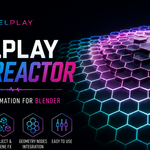

PixelPlay Beat Reactor
Turn Music Into Blender Animation
PixelPlay Beat Reactor is a modular audio-reactive animation system for Blender.
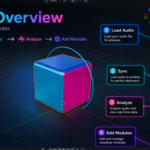
Load a track, analyze the music, then decide what you want it to control — object transforms, modifiers, Geometry Nodes inputs, shader controls, lights, cameras, compositor effects, and more.
Beat Reactor handles the musical response while you stay in control of the art.
Build reactions with stackable modules, preview them directly during timeline playback, shape how each response behaves, and bake supported results into standard Blender keyframes when you're ready.
Compatible with Blender 4.5 and newer. Tested with Blender 4.5.1 LTS, Blender 5.1.2, and Blender 5.2 LTS.
Build the Look. Choose What Reacts.
Beat Reactor v2.5 expands the idea of audio-reactive animation beyond predefined effects.
Instead of asking Beat Reactor to create the artwork for you, build the material, compositor setup, Geometry Nodes effect, lighting rig, or animation you want in Blender — then choose the controls that should respond to the music.
Use Blender to create the art. Use Beat Reactor to animate the art.
This makes Beat Reactor useful for both quick reactive effects and much more customized setups.
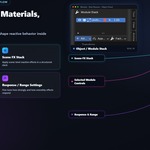
Reactive Shader Control
Make Your Own Materials React
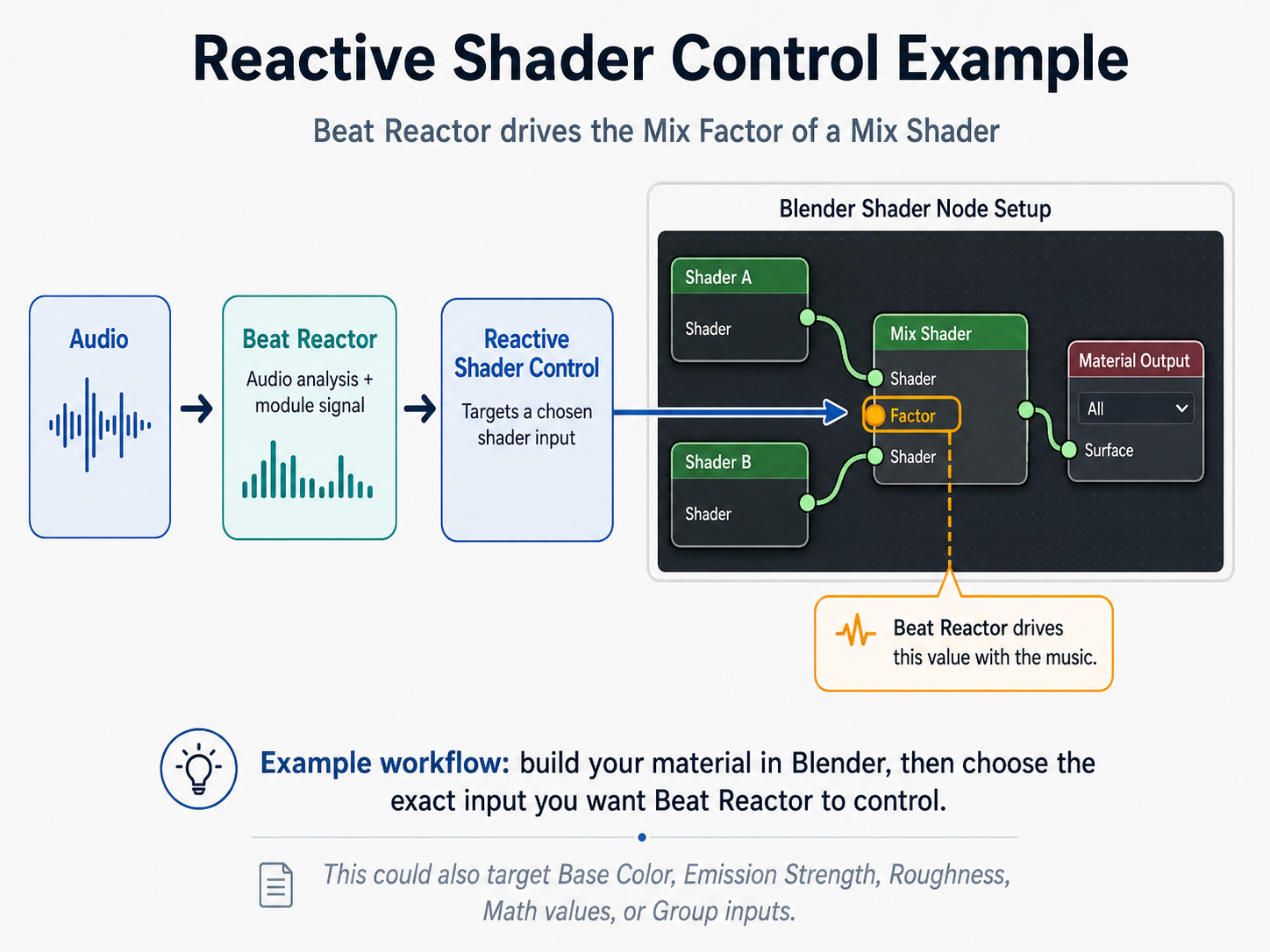
Reactive Shader Control lets you select supported inputs from your own material and drive them with Beat Reactor.
For example, you could create two completely different shader looks, combine them with a Mix Shader, and use Beat Reactor to animate the Mix Factor from the music.
Or target controls such as:
- Base Color
- Emission Strength
- Roughness
- Mix factors
- Math values
- Supported vector components
- Exposed inputs on your own Shader Node Groups
Your shader remains a normal Blender material. Beat Reactor simply controls the input you choose.
Reactive Color
Supported color targets can use several creative behaviors:
Exact
Move directly between a Rest color and a Reactive color.
Relative
Shift the existing material color while preserving its underlying character.
Palette
Create an audio-reactive color journey using multiple authored color stops.
This gives you much more control than simply replacing a material with a predefined reactive shader.
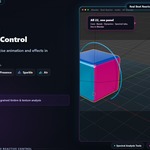
Compositor Control
Bring the Same Idea Into the Compositor
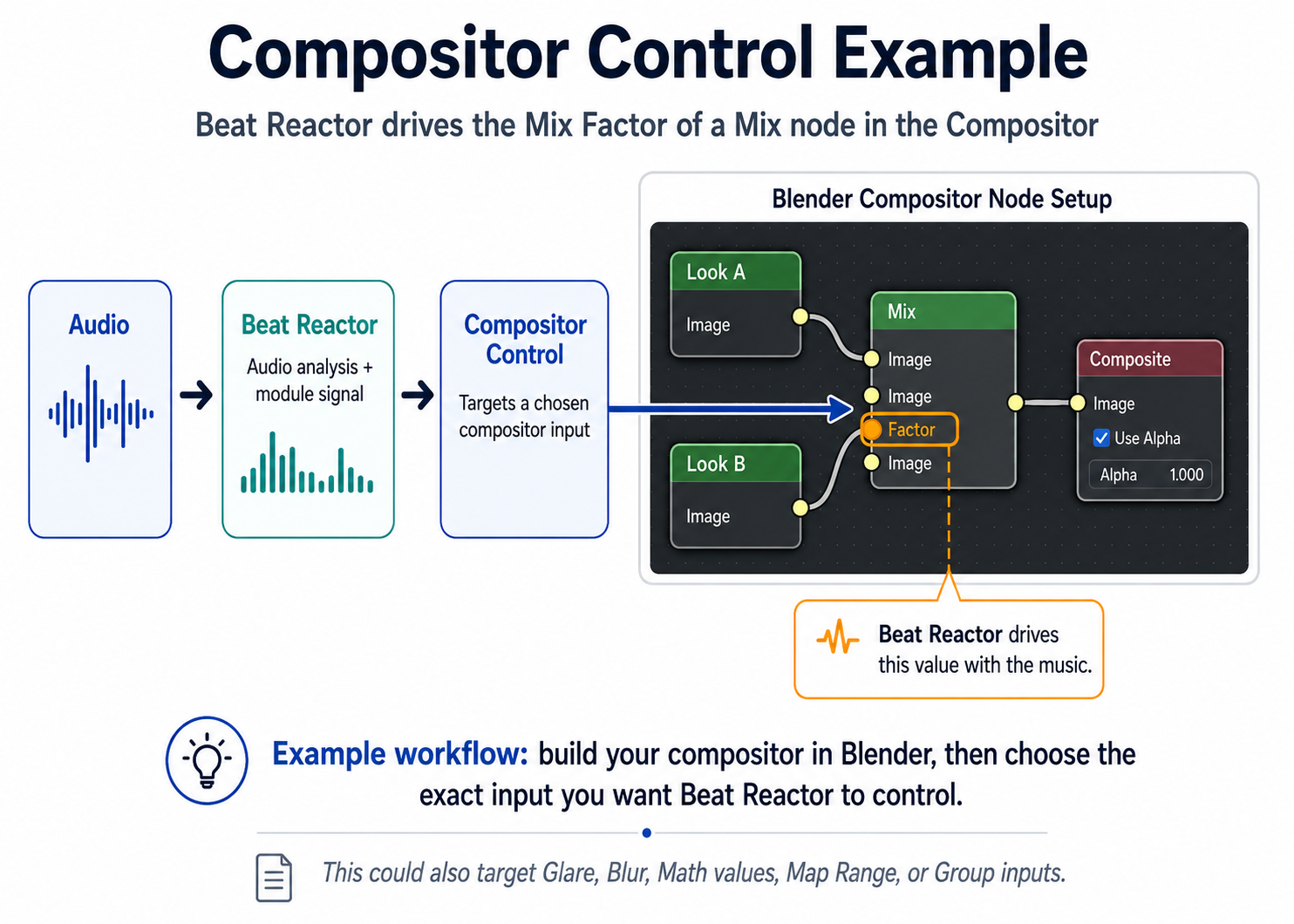
Beat Reactor can also control supported inputs in your own Blender compositor setup.
Build the post-processing look yourself, then select the value that should react.
For example:
Look A + Look B → Mix → Composite
Beat Reactor can drive the Mix Factor, allowing the music to move between the two looks.
Other workflows can use supported controls from nodes such as Math, Glare, Mix, custom Node Groups, and other compatible compositor inputs.
Beat Reactor doesn't need to understand your entire compositor graph. It only needs to know which control you want the music to drive.
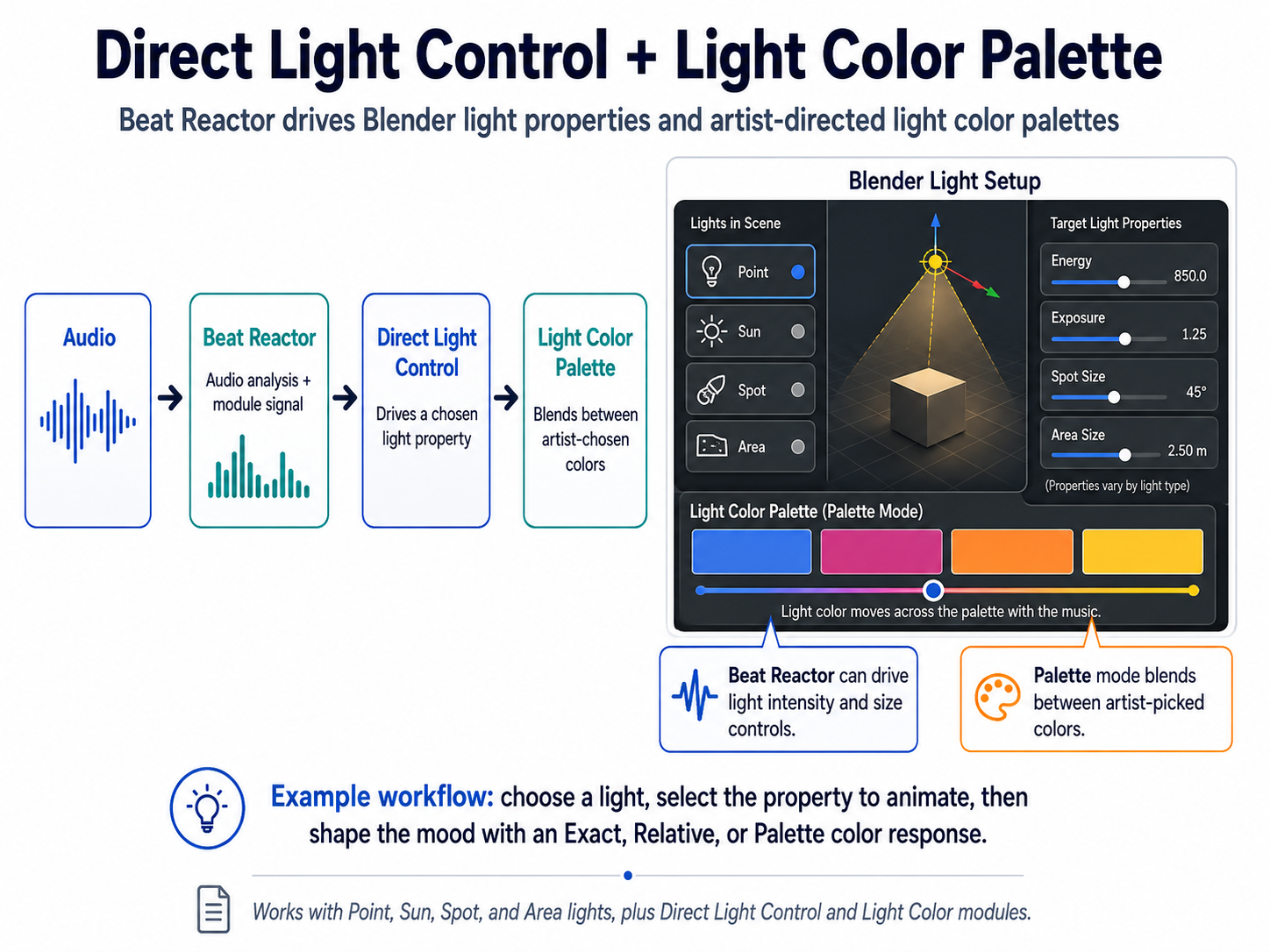
Direct Light Control
Let the Music Drive the Lighting Rig You Already Built
Direct Light Control brings the same artist-directed workflow to Blender lights.
Choose a supported property from the selected Light and let Beat Reactor control it.
Depending on the Light type, available controls can include:
- Energy
- Exposure
- Shadow Soft Size
- Sun Angle
- Spot Size
- Spot Blend
- Area Size
- Area Spread
- Other supported type-specific controls
Beat Reactor only presents controls that make sense for the selected Light configuration.
Light Color
Light Color can react using:
- Exact
- Relative
- Palette
Build subtle color movement, dramatic shifts, or multi-color reactive lighting while keeping the original Light setup editable in Blender.
Stack Reactions With Modules
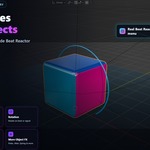
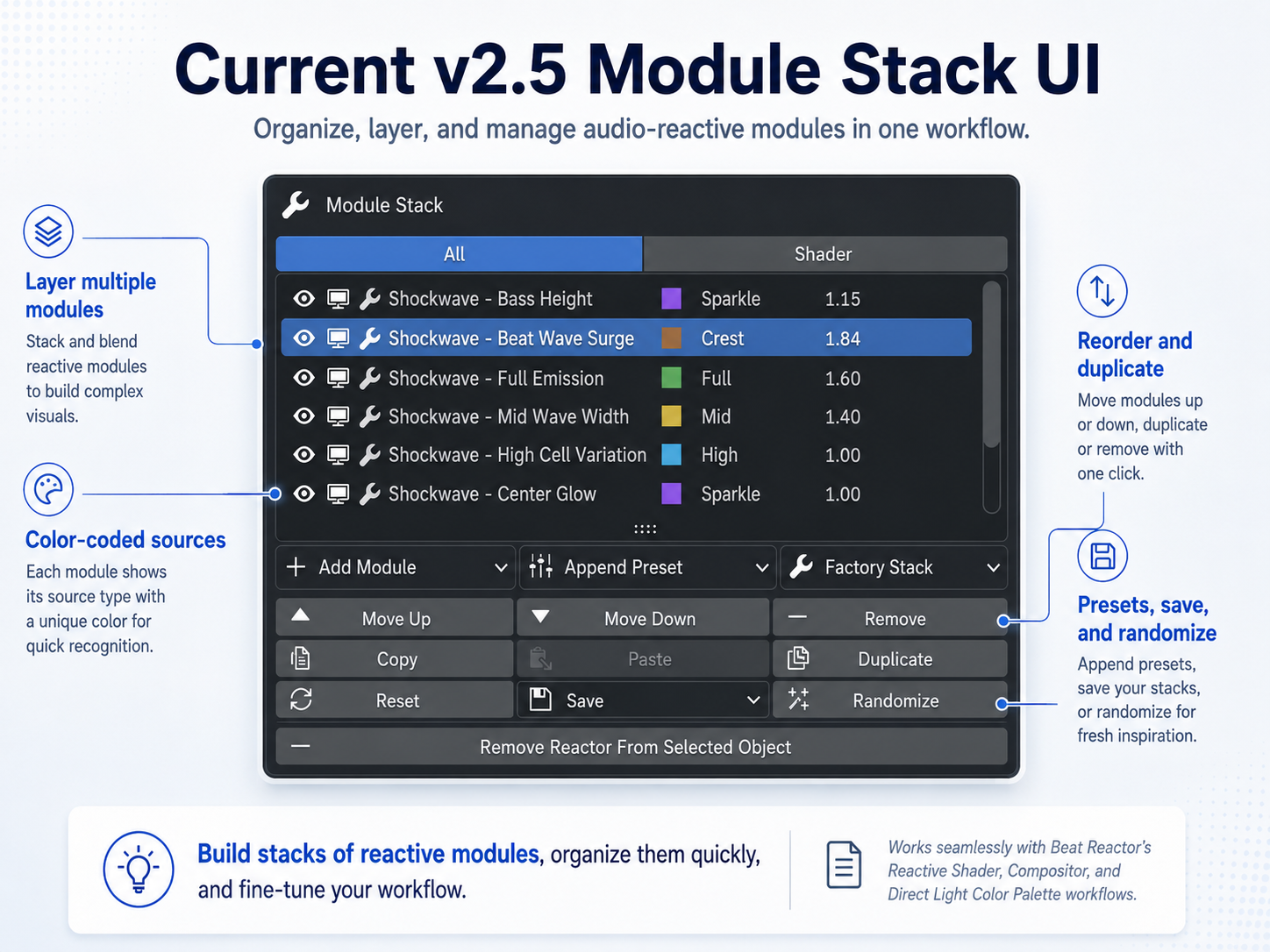
Beat Reactor is built around a reusable module stack workflow.
Add multiple reactions to the same object or scene, give each module its own audio source and behavior, reorder them, duplicate them, copy and paste them, or save useful configurations as presets.
A single object might:
- scale with the kick,
- rotate from mid-range activity,
- change shader emission from high frequencies,
- and drive another exposed control from the full mix.
Each reaction remains its own editable module.
This same module-based approach carries across Beat Reactor's different systems, helping more complex setups remain understandable.
22 Audio Analysis Sources
Beat Reactor provides 22 analysis sources for deciding what part of the music should drive a reaction.
Core
Bass
Mid
High
Full
Beat
Smooth
Focused Frequency Bands
Sub Bass
Kick
Bassline
Low Mid
Mid Body
Presence
Sparkle
Air
Dynamics
Peak
Crest
Onset
Activity
Spectral
Spectral Centroid
Spectral Flux
Spectral Flatness
Spectral Rolloff
Use a kick for impacts, Presence or Sparkle for smaller visual detail, Onset for sudden events, Activity for broader movement, or spectral sources for more experimental reactions.
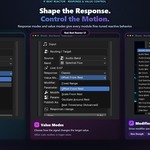
Shape How the Music Responds
Choosing an audio source is only the beginning.
Beat Reactor gives each module controls for shaping how the incoming signal becomes animation.
Reaction Styles
Start with approachable musical behaviors such as Punchy, Smooth, Snappy, Flowing, and Rhythmic, or use Custom when you want direct control over the response.
Signal Controls
Fine-tune the reaction using controls such as:
- Gain
- Minimum Signal
- Delay
- Reaction Amount
- Range mapping
- Target-specific value controls
This allows the same audio signal to produce anything from subtle movement to sharp rhythmic impacts.
Modifiers & Geometry Nodes
Modifier Reactor lets Beat Reactor drive supported modifier properties and exposed Geometry Nodes inputs.
For Geometry Nodes, expose the controls you want through the node group's interface. Beat Reactor can then use those controls as reactive targets.
Examples include:
- Scale and deformation
- Wave intensity
- Spacing
- Height and width
- Counts
- Strength values
- Supported color inputs
- Custom exposed Float, Integer, Vector, and Color controls
This means your Geometry Nodes system remains your system — Beat Reactor supplies the music-driven control layer.

Objects, Cameras & Scene FX
Beat Reactor also includes dedicated modules for more traditional reactive animation.
Objects
Create reactive:
- Location
- Rotation
- Scale
- Continuous motion
- Pulses
- Bounce
- Spring
- Jitter
- Drift
- and other motion behaviors
Cameras
Animate supported camera properties and combine camera movement with the rest of your reactive scene.
Scene FX
Use a separate Scene FX stack for supported compositor and environment reactions while keeping scene-level behavior independent from object module stacks.
The new Compositor Control workflow also allows advanced users to target supported controls in their own compositor graphs.
Preview Live. Bake When Ready.
Build and preview reactions directly during Blender timeline playback.
When you're ready to finalize supported animation, Bake Keyframes converts Beat Reactor output into standard Blender keyframes.
Supported workflows include object animation, modifier and Geometry Nodes targets, shader controls, Light FX, Direct Light Control, Camera FX, Compositor Control, and other supported targets.
Clear Bake removes verified Beat Reactor-owned baked animation while preserving existing animation where ownership can be safely determined.
Your baked result can then be edited with Blender's normal animation tools.
Demonstration Scenes Included
Beat Reactor includes a collection of ready-to-play Blender demonstration scenes showing different audio-reactive workflows, from Geometry Nodes and materials to object animation, lighting, cameras, and Scene FX.
PixelPlay Logo
A layered music-reactive logo scene combining animation, materials, lighting, camera movement, and Scene FX.
Hex Reactor Floor
A Geometry Nodes-driven reactive floor with animated pulses and expanding shockwave behavior.
Voxel Pulsar
A reactive voxel structure demonstrating Geometry Nodes control, waves, scaling, color, and layered module behavior.
Singularity Core
A cinematic reactor scene featuring reactive rings, emission, lighting, motion, and scene-level effects.
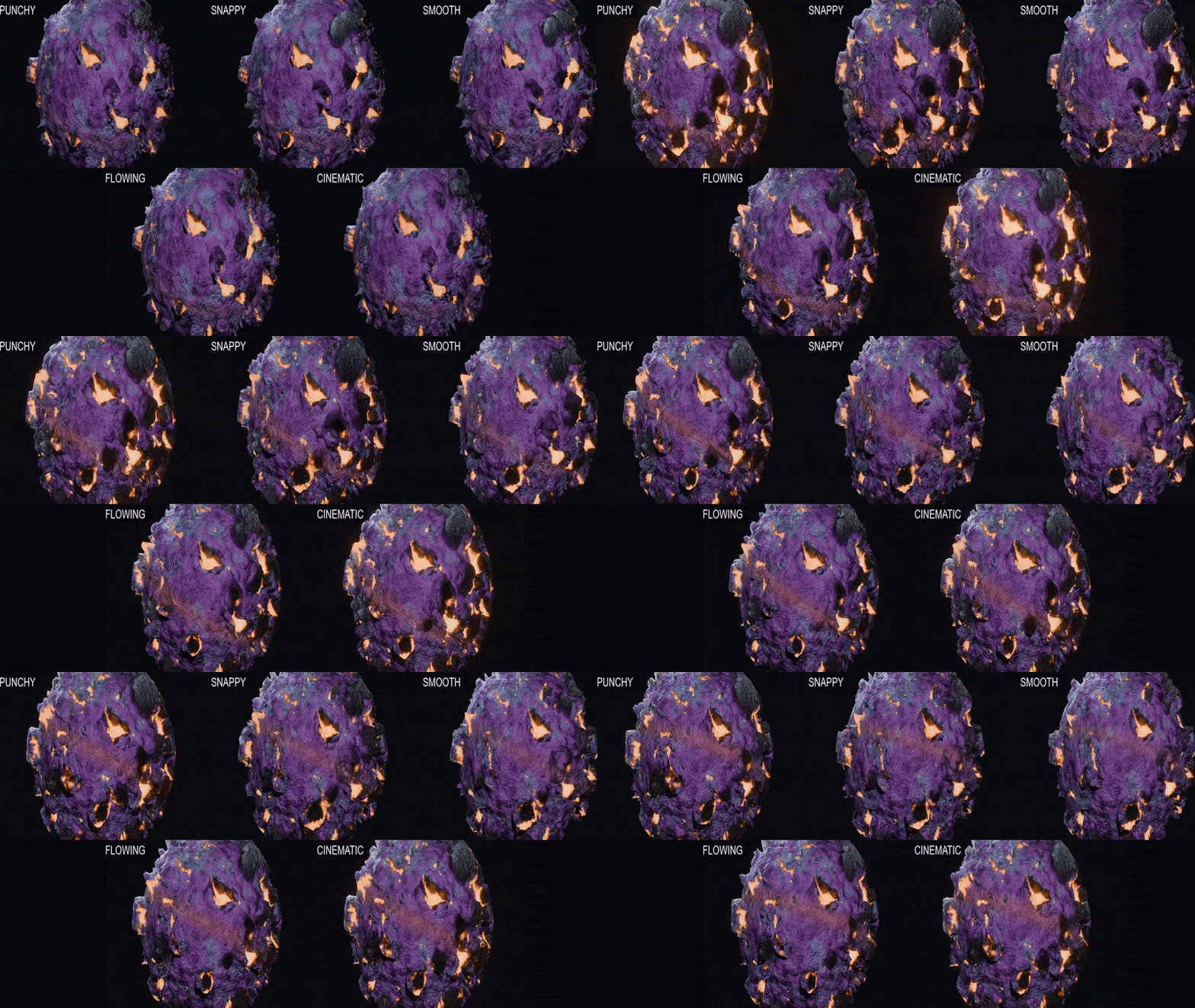
RSC Reaction Styles
Five additional customer-facing scenes demonstrate how the same finished setup can produce very different reaction personalities using Beat Reactor’s module controls:
- Punchy — heavier, forceful reactions with stronger physical impact.
- Snappy — fast, tight responses with quick recovery.
- Smooth — soft, sustained reactions that breathe with the music.
- Flowing — emphasizes continuous surface movement and traveling energy.
- Cinematic — broad dynamic contrast from quieter passages to dramatic peaks.
The RSC Reaction Style scenes combine Reactive Shader Control, Modifier Reactor with exposed Geometry Nodes controls, Continuous Rotation, and Scene FX Bloom, so the systems shown in the demonstration can be opened and explored directly in Blender.
One beginner template is also included for practicing Location, Rotation, and Uniform Scale reactions.
The authored demonstrations are already analyzed using their included example audio and open ready for live playback when kept in the supplied folder structure. You can replace the example audio with your own supported track and run Analyze Audio.
The included PixelPlayMusic.wav is already referenced using a clean Blender-relative path, and you can replace it with your own supported audio whenever you're ready.

What's Included
our purchase includes:
- PixelPlay Beat Reactor v2.5.0 Blender Extension
-
Demonstration
.blendscenes covering object animation, materials, Geometry Nodes, RSC, Modifier Reactor, camera, lighting, and Scene FX workflows - Five RSC Reaction Style demos: Punchy, Snappy, Smooth, Flowing, and Cinematic
- One beginner workflow template
- Example audio for the demonstration scenes
- User documentation
- Quick-start instructions
The Extension and demonstration content are provided as separate downloads so the main installation package remains clean and straightforward.
Compatibility
Minimum Blender version: Blender 4.5
Final v2.5 testing included:
- Blender 4.5.1 LTS
- Blender 5.1.2
- Blender 5.2.0 LTS
The included examples use Eevee and Cycles.
What's New in Beat Reactor v2.5
Beat Reactor v2.5 expands the artist-directed control side of the system.
Highlights include:
- Expanded Reactive Shader Control
- Exact, Relative, and Palette reactive color workflows
- New Compositor Control for artist-selected compositor inputs
- New Direct Light Control
- Expanded Light Color workflows
- Reaction Styles for faster response setup
- Expanded Bake / Clear Bake support
- Improved target and ownership handling
- Blender 5.1.2 compatibility verification
- Rebuilt, cleaned customer demo scenes
- Render-audio-cache portability improvements
The goal is a more flexible Beat Reactor without turning it into a system that creates the artwork for you.
Build your effect in Blender. Choose the controls that matter. Let the music drive them.
Installation
-
Download
PixelPlay_Beat_Reactor_v2.5.0_Extension.zip. - Do not extract the ZIP.
- Open Blender.
- Go to Edit → Preferences.
- Open Get Extensions.
- Open the menu in the upper-right corner.
- Choose Install from Disk.
- Select the Beat Reactor Extension ZIP.
- Enable the Extension if Blender does not enable it automatically.
- Open the 3D Viewport and press N.
- Select the PixelPlay tab and open Beat Reactor.
Tutorials & Demonstrations
Video demonstrations, tutorials, Geometry Nodes examples, and future Beat Reactor content are available through the official PixelPlay Addons YouTube channel.
youtube.com/@PixelPlayAddons
Support
Support is available through Superhive creator messaging or:
When reporting a problem, including your Blender version, Beat Reactor version, operating system, screenshots, and reproduction steps is extremely helpful.
Create More From Your Music
Whether you're creating a music visualizer, animated logo, reactive shader, Geometry Nodes effect, lighting setup, compositor treatment, or a complete cinematic scene, Beat Reactor gives you a structured way to connect music to Blender.
Build the look. Choose what reacts. Shape the response.
