 Steven Seidler (Blendscapes3D)

Tired of props floating an inch above the table?
Every scene needs the same boring placement work. Put this crate on the floor. Line those barrels up. Space the fence posts evenly. Set the origin to the bottom so the lamp actually stands on the ground. Stop that box from clipping into the terrain.
Blender can do all of it, but only one axis and one object at a time: snapping, typing numbers, eyeballing it from three angles.
Place Director Pro turns each of those jobs into one click.
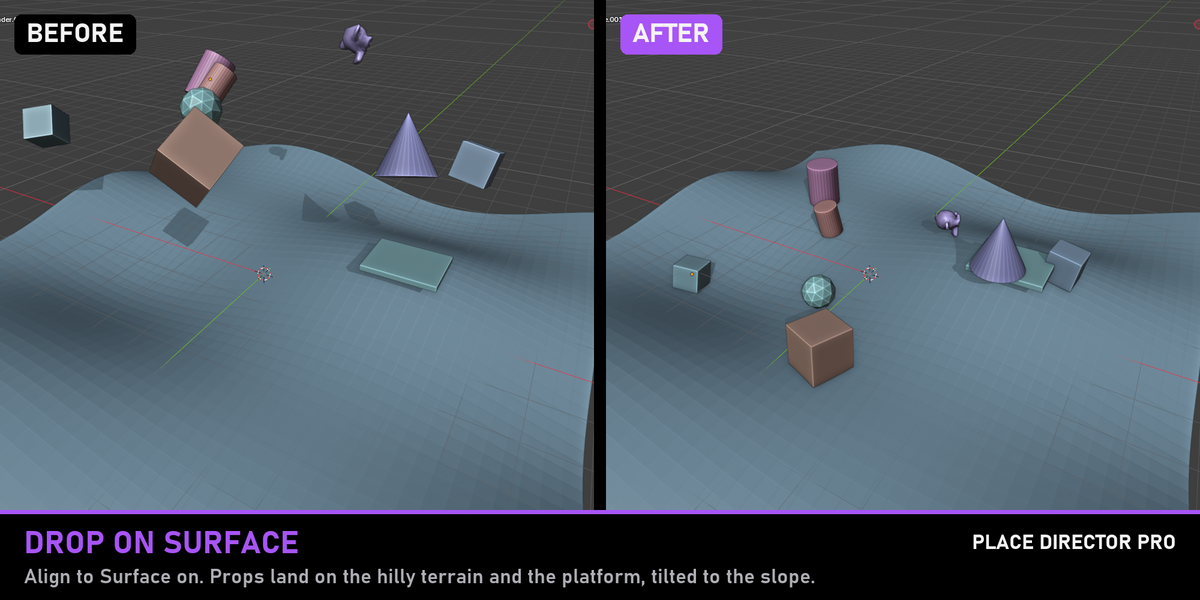
Drop to Floor & Drop on Surface
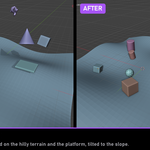
Send objects straight down to a floor height, or let them fall onto whatever is below them: terrain, tables, shelves, other props. Drop on Surface samples the whole footprint, so a crate that hangs half over a table rests on the table, and objects that sank into the ground come back up. Turn on Align to Surface and props tilt to match the slope without spinning around.
Align, Distribute, Stack
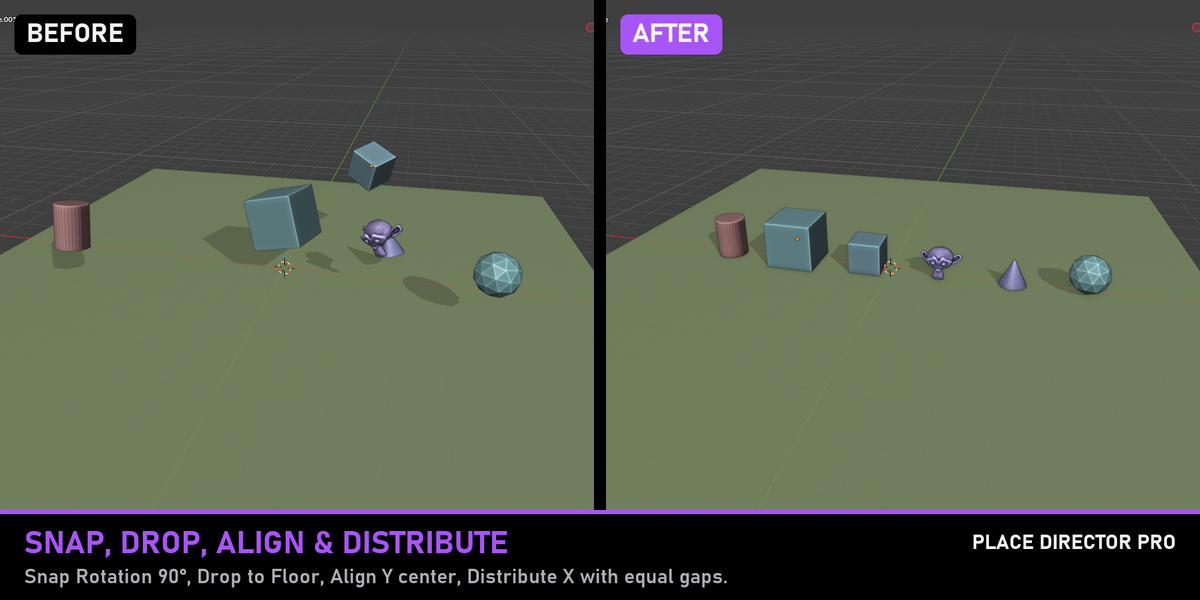
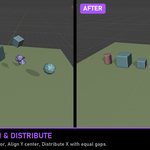
- Align Min, Center or Max on X, Y, Z or all axes, to the active object, the selection bounds, the world origin or the 3D cursor
- Distribute with equal gaps, equal centre distances or a fixed spacing
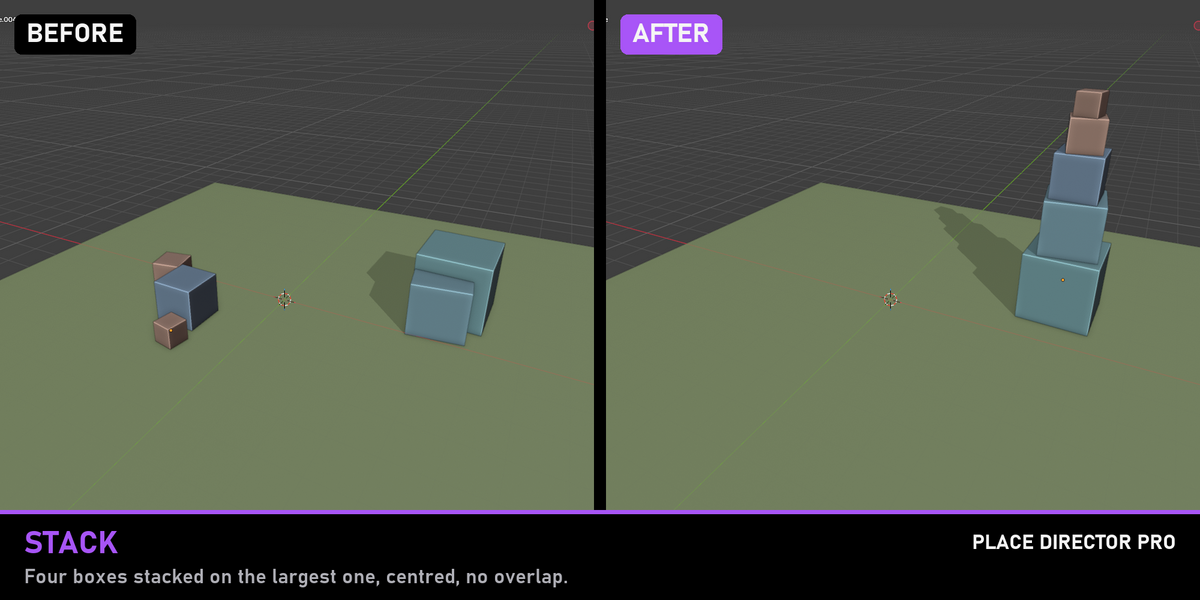
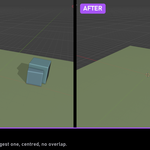
- Stack objects on the active one along any axis, with a gap and centred on the base, without overlap
Set Origin that just works
Bottom Center for everything that stands on the floor, plus Bounds Center, Geometry, 3D Cursor and World Origin. The geometry and any child objects stay exactly where they are. Meshes shared by several objects are skipped with a clear message instead of silently moving every copy.
Clean up and scatter
- Snap Rotation to 90°, 45° or 15° (Euler, quaternion and axis-angle)
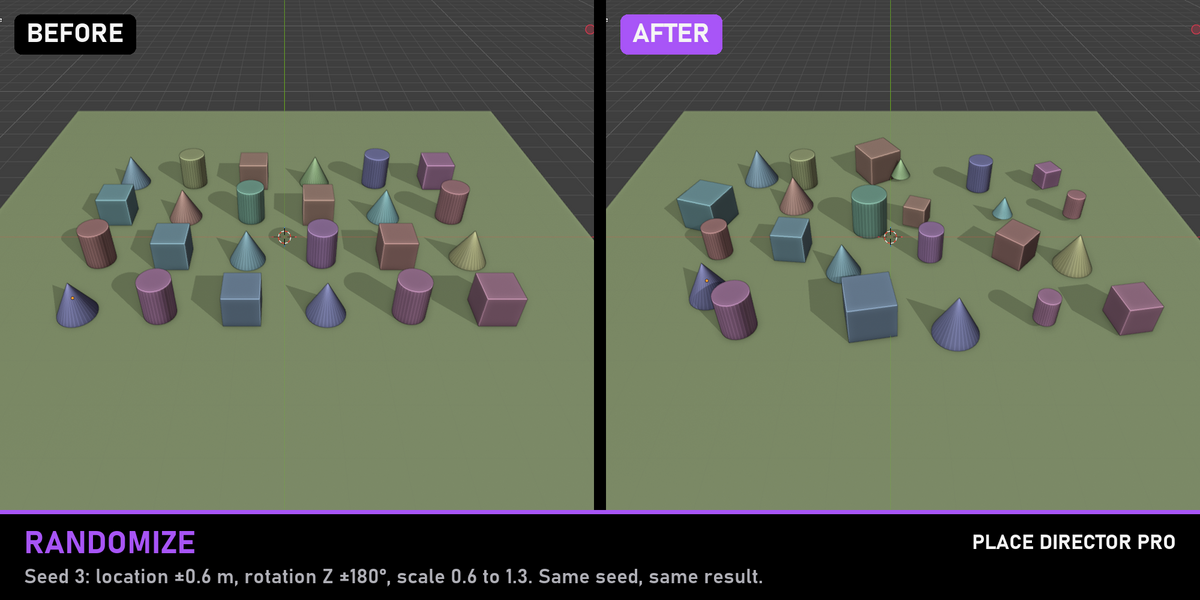
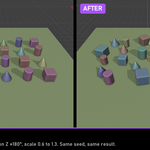
- Randomize location, rotation and scale within limits. Seeded, so the same seed always gives the same layout, no matter the selection order
- Zero Transforms, Copy Transform from Active and Center in World
Built to be exact
- Measures real world-space bounding boxes, so rotated, scaled and parented objects land correctly
- Modifiers count: a subdivided or displaced mesh lands on its visible surface, not its cage (switchable)
- Select a parent and its child together and the child still moves only once
- Every tool has a redo panel to tweak values after clicking, and all tools are also in the Object menu
- Sidebar tab Place, renameable in the preferences
Blender 4.2 and newer. Tested on Blender 4.5 LTS and 5.2 LTS with an automated test suite of 72 numeric checks.