Place Director Pro
 Steven Seidler (Blendscapes3D)
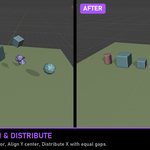
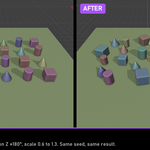
Does it work with rotated, scaled or parented objects?
Yes. Every tool measures the real world-space bounding box, so rotated and scaled objects line up by what you see. If a parent and its child are both selected, the child moves with the parent only once.
Do modifiers count when measuring?
Yes, by default. A subdivided, arrayed or displaced mesh lands on its visible surface. You can switch this off in the add-on preferences (Measure With Modifiers) to measure the base mesh instead.
Will Set Origin move my geometry or child objects?
No. The origin moves, the geometry and any child objects stay exactly where they are. Objects whose mesh is shared with other objects are skipped with a message, because moving that data would shift every copy.
Why does Drop on Surface not land my props on each other?
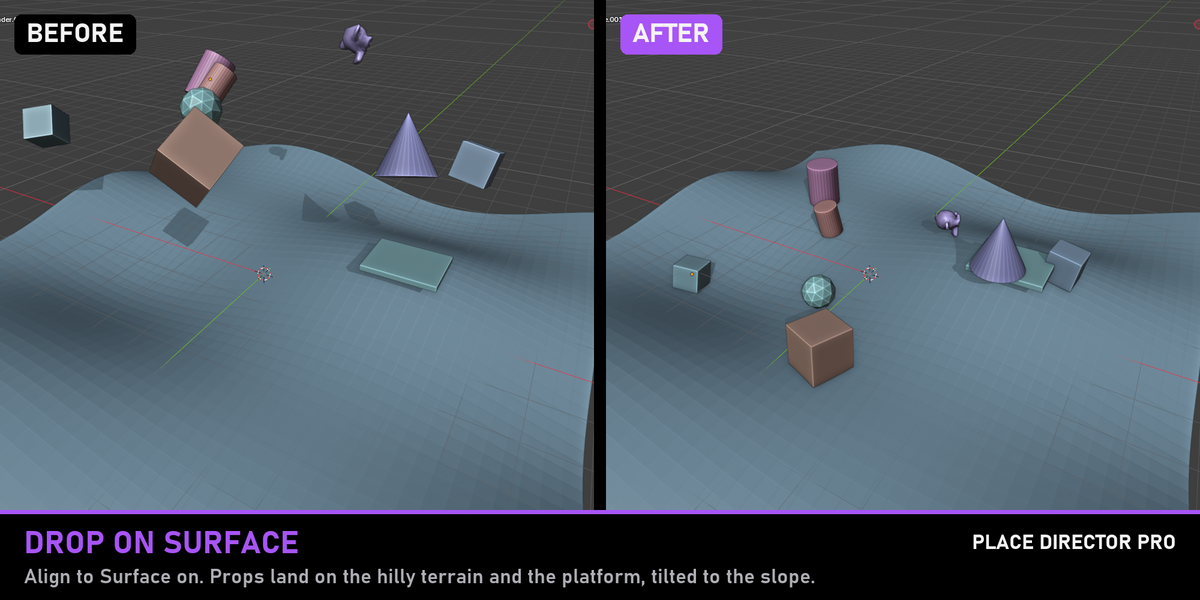
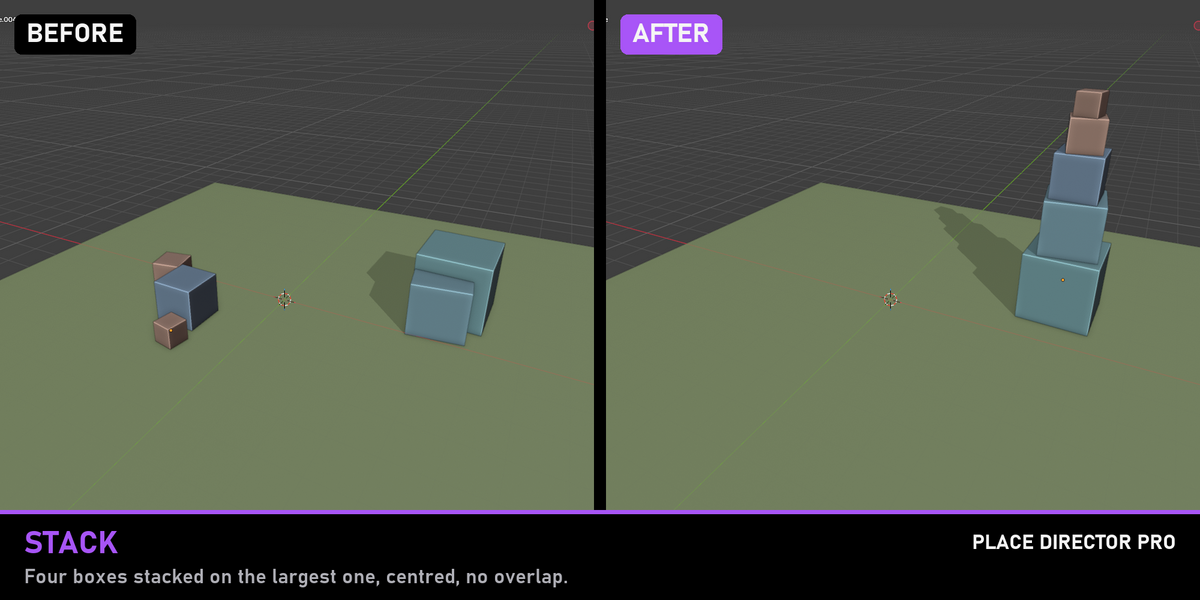
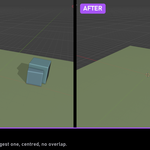
The selected objects are ignored as surfaces on purpose, so a whole selection can be dropped onto the scene at once. To put objects on top of each other, use Stack.
Can I undo or tweak a result?
Yes. Every tool supports Ctrl+Z, and the redo panel in the bottom left of the viewport lets you change the values after clicking.
Which Blender versions are supported?
Blender 4.2 and newer, installed as an extension. It is tested on Blender 4.5 LTS and 5.2 LTS. It uses only standard Blender Python with no platform-specific code.
$7.49
Have questions about this product?
Login to message
| Blender Extension Compatible | Yes |
| Published | 11 days ago |
| Blender Version | 4.2 - 5.2 |
| Extension Type | Add-on |
| Render Engine Used | Cycles, Eevee |
| License | GPL |
Discover more products like this
align randomize stack productivity snap to surface scatter placement drop to floor Set Origin distribute addon blender