 Kijitora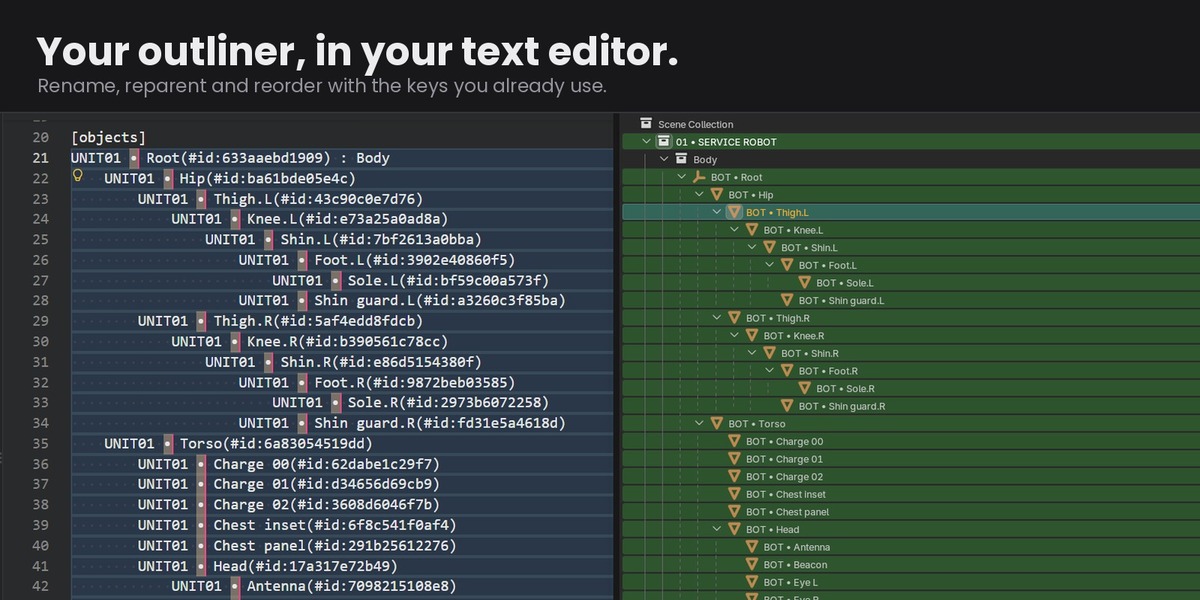
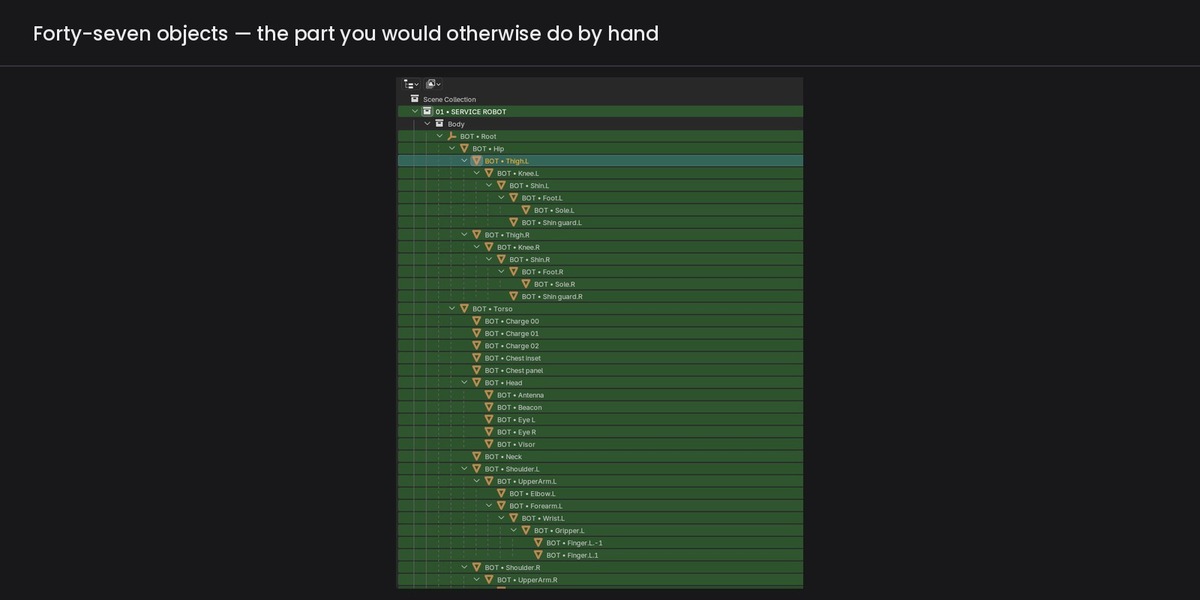
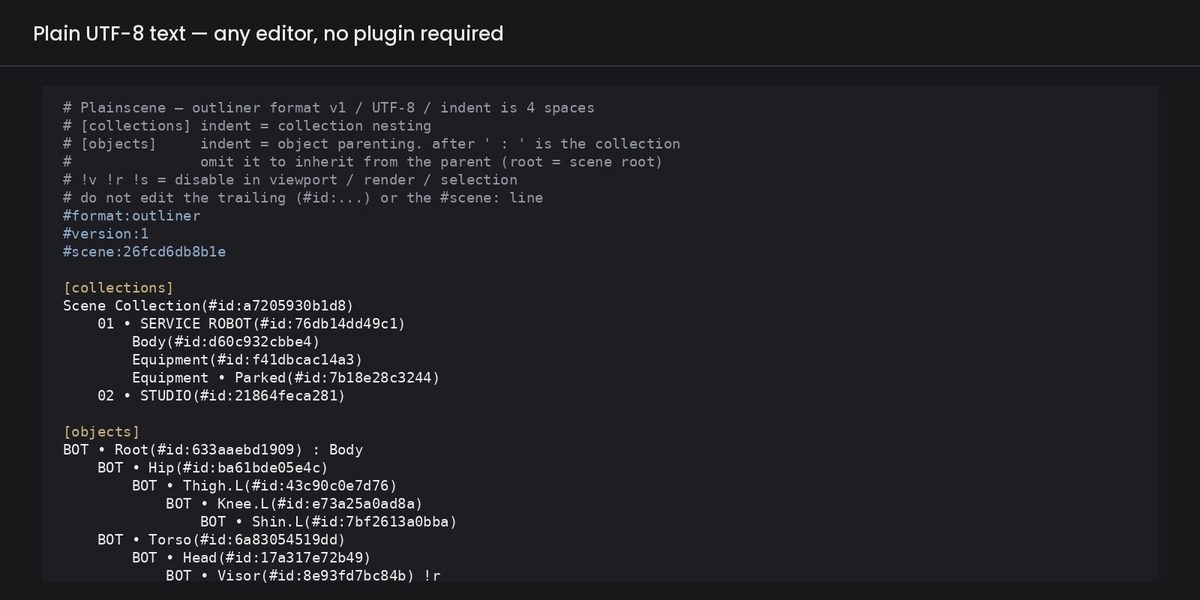
The outliner is a list. Your editor is better at lists.
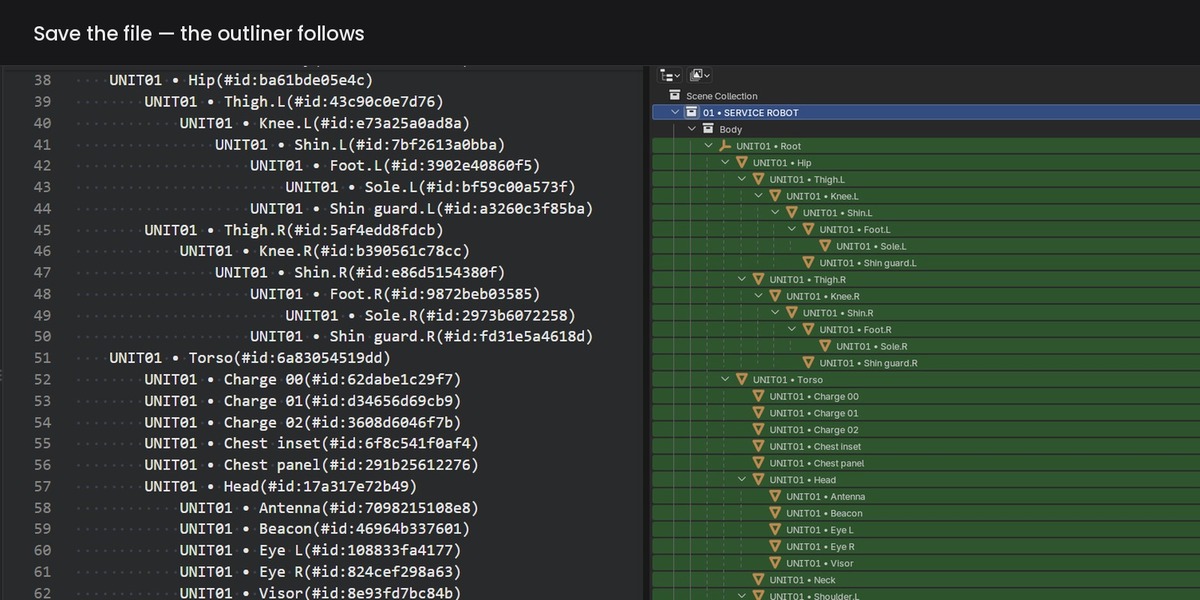
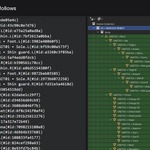
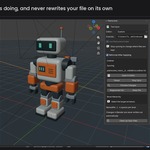
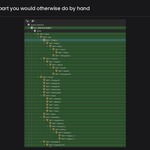
Plainscene writes Blender's outliner out as an indented outline, opens it in the editor you already use, and applies your changes when you save. Objects, parenting, collection membership, visibility flags — and bone hierarchies too.
Nothing new to learn. The things your editor has always been good at now work on your scene:
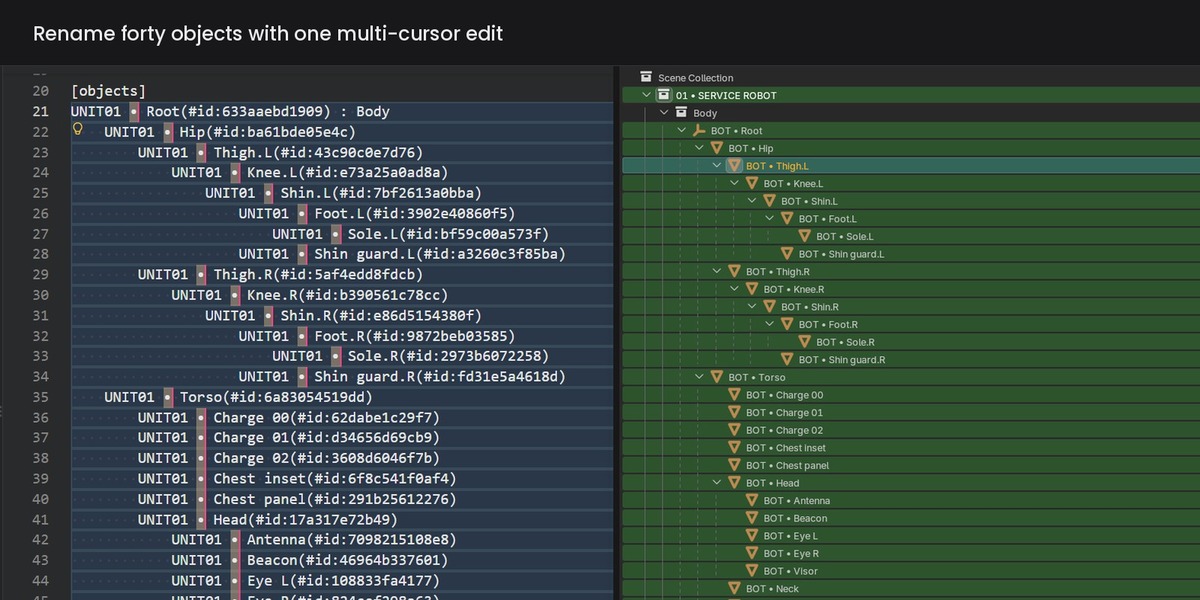
- Multi-cursor, column select → rename dozens of objects at once
- Shift+Tab on a selection → move a whole branch up one level
- Tab on a selection → move it back down
- Alt+↑ / Alt+↓ → move a line under a different parent
- Find & replace, regex → Bot_ → Unit01_ across the entire hierarchy
- Undo → try things without touching Blender
Change one membership line and everything under it follows. That is the part the outliner makes you do by hand, one drag at a time.
It will not surprise you
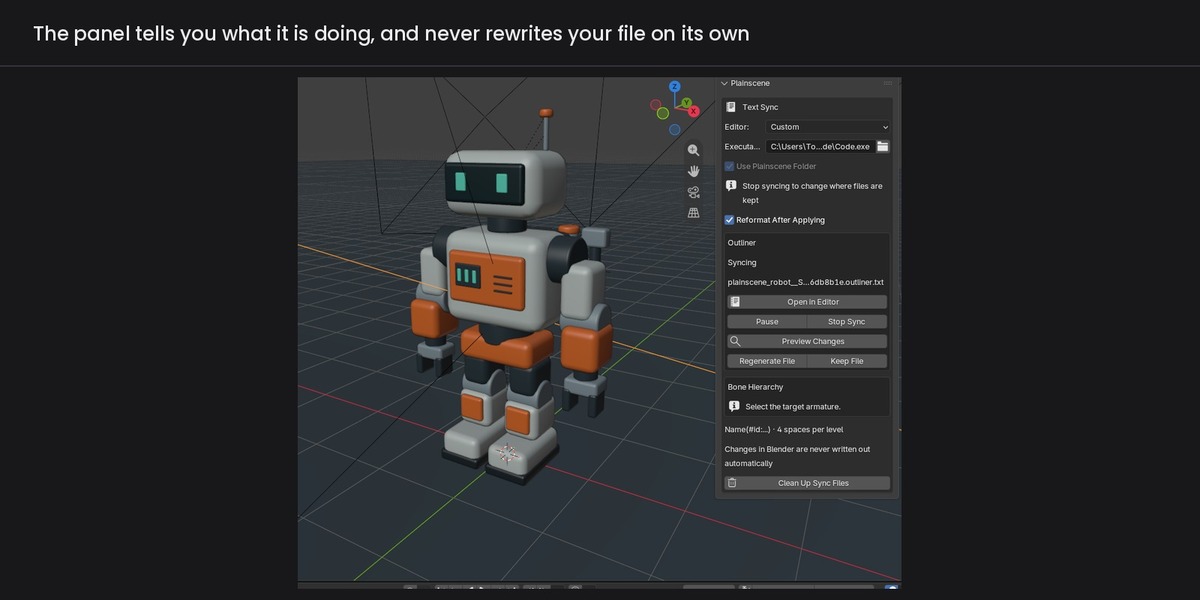
- Blender never rewrites your file. When the scene changes, the panel tells you and waits. The file is rewritten only when you ask for it.
- Saving a stale file stops as a conflict, not a silent overwrite. You choose which side wins.
- Invalid text is held, not applied. Nothing changes — not the file, not the scene.
- Reparented objects keep their world transform.
- The file keeps the outliner's order. Rename in the editor and the line moves to where the outliner puts it — on your save, like format-on-save, never on its own.
- Adding and deleting stay in Blender, on purpose.
Works with any text editor
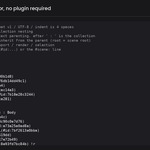
Plain UTF-8 text. Errors are reported by the add-on with line numbers, so your editor does not need to be clever. Nothing about safety depends on your editor settings.
A Visual Studio Code extension is included if you want it: syntax highlighting, folding, and inlay hints that show the collection a line inherits but does not spell out. It is a convenience, not a requirement.
Requirements
Blender 4.2 or later. Tested on 4.2 and 5.2.
How it was built
Parts of Plainscene were written with an AI coding assistant, then reviewed, tested and integrated by hand. The code went through six rounds of independent review by a separate AI model; every issue that came out of it — twenty-two in all, counting those found by the test suite and by hand — was addressed before release. It ships with a test suite that runs on Blender 4.2 and 5.2, and its behaviour under conflicts, undo and malformed input was checked case by case rather than assumed. Kijitora maintains it and answers for it.
Support
Mail [email protected]. Replies usually go out within a few business days (JST). Telling me your Blender version, the text the panel is showing and the first lines of the sync file usually turns three exchanges into one.