 Kijitora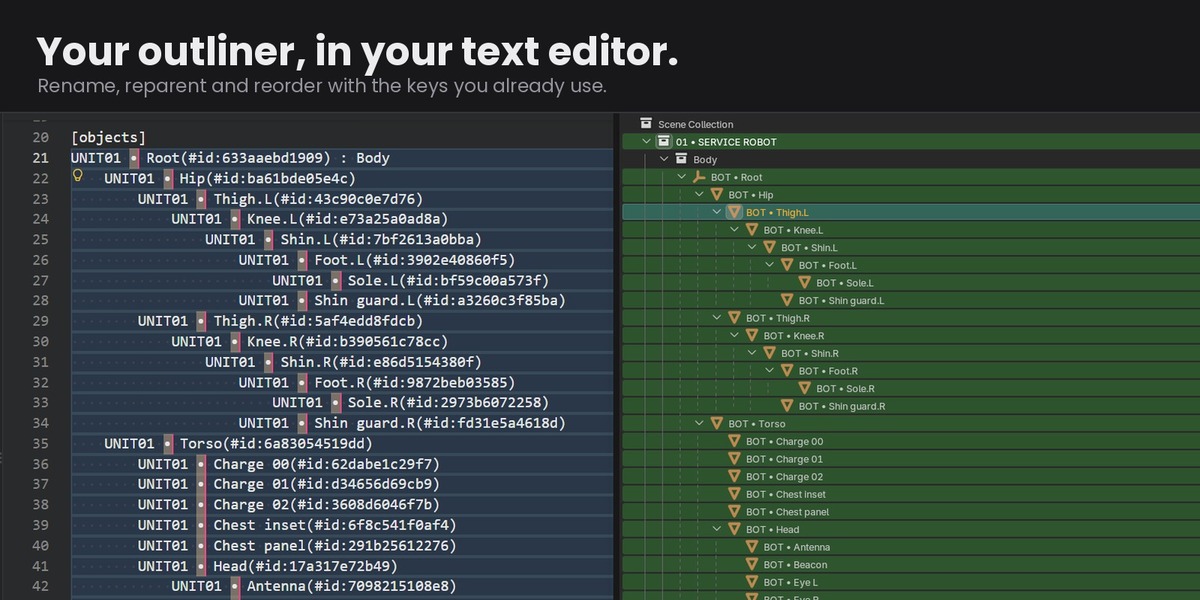
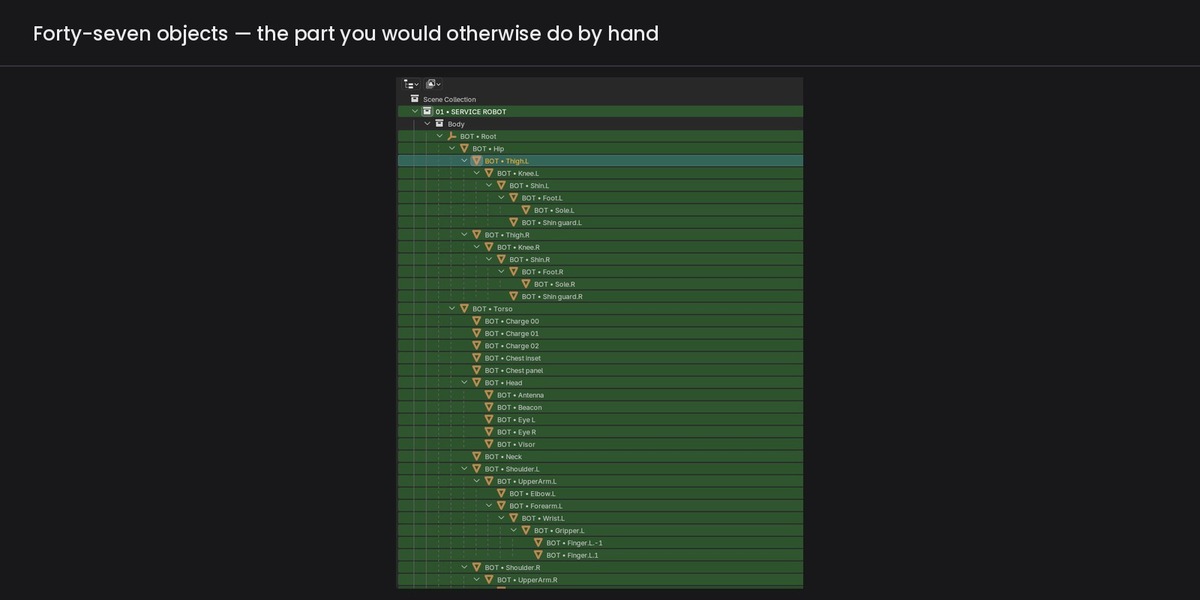
INSTALL
Blender 4.2+: Edit → Preferences → Add-ons → Install from Disk, and choose plainscene-1.1.0.zip. Do not unzip it first, and do not re-zip it yourself — Blender's extension loader only accepts the package as built.
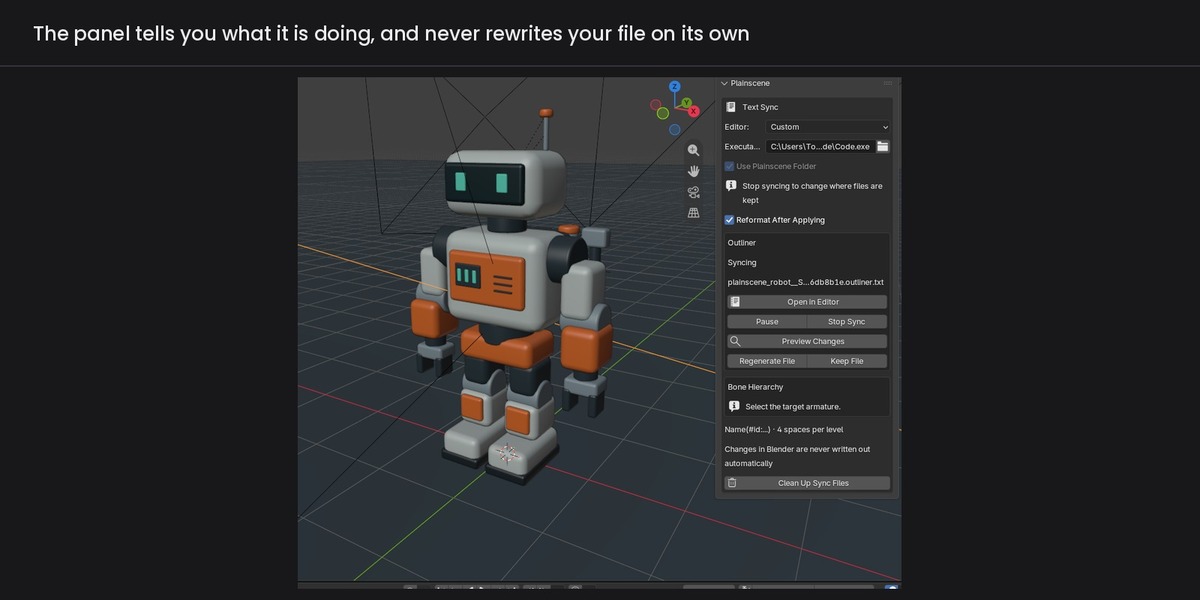
The panel is in the 3D viewport sidebar (press N) under "Plainscene".
FIRST RUN
1. Press Open in Editor. Plainscene writes the scene out as text and opens it in your editor.
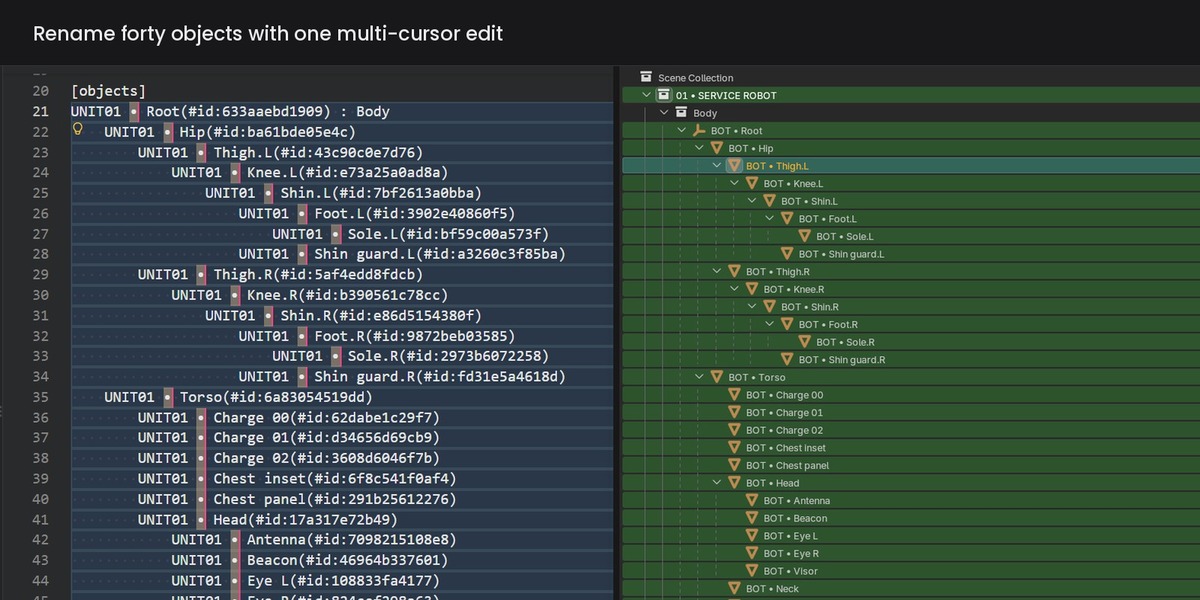
2. Edit names, indentation (parenting) and the part after " : " (collection membership). Save.
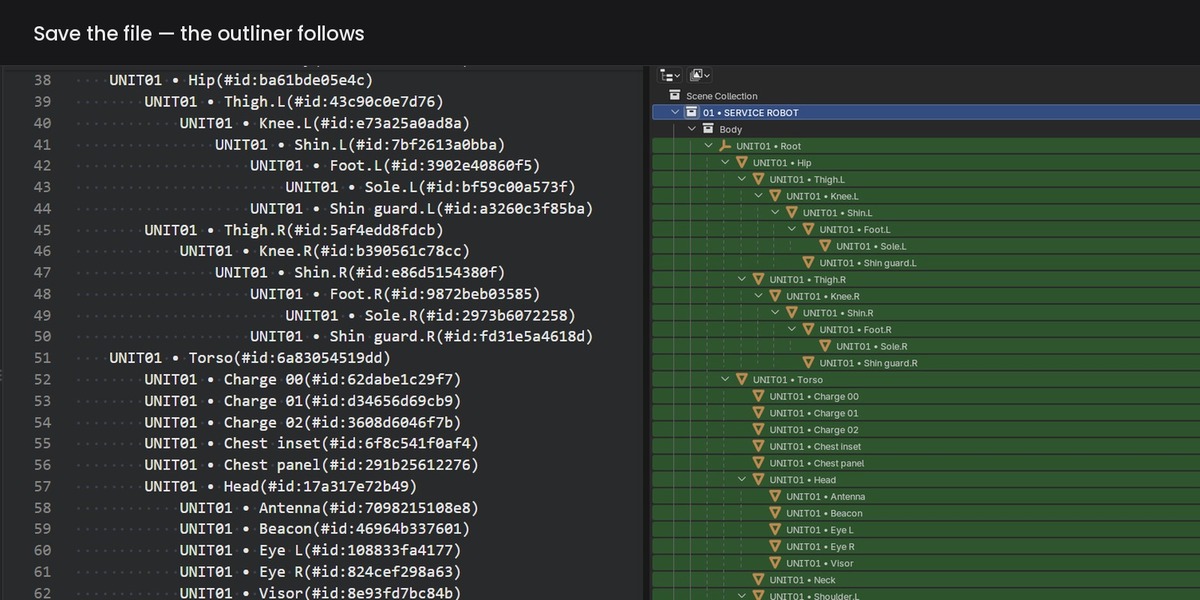
3. Plainscene applies the change within about two seconds. The panel says what it did.
THE FILE
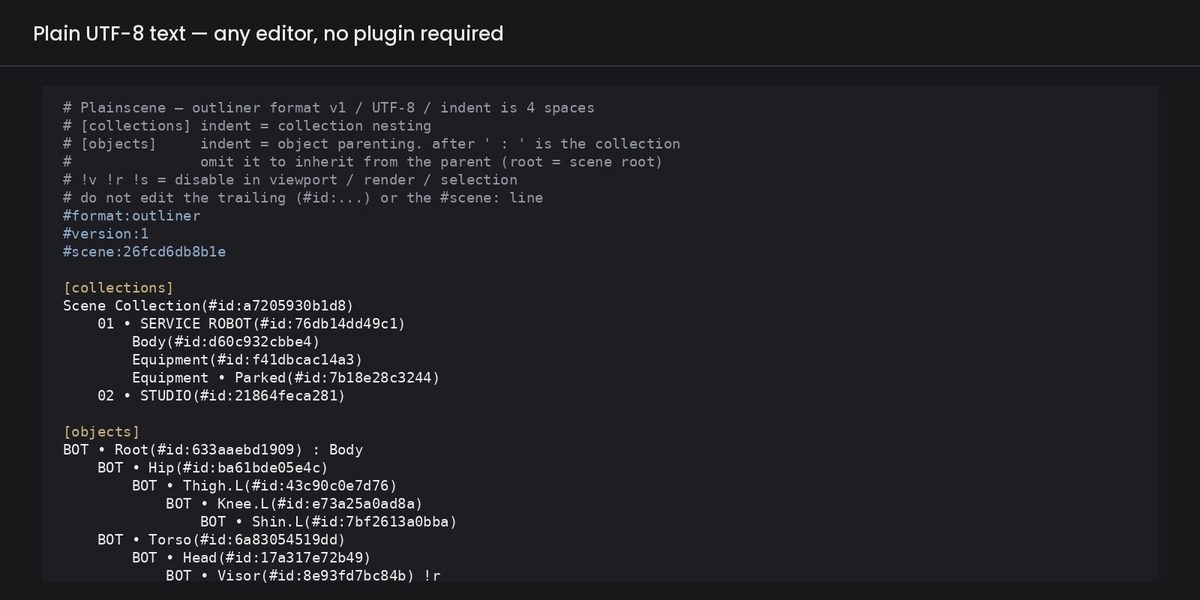
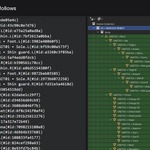
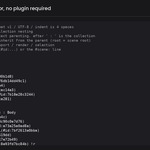
# Plainscene — outliner format v1 / UTF-8 / indent is 4 spaces
#format:outliner
#version:1
#scene:26fcd6db8b1e
[collections]
Scene Collection(#id:a7205930b1d8)
01 • SERVICE ROBOT(#id:76db14dd49c1)
Body(#id:d60c932cbbe4)
[objects]
BOT • Root(#id:633aaebd1909) : Body
BOT • Hip(#id:ba61bde05e4c)
BOT • Thigh.L(#id:43c90c0e7d76)
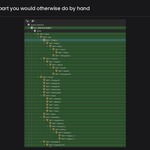
- Indentation is parenting. Four spaces per level.
- After " : " is the collection. Omit it to inherit from the parent.
- !v !r !s disable viewport / render / selection.
- Never edit the trailing (#id:...), or the #format: / #version: / #scene: / #armature: lines. They are how Plainscene knows which object a line is.
- Adding and deleting lines is not how you add or delete objects. Do that in Blender; the file catches up.
WHEN SOMETHING IS WRONG
- "On hold: ..." — the file could not be applied and nothing was changed. Fix the line it names and save again.
- "Conflict: both sides changed" — press Regenerate File to keep Blender's version, or Keep File to keep the text.
- "Blender changed. You can regenerate the file" — the scene moved on. The file is never rewritten for you; press Regenerate File when you want it to catch up.
- "Lost Targets" — the object being synced was deleted. Undo brings it back and syncing continues; otherwise press Stop there.
- Copy Report puts the versions and what each session is doing on the clipboard. It contains no file names, no paths and no text from your scene — paste it into a support mail as it is.
LIMITATIONS
- Adding and deleting objects stays in Blender.
- One scene and one armature at a time (both can run at once).
- The order in the file follows the outliner, including its sorting.
SUPPORT
[email protected] — usually a few business days (JST).
Have questions about this product?
Login to message
| Blender Extension Compatible | Yes |
| Published | about 12 hours ago |
| Blender Version | 4.2 - 5.2 |
| Extension Type | Add-on |
| Render Engine Used | Cycles |
| License | GPL |
Discover more products like this
bone collections collections Workflow rename batch-rename parenting pipeline outliner rigging text-editor hierarchy vscode