 Cgi Lab
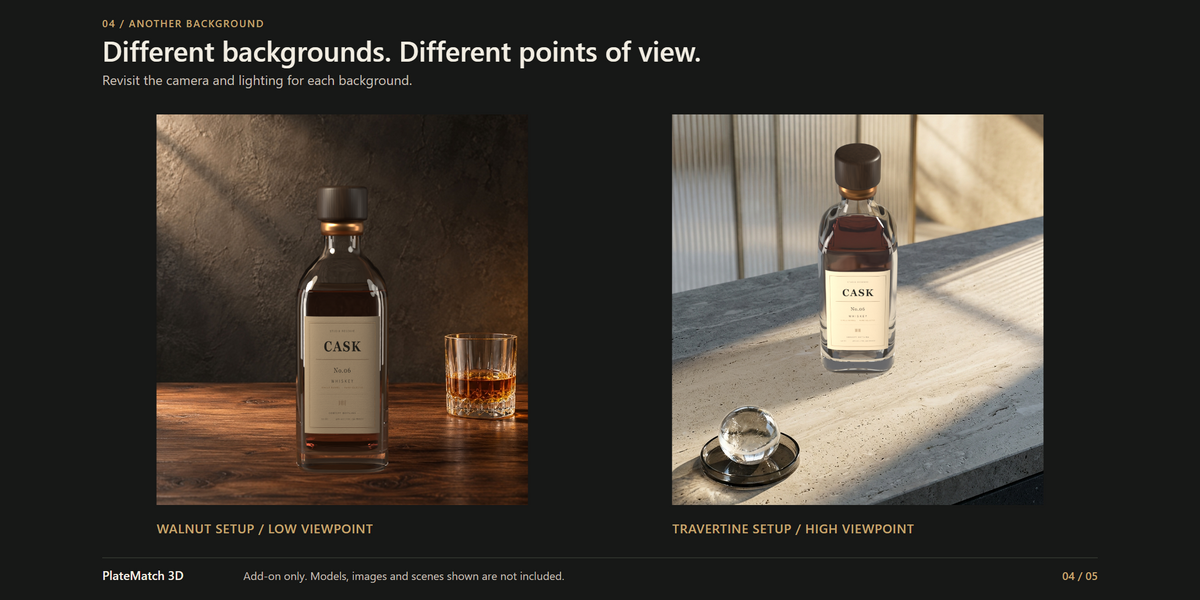
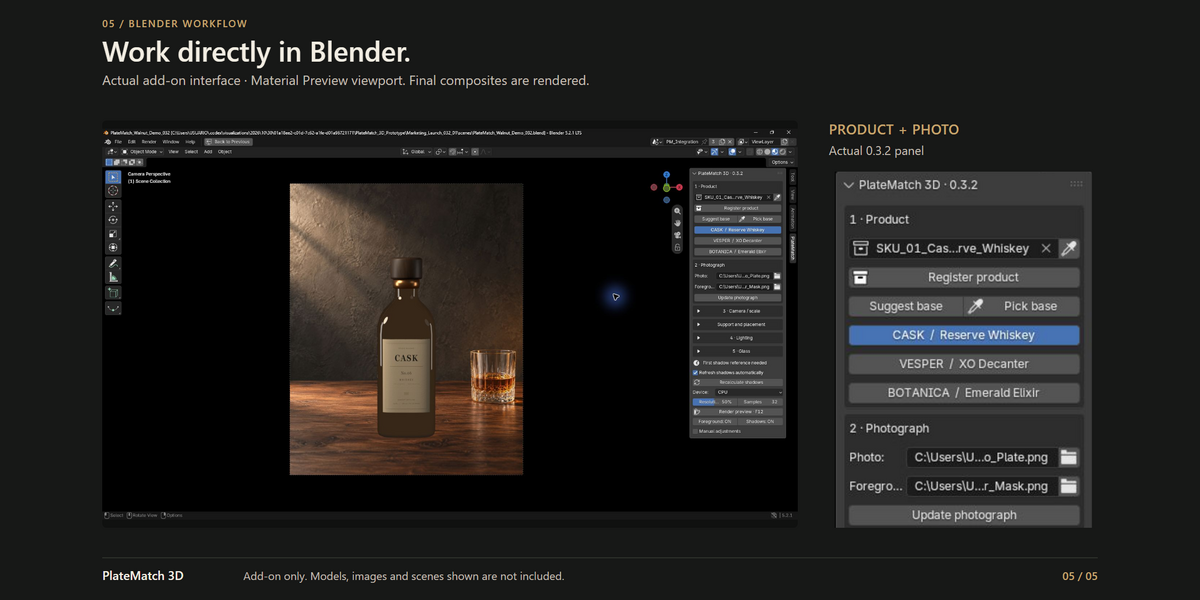
What is included?
You receive the PlateMatch 3D 0.3.2 extension installer, installation and first-scene documentation, and the GPL license for the add-on code. Models, background images, materials, masks and scenes shown in the marketing are demonstration assets and are not included.
Which Blender version and render engine do I need?
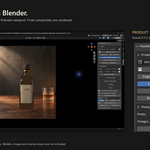
Blender 5.2.0 or newer and Cycles. The validated environment is Windows with Blender 5.2.1 LTS and Cycles CPU. Other versions, operating systems and GPU combinations have not yet been validated. An ordinary installation needs no separate Python setup or API key.
Can I use my own product models?
Yes. Use a complete, local, editable product collection, with the product upright and its physical dimensions checked. Include its required parts and keep scene cameras, lights and floors outside the collection. Use Append rather than Link for a collection from another .blend file.
Does it automatically match the camera and lighting from a photograph?
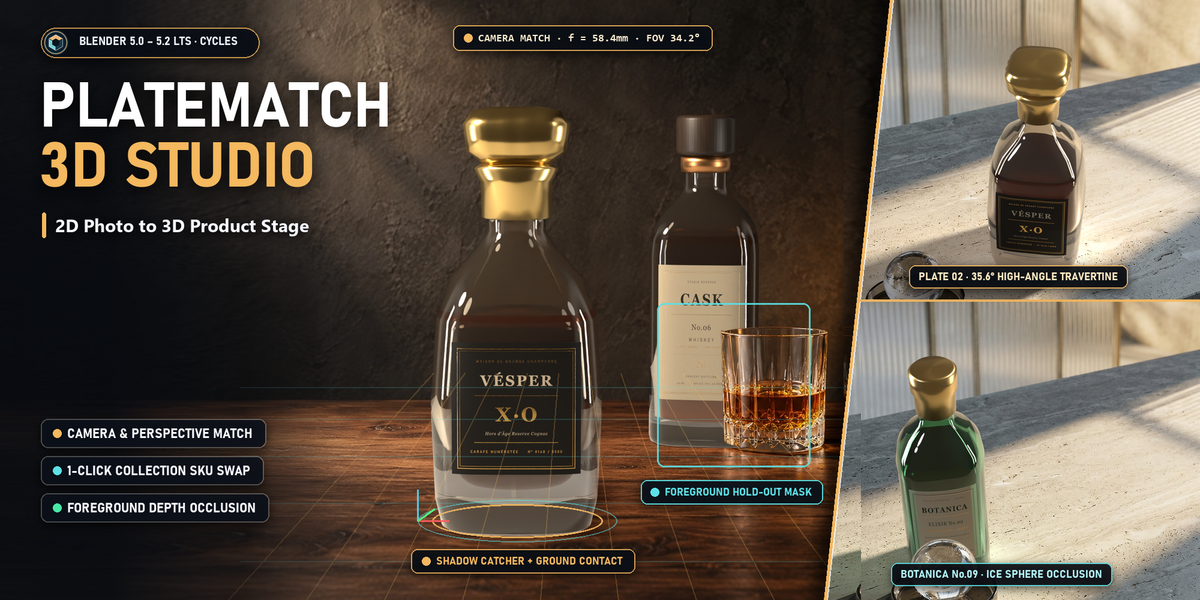
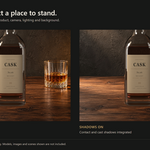
No. Assisted visual framing gives you control over focal length, viewing angle, frame fill and contact position. You judge perspective and apparent scale, then adjust the lighting. It does not recover metric camera calibration, reconstruct the environment, or automatically solve its lighting.
What does one-click product swapping mean?
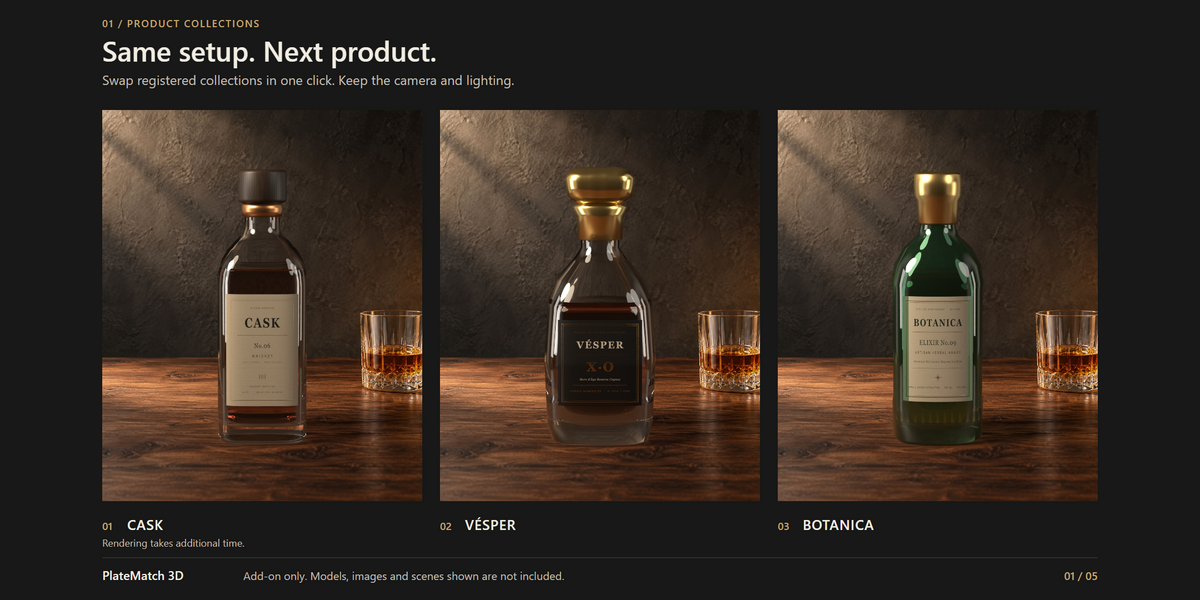
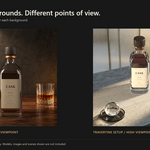
Register each complete product collection and check its base first. Its product button then replaces the visible product while retaining the camera, lighting and support setup. Choosing a collection in the selector alone does not perform the swap. Render the new variation when ready.
How does foreground masking work?
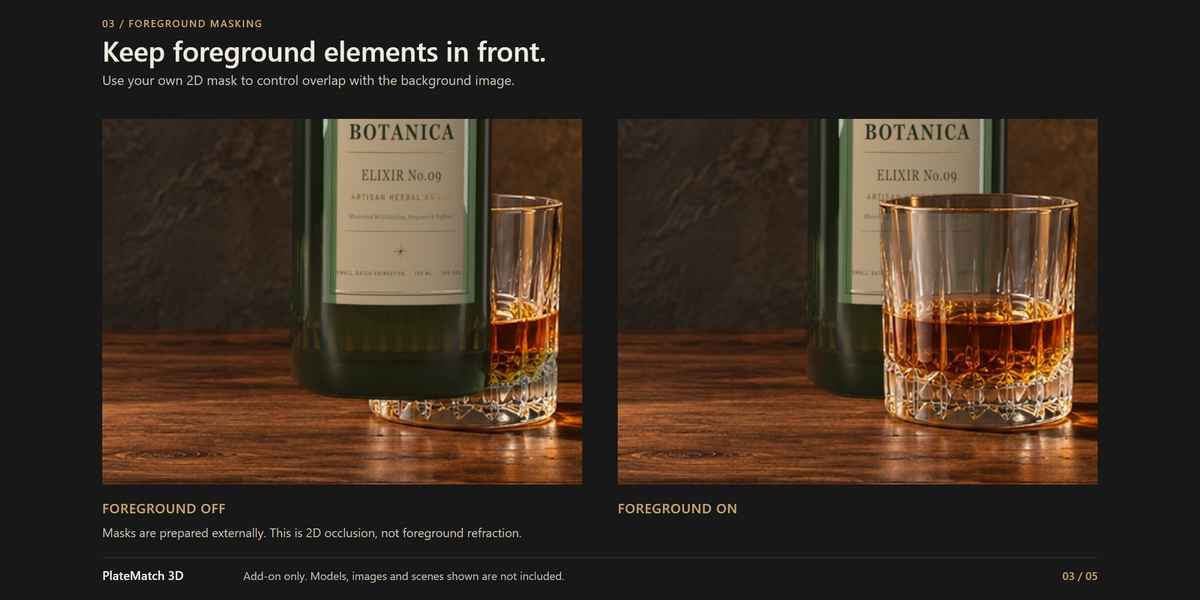
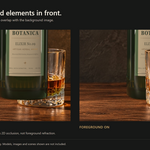
Supply a grayscale mask with exactly the same pixel dimensions as the background. White restores foreground pixels over the product; black leaves the CG visible; gray blends the edge. Mask creation is manual or external. This is 2D compositing, not hidden-geometry reconstruction or physical refraction through transparent foreground objects.
Can I work with glass bottles and other transparent products?
The optional Glass environment and Backlight controls help integrate your own transparent products with a still background. The result also depends on the model, materials, lighting and framing. This is an integration aid, not a reconstruction of the complete photographed environment.
Does a separate integration scene make my product independent?
The source scene remains available, but product instances share source geometry and materials. Editing those data can affect other instances. Save a working copy before setup and keep a backup before rebuilding a customized compositor or updating an older scene.
Have questions about this product?
Login to message
| Blender Extension Compatible | Yes |
| Published | 6 days ago |
| Blender Version | 5.2 |
| Extension Type | Add-on |
| Render Engine Used | Cycles |
| License | GPL |
Discover more products like this
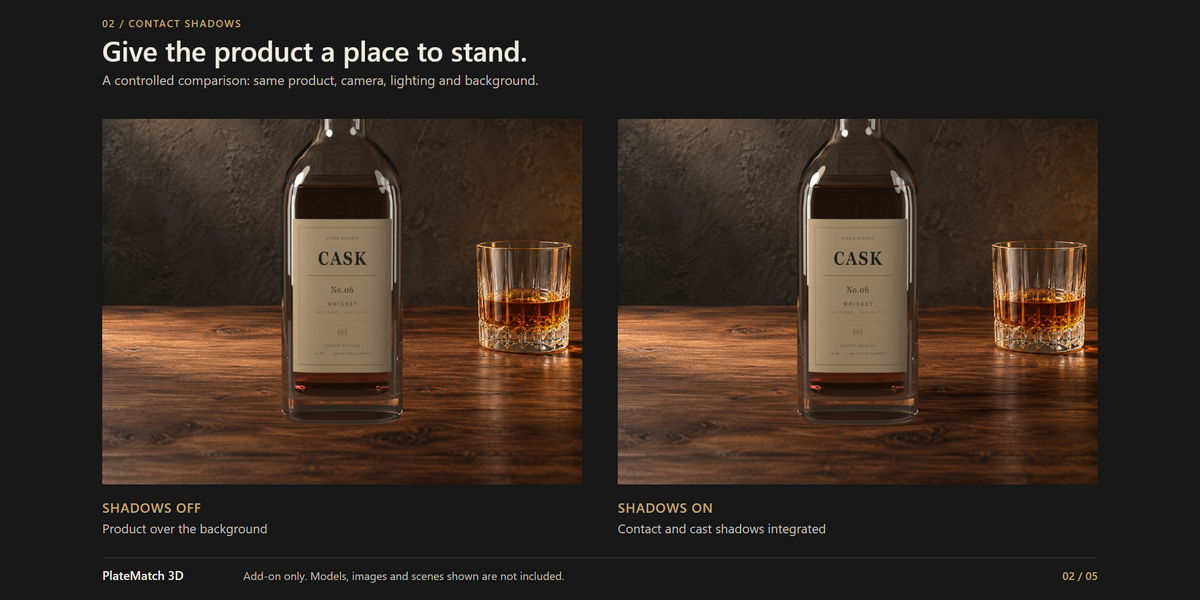
product photography product-visualization foreground masking shadow catcher camera matching photo compositing contact shadows product variations