 Blender Procedural
BLENDER ADD-ON • v1.4 • BLENDER 4.5+
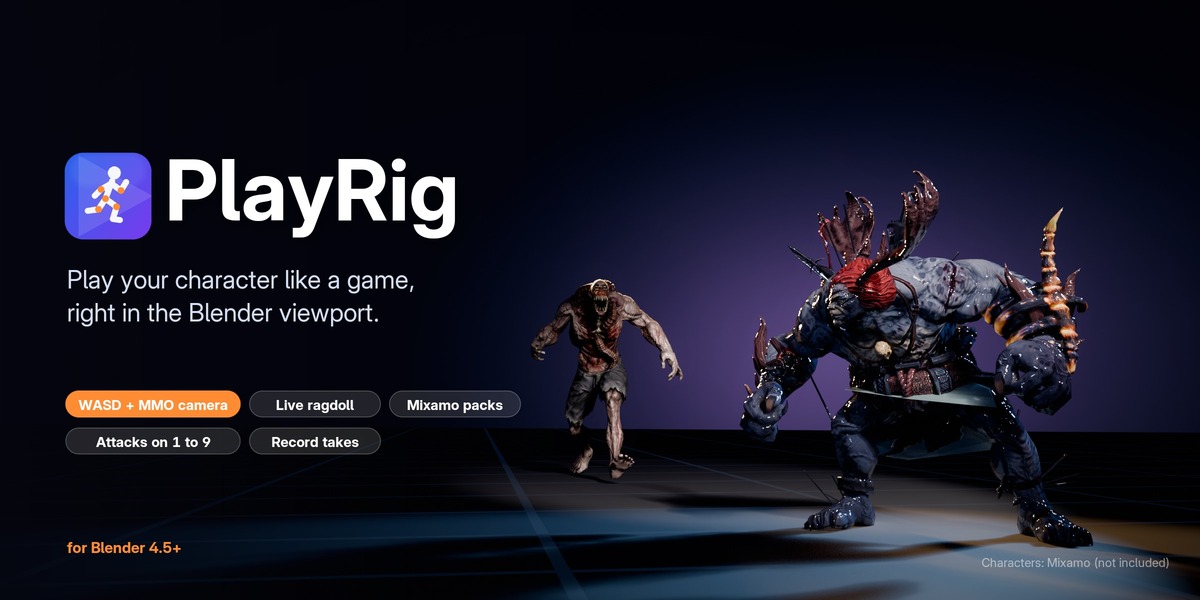
Play your character like a game, right in the viewport.
WASD and an MMO camera. A live ragdoll on F. Character and animation packs set up in one click. And everything you play, recorded to keyframes.
🎮 WASD + MMO camera📦 Auto setup from FBX packs⚔️ Attacks on 1–9💥 Live ragdoll🔴 Record to keyframes
No game engine, no rigid body world, no baking. Select your character and press Play. Run through your own scene, up stairs and slopes and onto moving platforms. Swing an attack, drop into a ragdoll, get back up. When you like what you played, keep it: PlayRig writes the whole take to keyframes, camera included.
▶️ See it in action

|
🎮 Move like an MMO
Action or Classic (World of Warcraft style) controls. Run, walk, crouch, auto-run, and double jumps with coyote time. |
🎥 An orbit camera that behaves
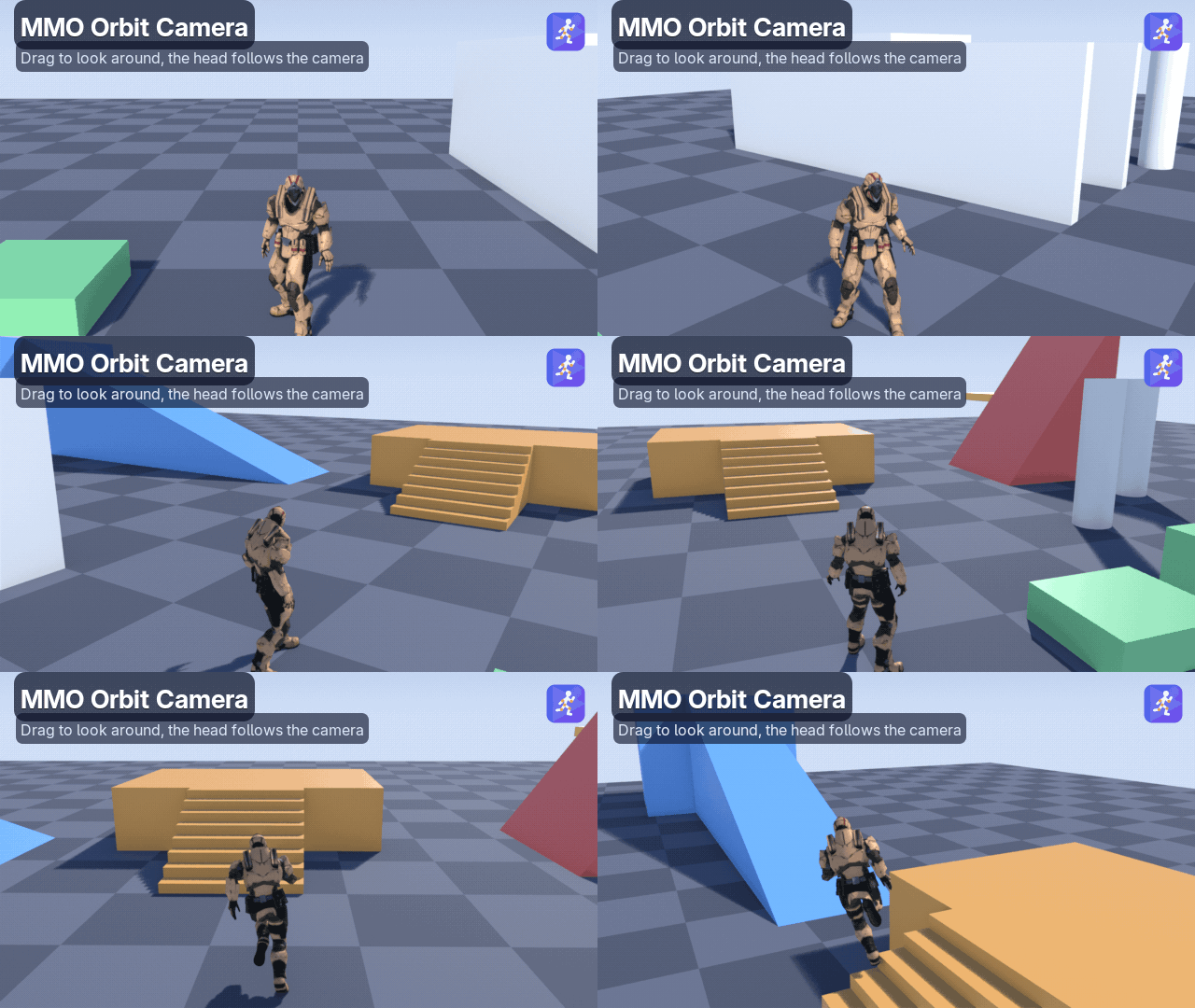
Right drag to look and steer, wheel to zoom. The camera stays out of walls and can swap shoulders. Drive the viewport or the scene camera. |
|
📦 Animation packs in one click
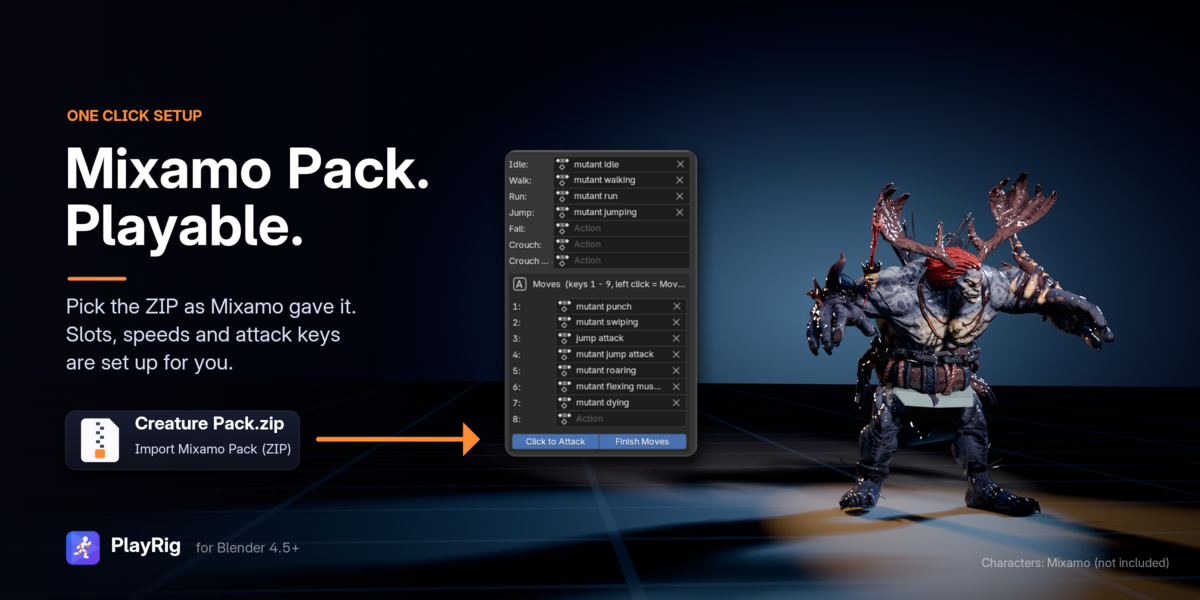
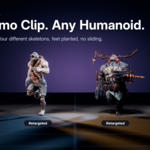
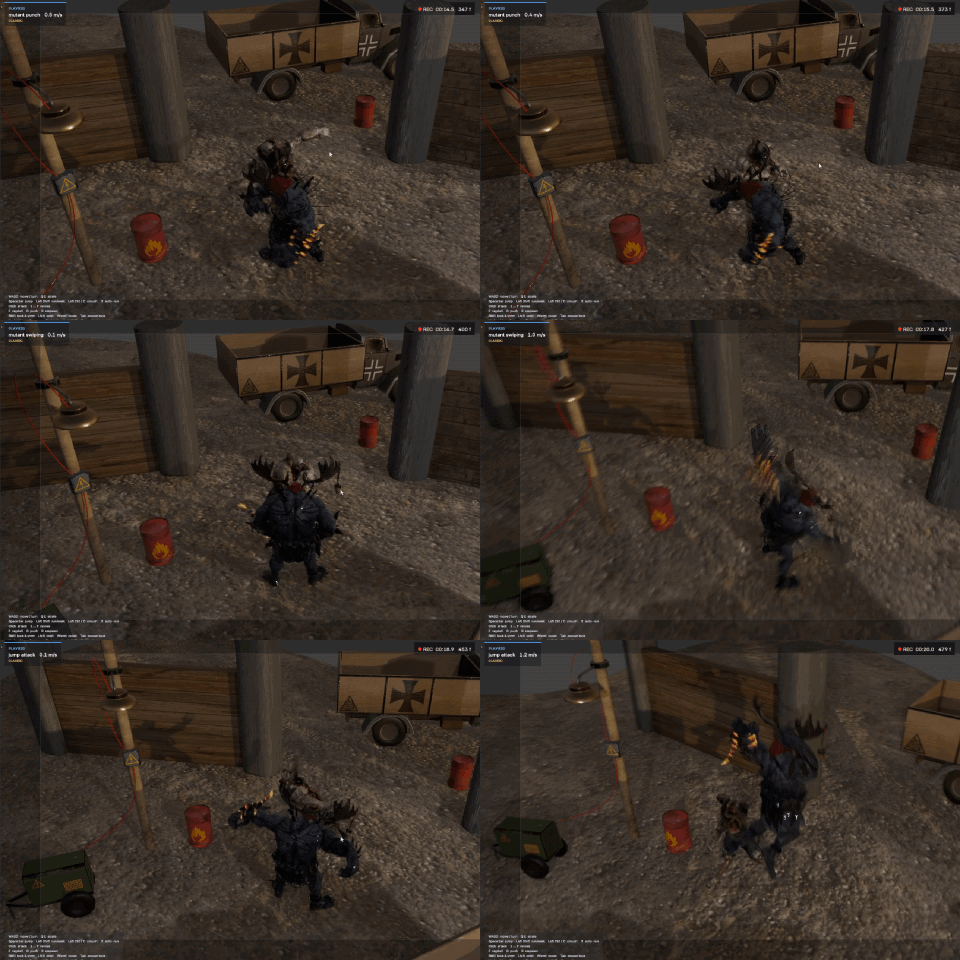
Load a ZIP of FBX files, a character and its animations, as it is. Idle, walk, run and jump go into their slots and the attacks onto keys 1–9, automatically. |
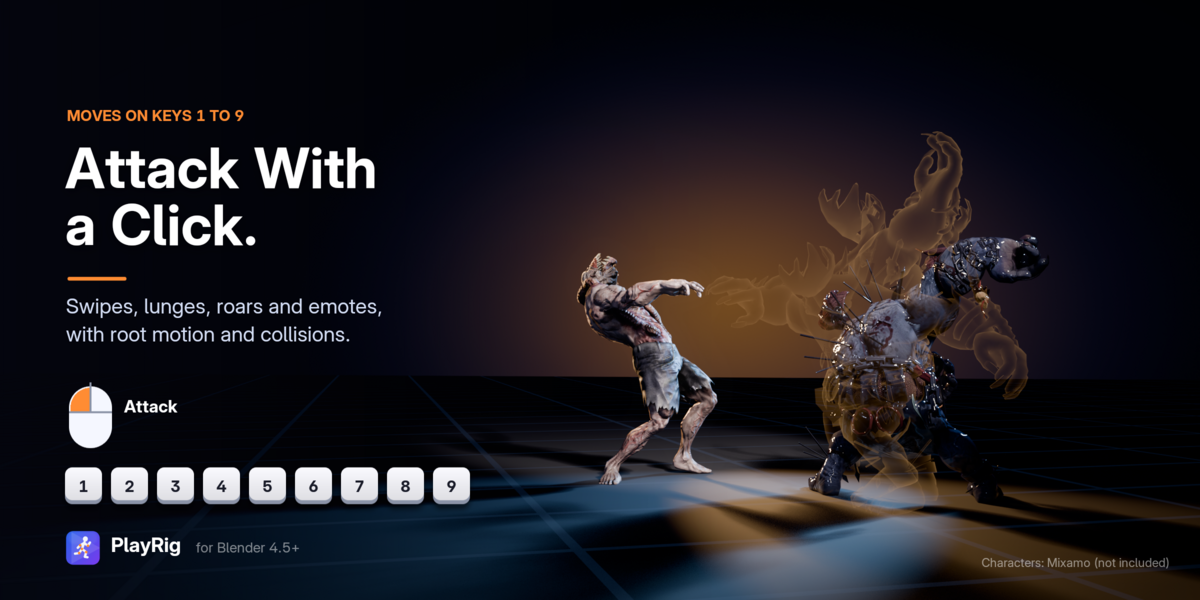
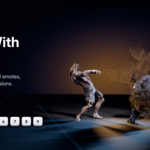
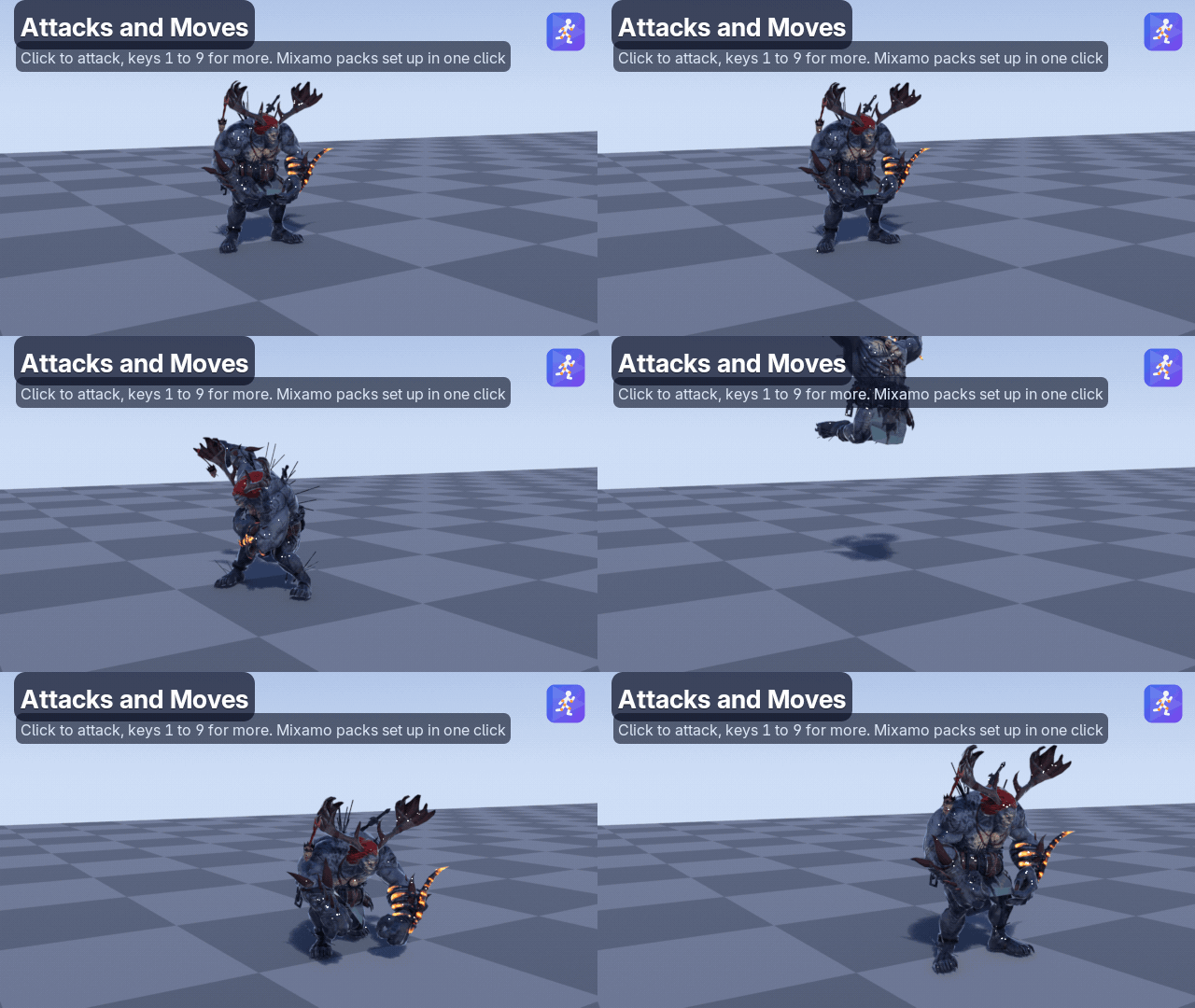
⚔️ Attacks and emotes on 1–9
Left click attacks. Lunges and leaping attacks carry the character forward with root motion, and collide with your scene. |
|
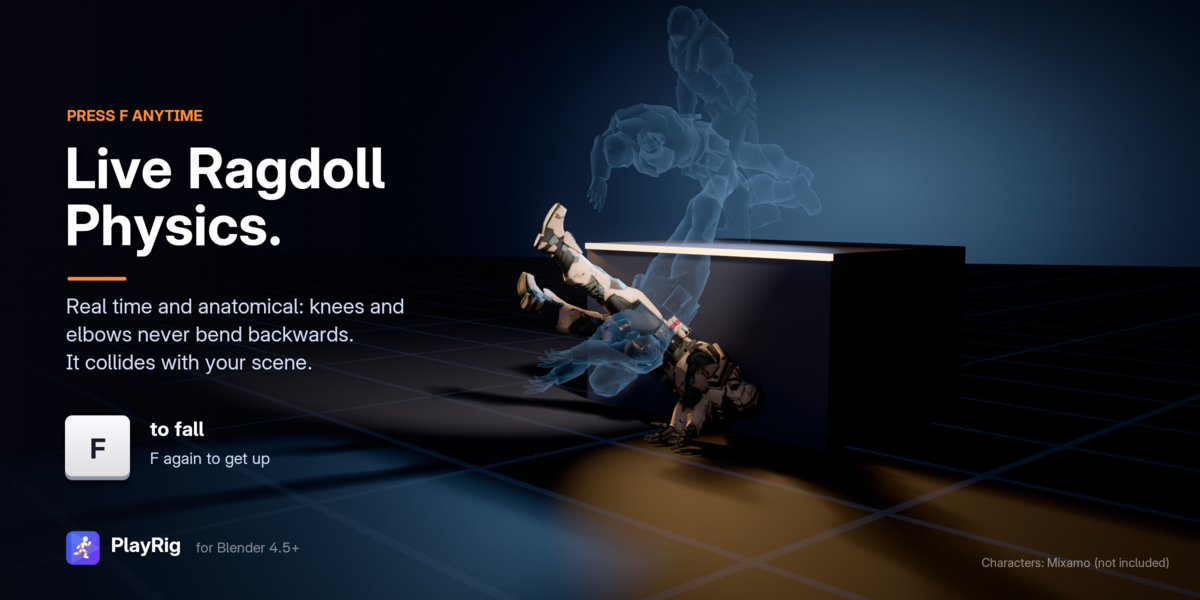
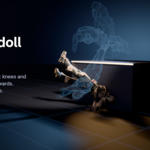
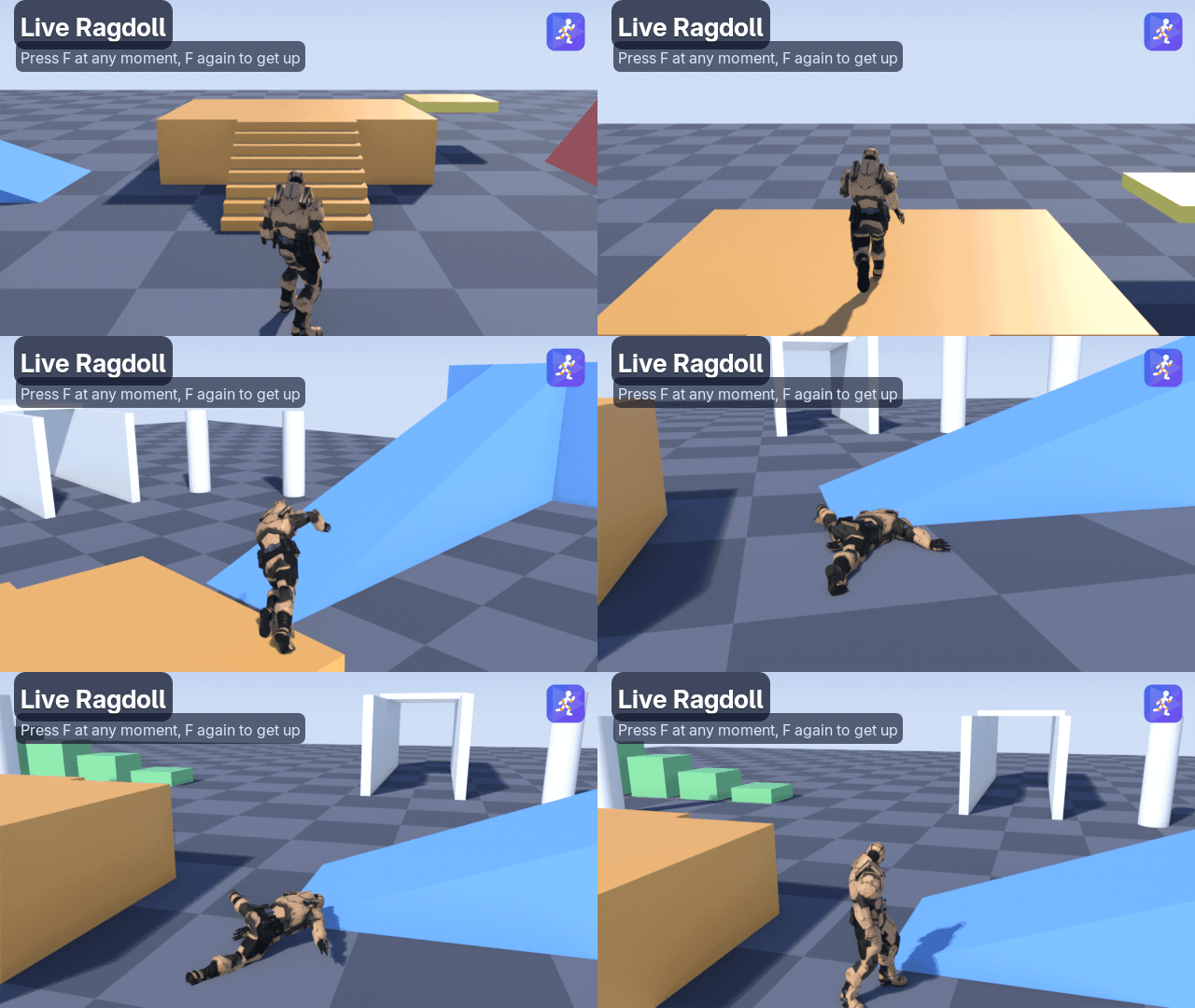
💥 A live, anatomical ragdoll
Press F at any moment, then F again to get up. Knees and elbows never bend backwards. Hard landings knock the character out. |
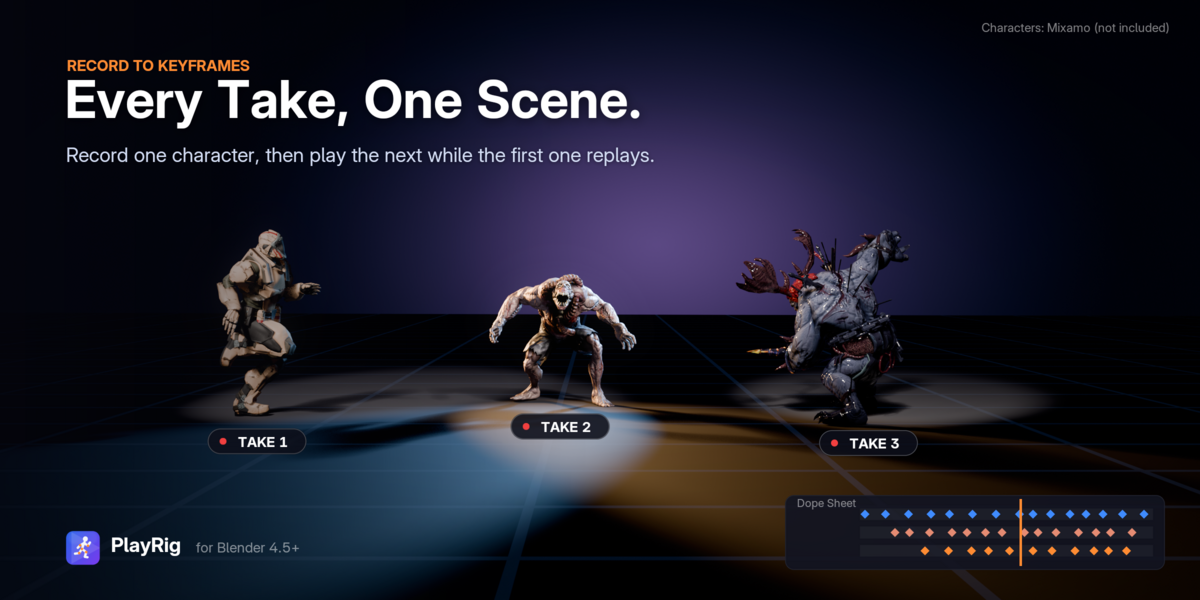
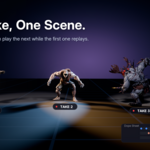
🔴 Record every take
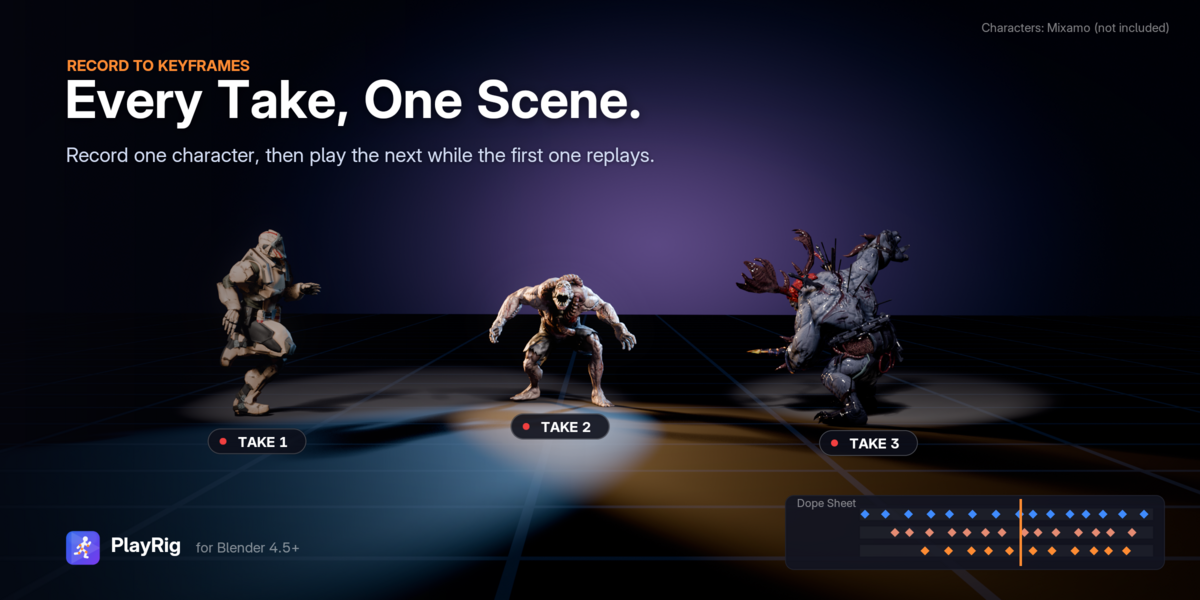
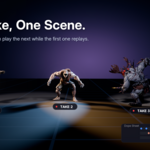
Everything you play becomes keyframes. Record one character, then play the next while the first one replays. |
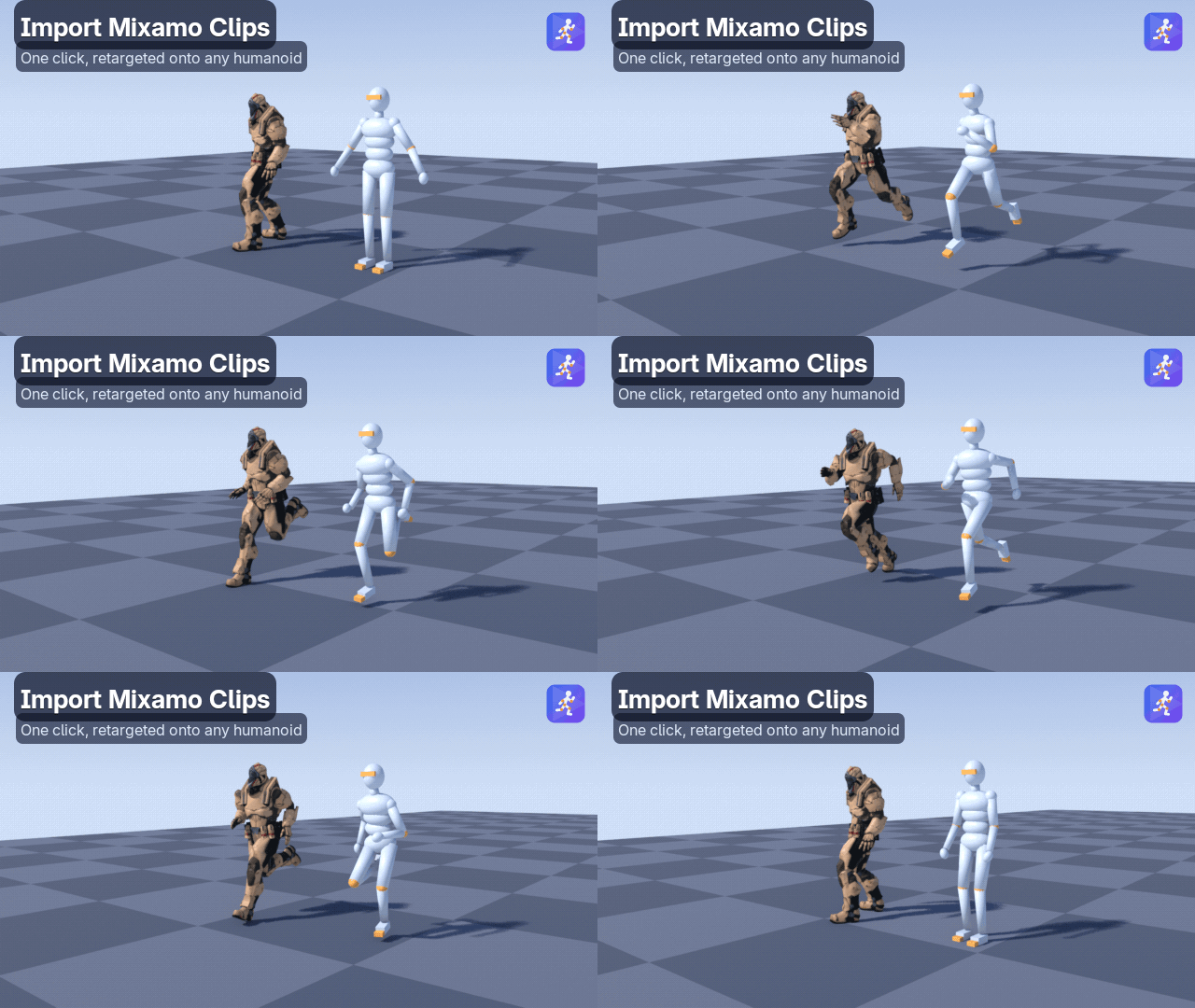
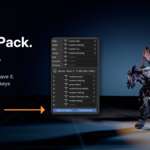
📦 Any character pack in 3 steps
| 1 | Get a character pack: a ZIP of FBX (or glTF) files with a humanoid character and its animations, from any source. Keep the ZIP as it is. |
| 2 | Open the sidebar (N) › PlayRig › Quick Start, click the Pack (ZIP) import button and pick the ZIP. PlayRig finds the character, sorts the clips by name into idle, walk, run, jump and attack slots, and matches the walk and run speeds. |
| 3 | Press Play. Left click attacks, 1–9 play the other moves, and Esc stops. |

🎮 Movement and camera
- Action MMO: camera-relative movement, like modern action MMOs.
- Classic MMO: World of Warcraft style. A/D turn, Q/E strafe, and the right mouse button steers.
- Run, walk, crouch (hold or toggle) and auto-run. Hold for a higher jump. Double and triple jumps, coyote time and jump buffering.
- Six movement presets to start from: Default, MMO, Realistic, Arcade, Heavy and Moon.
- Camera collision, smart auto-follow, an over-the-shoulder offset, mouse-look mode and a landing shake.
- Viewport or Scene Camera: with the scene camera, what you see is what renders, and the camera can be recorded.


⚔️ Attacks, emotes and moves
- Nine move slots on keys 1–9 or the numpad. A short left click plays Move 1, and dragging still orbits the camera.
- Root motion is kept: lunges and leaping attacks carry the character forward, with collisions.
- Clips named die, dying or death hold their last pose until you move again.
- Finish Moves on: movement waits for the move to end. Off: a movement key cancels it.

💥 A live, anatomical ragdoll
- Press F at any moment and the body falls with real physics. Press F again and it gets up, blending through a crouch. G pushes the body.
- A hard landing from a high ledge triggers the ragdoll automatically.
- Knees and elbows are real hinges. Hips, shoulders, neck and spine have cone limits, and the torso has a twist limit.
- It runs live: no rigid body world, no timeline, no baking. Objects that aren't humanoid tumble as a rigid box.

🔴 Record everything you play
Turn on Record, press Play, and when you press Esc the take is written to keyframes. Takes are numbered (Take_001…), start at the current frame, and include your moves and the ragdoll. With the Scene Camera view, the camera gets its own take.
🧍 Animation, collision and extras
- No clips yet? PlayRig generates procedural idle, walk, run, jump, fall and crouch clips for any humanoid rig.
- Your own clips are found by name (idle, walk, run, jump, fall, crouch …), or you drop them into the slots. Blending is smooth, footsteps are speed-matched, the body leans into turns, and the head follows the camera.
- Collides with your scene: stairs, slope limits, ceilings and moving platforms. Use every visible mesh or a collection you choose.
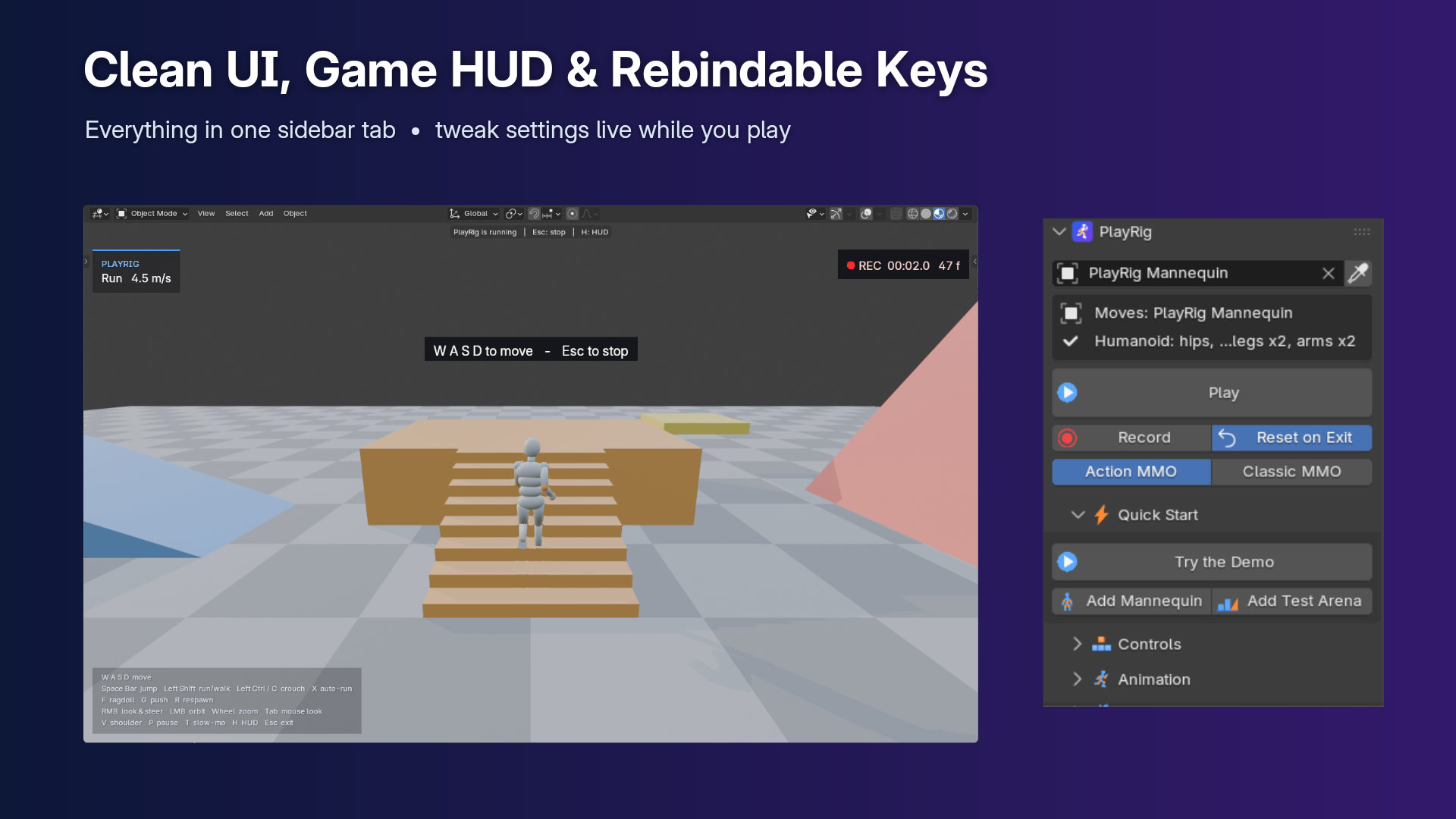
- In-viewport HUD with state, speed, a REC timer and key hints. Every key can be rebound. Footstep, jump and landing sounds. Pause / photo mode and slow motion.
- Try the Demo: a rigged mannequin and a test arena, added in one click.
⌨️ Controls
These are the defaults; every key can be rebound. You can still click the sidebar and change settings while you play.
| Action | Key |
|---|---|
| Move | W A S D or the arrow keys |
| Run / walk | Shift (hold) |
| Jump (hold = higher) | Space |
| Crouch | Ctrl (hold) / C (toggle) |
| Attack (Move 1) | Left click |
| Moves: attacks, emotes | 1 – 9 or the numpad |
| Ragdoll / get up | F |
| Push ragdoll | G |
| Look and steer | Right mouse drag |
| Orbit camera only | Left mouse drag |
| Zoom | Mouse wheel |
| Camera behind the character | Middle click / Z |
| Strafe (Classic) | Q / E |
| Auto-run · Respawn · Mouse look | X · R · Tab |
| Swap shoulder · Pause · Slow motion · HUD | V · P · T · H |
| Stop | Esc |
✅ Requirements and what's included
|
Requirements ✔️ Blender 4.5 or newer✔️ Tested on 4.5 LTS, 5.1 and 5.2 LTS ✔️ Pure Python, no dependencies ✔️ Humanoid rigs: Mixamo, Rigify metarig, UE, VRoid, CC and similar |
Included 📦 PlayRig 1.4 as a Blender extension🧍 A demo mannequin and test arena 🔊 Built-in sounds and UI icons 📄 Full source code (GPL-3.0-or-later) |
Install it like any extension: Edit › Preferences › Get Extensions › ▾ › Install from Disk, or just drag the ZIP into Blender.
❓ FAQ
Do I need a game engine, a rigid body world or baking?
No. PlayRig runs live in the 3D viewport. The ragdoll has its own real-time solver, so there is nothing to set up and nothing to bake.
Which rigs does it work with?
Humanoid rigs with standard bone naming: Mixamo, Rigify metarig, UE, VRoid, CC and similar. If your rig drives its deform bones through constraints (Rigify control rigs, Auto-Rig Pro), keep Override Bone Constraints on, or play the metarig or an exported game rig.
I don't have any animations. Can I still use it?
Yes. PlayRig generates procedural idle, walk, run, jump, fall and crouch clips for any humanoid. Swap in your own clips whenever you like.
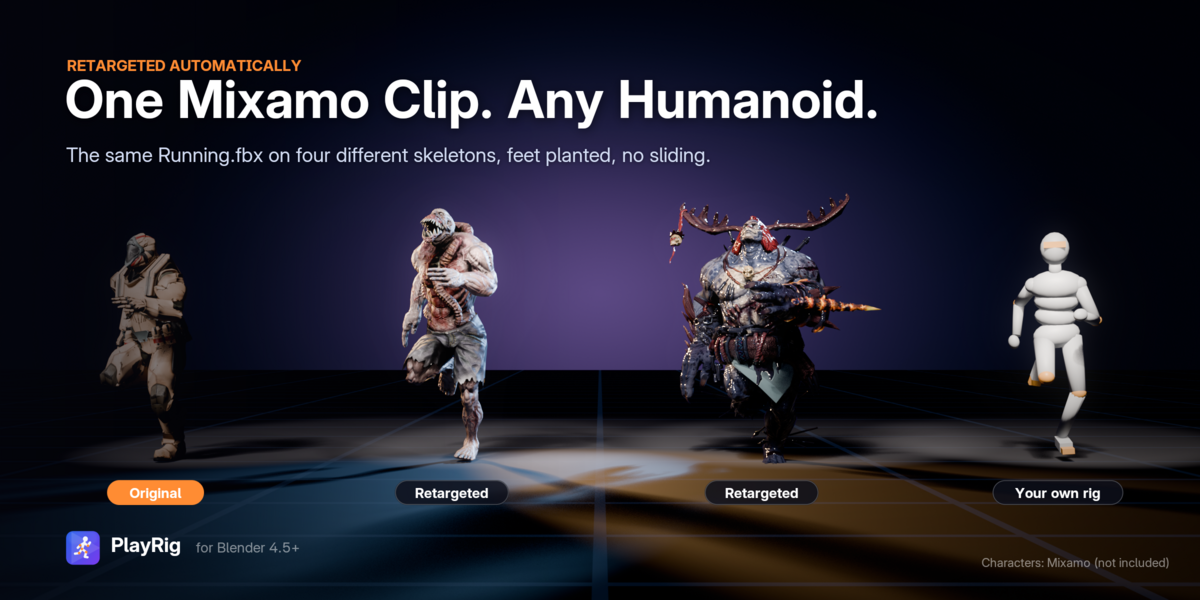
Can I use animations made for a different character?
Yes. Clips from another skeleton are retargeted and baked into a new action. Clips made for the same skeleton are used as they are.
Can I animate several characters in one scene?
Yes. Record one character, then play the next while the first replays its take. Each character keeps its own animation slots.
Will it mess up my scene?
No. Press Esc and PlayRig restores the view, overlays and object mode. With Reset on Exit on (the default), the character goes back to where it started. Recorded takes go into new actions.
🆕 New in 1.4
Character packs (ZIP) set up automatically • moves on keys 1–9 with click to attack and root motion • numbers kept in clip names.
The full guide and changelog are in the Documentation tab. Questions or a rig that doesn't behave? Message me here on Superhive.
