 Sonneblom Digitaal
What it does
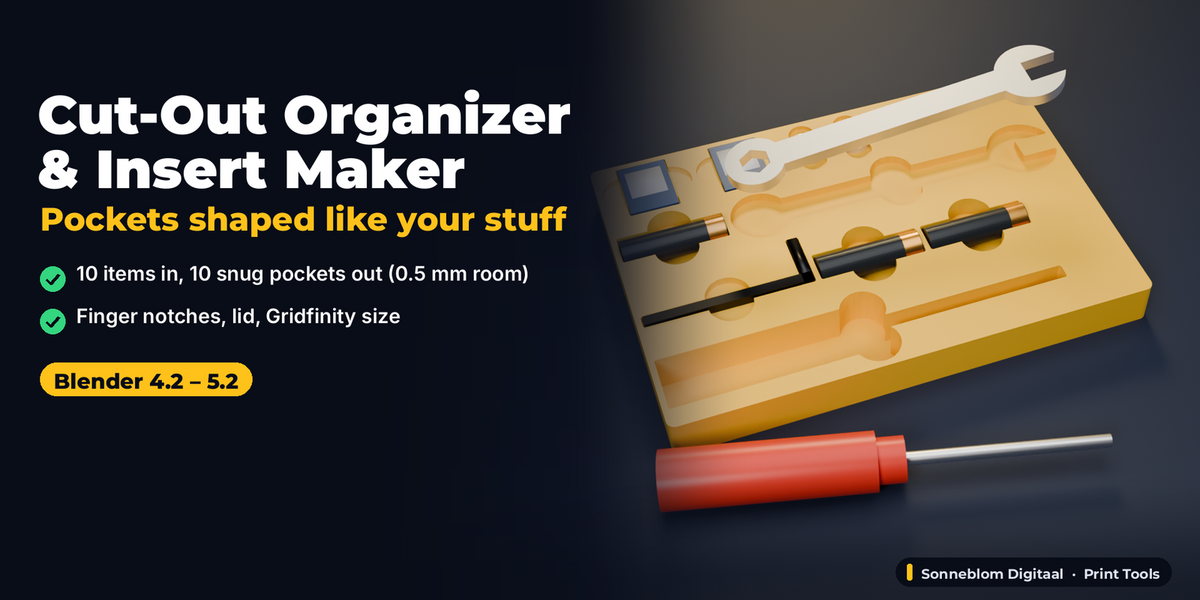
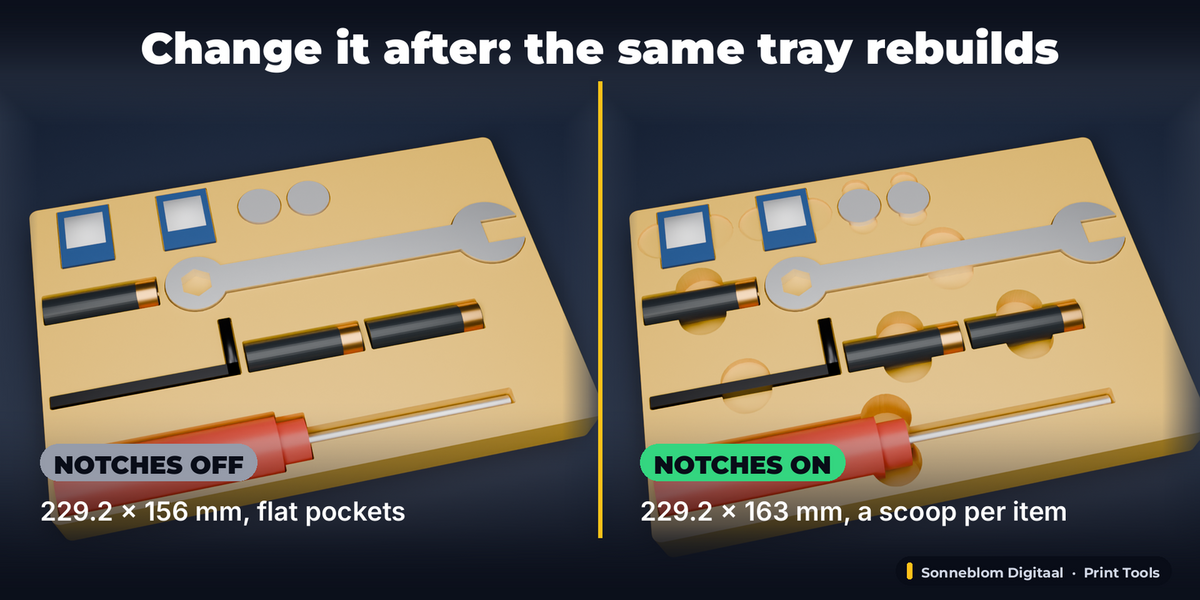
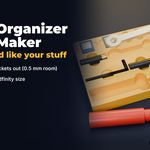
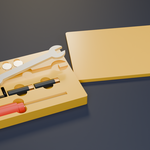
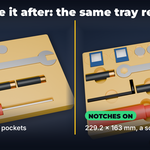
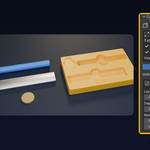
Cut-Out Organizer & Insert Maker turns the objects you want to store into a 3D-printable tray with a pocket shaped like each one. Select your parts (imported STLs, meshes, filled curves or text), click Make Tray from Selected, and you get one watertight tray: every pocket follows the item's outline seen from above, plus a clearance you set in millimetres, with round finger notches so you can get the item out again. Arrange the pockets automatically or keep them exactly where you placed the items, give the tray a Gridfinity footprint with real Gridfinity feet, add a slip-on lid, and export STL or 3MF in mm.
Everything stays live: change the clearance, depth, notches, wall or size in the panel and the same tray rebuilds in place. Move or rotate an item and its pocket follows. No booleans per pocket, no starting over.
Who it's for
3D-printing makers who want a custom insert for a tool drawer, a Gridfinity bin, a board game box (tokens, dice, card decks), an electronics kit (batteries, SD cards, coin cells) or a hobby case, and Blender users who are tired of modelling pockets by hand.
Key features
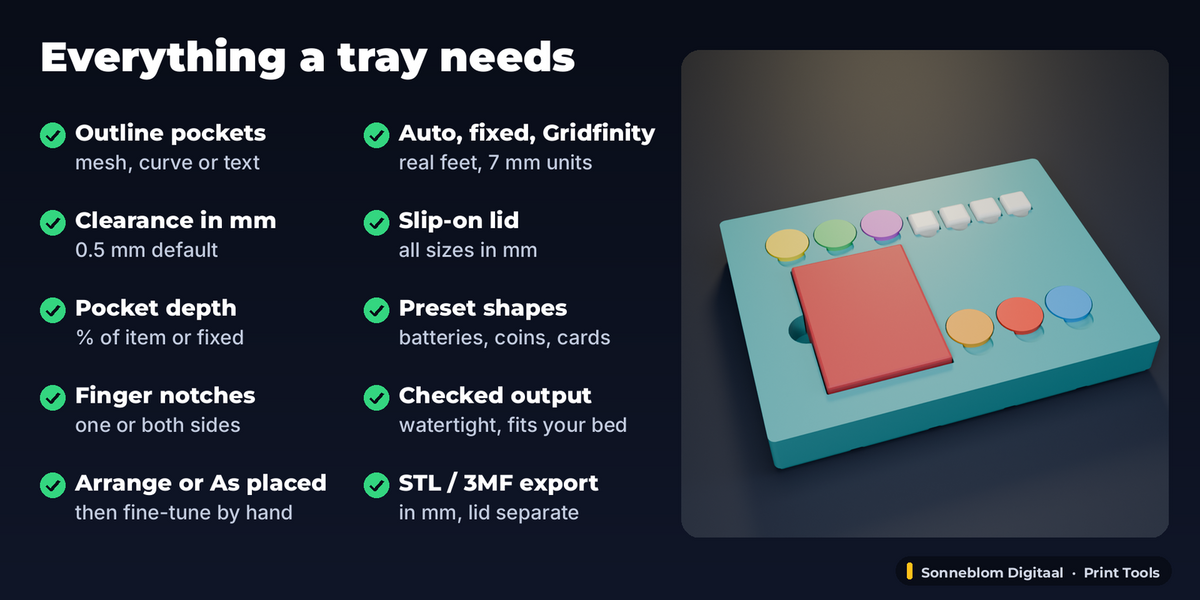
- Outline pockets from any mesh, curve or text object, seen from above, holes filled (a ring gets a round pocket)
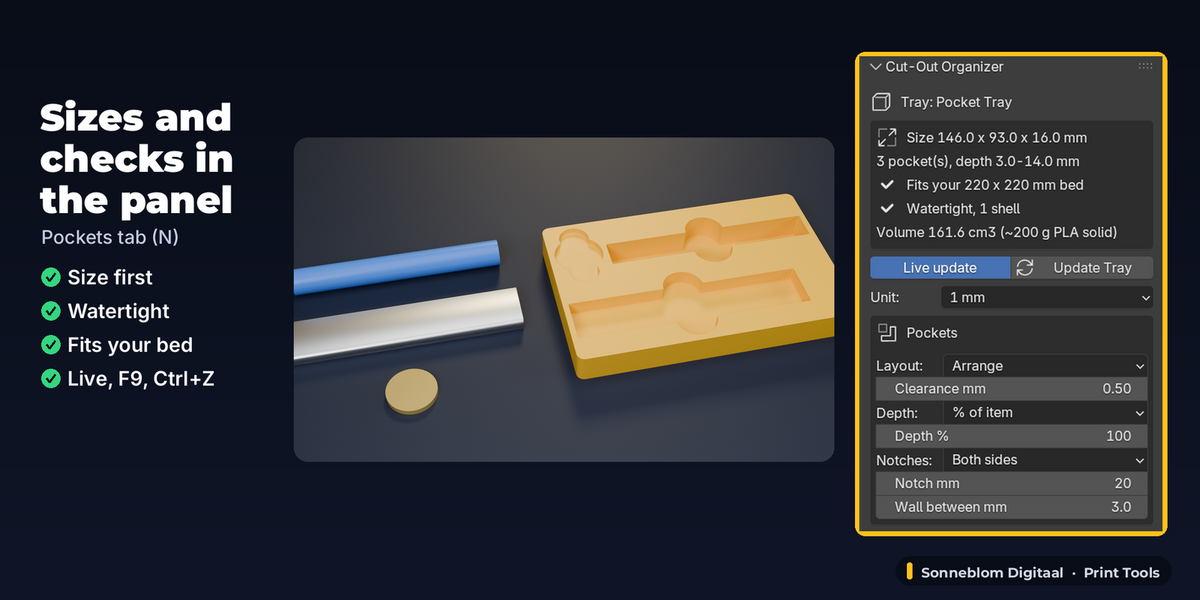
- Clearance in mm (default 0.5 mm): the pocket wall is never closer to the item than that, also at sharp corners (at most about 0.1 mm more on a typical tray)
- Pocket depth as a % of each item's height (default 100 %) or one fixed depth
- Finger notches: none, one side or both long sides, diameter in mm (never wider than 60 % of the item's longest side, so small parts get small notches)
- Layout: Arrange (neat rows, items are not moved) or As placed (pockets where the items are); Place Items in Pockets moves the items into an arranged tray so you can fine-tune by hand
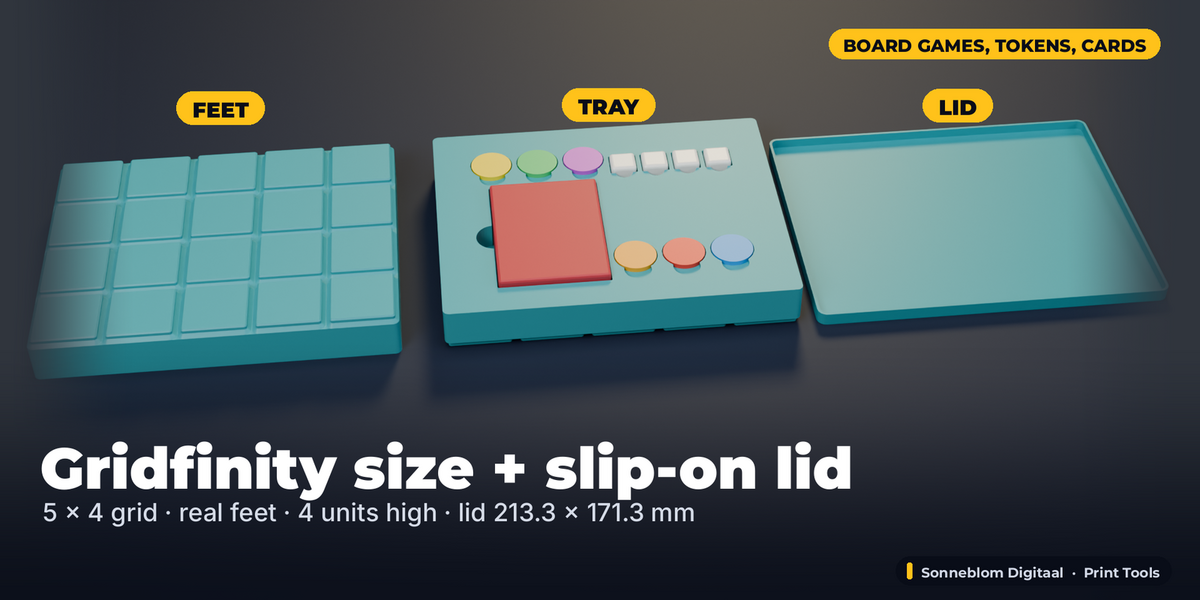
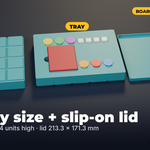
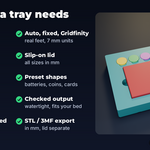
- Tray size: Auto, Fixed (your box or drawer size) or Gridfinity (42 mm grid, real Gridfinity base profile under every cell, height in 7 mm units)
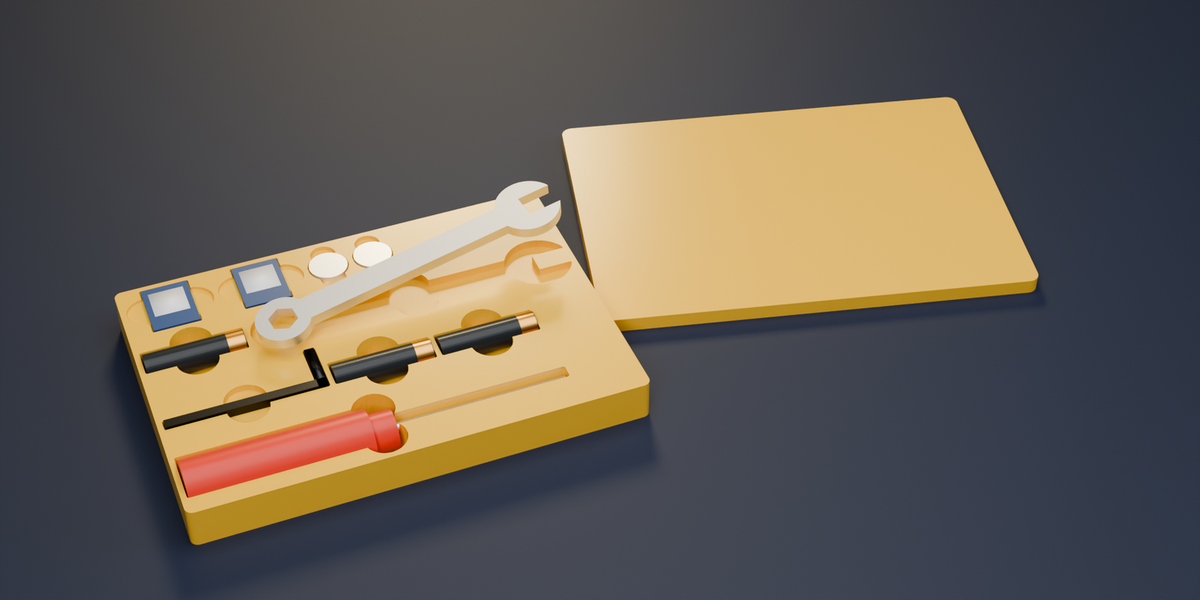
- Slip-on lid with its own clearance, top, skirt and wall in mm
- Add Shape presets: AA, AAA, 18650, CR2032, 25 mm token, 16 mm die, sleeved card deck, SD, microSD, 1/4 in hex bit, or a custom box / round / lying cylinder / hex
- Checked output: the panel shows size in mm, pocket depths, watertight (0 open edges, 1 shell), volume and whether it fits your print bed
- Warnings when pockets merge or a wall between pockets is thinner than 1.2 mm
- Export STL (one file per part) or 3MF (tray and lid as separate objects), always in mm
- Live: every setting on the tray, F9 / Adjust Last Operation, Ctrl+Z, Reset Settings
How to use
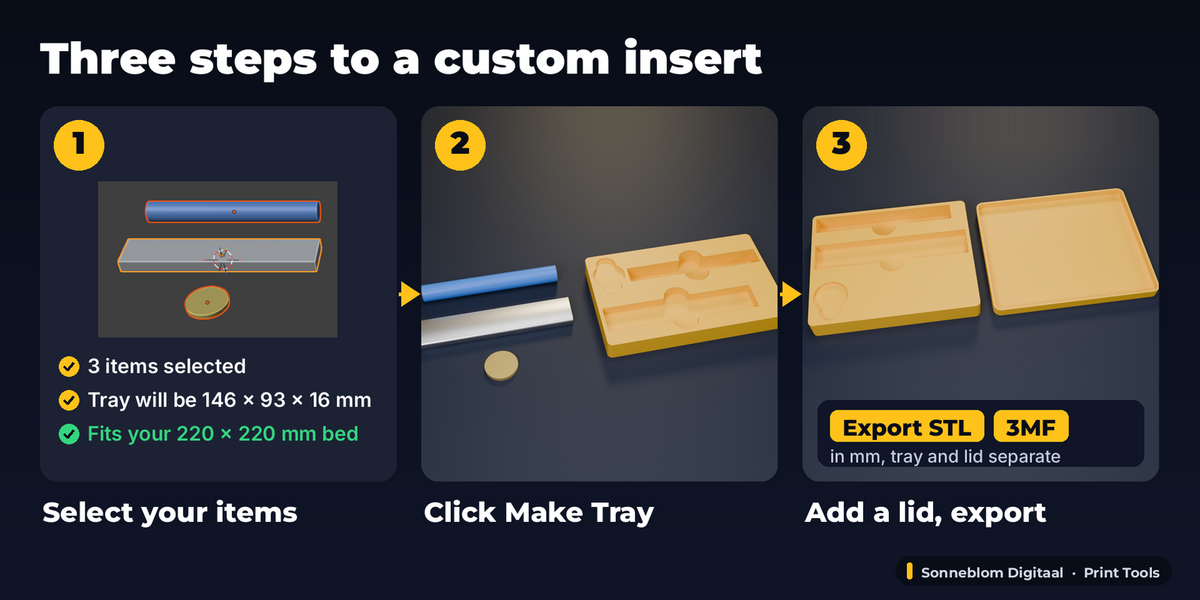
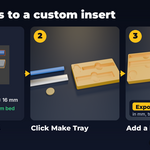
- Lay your items flat the way they should sit in the tray (or add stand-ins with Add Shape).
- Select them and open the Pockets tab in the 3D Viewport sidebar (N). The panel already shows the tray size and whether it fits your bed.
- Click Make Tray from Selected.
- Tweak clearance, depth, notches, size or lid in the panel: the tray rebuilds in place.
- Click STL or 3MF under Export and print.
Compatibility
Blender 4.2 LTS or newer, tested on 4.2 LTS and 5.2 LTS. Extension zip and legacy add-on zip included. Pure Python, no extra downloads.
Good to know
- Pockets are straight-walled cut-outs of the outline seen from above (like foam inserts), not a 3D imprint of the item's underside: lay round or tapered items the way they should sit.
- Each pocket has one flat floor. Its depth comes from the item's height (or your fixed depth); items whose pockets touch become one pocket with the deeper floor.
- Arrange packs pockets in rows by their bounding boxes; it does not rotate items. Rotate an item (R Z 90) and the tray follows, or use As placed for full control.
- The Gridfinity option makes the 42 mm grid footprint and the standard base profile; it has no stacking lip and no magnet holes.
- The lid is a simple slip-on cover that prints open side up; it has no hinge or latch.
- Very detailed items are handled (a 250k-triangle scan rebuilds in under 2 seconds here); the outline is traced on a fine grid (about 0.04-0.25 mm, depending on the tray size), so a pocket can be up to one grid step roomier than the clearance, never tighter.
- A flat item (a 2D curve or text without extrusion) gets the minimum 0.4 mm pocket: give it thickness or set Pocket depth to Fixed. Text Extrude grows both ways, so Extrude 2 is a 4 mm thick item.
- With Gridfinity size the outer wall and the notches are inside the 42 mm grid, so a 120 mm part needs 4 cells (167.5 mm).
Support
Questions or a bug? Use the Superhive product page messages and we reply within a day.