Cut-Out Organizer & Insert Maker
 Sonneblom Digitaal
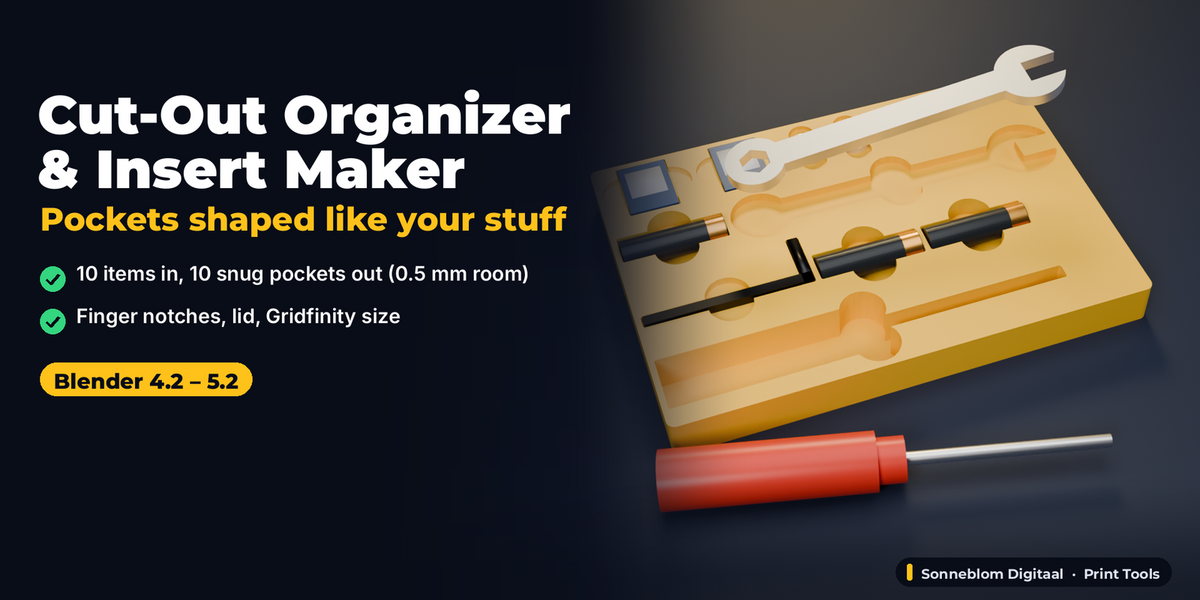
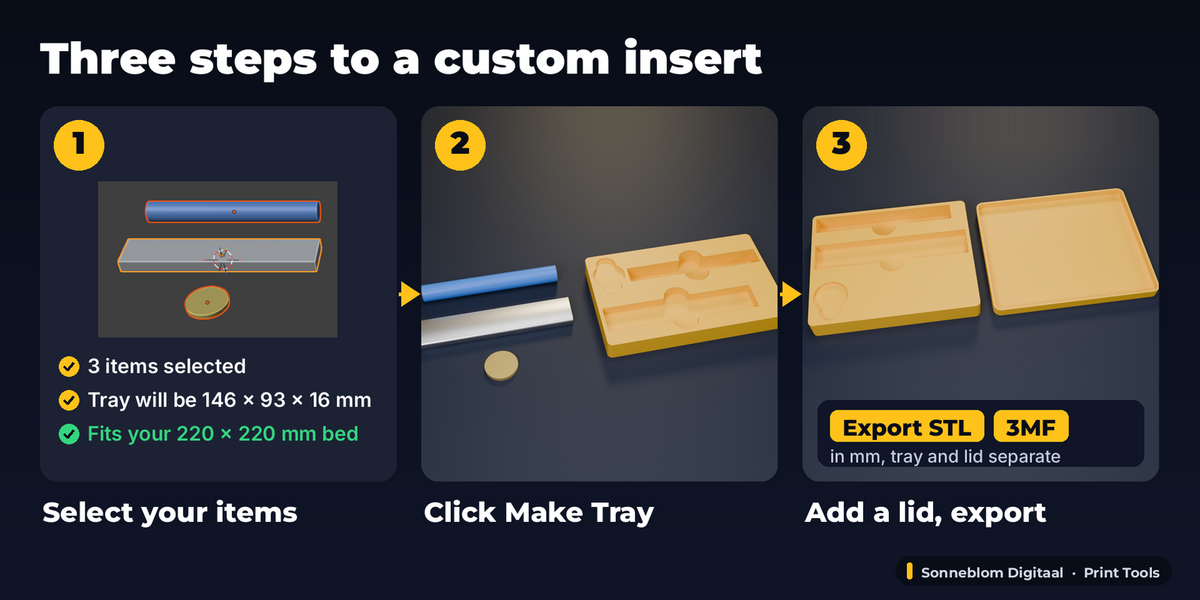
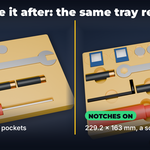
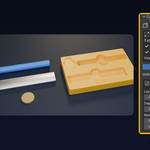
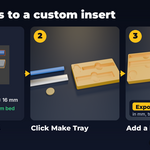
Yes. Import the STL (File > Import > STL), lay it flat the way it should sit, select it and click Make Tray. Any mesh works, including dense scans (a 250,000-triangle mesh rebuilds in under 2 seconds on a small server). Keep Unit = 1 mm for STL files.
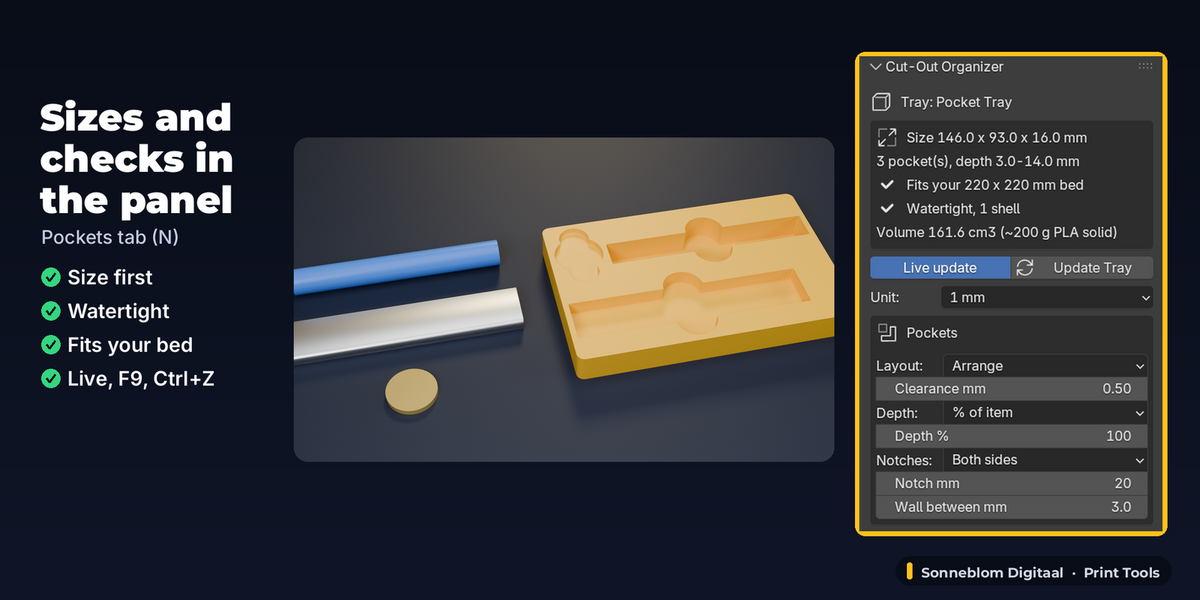
The pocket wall is never closer to the item than the Clearance (default 0.5 mm), also at sharp corners; because the outline is traced on a fine grid it can be up to about 0.1 mm roomier on a typical tray. Our tests measure the gap at the corners of boxes, a 20 degree wedge and cylinders at 0.3, 0.5 and 1 mm. For most FDM printers 0.3-0.6 mm is snug; raise it for loose parts.
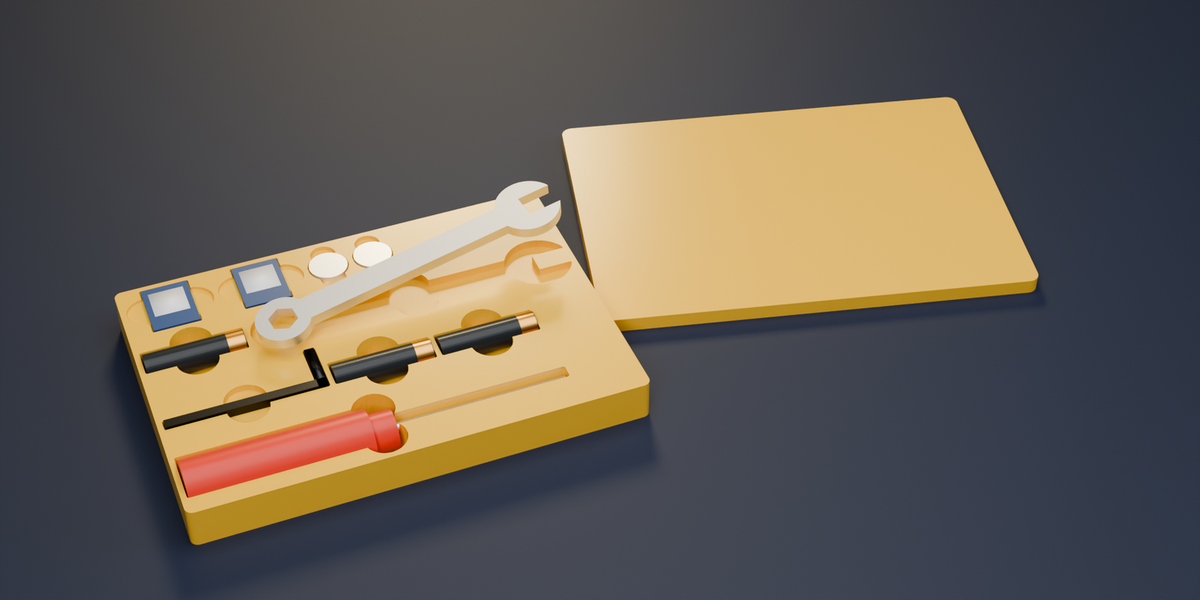
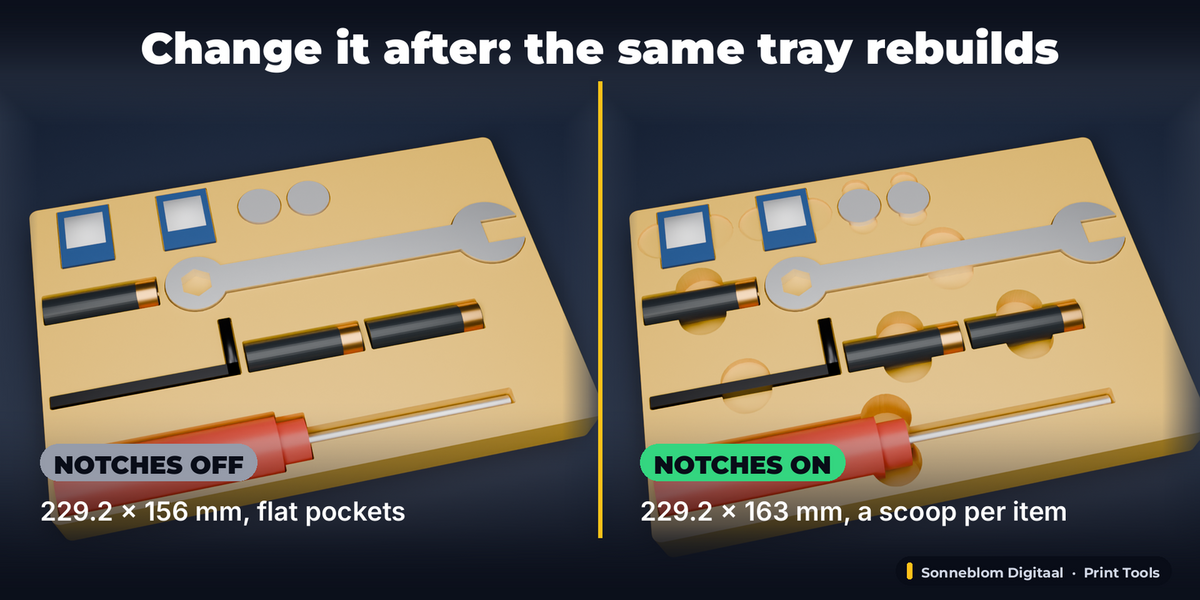
Yes. All settings live on the tray: change clearance, depth, notches, size, height or the lid and the same tray rebuilds in place. Move or rotate an item and its pocket follows. F9 adjusts the last Make Tray, and Ctrl+Z works for every change.
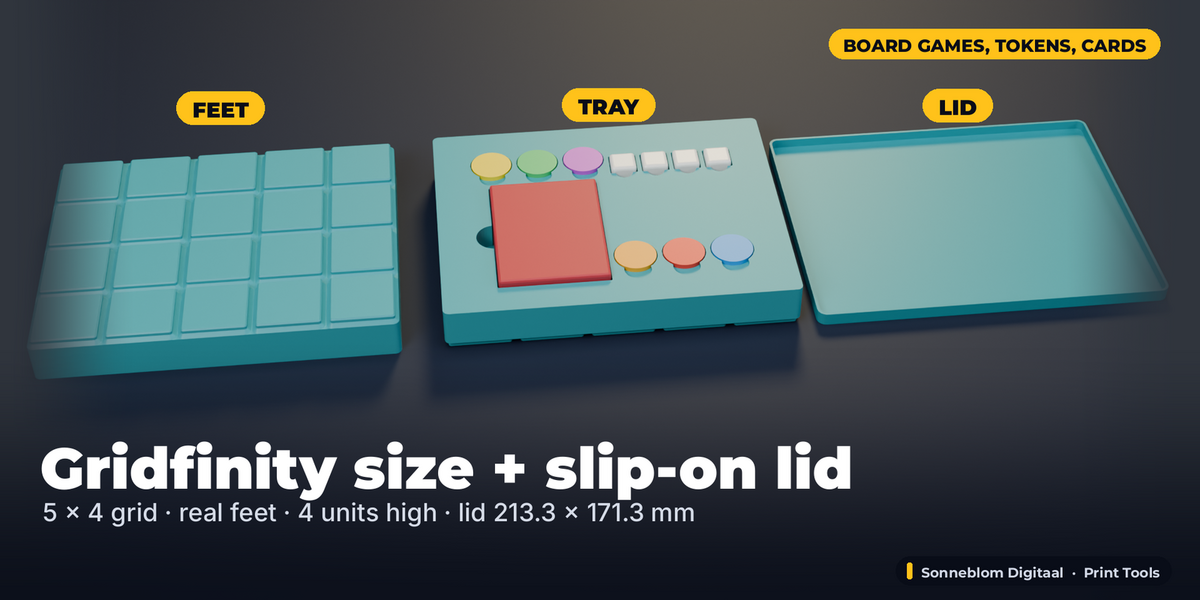
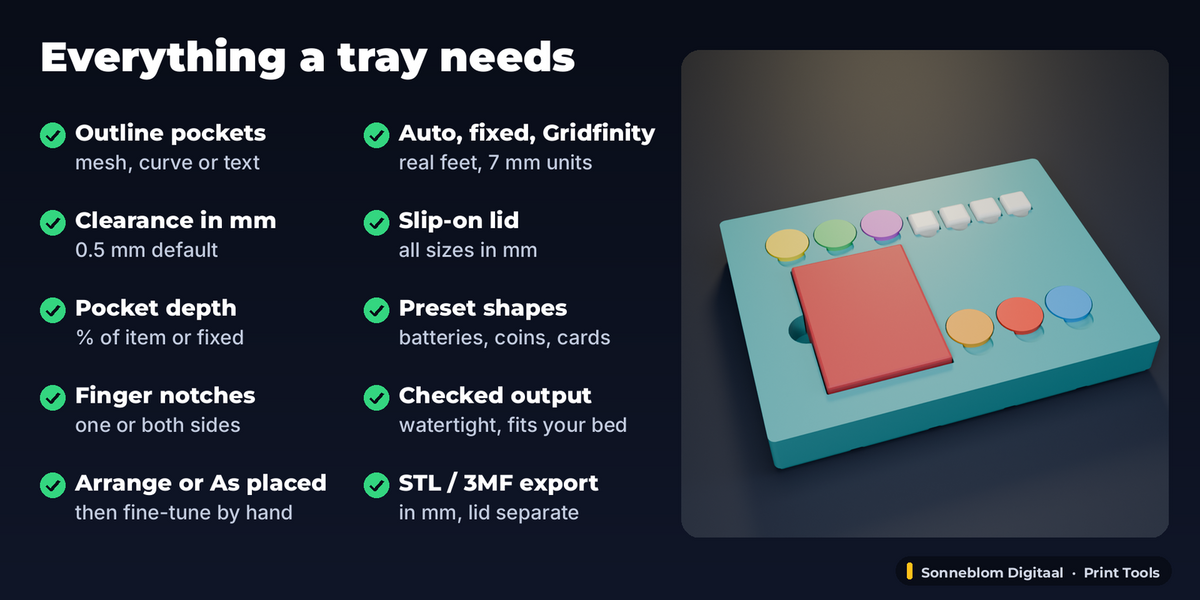
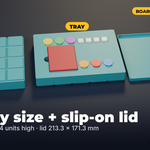
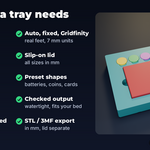
Set Tray size to Gridfinity: the footprint snaps to the 42 mm grid (41.5, 83.5, 125.5 mm...), every cell gets the standard Gridfinity base profile so it sits in any baseplate, and the height rounds up to 7 mm units. There is no stacking lip and no magnet holes.
The tray is built as one solid from walls and flat caps (no booleans) and checked in code: the panel shows 0 open edges and 1 shell, and the exported STL/3MF has outward normals. Our tests check this for every combination of size mode, notches, lid and layout.
With Arrange the pockets are always Wall between mm apart. With As placed, items whose pockets come closer than twice the clearance merge into one pocket, and the panel warns when a wall between pockets is thinner than 1.2 mm, so you know to move them apart.
Set Unit to 1 m, 1 cm, 1 inch or Scene before (or after) making the tray. The tray, panel and exports are always in mm, and the unit you pick stays on the tray when you change it later.
A boolean cuts the item's exact 3D shape, needs a clean closed mesh and gives no clearance, notches or tray. This add-on uses the outline seen from above with a real clearance offset, so dense, open or messy meshes work too, and you get the whole printable tray with notches, lid and Gridfinity size in one click, still editable afterwards.
Have questions about this product?
Login to message
| Blender Extension Compatible | Yes |
| Published | about 10 hours ago |
| Blender Version | 4.2 - 5.2 |
| Extension Type | Add-on |
| License | GPL |
Discover more products like this
Tray 3d printing STL Insert board game gridfinity storage organizer