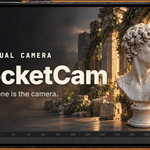
PocketCam: Virtual Camera
 Lewis Martin
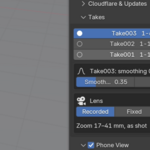
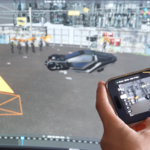

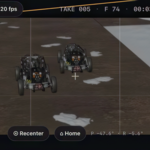
Yes! Right here:
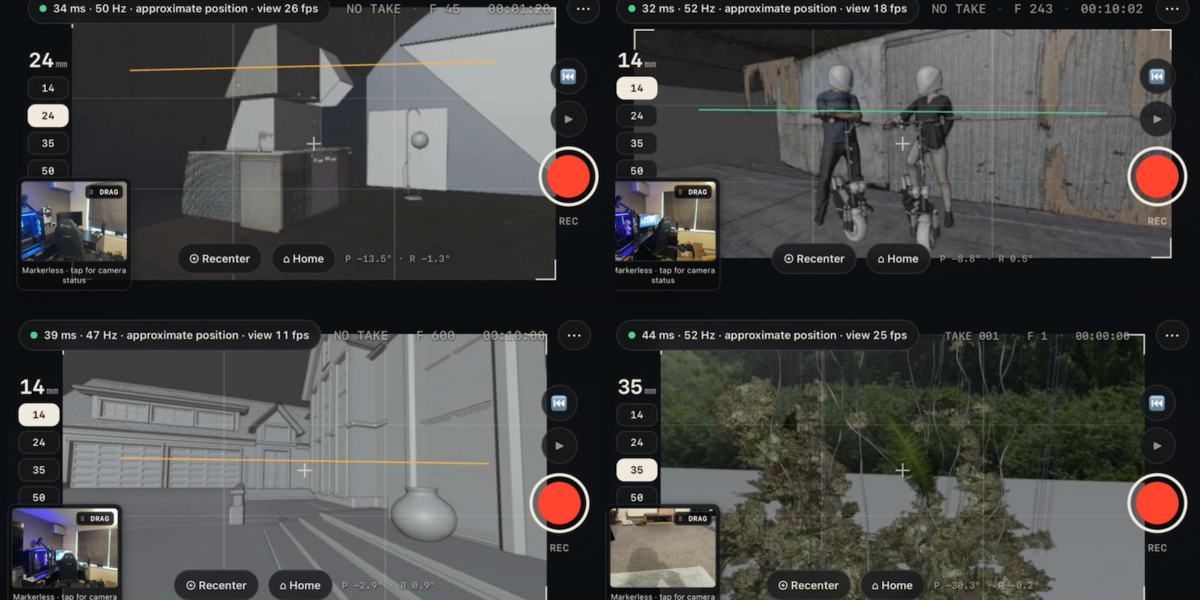
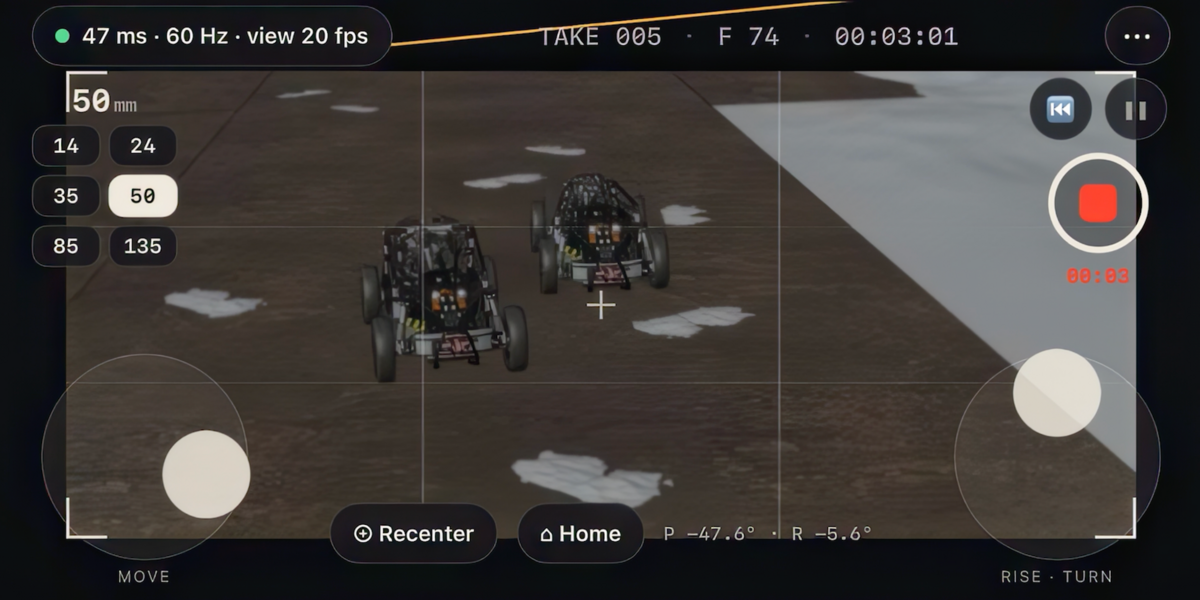
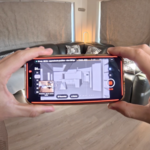
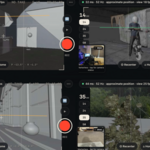
If the frames per second are low on the video link between your phone and Blender Scene, you can try these things:
- Ensure the FPS settings in the Add-on User Interface are set to 30fps (Phone View > Frame Rate)
- Check your internet connection is working
- Re-connect using a new QR connection (Add-on UI > Quick Start & Help > Support and Diagnosis > Make New Pairing Code > then simply reconnect the phone again using the newly generated QR code)
- Turn down the Quality Setting of the Video Stream (Phone View > Quality > Try 20-30)
- Reduce Video Stream Resolution (Phone View > Size > Low, Medium)
Have questions about this product?
Login to message
| Blender Extension Compatible | Yes |
| Sales | 10 |
| Dev Fund Contributor | |
| Published | about 10 hours ago |
| Blender Version | 4.2 - 5.2 |
| Extension Type | Add-on |
| Render Engine Used | Blender-Internal, Cycles, Eevee |
| License | GPL |

Discover more products like this
virtual camera cinematography camera camera shake motion capture virtual production previs camera animation iPhone animation handheld camera Camera Tracking