 Lewis Martin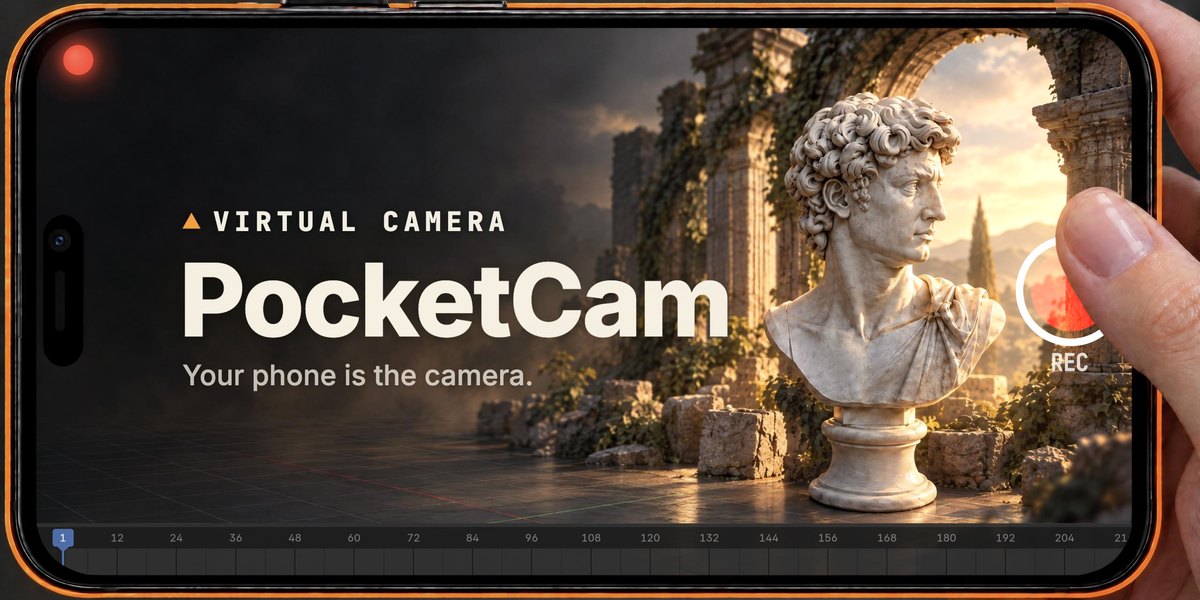
A Full 6 DoF Virtual Camera
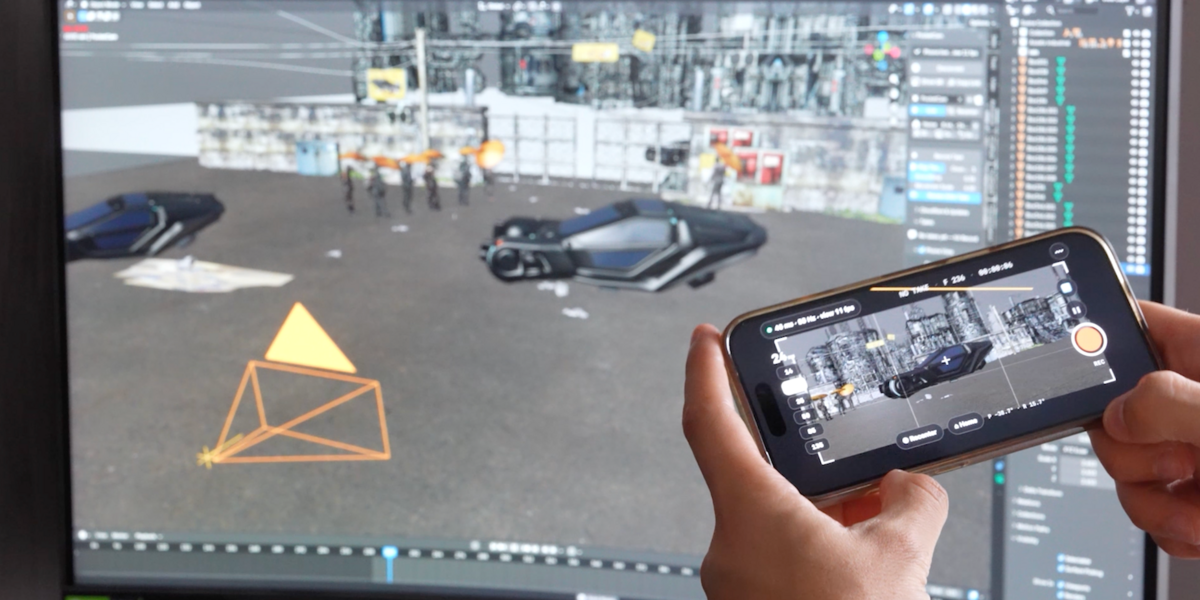
Hand-keying camera moves glide like they're on rails. Real cameras breathe, drift, overshoot and settle, and those tiny imperfections are what make an audience believe a shot was filmed, not animated. PocketCam gives you that in one take, in real time, with your own hands.
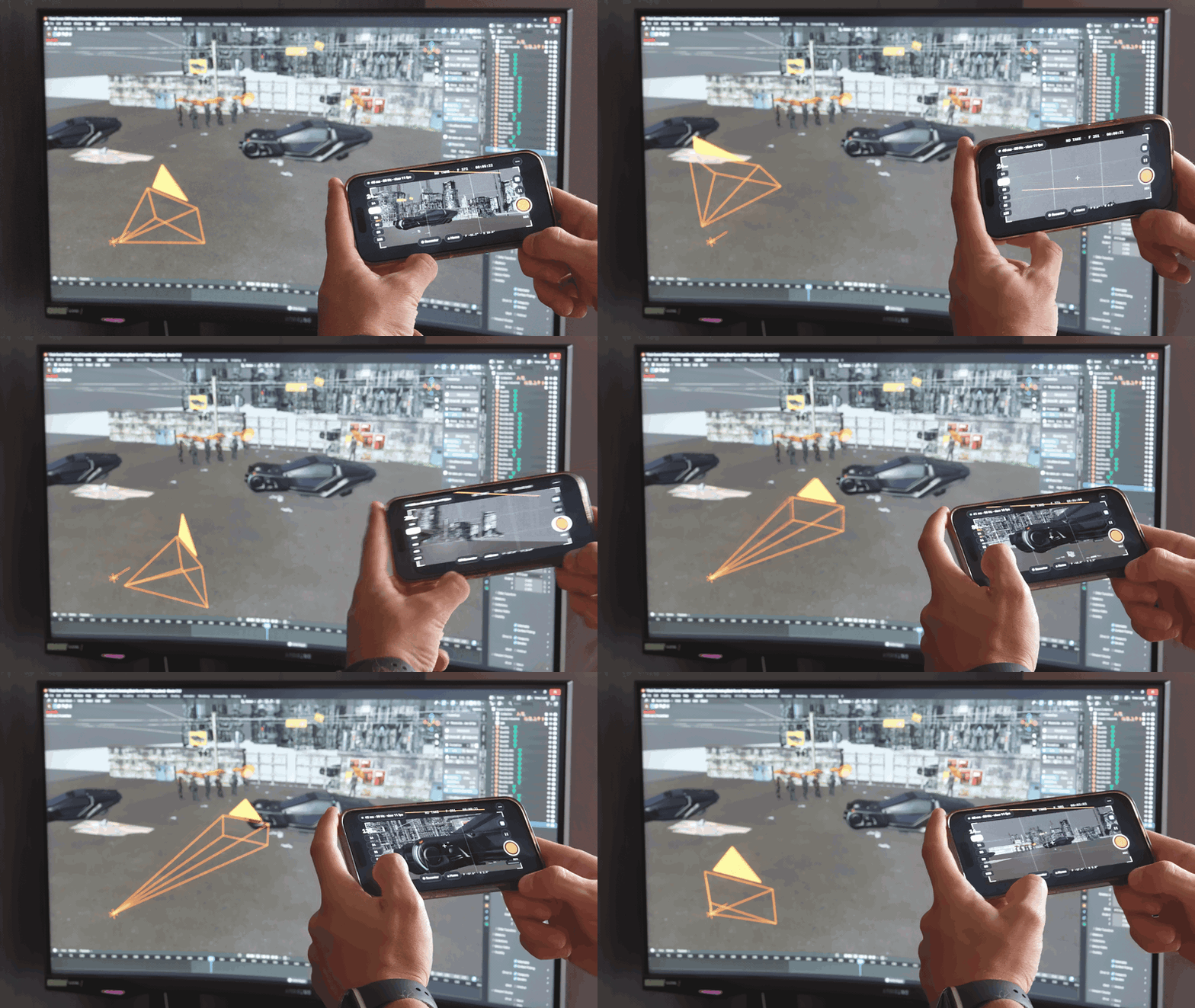
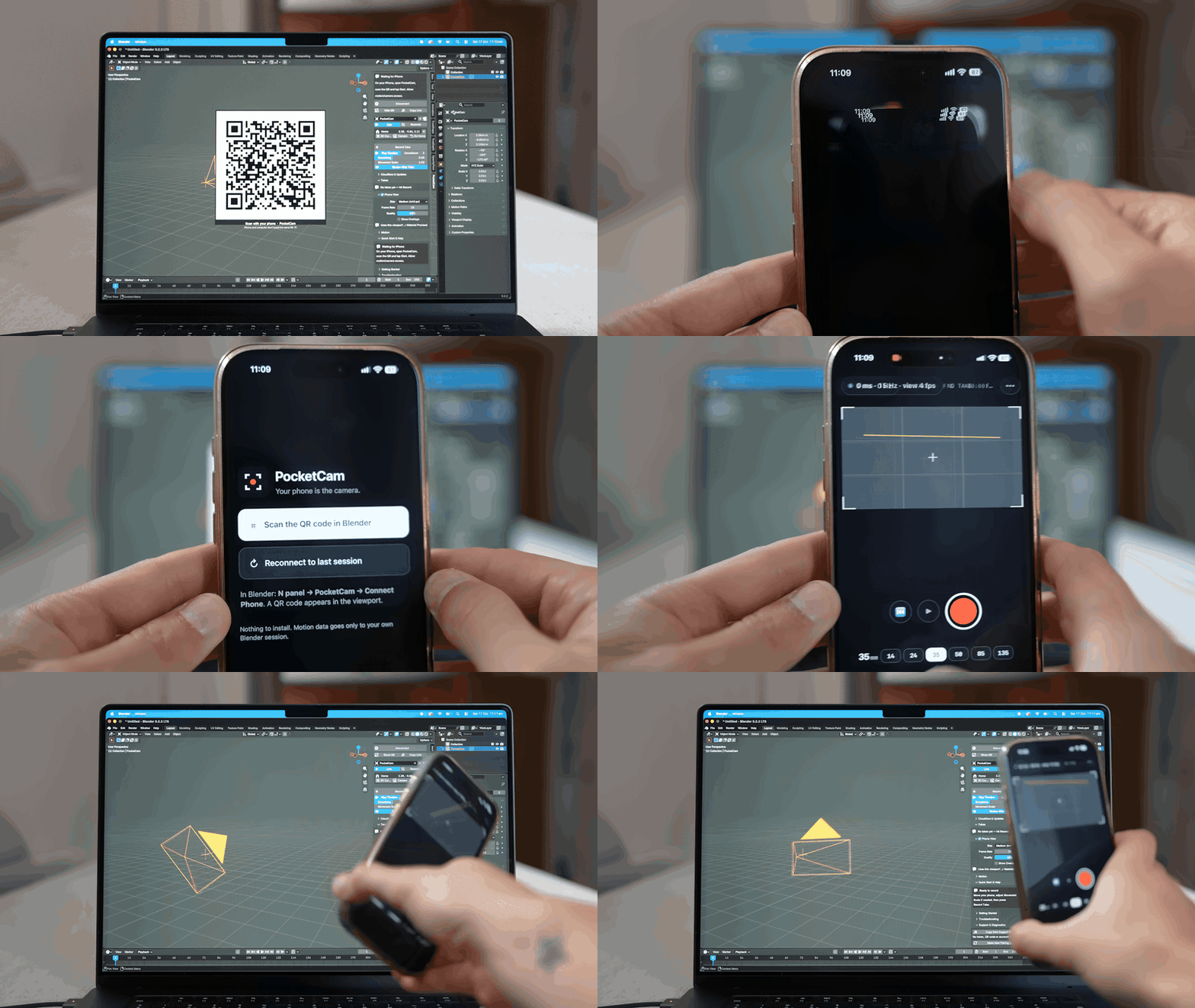
Scan. Move. Record.
Full 6 DoF Camera Tracking

Everything a camera operator needs
Every feature below is in every version, except walk-around movement.
See the shot, live, on your phone
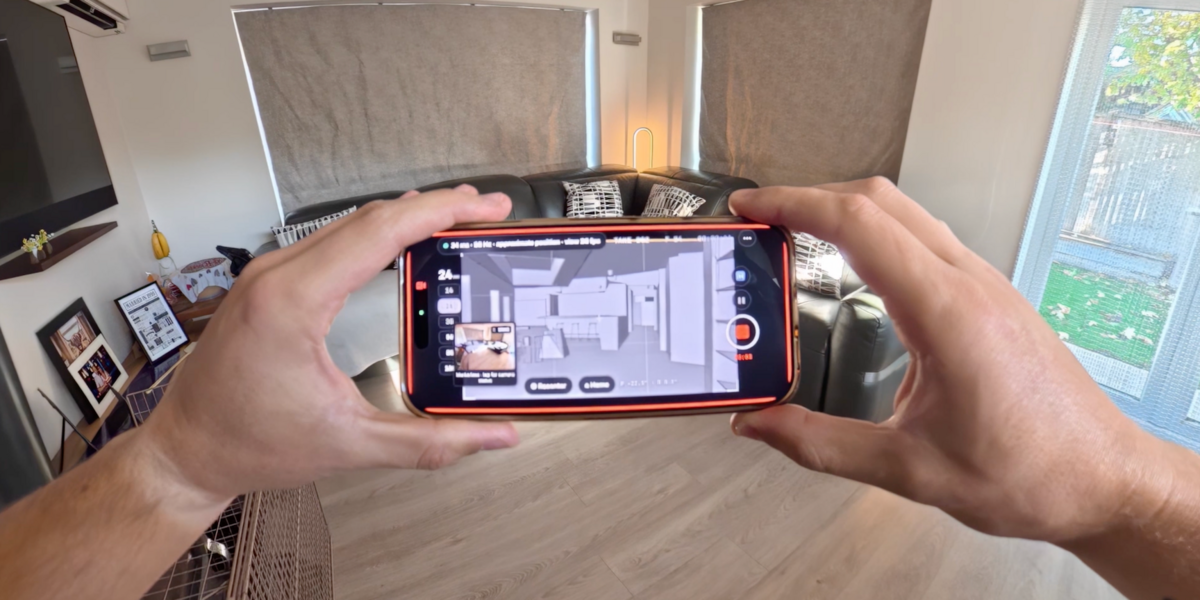
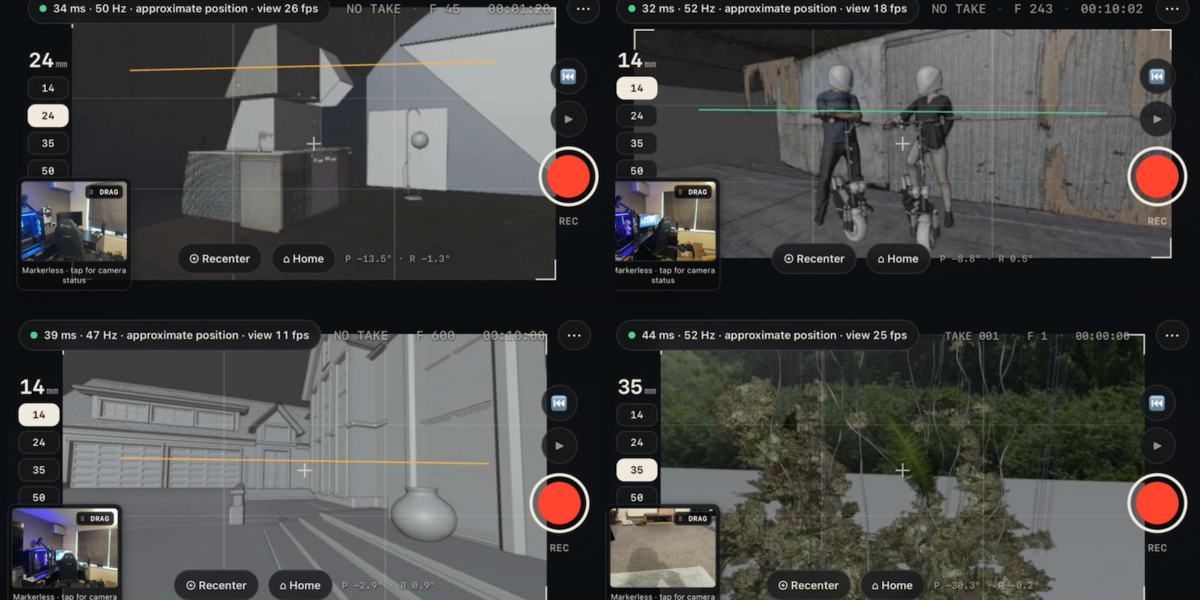
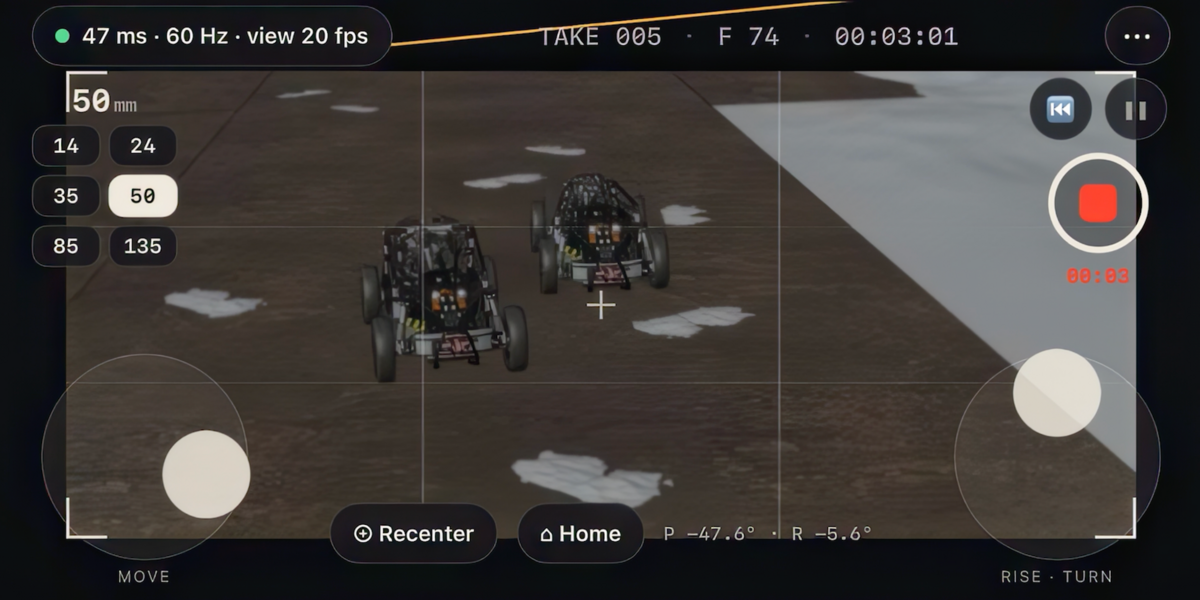
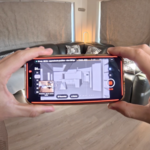
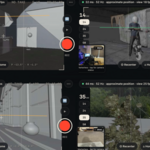
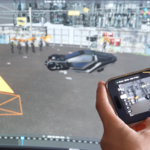
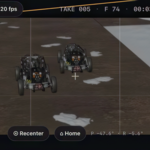
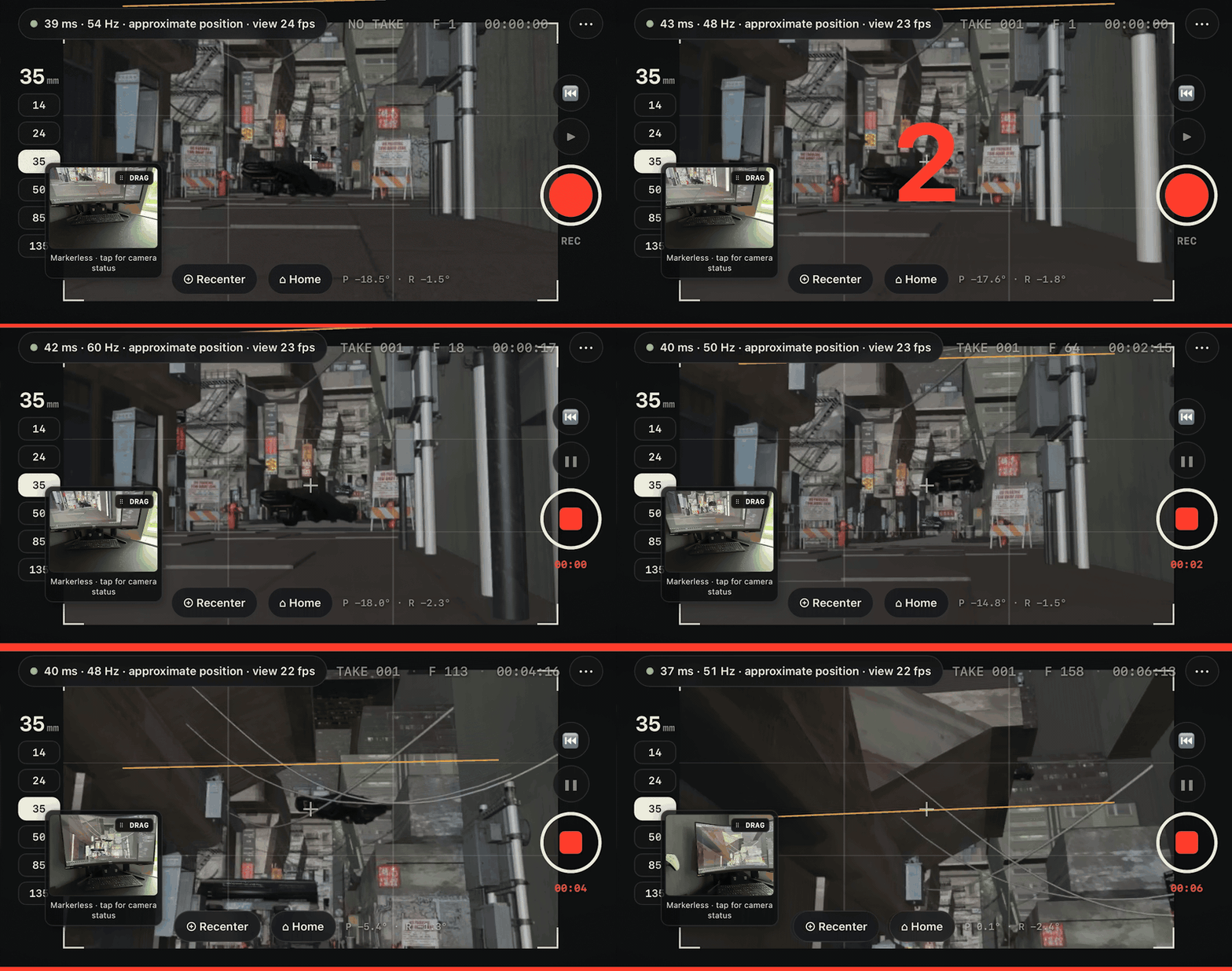
Blender renders your camera's view and streams it straight to your phone, so you frame by looking at the phone in your hands, like a real camera.
It renders inside Blender instead of recording your screen, so there are no macOS permission prompts and no black screens. Choose the size, frame rate and quality to suit your connection.
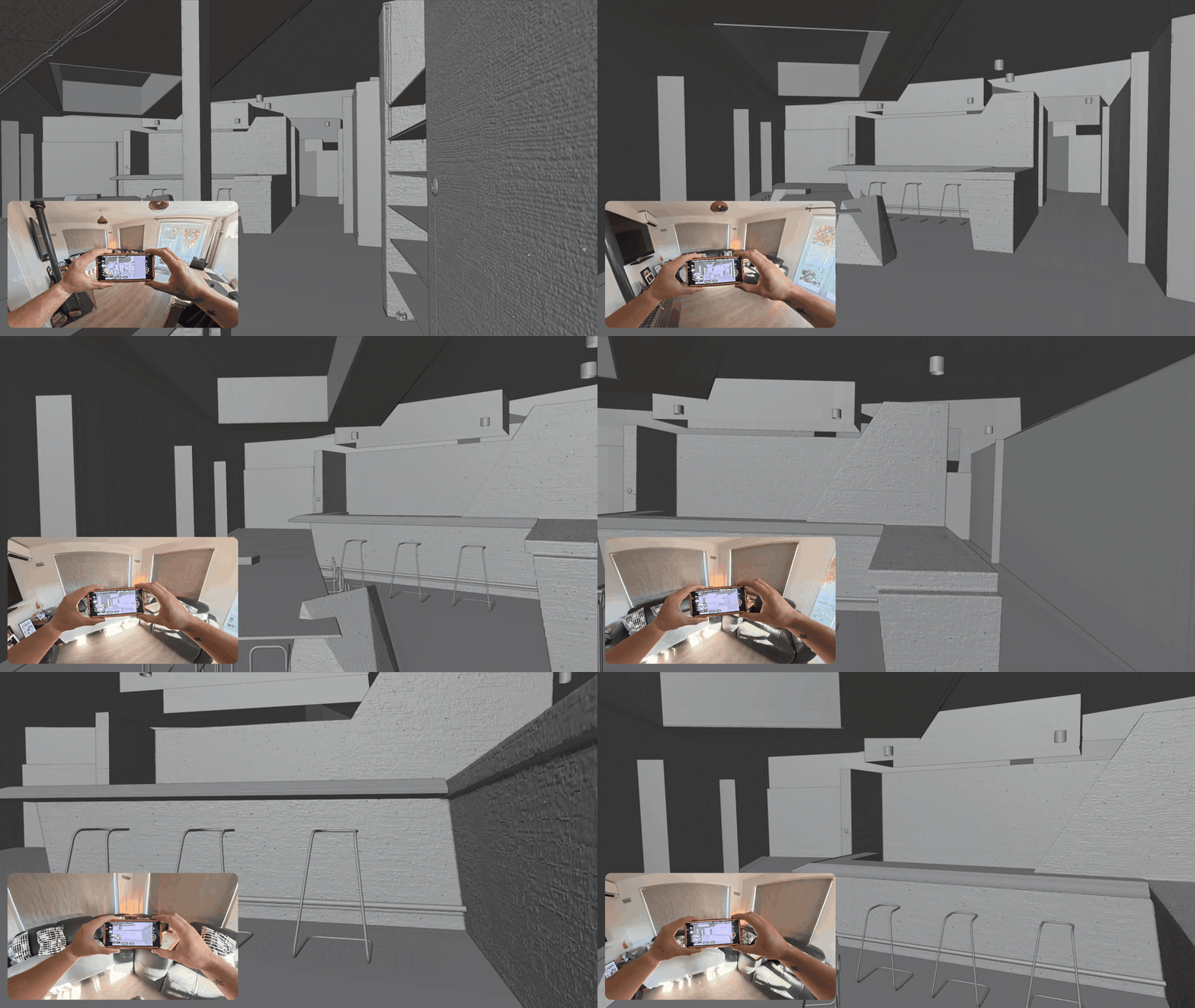
Walk around your scene
Step forward for a push-in, walk an arc for an orbit, crouch for a low angle. On iPhone, PocketCam tracks your movement with the phone's camera and motion sensors. On Android, it uses Google's ARCore.
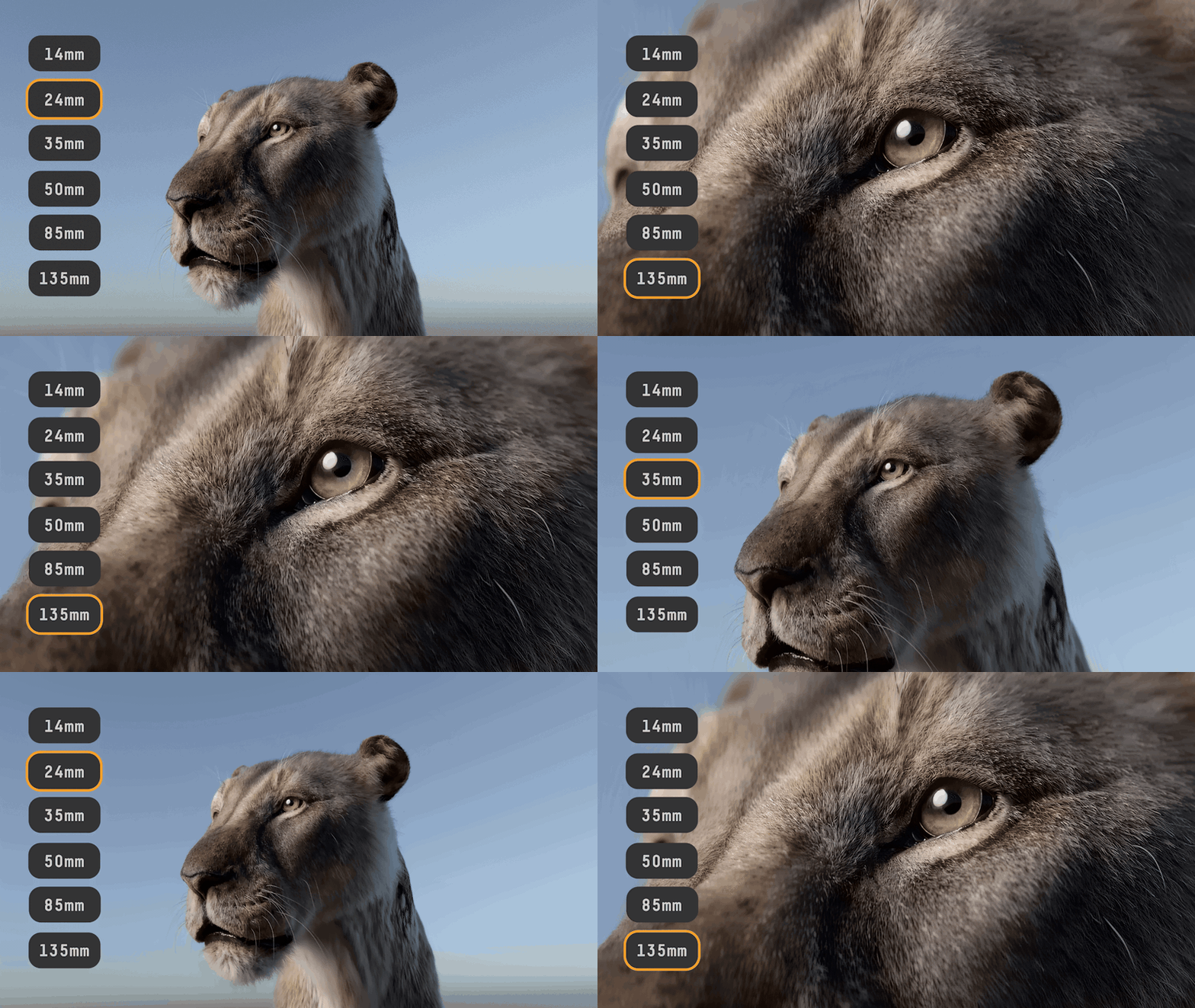
Real lenses, real zooms
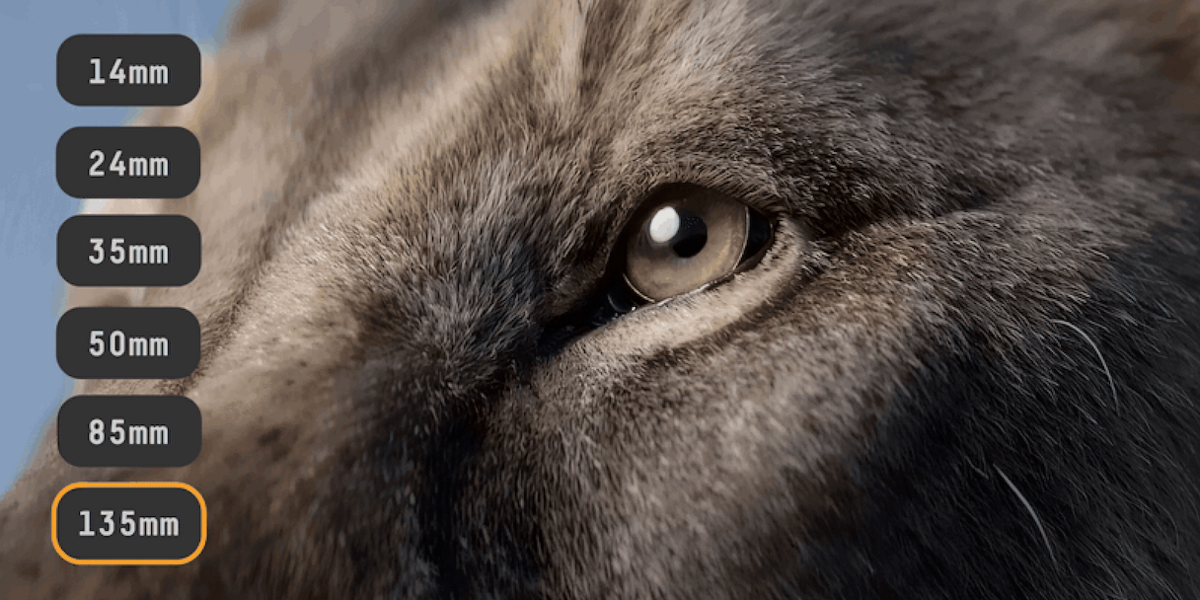
Tap between six primes, 14, 24, 35, 50, 85 and 135 mm, or switch to the zoom wheel and roll smooth, live zooms from 12 to 200 mm with your thumb. Pinch to zoom works too.
Every focal length change is recorded with the take.
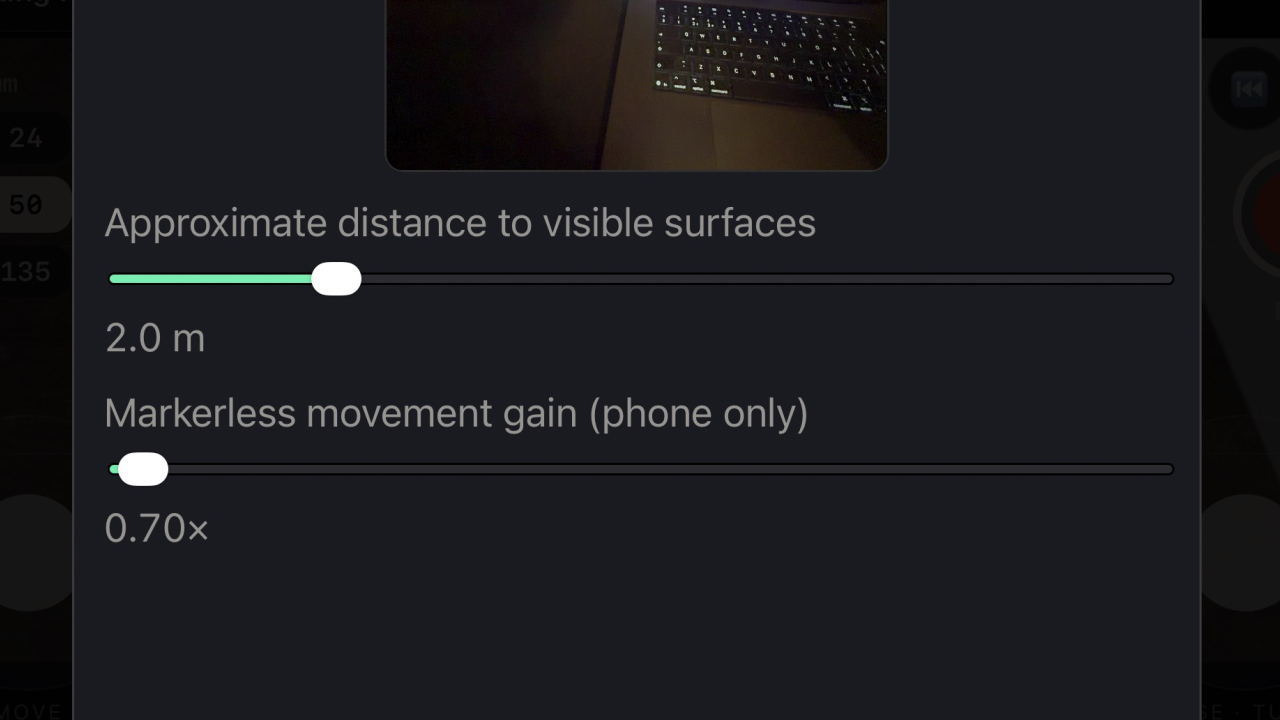
Walk a step, cover a mile
Set the Movement Scale to decide how far the camera travels for every step you take. Keep it low for small, life-sized moves around a tabletop scene, or turn it up so one step carries the camera across a city, a landscape or a whole planet.
Change it whenever you like, so the same walk across your room can be a gentle push-in on one shot and a sweeping fly-over on the next.
Takes, not tangles
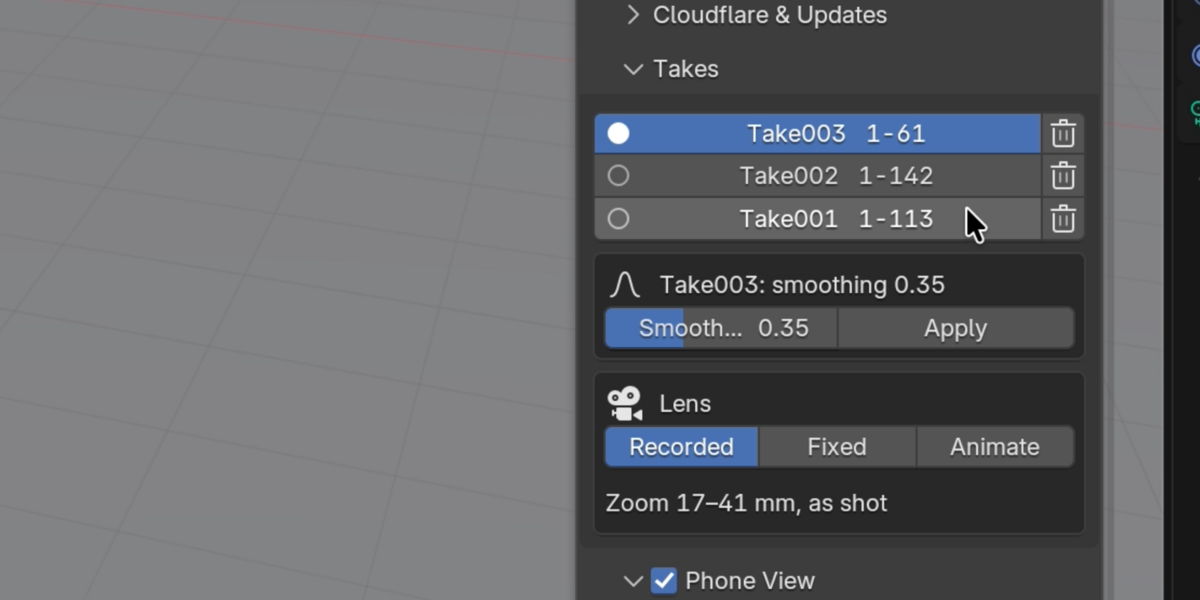
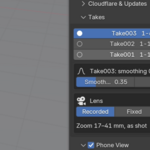
Every recording becomes its own take. Switch takes in one click, delete the duds, and keep shooting.
After each take PocketCam drops you into Review: the take plays back and its keys sit on the timeline. Your camera's original animation is set aside, never lost, even if you save mid-session. Hit record again and you're straight back to live.
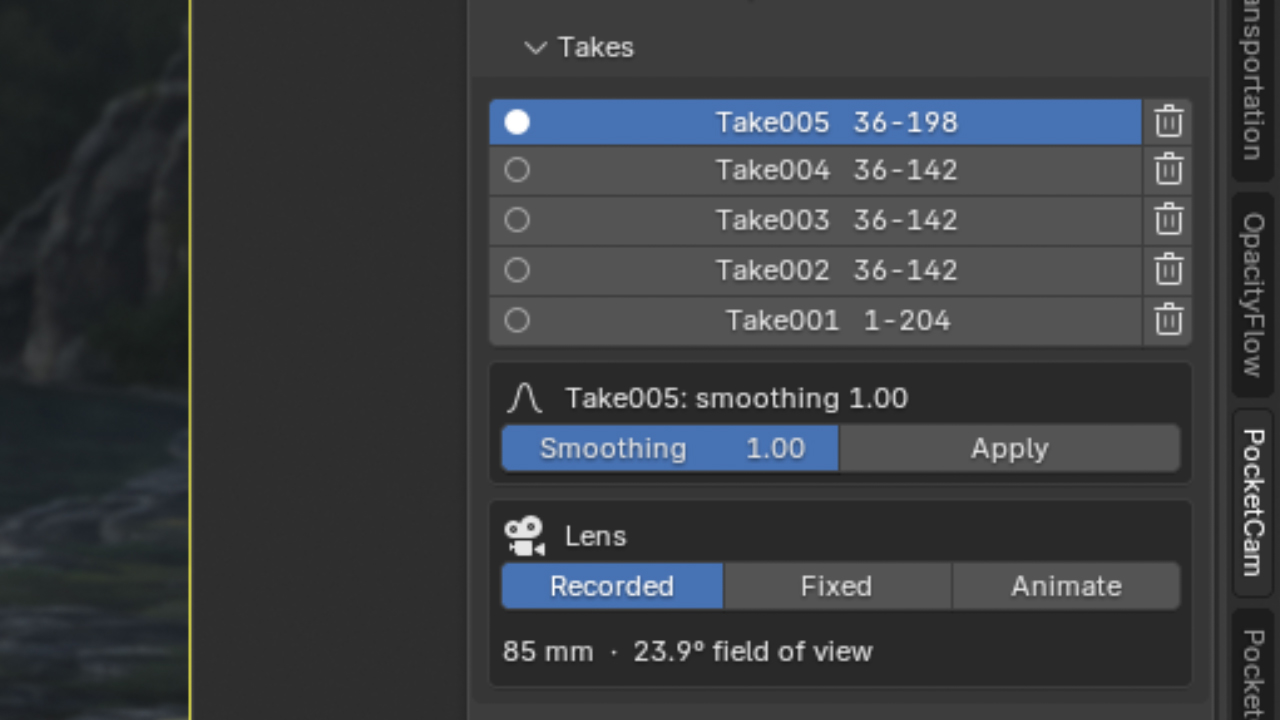
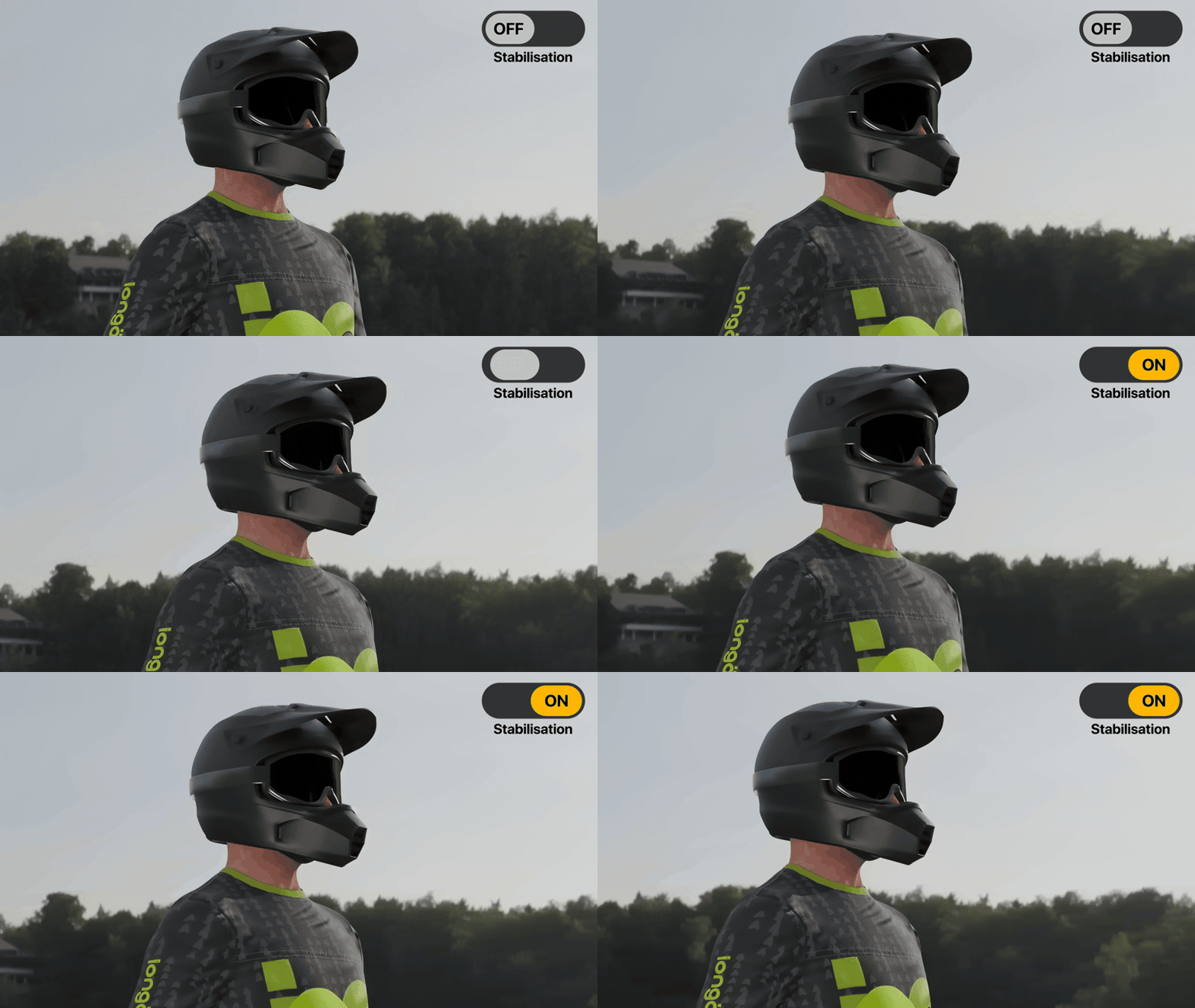
Fix it after you shoot
Great performance, wrong settings? Change them after the fact.
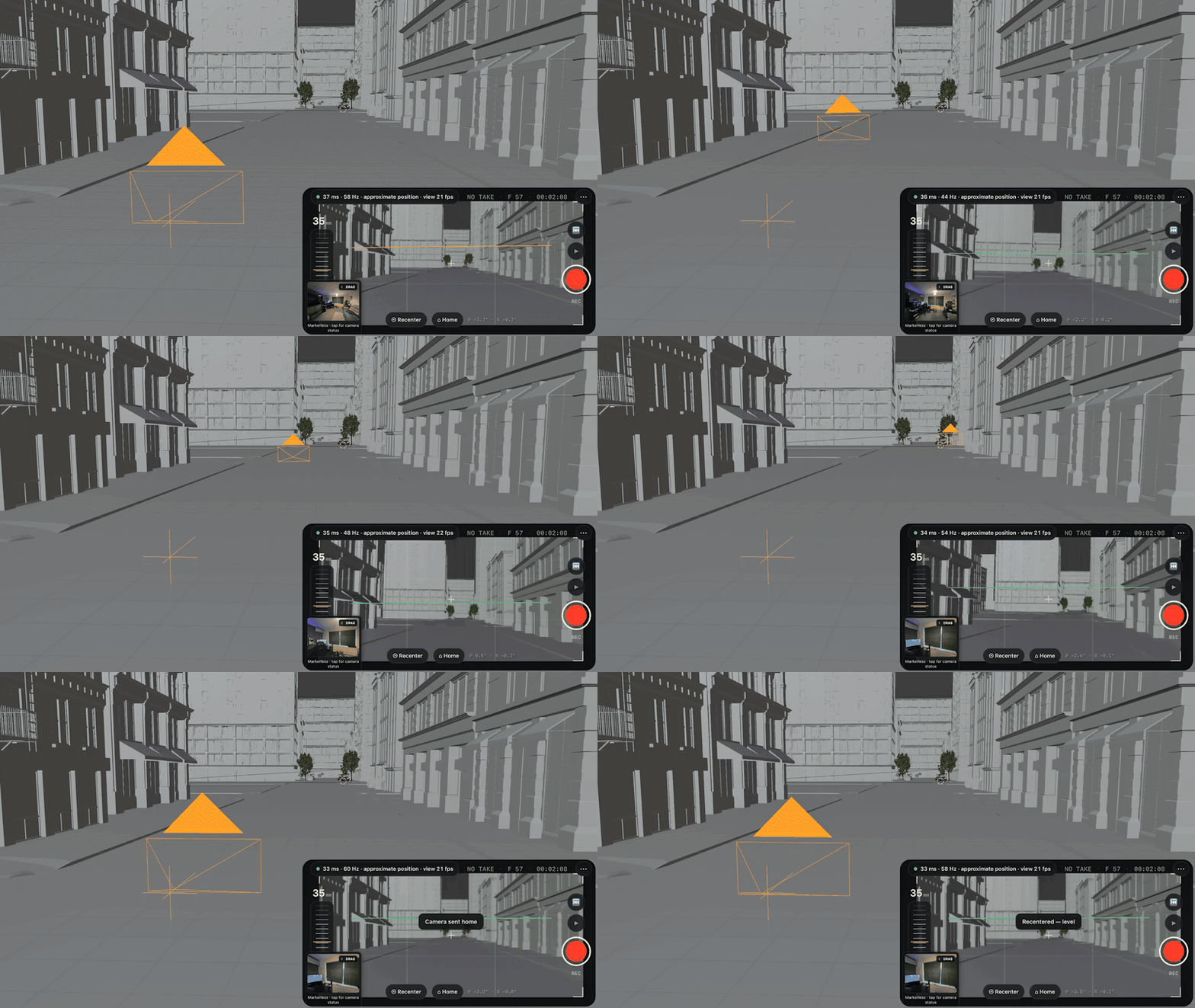
Recenter, level, Home
Tilted the phone down to see the screen? Tap Recenter and the camera snaps back to level, so you never have to film at an awkward angle.
Click to place the 3D cursor and set it as Home. Go Home sends the camera there, facing your chosen direction, from Blender or the phone for quick shot take turnarounds.
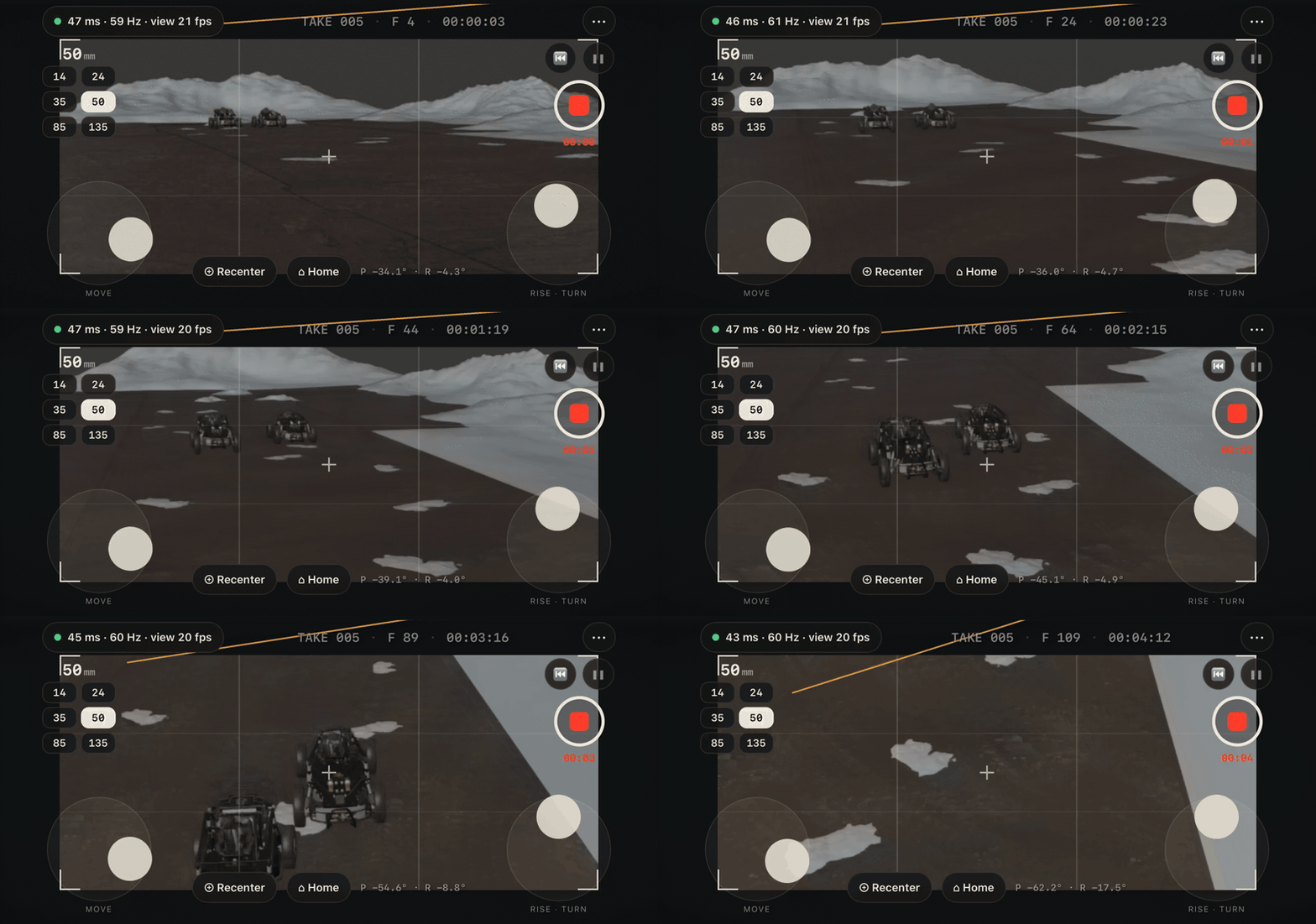
Joysticks for the moves your arms can't do
On-screen joysticks fly the camera forwards, sideways, up and around while you keep framing with the phone: crane-ups, long dollies, slow orbits.
Included in every version. No subscription.
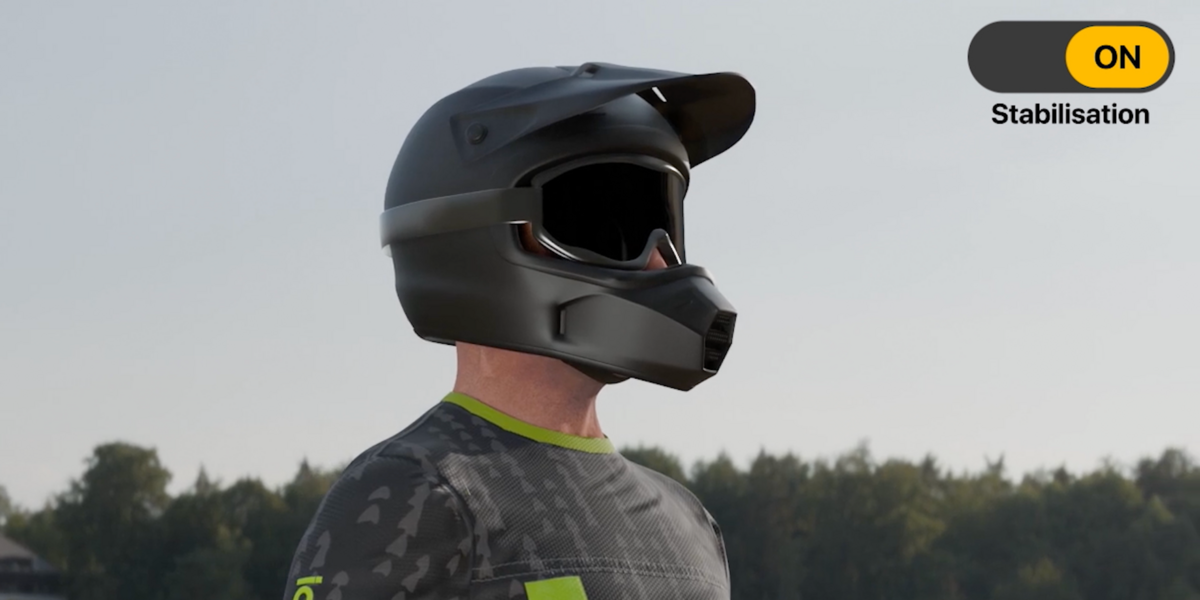
Handheld when you want it. Steady when you don't.


Six shots in your first ten minutes
Try these:
Set up once inside Blender
The first time you open PocketCam, it walks you through setup. About five minutes, once. No Terminal, no coding. From then on your phone reconnects on its own every time you use the add-on.
The frustrations, fixed
The most common complaints about phone-camera tools, and what PocketCam does instead.
One purchase. No subscription.
Every version includes commercial use and free updates for the whole 1.x line. Pick yours from the price menu on this page.
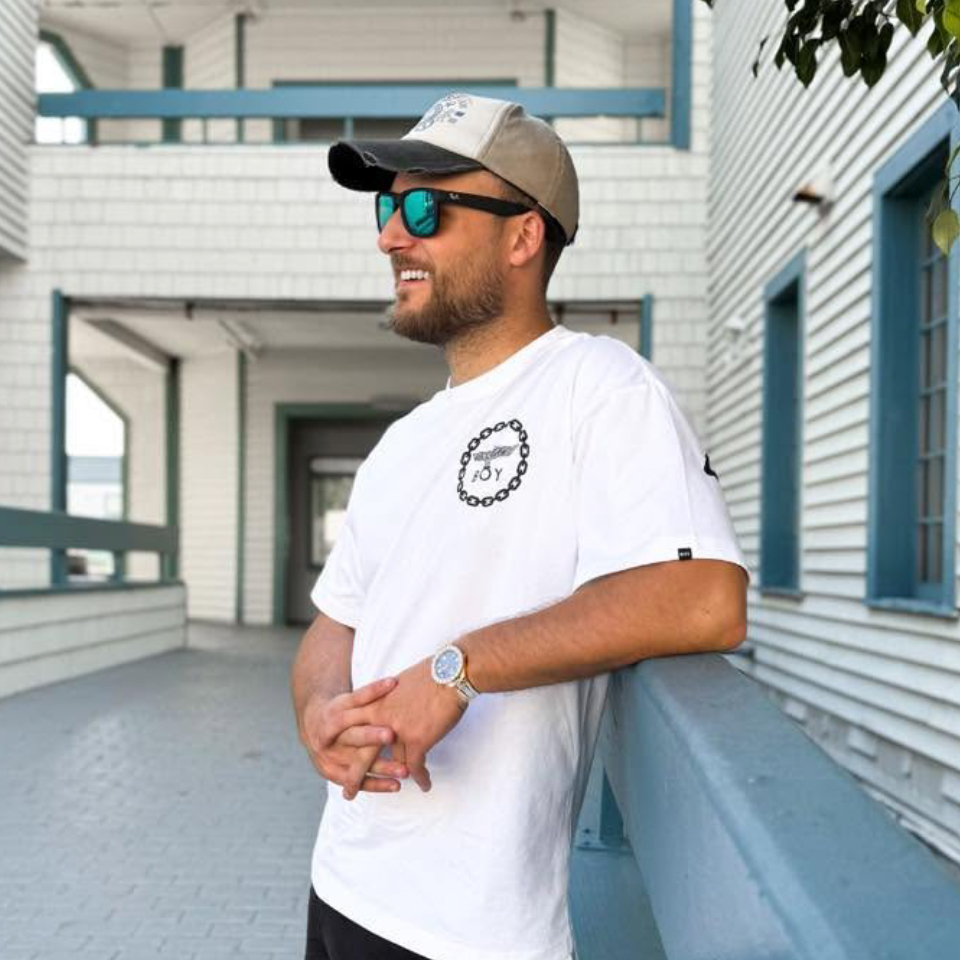
I'm Lewis Martin, for the past 14 years I've worked as a cinematographer, 3D artist, animator and VFX creator, on projects for brands including Cadbury, Hooch, Vine and 20th Century Fox. I'm also the maker of TrueDepth, CinePack, The Particle Library and TrueFire, with more than 12,700+ sales here on SuperHive.
Behind a real camera, the shots that stay with you are rarely the perfect ones. It's the small things: a breath, a slight drift, the way an operator eases into a reframe. In Blender I kept missing that, something you could never truly achieve with traditional key framing. Hand-keyed cameras looked clean but felt lifeless. So I built PocketCam to bring that feeling back: pick up your own phone and you're the camera operator inside your own scene, with a full suite of tools at your disposal.
I hope it brings a little of that cinema magic back into our work. If you have a feature request or get stuck, message me through Superhive.
We Support The Blender Foundation
1% of every PocketCam sale goes to the Blender Development Fund, which pays the developers who build and maintain Blender. PocketCam only exists because Blender is free and open to everyone, so every copy you buy helps keep it that way.
Find out more at fund.blender.org
Pick up your phone.
Your scene is waiting.
Choose your version and shoot your first take in minutes.
Some of the example scenes on this page use Blend files by William Landgren. Check out more of his work on Patreon.
