 Poly Playground

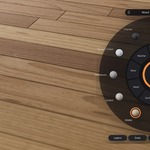
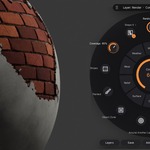

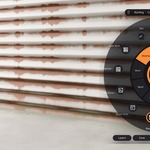

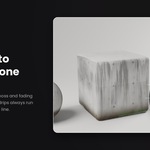
Real-world materials in seconds
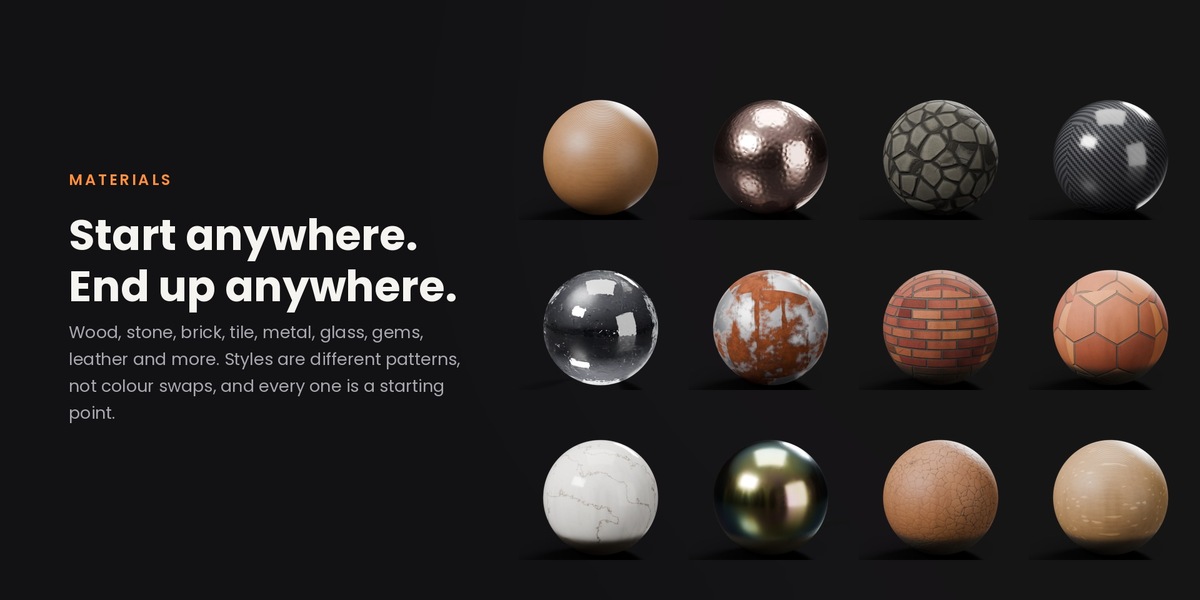
Pick a material, turn a knob, and watch it change live. Wood, brick, stone, metal, roofing, fabric, glass and more, each built from real-world detail, not a stack of random noise. No node wrangling, no texture hunting, no UV headaches.
How it works
Three steps, all inside the viewport.
Pick
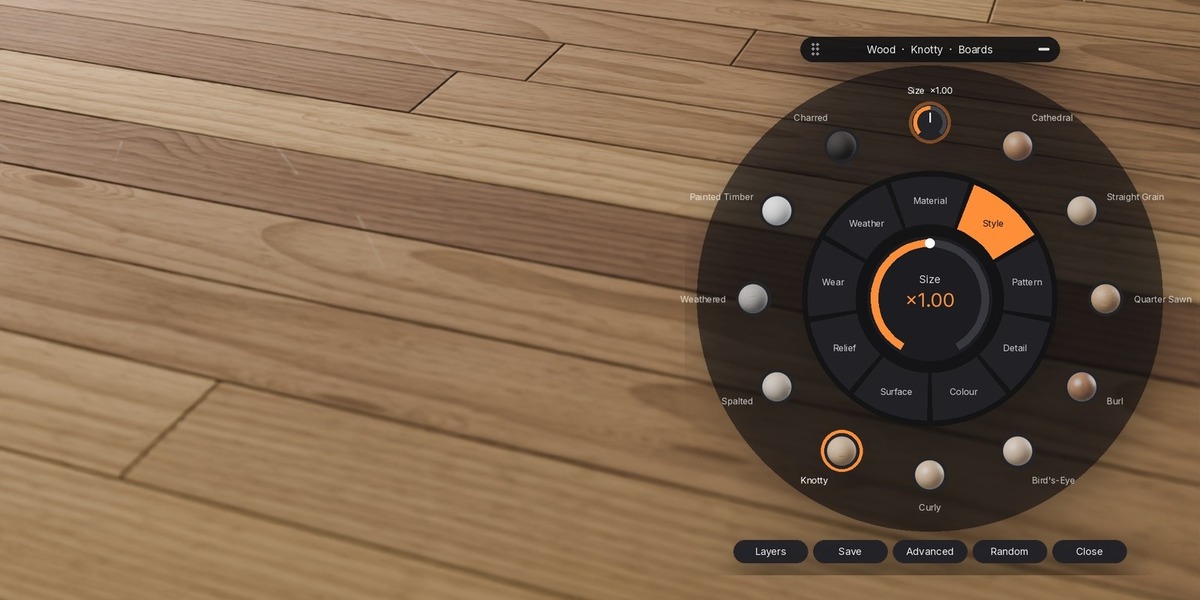
Select any mesh and open the dial. Choose a material family, then a style: Cathedral oak, Old Red brick, Colorbond steel, Spanish barrel tiles…
Turn
Drag or scroll any knob: size, colour, wear, rust, moss, depth. Everything morphs live in Material Preview and renders the same in Cycles and EEVEE.
Ship
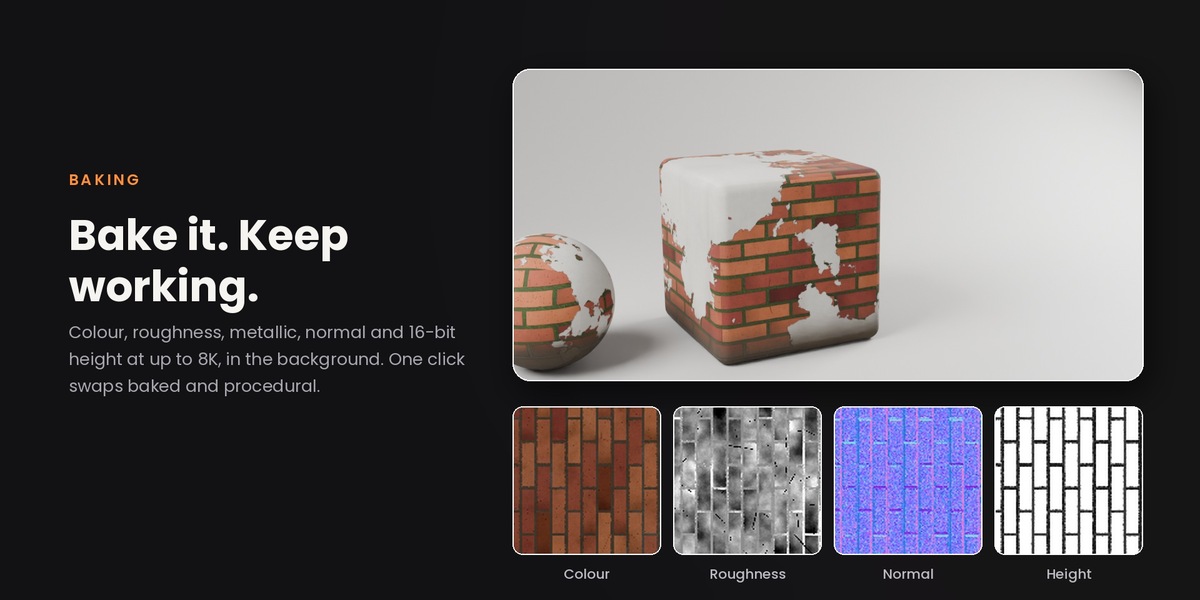
Render it as is, save it to your library, or bake it to game-ready texture maps in the background while you keep working.
Everything one flick away
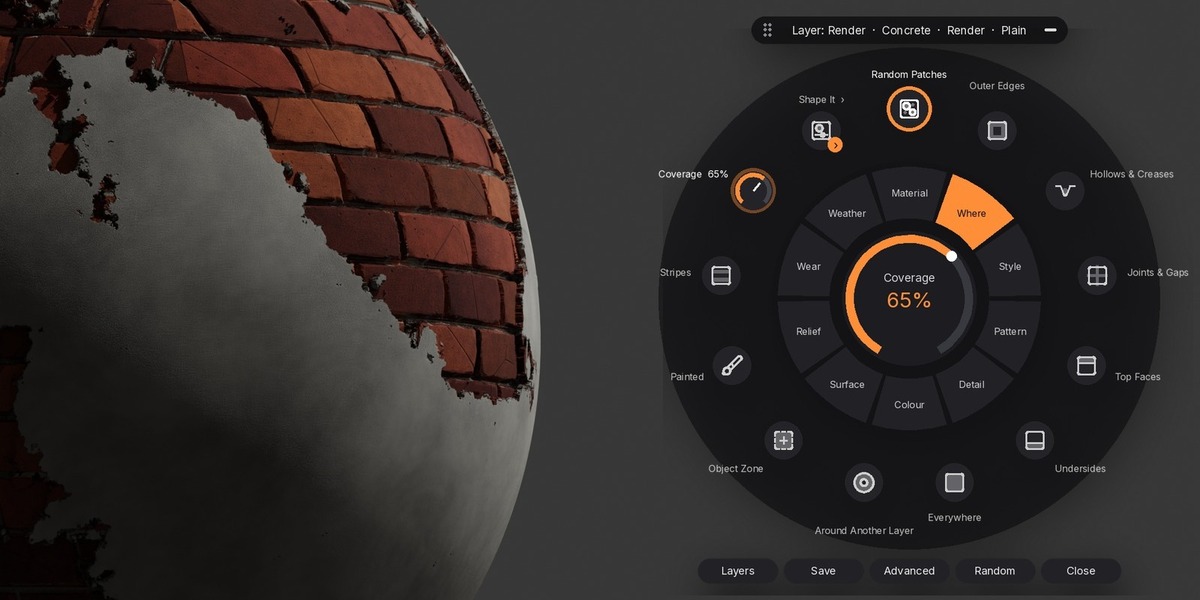
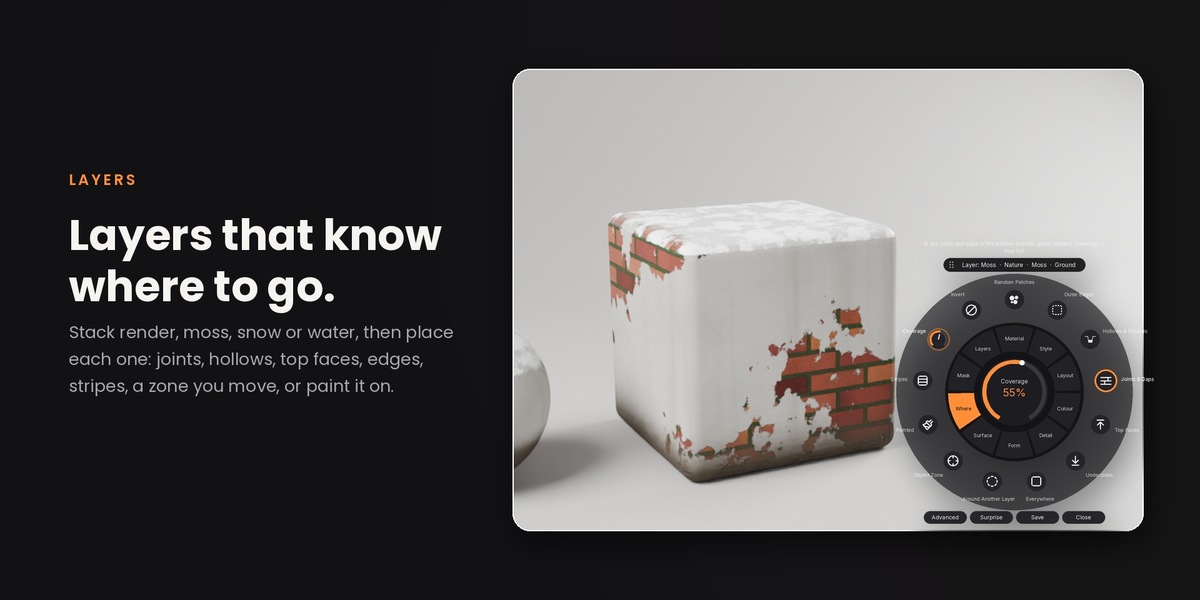
The circular dial sits right in your viewport. Pages round the ring, controls round the edge, the knob in the middle. Simple mode shows only the controls that change the look most; Advanced shows everything.
- Drag the knob, scroll, or type to search any material
- Resize and move it anywhere, or minimise it to a bar
- Random morphs into a fresh material for instant ideas
- Ctrl+click another object to paste the material onto it

Materials that read as real
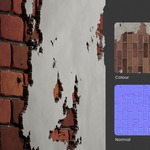
Every family is modelled on how the real material is made, and checked side by side against real photographs. Wood grows rings, pores and knots from a real log. Roof tiles have true profiles and overlapping courses. Brick has mortar, chips and kiln variation.


Everything you need
Weather & age
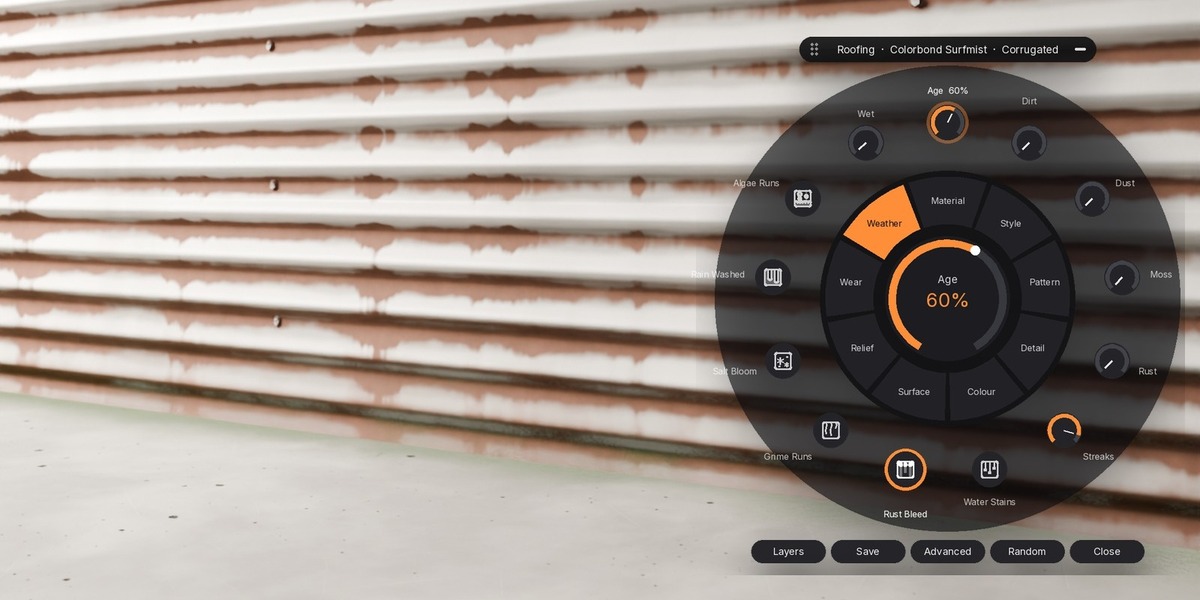
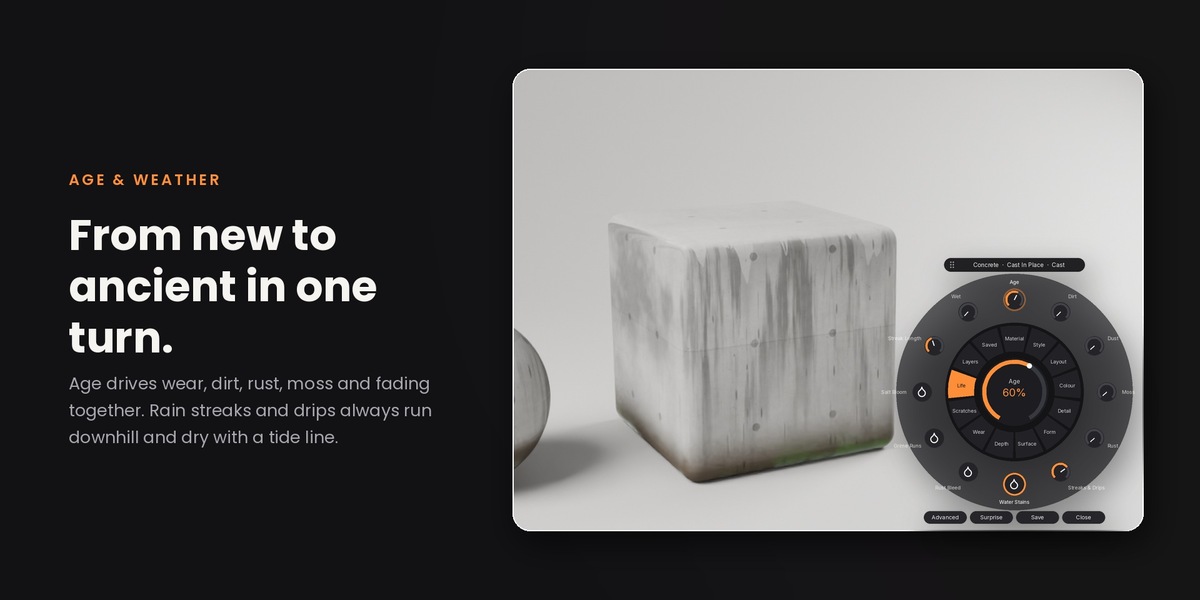
Edge wear, chips, scratches, dirt, dust, grime, rust, moss, lichen and wet surfaces, placed where they really gather: edges, cavities and sky-facing faces.
Layers
Stack materials on top: render falling off brick, moss, grass, mud, puddles, snow, sand, leaves, paint, reflective bands. Place them by edges, top faces, undersides, zones or natural patches.
Real Depth
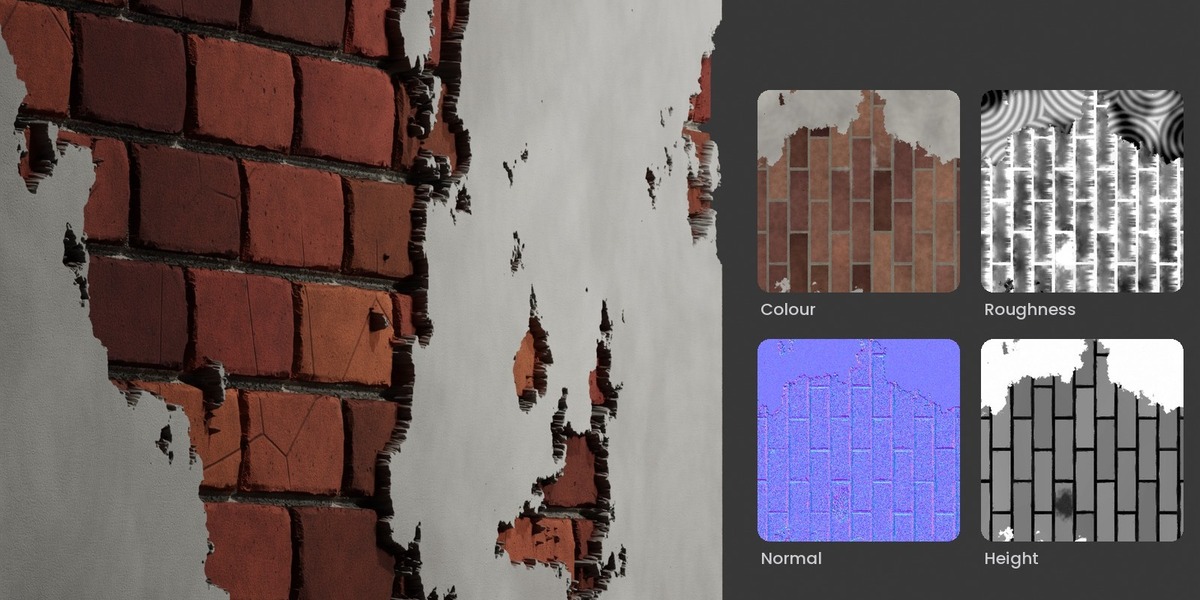
One switch turns texture into true displacement: mortar joints recess, tiles overlap, weathered grain stands proud, clean silhouettes with no spikes.
Bake to textures
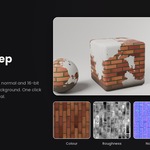
Colour, roughness, metallic, normal, height, AO and an ORM pack, at up to 8K. Bakes in the background, handles several materials on one object, never touches your UVs.
Grain follows the shape
Wood grain runs along chair legs, rails and branches automatically. Roof courses follow the slope, whichever way the roof faces.
Real-world scale
Patterns are sized in metres, so a brick is a brick on any object. Real Size, Stretch with Object, World Space or your own UV map.
Your library
Save any look with one click, reuse it across projects, and share it with your team as an asset.
Fast when it matters
Draft, Balanced and Final quality, plus node optimisation that strips everything a material doesn't use, so heavy scenes stay responsive.
Add your own detail
Drop in features on any material: veins, cracks, crystals, pores, grain, strata, clouds, dots, stripes. Each with its own colour and placement.
What's inside
Wood and roofing, rebuilt
- All 13 wood styles rebuilt from expert recipes and calibrated against real timber photos
- Roofing rebuilt: 11 layouts with true tile profiles (Double Roman, Marseille, Spanish barrel, slate, architectural shingles, cedar shakes, corrugated, box rib, standing seam), overlap shadows, lichen and broken tiles
- Baking several materials on one object now works perfectly, with your UVs left untouched
- Resize the dial by dragging its corner grip
Requirements
| Blender | 4.2 or newer (tested on 5.2 LTS) |
| Render engines | Cycles and EEVEE |
| Systems | Windows, macOS, Linux |
| Install | Drag the .zip into Blender, or Preferences › Get Extensions › Install from Disk |
| Textures | None: fully procedural, resolution-free, tiny .blend files |
FAQ
No. Everything happens on the dial. The node tree is still there if you want to look under the hood.
Yes. Materials are standard Blender nodes, so they render anywhere. Bake to textures to take them into game engines.
No. Patterns are projected at real-world size. Use your own UVs whenever you prefer.
Yes. Every update is free, and new materials are added regularly.
Stop building materials. Start dialling them.
Questions or ideas? Message us through Superhive. We read every message.
