 Poly Playground


EARLY ACCESS: Regular updates
JUST UPDATED: V1.4
35% off for a limited time whilst we get feedback.
SALE ENDS TODAY
Materials should feel like turning a dial, not wiring nodes.
Pick what it's made of. Pick a style. Turn it until it's right.
No node trees, no texture hunting, no leaving the viewport.
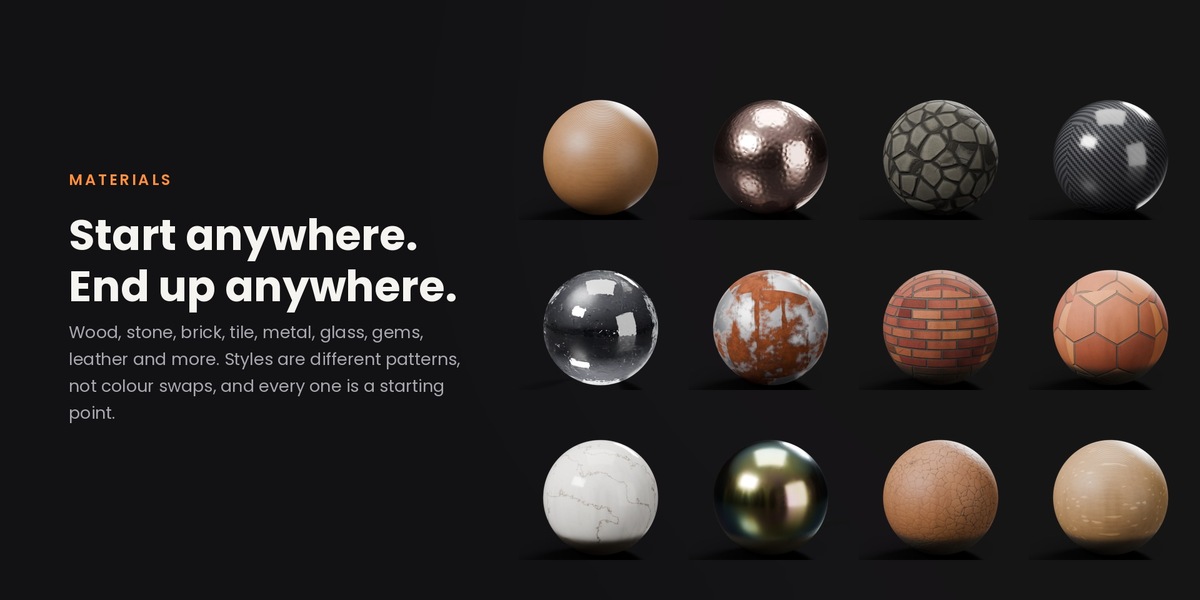
Oak to copper to brick. Then render, moss and snow stacked on as layers, all from the dial.
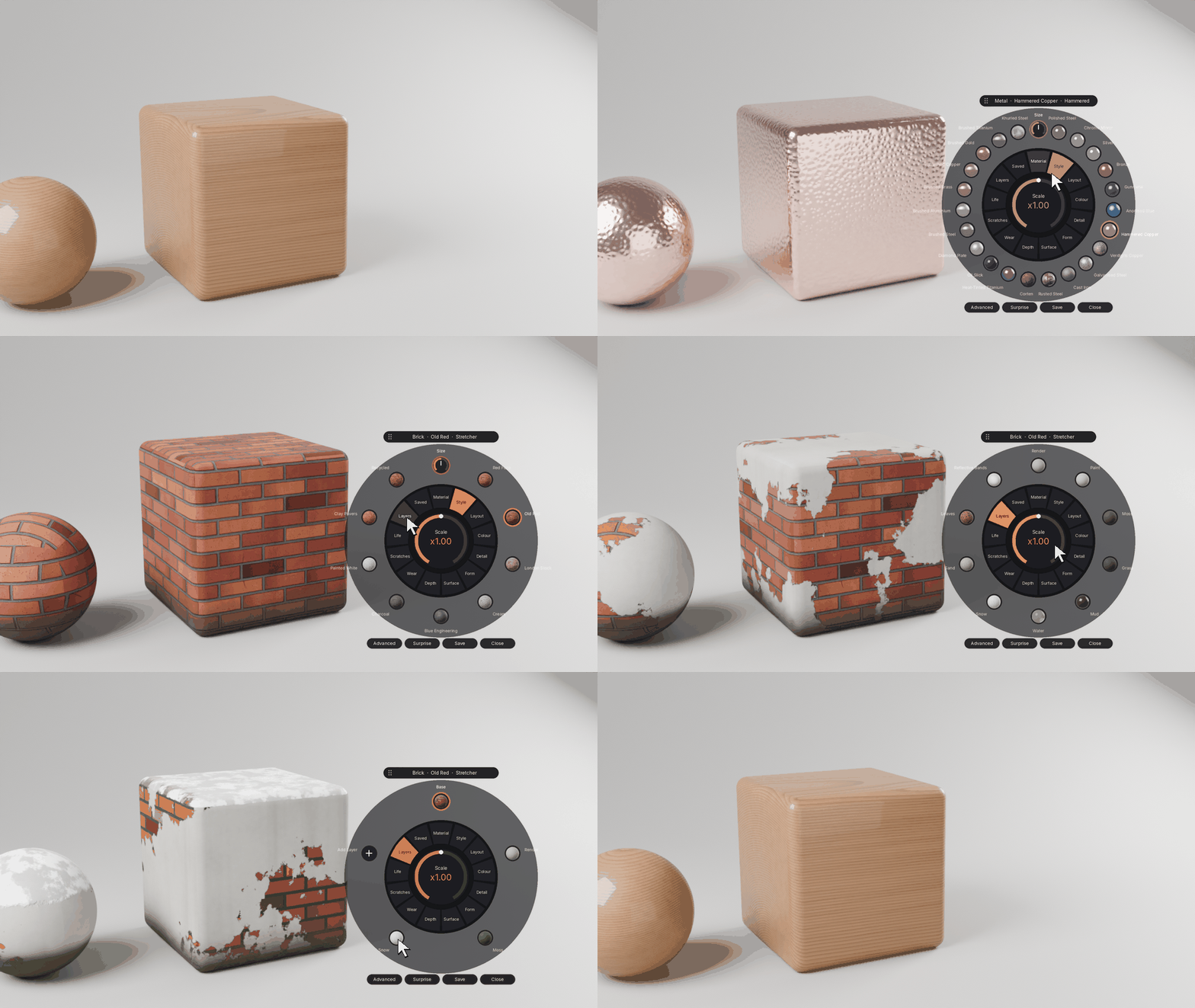
Turn it. Watch it change.
Click the orange button in the corner of your viewport, or press Shift+Alt+D, and the dial opens. Pick a material and it jumps straight to its styles. Every change blends smoothly into the next, so you see exactly what each setting does.
Right where you're working.
Material, style, colour, size, layers and baking without leaving the viewport.
Shift+Alt+DOpen or close the dial
TypeSearch any material: glass, oak, rust, cone
Ctrl+clickGive another object the same material
Shift+Alt+VPaste onto as many objects as you like
Every style is a starting point.
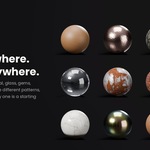
Wood, stone, brick, tile, concrete, metal, plastic, rubber, glass, gems, fabric, leather, water, ground, bark, roofing, roads, paper and skin. Styles are different patterns, not different colours: cathedral, quarter-sawn, burl or spalted wood; cut gems, raw crystal or opal. The colour wheel does the rest.
Layers that know where to go.
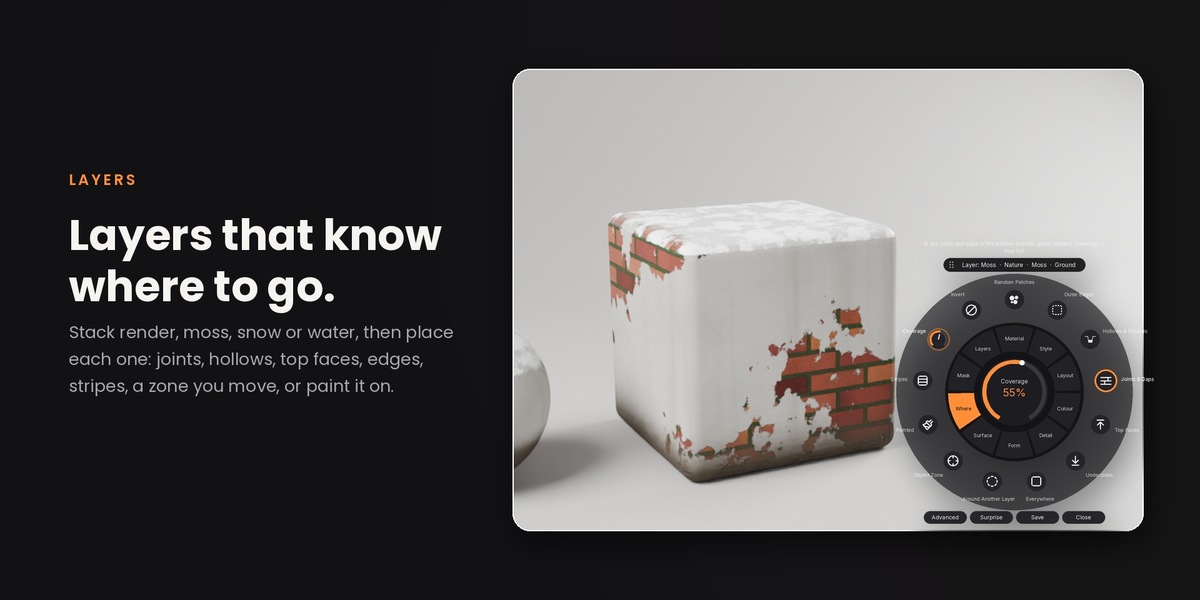
Stack render, moss, snow, water, sand or leaves, then choose where each one sits: joints, hollows, top faces, undersides, edges, clean stripes, around another layer, inside an object you place, or painted by hand. Soften, break up, invert or shuffle any of them.
One dial from new to ancient.
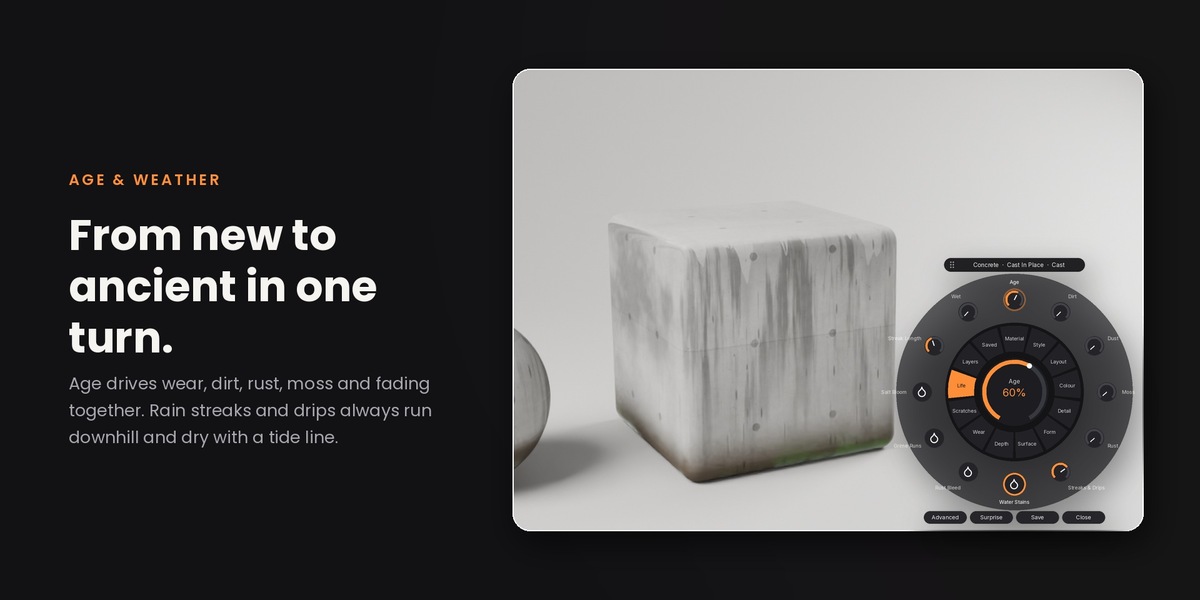
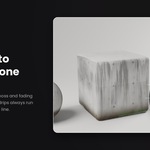
Age pushes wear, scratches, dirt, grime, dust, rust, moss and sun fading together, on top of your own settings. Add rain streaks and drips with tide lines, rust bleed, grime runs or salt bloom, always running downhill.
Wear it in.
Chipped, rubbed-through, peeling or scuffed edges over a primer layer. Hairlines, gouges and wipe marks. Click a lit style again to switch it off.
Real depth, real grass, real light.
One click adds real displacement that stays lined up and clean at the edges. Real grass grows only where the material says grass, with clumping, bend and wind. Glass and water throw caustic shadows out of the box, and one click turns on true Cycles caustics.
Bake it when you're done.
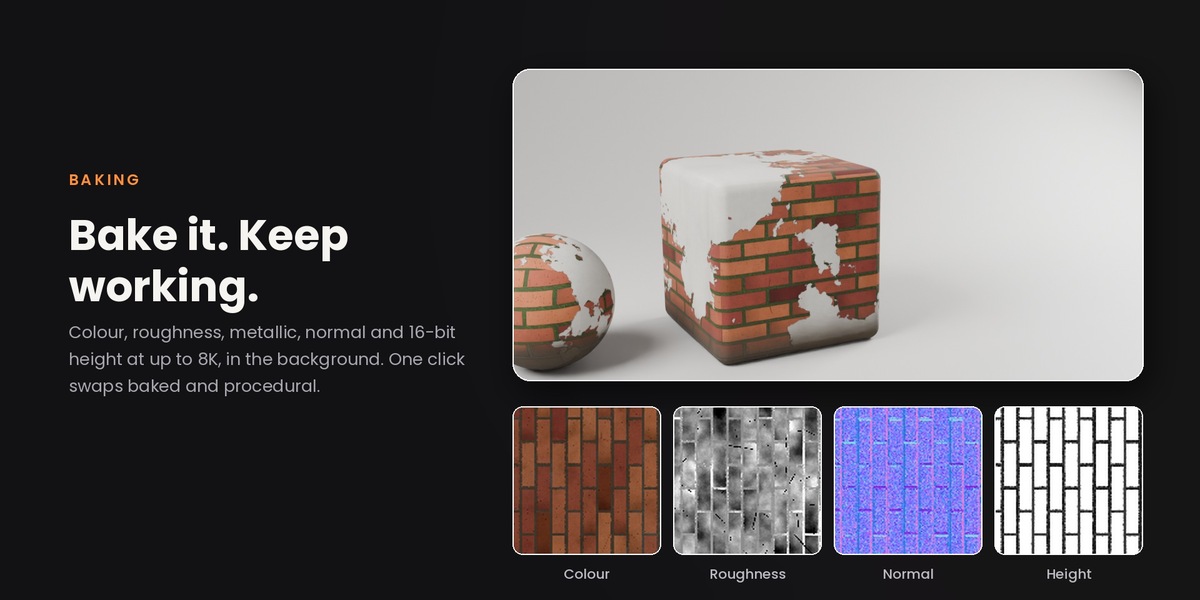
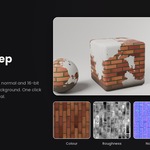
Bake colour, roughness, metallic, normal and 16-bit height maps at 1K to 8K, in the background while you keep working. It unwraps for you if needed, builds an image material, and one button swaps between baked and procedural.
Built to dress whole scenes.
Real-world scale on any object. Every copy gets its own slice of the pattern, so shelves and planks never repeat. Wood grain follows the shape of chairs and frames. Materials name themselves. Save your own, layers included, to your library and the Asset Browser.
Requirements & Support
Blender 4.2 or newer. Windows, macOS, Linux.
Cycles and EEVEE. Caustics, iridescence on metals, gem fire and adaptive displacement are Cycles features.
All future updates included.
