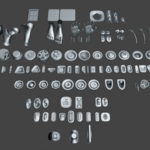
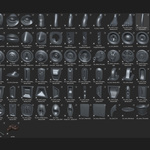
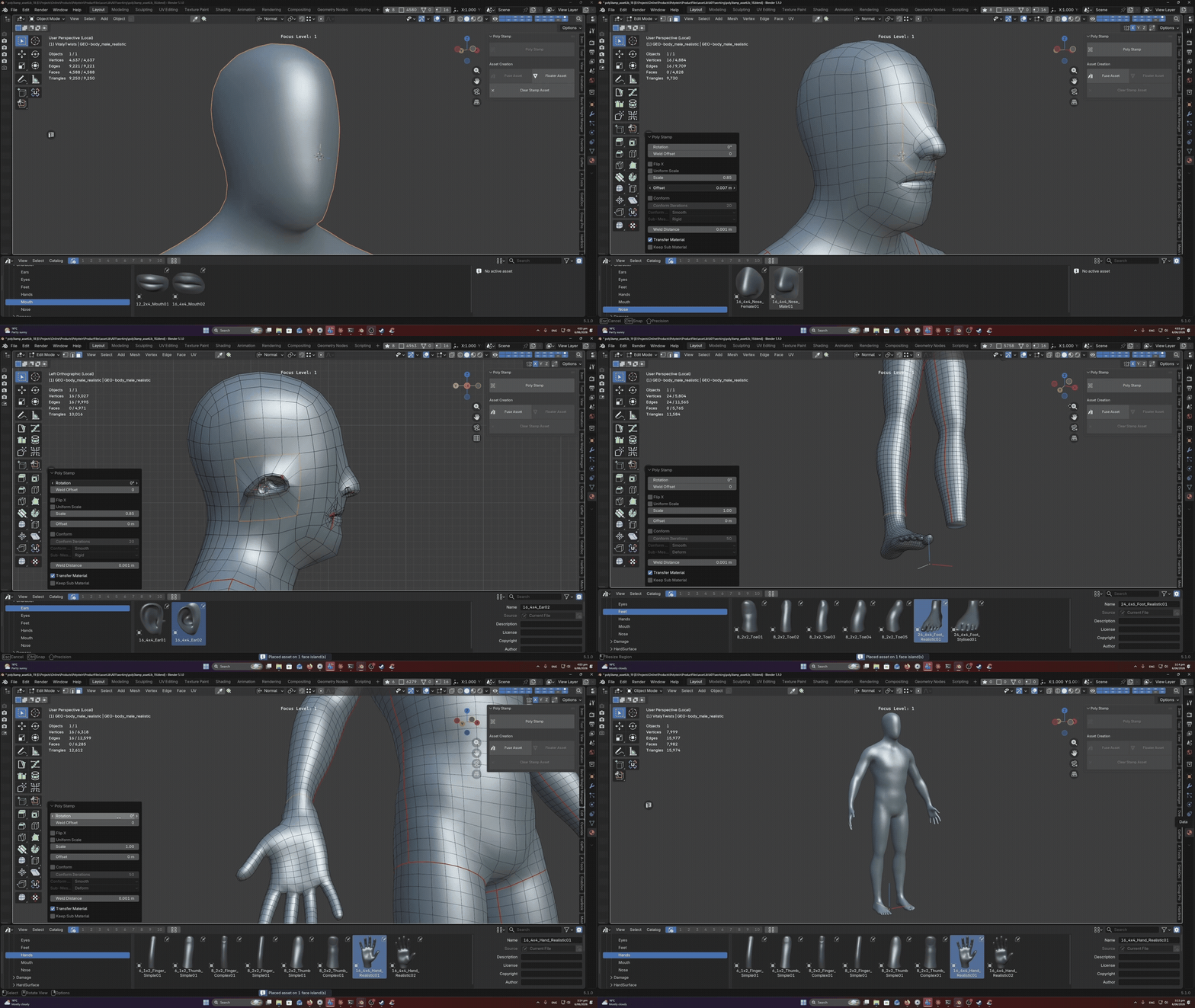
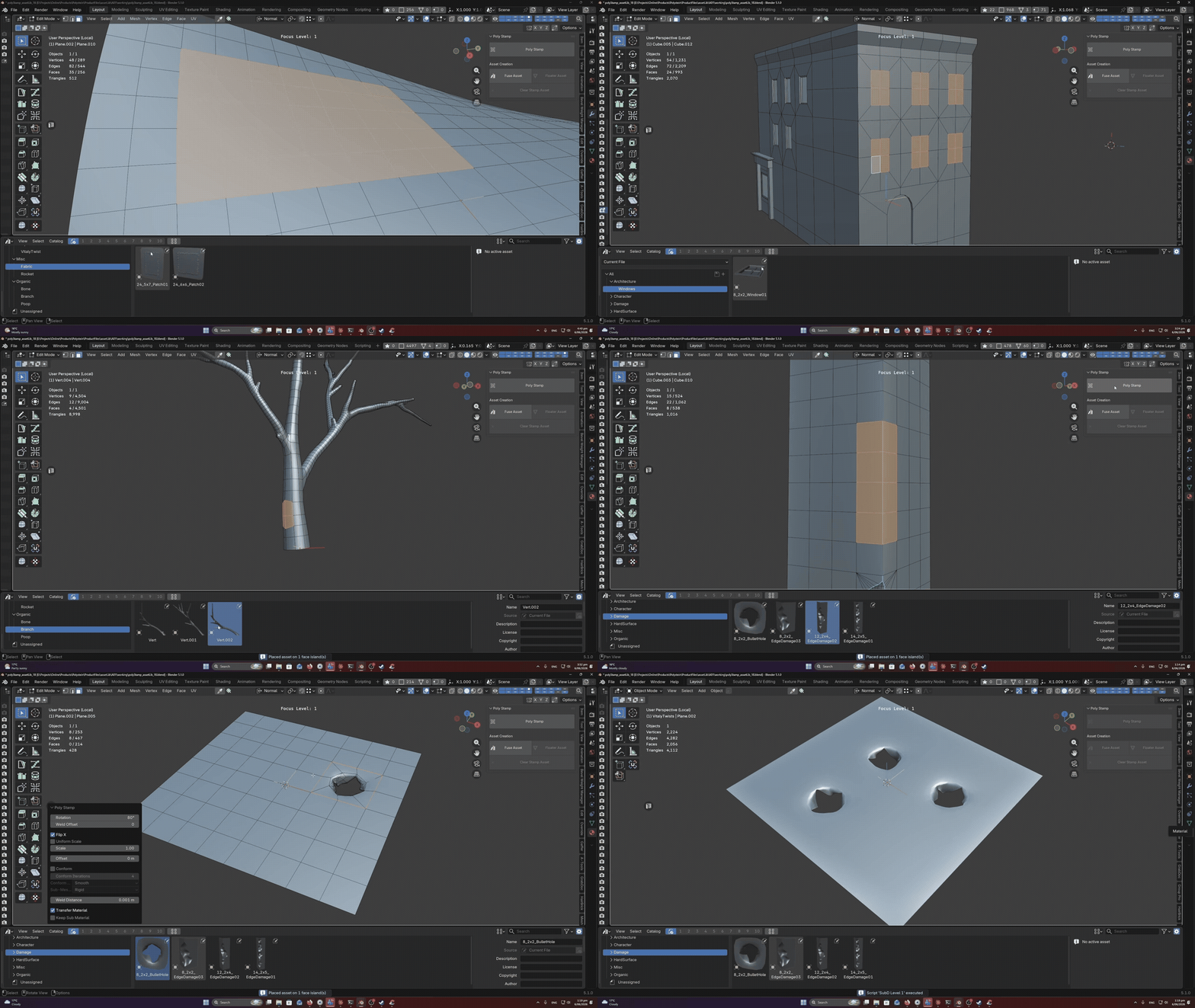
Poly Stamp turns any face selection into a placement target for your asset library (AssetLib included with purchase). Select faces, pick an asset, and Poly Stamp will do all the heavy lifting for you by placing the asset, scaling it to fit the selected faces, conforming to curvature and fusing it into the underlying topology.
Poly Stamp was originally designed to speed up hard surface detailing — stamping panels, vents, bolts, and greebles onto curved surfaces without the usual fiddly alignment work. But once you start using it, the possibilities open up fast. Stamp eyes, noses, and mouths onto character heads. Drop windows and doors onto building facades. Place rivets along a hull, leaves onto a branch, scales onto a creature, gems onto jewellery, or barnacles onto a shipwreck. If you can model it once, you can stamp it anywhere. Get creative with your asset library — Poly Stamp turns any piece of geometry into a reusable building block.
Features
-
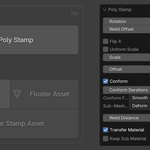
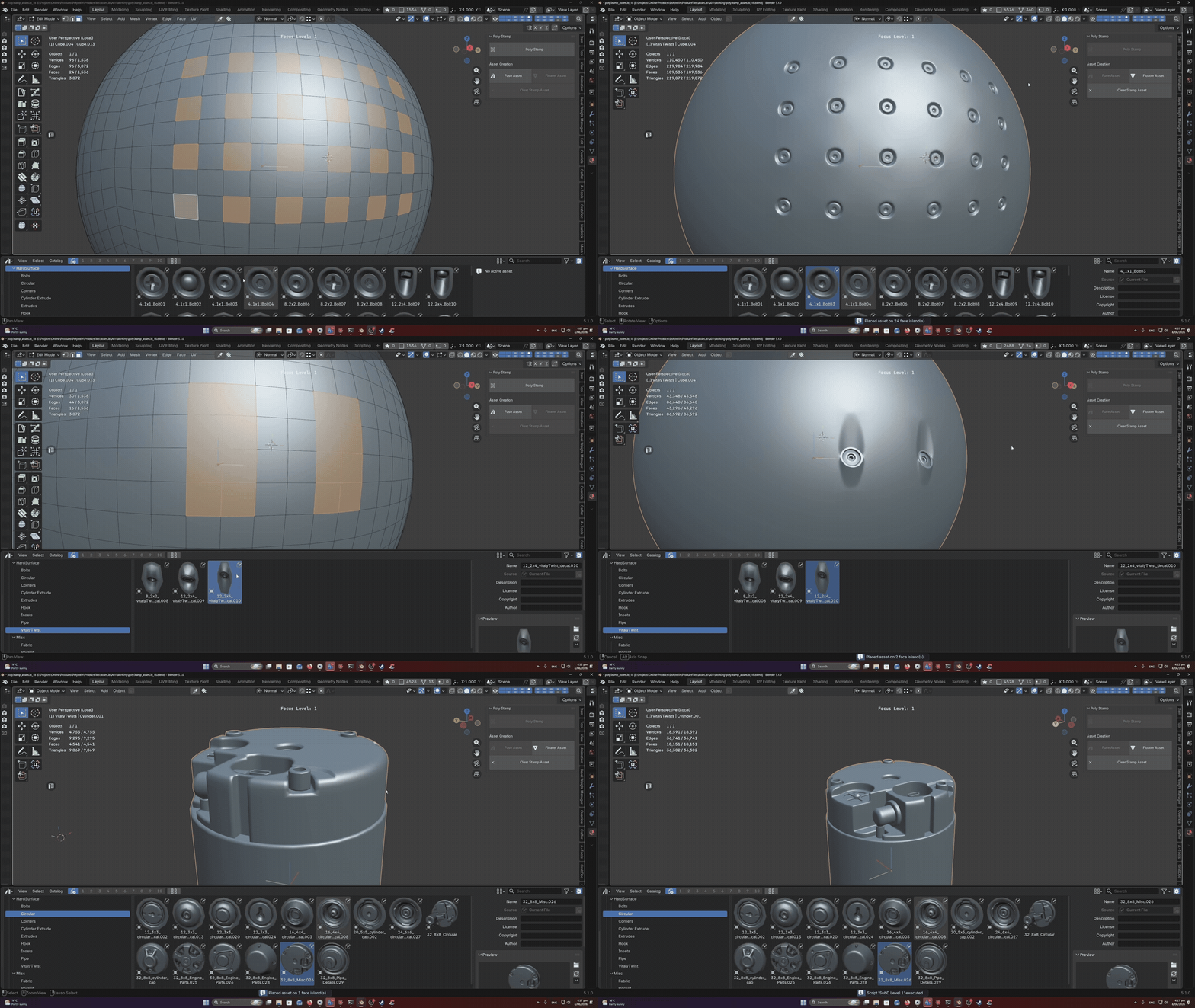
Multiple Selections Supported - Great for when you want to stamp a lot of details all at once. When stamping down many of the same asset, you may want to enable "Uniform Scale" to ensure that all assets are the same size. Multi object selections are also supported!
-
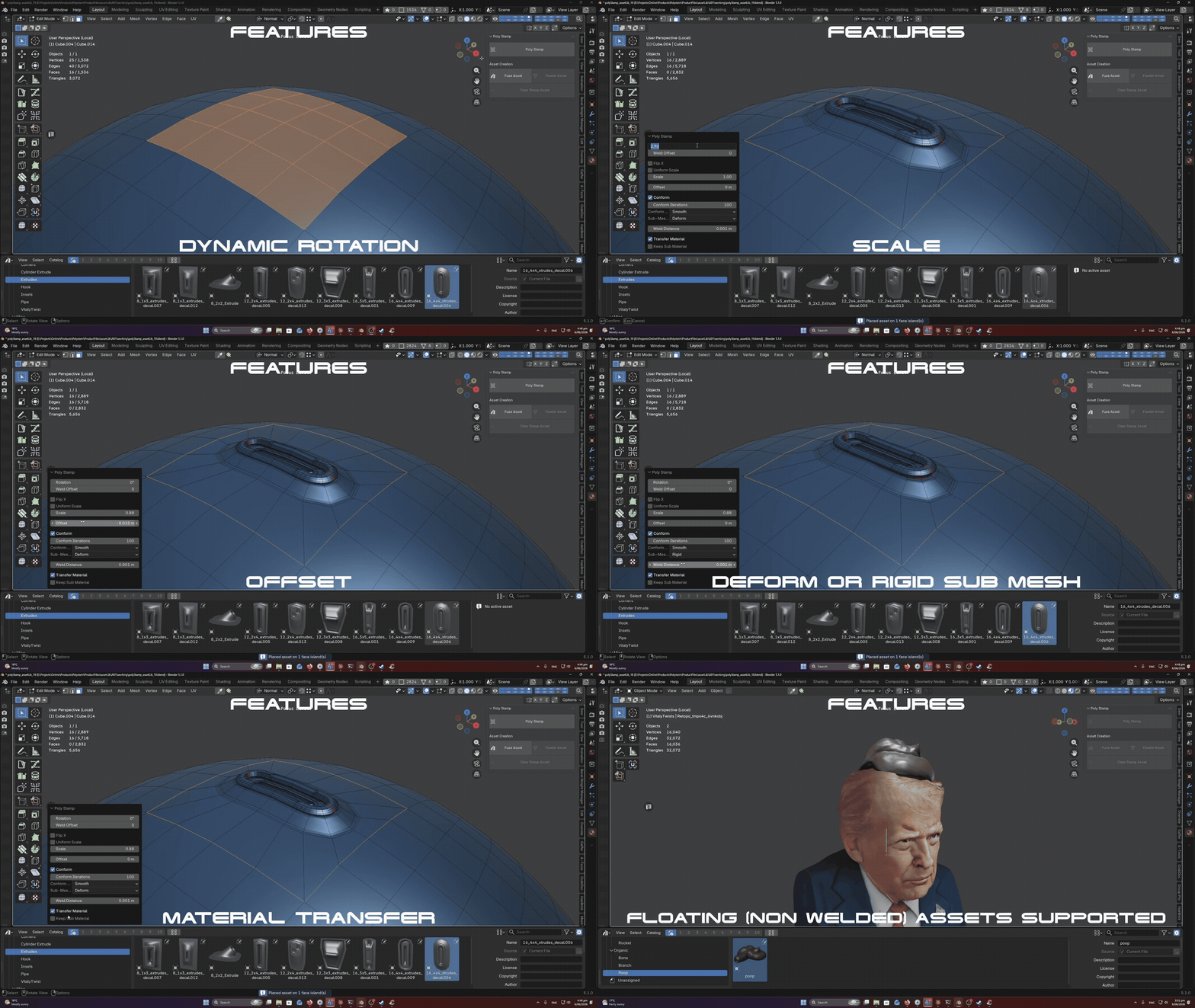
Dynamic Rotation - (With the option of rotating the order of how vertices are welded to prevent any skewing faces).
-
Scale - Dynamically change the scale of your stamp assets.
-
Offset - Offset stamps from the surface of your target object.
-
Conform To Curvature - Users can choose to conform stamps with the target mesh. Controls are also exposed to expand/contract where the conforming occurs on the stamp. Users can also choose if sub mesh geometry is rigid or is deformed along with the asset. Great if you want to keep things like screws and bolts rigid and avoid stretching.
-
Material Transfer - Users can choose to keep or transfer the material on the surface that is being fused into the target mesh. If a stamp has any sub mesh geometry (not connected to the geometry being fused) users can choose to preserve this material. Great for when you want to have material separation for separate components of your stamp.
-
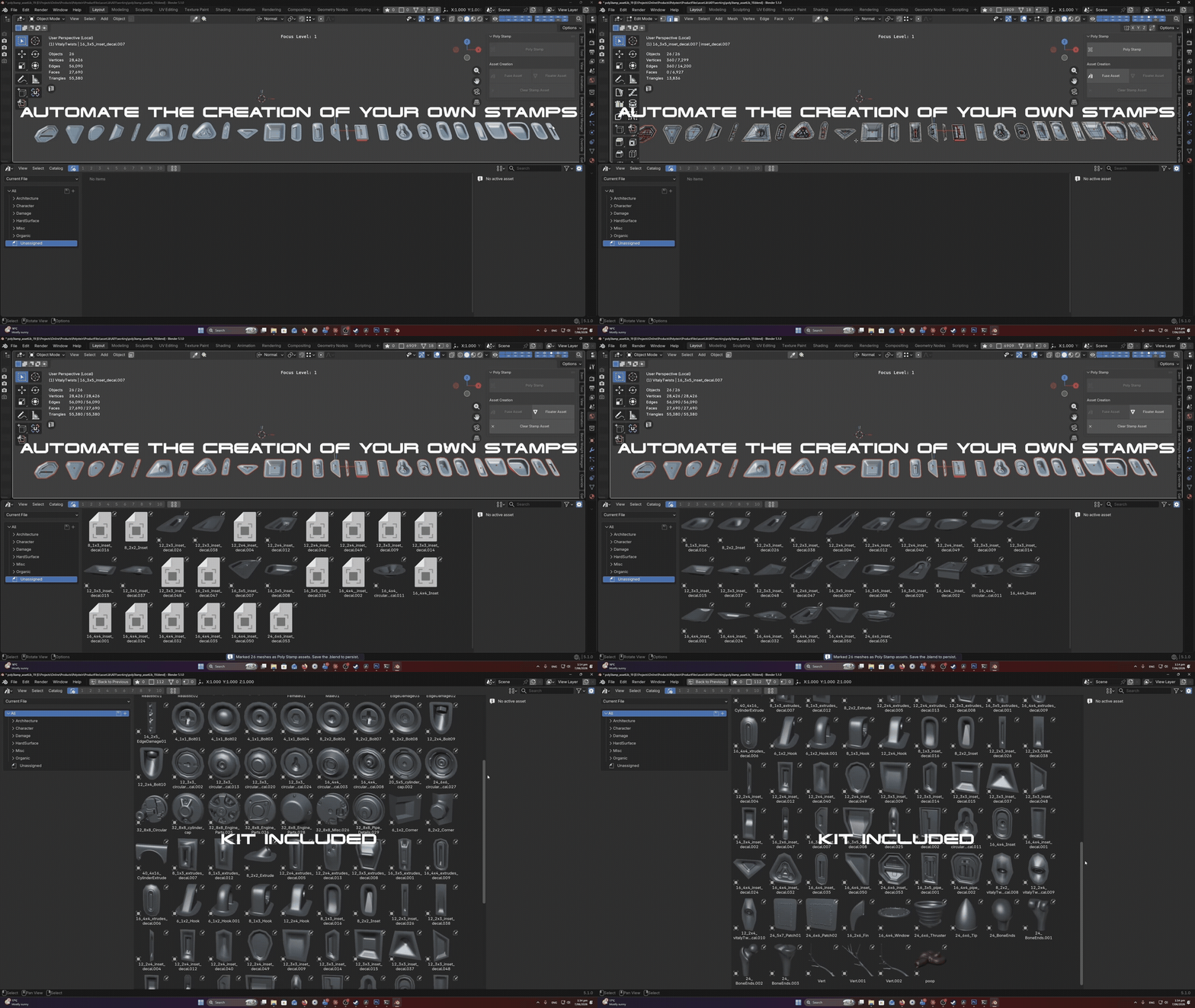
Automate Asset Creation - Poly Stamp is integrated into Blenders native asset browser. Use the "Create Stamp Asset" operator to automate the process of creating an asset library. Simply select all your assets, enter edit mode, select the border edges and run the tool. It will automatically generate the vertex groups and tag the selected geometry as assets. To clear the asset tags and vertex groups just run the "Clear Asset" operator. Alternatively, if you want to create floating (non welded) stamps, run the 'Create Floater' operator on all selected objects in object mode.
-
NOTE: For best results your stamp border edge count should match
the border edge count of the selected faces when using Poly Stamp. However, its important to
note that this is not mandatory, the addon is smart enough to do its
best weld/collapse edges to ensure the asset is welded in a clean way even if they edge count does not match.
 hodgson3d