 redjeb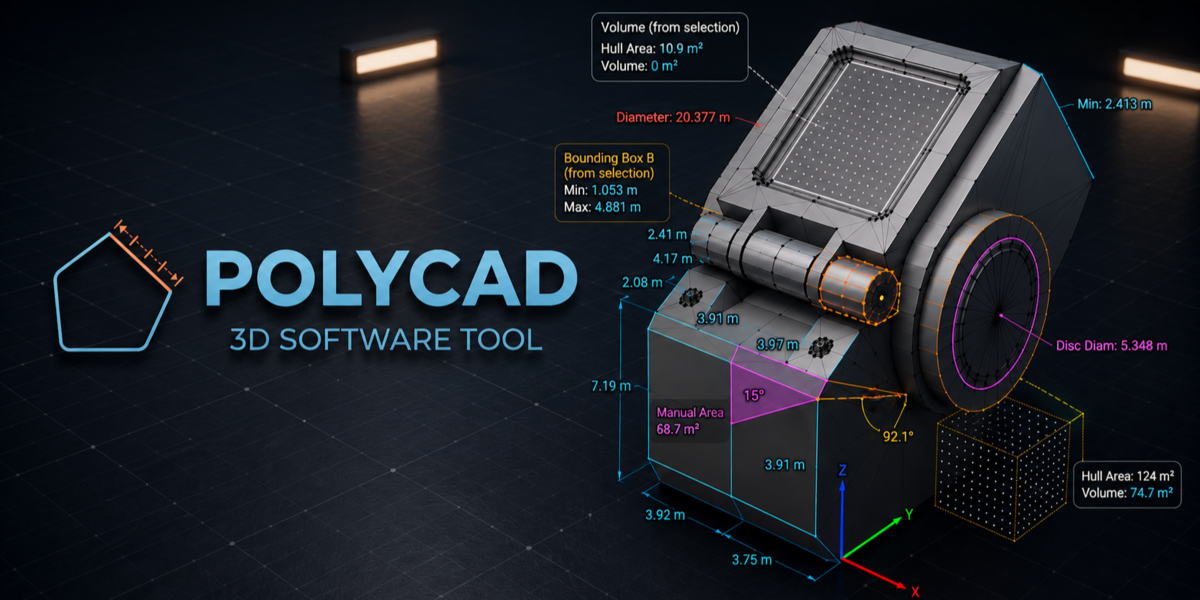
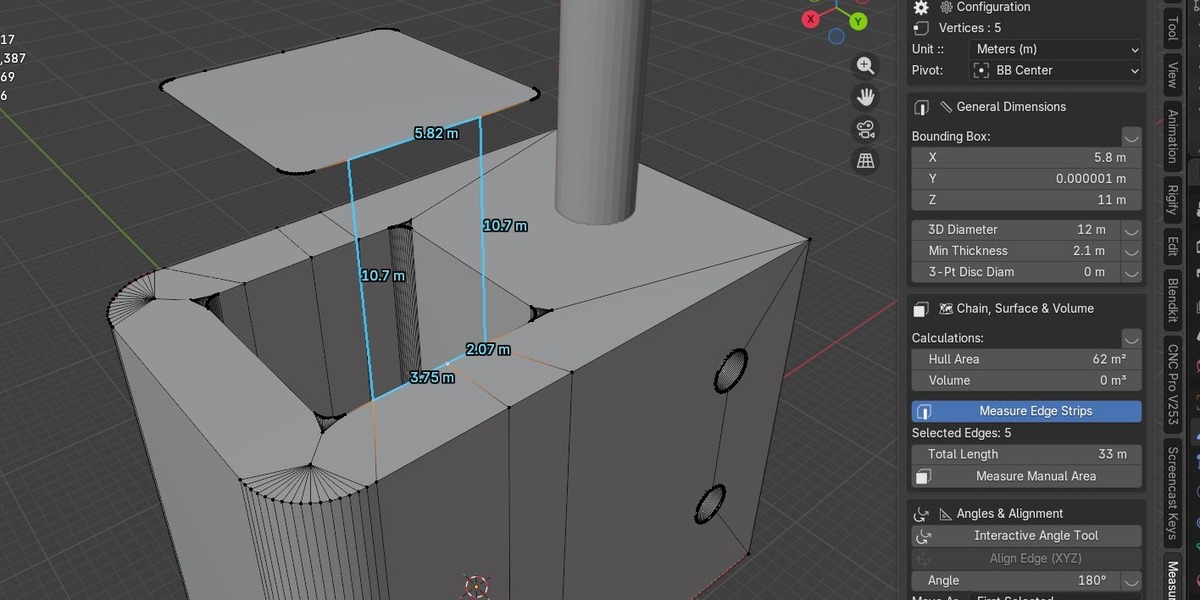
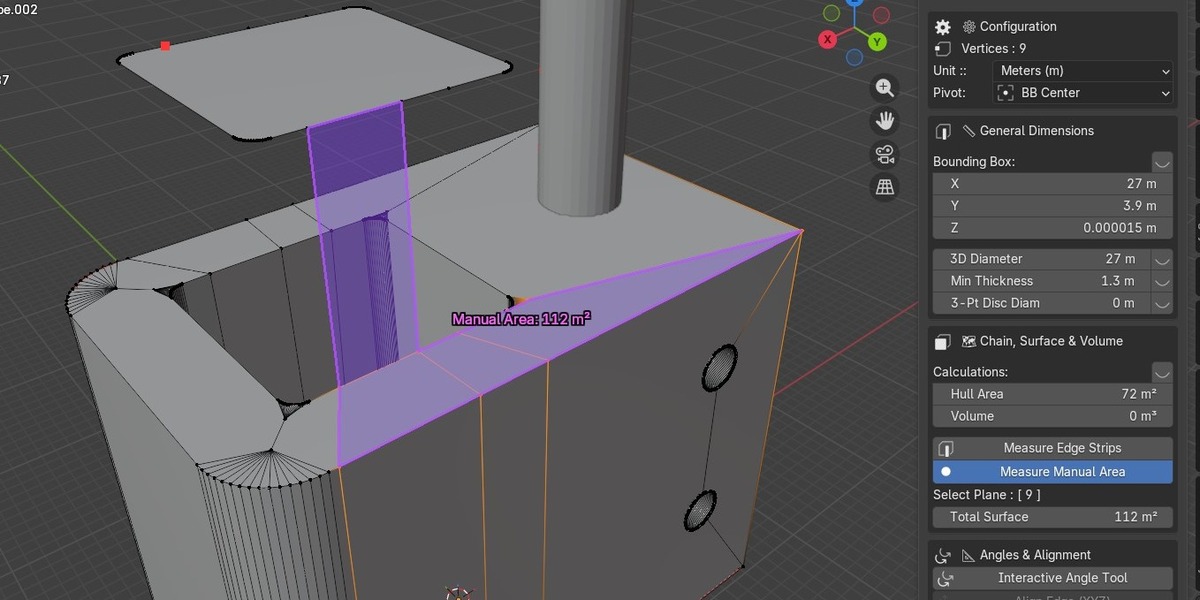
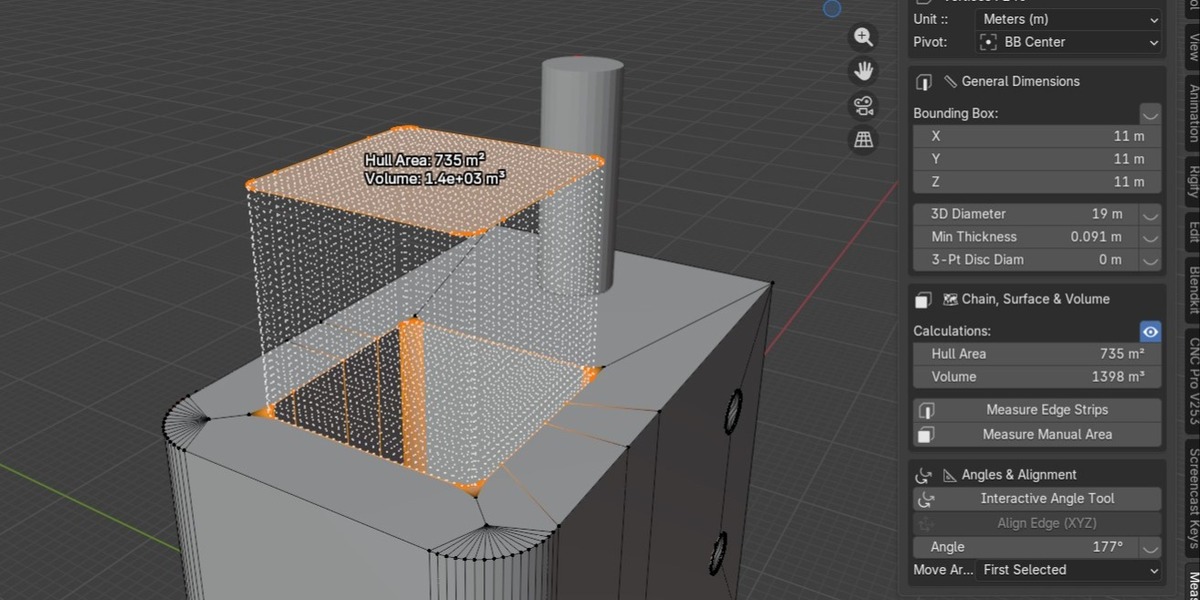
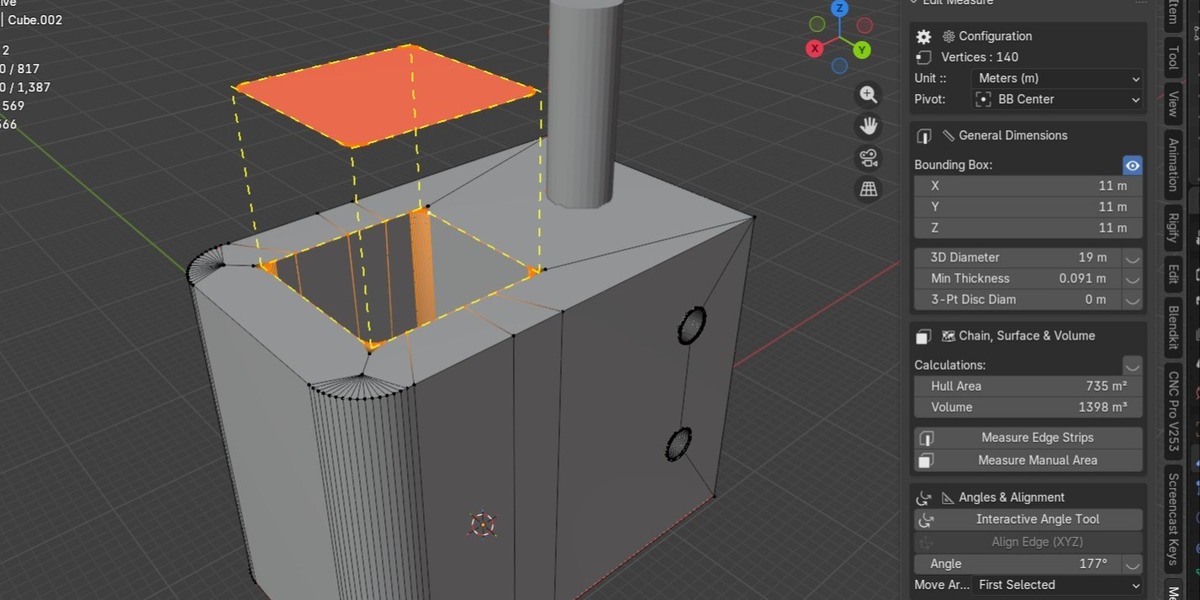
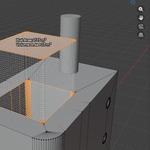
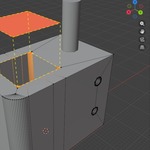
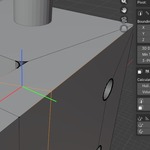
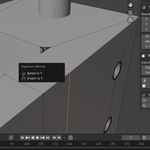
Are you tired of guessing dimensions in Blender's Edit Mode? Do you struggle with resizing faces, edges, or vertices to exact, real-world measurements?
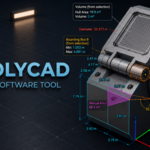
PolyCAD Measure Pro is here to change how you model.
Unlike traditional CAD software that relies on curves, Blender is a polygon powerhouse. PolyCAD Measure Pro bridges the gap — treat raw polygons with the same parametric precision as a CAD program.
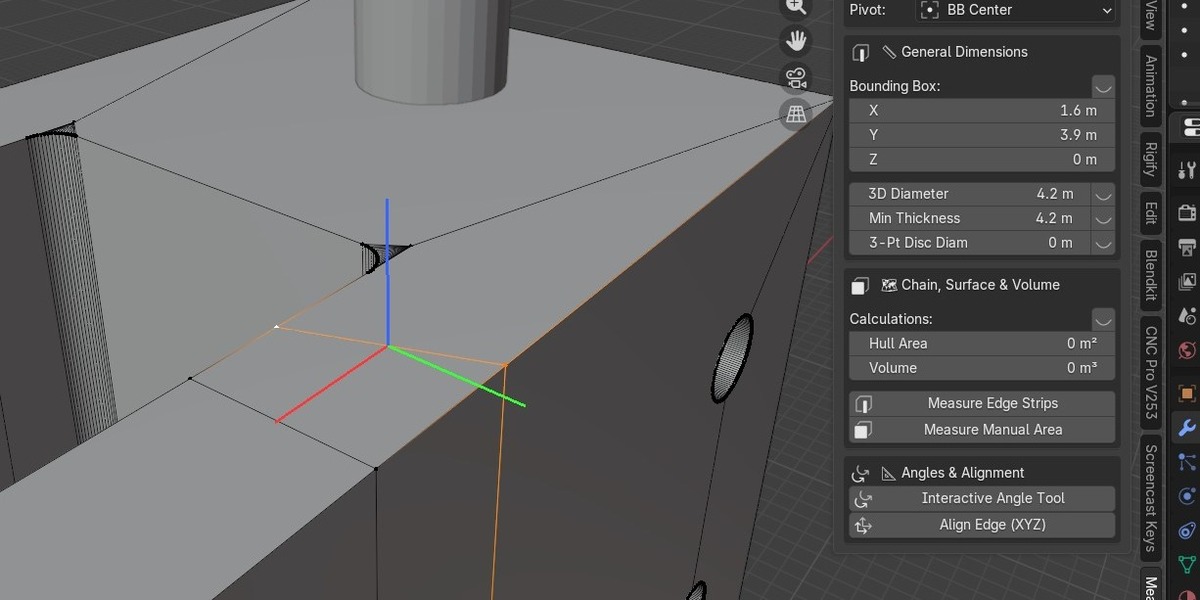
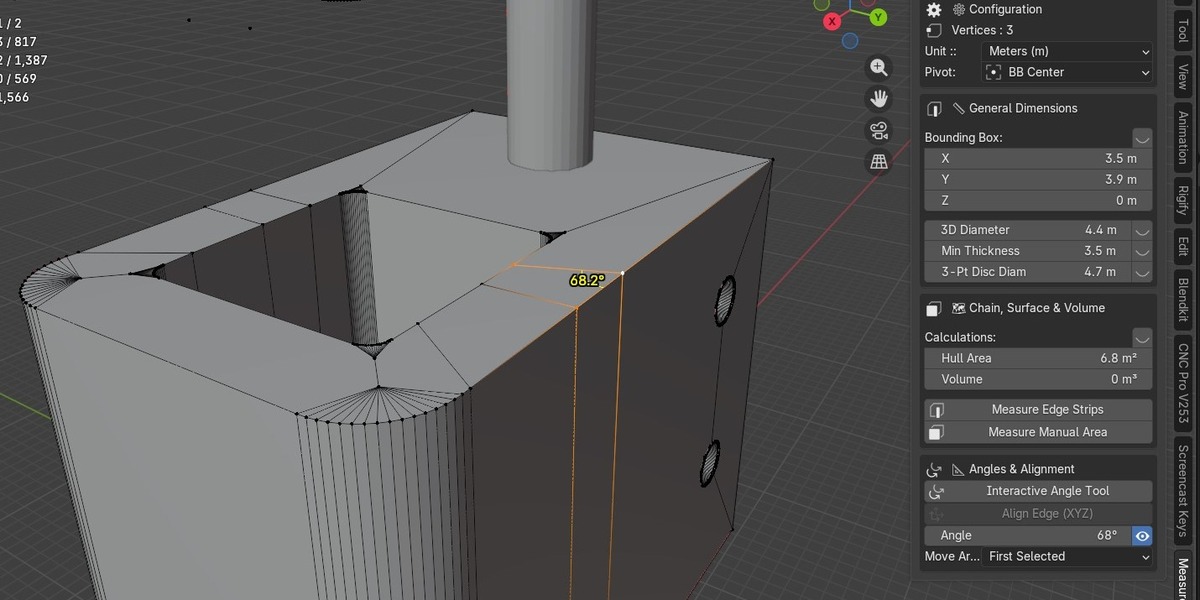
With a single click in Edit Mode, instantly see and actively change the Area, Volume, Edge Length, and Angles of your selected geometry — whenever you want.
🔥 KEY FEATURES:
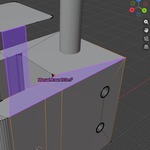
- Interactive Area Scaling — Select any face, type the exact square meter you need, watch the mesh scale in real-time.
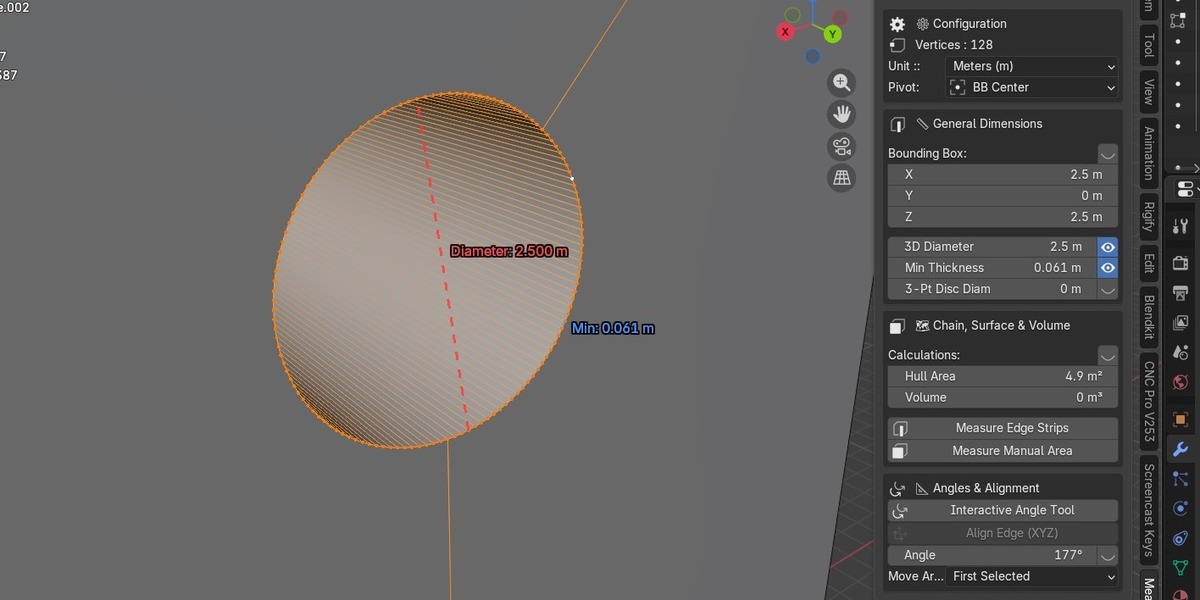
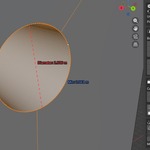
- 3-Point Circle Diameter — Click 3 vertices on any arc or cylinder to instantly calculate and resize its true diameter.
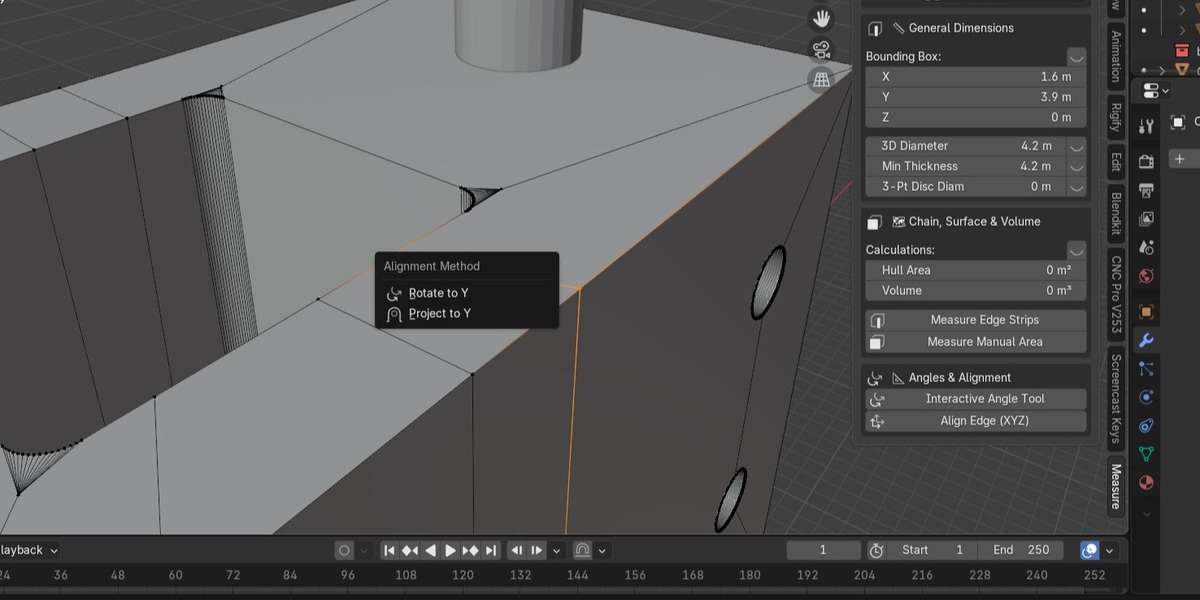
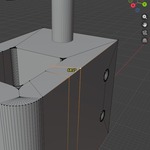
- Live Edge Constraints — Lock edges to specific lengths, align them along XYZ axes with pinpoint accuracy.
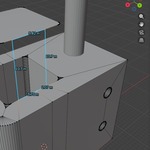
- Real-time Viewport HUD — Area, Distance, Volume metrics float elegantly near your mesh while you work.
- Manual Area Tracer — Click and drag to trace complex custom surface areas directly in the viewport.
- Interactive Angle Tool — Drag to measure and bend geometry to exact angle values.
- Pivot Point Control — Full support for Cursor, Active Element, and Bounding Box pivot modes.
- 100% Edit Mode Native — Stay in the zone. Model and measure simultaneously.
Compatible with Blender version 5.00, which is included in the download file.
⚠️ IMPORTANT:
Apply Object Scale (Ctrl+A → Scale) before use. Subdivision Surface modifiers warp raw mesh vertices — for best results, use this addon on Hard Surface geometry without active Subdivision.
Stop guessing. Start engineering.