 ZEG
ZEG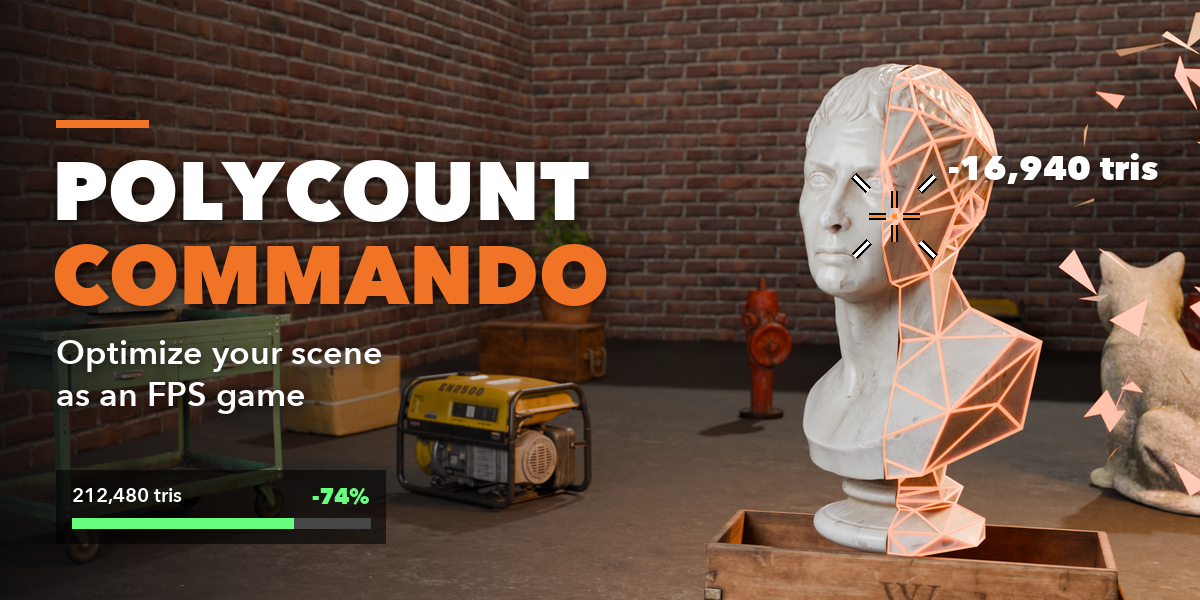
Which render engines does it work with?
The game runs in the 3D viewport in any shading mode: Solid, Material Preview or Rendered with EEVEE or Cycles.
Does it work in big or tiny scenes?
Yes. Set Eye Height and Run Speed in Controls: the jump, jetpack, weapon size and movement all scale with them, so you can walk through a city block or a tabletop diorama.
The view turns too fast or too slow. Can I change it?
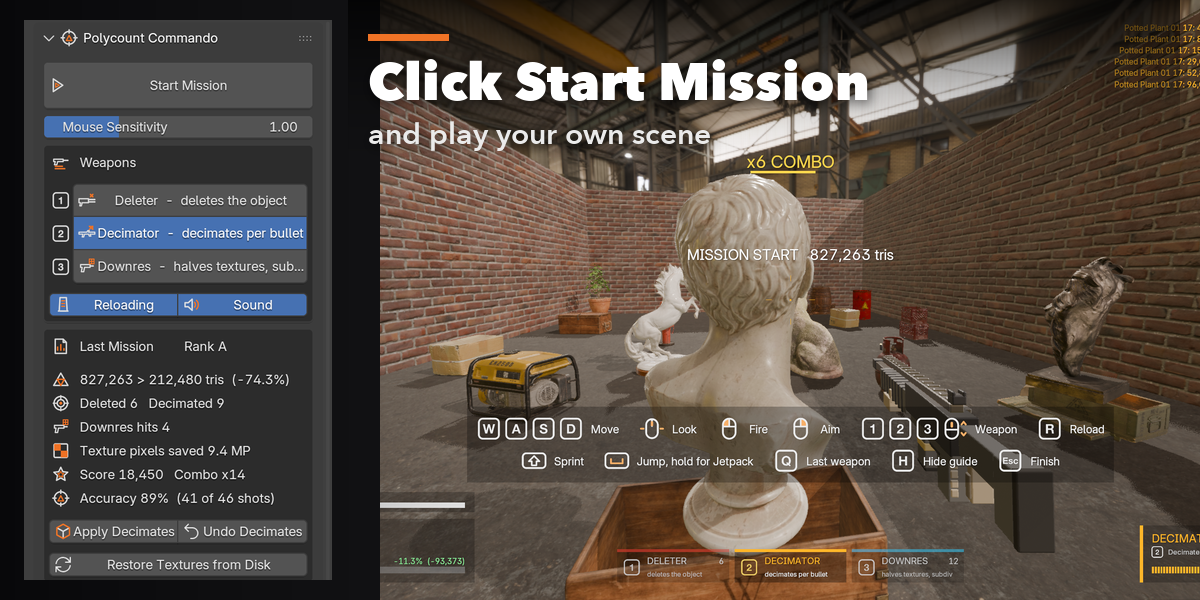
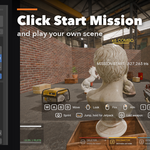
Yes. Mouse Sensitivity is a slider right under the Start Mission button. The default is a typical shooter speed and is the same on Retina and regular displays.
Does it really optimize the scene or is it just a game?
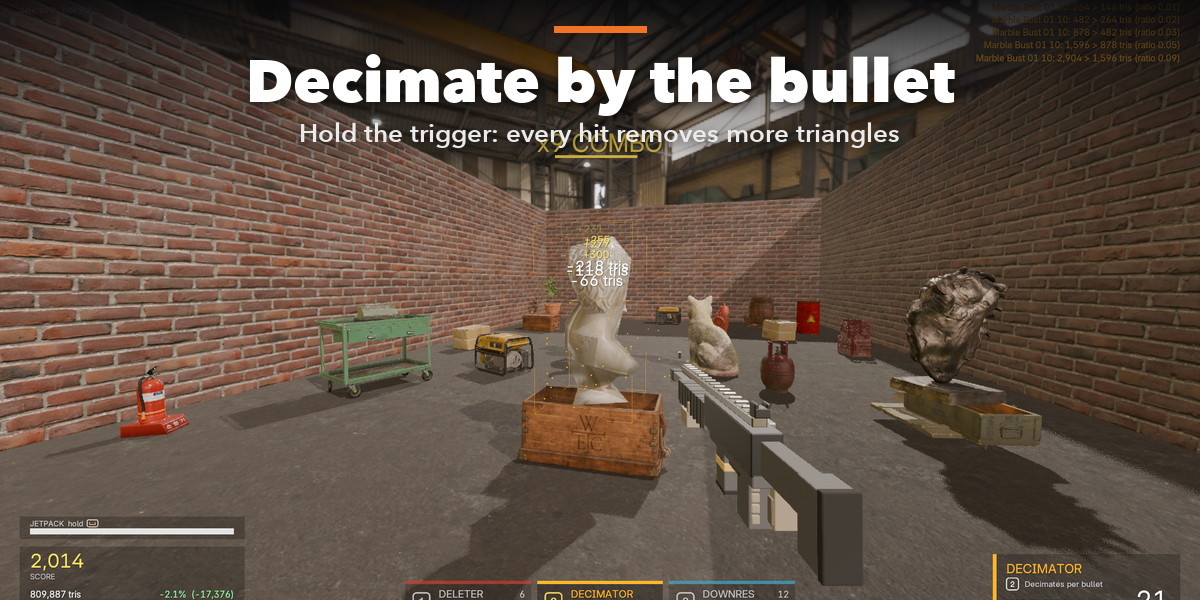
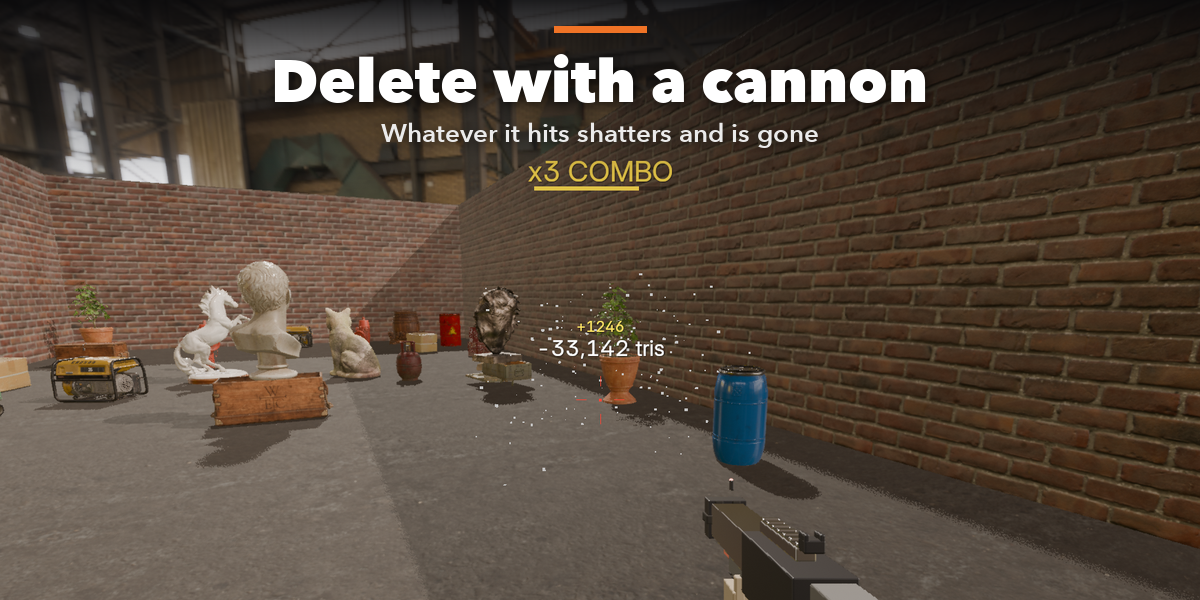
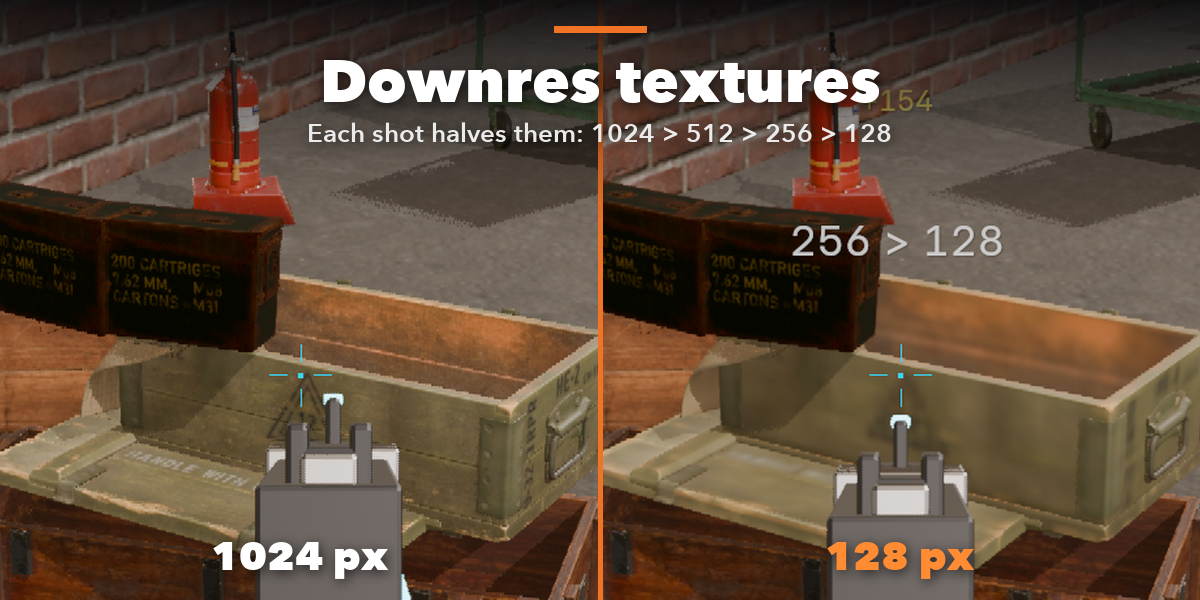
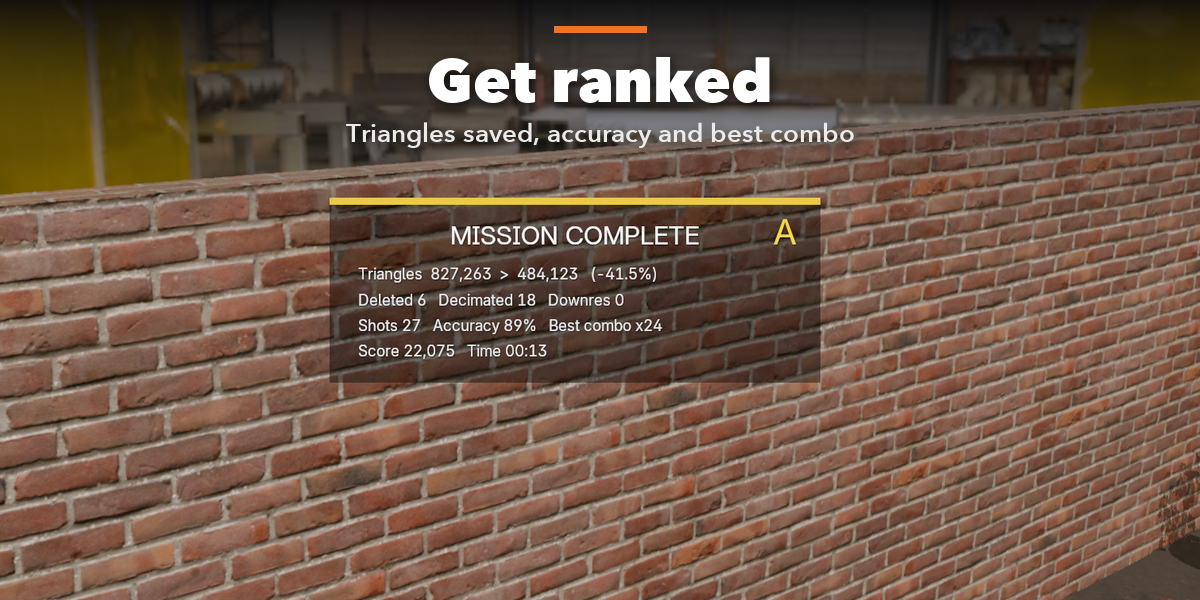
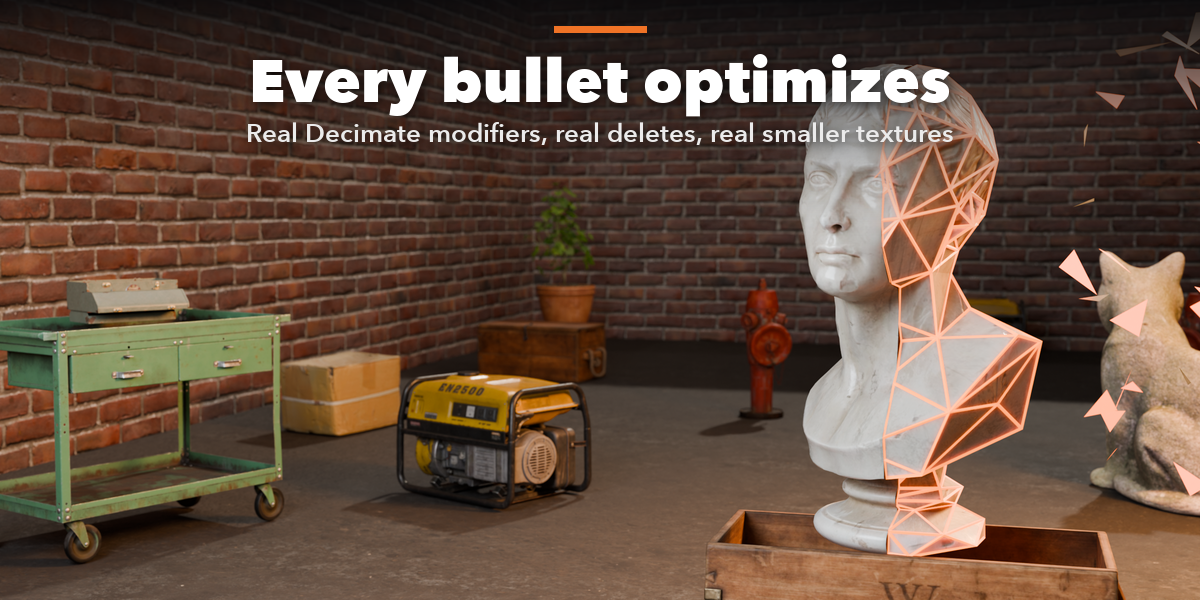
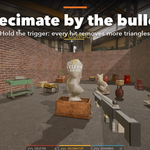
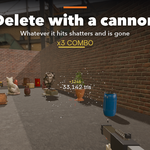
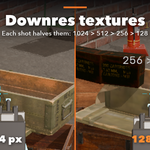
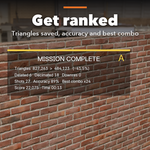
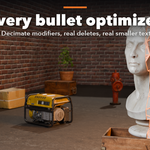
It really optimizes it. The Decimator adds real Decimate modifiers, the Deleter removes objects and their unused mesh data, and Downres resizes the real image textures. The mission report shows the triangles and texture pixels you saved.
Is it safe to use on a real project?
Yes. Selected, linked and library override objects are shielded, the whole mission is one undo step, decimation stays an editable modifier until you apply it, and textures are only changed in memory until you save the images. Restore Textures from Disk reloads the originals.
Which Blender versions are supported?
Blender 4.2 and newer. It is tested on Blender 4.2, 4.5 and 5.2 LTS.
Have questions about this product?
Login to message
| Blender Extension Compatible | Yes |
| Published | about 20 hours ago |
| Blender Version | 4.2 - 5.2 |
| Extension Type | Add-on |
| Render Engine Used | Cycles, Eevee |
| License | GPL |

Discover more products like this
low poly scene cleanup Game LOD fps optimization game-dev decimate performance fun polycount textures