 Hlopes
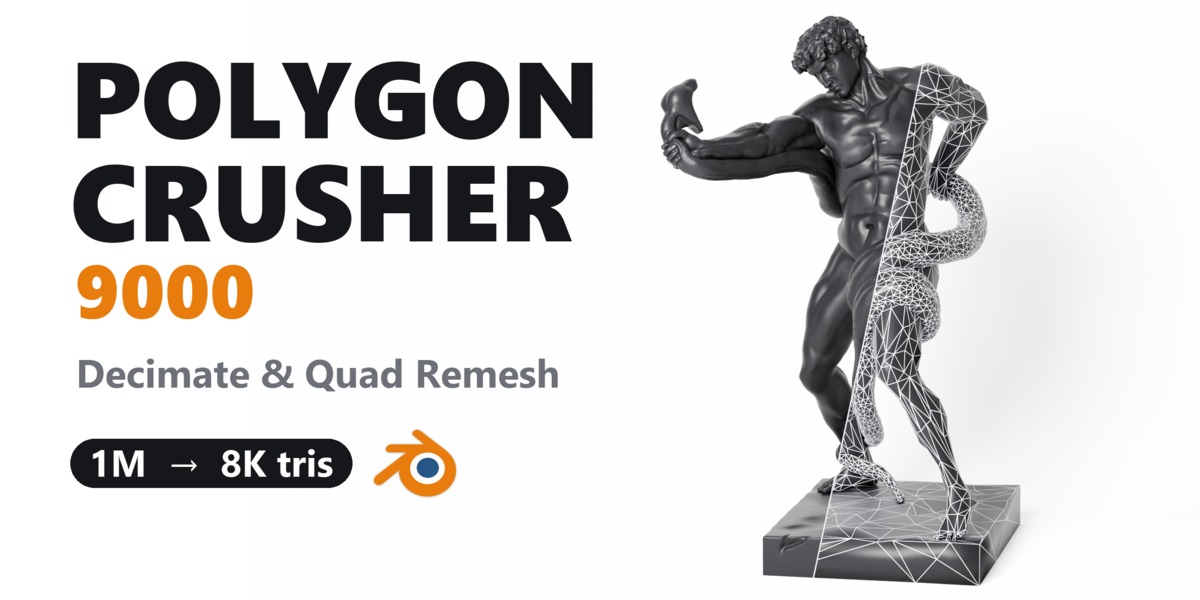
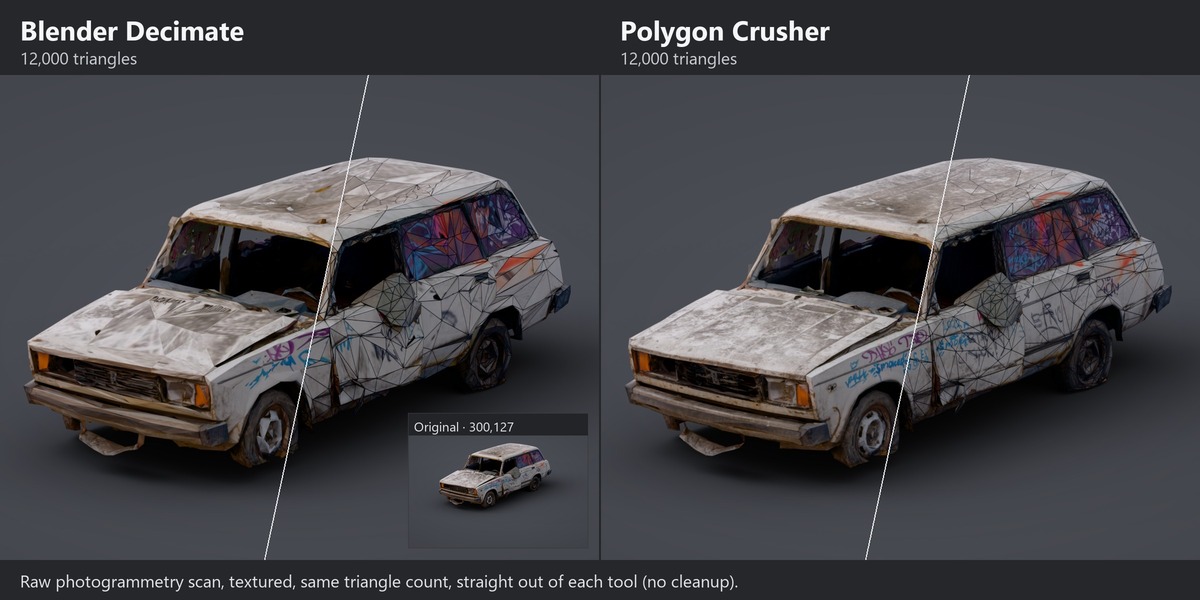
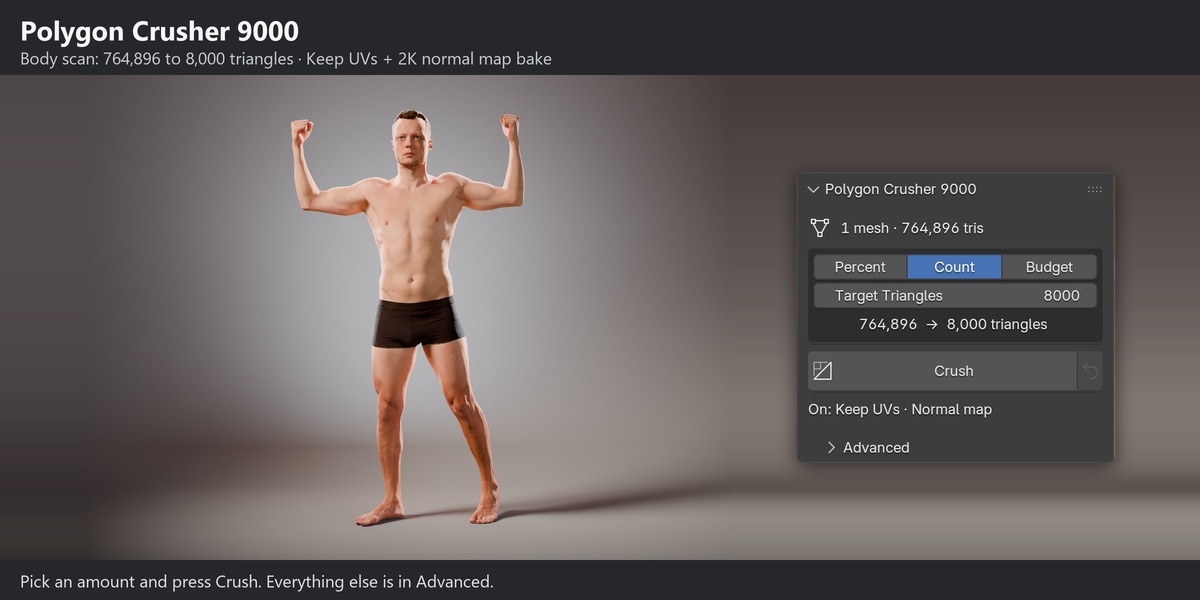
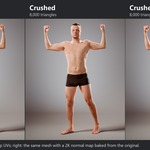
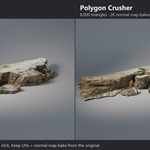
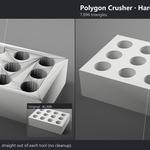
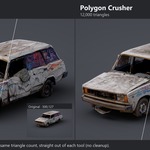

Leave Source on Auto. It looks at the selected mesh and uses the right method for it: repairs for a scan, kept hard edges for a CAD or hard-surface part, natural folds for cloth. If you know what the model is, pick Scan, AI, CAD, Hard Surface, Organic or Cloth instead. Then choose Decimate (triangles, keeps everything the mesh has) or Remesh (clean all-quad topology), an amount, and press Crush. Details: henriquevlopes.github.io/polygon-crusher-9000-docs/features/source-types/
Yes, since 2.6.0. Use File > Import > Crush OBJ/PLY/STL: the file is read by Polygon Crusher's own engine, crushed to your target, and only the result goes into the scene. A 2.5 GB OBJ with 32 million triangles takes about a minute and roughly 10 GB of RAM. UVs, vertex colors and the texture named in the .mtl come along. Details: henriquevlopes.github.io/polygon-crusher-9000-docs/features/import-crush/
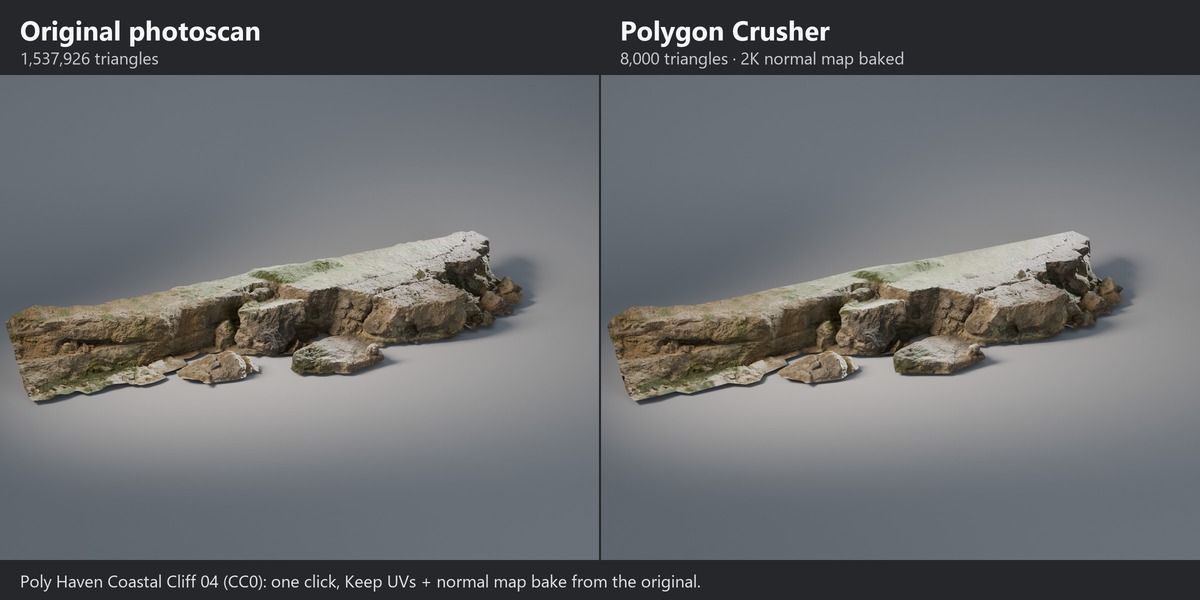
Yes. Under Advanced > Extra Steps > Clean Mesh: Cut Floor removes the table captured under the model (set the height or click the floor with Pick Floor), Remove Spikes pulls stray points back, and Fill Holes closes holes and zips the thin cracks between scan patches. Scan and AI sources switch the repairs on by themselves. They work from the panel and in Import and Crush, and the report tells you what was done. Details: henriquevlopes.github.io/polygon-crusher-9000-docs/features/clean-mesh/
Yes, since 2.4.2. The crushed copy keeps the skin weights (vertex groups), the Armature modifier, the parent and the shape keys, so it poses and animates like the original. You can crush in any pose: the character is read in its rest shape, so the pose is not applied twice. Shape keys are dropped only when a modifier changes the vertex count (Subdivision, Mirror).
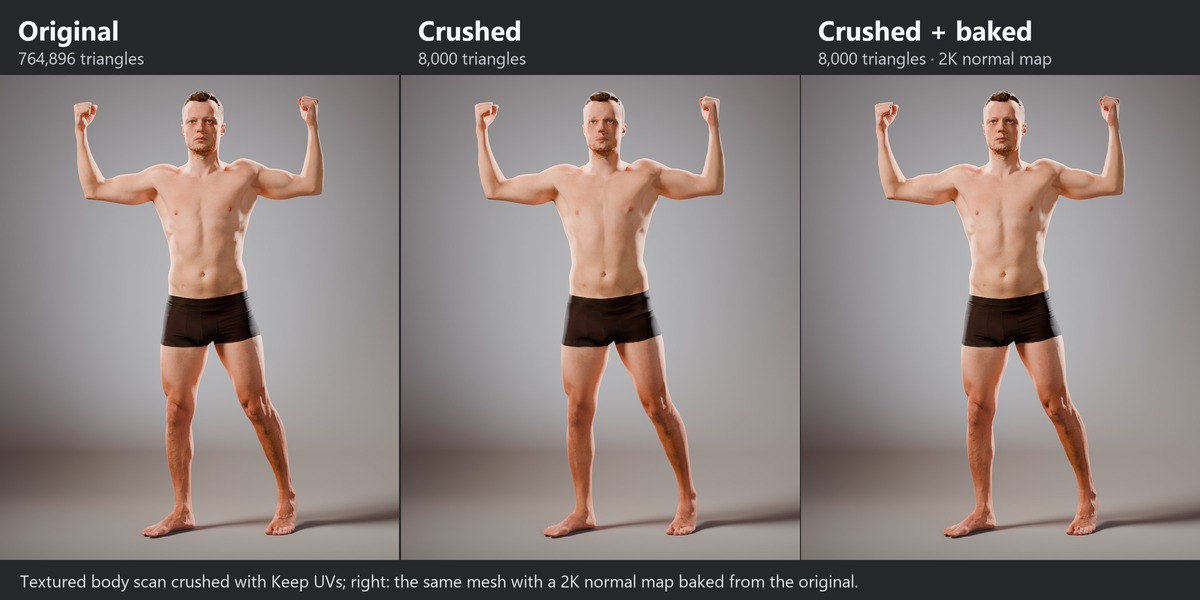
Yes. Under Advanced > Extra Steps, turn on Bake to Textures and pick Normal Map and/or Base Color, 512 to 4K. Meshes without UVs (or with Keep Textures off) get automatic UVs. Base Color comes from vertex colors or from the original's image textures. Remesh can also bake into the UVs it kept. Undo Bake takes a bake back off: the old materials return and the baked images are deleted. Details: henriquevlopes.github.io/polygon-crusher-9000-docs/features/bake-maps/
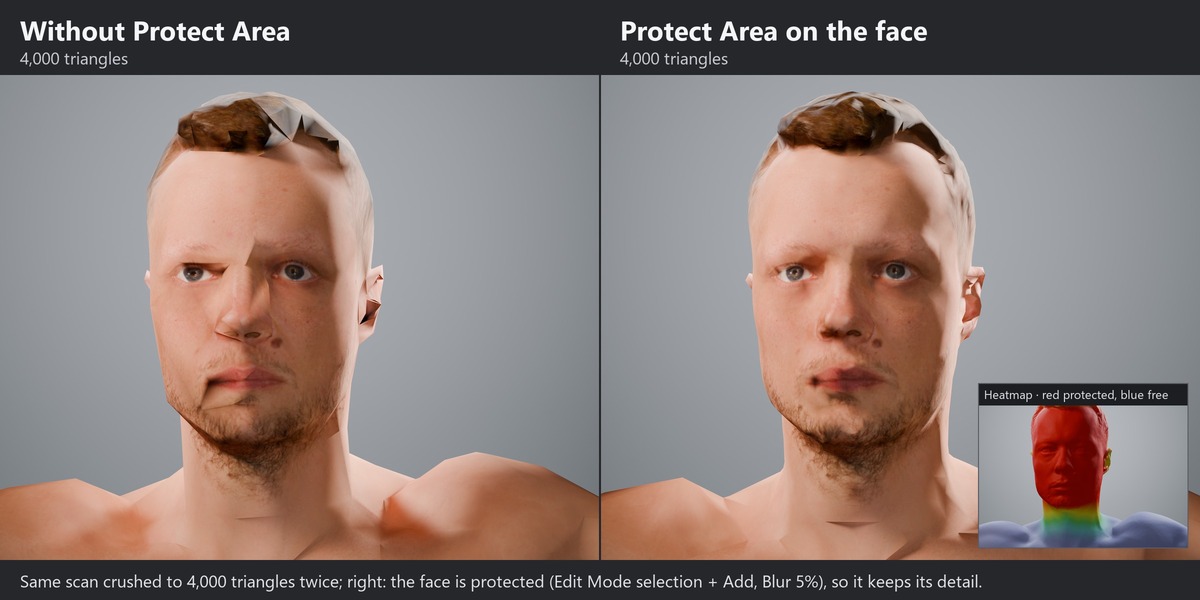
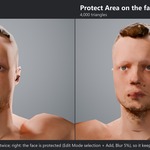
Keep options (Textures, Sharps) and Protect hold some edges in place on purpose. When they hold too much to reach the target, the report shows the real count and what held it back; turning one off, or lowering the Protect strength, lets it go further. Remesh searches for the setting that lands on your quad count and reports the real count.
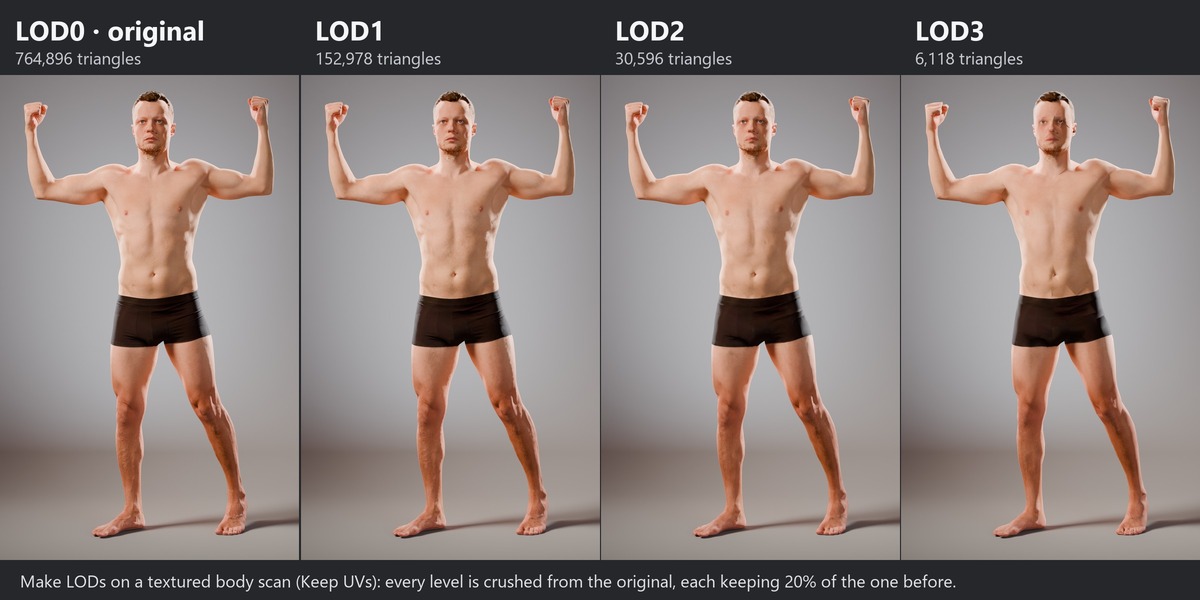
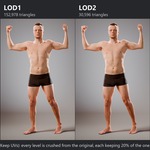
Into a "Crushed" collection at the scene root (created or reused), with a _crushed suffix on the object and mesh name. With Keep Original on (the default, in Advanced) the source is hidden so you can compare; turn it off to delete the source instead. The result sits exactly where the original was. LODs go into their own _LODs collection. The Revert button next to Crush deletes a crushed object and brings the original back.
Blender 4.2 and newer, installed as an Extension. Tested on Blender 5.3. Native engines are included for Windows (x64), macOS (Apple Silicon and Intel) and Linux (x64 and ARM64), and the right one is picked automatically. Nothing else to install. On Linux ARM64, Remesh (quads) is not available yet; Decimate works.
Yes. Keep Shading (on by default) gives the result the original's smooth shading, so there is no manual custom-normals step. Keep Textures carries the UV layout and materials through the crush, holds UV seams and refuses collapses that would fold the texture. Scans split along their UV seams are welded first. Material slots, vertex colors, vertex groups and shape keys carry over too. Remesh carries UVs and materials as well, and bakes by itself where seams would crack.
Yes. It crushes the evaluated mesh, exactly what you see in the viewport. The source object and its modifiers are left untouched; the result is a fresh mesh.
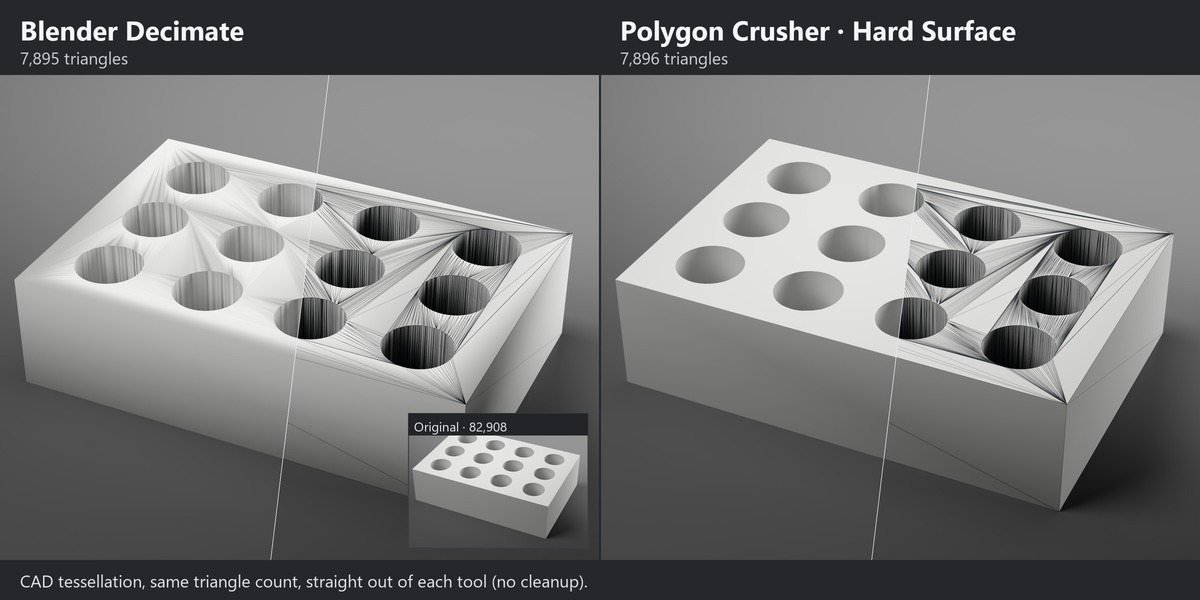
Three things. Speed: 2–3× faster on meshes with millions of triangles, with several objects in parallel and the same shape quality at the same count. Quads: Remesh rebuilds the model as clean, even quads at the count you ask for, which Decimate cannot. Workflow: exact counts and one budget for a whole scene, Sharps for hard surfaces, Protect, scan repair, normal and color baking, LODs and one-click Revert, all from one panel. The full test method is in the documentation.
Yes. Pick the Remesh tab: the model is rebuilt as clean, even quads at the count you ask for. CAD parts get a clean grid with flat faces, round holes and loops along the hard edges; marked Sharp edges steer the quad flow; you can paint where quads should be smaller or larger (Quad Density); multi-part models keep every part; Symmetry gives a straight center seam. UVs, materials and vertex colors carry over. Details: henriquevlopes.github.io/polygon-crusher-9000-docs/features/remesh/
Have questions about this product?
Login to message
Discover more products like this
decimate optimization low poly Polygon Reduction retopology LOD remesh quad remesh decimation reduce polygons 3D Scan photogrammetry