 G.H. Kuiper

hlopes9000
about 1 month ago
Thank you, always open to sugestions in order to improve it!
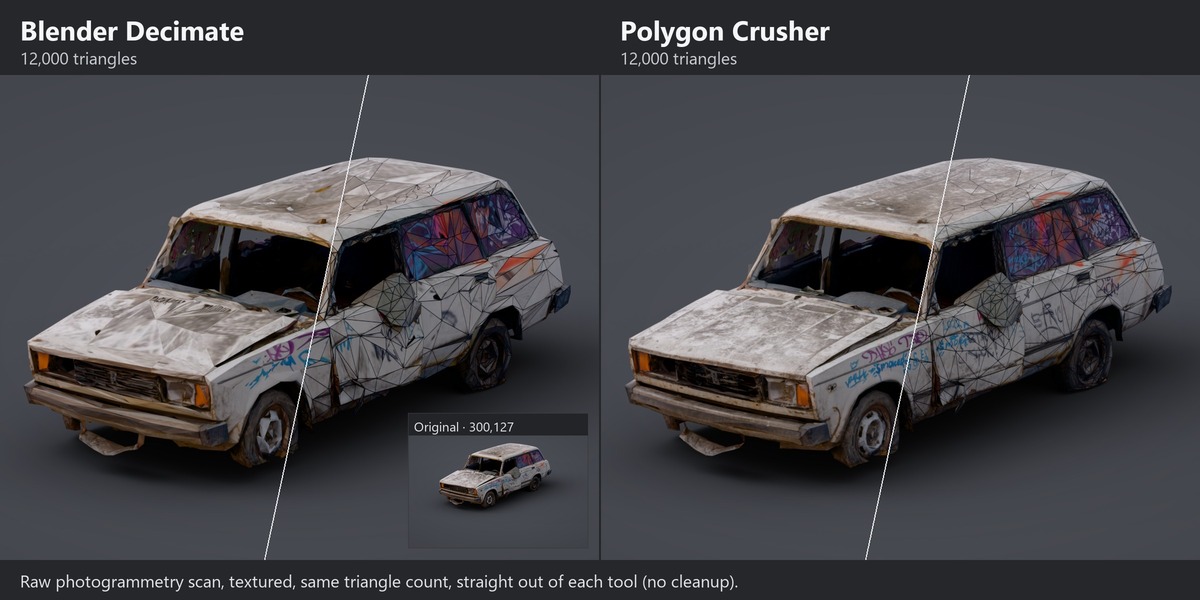
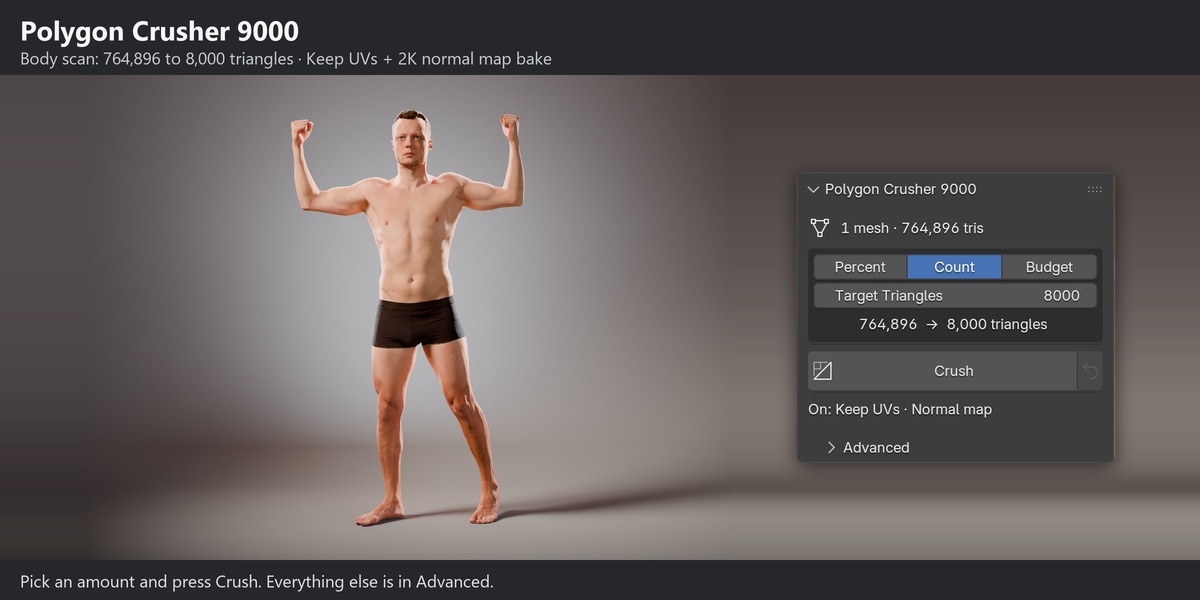
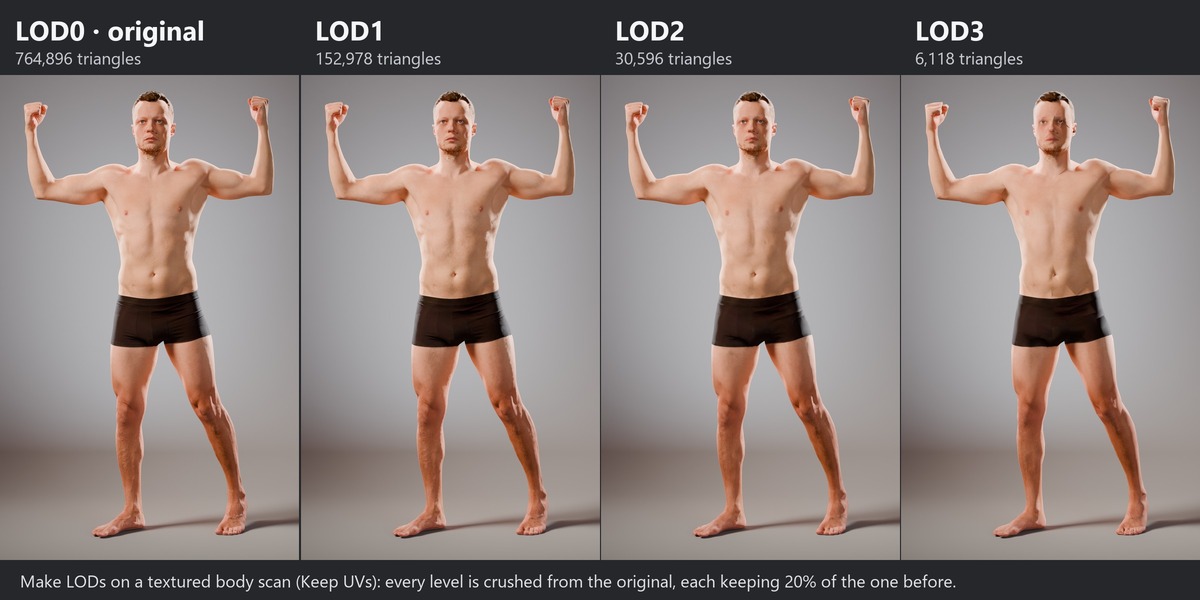
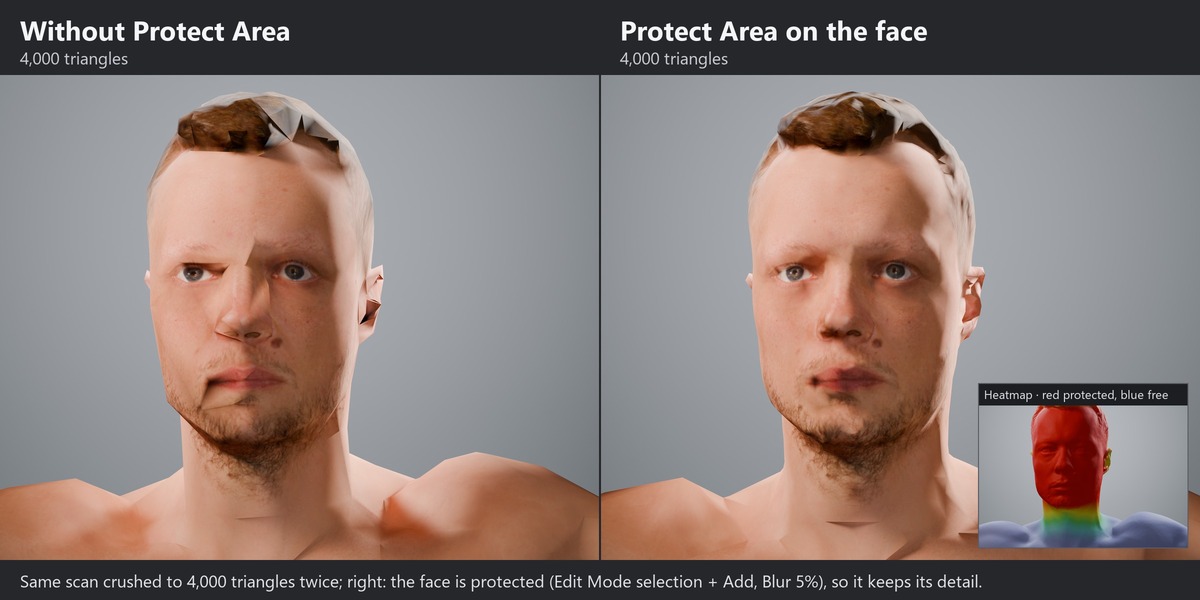

This item has an average rating of 5 from 2 ratings by the community.
Purchase this item to leave a review!
hlopes9000
about 1 month ago
Thank you, always open to sugestions in order to improve it!
hlopes9000
about 1 month ago
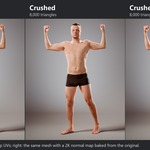
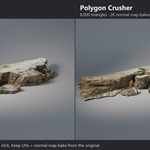
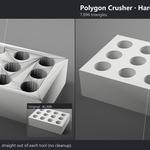
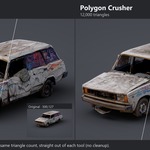
Thanks a lot, Tomislav, glad it saves you time! Both points are handled now. Since 2.2 the engine has no Aggressiveness setting: you set a percentage or a triangle count and get it exactly. And Keep Normals now writes the custom normals onto the result for you, so the extra "Add Custom Normals Data" step is gone. If anything still looks off on your files, send me a message and I'll take a look.
Have questions about this product?
Login to message
3D Scan retopology remesh optimization decimate low poly decimation LOD reduce polygons quad remesh Polygon Reduction photogrammetry
 Tomislav Plavsic