 Poly Playground
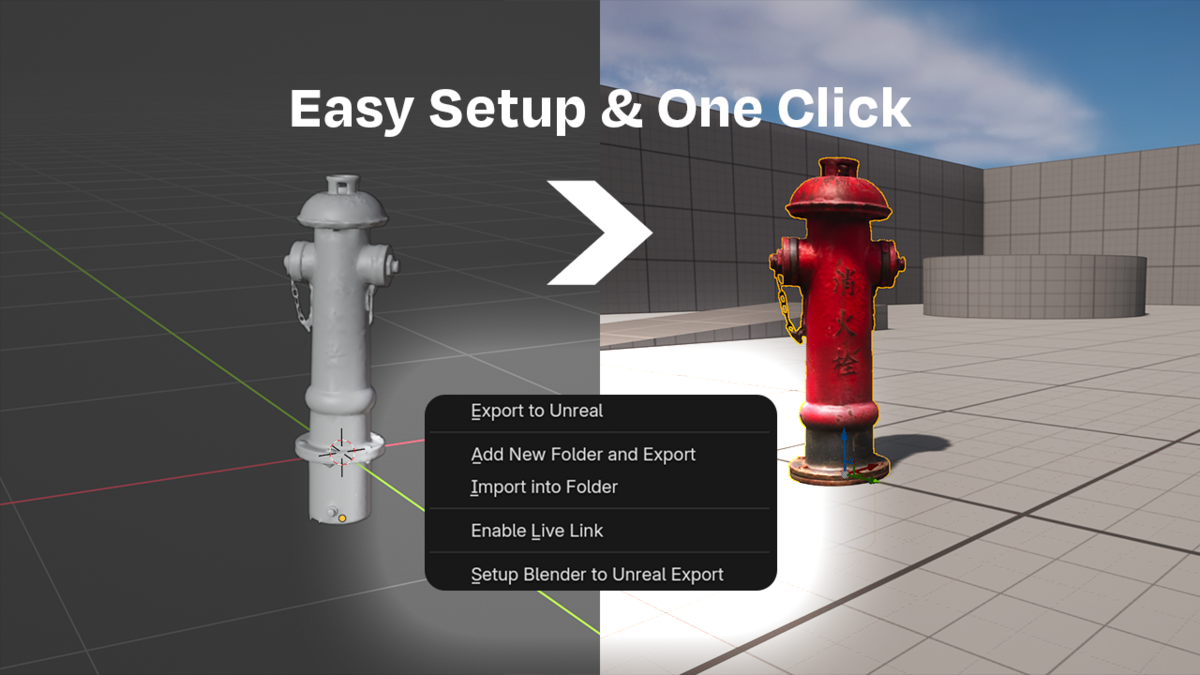
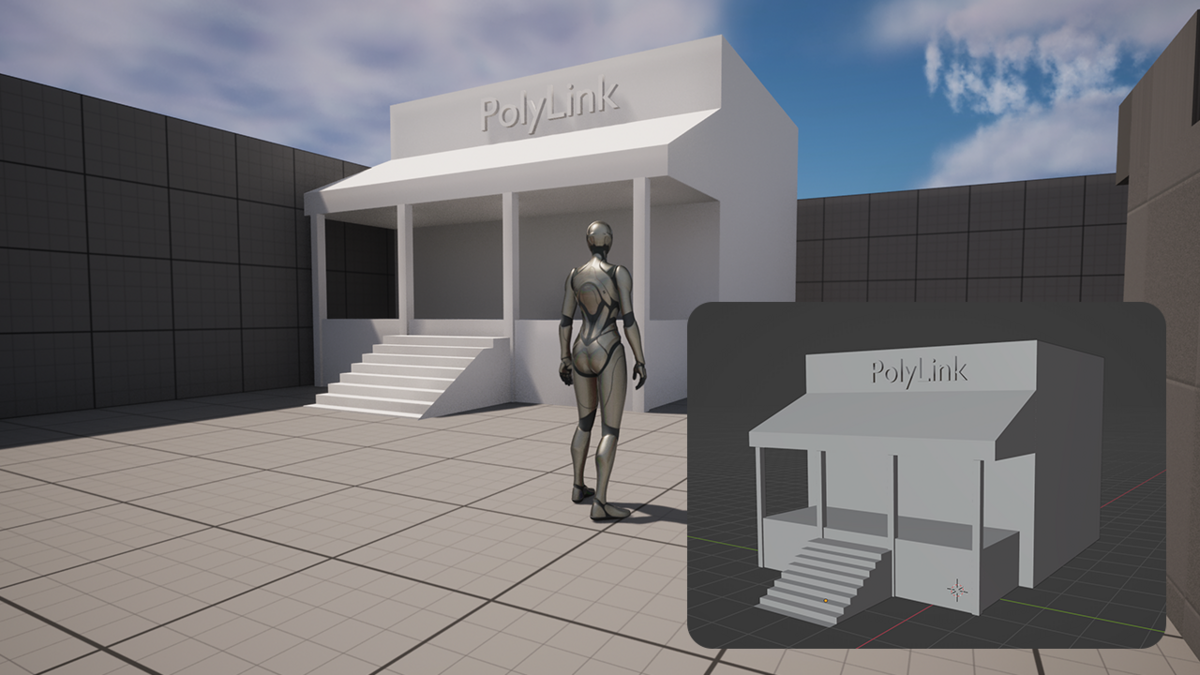



Blender to Unreal
in one keystroke.
Materials, collision, pivots and naming handled every time. Push as often as you like and your Unreal project stays exactly as tidy as you left it.
Blender 4.2 or newer / Unreal Engine 5 / No Unreal plugin to install
Every change used to cost eight steps.
None of them are hard. That is the problem: they are small enough to skip, and skipping them is how a project gets messy.
|
Now
Press Push.
The asset already in your level updates. Its materials, collision, LOD and lightmap settings are still there, because it is the same asset rather than a new one.
|
What it handles for you.
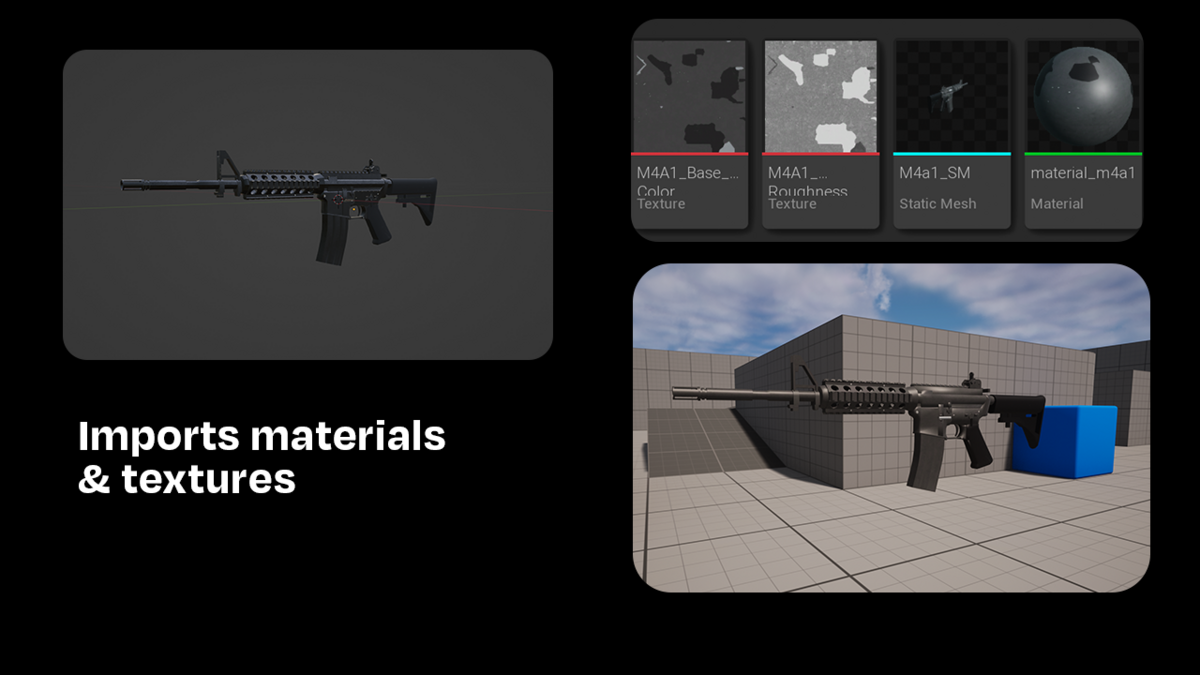
Any material, including procedural
FBX has no metallic channel and no concept of a node graph, which is why chrome normally arrives as grey plastic. PolyLink reads the Principled BSDF directly and rebuilds it in Unreal as a Material Instance, so constant materials transfer exactly. Node graphs that cannot travel are baked to textures, metallic and alpha included. Alpha maps get a masked master, partial alpha gets a translucent one.
Collision that fits the shape
Unreal reads collision out of the FBX by name, and its automatic option is a single crude hull. PolyLink builds the real thing: box, sphere, capsule, convex hull, or meshes you author yourself. It checks afterwards that the shapes actually landed, because a name mismatch is otherwise completely silent.
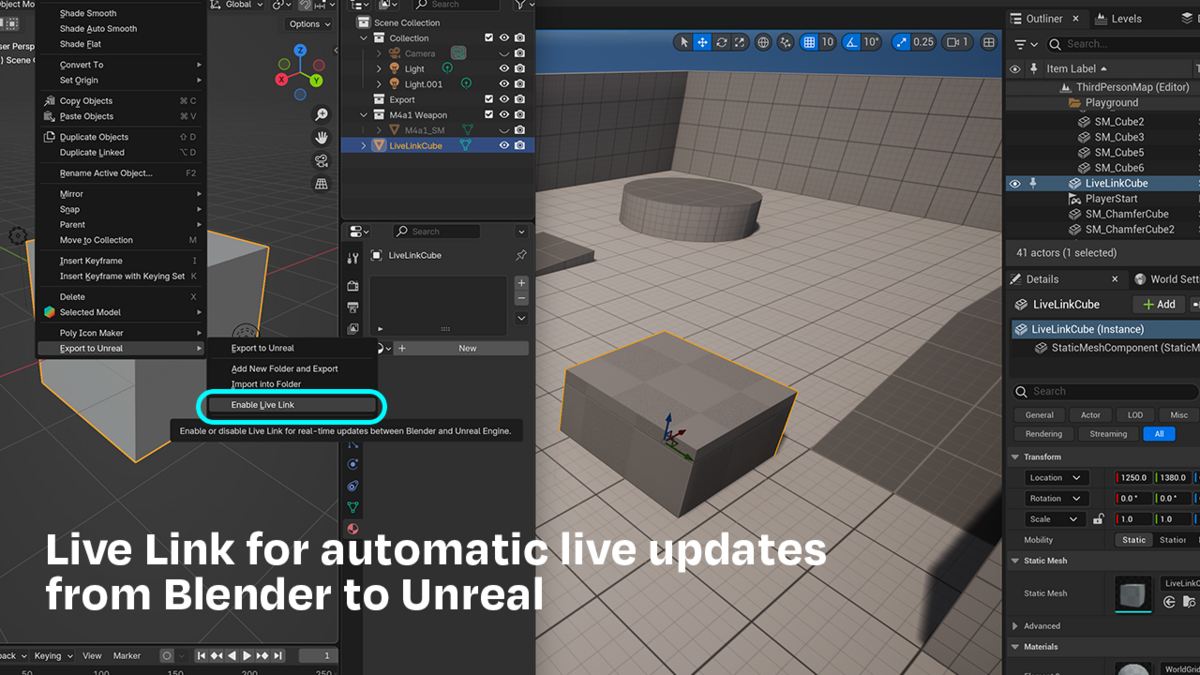
Live Sync
Linked objects push themselves as you model. Changes are debounced, so it waits for you to stop dragging rather than firing on every frame, and it stays out of the way while you are in Edit or Sculpt mode. Pose mode syncs normally, which is the point if you are animating.
A panel that stays out of the way
A control only appears when it can do something. Combine shows up when more than one object is selected, collision options only for the mode that needs them, the animation row only when the object has a rig. Everything you set once lives in Preferences, so the sidebar stays short.
|
Pivots
Object origin, bounds centre, base or top. Set per object.
|
Animation
Its own AnimSequence, named after your action. Skeleton reused.
|
|
Combine
Several objects into one asset, and it says what you will get.
|
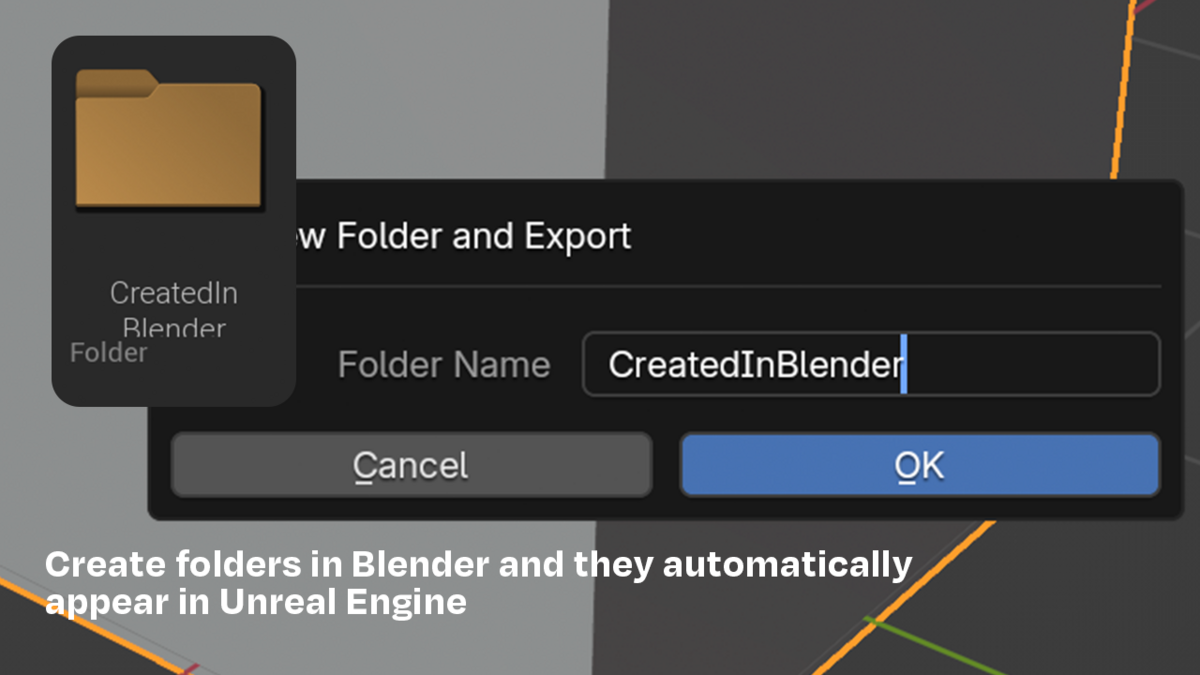
Folders
Your project's real content tree, searchable from Blender.
|
|
Renaming
Rename in Blender and the Unreal asset renames in place.
|
Nothing silent
Every result in the Output Log, and Check and Inspect on demand.
|
|
Ctrl Shift U Push to Unreal
|
Ctrl Shift Y PolyLink menu
|
Ctrl Shift L Toggle Live Sync
|
Right click in the viewport opens the same menu. Remap them in Blender's Keymap editor.
Side by side.
| PolyLink | By hand | |
| Imports into the editor you already have open | ✓ | |
| Updates without leaving Blender | ✓ | |
| Automatic updates as you model | ✓ | |
| Placed actors survive an update | ✓ | If you remember |
| LODs, collision, lightmap settings survive | ✓ | If you remember |
| Renaming renames instead of duplicating | ✓ | |
| Materials rebuilt from the Principled BSDF | ✓ | |
| Procedural materials baked to textures | ✓ | Manual |
| Collision shapes generated and named | ✓ | Manual |
| Textures given the correct colour space | ✓ | Manual |
What it will not do.
Baking is a one way door
Baked textures are images from then on. Change the noise, bake again.
It goes one way
Blender to Unreal. It does not pull your level back into Blender.
Skeletal collision is a Physics Asset
Unreal does not use UCX for skeletal meshes, so PolyLink skips it and says so.
Live Sync costs something
Each push is a real export and import. For iterating on shape, not whole scenes.
Five minutes, once.
| 01 |
Install
Drag the zip into Blender. Press N in the viewport for the panel.
|
| 02 |
Enable Python in Unreal
Plugins › Python Editor Script Plugin, restart. Then Project Settings › Python › Enable Remote Execution. Once per project.
|
| 03 |
Find Unreal
Your project appears with its real content folders. Nothing to type in.
|
| 04 |
Push
Select a mesh, drag the result into your level, then keep working.
|
Version 2.0
Blender 4.2 extension, drag and drop install
Pushes into a running editor, no new process per export
Reimport in place, placed actors and their settings survive
Materials rebuilt from the Principled BSDF, procedural channels baked
Masked and translucent materials supported
Collision: box, sphere, capsule, hull, your own meshes, or complex
Pivot control, per object
Animation as its own AnimSequence, named after the action
Renaming in Blender renames the Unreal asset in place
Live Sync with debouncing
Keyboard shortcuts and a right click menu
Pushes into a running editor, no new process per export
Reimport in place, placed actors and their settings survive
Materials rebuilt from the Principled BSDF, procedural channels baked
Masked and translucent materials supported
Collision: box, sphere, capsule, hull, your own meshes, or complex
Pivot control, per object
Animation as its own AnimSequence, named after the action
Renaming in Blender renames the Unreal asset in place
Live Sync with debouncing
Keyboard shortcuts and a right click menu
