PolyLink - Blender to Unreal Engine Exporter

Poly Playground in Import & Export


How it works
Five minutes to set up, once per project. Then it is select and push.
01
Install
Drag the zip into the Blender window. Press N for the panel. Needs Blender 4.2 or newer.
02
Enable Python in Unreal
Edit › Plugins › tick Python Editor Script Plugin › restart the editor.
Edit › Project Settings › Plugins › Python › tick Enable Remote Execution.
03
Connect
Press Find Unreal. Your project appears with its real folders. The plug icon runs a test; look for [PolyLink] UE side ok in the Output Log.
04
Push
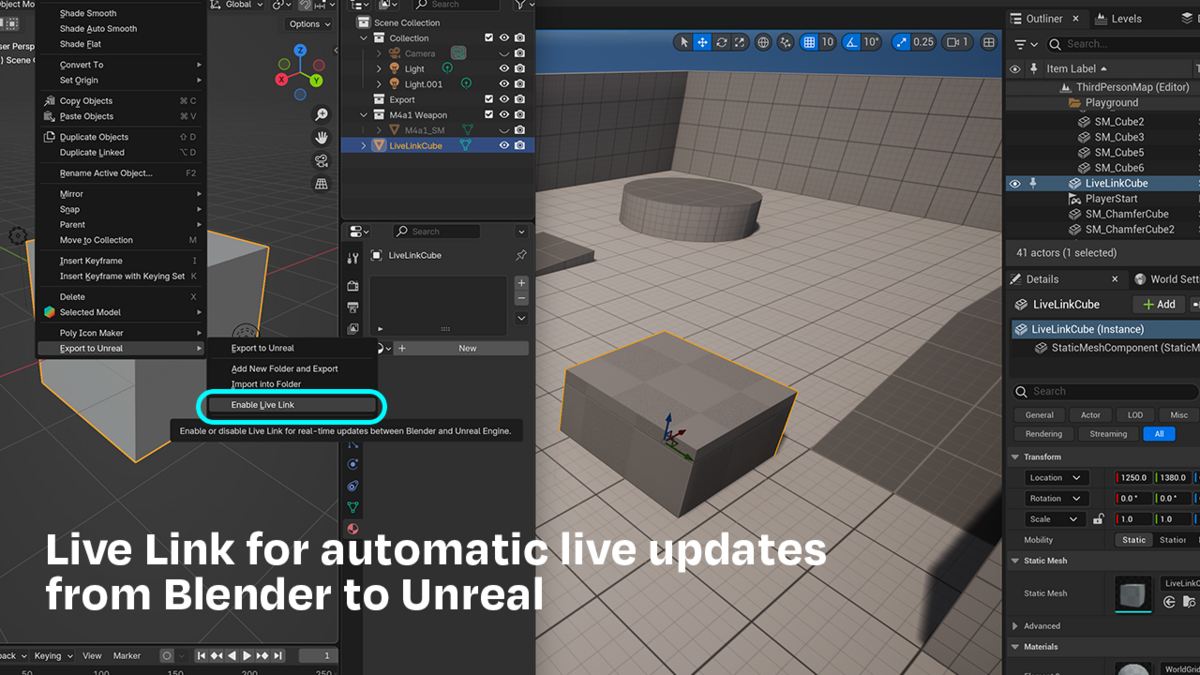
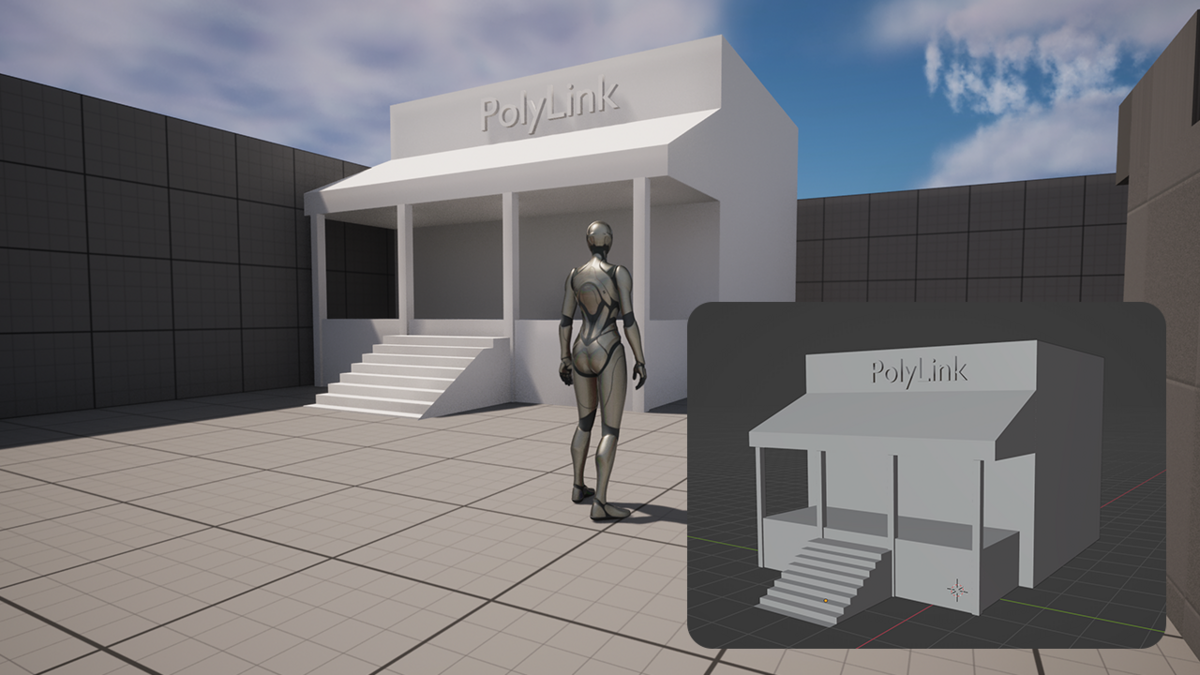
Select a mesh, pick a folder, press Push. Drag it into your level, change it in Blender, push again. The actor updates in place.
The panel
A control only appears when it can do something.
PolyLink
Connection, destination folder, and Push. Combine appears when more than one object is selected.
Selected
Name, folder, pivot, collision and animation for the active object.
Folders
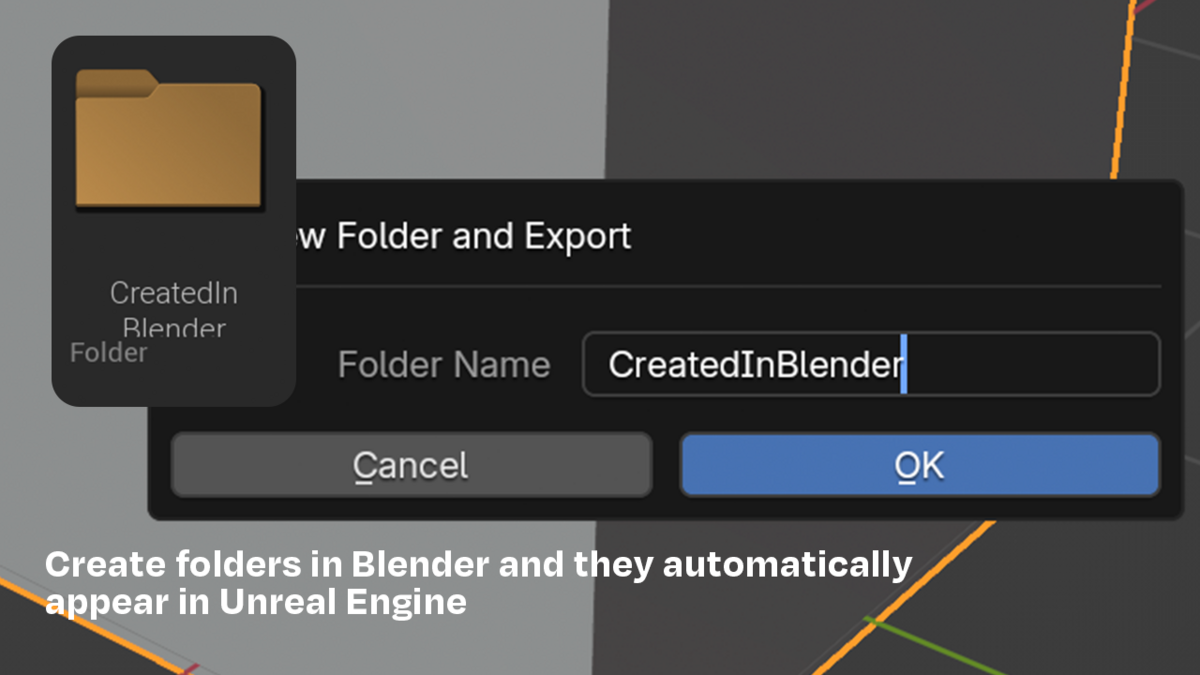
Your project's real content tree, and where you move an asset to another folder.
Defaults
What new objects inherit, plus Live Sync timings and baking. All Settings opens Preferences.
Materials
Constant
Chrome, metal, plastic. Transfers exactly and stays parametric.
Textured
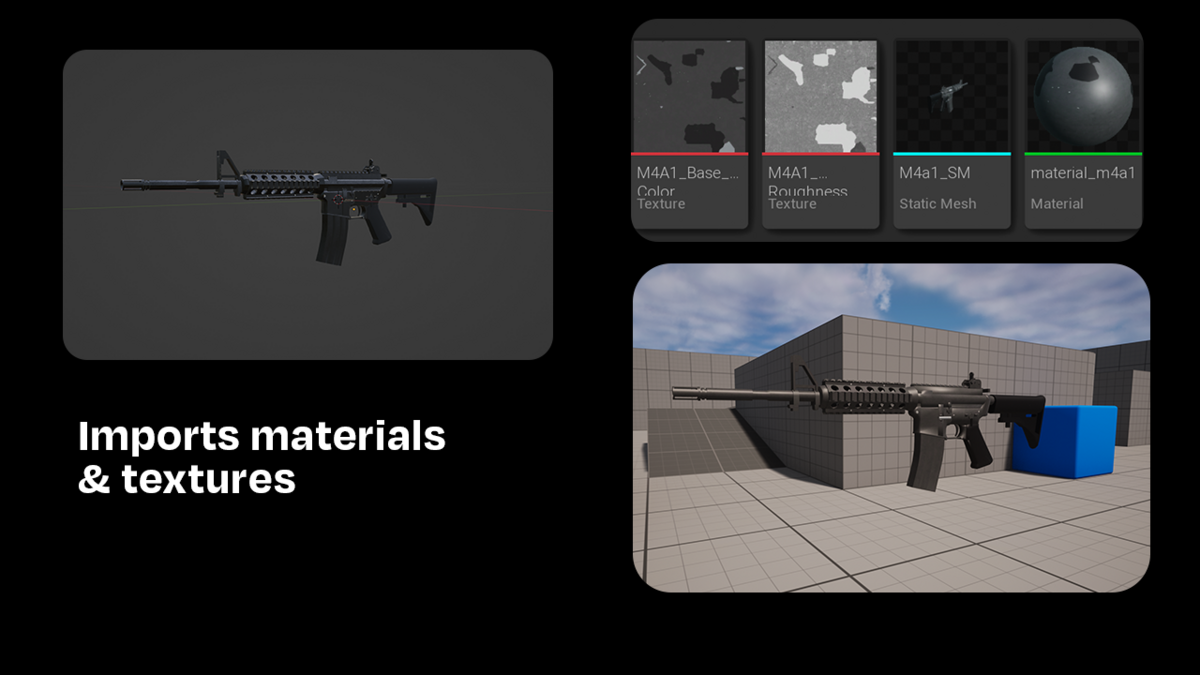
Maps import with the right colour space and normal compression.
Procedural
Tick Bake Procedural. Renders those channels to textures, metallic and alpha included.
Transparency
An alpha map makes it masked, alpha below 1 makes it translucent. Each gets the right master material.
Baking notes
Needs a UV map. Uses Cycles and restores your render settings.
Shortcuts
Ctrl Shift U
Push to Unreal
Ctrl Shift Y
PolyLink menu
Ctrl Shift L
Toggle Live Sync
Right click in the viewport opens the same menu, which also holds Link, Add Collision Mesh and Inspect In Unreal.
If something goes wrong
The status line shows the last result. Everything is logged in Unreal's Output Log.
No editor found
The editor started before you ticked Enable Remote Execution. Restart it.
Unreal did not connect back
A firewall prompt got dismissed. Allow Blender through, or change the Command Port.
A material looks wrong
Press Inspect In Unreal. It prints what the editor actually has.
An alpha map does nothing
The material resolved to opaque. Set Alpha Clip or Alpha Blend in Blender and push again.
No collision meshes found
Press the + beside the warning. PolyLink builds one with the naming already correct.
A setting was ignored
Reimport keeps stored settings on purpose. Use Force Import Settings in Preferences, then turn it off again.
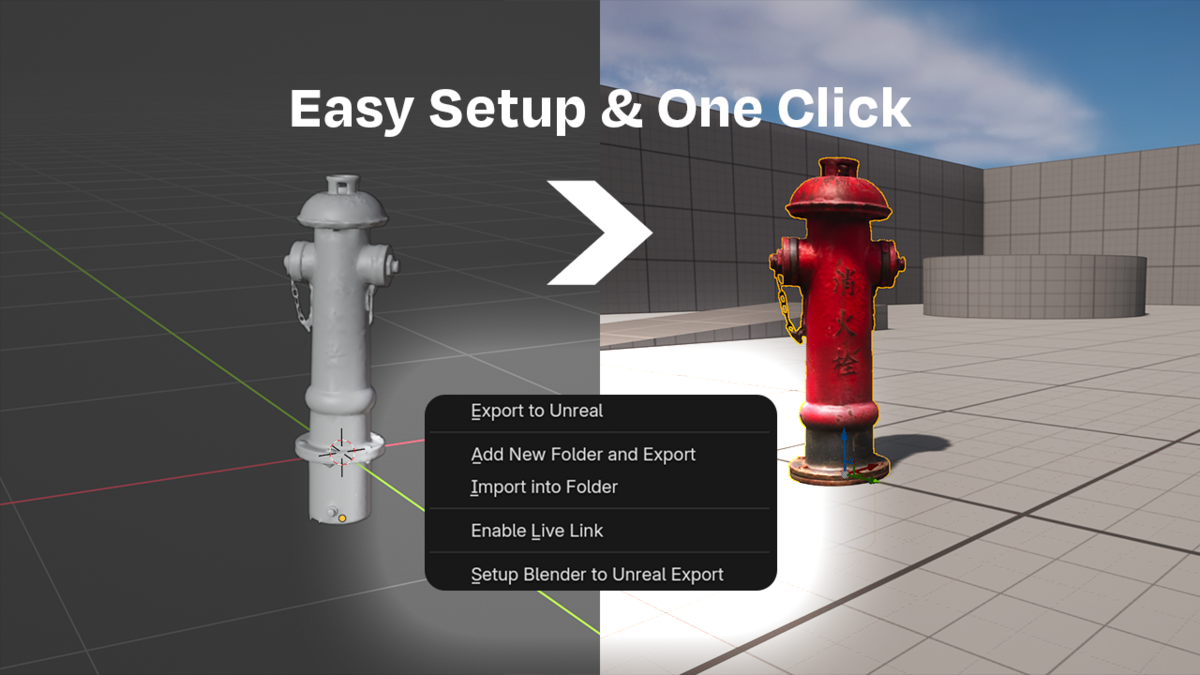
  • Blender to Unreal engine export with folder management & live link

    $24.99
$24.99

Support Period Included

Includes 12 months of

Extend this product’s Support Period +12 months: 50% of product price

Have questions before purchasing?
Login to message

Details
Blender Extension Compatible Yes
Sales 900+
Rating
4 ratings
Dev Fund Contributor
Published almost 2 years ago
Blender Version 4.0 - 4.5
Extension Type Add-on
Render Engine Used Cycles, Eevee
License GPL