 netkingZ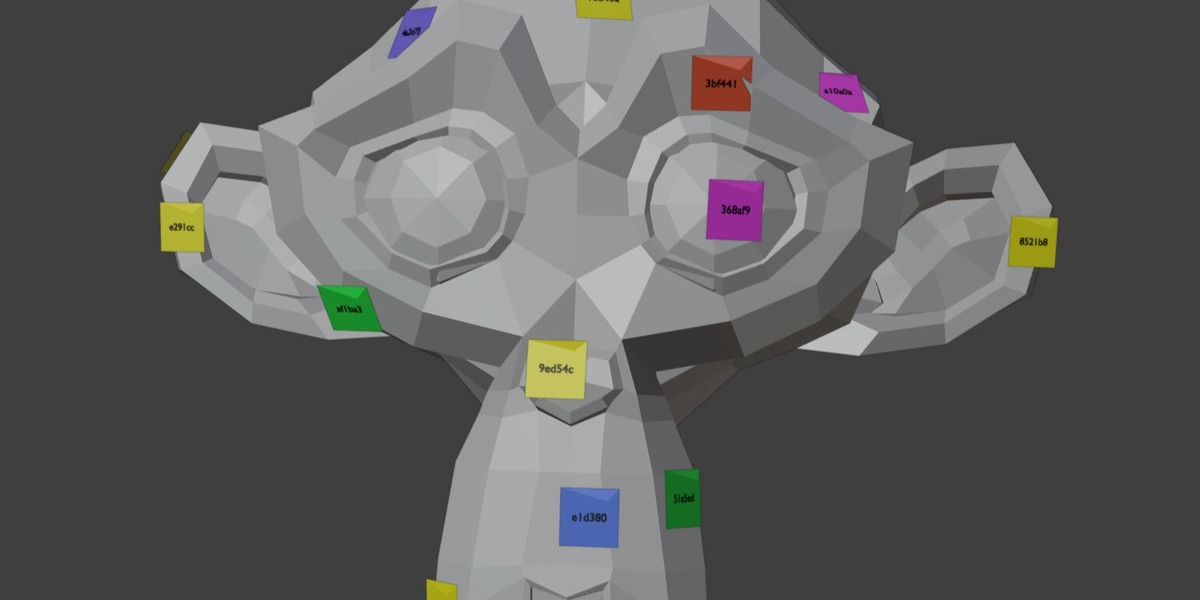
Will the notes show up in my renders?
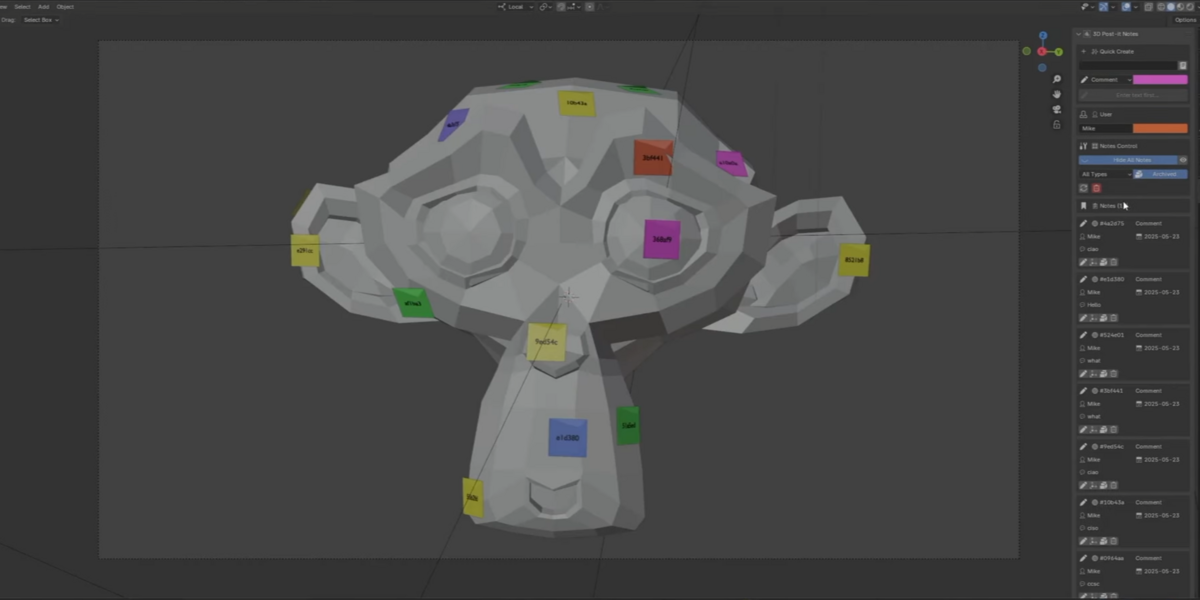
No. Notes are visible only in the viewport and are hidden automatically in every render.
Does NKZ Post-it3D change my model?
No. Notes are separate objects in their own collection; your mesh is never edited.
Which Blender versions are supported?
Blender 4.4 or newer.
Are my notes saved?
Yes. Notes are saved automatically and are still there when you reopen Blender.
Can I place a note in empty space?
No. A note needs a surface to attach to. Click on any visible part of a model.
Why do I only see a short code on the note?
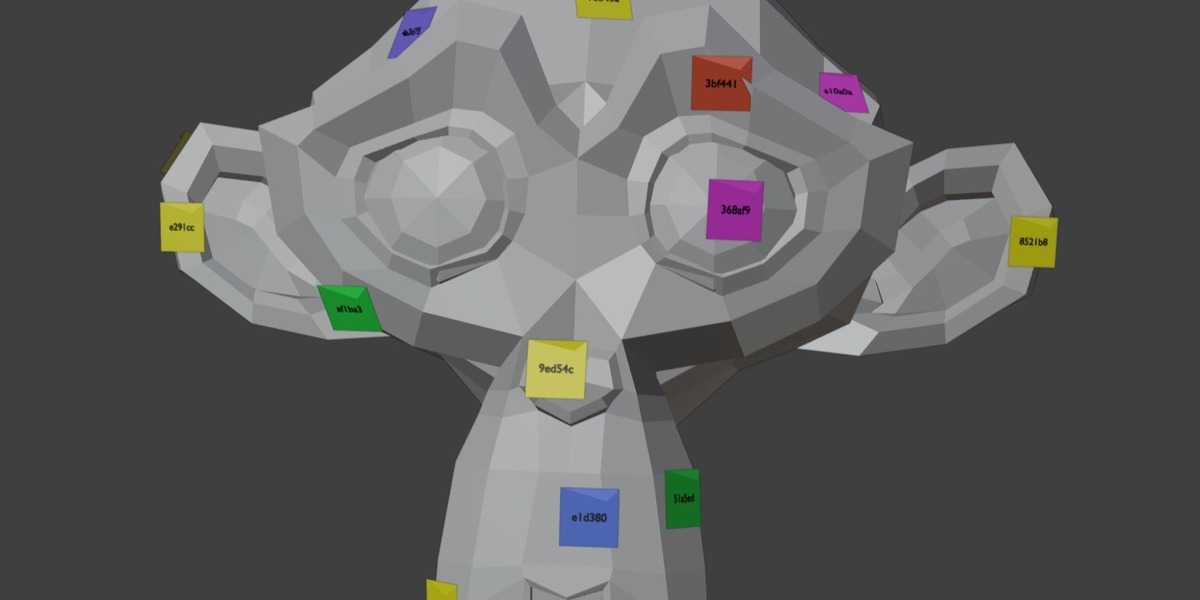
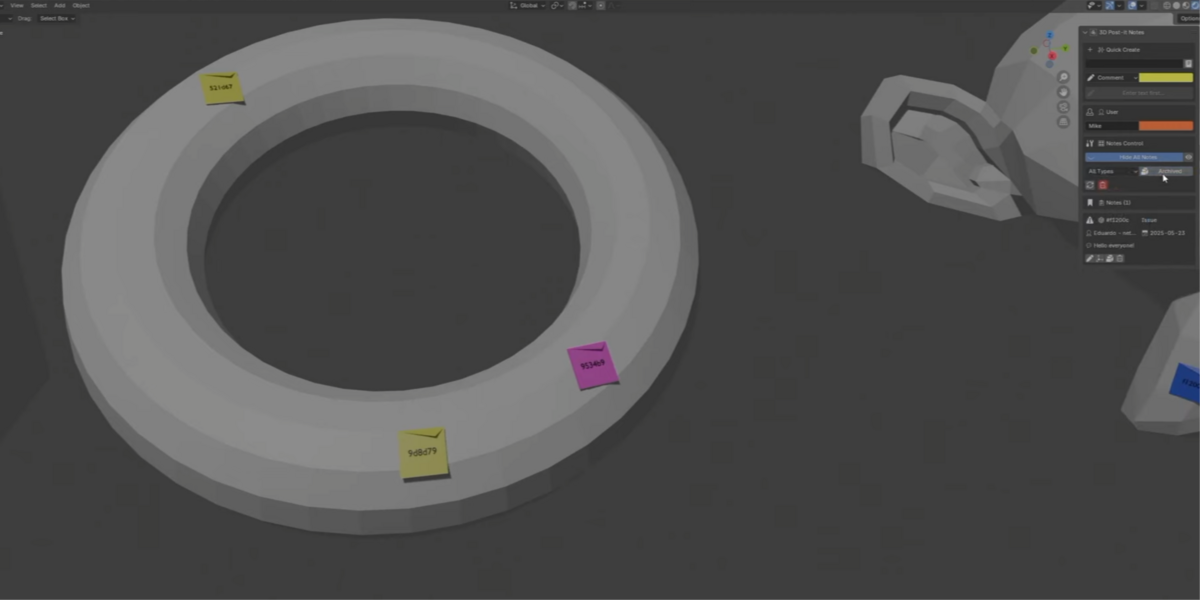
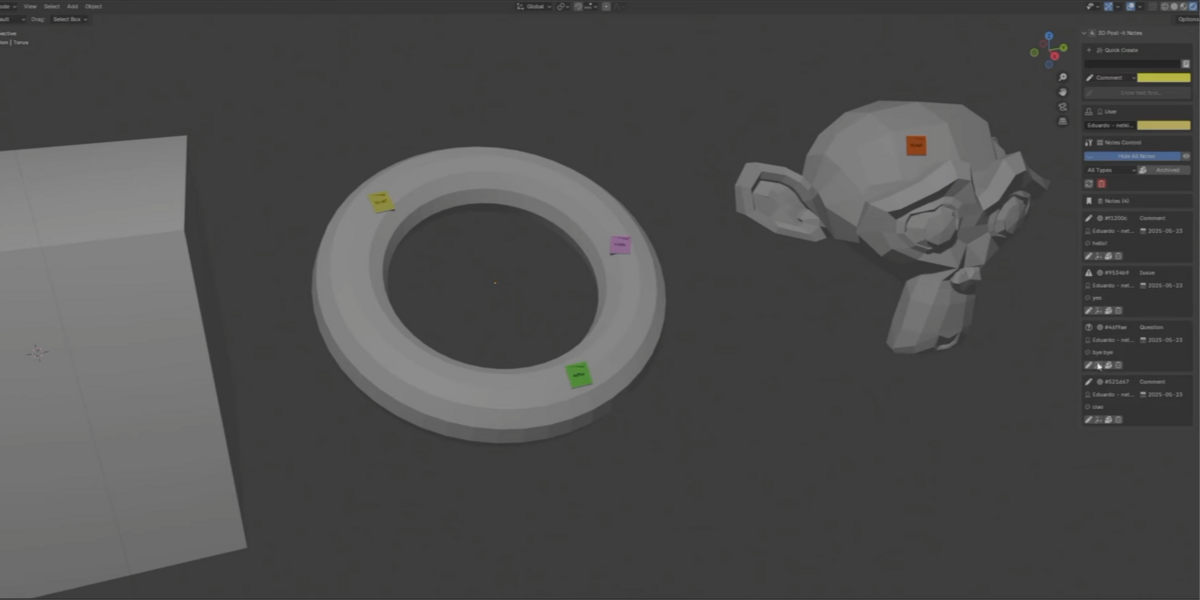
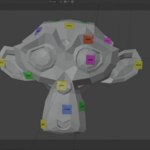
To keep the model readable, the note in the viewport shows its 6-character ID. The full text, author and date are in the Notes panel.
Can several people use it on the same model?
Yes. Each person sets a username and a colour in the User section, so every note shows who wrote it.
How do I cancel while placing a note?
Press Right-click or Esc.
How do I remove the add-on?
Open Preferences › Add-ons › NKZ Post-it3D and click Uninstall.
How do I get updates?
New versions appear on your Superhive order page, and inside Blender if Superhive is set as an extension repository.
$6
Have questions about this product?
Login to message
| Blender Extension Compatible | Yes |
| Published | about 12 hours ago |
| Blender Version | 4.2 - 5.2 |
| Extension Type | Add-on |
| License | GPL |