Precision Holes & Inserts
 Sonneblom Digitaal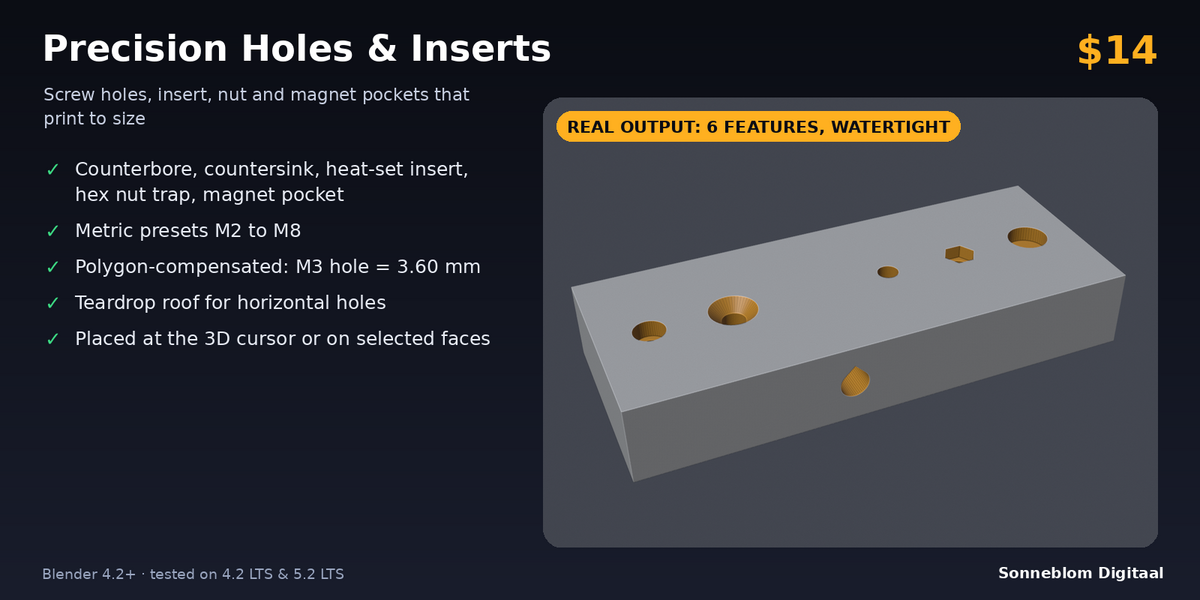
Why do my printed holes come out too small, and how does this fix it?
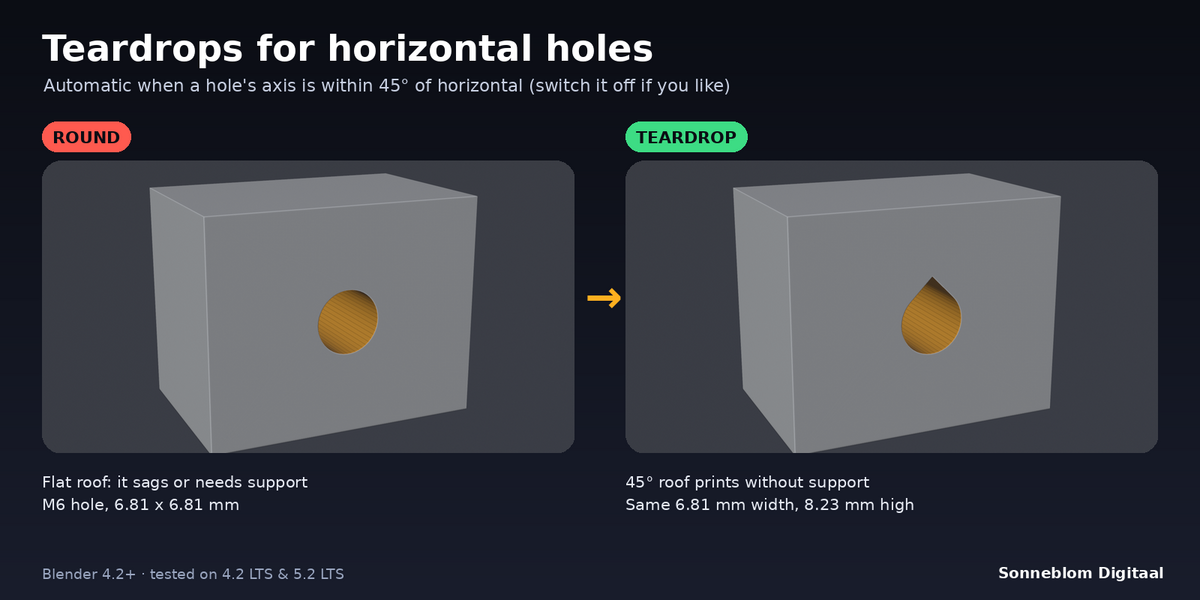
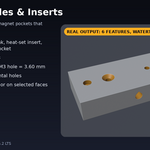
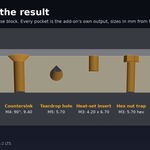
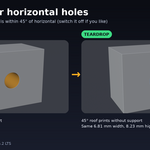
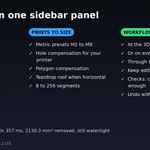
Two reasons. A round hole in an STL is a polygon, and its flat sides sit inside the circle you modelled. And FDM printers squeeze plastic slightly into holes. The add-on corrects both: polygon compensation puts the flats on the diameter, and the hole compensation (default 0.2 mm) is added on top. An M3 screw hole is then 3.60 mm across its narrowest width.
Which heat-set inserts are the pockets made for?
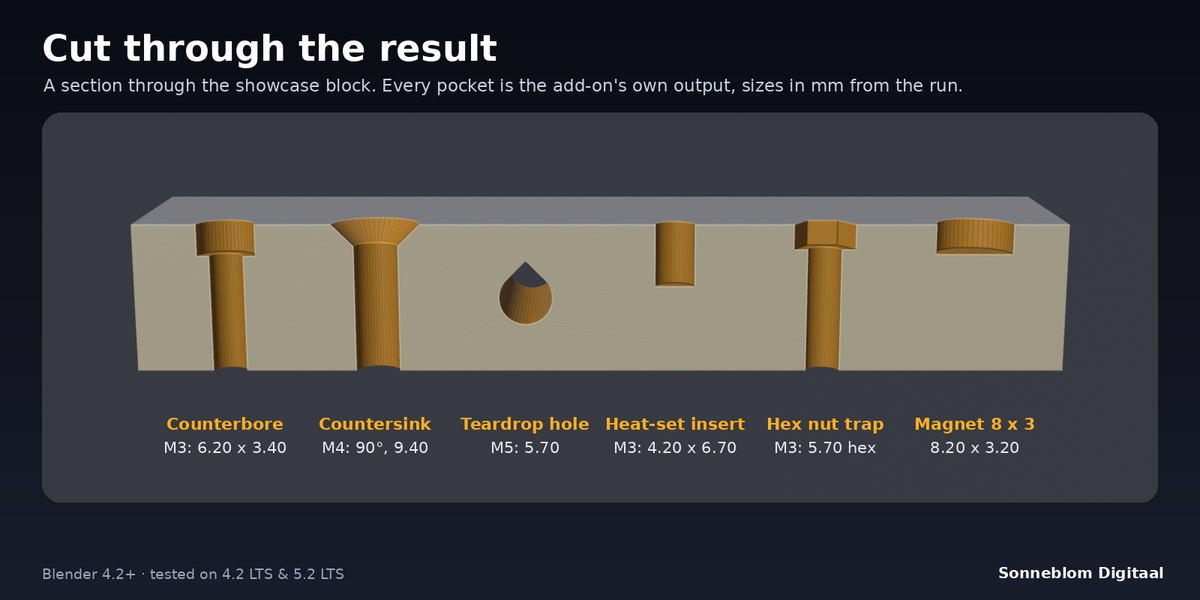
For the common short brass inserts (for M3: a 4.0 mm hole for a 5.7 mm long insert). The pocket is 1 mm deeper than the insert so melted plastic has room. The docs list every size. If your inserts differ, use the Round hole type with a blind depth and your own diameter.
Can I put the same hole in many places at once?
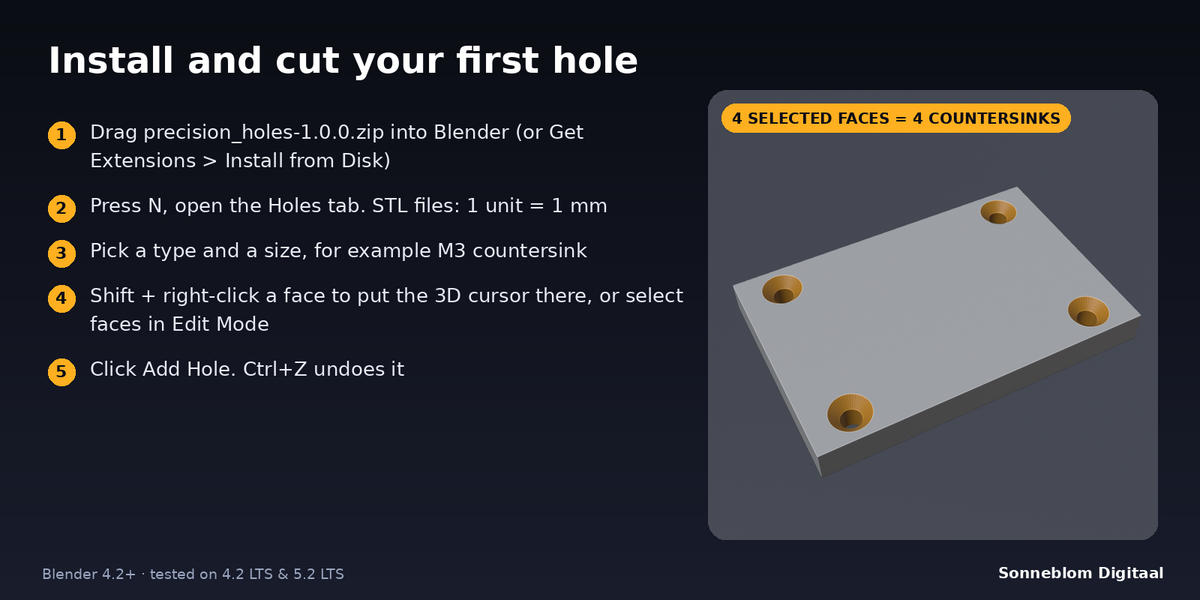
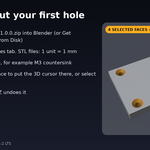
Yes. Set Place at to Selected faces, select the faces in Edit Mode (for example the four corner faces of a lid) and click Add Hole once. You get one hole at the centre of every selected face.
Can I still move a hole after adding it?
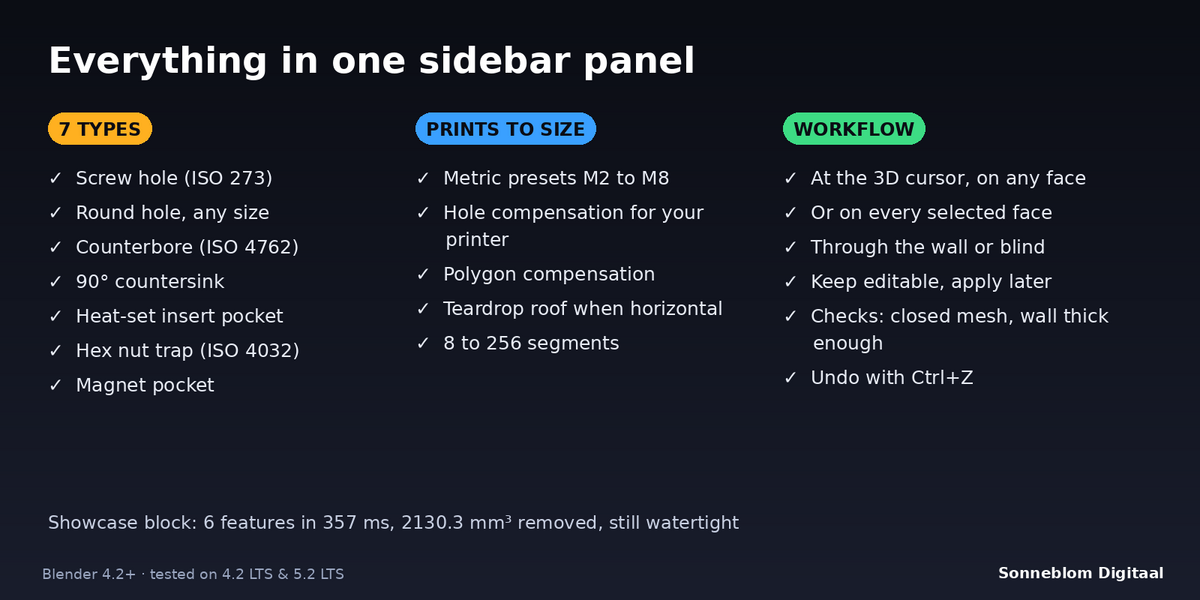
Turn on Keep editable before you add it. The hole is then a Boolean modifier with a wire cutter object parented to the part, which you can move. Click Apply Holes when you are happy, or Ctrl+Z to undo a hole.
My part is huge or the hole is tiny. What is wrong?
Check 1 Blender unit =. With Blender's default scene 1 unit is 1 m, so an STL in millimetres imported as 40 units is 40 m wide and an M3 hole looks tiny. Choose 1 mm for STL files.
Does it work on curved surfaces like a tube?
Yes, as long as the mesh is closed. The hole goes into the face nearest the 3D cursor, along that face's normal. The test suite covers a hole through a cylinder.
Have questions about this product?
Login to message
| Blender Extension Compatible | Yes |
| Published | about 3 hours ago |
| Blender Version | 4.2 - 5.1 |
| Extension Type | Add-on |
| License | GPL |
Discover more products like this
heat-set inserts nut trap countersink screws holes tolerance 3d printing