 Sonneblom Digitaal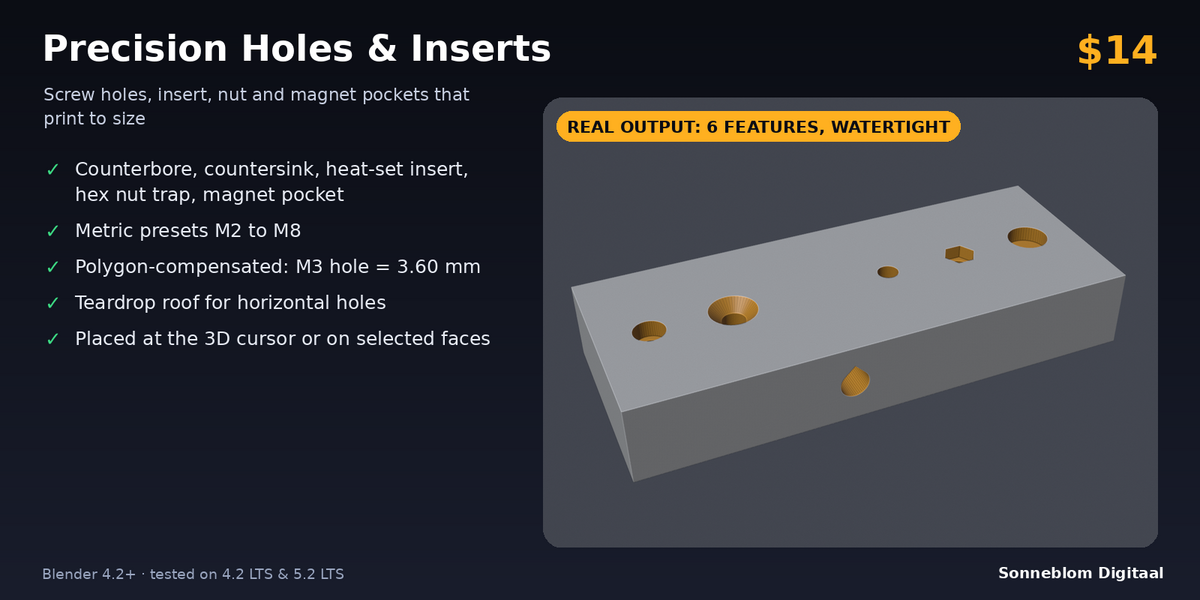
What it does
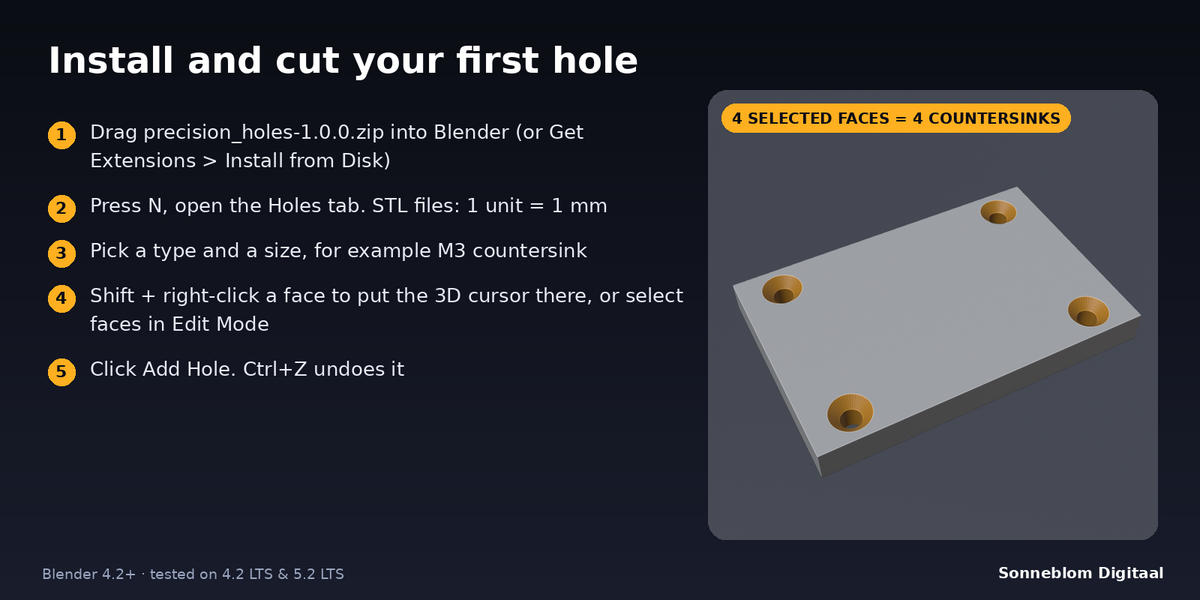
Precision Holes & Inserts cuts print-ready holes and pockets into your model in one click: screw holes, counterbores, countersinks, heat-set insert pockets, hex nut traps and magnet pockets. Pick a metric size, put the 3D cursor on a face (or select faces) and click Add Hole. The hole goes straight into the part along the face normal, with the sizes taken from built-in metric tables. Holes are sized so they print true: a hole compensation for your printer is added, round holes are polygon-compensated (the flats of the polygon sit on the diameter, so the hole is never undersized), and horizontal holes get a 45° teardrop roof so they print without support. The result is checked and reported as watertight.
Who it's for
Makers and designers who model functional 3D prints in Blender: enclosures, brackets, jigs, mounts, lids, cosplay parts and anything that is held together with screws, nuts, brass heat-set inserts or magnets. No more modelling cylinders by hand, looking up nut sizes or reprinting because an M3 hole came out too tight.
Key features
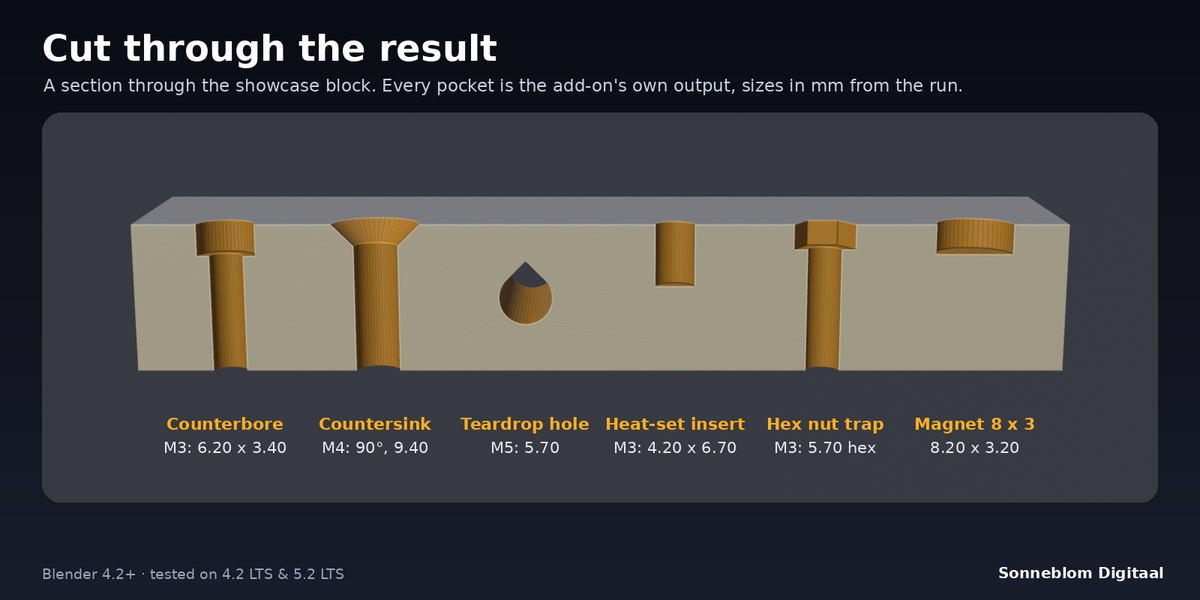
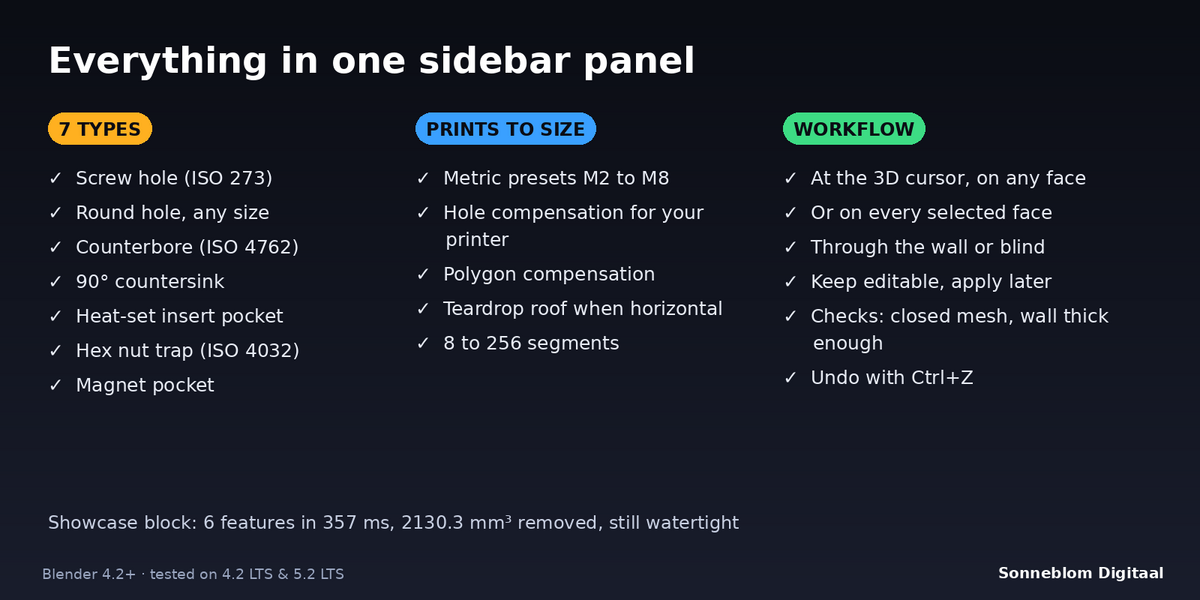
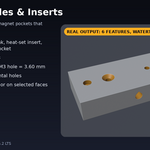
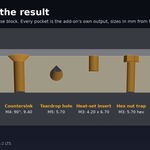
- 7 hole types: screw (clearance) hole, round hole of any size, counterbore for socket head screws, 90° countersink for flat head screws, heat-set insert pocket, hex nut trap and magnet pocket.
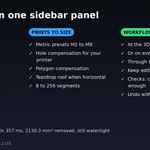
- Metric presets M2, M2.5, M3, M4, M5, M6 and M8: clearance holes to ISO 273 (medium), counterbores for ISO 4762, countersinks for ISO 10642 / ISO 7046 heads, nut traps for ISO 4032 nuts, and pockets for common brass inserts. The panel shows the exact sizes before you cut.
- Hole compensation: adds your printer's undersize (default 0.2 mm) to every hole, pocket and hex width.
- Polygon compensation: a 32-sided M3 hole measures 3.60 mm across its flats, not across its corners, so it is not too small.
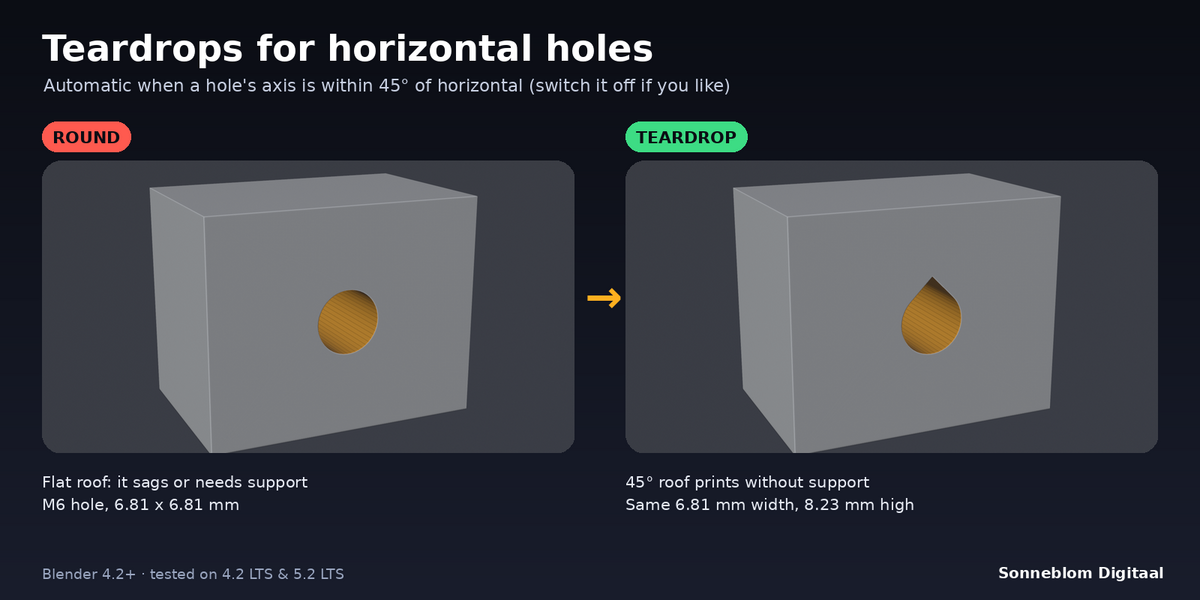
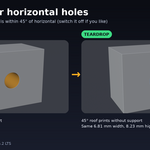
- Teardrop for horizontal holes: round holes whose axis is within 45° of horizontal get a pointed 45° roof. Vertical holes stay round.
- Place at the 3D cursor (the nearest point on the active part, on flat or curved faces) or on every selected face in Edit Mode, many holes in one click.
- Through the wall or blind: "through" stops where the hole comes out of this wall, so the far side of a hollow box stays intact. Pockets that would break through a thin wall are refused with the wall thickness.
- Keep editable: optionally leave each hole as a Boolean modifier with a wire cutter you can still move, then click Apply Holes.
- Real millimetres: works with unapplied scale and rotation, mirrored objects, and scene units (Auto, or 1 mm / cm / m / inch per unit).
- Clear report: sizes in mm, the wall thickness, the volume removed and whether the result is watertight. Ctrl+Z undoes it.
How to use
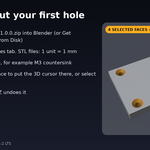
- Install the zip, press N in the 3D Viewport and open the Holes tab. For STL files set 1 Blender unit = to 1 mm.
- Choose a Type and a Size (for example M3 counterbore). Check the sizes shown under it.
- Shift + right-click on the face where the hole goes, so the 3D cursor sits there. Or set Place at to Selected faces and select faces in Edit Mode.
- Select the part and click Add Hole. Read the report, then export as STL or 3MF.
Compatibility
Blender 4.2 LTS or newer, tested on 4.2 LTS and 5.1 (and on 5.2 LTS). It installs as a Blender extension (Get Extensions > Install from Disk), and a legacy add-on zip is included.
Good to know
- The part must be a closed (watertight) mesh. Open meshes are refused; repair them first, for example with Print Fix or the 3D-Print Toolbox.
- Holes are cut with Blender's Exact boolean into the base mesh. Other modifiers on the object stay as they are.
- The hole is perpendicular to the face it is placed on. Angled holes are not supported in this version.
- The preset sizes are common starting values. Check the datasheet of your inserts and magnets, and tune the hole compensation with a test print.
- The cutter reaches a little above the face (0.5 mm plus a quarter of the hole width), so keep that space free of other parts of the same object.
- Nut traps keep a flat top (a short bridge) when they are horizontal; only round holes get the teardrop.
Support
Questions or a bug? Use the Superhive product page messages and we reply within a day.